
May 24, 2026
Barcode-Based Inventory System (Mobile + Scanner)
Plan a barcode inventory system for receiving, putaway, picking, stock counts, returns, and transfers using mobile cameras or dedicated scanners.
Read articlePublished Updated
Plan ecommerce inventory sync across stores, warehouses and marketplaces using stock states, reservations, webhooks, idempotency and reconciliation.
Ecommerce inventory sync is the operating logic that keeps sellable stock accurate when products move through websites, marketplaces, physical counters, warehouses, cancellations and returns.
The hard part is not copying one quantity between two systems. The hard part is defining which system owns stock, when units become unavailable, how duplicate events are handled, and how the business recovers when an API or warehouse process fails.
This guide is for Indian retailers, distributors and growing brands planning a dependable inventory integration without pretending that every platform works the same way.
A reliable inventory sync needs:
Start with one channel and one warehouse. Prove order, cancellation and return handling before adding every marketplace.
The source of truth is the system whose value wins when two systems disagree.
Possible owners include:
Avoid vague statements such as “all systems stay in sync.” Write an ownership matrix instead.
| Decision | Recommended owner |
|---|---|
| Product identity and SKU | Product master or ERP |
| Physical on-hand stock | Warehouse or inventory system |
| Ecommerce reservation | Order or commerce system |
| Sellable availability | Calculated inventory service |
| Damaged or quarantined stock | Warehouse process |
| Channel buffer | Inventory allocation rule |
| Customer order status | Order management system |
If there are multiple warehouses, ownership may be location-specific. One SKU can have stock in Delhi and Noida, but ecommerce may expose only the sum that can actually be shipped within the promised service level.
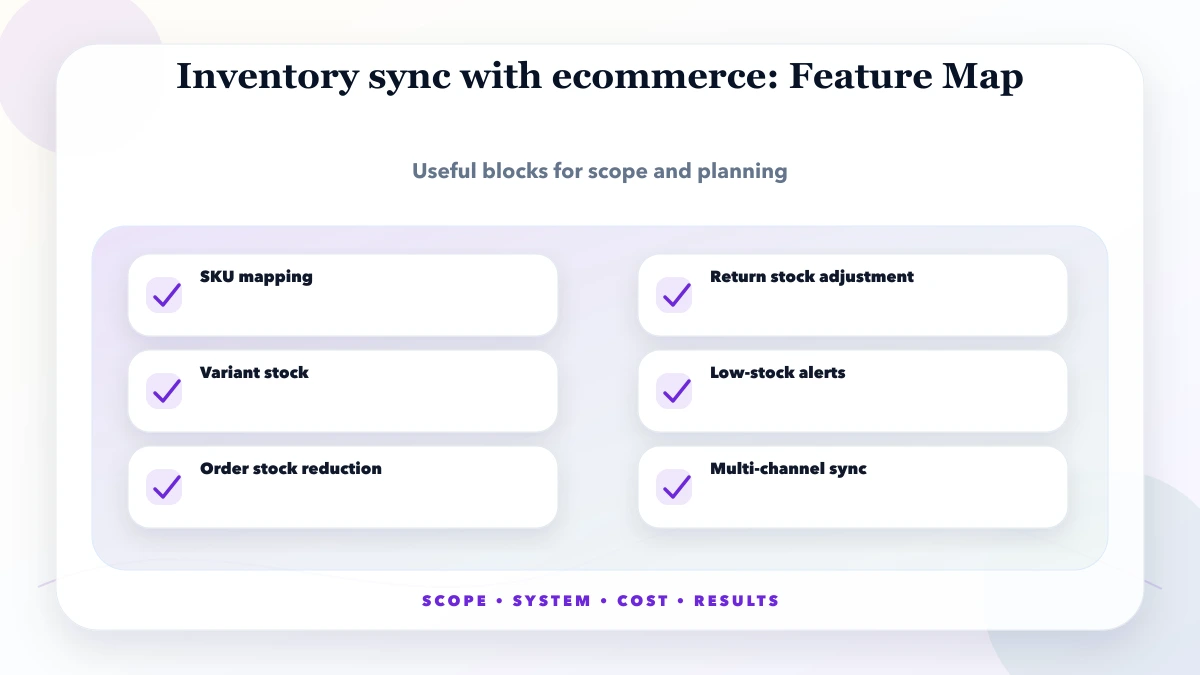
Inventory sync fails quickly when the same product has different identifiers in different systems.
Use a product mapping with:
Do not map variants only by product name. “Blue Shirt Large” and “Large Blue Shirt” may be the same item to a person but different strings to an integration.
For businesses still cleaning the product master, the warehouse barcode system guide explains label identity, receiving and scan controls before ecommerce stock is exposed.
One quantity field is rarely enough.
| Stock state | Meaning |
|---|---|
| On hand | Physically recorded units at the location |
| Reserved | Units committed to accepted orders or operations |
| Available | Units allowed for new promises |
| In transit | Units moving between locations or from suppliers |
| Damaged | Units that must not be sold |
| Quarantined | Units waiting for quality or return inspection |
| Safety stock | Buffer intentionally hidden from channel availability |
A simple availability formula may be:
available = on hand - reserved - damaged - safety stock
The actual formula can differ by business. The important control is that it is documented and consistent.
Every event should specify its stock effect, owner and recovery path.
| Event | Typical stock action | Important question |
|---|---|---|
| Order accepted | Reserve or reduce available stock | At payment, confirmation or fulfilment? |
| Payment failed | Release reservation | How long should pending payment hold stock? |
| Order cancelled | Release eligible units | Has picking or dispatch already started? |
| Shipment created | Move reserved units toward issued | Which system confirms physical issue? |
| Return requested | No immediate sellable increase | Has the item actually arrived? |
| Return inspected | Add to sellable, damaged or quarantine | Who records condition? |
| Manual adjustment | Change on-hand with reason | Which roles may do this? |
| Purchase receipt | Increase on-hand after verification | Is partial receiving supported? |
| Transfer | Reduce source and mark destination in transit | What happens if destination receives less? |
The system should store the original event ID, time, source and result. That audit trail is essential when a customer sees “in stock” but the warehouse cannot fulfil the order.
Businesses must decide when a unit becomes unavailable to other buyers.
Common options:
If a reservation expires, release it through a controlled job. Never leave stock blocked indefinitely because a payment callback did not arrive.
Webhooks and API calls can be delivered more than once. A timeout may also cause a sender to retry even though the first request succeeded.
Use an idempotency key such as:
channel + event type + external order ID + event version
Before applying a stock mutation, check whether that event was already processed. Store:
Without this control, a duplicated order_created event can subtract the same units twice.
Events do not always arrive in business order.
Examples:
Use event timestamps and versions where supported, but do not trust time alone. Model valid state transitions. A cancelled order should not return to “new” because an older webhook arrived late.
Do not retry every failure in the same way.
| Failure type | Response |
|---|---|
| Network timeout | Retry with backoff |
| Rate limit | Respect retry timing and slow the queue |
| Authentication failure | Stop and alert an administrator |
| Unknown SKU | Move to mapping queue |
| Invalid state transition | Flag for operational review |
| Platform unavailable | Queue and reconcile after recovery |
| Duplicate event | Mark as safely ignored |
The operations dashboard should show failed events, affected channel, SKU or order, age and action required.
Real-time events reduce delay but do not prove accuracy.
Run scheduled reconciliation:
Useful reports include:
No integration can eliminate every operational risk, but these controls reduce it:
For a multi-channel seller, do not publish the full physical quantity everywhere. If ten units exist and the same ten are shown on three channels, the business has exposed thirty potential promises.
A customer return should not increase sellable stock when the return request is created.
Use states such as:
requested → approved → in transit → received → inspected → restocked/damaged/rejected
At inspection, capture:
This prevents damaged items from reappearing online.
Physical sales can create sync delays if the billing counter loses internet access.
Options include:
The right model depends on transaction volume and whether the physical outlet and ecommerce channel share the same sellable pool.
Consider a hardware distributor with:
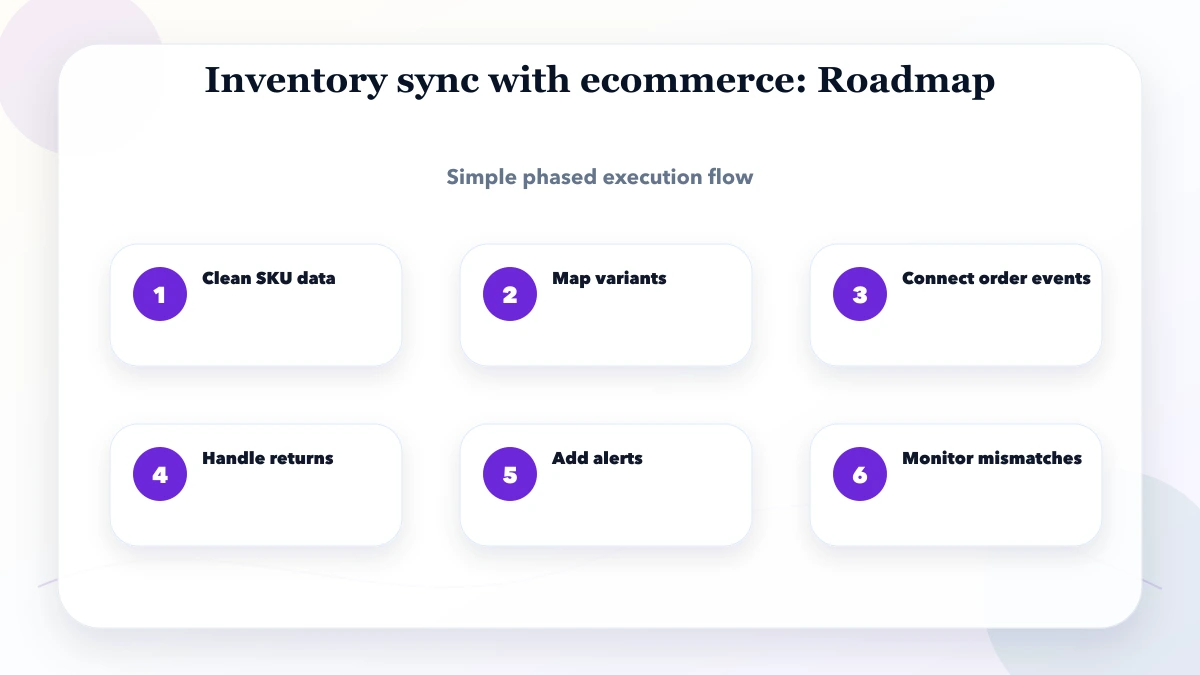
A practical first phase is:
This phased design is safer than connecting every channel before product and movement records are trustworthy.
Project cost depends on:
A focused one-channel integration costs less than a full order and inventory control layer. Ask for a scope based on event flows, not only the names of platforms.
The web application service covers custom operational systems, while integration and automation services cover APIs, webhooks and cross-system workflows.
VASUYASHII Business Suite supports product, inventory, purchase, invoice and business-operation workflows. Ecommerce and marketplace synchronization is not presented as a universal plug-and-play feature. It should be scoped against the actual platform APIs, warehouse process and required events.
That boundary is important: inventory integration must be tested for the customer's channels rather than promised from a generic feature list.
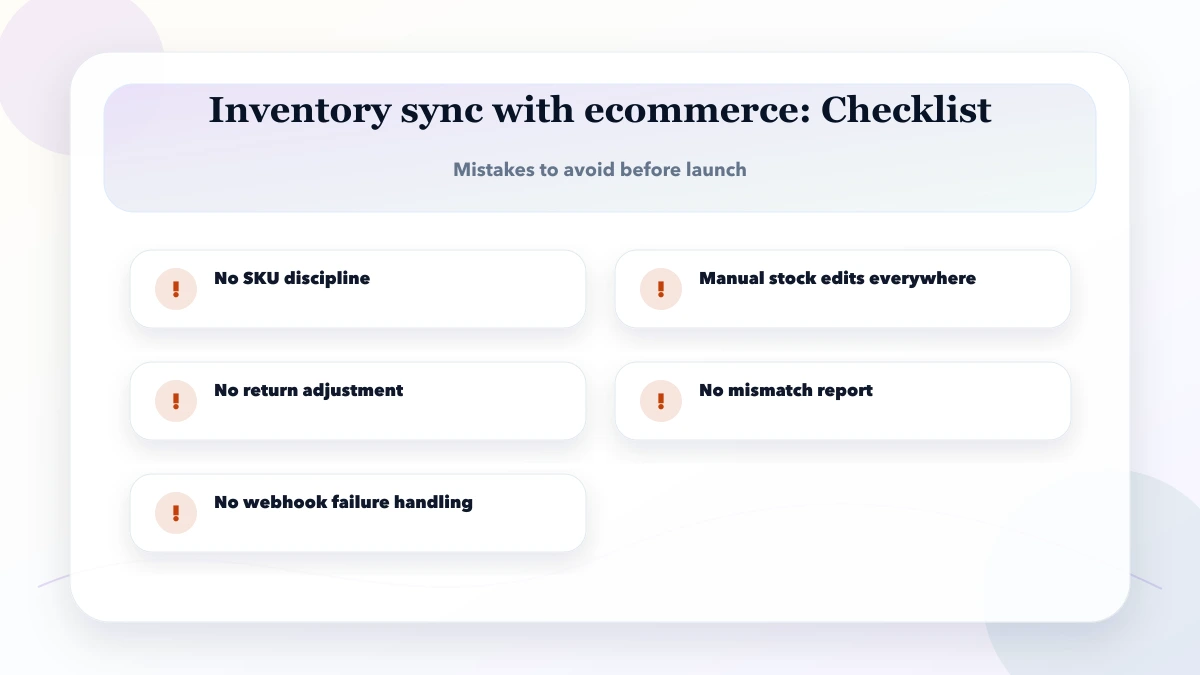
Fast updates are useful for scarce or high-velocity products. Other products may tolerate short scheduled intervals. Reconciliation is still required in both models.
Usually the system closest to verified physical movements should own on-hand stock. Channel availability can then be calculated from that value, reservations and buffers.
Assign a stable idempotency key to every event and store its processing result before applying another mutation.
Only if the units are still eligible. A cancellation after dispatch or physical issue may require a return process instead.
After receipt and inspection confirm that the item can be resold. The return request alone is not enough.
It can support migration or review, but manual sheets should not be the uncontrolled source of live multi-channel availability.
Document products, locations, stock states and event ownership. Then implement one channel and test duplicate, delayed, failed and out-of-order events.
Prepare a one-page integration brief listing channels, warehouses, product count, order volume, current source of truth and required events. Then contact VASUYASHII for a scoped integration plan rather than a generic ecommerce estimate.
Related Articles
May 24, 2026
Plan a barcode inventory system for receiving, putaway, picking, stock counts, returns, and transfers using mobile cameras or dedicated scanners.
Read article
May 14, 2026
inventory keyword topic cluster: practical 2026 SEO plan with cluster map, pricing, roadmap, mistakes, FAQs, proof, and next steps for Indian SMBs today.
Read article
May 18, 2026
Build ecommerce email automation around consent, lifecycle events, order truth, suppression, deliverability, failure handling, measurement, and safe rollout.
Read article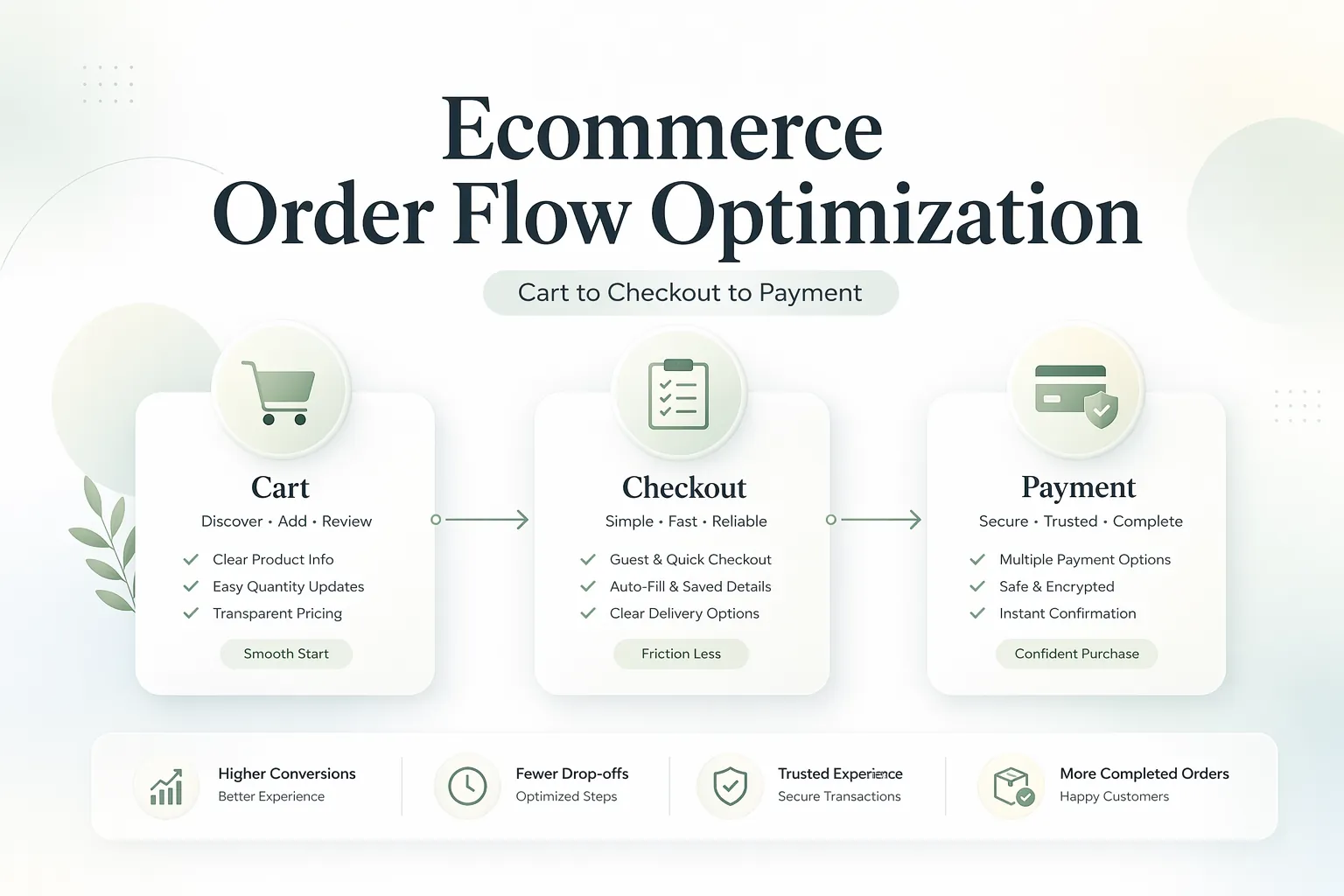
April 7, 2026
Design a reliable ecommerce cart, checkout, and payment flow with server-side pricing, inventory checks, idempotent payments, webhooks, recovery, and analytics.
Read article