
May 18, 2026
Shopify Store Speed Optimization in India
Improve Shopify speed with a practical India-focused audit for themes, apps, images, scripts, Core Web Vitals, release testing, and conversion trade-offs.
Read articlePublished Updated
Improve WooCommerce speed with an India-focused audit of hosting, cache, database, plugins, themes, images, checkout safety, Core Web Vitals, and release QA.
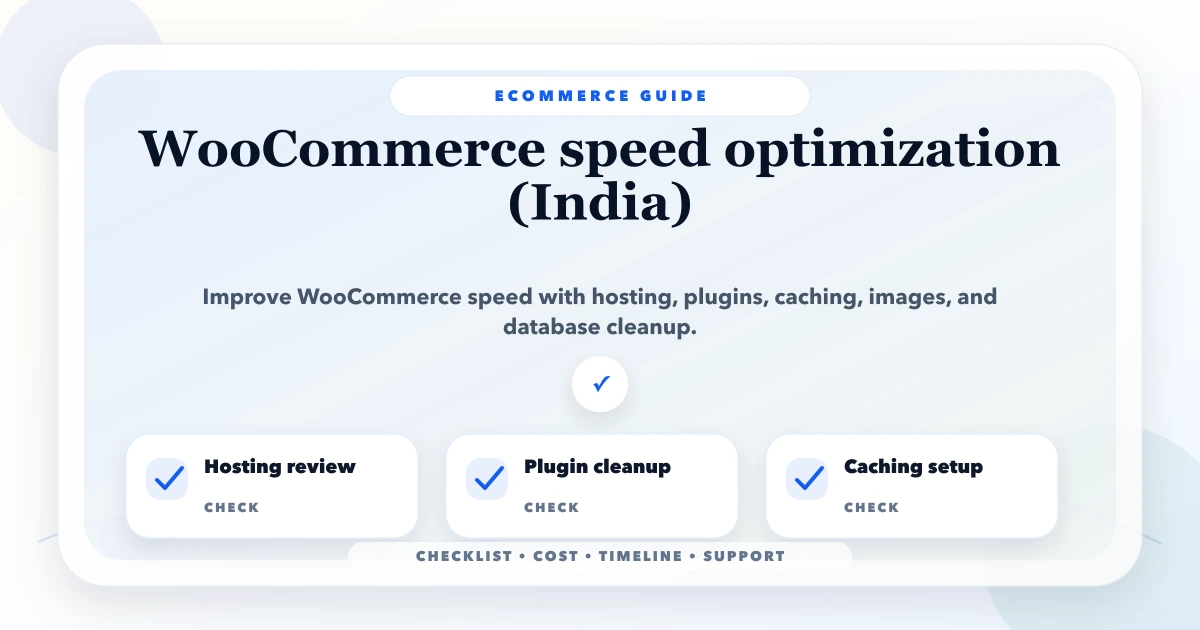
WooCommerce speed optimization is not a plugin-installation contest. A store can have page cache, image compression, a CDN, and minification enabled yet remain slow because the hosting is saturated, database queries are expensive, scheduled tasks are blocked, product variations are oversized, or third-party extensions perform work on every request.
For an Indian ecommerce business, the priority should be a reliable mobile buying journey on realistic devices and networks. The home page matters, but product, collection, search, cart, account, and checkout behaviour determine whether the store can actually sell.
This guide explains how to diagnose WooCommerce by layer, protect dynamic commerce pages, and release performance changes without breaking tax, pricing, stock, payment, shipping, or analytics.
Use this sequence:
Do not promise a PageSpeed score of 100. Optimize the real selling flow and record the business features that must remain correct.
WooCommerce runs inside WordPress and combines content pages with dynamic commerce state. A product page can include inventory, pricing, tax, variations, reviews, recommendations, consent, analytics, chat, and add-to-cart behaviour. Cart and checkout pages depend on session and customer state and cannot be treated like a static brochure page.
The performance stack may include:
A single optimization plugin cannot solve every layer. It can also create regressions if scripts are delayed or dynamic pages are cached without understanding their role.
Test representative URLs rather than only the home page:
| Template or flow | What to record | Why it matters |
|---|---|---|
| Home page | LCP element, requests, promotional media | Common entry point |
| Category/search | query time, filters, product-card images | Product discovery |
| Product page | variations, gallery, reviews, add to cart | Buying confidence |
| Cart | session accuracy, coupon and totals response | Purchase continuity |
| Checkout | field response, payment handoff, errors | Revenue completion |
| My Account | logged-in response, orders, downloads | Customer service |
Capture server response time, LCP, INP, CLS, transfer size, request count, long tasks, query profile, error logs, CPU/memory pressure, cache hit ratio where available, and conversion events. Repeat lab runs under comparable conditions because one run can be noisy.
Our implementation review separates four questions: Is the origin slow? Is the page transferring too much? Is JavaScript blocking interaction? Is a commerce operation failing or waiting on an external service? This prevents image compression from being presented as the answer to a database or payment problem.
If the HTML response itself is slow, front-end minification will have limited impact. Check:
Cheap shared hosting may work for a small catalogue with low traffic, but concurrency, checkout, imports, and scheduled tasks can reveal limits quickly. Upgrade only after identifying the resource constraint. A larger server does not fix a plugin issuing unnecessary queries on every request.
Public product, category, and content pages may benefit from full-page cache when configuration respects pricing and user state. Common exclusions include:
Verify cache behaviour for logged-in users, coupons, multi-currency, tax location, stock updates, and personalised content. A fast page showing another customer's state is a security and correctness failure.
A persistent object cache can reduce repeated database work when the store and hosting support it. It is not automatically beneficial for every small site. Measure database activity, hit ratio, memory, eviction, and invalidation behaviour. Test admin workflows and imports, not just front-end requests.
Serve static images, fonts, CSS, and JavaScript with appropriate cache headers. Plan asset versioning so new releases do not leave customers with incompatible old files. Keep dynamic HTML and commerce APIs outside broad CDN cache unless the architecture explicitly supports them.
WooCommerce's official performance optimization guidance covers caching, images, code, CDN use, database work, and monitoring. Apply recommendations through store-specific testing rather than copying settings blindly.
Plugins add value, but each one also adds code, database tables, background jobs, admin screens, or external requests. Build an inventory:
| Plugin | Business job | Pages loaded | Data/jobs created | Decision |
|---|---|---|---|---|
| Payment gateway | Complete orders | Checkout, callbacks | webhooks, logs | Keep and test |
| Reviews | Product trust | Product pages | scripts, API calls | Keep or optimize |
| Feed generator | Marketplace sync | scheduled/admin | large exports | Reschedule/profile |
| Old popup | Expired campaign | every page | scripts/styles | Remove safely |
| Duplicate analytics | None | every page | duplicate events | Consolidate |
Deactivate a suspected plugin in staging and compare traces. Do not remove payment, tax, security, or order integrations in production merely to improve a score. Check whether uninstalling removes its tables, scheduled actions, snippets, and configuration; preserve data required for rollback or compliance.
Use the product photography versus UI diagnostic before reducing image quality or redesigning a gallery. Conversion can fall when technically small images no longer answer customer questions.
Identify code by owner before delaying it. Test navigation, search, variation selection, gallery, add to cart, cart fragments, coupons, shipping calculator, checkout validation, payment widgets, consent, and analytics.
Potential actions include:
Automatic combine/minify settings can change execution order. Validate console errors and every commercial flow after configuration changes.
WooCommerce stores accumulate orders, order metadata, sessions, logs, transients, scheduled actions, revisions, plugin tables, and abandoned configuration. Never delete database rows based on a generic cleanup list.
Review:
Database optimization should be reversible and tested on a copy. Keep retention and statutory needs in mind for order and invoice records.
Large variable products can transfer and process substantial data. Do not create every possible combination when the catalogue model can use clearer product separation or dependent choices. Test variation selection on low-end mobile devices.
Search and layered navigation can create expensive queries or crawlable URL explosions. Review filter combinations, indexability, query caching, search extensions, and zero-result behaviour. Performance, SEO, and catalogue UX must be planned together; the ecommerce SEO guide for Indian stores covers category and discovery decisions beyond raw speed.
Checkout performance depends on more than front-end assets. External calls for tax, shipping, address validation, fraud checks, payment, and marketing can introduce latency or failure.
Test:
Do not cache or defer code that changes totals or payment state without explicit compatibility evidence. Use the ecommerce order-flow guide for end-to-end cart, payment, and tracking checks.
Scheduled actions may process subscriptions, emails, webhooks, imports, cleanup, feeds, and reports. On low-traffic sites, request-driven cron may run irregularly; on busy sites, repeated triggers can add load. Review the hosting and application strategy for reliable scheduling rather than disabling cron without replacement.
Monitor failed actions, queue age, execution duration, and retry behaviour. A fast storefront with delayed order emails or stock sync is not an acceptable result.
Back up files and database, verify restore access, and record the current theme/plugin versions and cache settings.
Use representative catalogue size and configuration while protecting customer data and preventing real emails, indexing, or payment charges.
Separate hosting/cache, plugins, database, media, and front-end changes. This makes regressions traceable.
Record product, cart, checkout, order, email, payment, refund, account, analytics, and admin tests. Check responsive layout and accessibility.
Watch server resources, PHP errors, JavaScript errors, checkout failures, payment callbacks, order status, and support messages. Keep rollback ready.
Track speed alongside add-to-cart, checkout start, purchase, payment failure, average order value, and support complaints. An apparent performance gain that removes attribution or breaks discounts is not a success.
The work depends on catalogue size, hosting access, custom theme code, plugin count, integrations, payment methods, traffic, and regression risk. Ask for a scoped audit rather than a guaranteed score.
A useful proposal separates:
If the store needs custom dealer pricing, inventory sync, a customer portal, or operational dashboards, treat that as web application development or integration work, not hidden inside a speed package.
There is no universal choice. Compatibility depends on the host, web server, CDN, theme, extensions, and dynamic pricing or customer state. Select one cache approach, configure exclusions, and test commerce flows.
A CDN can accelerate static assets and reduce origin load, but it will not fix slow PHP, database queries, plugin conflicts, or external checkout calls.
Only after understanding how the theme and extensions use cart state. Disabling or replacing behaviour can improve some pages but may leave mini-cart information stale. Test every cart entry point.
Use measured table growth, supported retention rules, and verified backups rather than a fixed cleanup schedule. Never delete order or plugin data without understanding ownership and recovery.
Performance supports user experience and search quality, but ranking also depends on relevance, content, links, technical indexability, competition, and authority.
WooCommerce gives the owner more control over hosting, PHP, database, WordPress, plugins, and caching. Shopify optimization focuses more on theme, apps, media, and platform-controlled boundaries. See the Shopify speed guide for that workflow.
WooCommerce speed work succeeds when the store is faster, orders remain correct, and the team can maintain performance as products, campaigns, plugins, and integrations change. For a scoped audit, share the store URL, hosting, active extensions, high-value templates, and observed failures through contact.
Related Articles
May 18, 2026
Improve Shopify speed with a practical India-focused audit for themes, apps, images, scripts, Core Web Vitals, release testing, and conversion trade-offs.
Read article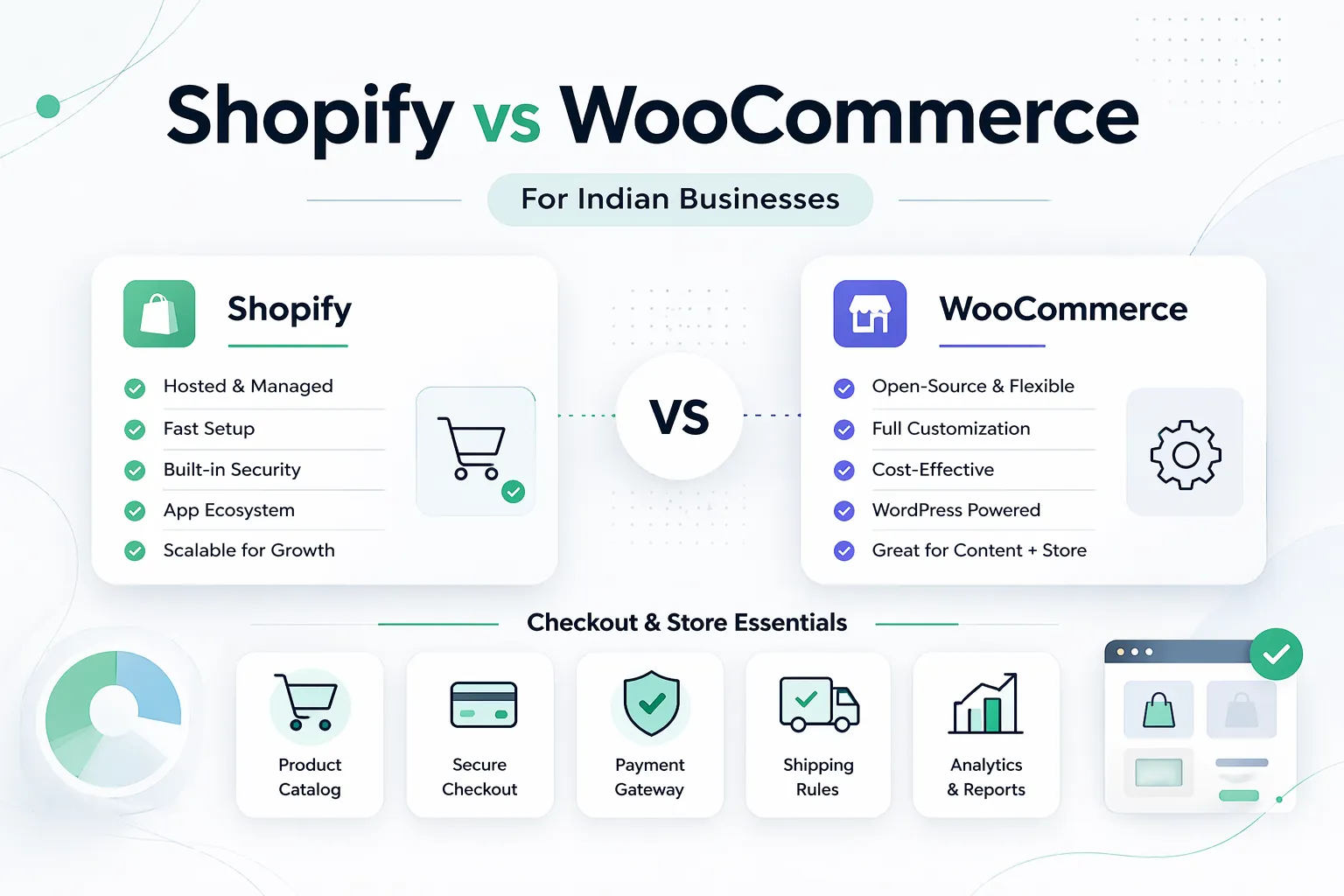
April 7, 2026
Shopify vs WooCommerce for Indian businesses in 2026: pricing, control, costs, operations, and which platform fits your growth stage.
Read article
March 24, 2026
Ecommerce website cost in India for 2026 with pricing ranges, packages, timelines, features, platform comparison, sales planning, and SEO.
Read article
May 30, 2026
Website redesign services in Delhi NCR guide for SEO-safe redesign, speed, UX, content, redirects, pricing, and launch checklist.
Read article