
May 18, 2026
Ecommerce Conversion Checklist for Indian Stores
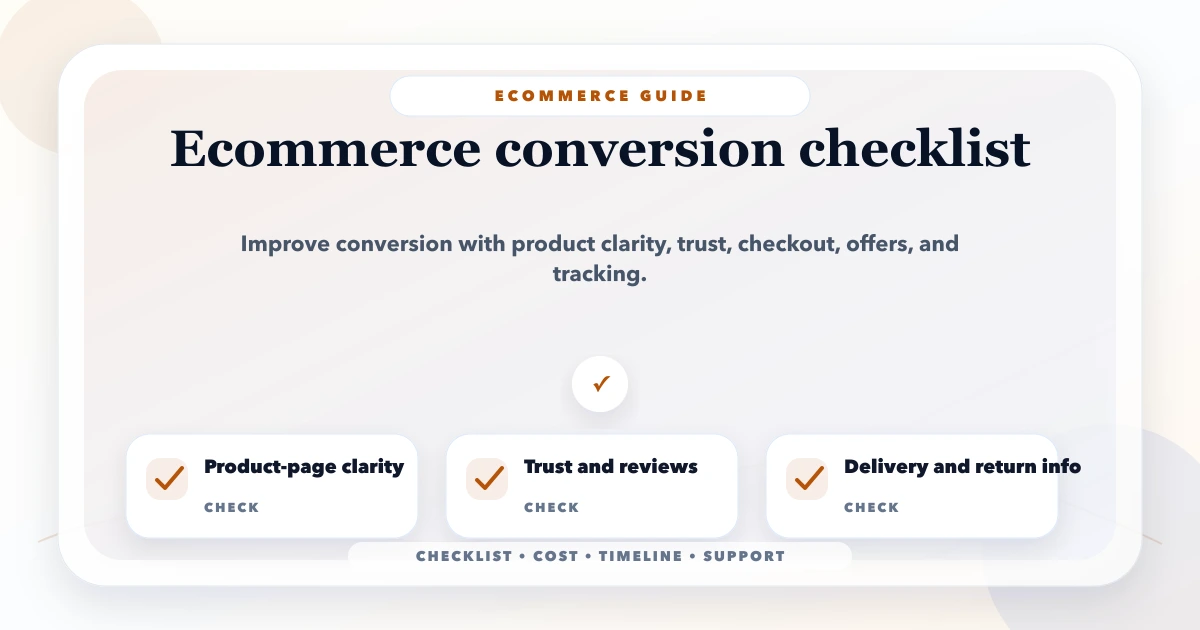
Use this ecommerce conversion checklist to improve measurement, product discovery, pricing clarity, mobile UX, checkout, payments, trust, and delivery.
Read articlePublished Updated
Design a reliable ecommerce cart, checkout, and payment flow with server-side pricing, inventory checks, idempotent payments, webhooks, recovery, and analytics.
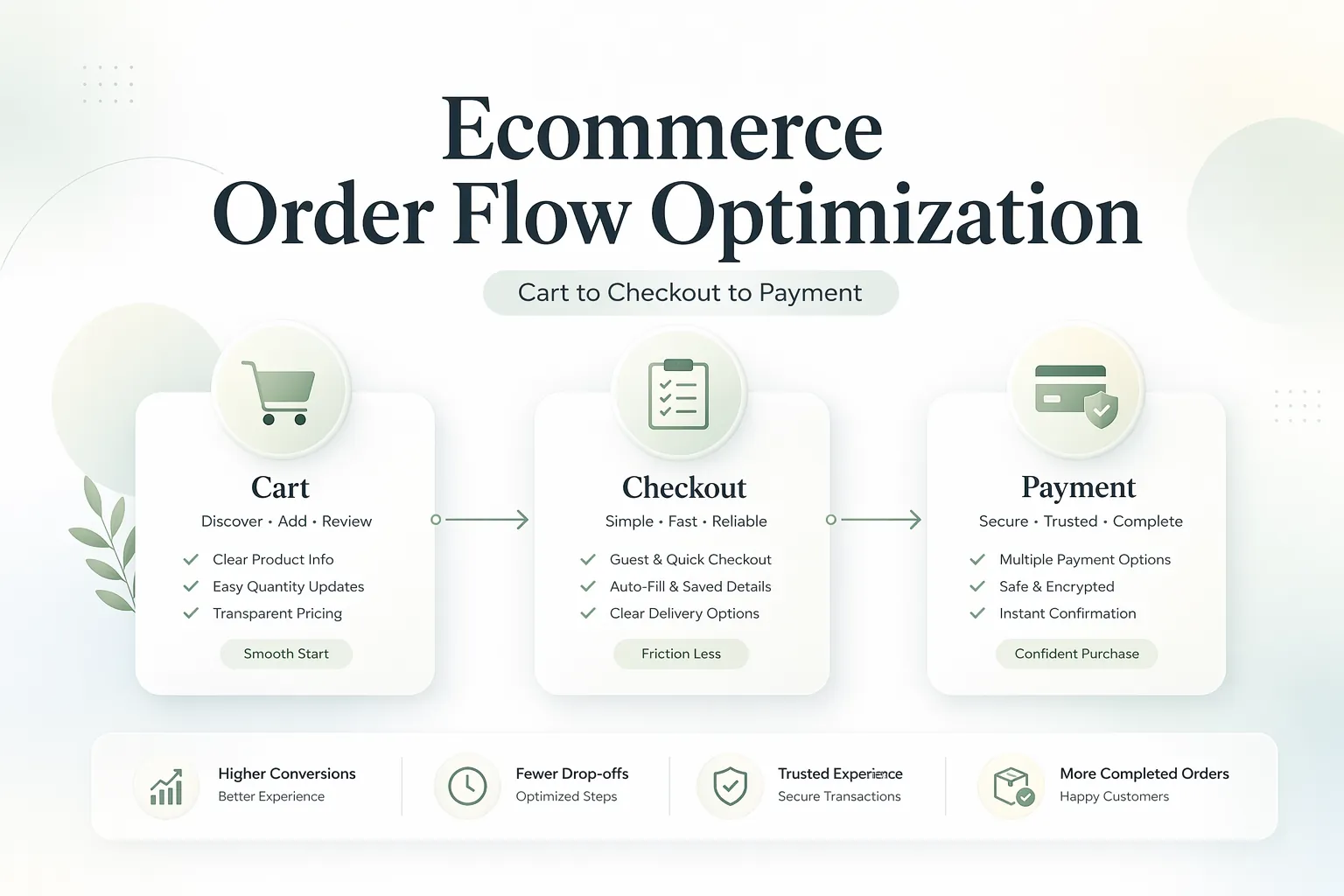
Many ecommerce stores lose revenue in the same place: after product interest is already there. The user adds to cart, starts checkout, and then disappears. That usually means the store does not have a traffic problem first. It has an order-flow problem.
Order flow optimization is not only about design polish. It is about removing friction between cart, address collection, shipping clarity, payment confidence, and order confirmation. Small issues in these steps create major conversion loss.
This guide explains how to optimize the ecommerce flow from cart to payment, what metrics to track, and which fixes usually create the fastest impact.
The highest-impact ecommerce flow improvements usually come from:
Do not try to fix checkout only by changing button color. In many stores, the real issues are hidden in delivery surprises, weak trust signals, payment friction, or unclear validation errors.
The common leak points are:
On desktop, users tolerate more friction. On mobile, even small delay or confusion can kill the purchase. That is why order flow optimization should be tested mobile-first.
Related reading:
The cart should clearly show:
If the user reaches checkout and suddenly sees extra charges, drop-off risk rises fast.
Remove or control distractions such as:
Cross-sell is useful only if it does not interrupt the purchase path.
The cart should guide users clearly to the next step. Weak CTA visibility creates hesitation.
Ask only what is necessary for order fulfillment. Long forms create fatigue.
Forced account creation is still a major conversion killer for many stores.
Good checkout UX includes:
Important reassurance blocks:
Payment friction is often treated as a gateway problem only. In reality, it can also come from weak communication before the payment step.
If payment fails, the store should not simply drop the customer. There should be:
Track the order flow as events, not as one final sale only.
Useful checkpoints:
That event visibility tells you where the actual drop-off is happening.
Typical custom optimization scope:
₹15,000 to ₹35,000₹35,000 to ₹90,000₹90,000 to ₹2.5 lakh+Timeline:
3 to 5 days for audit1 to 2 weeks for targeted improvements2 to 5 weeks for broader checkout and payment changes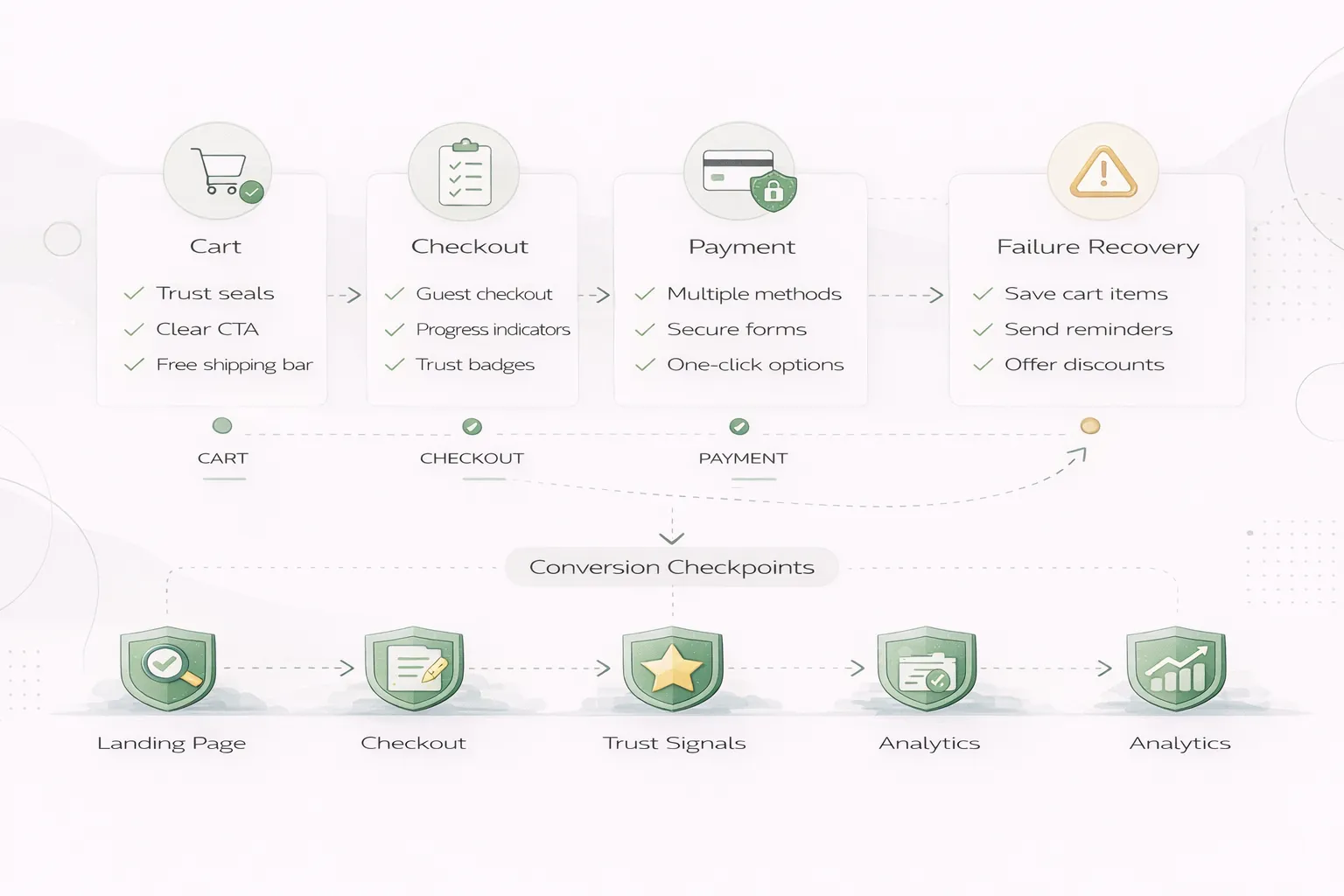
If your ecommerce store gets traffic but checkout conversion feels weak, do not redesign everything first. Map the exact drop-off points from cart to payment. That is where the real gain usually sits.
Usually the cart-to-checkout transition and the clarity of final payable cost.
No. Often it is a UX, pricing clarity, or payment confidence issue.
In many stores, yes. Forced account creation adds friction.
If COD is part of the offering, yes. Users should know it before the last step.
Start by comparing add-to-cart, begin-checkout, payment-start, and purchase completion.
Sometimes. They can encourage users to leave and search for discounts.
Simple improvements can start in days. Deeper checkout changes take longer.
Not automatically. It depends on clarity, speed, and mobile usability.
If your store already gets traffic but the order journey feels leaky, the right move is to audit cart, checkout, payment, and tracking together instead of treating them as separate issues.
If product-page uncertainty starts before the cart, apply the photography-versus-UI decision framework. After purchase, coordinate transactional messages through the email automation workflow guide.
An ecommerce order should move through named states with permitted transitions. A typical flow is cart draft, checkout started, payment initiated, payment pending, payment succeeded or failed, order confirmed, packed, shipped, delivered, cancelled, or refunded. The exact names can differ, but the system must prevent impossible transitions and repeated side effects.
| State change | Authoritative evidence | Required action |
|---|---|---|
| cart to checkout | server-valid products, price, tax, stock | create checkout snapshot |
| checkout to payment initiated | address, shipping, payable total | create provider payment reference |
| payment initiated to succeeded | verified provider response or webhook | record payment once |
| payment succeeded to confirmed | idempotent order service | reserve/deduct stock and issue confirmation |
| failed to retry | failed or expired attempt | retain safe checkout context |
| confirmed to refunded | approved refund and provider result | update payment and inventory policy |
The browser should not be the final authority for product price, discount, shipping, tax, or stock. Recalculate on the server before payment and again when the order is confirmed if business rules require it.
Validate the exact variant, quantity, serviceability, and purchase limits. Decide whether stock is reserved at checkout, payment initiation, or confirmation, and define when a reservation expires. For low-stock or high-demand products, the reservation rule is a business decision, not only a technical detail.
Address collection should match fulfilment needs. Ask only for required fields, validate the PIN code or service area early, show delivery options before the final payment step, and preserve entered data after a recoverable failure. Guest checkout usually reduces account-creation friction; an account can be offered after purchase.
Every payment attempt needs an internal identifier and the provider reference. Use idempotency so retries, duplicate callbacks, or refreshed pages cannot create multiple orders or apply payment twice. Verify webhook signatures, store processing status, and make webhook handling safe to repeat.
Do not show “order confirmed” solely because the browser returned from a payment page. The backend should verify the result and reconcile delayed or ambiguous transactions. Provide a pending state instead of telling the customer to pay again immediately.
For architecture details, read the payment gateway integration guide and payments and orders webhook guide.
Track product views, add-to-cart, begin-checkout, shipping information, payment information, purchase, and refund where they match the actual user journey. Google's GA4 ecommerce documentation uses item arrays and recommends consistent value and currency fields. A stable transaction identifier helps prevent duplicate purchase reporting.
Analytics is diagnostic, not the order ledger. Reconcile purchases and refunds against backend records. Segment failure by device, payment method, shipping rule, coupon, and error stage before deciding the UI is the problem.
VASUYASHII provides scoped web application development, integrations, and ecommerce workflow implementation. The Business Suite is billing and inventory ERP-lite software; it should not be interpreted as a complete public ecommerce storefront. A project quote must define catalog, stock authority, shipping, tax, payment provider, return rules, analytics, notifications, and support.
Before requesting implementation, use the ecommerce conversion checklist and document failure recovery as carefully as the successful path.
Related Articles
May 18, 2026
Use this ecommerce conversion checklist to improve measurement, product discovery, pricing clarity, mobile UX, checkout, payments, trust, and delivery.
Read article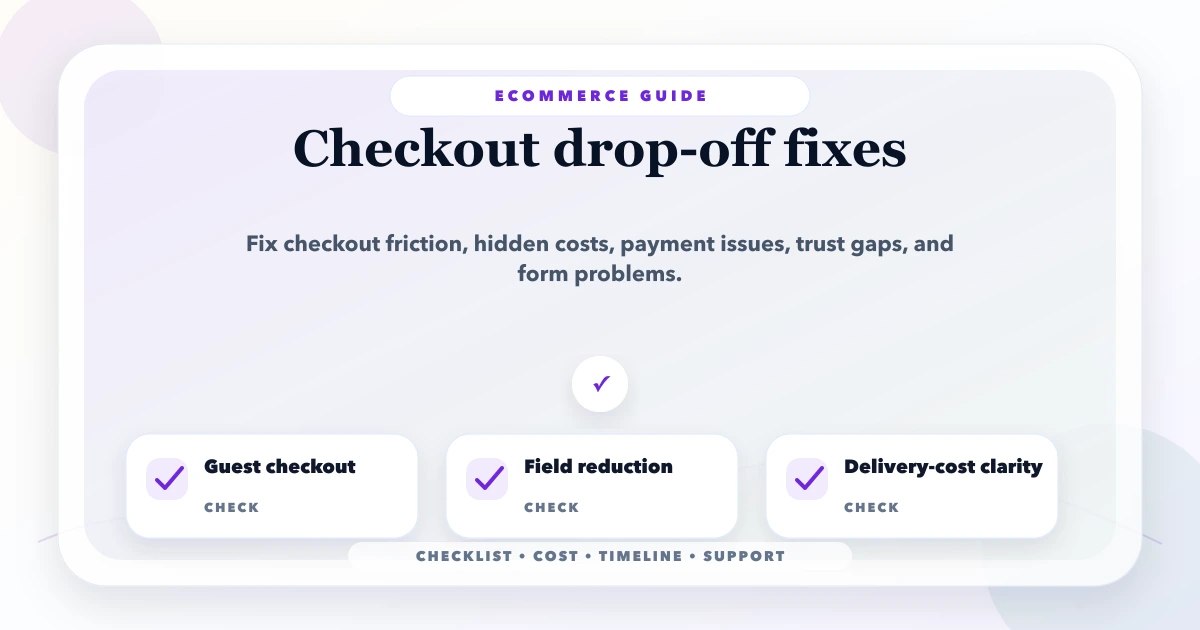
May 18, 2026
Diagnose ecommerce checkout drop-off across cart, shipping, login, forms, trust, payment, mobile UX, failures, recovery, analytics, and experiment design.
Read article
May 9, 2026
ecommerce developer near me Delhi NCR: pricing, checklist, FAQs, trust signals, and practical SEO steps for Indian SMB owners.
Read article
May 18, 2026
Plan ecommerce inventory sync across stores, warehouses and marketplaces using stock states, reservations, webhooks, idempotency and reconciliation.
Read article