
May 20, 2026
How to Track WhatsApp Clicks in Google Analytics (GA4)
track WhatsApp clicks in Google Analytics GA4: practical 2026 guide with setup, pricing, checklist, roadmap, tracking, mistakes, FAQs, and Indian business tips.
Read articlePublished Updated
Implement privacy-safe GA4 tracking for WhatsApp, valid form leads, calls and demos with event rules, context parameters, DebugView QA and lead outcomes.
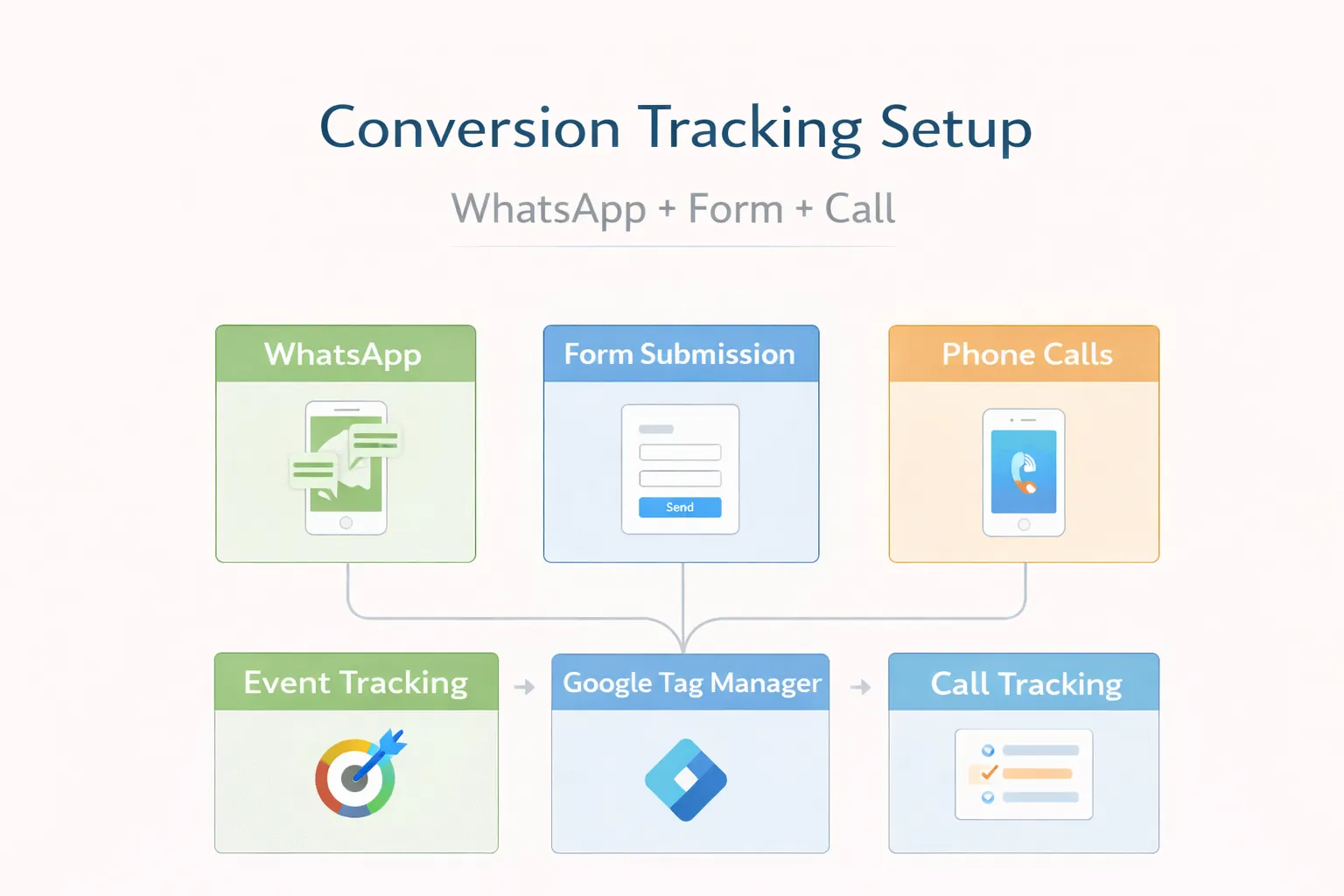
A conversion event should represent a defined user action, not an optimistic guess. A WhatsApp link click proves the visitor opened a contact path. A phone-link click proves intent to call. A valid accepted form submission can represent a generated lead. None of these alone proves that a qualified conversation or sale occurred.
A useful measurement system keeps those stages separate, carries page context without personal data, and reconciles analytics with real lead outcomes.
Before adding code, document each event:
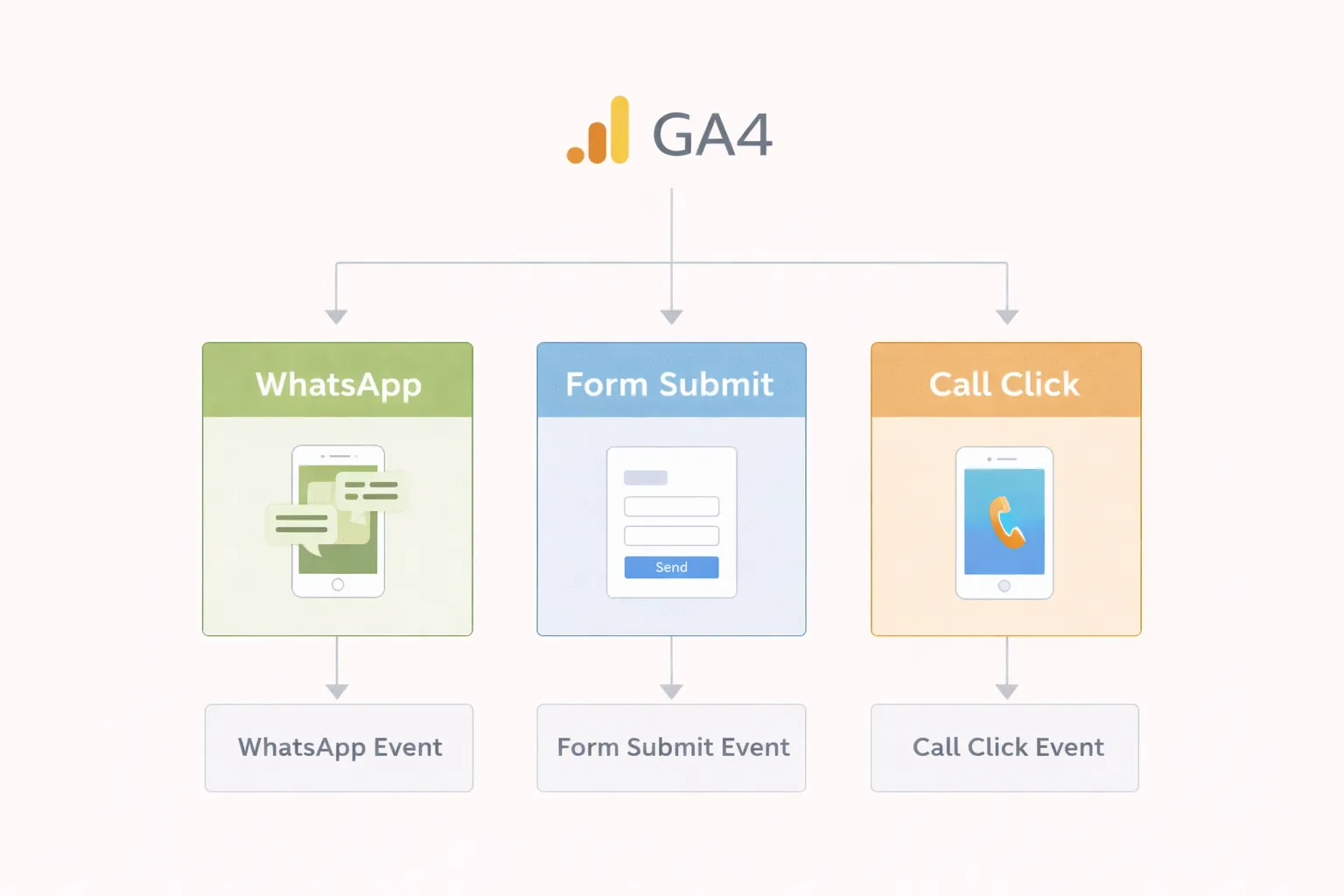
| Event | Fire when | Do not fire when |
|---|---|---|
whatsapp_click | User activates a genuine WhatsApp contact link | Button becomes visible or is hovered |
phone_click | User activates a tel: link | Phone number is displayed |
contact_click | User opens the contact route or primary contact action | Every navigation click |
form_start | User begins meaningful interaction with the lead form | Form merely renders |
generate_lead | Server/client confirms a valid accepted enquiry | Submit button click, validation error or API failure |
demo_open | User opens a labelled product/site demo | Demo card impression |
Google lists generate_lead as a recommended event when a user submits a form or request for information. Use prescribed events where they fit, then add custom events for meaningful interactions not covered by a recommended event. See the current GA4 recommended-events documentation.
Keep names lowercase with underscores and stable over time. Useful non-personal parameters include:
page_path;page_type;service_name or controlled service ID;cta_location;link_type;form_id;demo_name;Do not send:
Google's event-parameter guidance explains how parameters add context. Register a custom dimension only when the team will use it and the value has controlled cardinality.
WhatsApp URLs may appear in the hero, floating control, service CTA, article or contact section. Use one delegated click listener or a reusable tracked-link component so new buttons are not silently missed.
Record:
wa.me, supported WhatsApp URL or internal redirect);Fire the event before navigation without blocking the contact journey. Do not claim it as a lead until the business receives and qualifies the conversation.
If several buttons use different prefilled messages, keep message text out of analytics. Pass a controlled context label instead.
Use the GA4 WhatsApp click guide when the implementation needs button-level event examples.
Form measurement should reflect states:
generate_lead should fire once after the accepted response. Prevent duplicates when the user clicks twice, the component rerenders, or a success page refreshes. Use a unique submission ID inside the application or CRM, but do not expose a sensitive identifier in analytics.
Enhanced measurement may collect form_start and form_submit for supported forms, but custom JavaScript applications, validation and API behaviour still need testing. Google's lead-form measurement guide explains the automatic form events.
The contact-page conversion guide helps align form fields and confirmation copy with this measurement rule.
A tel: click is measurable; the completed call usually requires a separate call-tracking provider or CRM process. Keep the distinction clear:
phone_click: website intent;Track which number and placement were used through controlled labels, not the raw number. Desktop users may copy the number without triggering a click, so analytics undercounts some phone behaviour.
When a visitor opens a demo on another domain, send demo_open before navigation. If the live product requires separate analytics, configure cross-domain measurement only when both properties and consent requirements are understood. Do not merge unrelated customer/product analytics casually.
Label demos honestly. A demo interaction is stronger product-interest evidence than a card view but still not a lead.
A practical Next.js implementation can use:
Do not attach slightly different inline tracking code to dozens of buttons. Central rules reduce name drift and missing coverage.
Test on the deployed or correct debug environment:
Google recommends using DebugView and Realtime to verify recommended events. Full reports can take longer to populate. The GA4 events overview explains verification and key events.
Internal-traffic filters can prevent a test device from appearing in normal reports. Debug mode and filter state should be checked before assuming code is broken.
Mark actions important to the business, such as a valid generate_lead, as key events. Do not mark every click or page view, or the reports lose commercial meaning.
A useful hierarchy:
GA4 supports recommended lead-funnel events such as qualify_lead, working_lead and close_convert_lead for organisations able to send reliable offline outcomes. Do not send them automatically without CRM evidence.
Store initial and latest relevant attribution in the lead record where consent and policy permit:
Keep UTM naming controlled. facebook, Facebook, and fb fragment reports. Avoid personal information in campaign names.
Analytics attribution and business attribution may differ because of consent, device changes, direct revisits and offline conversations. Explain those limits instead of forcing totals to match.
For a reporting-oriented walkthrough, use the GA4 SEO lead tracking guide to connect these events with landing-page and monthly lead reviews.
Each week compare:
| Layer | Source |
|---|---|
| CTA interactions | GA4 |
| Accepted forms | Application/server logs |
| Received conversations/calls | Inbox or telephony |
| Qualified opportunities | CRM or controlled sheet |
| Sales | Commercial records |
Connect accepted enquiries to the lead follow-up workflow so measurement does not stop at the initial click.
Investigate large gaps:
Analytics configuration must respect applicable privacy, consent and retention requirements. Use:
This article is implementation guidance, not legal advice.
The current VASUYASHII website implements central handling for contact, WhatsApp, telephone and demo interactions, plus generate_lead after accepted contact-form submission. The events were tested through GA4 Realtime/DebugView, and generate_lead was marked as a key event.
That implementation proves the event architecture is present on this site. It does not prove every phone click becomes a call or every contact becomes a qualified lead. Business outcomes still require inbox/CRM review.
| Scope | Indicative implementation band |
|---|---|
| Event audit and basic WhatsApp/form/call setup | ₹8,000–₹25,000 |
| Multi-page QA, parameters, dashboards and consent coordination | ₹25,000–₹60,000 |
| CRM/offline lead integration and advanced reporting | ₹60,000–₹1.5 lakh+ |
Cost depends on site framework, number of forms/domains, consent platform, CRM/telephony APIs, dashboards, data quality and QA. A basic website setup can take days; a reliable offline outcome pipeline often needs several weeks.
generate_lead follows accepted validation.It can be a micro conversion or key interaction, but it is not proof of a received or qualified lead.
GA4 recommends generate_lead for a submitted form or request for information. Fire it after the application accepts the enquiry.
A normal website implementation confirms the tel: click. Completed-call evidence needs telephony integration or manual CRM outcome.
Check debug mode, correct property/measurement ID, consent, ad blockers, internal-traffic filters, network requests and whether the event actually fires.
No. Use controlled page, form and service context rather than personal information.
After significant UI/form changes and on a recurring schedule. Also reconcile events with real lead records monthly.
Create an event matrix for every contact action, then test one successful and one failed path. Use the SEO lead tracking guide or contact VASUYASHII for implementation support.
Related Articles
May 20, 2026
track WhatsApp clicks in Google Analytics GA4: practical 2026 guide with setup, pricing, checklist, roadmap, tracking, mistakes, FAQs, and Indian business tips.
Read article
May 11, 2026
track WhatsApp leads end to end: practical 2026 guide with structure, pricing, checklist, mistakes, FAQs, tracking tips, and next steps for Indian SMBs.
Read article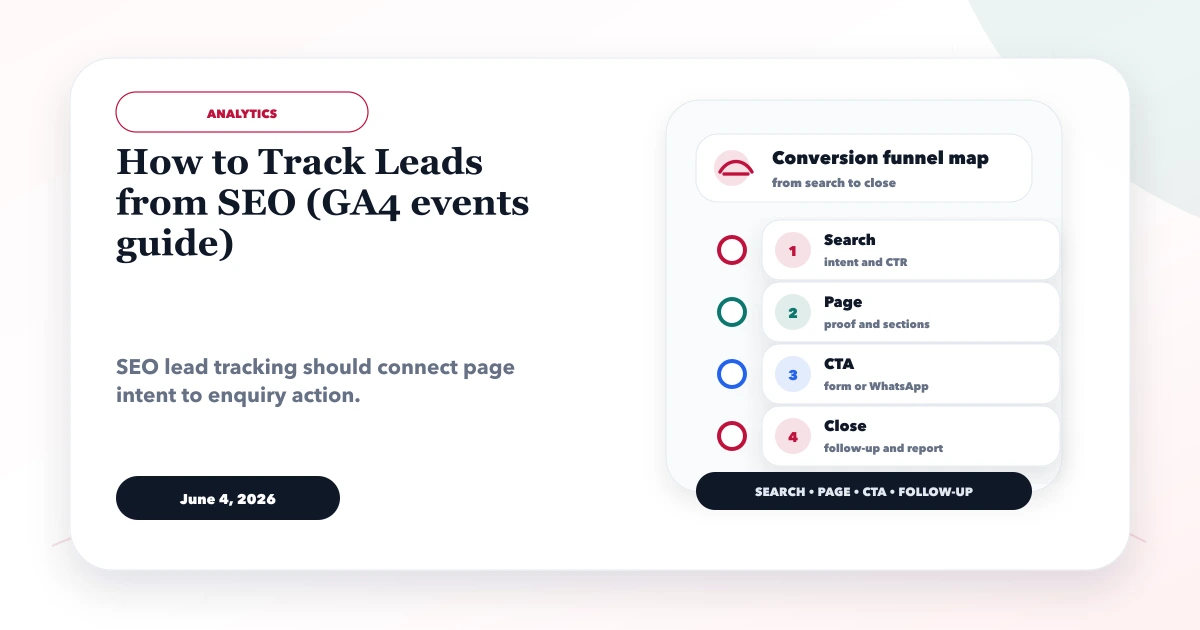
June 4, 2026
How to track leads from SEO using GA4 events for forms, WhatsApp clicks, calls, source pages, conversions, and monthly reports.
Read article
May 25, 2026
Design CRM call tracking for ads, SEO, referrals, and direct leads with source capture, deduplication, consent, outcomes, offline conversion, and reporting.
Read article