
May 20, 2026
How to Track WhatsApp Clicks in Google Analytics (GA4)
track WhatsApp clicks in Google Analytics GA4: practical 2026 guide with setup, pricing, checklist, roadmap, tracking, mistakes, FAQs, and Indian business tips.
Read articlePublished Updated
How to track leads from SEO using GA4 events for forms, WhatsApp clicks, calls, source pages, conversions, and monthly reports.
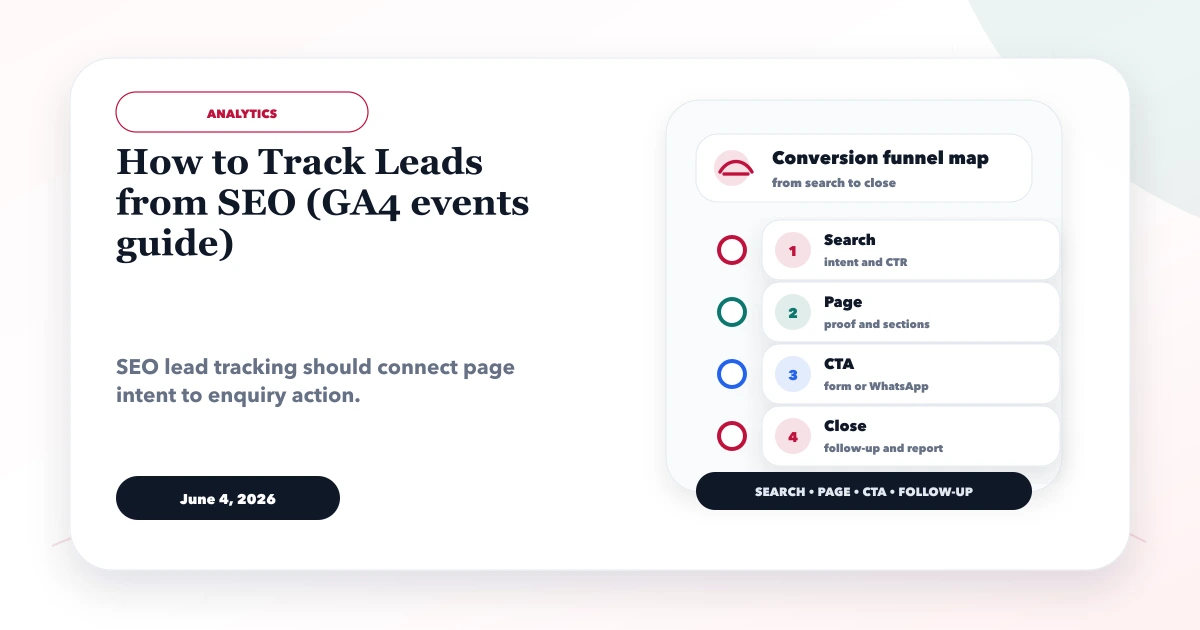
This guide explains how to track leads from SEO with GA4 events without counting every button click as a conversion. It separates visitor actions, confirmed submissions, qualified opportunities, and closed business so the SEO report does not overstate results.
GA4 can show which organic landing page preceded a website event. It cannot decide whether a WhatsApp conversation was relevant, whether a sales person followed up, or whether the work closed. That requires a lead record or CRM status connected to the website evidence.
By Tushar C. (Founder, VASUYASHII). Reviewed by VASUYASHII Editorial for practical SEO, landing pages, WhatsApp funnels, GA4 event tracking, conversion copy, service page content, and business website delivery.
Track SEO leads by measuring form submissions, WhatsApp clicks, call clicks, CTA clicks, thank-you pages, and lead source pages in GA4. Then compare landing pages, queries, and conversion actions in a monthly report.
A business receives five enquiries in one week: two forms, two WhatsApp chats, and one phone call. The team remembers the total but cannot tell whether they started on a service page, pricing guide, city page, advertisement, or referral.
A usable system records the website action with landing-page and CTA context, confirms form success before firing a lead event, and gives the sales team a simple place to mark qualified, won, or lost. This makes SEO decisions based on business outcomes rather than traffic alone.
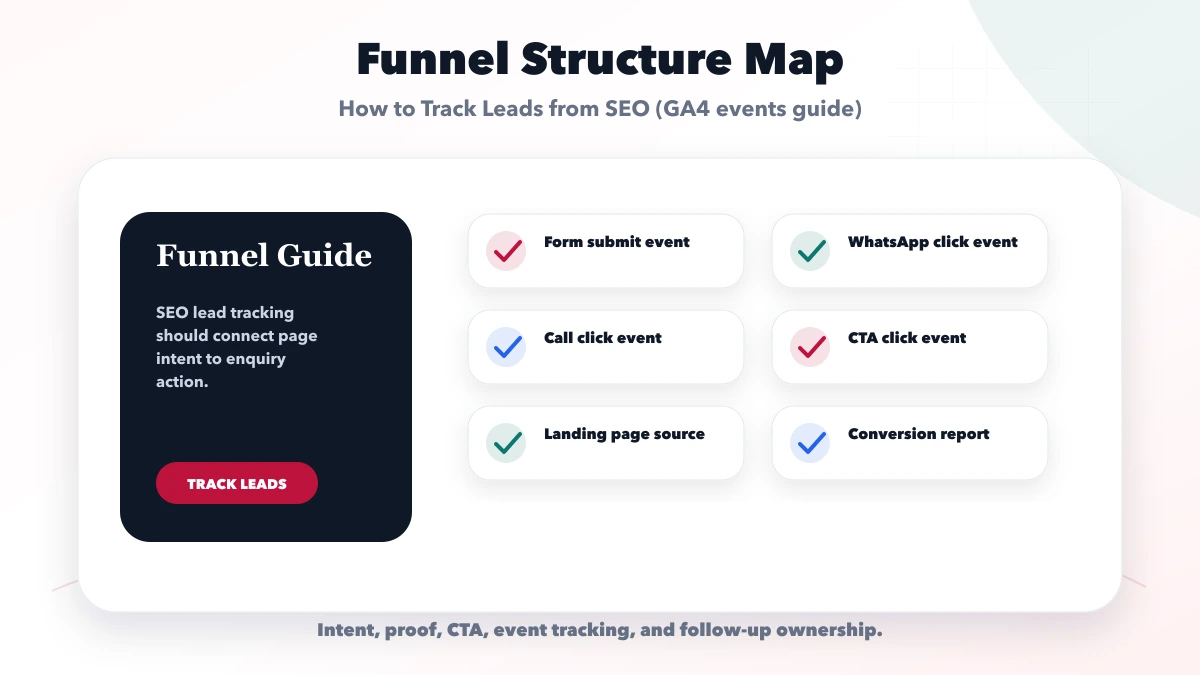
Each check should connect to a real buyer action. If a section, title, button, or event does not help search visibility, trust, contact, tracking, or follow-up, it should be simplified or moved.
| Funnel area | What to include | Why it matters |
|---|---|---|
| Basic tracking | Page views and form submit | Start measuring |
| Lead tracking | WhatsApp, calls, forms, CTA | Measure enquiry actions |
| Funnel report | Landing page, source, close status | Improve SEO decisions |
The right funnel setup depends on the page goal. SEO pages need intent clarity and internal links. Landing pages need proof and CTA. WhatsApp and forms need tracking and follow-up ownership.
| Business action | Suggested event | When it should fire | What it does not prove |
|---|---|---|---|
| User opens WhatsApp | whatsapp_click | Outbound link is intentionally activated | A message was sent or qualified |
| User taps a phone link | call_click | tel: action is activated | The call connected |
| User opens contact route | contact_click | Contact link is activated | A lead was created |
| Form is accepted | generate_lead | Backend returns a readable success acknowledgement and new lead ID | Lead quality or sale |
| Demo is opened | demo_open | User intentionally opens a demo | Product interest is qualified |
Google lists <code>generate_lead</code> as a recommended event. Use the standard name for a confirmed lead action. Keep supporting click events custom and consistent instead of creating several spellings for the same behavior.
A form button click is not a successful form submission. Validation can fail, the network can time out, or the receiving endpoint can reject the request. The reliable sequence is:
generate_lead once.Do not use an opaque no-cors request as proof of success because the browser cannot read the acknowledgement. Deduplicate repeated button taps and do not send email addresses, phone numbers, names, or message text to Analytics.
Use stable, non-personal parameters such as:
form_name: contact, project brief, demo request;service: web application, mobile app, integration, Business Suite;source_page: the route where the action started;cta_location: hero, service section, footer, floating action;lead_method: form, WhatsApp, call;content_group: service, product, hub, blog, location.Avoid creating a new event name for every page. The page and service belong in parameters. This keeps reports comparable as the website grows.
Use Search Console to identify queries, pages, clicks, impressions, and average position. Use GA4 to inspect landing-page sessions and website actions. Use the lead sheet or CRM to record qualified, proposal, won, and lost status.
A monthly review can then answer:
Do not join personal lead details into GA4. A non-personal internal lead ID may help reconcile counts in controlled reporting, but access and retention must be documented.
Google's GA4 troubleshooting guide recommends checking DebugView, Tag Assistant, browser network requests, the measurement ID, filters, and consent behavior. Test one action at a time and inspect the event name and parameters.
Then run negative tests: submit an invalid form, block the network, double-click submit, cancel a call, and open WhatsApp without sending. These tests show whether the report incorrectly counts intent as completion.
The current VASUYASHII website sends contact data to its enquiry endpoint and requires three conditions before reporting success: the HTTP request must succeed, the response must be readable JSON, and ok must be true. The form then requires a returned lead identifier before dispatching the confirmed-success event used by Analytics.
This contract was chosen because a button click or opaque request cannot prove that a row was created. The event also carries controlled context such as form identifier, lead method, and selected service rather than personal form values.
For WhatsApp and telephone actions, the site records separate click events. Those actions remain useful for landing-page analysis, but they do not become generate_lead automatically. This gives the monthly report a defensible distinction between contact intent and backend-confirmed form delivery.
When adapting this pattern, verify the receiving system under your own failure conditions. A CRM, Apps Script, serverless function, or API may acknowledge requests differently; define one explicit success contract and test it before marking the event as a key event.
Use this roadmap to build one measurable improvement at a time. Review the result before adding more tools, pages, events, or automations.
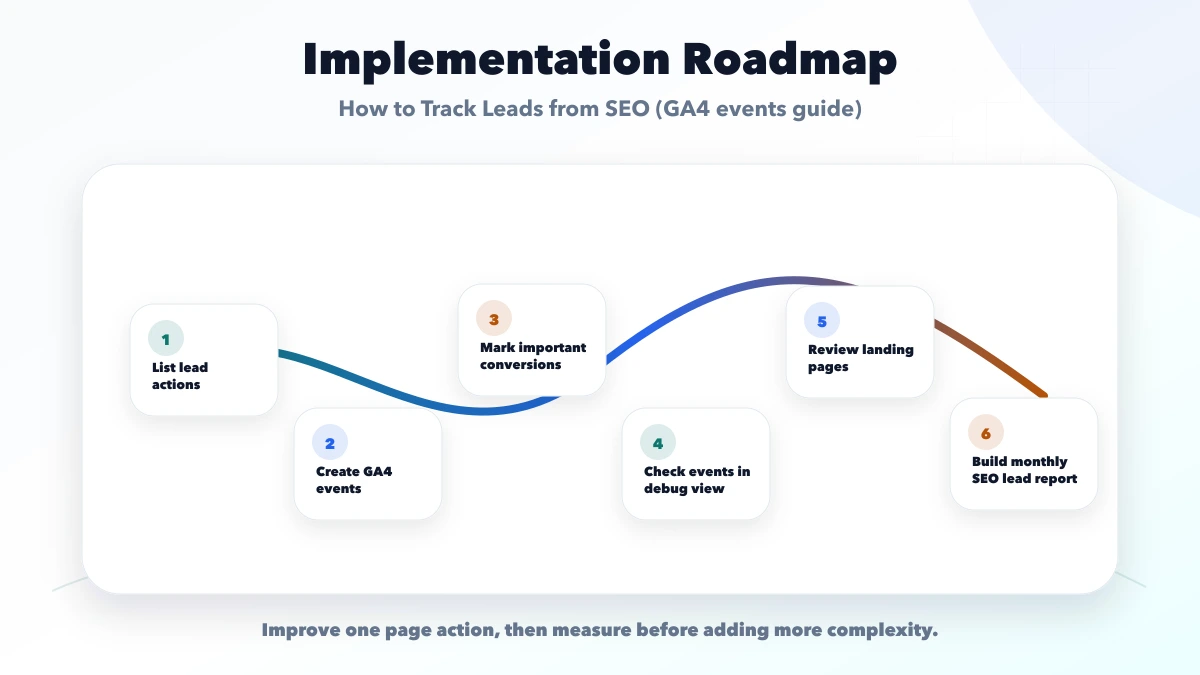
generate_leadThis checklist protects the page from looking complete but failing commercially. A good page should make the next step obvious and measurable.
VASUYASHII would first map search intent, page structure, proof, CTA, WhatsApp or form flow, GA4 events, lead source, and follow-up ownership. Then we would improve the page or funnel in phases.
Useful links: web application services, software development, integrations, services, and contact.
Avoid judging conversion only by page design. Leads usually improve when message clarity, proof, CTA, speed, tracking, and follow-up work together.
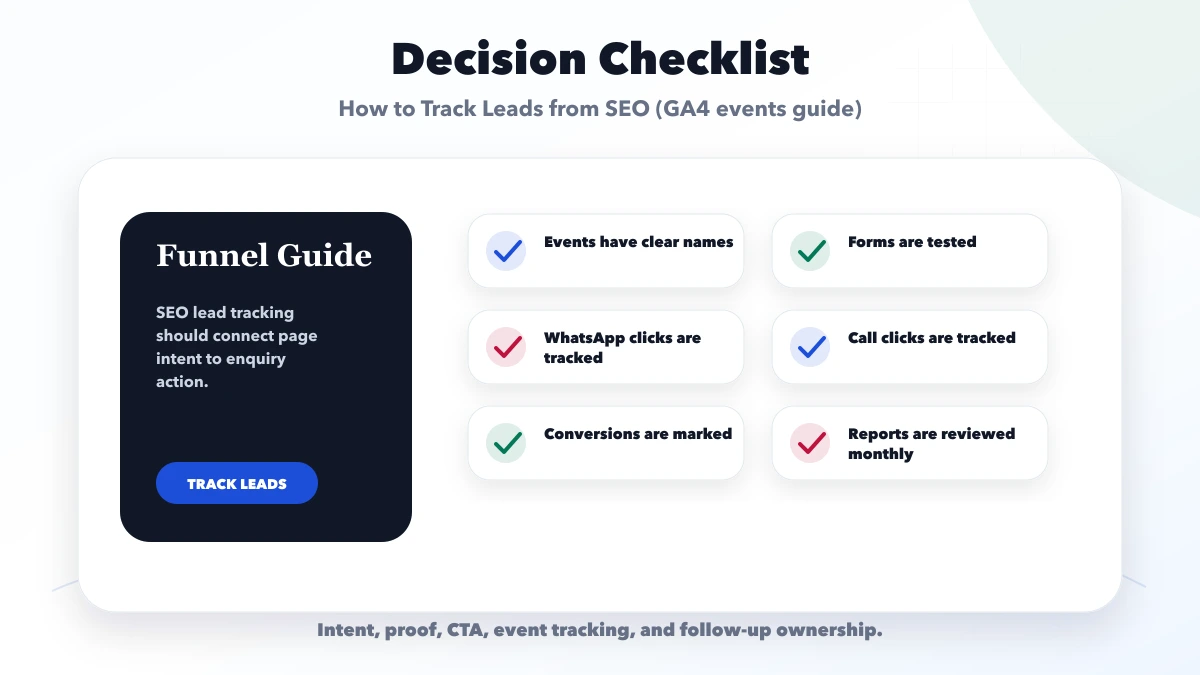
Yes. GA4 can track lead actions like forms, WhatsApp clicks, call clicks, and CTA clicks.
Track form_submit, whatsapp_click, call_click, CTA clicks, and thank-you page visits where relevant.
GA4 tracks website actions. Closed deal tracking usually needs CRM or manual lead status reporting.
Yes. Monthly review helps identify pages that bring useful enquiries.
Yes. We can set up events, conversions, reports, and CRM handoff.
If you want a practical plan for how to track leads from SEO GA4 events, VASUYASHII can help with scope, design, development, SEO setup, integrations, tracking, launch, and maintenance.
Related Articles
May 20, 2026
track WhatsApp clicks in Google Analytics GA4: practical 2026 guide with setup, pricing, checklist, roadmap, tracking, mistakes, FAQs, and Indian business tips.
Read article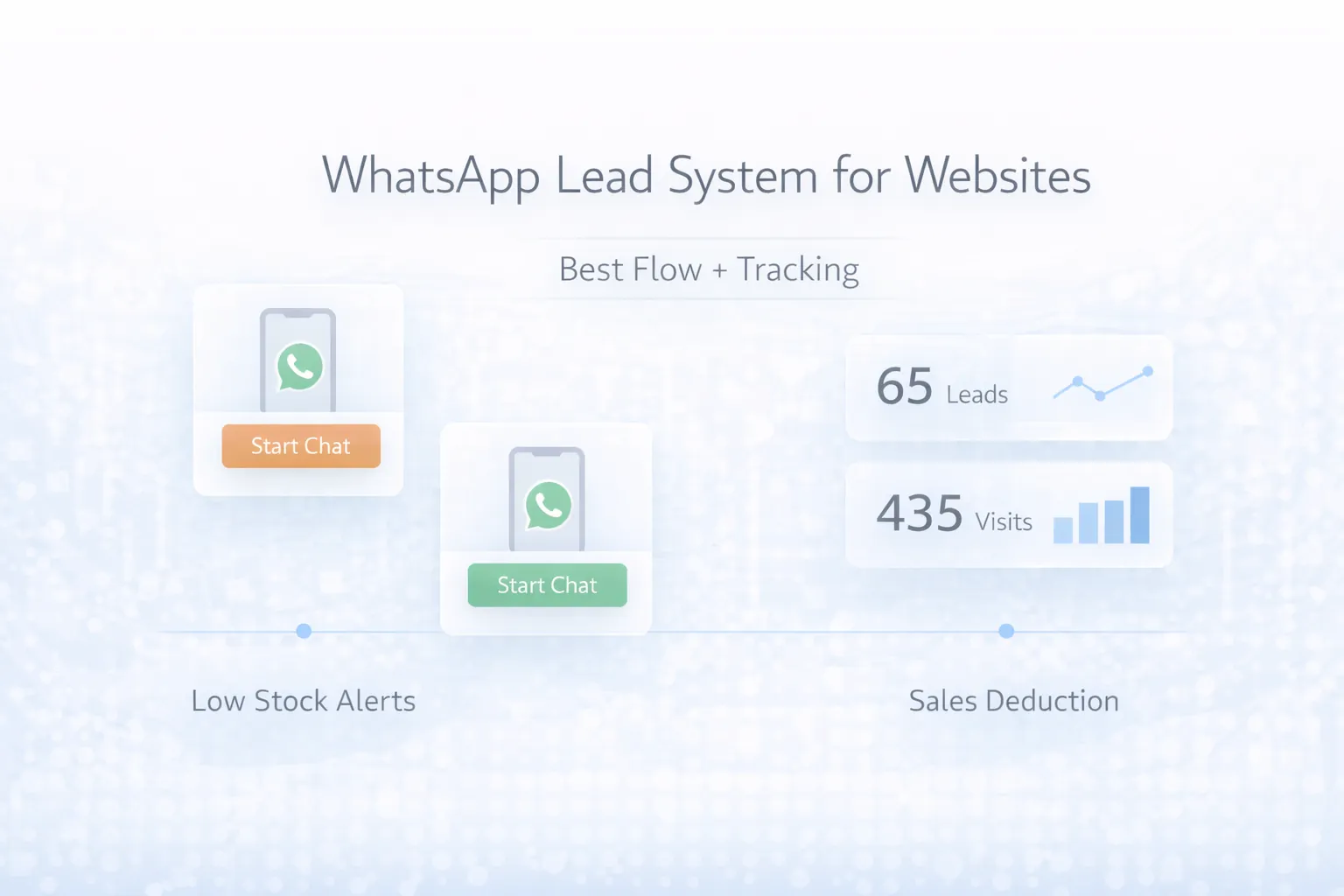
March 28, 2026
WhatsApp lead system for websites: best flow, GA4 tracking, automation ideas, pricing, and how to improve lead quality without spam.
Read article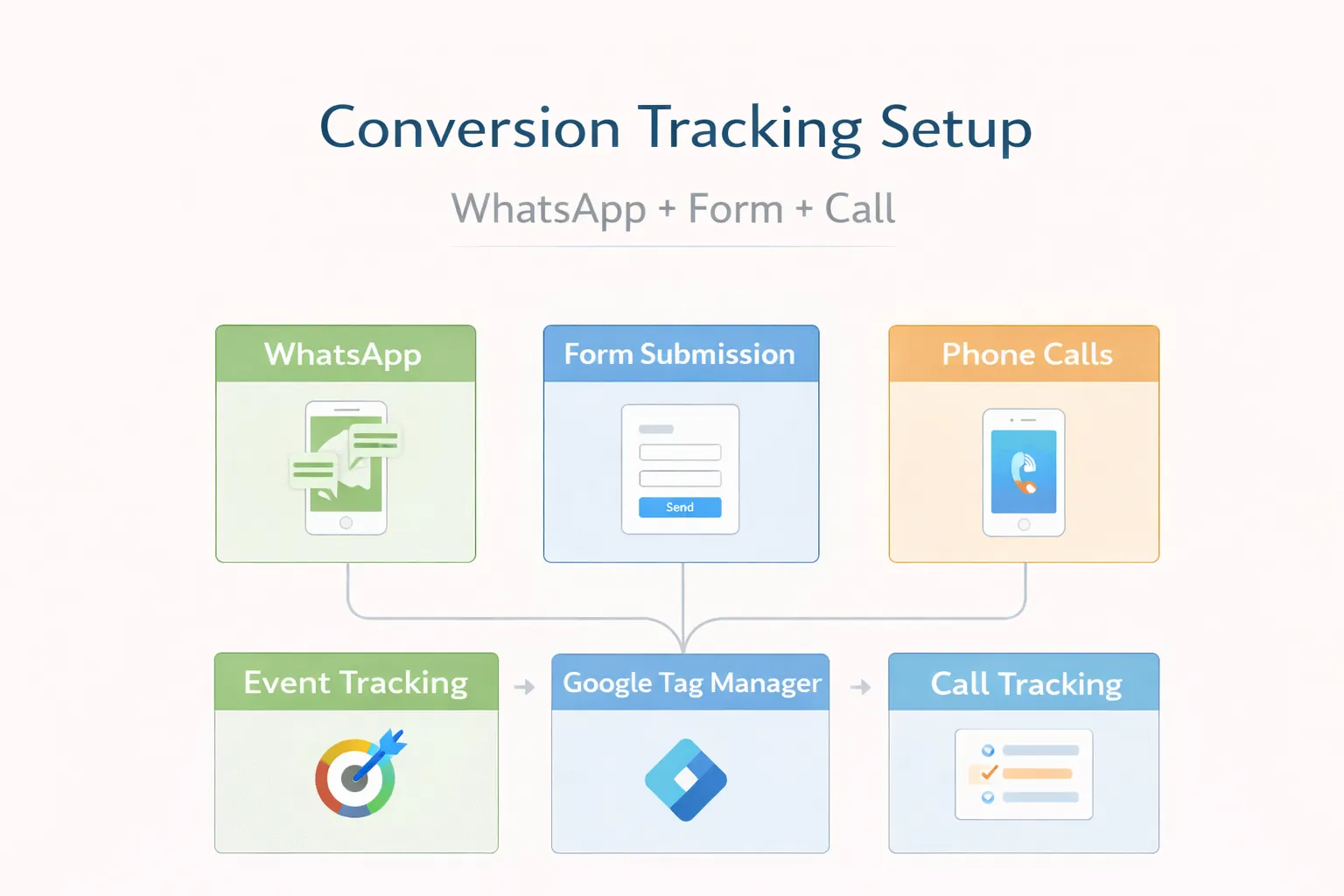
March 29, 2026
Implement privacy-safe GA4 tracking for WhatsApp, valid form leads, calls and demos with event rules, context parameters, DebugView QA and lead outcomes.
Read article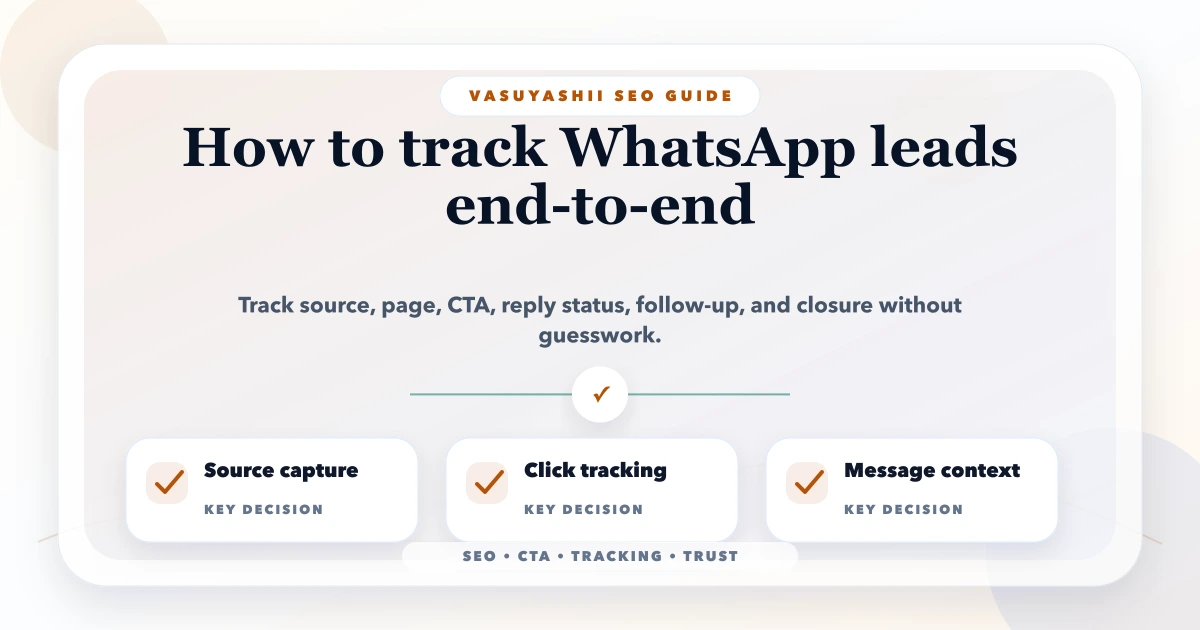
May 11, 2026
track WhatsApp leads end to end: practical 2026 guide with structure, pricing, checklist, mistakes, FAQs, tracking tips, and next steps for Indian SMBs.
Read article