
June 4, 2026
How to Track Leads from SEO (GA4 events guide)
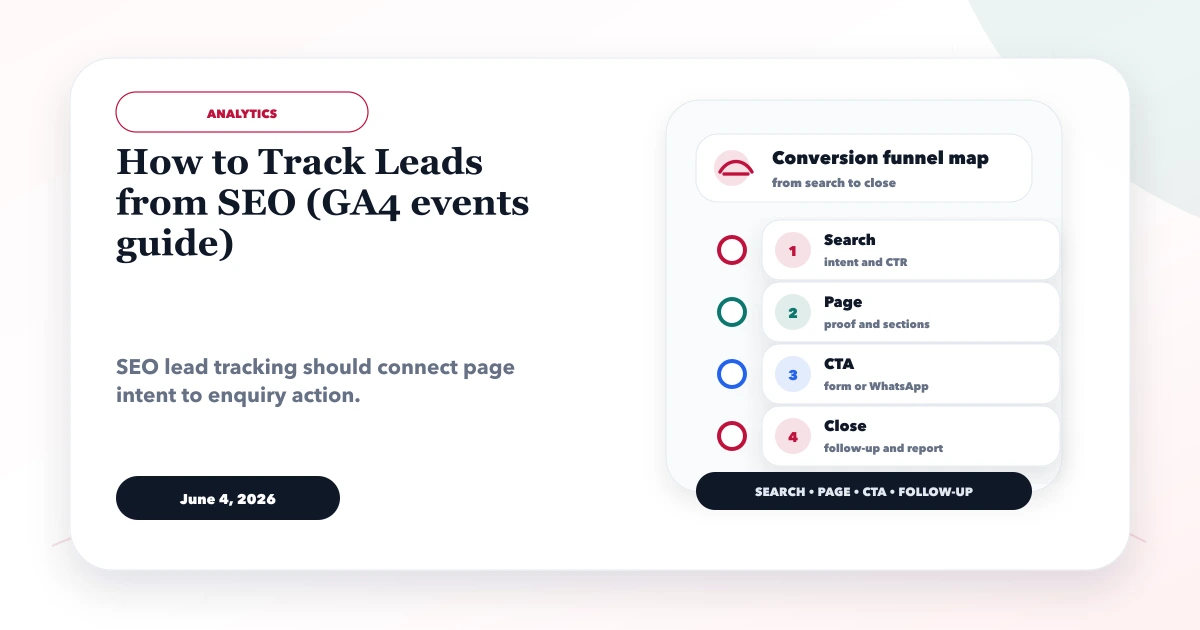
How to track leads from SEO using GA4 events for forms, WhatsApp clicks, calls, source pages, conversions, and monthly reports.
Read articlePublished Updated
WhatsApp lead system for websites: best flow, GA4 tracking, automation ideas, pricing, and how to improve lead quality without spam.
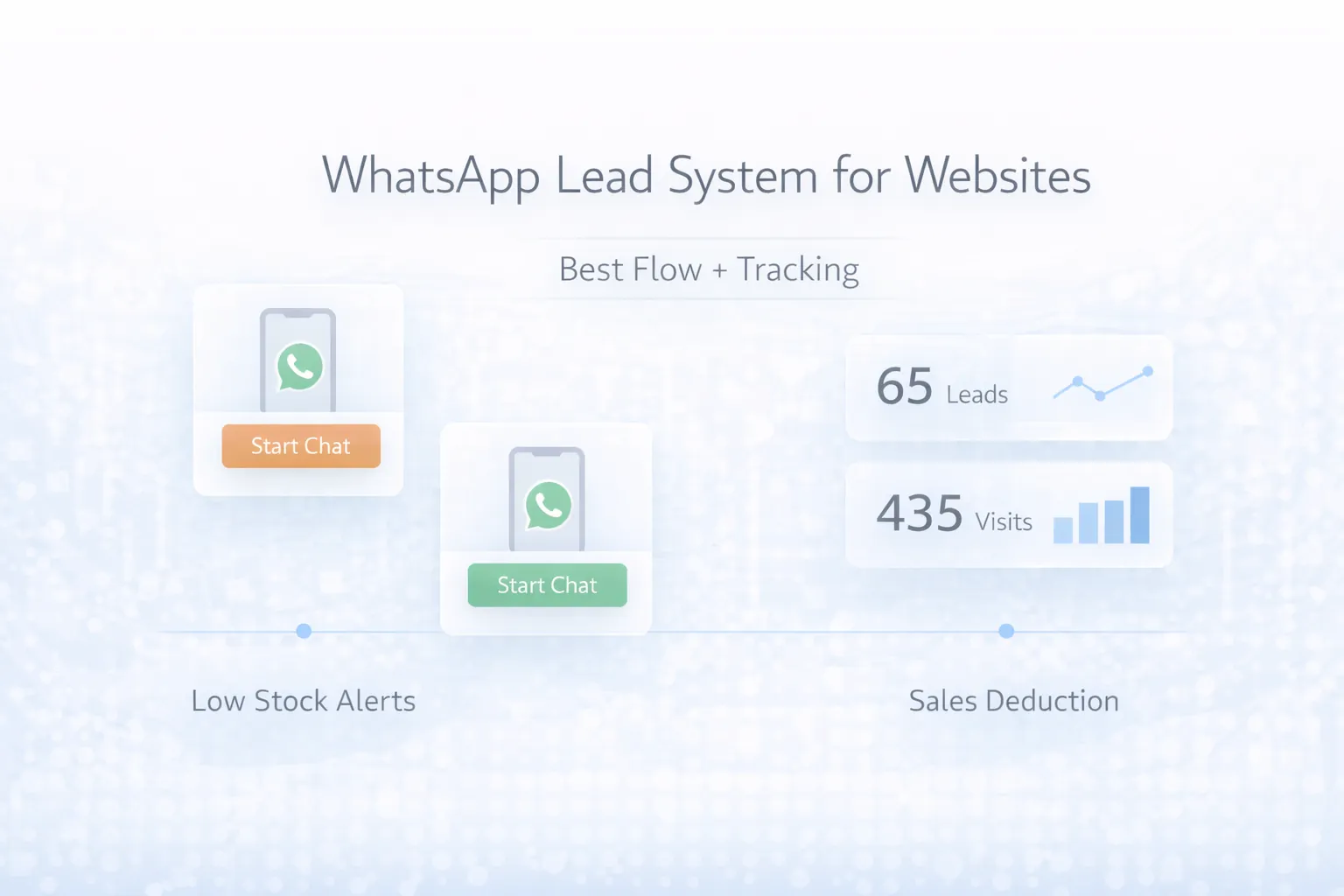
For many Indian service businesses, WhatsApp is the real lead channel even when the website is the discovery point. People search on Google, compare a few options, open the site, read quickly, and then tap WhatsApp instead of filling a long form.
The problem is that many websites treat WhatsApp as a floating icon only. There is no real lead system behind it. No source tracking, no event mapping, no clear message prefill, no ownership, and no reporting. That means the business gets chats but not real clarity.
This guide explains how to build a WhatsApp lead system for websites that is conversion-friendly, trackable in GA4, and usable by the sales team without becoming messy.
A strong WhatsApp lead system is more than a button. It includes:
For most business websites, that system can be implemented in a compact phase-one setup without heavy cost.
WhatsApp converts well because it reduces friction. But if you only count "chats happened" and do not know from where, for what service, or from which page, then optimization becomes guesswork.
A systemized WhatsApp setup turns chat into measurable intent. You know which page triggered the click, what message the user started with, and which campaigns or landing pages actually perform.
Related reading:
The best WhatsApp lead flow is simple for the user and structured for the business.
Good prefill messages increase clarity. Example:
Hi VASUYASHII, I need pricing for CRM software for my business.
or
Hi VASUYASHII, I want a website for my company in Delhi NCR.
This gives the team immediate context without asking the same question again.
These are the features that matter most in a WhatsApp lead system.
Auto-assignment, CRM sync, chatbot qualification, webhook logging, and response-time dashboards can be added later.
Tracking is where most WhatsApp systems fail. The click is easy. The structure is the real work.
Use a clean event like whatsapp_click and attach useful parameters such as:
page_typeservice_namecta_positionpage_pathOnce GA4 tracking is clean, you can compare which service pages, blog posts, and landing pages create better lead intent. That changes content and UX decisions completely.
WhatsApp lead system pricing depends on how deep the tracking and automation go.
₹8,000 to ₹20,000CTA placement, prefill links, and basic GA4 event tracking.
₹20,000 to ₹45,000Better event mapping, landing page context, and lead-flow refinement.
₹45,000 to ₹1.2 lakh+Includes CRM hooks, automation, dashboards, and multi-source attribution logic.
For most service businesses, the smart first step is CTA improvement plus clean GA4 tracking, not full automation.
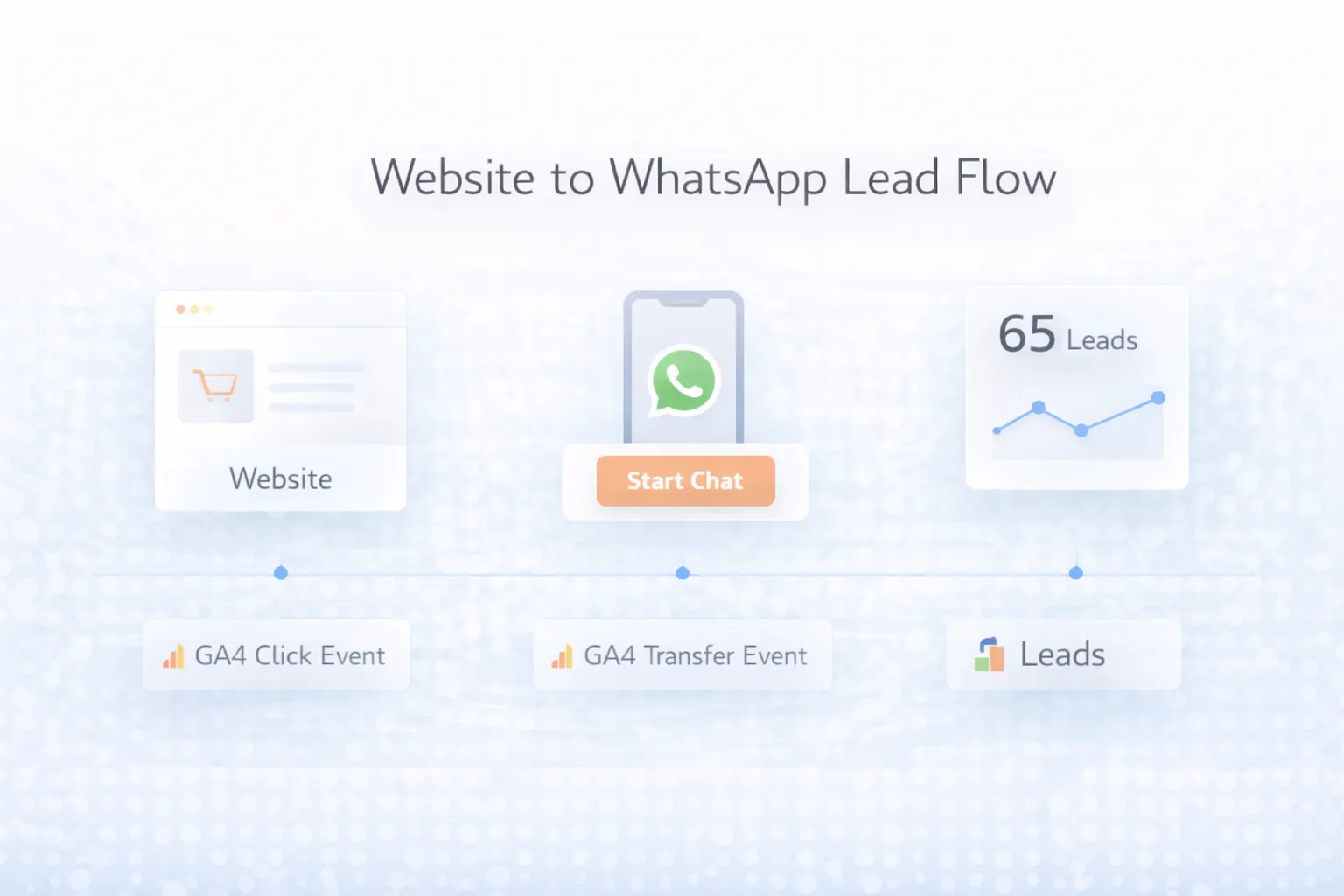
You do not need a huge stack, but you do need a clean one.
GA4 for click events and traffic attributionGoogle Tag Manager for faster event deploymentMost WhatsApp lead setups can go live in 3 to 10 days depending on website complexity.
If your website already gets traffic but most conversations happen on WhatsApp, that means conversion improvement should start with tracking clarity, not guesswork.
These are the main cost drivers:
The biggest mistake is measuring only total clicks and assuming that means good lead quality.
The current VASUYASHII contact form below demonstrates the service-context and confirmed-submission surface used alongside contact links.
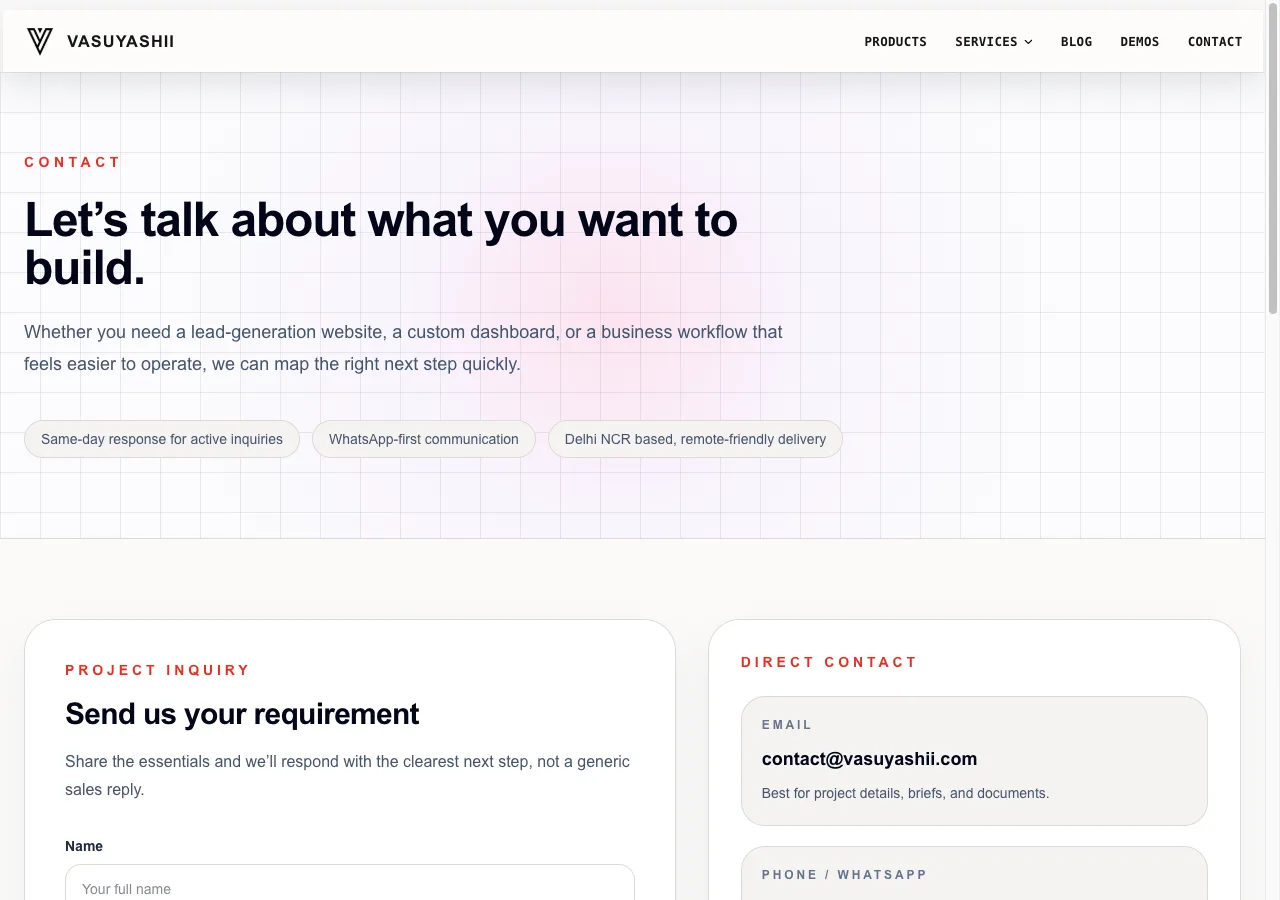
This screenshot proves the interface exists. It does not prove message delivery, lead quality or revenue. Those outcomes require endpoint testing, WhatsApp conversation handling and CRM or lead-register evidence.
The CTA should preserve where the visitor came from. Use non-sensitive context such as service, product, guide or campaign. A web-app service page can prefill “I need a web application,” while a Business Suite page can prefill “I want to try the Business Suite demo.”
Keep the message editable and short. Do not place personal data, hidden identifiers or confidential form answers in the URL. Use a consistent source code internally only when the business can document and interpret it.
For visitors who prefer a form, preserve context through a query such as /contact?service=integrations&source=whatsapp-lead-guide, preselect the relevant service, and fire a lead event only after the server confirms success.
| Action | Suggested event/state | Meaning |
|---|---|---|
| WhatsApp CTA clicked | whatsapp_click | Contact intent, not a confirmed chat |
| Contact page opened | contact_view | Visitor reached contact surface |
| Form attempt started | form_start | Form interaction began |
| Server accepts form | generate_lead | Confirmed submission |
| Sales acknowledges | lead_acknowledged in CRM/register | Ownership assigned |
| Lead qualified | Business-defined CRM status | Need, fit and next step reviewed |
Google documents generate_lead in its GA4 recommended events. Test implementation in DebugView and Realtime. Do not fire it on button click, client-side validation alone or a displayed success state that was not confirmed by the endpoint.
Send page path, CTA location, service category and campaign parameters when useful. Do not send phone numbers, email addresses, names, message text or health/financial details in analytics events. Keep personal lead data in the authorised lead system with an appropriate retention and access policy.
If consent controls are required for the business or audience, implement them with qualified privacy guidance. Analytics configuration and WhatsApp messaging responsibilities are separate.
A click-to-chat link opens WhatsApp; it does not provide inbox routing, template messaging, webhook status, agent assignment or CRM synchronisation. Those require a defined WhatsApp Business Platform or provider workflow.
For API automation, document business account ownership, approved templates, opt-in, webhook verification, message status, retries, duplicate handling and provider charges. Meta's WhatsApp Cloud API documentation is the primary platform reference. Provider policies and fees can change, so the implementation must be reviewed against current rules.
This turns WhatsApp into an operating channel rather than a floating button with no ownership.
generate_lead fires only after confirmed success.Not really. It may generate chats, but without tracking and process, it does not become a real lead system.
Yes. The click can be tracked as a custom event with useful contextual parameters.
Usually no. Service-specific prefill messages improve clarity and lead quality.
Yes, and it is especially useful there because attribution matters more.
Not necessarily at first. Many businesses start with GA4 plus manual lead logging, then upgrade later.
Basic setups may start near ₹8,000, while more structured systems often sit between ₹20,000 and ₹45,000.
Usually hero, mid-page decision sections, pricing blocks, and a sticky mobile action work best.
Treating WhatsApp as a UI widget instead of a measurable conversion flow.
If your site already drives chats but you cannot tell what is working, the next step is to add structure, service context, and GA4 tracking before spending more on traffic.
Related Articles
June 4, 2026
How to track leads from SEO using GA4 events for forms, WhatsApp clicks, calls, source pages, conversions, and monthly reports.
Read article
May 20, 2026
track WhatsApp clicks in Google Analytics GA4: practical 2026 guide with setup, pricing, checklist, roadmap, tracking, mistakes, FAQs, and Indian business tips.
Read article
June 4, 2026
WhatsApp funnel guide from website to WhatsApp to follow-up to close, with CTA placement, tracking, CRM handoff, and templates.
Read article
June 11, 2026
Compare lead forms and WhatsApp using intent, qualification, response ownership, spam control, privacy-safe tracking, and practical setup rules.
Read article