
June 7, 2026
CA Firm Website: Services, Trust and Enquiries
Plan a CA firm website with clear services, verified professional profiles, deadline-aware enquiries, secure document handoff, local SEO, and lead ownership.
Read articlePublished Updated
Compare lead forms and WhatsApp using intent, qualification, response ownership, spam control, privacy-safe tracking, and practical setup rules.
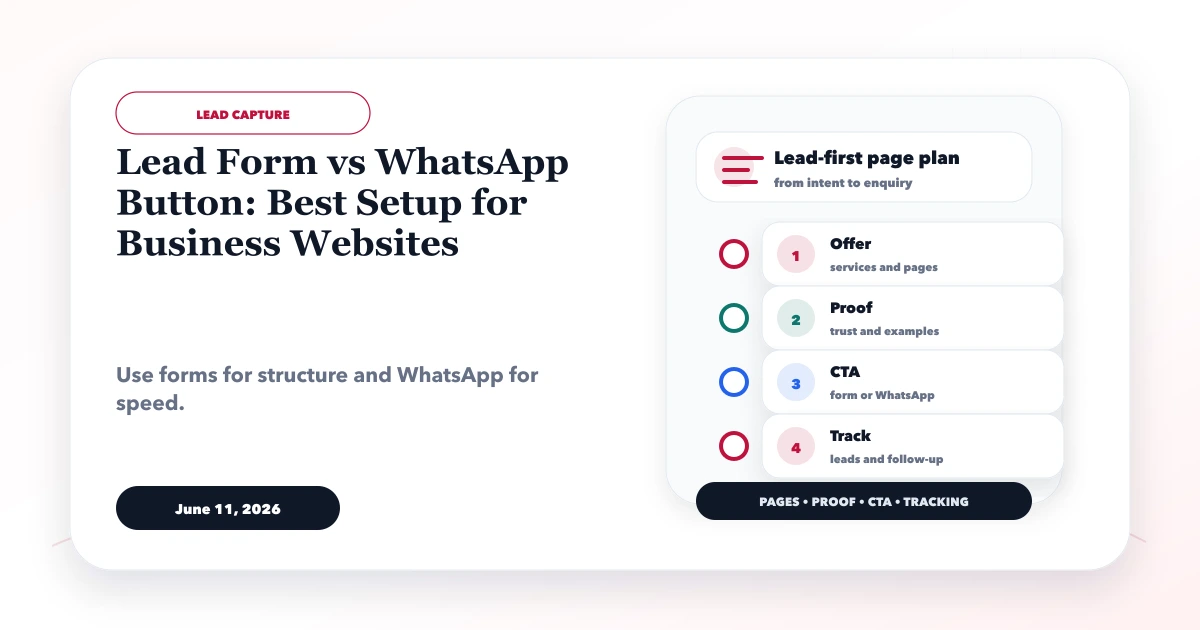
The practical answer to lead form vs WhatsApp button is usually not to remove one. The two channels solve different problems. WhatsApp reduces the effort required to start a conversation. A form gives the business structured information before staff respond. The best setup depends on buyer intent, project complexity, response capacity, privacy, and the next operational step.
This guide provides a decision framework for Indian service and software businesses. It covers page placement, form design, WhatsApp context, response ownership, spam control, GA4 measurement, lead reconciliation, and the conditions under which one channel should be primary.
By Tushar C. (Founder, VASUYASHII). Conversion rates vary by traffic quality, offer, device, response time, and business model. The examples below are workflow illustrations, not guaranteed lead outcomes.
Use WhatsApp as a primary action when the visitor has a simple question, the business can respond promptly, and chat is already part of the sales process. Use a form as primary when the team needs multiple details to estimate, route, verify, or schedule the enquiry.
Use both when:
Do not show five equal CTAs. Choose one primary action per page and keep the second as a visible alternative.
| Decision factor | Lead form | |
|---|---|---|
| Start effort | Higher as fields increase | Low when app/session is available |
| Data structure | Strong | Weak unless guided by a template or bot |
| Complex qualification | Suitable | Can become a long back-and-forth |
| Immediate conversation | Limited unless live support follows | Strong during staffed hours |
| Desktop experience | Predictable | Depends on web/app state |
| Spam pattern | Bots and fake submissions | Low-intent chats and repeated messages |
| Ownership | Easy with CRM routing | Requires shared inbox or assignment discipline |
| Measurement | Start, errors, submission, quality | Click is easy; actual message/quality is harder |
| Privacy | Controlled fields and notice | Conversation may contain uncontrolled details |
| Quote preparation | Good for structured scope | Good for initial clarification |
The table shows why a button click is not the same as a qualified lead. The business has to reconcile website events with actual sales outcomes.
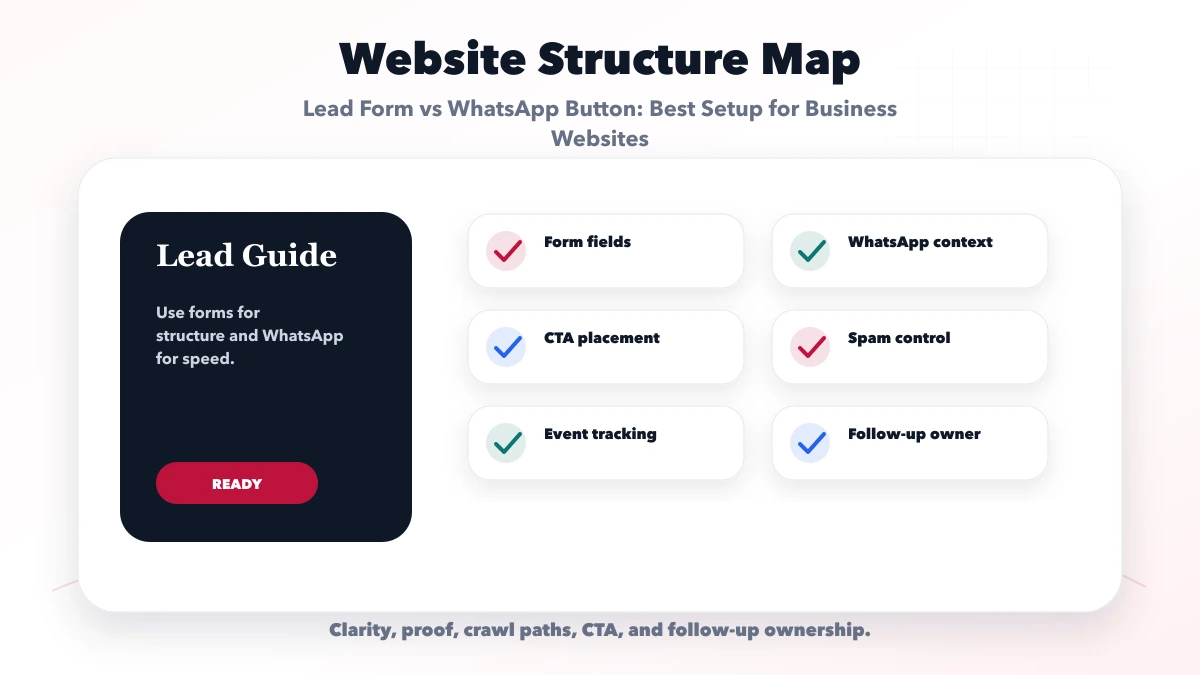
Different pages deserve different actions.
For custom software, web apps, or complex professional work, use a short project form as primary. Ask for problem, business type, broad scope, budget/timeline context where useful, and contact details. Keep WhatsApp as a quick-question option.
For repair, immediate availability, or simple local service, call or WhatsApp may be primary. Show service area, hours, and expected response so visitors know whether chat is monitored.
Use a clear demo or setup request when qualification is required. WhatsApp can help with access or pricing questions, but the product event and conversation should be tracked separately.
Do not interrupt the reader with a large chat overlay. Place a relevant next step after the useful answer and near the end. The CTA should match the article's intent rather than using the same sales message on every post.
Every field needs an operational reason. A service-business form often needs:
Use conditional fields instead of displaying every possible question. Do not ask for information the salesperson will ignore or immediately ask again. Avoid requesting passwords, identity documents, payment details, medical records, or other sensitive data in a general marketing form.
Good form behaviour includes visible labels, accessible errors, preserved values after validation, appropriate input types, clear required markers, spam protection, and a meaningful confirmation. The confirmation should explain what was received, who will respond, expected timing, and an alternative contact route.
A WhatsApp CTA should carry safe page context. A prefilled message can include:
Do not put personal details, private form responses, email addresses, or tokens in the public WhatsApp URL. Let the visitor add their information inside the conversation.
Examples of useful labels are "Ask about this service," "Check demo setup," or "Discuss this package." Avoid misleading labels such as "Book now" when staff still need to confirm availability.
If multiple team members handle messages, use an approved shared inbox or assignment process. A personal phone with no ownership history can cause missed leads when staff change.
Changing button colour will not fix an unowned inbox. Define:
A visitor may submit the form and then click WhatsApp. Match records using an authorised operational process instead of counting two leads. A CRM or custom web application can help when volume justifies it.
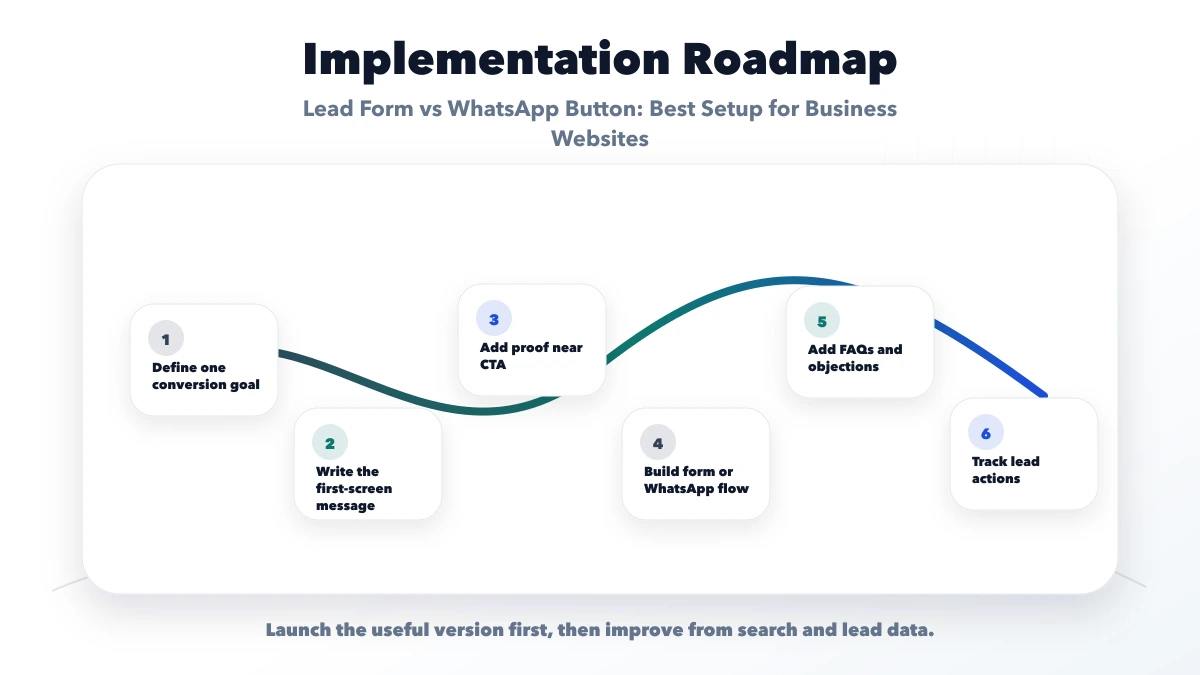
Track actions without sending personal data. A practical event model is:
form_start when meaningful interaction begins;form_error with a neutral field category, not entered value;generate_lead after valid accepted submission;whatsapp_click with page and CTA location;phone_click;contact_click for navigation to the contact page;demo_open when a demo starts.Do not place name, phone, email, message, requirement, company, or document details in event parameters or URLs. Mark generate_lead as a key event only after testing it and confirming that bots or invalid submissions do not trigger it.
WhatsApp click measures intent to open chat, not a delivered message or qualified lead. Compare GA4 channel events with CRM lead status to calculate useful measures:
Integration services can connect notifications and lead records, but data purpose and consent should be decided first.
Forms need server-side validation, rate limits, honeypot or suitable bot protection, length limits, file restrictions, and monitoring. Do not rely only on a browser required attribute.
WhatsApp needs a staff policy for spam, harassment, off-topic messages, and blocked numbers. Avoid auto-replies that ask for unnecessary personal data. If a bot is used, provide a route to a person and disclose automated interaction where appropriate.
Measure false positives. Aggressive CAPTCHA can block legitimate mobile leads, while no protection can flood the team and corrupt analytics.
Place the primary CTA after the visitor understands the offer, then repeat it at natural decision points. A sticky mobile WhatsApp button can be useful, but it must not cover content, cookie controls, form buttons, or accessibility tools.
Use one clear hero CTA, an in-content action after proof or scope, and an end-of-page next step. Keep button labels specific. Icons need accessible names, focus states, and sufficient tap size.
Do not open chat automatically or use intrusive popups that imitate personal messages. The visitor should choose the channel.
Consider a fictional software agency receiving custom project leads. Its website has a WhatsApp button on every screen, but messages usually say only "price?" Staff repeatedly ask business type, required workflow, users, timeline, and budget.
A better setup makes "Request a project plan" the primary CTA on custom software pages. The form asks six qualifying questions. WhatsApp remains available as "Ask a quick question" with page context. Both routes feed an owned lead queue, and analytics stays free of enquiry text.
Success is measured by complete leads, response time, discovery calls, and proposals, not button clicks alone. This scenario is illustrative.
generate_lead before valid server acceptance.generate_lead fires only after valid acceptance.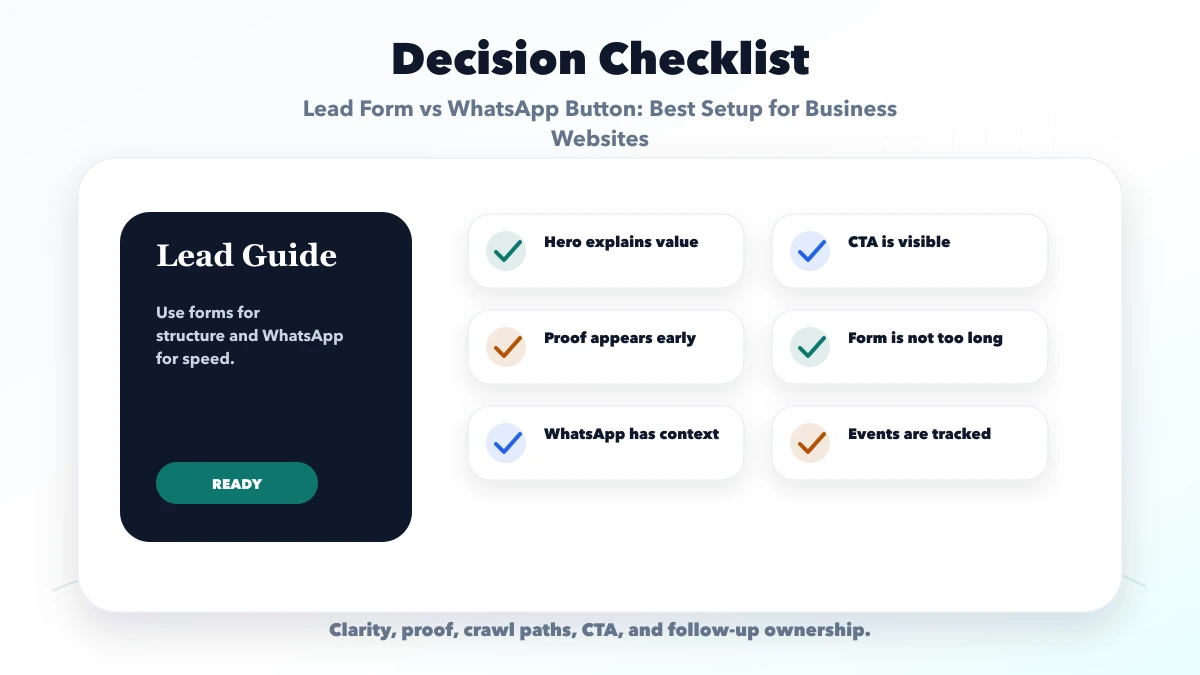
It is better for low-friction conversation, while a form is better for structured qualification. Choose based on the visitor's task and staff workflow.
They can, but one should be visually primary. Use the action that best matches the page intent and keep the other as an alternative.
There is no universal number. Keep only fields required for routing or the next decision, and use conditional questions for complex cases.
It counts as a channel-intent event. Confirm that a message arrived and met qualification rules before calling it a valid lead.
generate_lead in GA4?Trigger it only after a valid form is accepted or another clearly defined lead action completes. Do not include personal data in the event.
Yes. VASUYASHII can implement forms, WhatsApp context, privacy-safe analytics, notifications, and approved CRM integrations based on the real response workflow.
If a form is part of the chosen lead path, follow the lower-spam contact-form architecture for validation, rate limits, bot verification, delivery, accessibility, and privacy.
Choose the primary CTA by page intent, keep the form short, make WhatsApp contextual, assign response ownership, and judge success using qualified outcomes. The interface cannot compensate for an inbox nobody manages.
Review website development services, integrations, services, or contact VASUYASHII for implementation help.
Related Articles
June 7, 2026
Plan a CA firm website with clear services, verified professional profiles, deadline-aware enquiries, secure document handoff, local SEO, and lead ownership.
Read article
June 11, 2026
Design a website quote request page with scope-aware fields, budget and timeline context, privacy-safe attachments, confirmation, and lead follow-up.
Read article
March 28, 2026
WhatsApp lead system for websites: best flow, GA4 tracking, automation ideas, pricing, and how to improve lead quality without spam.
Read article
June 5, 2026
Plan a service website layout with clear offer, local fit, proof, process, pricing context, mobile call and WhatsApp CTAs, forms and conversion tracking.
Read article