
June 7, 2026
Law Firm Website: Trust, Practice Areas and Leads
Plan a law firm website with clear practice areas, verified advocate profiles, confidential enquiry handling, ethical proof, local SEO, and secure handoff.
Read articlePublished Updated
Plan a CA firm website with clear services, verified professional profiles, deadline-aware enquiries, secure document handoff, local SEO, and lead ownership.
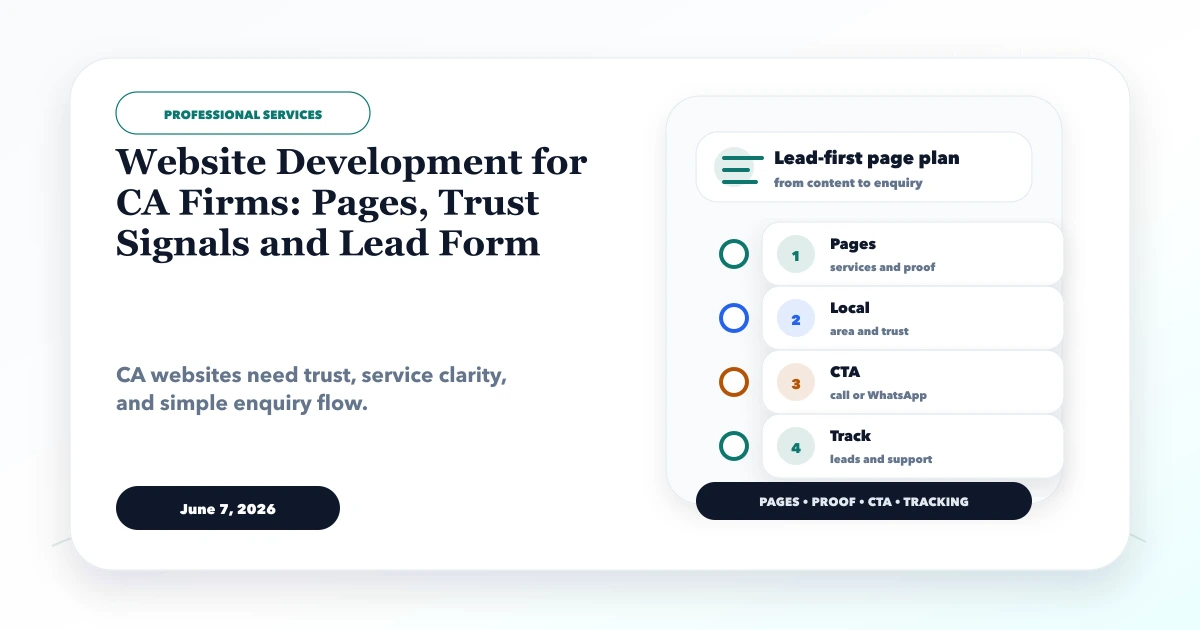
A chartered accountant firm's website should help a business decide whether the firm handles its type of work, location, entity, and deadline. It should also protect the firm from receiving sensitive financial documents through an uncontrolled public form. A generic list of GST, tax, audit, and compliance services does not explain who the service is for or what happens after an enquiry.
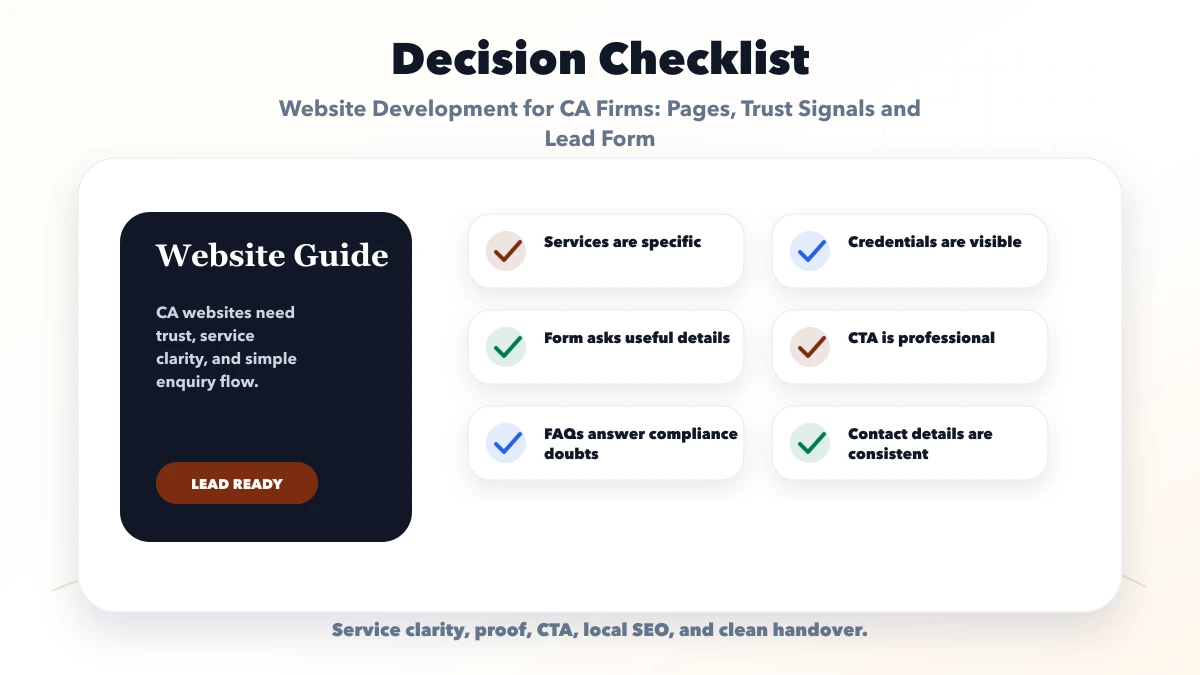
This guide explains website development for CA firms with service architecture, verified professional trust, deadline-aware lead capture, secure document handoff, local discovery, content ownership, and practical measurement.
By Tushar C. (Founder, VASUYASHII). This article covers website and enquiry design, not tax, accounting, audit, or legal advice. A qualified firm representative should approve professional claims, service descriptions, deadlines, credentials, and regulatory content before publication.
A useful CA firm website should include:
The initial form should not ask visitors to upload PAN, Aadhaar, bank statements, GST returns, passwords, or full financial records. First qualify the enquiry, then use an approved secure channel.
Many firms place every capability in one long list. Visitors need clearer routes. A practical architecture can group services by business need:
Each service page should explain the intended client, broad scope, normal starting information, engagement process, exclusions, responsible team, and next action. Do not promise an outcome, refund, registration, or deadline that depends on client data or authority processing.
Service pages should also state when another professional may be required. Clear boundaries build trust and reduce unsuitable enquiries.
| Page | Main question | Useful information |
|---|---|---|
| Home | Is this firm relevant to my business? | Client types, primary services, office, consultation CTA |
| Services | What can the firm support? | Scope, eligibility, process, exclusions, related expertise |
| Industries/client types | Does the firm understand my context? | Genuine sectors, entity types, operational needs |
| Partners/team | Who is accountable? | Verified names, roles, qualifications, areas of work |
| Insights/deadlines | Is the information current? | Dated, reviewed guidance and source context |
| Consultation | How do I start? | Minimal qualification fields and response expectation |
| Contact | Where is the firm available? | Office, phone, hours, appointment policy, directions |
| Privacy/disclaimer | How is information handled? | Data purpose, retention, no-advice boundary, contact |
This structure works for a focused local practice and can scale to multiple offices without duplicating every service page.
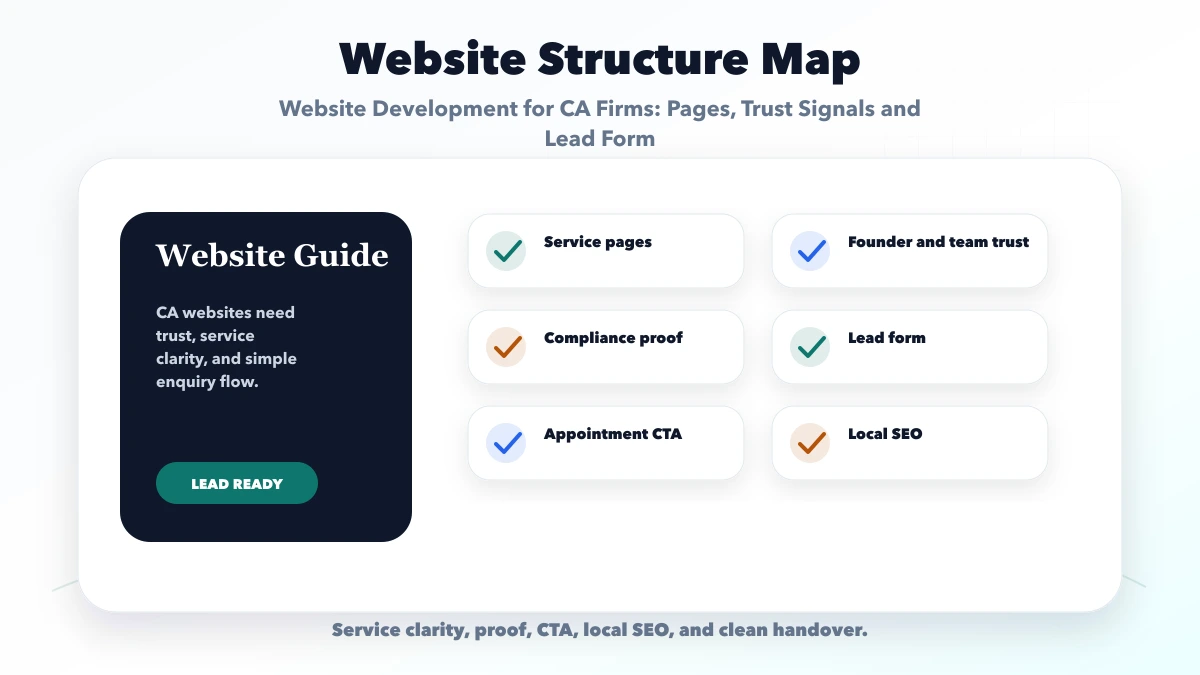
Partner and team profiles should use approved facts: full name, role, professional qualification, membership or registration details where appropriate, experience areas, languages, office, and published work.
Avoid unsupported labels such as "best CA," invented awards, guaranteed savings, fabricated client logos, or review text written by the firm. If client names or logos appear, obtain permission and explain the actual relationship without implying endorsement beyond it.
Other credible trust signals include a clear engagement process, secure document policy, response ownership, genuine office information, current insight articles, and a visible correction contact.
A useful lead form can ask:
Do not collect account credentials, identification documents, tax files, or detailed financial statements in the first form. The confirmation should explain that the firm will review the request before confirming scope, availability, fees, or professional engagement.
Every submission needs an owner and status: new, qualification pending, consultation scheduled, proposal sent, engaged, not suitable, or closed. A custom CRM or web application becomes useful when enquiries are lost across partner inboxes or multiple offices.
CA work often requires sensitive records. The public website and document workspace should be treated as separate risk areas. A secure handoff may use an approved client portal, identity-checked upload, or access-controlled document request.
Define:
A hidden URL or normal shared inbox is not automatically a secure portal. Never send document names, client identifiers, amounts, tax numbers, or free-text enquiry details to GA4. Review secure admin login best practices before adding authenticated workflows.
Compliance calendars can attract useful traffic, but stale dates create risk. Every deadline or regulatory article should record source, jurisdiction, qualified reviewer, publication date, update date, and an urgent correction process.
Use a visible note when information is general and may change. Do not auto-generate hundreds of deadline pages without a reliable source and reviewer. Archive or update expired content, and preserve the URL only when it still serves a useful current purpose.
Educational content should link to the relevant service page and consultation path. It should not pretend to provide personalised advice without reviewing the visitor's facts.
Create location pages only for real offices or accurately described appointment locations. Include the complete address, office hours, phone, appointment policy, partner availability, directions, and services genuinely coordinated there.
Keep firm name, address, and phone consistent across the website and verified business profiles. A service-area statement can explain remote support without pretending the firm maintains an office in every city.
Reviews must be genuine and handled according to professional and platform rules. Do not publish client tax or business details inside testimonial copy.
Consider a fictional two-partner CA firm serving traders, service companies, and startups in Ghaziabad and remotely across Delhi NCR. Its current website has one service list and a contact form that allows unrestricted file uploads. Partners receive incomplete enquiries and sensitive files in a shared inbox.
A focused rebuild would create service pages for GST, accounting/MIS, business setup, and recurring compliance; verified partner profiles; an entity-and-deadline enquiry form; secure document requests only after qualification; and a lead owner with response status. A reviewed insight calendar would replace undated generic posts.
Success would mean more correctly classified enquiries, shorter response time, fewer unsafe uploads, and clearer consultation progression. This scenario is illustrative, not a VASUYASHII client result.
Business owners may reach the site while dealing with a deadline. The mobile experience should show services, office, phone, consultation action, and response expectations quickly.
Use readable type, clear contrast, accessible labels, large tap targets, descriptive errors, saved form state after validation, and a confirmation screen. Avoid heavy animation, auto-playing video, and large uncompressed office photographs.
Measure service-page consultation clicks, form starts, valid submissions, phone clicks, and consultation progression. Analytics events must remain free of personal and financial data.
Cost depends on service-page depth, professional copy review, number of profiles and offices, deadline content, multilingual needs, CRM routing, secure uploads, client portal features, accessibility, and ongoing maintenance.
Keep the public website, enquiry workflow, document portal, and accounting software integration as separate scope items. Integration requires an authorised API, data ownership, permissions, failure handling, and support plan. Review software development services, integrations, and services for implementation context.
Create a page when the service has distinct client intent, scope, process, and enough approved content. Closely related services can share one strong page instead of becoming thin duplicates.
It can publish clear fixed fees or starting assumptions when the scope is standard. For variable work, explain quote factors and confirm fees only after qualification.
Avoid sensitive uploads in the public form. Review the enquiry first, then issue an approved secure document request with access and retention controls.
Use authoritative sources, a qualified reviewer, visible dates, and a fast correction process. Do not leave expired or copied deadline pages live without context.
It is a separate authenticated system concern. Scope identity, permissions, storage, audit, support, retention, and integration before treating it as a simple page.
Yes. VASUYASHII can build the website, lead routing, secure workflow, and approved integrations. The CA firm remains responsible for professional advice, credentials, deadlines, engagement terms, and data policies.
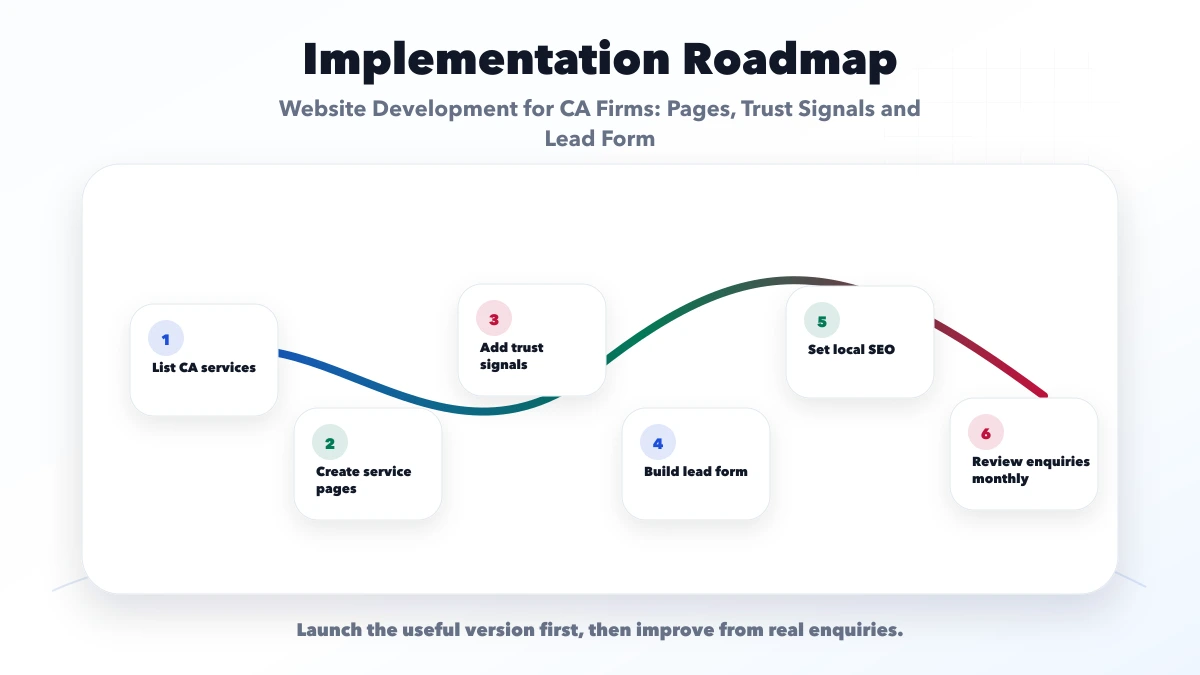
Launch around accurate services, verified professionals, a minimal consultation request, secure document follow-up, and owned content updates. Add a portal or accounting integration only when the business process and security scope are ready.
Review website development services, web applications, or contact VASUYASHII for a focused plan.
Related Articles
June 7, 2026
Plan a law firm website with clear practice areas, verified advocate profiles, confidential enquiry handling, ethical proof, local SEO, and secure handoff.
Read article
June 11, 2026
Compare lead forms and WhatsApp using intent, qualification, response ownership, spam control, privacy-safe tracking, and practical setup rules.
Read article
June 10, 2026
Website development for preschools with trust sections, gallery, admission pages, parent enquiry forms, safety content, and local SEO checklist.
Read article
June 6, 2026
Plan an RDC Raj Nagar professional website with consultation routing, safe document-intake boundaries, verified credentials, tracking, and ownership.
Read article