
June 7, 2026
CA Firm Website: Services, Trust and Enquiries
Plan a CA firm website with clear services, verified professional profiles, deadline-aware enquiries, secure document handoff, local SEO, and lead ownership.
Read articlePublished Updated
Plan a law firm website with clear practice areas, verified advocate profiles, confidential enquiry handling, ethical proof, local SEO, and secure handoff.
A law firm website must communicate competence without turning legal services into exaggerated advertising. Prospective clients need to understand the firm's practice areas, jurisdictions, advocate profiles, consultation process, and contact options. The firm needs a controlled way to receive enquiries without inviting visitors to disclose confidential documents through an unsafe public form.
This guide covers website development for advocates and law firms from a trust, content, privacy, and lead-routing perspective. It does not provide legal advice, and each firm should review current professional, bar, advertising, confidentiality, and jurisdiction-specific requirements before publishing claims or solicitation-oriented content.
By Tushar C. (Founder, VASUYASHII). Website developers can implement approved information and secure workflows, but the law firm owns the accuracy, professional compliance, conflict process, disclaimers, and legal interpretation of its content.
A practical law firm website should include:
The public form should capture enough information to route an enquiry, not a full case file. Submitting the form should not be presented as creating an advocate-client relationship.
Generic labels such as civil, criminal, corporate, or family law are often too broad to help a visitor decide. Each practice-area page should explain:
Do not copy legal explanations from another firm or use case outcomes as promises. Laws, procedures, and interpretations can change; assign a qualified reviewer and review date to substantive legal information.
If two practice pages target the same intent, combine them or give each a clear scope. Publishing many near-identical pages for every city and practice combination creates maintenance and cannibalization risk.
| Page | Visitor decision | Content control |
|---|---|---|
| Home | Is this the right kind of firm? | Firm scope, office, primary practices, consultation CTA |
| Practice areas | Does the firm handle this matter? | Approved scope, process, jurisdiction, related team |
| Advocates | Who may work on the matter? | Name, enrolment/qualification details, role, languages |
| Firm profile | How does the firm operate? | History, approach, locations, verifiable memberships |
| Insights | Can the firm explain relevant issues? | Dated, reviewed educational content with disclaimer |
| Consultation | What happens before engagement? | Minimal intake, conflict-check notice, response process |
| Contact | Where and when can I reach the firm? | Accurate office, phone, hours, directions, accessibility |
| Privacy and disclaimer | What does submission mean? | Data use, no relationship, no guarantee, urgent limits |
This architecture can remain compact for a solo advocate. A multi-office firm may need location and team filters, but every page should still have a named content owner.
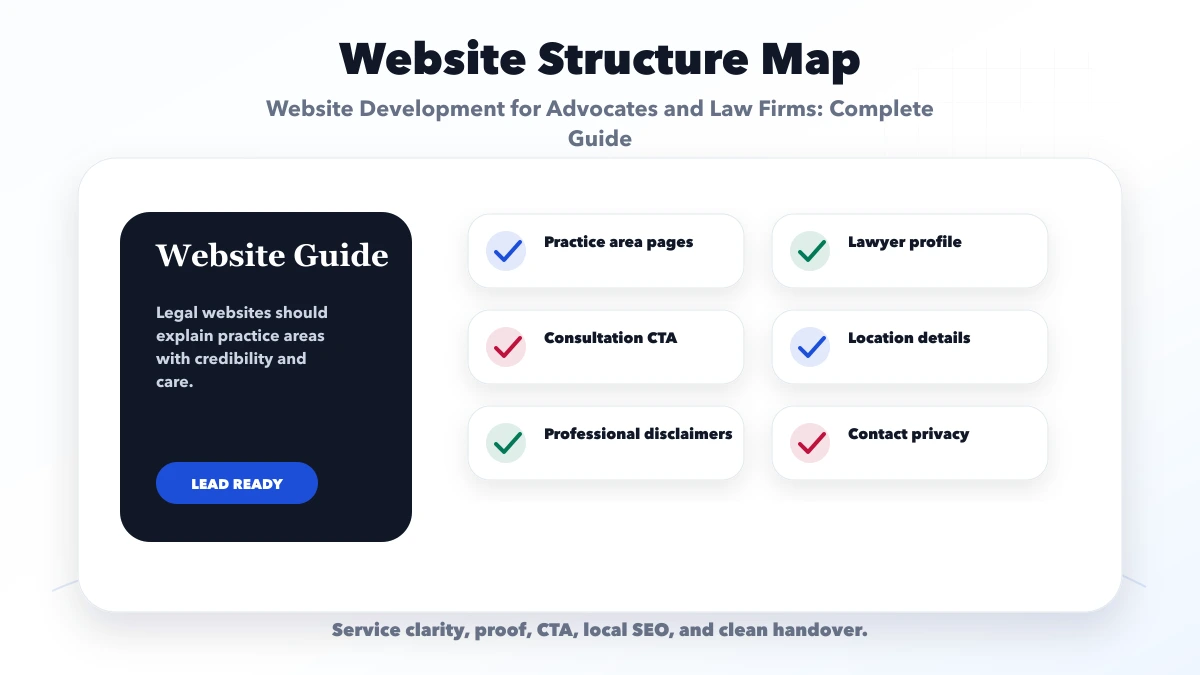
Profiles should use information the firm can verify: full name, professional role, qualifications, enrolment or registration details where publication is appropriate, practice focus, languages, office, and approved professional memberships or publications.
Avoid unsupported statements such as "best lawyer," guaranteed success, win-rate percentages without valid context, invented awards, or stock-photo team members. Case results need careful legal and confidentiality review and should never imply the same outcome for a future matter.
Useful trust also comes from clarity: who responds, how consultations are scheduled, which office handles the matter, whether the first meeting is paid, and when a formal engagement begins.
A general website enquiry form should not request detailed evidence or sensitive documents. Start with:
After submission, the firm should review conflicts and suitability before asking for detailed information. If documents are required, provide an approved secure upload or client portal rather than public email links or messaging attachments by default.
The confirmation should state that receipt does not mean the firm has accepted the matter. It should also explain expected response time and what to do for urgent deadlines or emergencies that the website does not monitor.
A custom web application can support intake status, role-based access, document requests, and audit history. That system requires a separate security and retention scope from the public website.
Visitors may assume every message to a law firm is protected. The website must not create a misleading impression. Publish clear guidance before the form and collect only what the firm needs for initial routing.
Operational controls should cover:
Never send names, opposing parties, case descriptions, phone numbers, or document names to analytics events. Use neutral events such as consultation start and valid submission. Review security for role-based web applications before building an intake portal.
An insight section can answer process questions and demonstrate subject knowledge, but it needs a publishing standard. Each article should include author or reviewer, date, jurisdiction context, source references where useful, and a clear educational-purpose disclaimer.
Avoid publishing a fixed legal answer when the result depends on facts or jurisdiction. Do not use AI-generated legal content without qualified review. Update or retire articles when rules change, and preserve redirects if a public URL moves.
Build content clusters around actual practice areas rather than publishing unrelated high-volume topics. Link educational articles to the responsible practice page and consultation process.
Create office pages only for genuine staffed locations. Each page should include accurate address, phone, meeting policy, hours, accessibility information, directions, and advocates or services available there. A virtual or appointment-only location should be described honestly.
Keep firm name, address, phone, and office wording consistent across the website and verified profiles. Reviews, recognitions, and directories must comply with relevant rules and should never be fabricated or incentivised in a misleading way.
Do not create dozens of duplicate city pages merely to rank. Local content should contain real office or service evidence and a useful client journey.
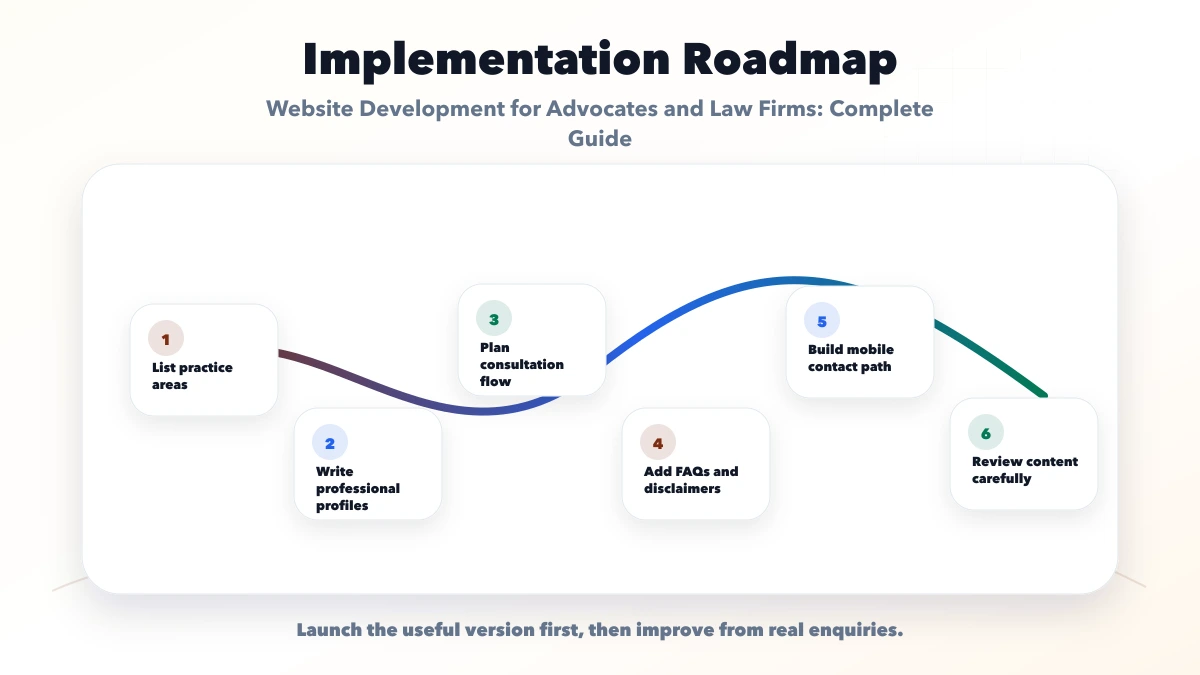
Consider a fictional three-advocate firm handling commercial contracts, employment matters, and dispute resolution from one Delhi NCR office. Its old website lists all services in one paragraph and receives unstructured messages containing sensitive documents.
A safer first phase would create three reviewed practice pages, verified advocate profiles, a consultation request with a no-engagement notice, conflict-check handoff, secure follow-up instructions, and an insights area with a qualified reviewer. Analytics would record channel and submission status without storing case content.
Success would be measured by correctly routed enquiries, response time, intake completeness, consultation progression, and reduced unsafe document sharing. This is an illustrative workflow, not a client result or legal claim.
Visitors may search under stress or near a deadline. The mobile page should show firm scope, office, call or consultation action, and urgent-use boundaries without requiring heavy animation.
Use:
Do not hide important disclaimers inside tiny footer text. The relevant notice should appear before or beside the action it qualifies.
The main cost drivers are not decorative pages. They are content review, practice-area depth, advocate profiles, multi-office architecture, multilingual content, secure intake, document exchange, CRM or case-system integration, accessibility, and ongoing updates.
Separate the public website from a client portal or matter-management system. A portal requires authentication, permissions, storage, audit, support, and retention decisions. Review software development services and integration services when the firm needs more than a consultation form.
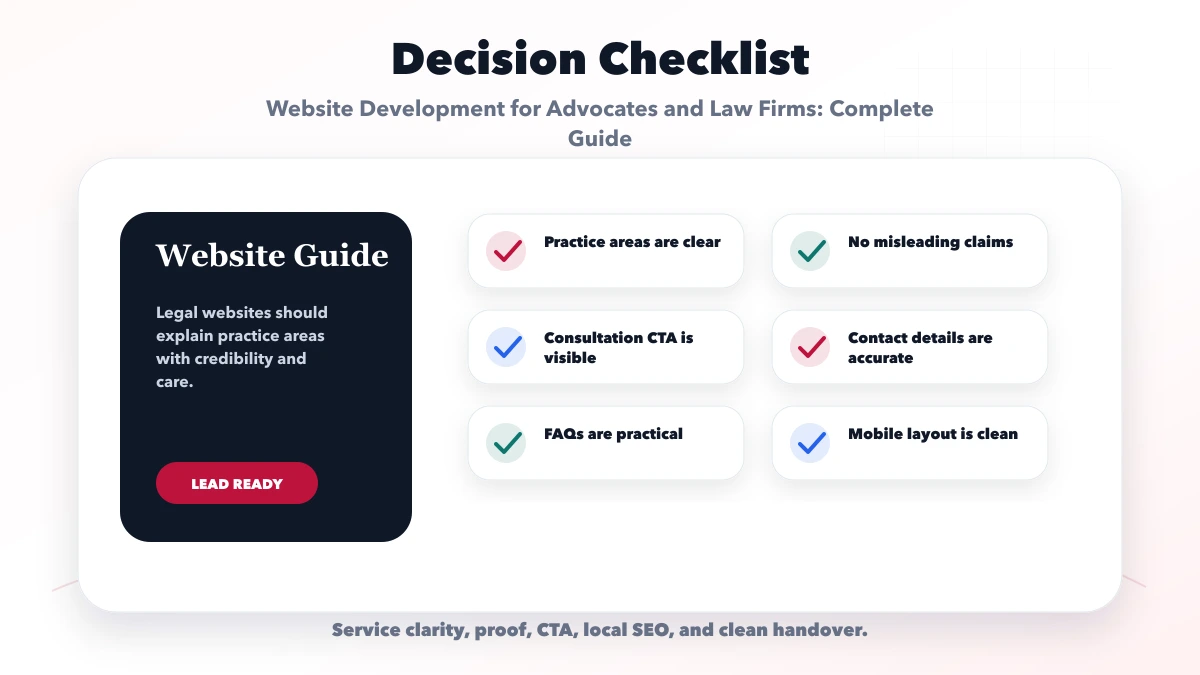
Publish only areas the firm genuinely serves and can maintain with accurate, reviewed information. A focused practice architecture is more credible than a long generic list.
Avoid public uploads by default. Complete initial routing and conflict review first, then provide an approved secure channel if the firm requests documents.
The website should clearly state the firm's actual policy. Usually, a submission is only a request and does not confirm acceptance or engagement.
Only after professional, legal, confidentiality, and client-permission review. The wording must not imply guaranteed or identical future results.
Set a scheduled review and an urgent update process for changed rules, team details, offices, and practice scope. High-risk substantive content may need more frequent review.
VASUYASHII can scope the website, consultation request, notifications, role-based intake, and integrations. The firm must approve professional wording, conflict procedures, legal content, and data-retention requirements.
Start with accurate practice areas, verified advocate profiles, a minimal consultation request, visible disclaimers, and an owned intake process. Add portals and document workflows only after the security and operational responsibilities are clear.
Review website development services, web applications, services, or contact VASUYASHII for a focused scope.
Related Articles
June 7, 2026
Plan a CA firm website with clear services, verified professional profiles, deadline-aware enquiries, secure document handoff, local SEO, and lead ownership.
Read article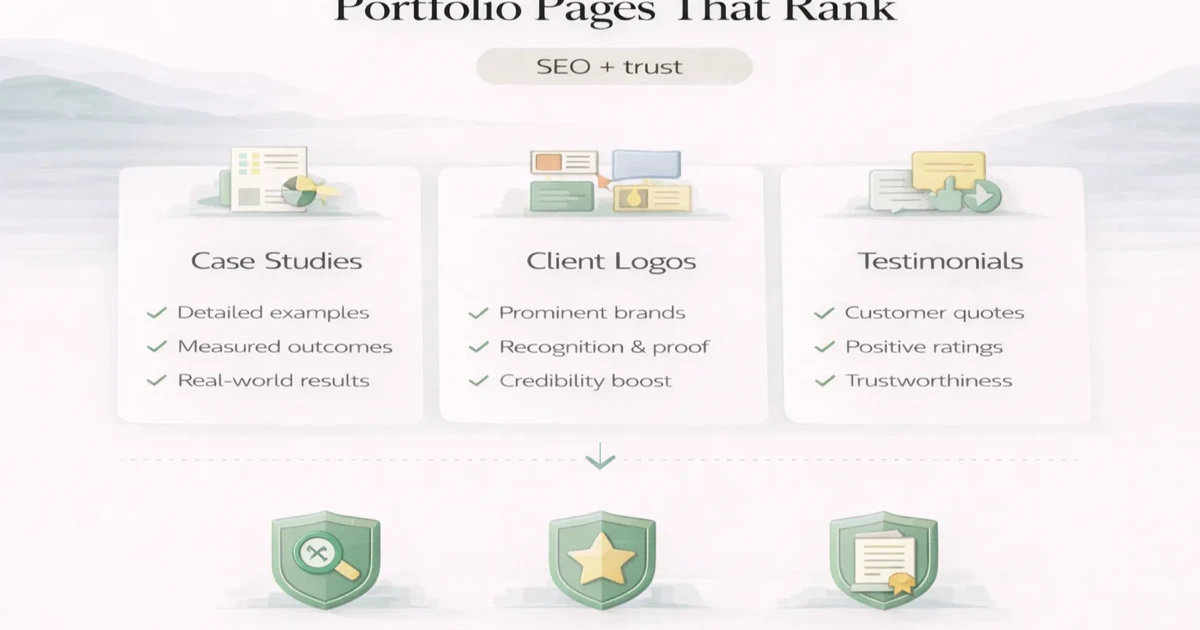
April 6, 2026
Plan portfolio pages that support SEO and buyer trust with verified evidence, clear indexing rules, useful project detail and honest lifecycle management.
Read article
March 31, 2026
Plan a Chandigarh professional-services website with profile approvals, service ownership, enquiry routing, privacy boundaries, SEO, and content governance.
Read article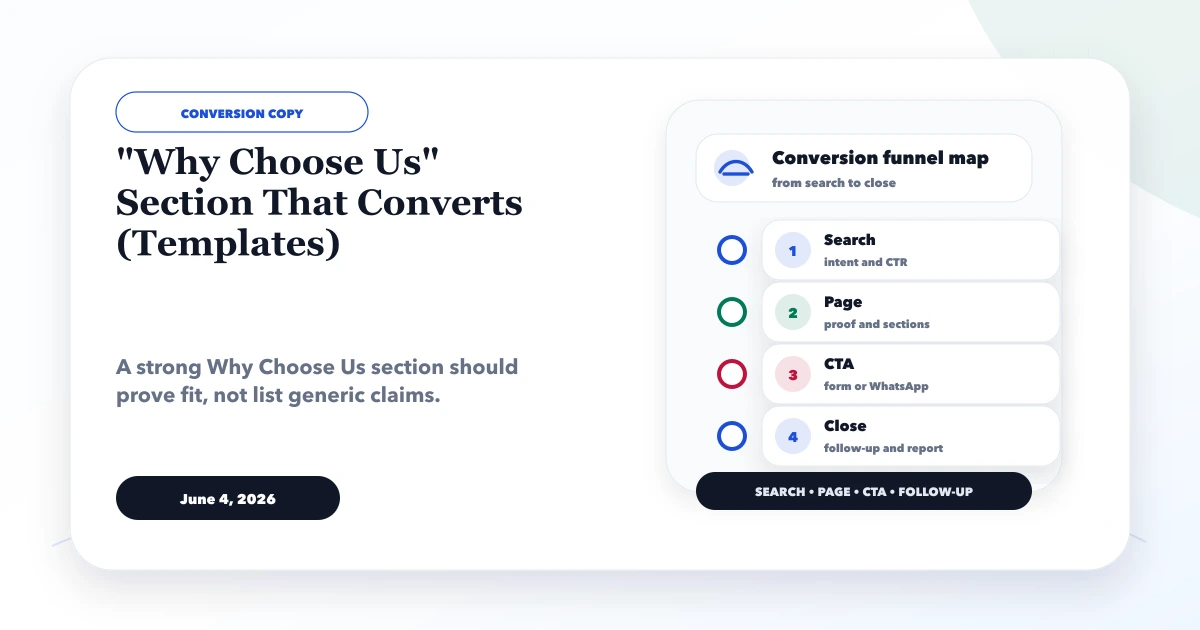
June 4, 2026
Write a credible Why Choose Us section using specific fit, proof, process, ownership and risk reduction. Adapt six practical templates without vague claims.
Read article