
June 8, 2026
Wedding Photographer Website: Gallery and Bookings
Plan a wedding photographer website with fast galleries, package context, date-availability requests, image rights, lead tracking, and booking handoff.
Read articlePublished Updated
Website development for preschools with trust sections, gallery, admission pages, parent enquiry forms, safety content, and local SEO checklist.
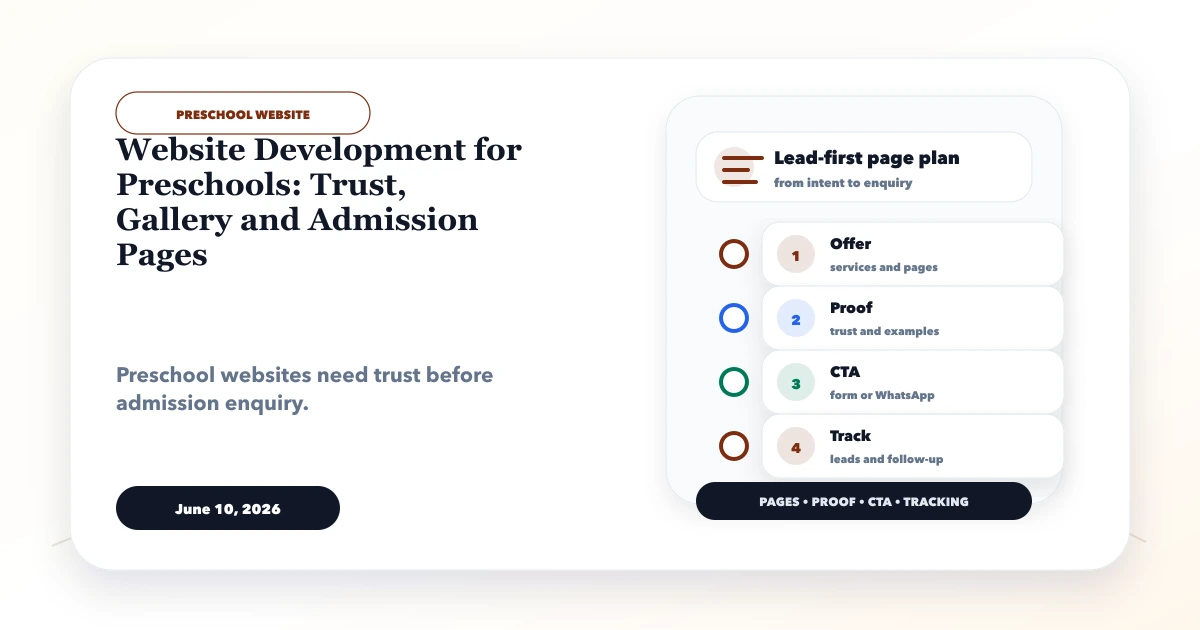
Website development for preschools should help a parent verify the environment, age groups, timings, safety practices, learning approach, admission steps, and visit options before sharing family information. A bright gallery is useful only when it is current, consented, and connected to real parent questions.
This guide covers parent trust, program pages, school-tour booking, admission enquiries, child-photo privacy, local discovery, lead follow-up, and handover for Indian preschools and early-learning centres.
By Tushar C. (Founder, VASUYASHII). Editorial review covers parent decision journeys, safeguarding communication, media consent, admission-data minimization, local evidence, and follow-up ownership.
A preschool website should include admission pages, safety details, curriculum, gallery, staff or founder note, parent testimonials, enquiry form, WhatsApp CTA, and local SEO.
A parent of a two-year-old may first ask about age eligibility, settling-in support, distance, timings, and safety. Another parent may compare daycare hours and meal policy. The website should route both toward a visit or callback without requesting unnecessary child data at the first step.
The practical target is a parent-readable information source and a traceable tour or admission enquiry. It should not imply admission confirmation before age, seat, document, and policy checks are complete.
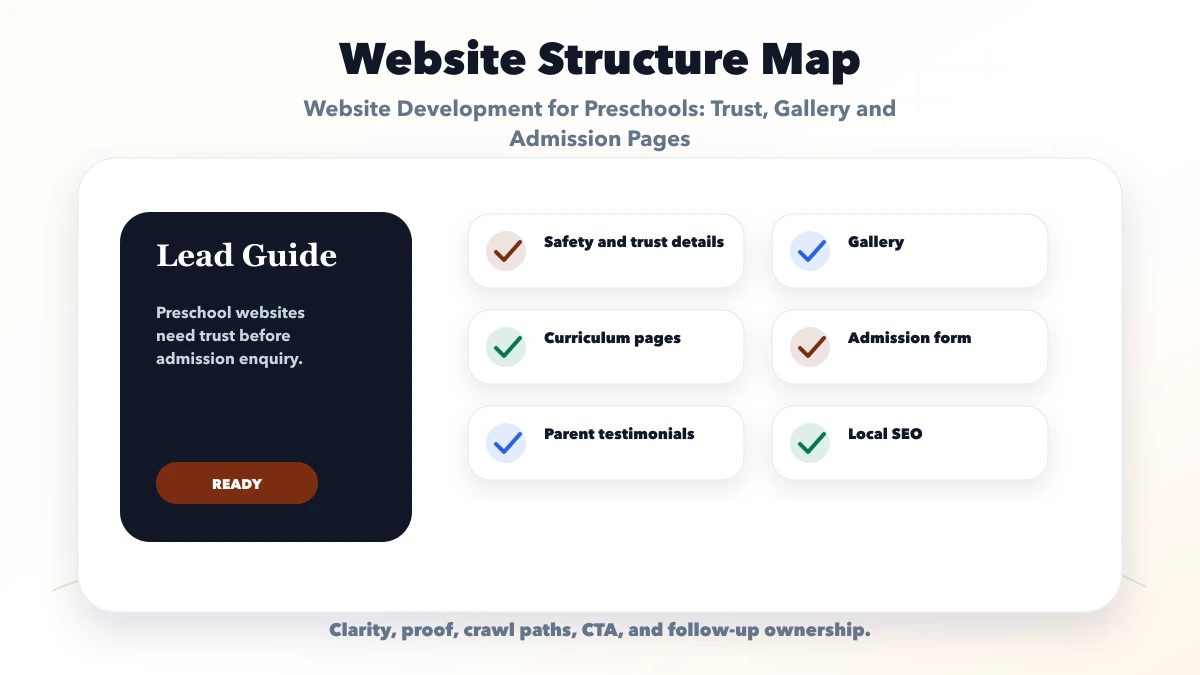
Connect each section to a parent decision. Safety pages explain practice; program pages clarify age and routine; original media shows the environment; the tour form captures a suitable next step; local details help families judge travel feasibility.
| Website area | What to include | Why it matters |
|---|---|---|
| Admission layer | Course pages, fees, batch info | Helps parents and students decide |
| Trust layer | Gallery, results, teachers, reviews | Builds confidence |
| Lead layer | Form, WhatsApp, callback | Captures enquiries |
Organize pages by parent intent: age group, daycare need, learning approach, visit, fees context, and admission process. Avoid cloning one page for every nearby colony without distinct service evidence.
Launch after staff verify every age, timing, policy, document, and contact detail. After launch, review tour attendance, repeated parent questions, invalid age-group enquiries, and local search queries to improve the content.
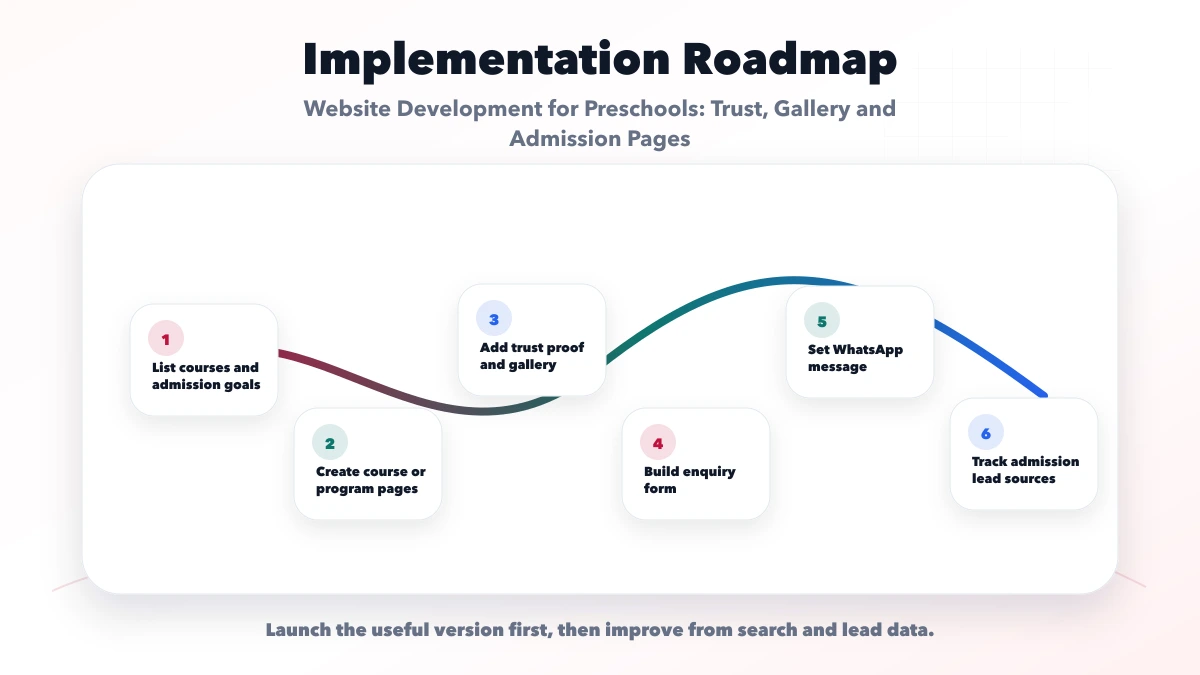
Ask a parent unfamiliar with the school to find the right program and request a tour on a normal phone. Then ask admissions staff whether the received information is enough for a useful callback.
Replace broad claims such as "best preschool" with visible evidence. Useful content includes the founder or principal's approach, teacher qualifications in factual terms, age-group ratios where the school chooses to publish them, daily routine, settling-in process, entry and pickup controls, emergency communication, hygiene routines, and parent orientation.
Do not publish sensitive security details that could create risk. Explain the practice without exposing access codes, camera locations, child schedules, or internal incident procedures. Policies should be reviewed by the school and should match actual operations.
Testimonials need permission and should not reveal a child's full identity unnecessarily. Results or developmental promises should be cautious and evidence-based; a preschool website should not guarantee outcomes that depend on the child and broader environment.
Use original photographs of classrooms, play areas, learning material, meals, transport, and facilities where relevant. Obtain documented permission before publishing identifiable children. Keep a removal process when consent changes or a child leaves.
Practical alternatives include wide activity shots without identifiable faces, staff-led setup photographs, room details, learning displays, and staged facility tours. Alt text should describe the environment rather than identify individual children.
Do not copy photos from another school or present a fictional concept as the preschool's facility. A clearly labelled prototype can help discuss page structure and responsive design, but it is not a customer school or admission-performance case study.
The first form should collect only what staff need for the next conversation:
| Field | Reason |
|---|---|
| Parent name and contact | Enables callback with consent |
| Child age or month/year of birth | Routes to an eligible program |
| Preferred program | Separates preschool and daycare intent |
| Locality | Helps assess travel or transport relevance |
| Preferred visit/callback time | Supports follow-up |
| Short question | Captures the parent's main concern |
Avoid collecting identity documents, medical records, or detailed child information through a public lead form. Those belong in a secure admission process after the parent understands why the information is required.
The confirmation state should explain whether a visit is requested or booked, who will contact the parent, and what to bring. If tour slots are live, prevent double booking and send changes consistently. A simpler site can use a request form with manual confirmation.
Each program page should state age eligibility, typical timings, learning emphasis, routine, meals or daycare context, holiday or calendar note, and the next admission step. Do not reuse the same paragraph across playgroup, nursery, kindergarten, and daycare.
Fee transparency can range from a verified fee table to a clear explanation of components and a request for the current schedule. State whether transport, meals, activities, registration, material, or refundable deposits are separate. Avoid expired fee figures or misleading "starting from" numbers without scope.
Keep the school name, address, phone, hours, map, landmark, and service details consistent with the Google Business Profile. A location page should contain actual access, transport, neighborhood, facility, and visit information, not repeated city keywords. Use the local SEO hub before expanding local pages.
Track program views, tour starts, valid tour requests, call and WhatsApp clicks, directions, and source page. Admissions staff should mark eligible age group, locality fit, visit scheduled, visit attended, follow-up status, and final outcome. Never send names, phone numbers, or child data into analytics parameters.
VASUYASHII can build public program pages, consent-conscious galleries, tour or admission enquiry forms, local SEO foundations, and non-identifying analytics. A prototype or mock-up does not prove deployment for a real preschool or authorize claims about admissions.
When a preschool needs secure applications, document upload, fee collection, attendance, parent login, or staff roles, that becomes a web application scope with privacy, permission, and data-retention requirements. Start with website development when the goal is trust, discovery, and qualified visits.
VASUYASHII would workshop the parent journey with the school owner and admissions team, verify program and policy data, define media consent, and test one tour enquiry end to end. Review current services and contact VASUYASHII with the program list, location, admission process, and approved media.
Judge the page by whether a parent can verify fit and whether admissions staff receive an eligible, consented enquiry. Decorative child imagery cannot replace clear safety, program, and visit information.
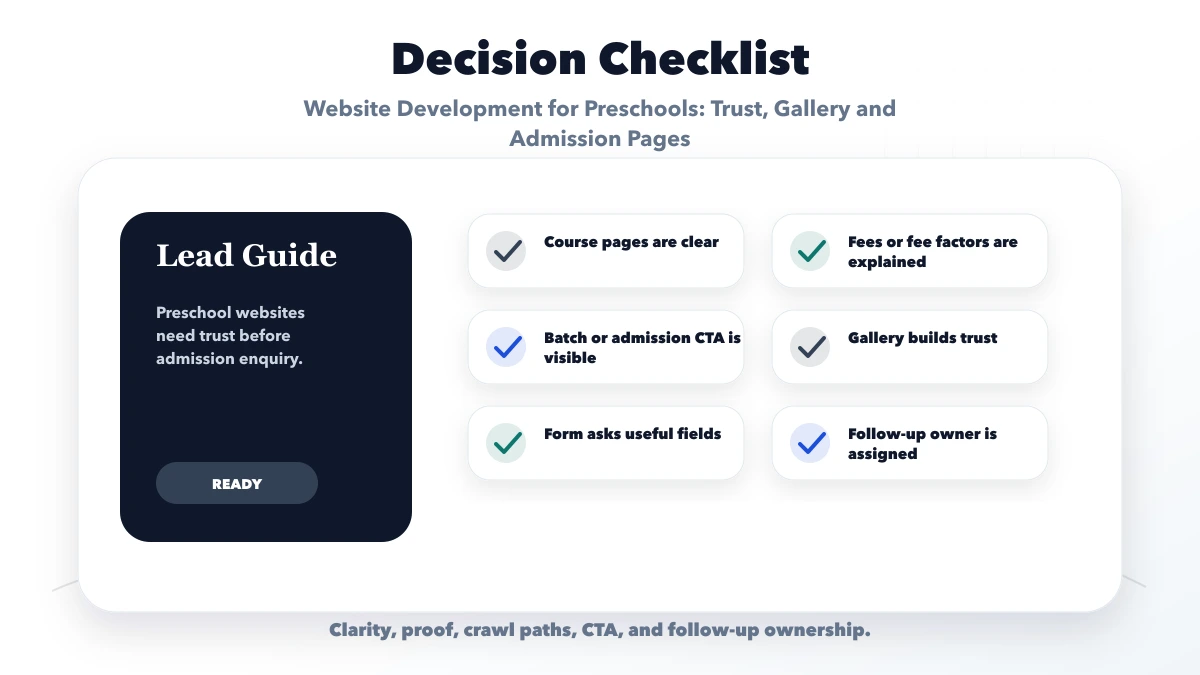
Include age-specific program pages, factual safety and routine information, consented media, staff or founder context, tour and admission steps, fee components, location details, and a minimal enquiry form.
It can support quick questions, but prefill the program context and do not request sensitive child records through an informal chat at the lead stage.
Show a verified fee schedule or explain the current components and how parents obtain it. Clearly separate registration, tuition, daycare, meals, transport, activities, and deposits where applicable.
Yes. Use minimum necessary data, restrict staff access, define retention, and keep child details out of analytics. A secure admission workflow needs separate application scope.
Yes. VASUYASHII can build the trust and admission-enquiry website; student records, fees, attendance, and parent portals require a separately secured system.
If you want a practical plan for website development for preschools, VASUYASHII can help with scope, design, development, SEO setup, lead flow, launch, and maintenance.
Related Articles
June 8, 2026
Plan a wedding photographer website with fast galleries, package context, date-availability requests, image rights, lead tracking, and booking handoff.
Read article
June 7, 2026
Plan a CA firm website with clear services, verified professional profiles, deadline-aware enquiries, secure document handoff, local SEO, and lead ownership.
Read article
June 10, 2026
Plan a tuition center website with class and subject pages, batch details, parent-friendly enquiry forms, local proof, and a clear follow-up flow.
Read article
June 8, 2026
Plan a salon website with services, price guidance, portfolios, appointment rules, local trust, WhatsApp qualification, reminders, analytics, and mobile QA.
Read article