
June 10, 2026
Coaching Institute Website: Admission Lead Funnel
Plan a coaching institute website with exam-focused course pages, evidence-safe results, counselling leads, batch updates, and admission follow-up.
Read articlePublished Updated
Plan a tuition center website with class and subject pages, batch details, parent-friendly enquiry forms, local proof, and a clear follow-up flow.
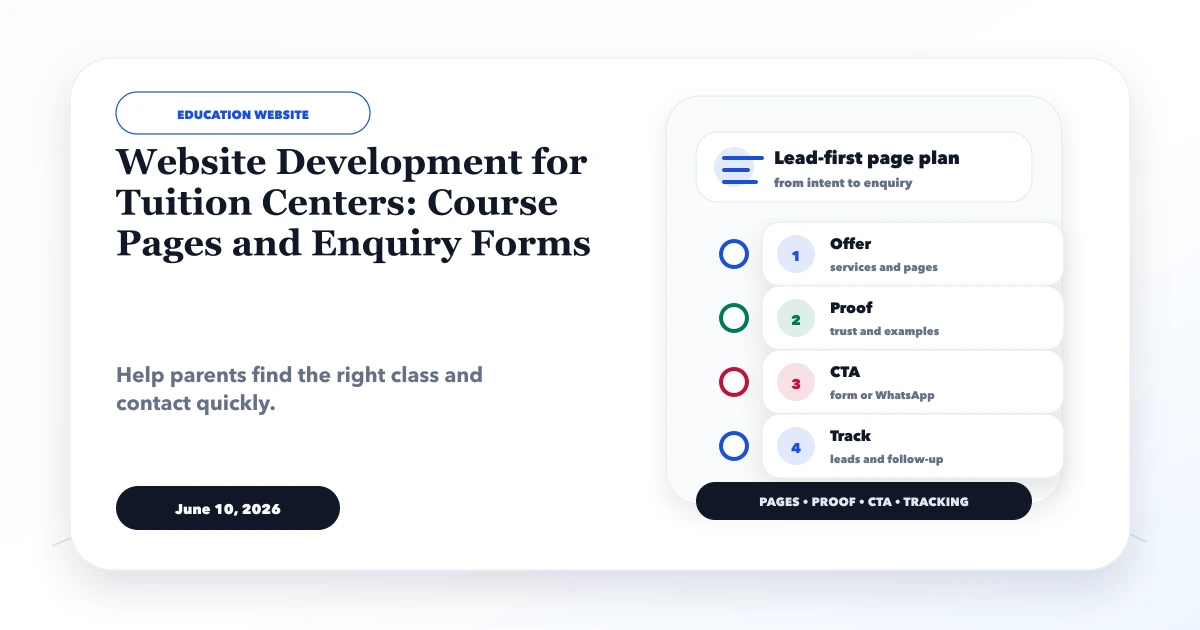
Website development for tuition centers should make one decision easier: can a parent or student quickly find the right class, subject, batch, location, and next step? A polished homepage is useful, but it cannot replace accurate course information or a reliable enquiry process.
For most tuition centers, the strongest first version is not a complex learning platform. It is a focused website with class-wise and subject-wise pages, current batch information, verifiable teacher and result proof, a short enquiry form, and a named person responsible for follow-up.
By Tushar C. (Founder, VASUYASHII). Reviewed for practical education-website planning, lead handling, local SEO, privacy, and implementation feasibility. VASUYASHII does not present fictional demo content as a real tuition-center result.
A useful tuition center website needs five connected layers:
If one layer is missing, the center receives either fewer enquiries or vague messages such as “fees?” that require repeated manual clarification.
Consider a parent looking for Class 10 mathematics tuition. They may compare four centers on a phone while commuting. Their questions are specific:
A generic “all classes available” page does not resolve this intent. A dedicated course page can answer the questions in order and carry the visitor into a qualified enquiry.
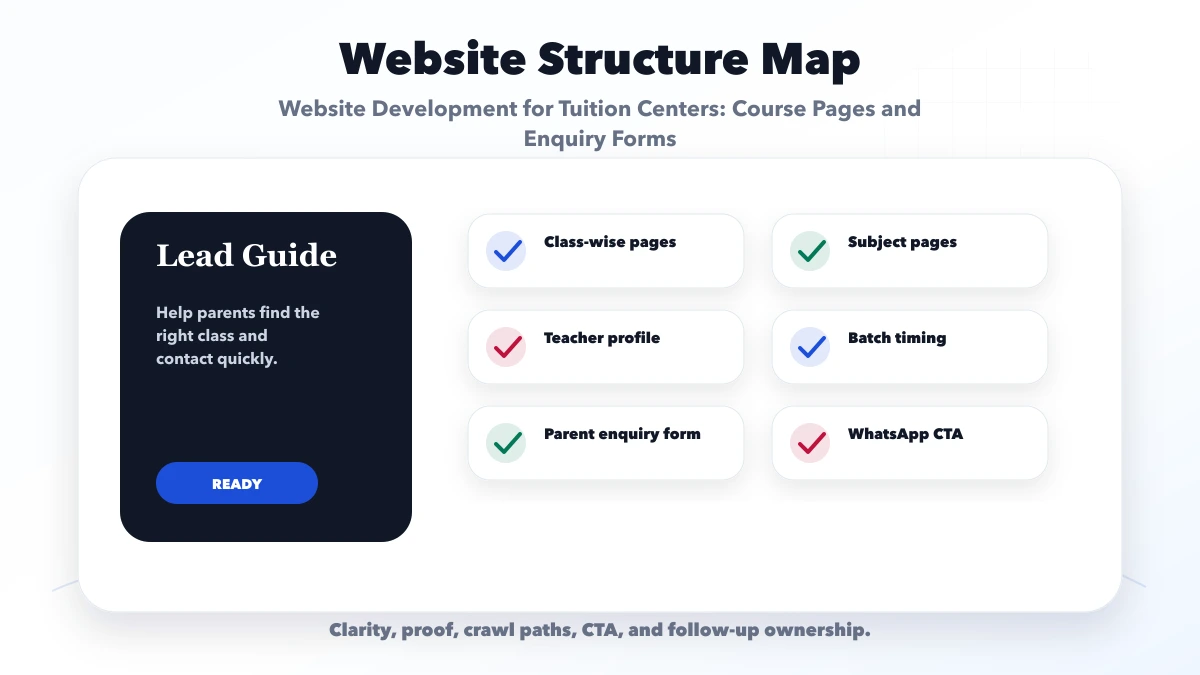
Do not create a page for every keyword combination. Start with the way the center actually operates.
| Page type | Example | Best use |
|---|---|---|
| Class page | Class 10 tuition | Multiple subjects share one academic plan |
| Subject page | Mathematics coaching | One subject serves several classes or boards |
| Program page | Board exam revision batch | Time-bound or outcome-specific offer |
| Branch page | Indirapuram center | A genuine staffed branch with unique details |
| Mode page | Online tuition | Delivery process differs materially from offline classes |
Each course page should state the applicable board, class, subjects, duration, schedule, delivery mode, prerequisites, and enquiry route. Keep one source of truth for batch and fee data so different pages do not show conflicting information.
Open with the class, board, subject, and learner level. “Mathematics tuition for CBSE Class 10 students” is clearer than “Achieve academic excellence.”
Explain chapter coverage, revision rhythm, test frequency, doubt support, and homework expectations. Do not promise marks or ranks. State the process the center controls.
Show current or indicative timings, mode, batch-size policy, start date, and seat-confirmation method. If batches change frequently, display “confirm current availability” instead of leaving an old schedule live.
The website can show a fixed fee, a range, or the factors that change it. Mention registration, study material, tests, and refund terms separately where applicable. Hiding every fee detail may increase message volume but often lowers lead quality.
Use real names, subjects, qualifications, teaching experience, and approved photos. Results should name the exam or academic year and be published only with consent. A screenshot without a student, year, or context is weak proof.
Use actions such as “Check the next Class 10 batch,” “Book a counselling call,” or “Ask about weekend timings.” The CTA should carry the course or page name into the form or WhatsApp message.
The first form should help routing, not become an admission application. A practical set of fields is:
Do not collect school documents, identity numbers, medical information, or detailed student records at the first enquiry stage. Explain who will respond and what happens next. If the learner is a minor, route communication through the parent or guardian wherever appropriate.
WhatsApp is useful for low-friction contact, but the prefilled message should include the course context. “I want details for CBSE Class 10 mathematics, weekend batch” is actionable; “Hi” is not.
A small center can begin with a controlled sheet or simple CRM. Track:
| Field | Why it matters |
|---|---|
| Lead source/page | Shows which course or campaign created interest |
| Class/subject | Routes the enquiry to the right counsellor |
| Preferred batch | Helps check actual availability |
| Status | New, contacted, counselling booked, trial, enrolled, closed |
| Owner | Prevents duplicate or missed follow-up |
| Next action/date | Creates accountability |
If multiple staff members edit leads, move from an open sheet to a role-based web application or a suitable CRM. Automation should support the process, not send repeated messages without consent.
Local visibility depends on consistent real-world information, not a large number of copied area pages. Keep the center name, address, phone, timings, and map details consistent. Create a location page only for a genuine branch or a meaningfully served area with unique directions, facilities, faculty, timings, and proof.
Useful local content includes:
Read the location-page anti-spam guide before publishing multiple local pages.
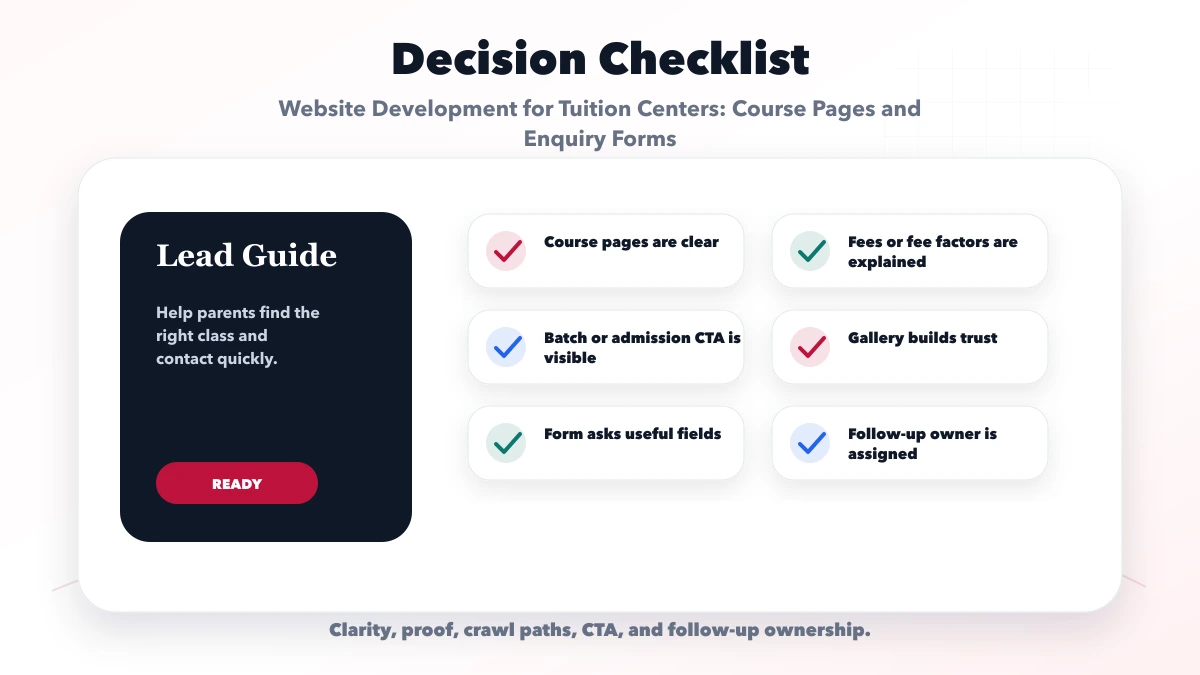
Parents cannot tell whether the center fits their class or subject. Group courses logically and give important programs their own page.
“100% success” without a defined cohort or evidence can reduce trust. Publish only approved, attributable information.
Stale schedules create avoidable calls and disappointment. Give one staff member ownership of updates.
The first interaction should qualify interest. Collect formal admission data only after the family decides to proceed.
A website cannot compensate for slow follow-up. Define the person, channel, and response window before launch.
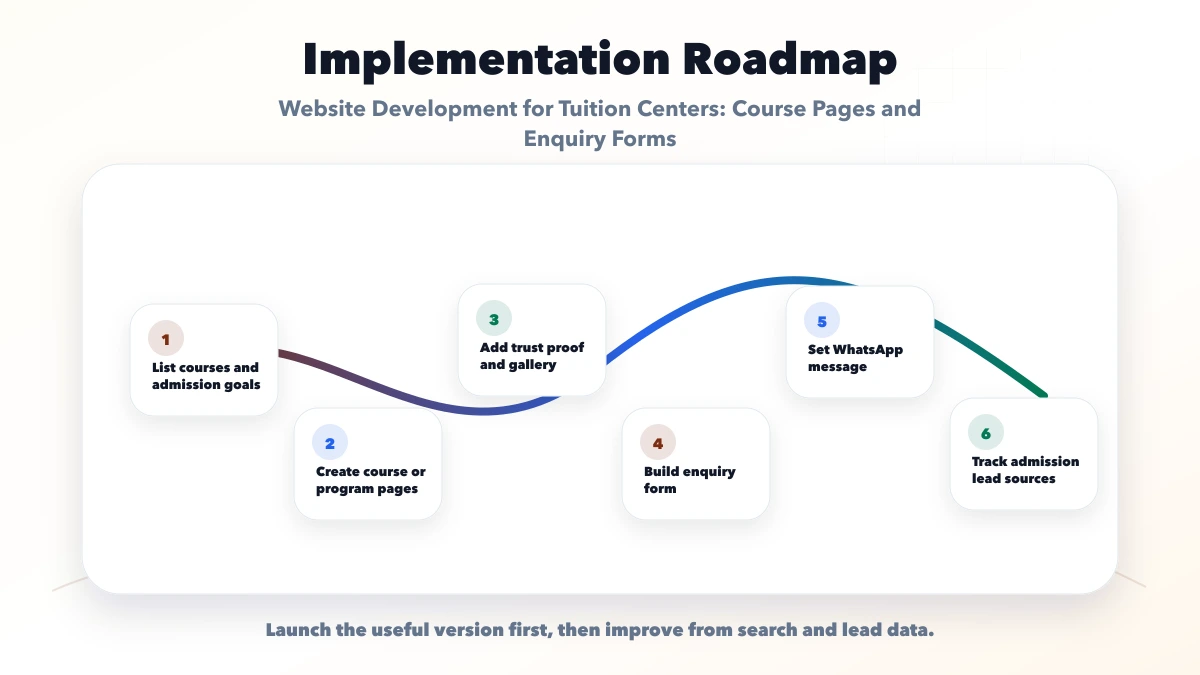
A marketing website is enough when one team manages a modest number of courses and enquiries. Consider custom software development when the center needs role-based admissions, attendance, fee records, tests, student portals, or multi-branch reporting. These are separate operational modules and should not be implied by a basic website package.
For controlled WhatsApp, payment, or lead-routing connections, review integration and automation services. Scope consent, access, ownership, and failure handling before implementation.
There is no fixed number. A small center may need a homepage, about/faculty page, two to five course pages, one genuine location page, contact page, and essential policy pages. Add pages only when they answer a distinct parent or student need.
Only when the teaching plan, audience, proof, or search intent is meaningfully different. Thin pages created by swapping class names are difficult to maintain and can compete with each other.
Display fixed fees when stable. Otherwise show a range or explain the factors, inclusions, and confirmation process. Clear fee context generally produces better-qualified enquiries.
Yes. Start with the simplest controlled system that the team can maintain. Add role-based software when volume, permissions, or reporting requires it.
WhatsApp is a useful contact channel, not a complete admission system. Course context, consent, owner, status, and next action still need to be recorded.
Yes. VASUYASHII can plan and build the public website, course structure, enquiry flow, analytics, and scoped integrations. Operational student or fee modules require a separate requirements review.
Before requesting a quote, prepare your class list, current batch schedule, branch details, approved proof, and enquiry owner. This produces a more accurate scope than asking for an unspecified “education website.”
Related Articles
June 10, 2026
Plan a coaching institute website with exam-focused course pages, evidence-safe results, counselling leads, batch updates, and admission follow-up.
Read article
June 9, 2026
Website development for electronics shops with catalog pages, service pages, warranty notes, WhatsApp enquiry, local SEO, and checklist.
Read article
May 31, 2026
Best website for coaching institute guide with design sections, admission leads, course pages, fees, results, WhatsApp, CRM, and features.
Read article
June 10, 2026
Website development for preschools with trust sections, gallery, admission pages, parent enquiry forms, safety content, and local SEO checklist.
Read article