
May 9, 2026
How to create local pages without duplicate content
how to create local pages without duplicate content: pricing, checklist, FAQs, trust signals, and practical SEO steps for Indian SMB owners.
Read articlePublished Updated
How to create location pages without duplicate content using unique local intent, services, proof, FAQs, internal links, and canonical checklist.
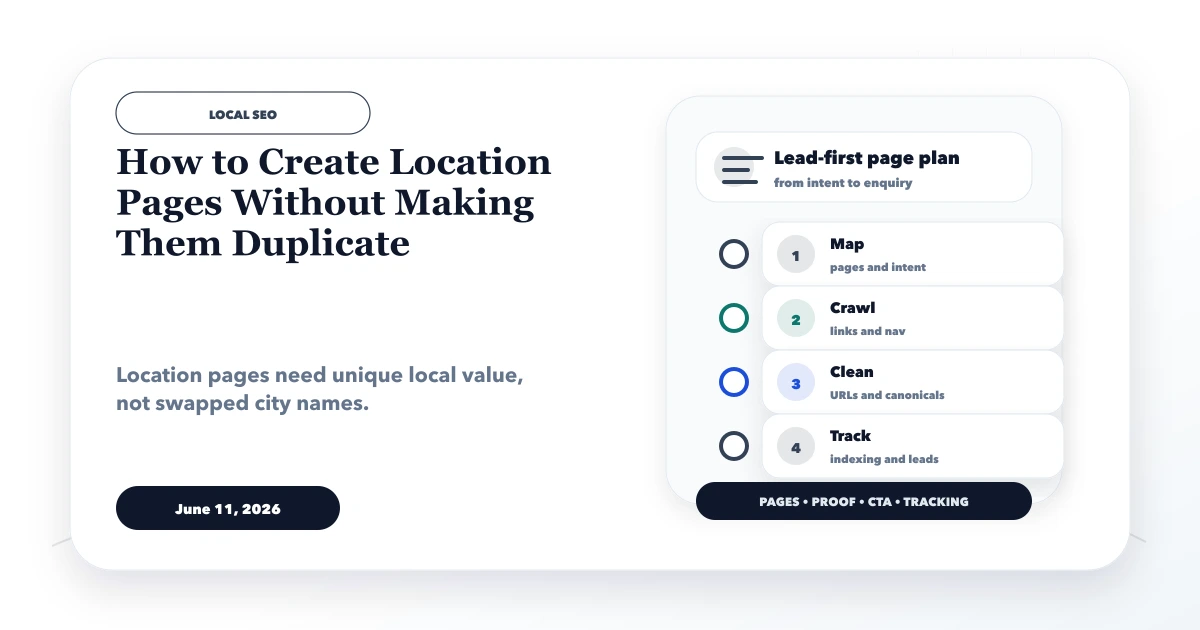
This guide explains how to create location pages without making them duplicate by giving every retained URL a distinct user need, service context, and verifiable local value. Replacing a city name inside the same template is not localization; it is a scaled publishing pattern with little reason for users or search engines to prefer one page.
The first decision is whether the location deserves a separate URL at all. A broader service-area page is often stronger when the business has no unique offer, proof, logistics, office, or customer questions for the proposed city.
By Tushar C. (Founder, VASUYASHII). Reviewed by VASUYASHII Editorial for practical website planning, SEO structure, lead generation, WhatsApp flow, enquiry forms, and business website delivery.
Create location pages by adding unique service context, local proof, customer examples, area-specific FAQs, contact flow, internal links, and honest service-area details.
A web development company may serve Delhi, Noida, and Ghaziabad remotely. If all three pages repeat the same packages, process, FAQs, and proof, the only difference is the place name. Those URLs compete for almost the same intent and offer no evidence that the company understands different buyer situations.
A defensible location page might instead explain an actual delivery model, relevant business types, travel or meeting expectations, service boundaries, local examples approved for publication, area-specific questions, and a contact flow that preserves the selected city. If those inputs are unavailable, keep the location inside the parent Delhi NCR service hub.
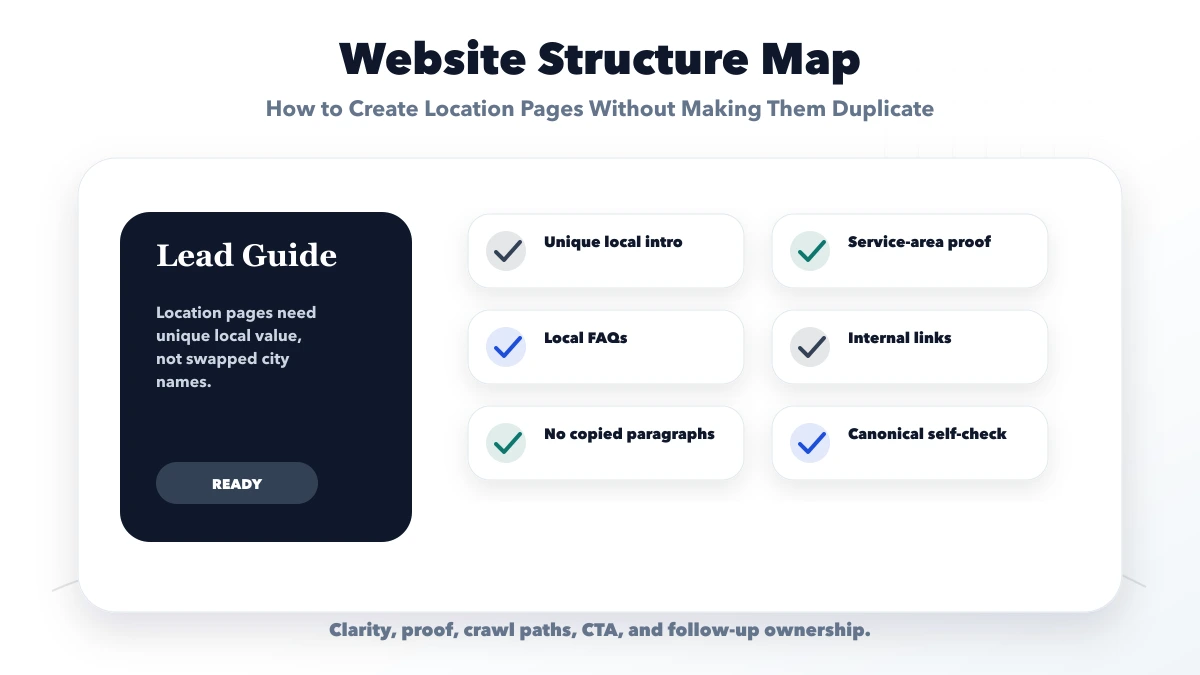
Each check should connect to a real buyer action. If a section does not support trust, search visibility, contact, or follow-up, it should be simplified or moved.
| Website area | What to include | Why it matters |
|---|---|---|
| Architecture layer | Services, locations, blogs | Clarifies site structure |
| Crawl layer | Navigation, internal links, sitemap | Helps discovery |
| Quality layer | Unique pages and canonical logic | Avoids duplication |
The right structure depends on the business model and search intent. Pages should be specific enough to answer real buyer questions without creating duplicate content.
Create a separate location URL only when at least three of these statements are true:
Do not invent an address, customer, project, travel time, price, or testimonial. Google identifies scaled pages created for similar queries that funnel users to the same destination as potential doorway abuse. The safest test is simple: would the page still deserve to exist if the city keyword were removed from its heading?
Before drafting, collect:
When proof is unavailable, use honest capability language and label scenarios as illustrative. Do not write fictional customer results to make the page appear local.
| Section | Location-specific job |
|---|---|
| Opening | Explain the service, actual coverage, and buyer fit without generic superlatives |
| Local operating context | Describe relevant business types, delivery model, meeting/support expectations, and constraints |
| Service scope | Show what is included for this intent and link to the parent service for full detail |
| Proof | Use approved local or closely relevant evidence; state limitations |
| Process | Explain remote/on-site steps, response ownership, inputs, and handover |
| Pricing context | Explain scope drivers; avoid invented city averages |
| FAQs | Answer questions genuinely associated with the area or delivery model |
| CTA | Preserve city and service context in the contact route or message |
The page should not repeat the complete parent service page. It should support that page with a narrower local decision and link back clearly.
Place proposed location drafts side by side. Highlight paragraphs that remain unchanged after removing city names. If most of the body is identical, consolidate the pages or rewrite from distinct evidence.
Also compare titles, descriptions, H1s, service promises, FAQs, image captions, and internal-link targets. A new cover image does not make repeated content unique. Check whether each page targets a different useful intent or simply competes with an existing URL.
An indexable, unique location page should normally use a self-referencing canonical. Do not publish a weak city page and canonicalize it to a parent while also expecting the city page to rank. If multiple URLs are accidental duplicates, consolidate signals through redirects or canonical logic after reviewing traffic and link value.
Link from the parent location/service hub only to retained pages. Link back from each city page to the parent service and to a small number of relevant guides. Avoid footer lists containing dozens of thin cities merely to create crawl paths.
For every retained page, record its primary query theme, parent service, incoming internal links, impressions, clicks, qualified enquiries, last proof review, and most similar sibling. This turns location publishing into a maintained system instead of an unlimited content queue.
Use the evidence to choose one of four actions: keep and improve, differentiate, consolidate after URL-value review, or leave unchanged while more data develops. A page with low traffic may still answer a real local buyer question; a page with impressions but no useful enquiries may need clearer service fit rather than more keywords.
Pause new city publishing when sibling pages share most paragraphs, proof is unavailable, or the team cannot maintain changing local details. Improve the parent hub and strongest retained pages first. Re-run similarity and internal-link checks after each batch so a rewritten page does not create a new overlap elsewhere.
Use this roadmap to build one useful launch version first. After launch, improve pages based on enquiries, search data, sales questions, and customer feedback.
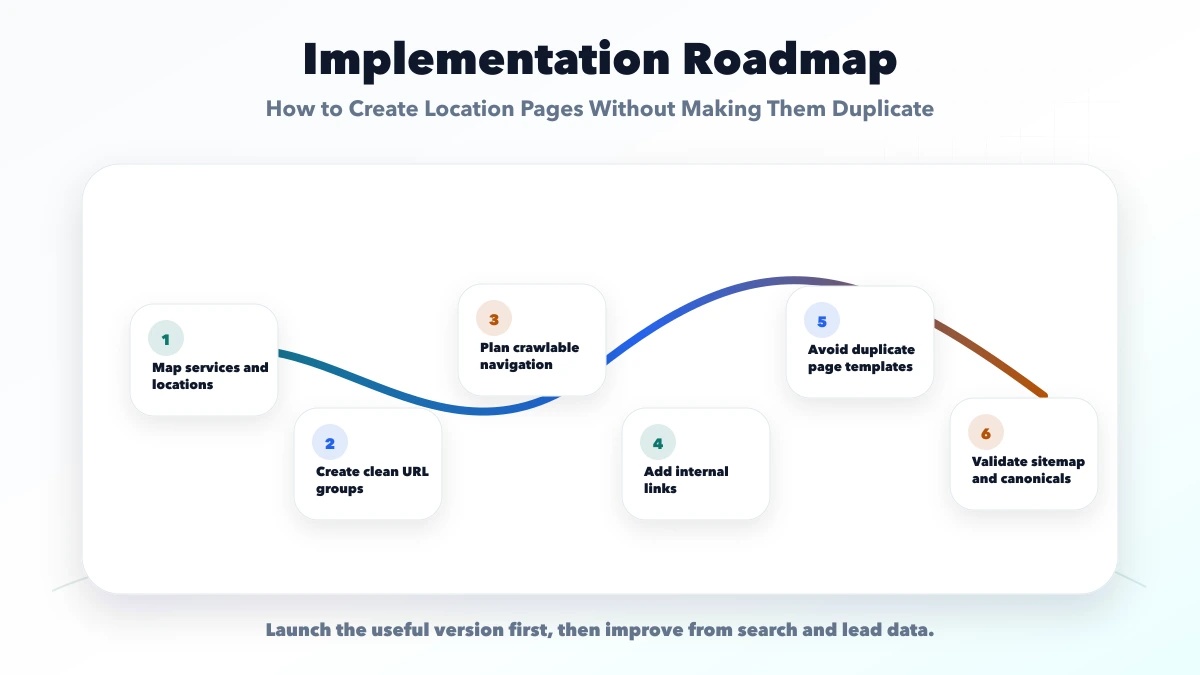
This checklist protects the project from looking complete but failing commercially. A good website should make the next step obvious and easy to measure.
VASUYASHII would first map services, target users, page structure, proof, CTA, WhatsApp or form flow, SEO metadata, and handover needs. Then we would build the website in a focused phase instead of adding unnecessary complexity.
Useful links: web application services, software development, integrations, services, and contact.
Avoid judging a website only by design screenshots. Leads usually improve when service clarity, trust proof, CTA, tracking, and follow-up work together.
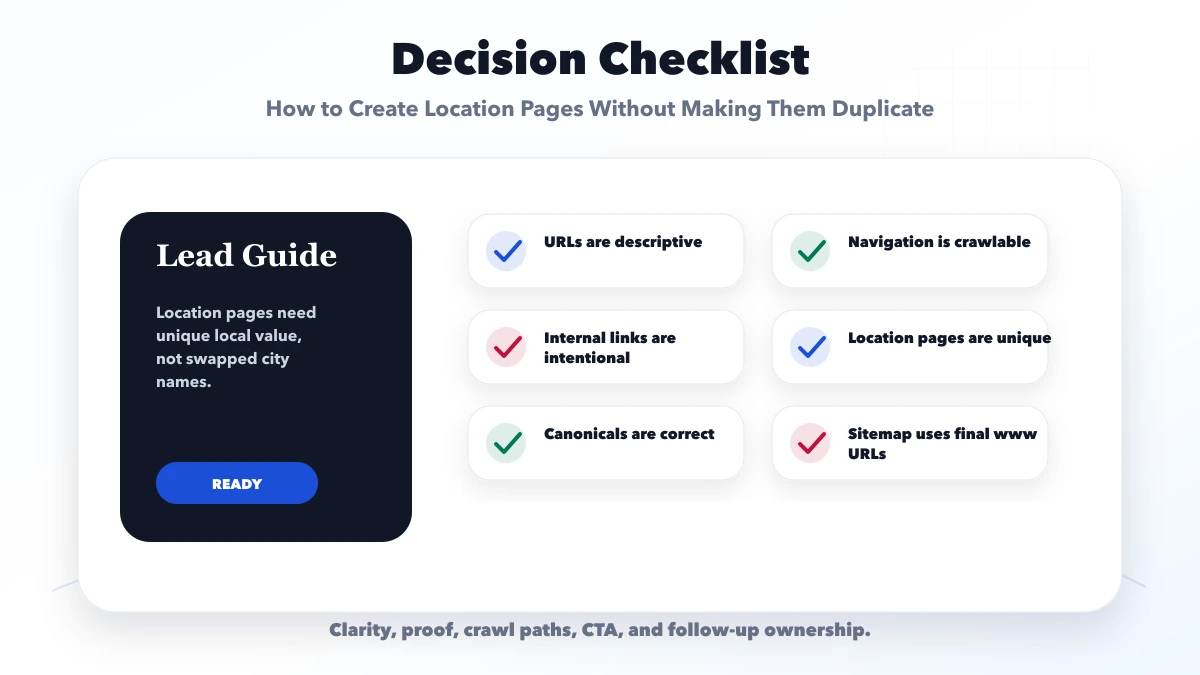
It helps Google and users understand the most important pages, service intent, and crawl paths without confusion.
It can support rankings when the pages are useful, internally linked, technically crawlable, and not duplicated.
Avoid copied location pages, hidden links, messy URL patterns, weak canonicals, and pages with no unique purpose.
Yes. SEO architecture is much easier to build correctly before design and development are finalized.
Yes. VASUYASHII can plan SEO-friendly page architecture, internal links, URL structure, and launch checks.
If you want a practical plan for how to create location pages without making them duplicate, VASUYASHII can help with scope, design, development, SEO setup, lead flow, launch, and maintenance.
Related Articles
May 9, 2026
how to create local pages without duplicate content: pricing, checklist, FAQs, trust signals, and practical SEO steps for Indian SMB owners.
Read article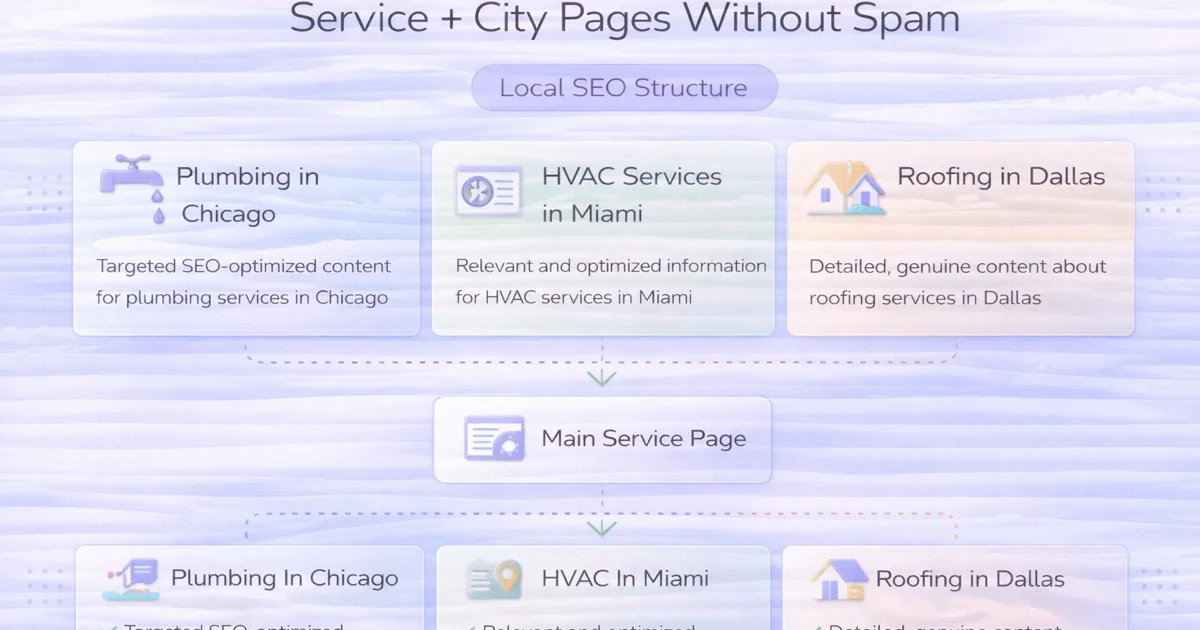
April 4, 2026
How to create service plus city pages without spam: avoid doorway abuse, build real local value, and structure pages safely in 2026.
Read article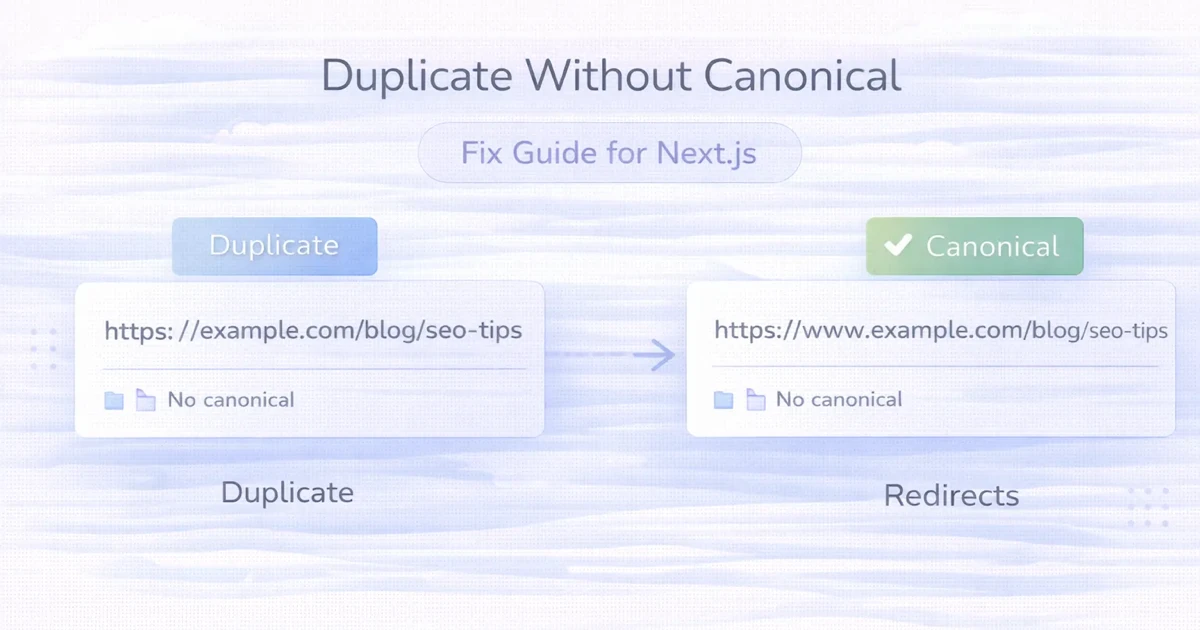
April 2, 2026
Fix Duplicate without user-selected canonical in Next.js by aligning rendered canonicals, redirects, sitemap URLs, internal links, parameters, and final HTML.
Read article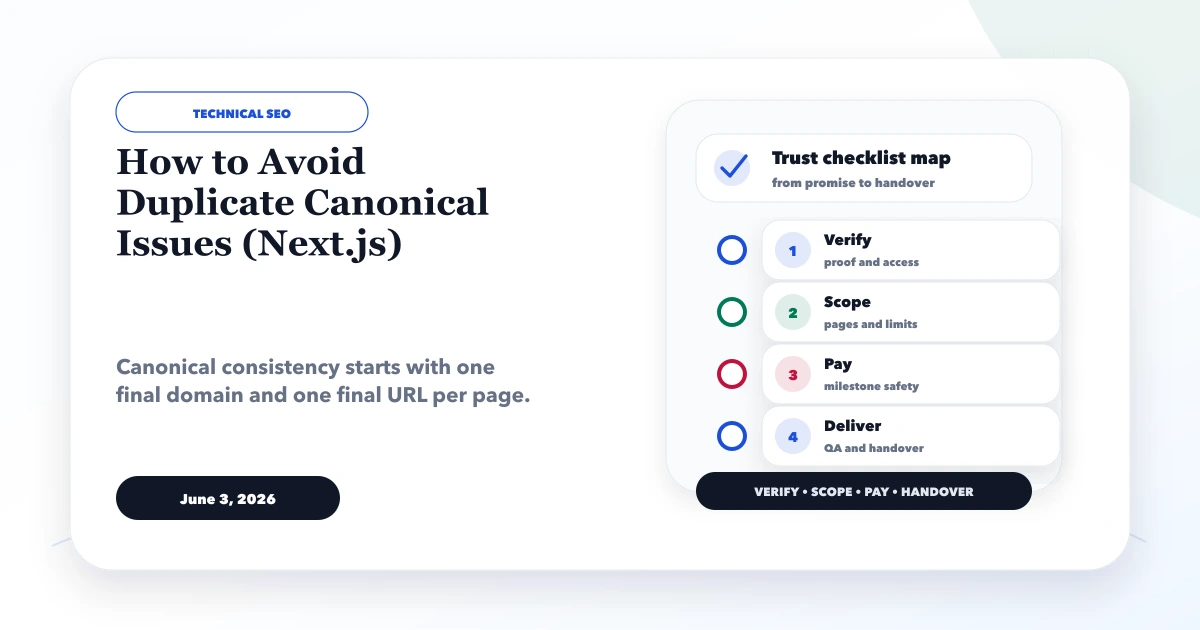
June 3, 2026
How to avoid duplicate canonical issues in Next.js with metadataBase, canonical URLs, sitemap, redirects, www consistency, and QA checks.
Read article