
April 16, 2026
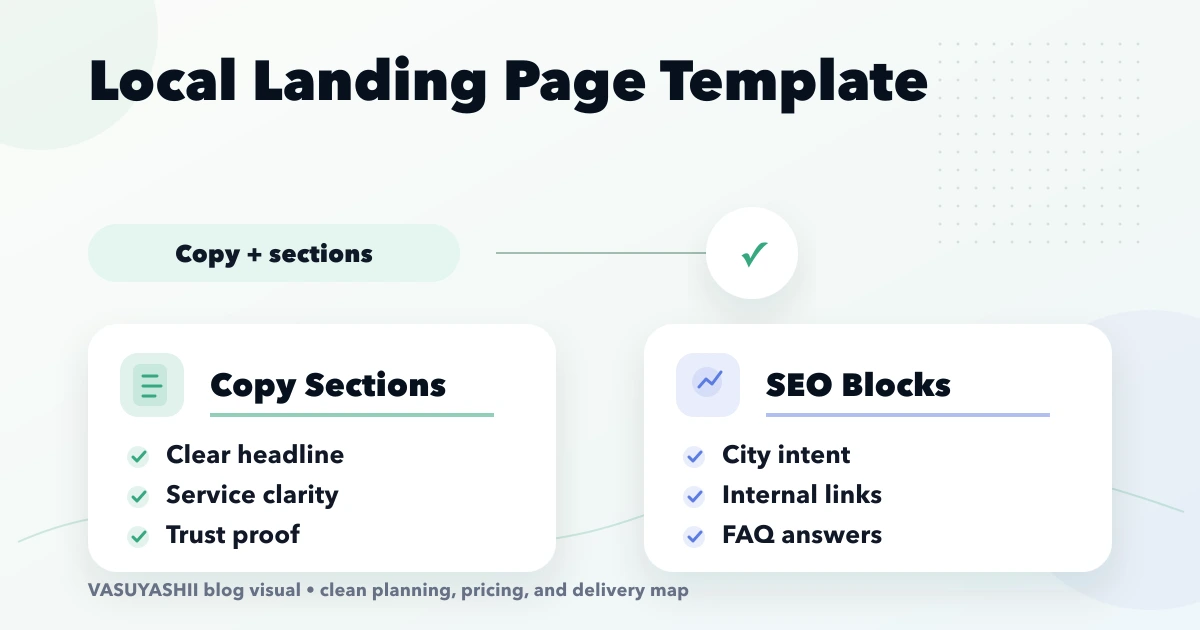
Local Landing Page Template: Copy and Sections
Use a local landing page template with unique service intent, genuine city proof, useful pricing, FAQs, internal links, conversion tracking, and quality checks.
Read articlePublished Updated
Local landing page SEO template for city pages: title, intro, service scope, local proof, pricing, FAQs, internal links, CTA, and spam checks.
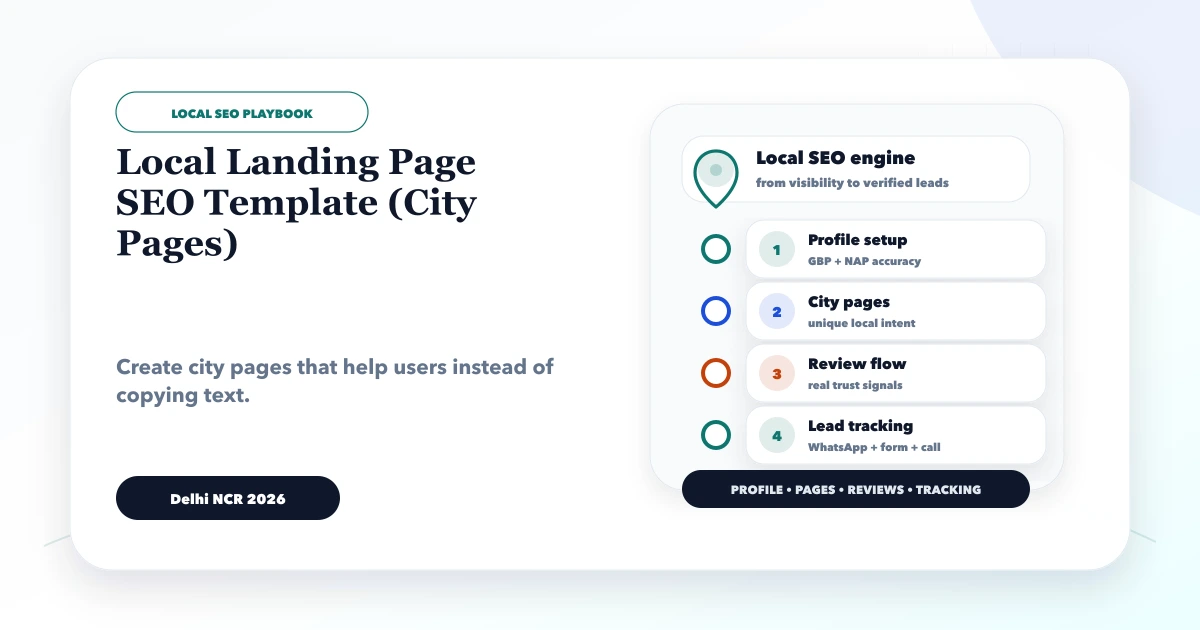
This guide explains local landing page SEO template for Indian service businesses, especially web development and software companies targeting Delhi NCR searches. It is written for owners who want real enquiries, not vanity rankings.
By Tushar C. (Founder, VASUYASHII). Reviewed by VASUYASHII Editorial for practical website development, local SEO, Search Console, service-page planning, and conversion tracking experience.
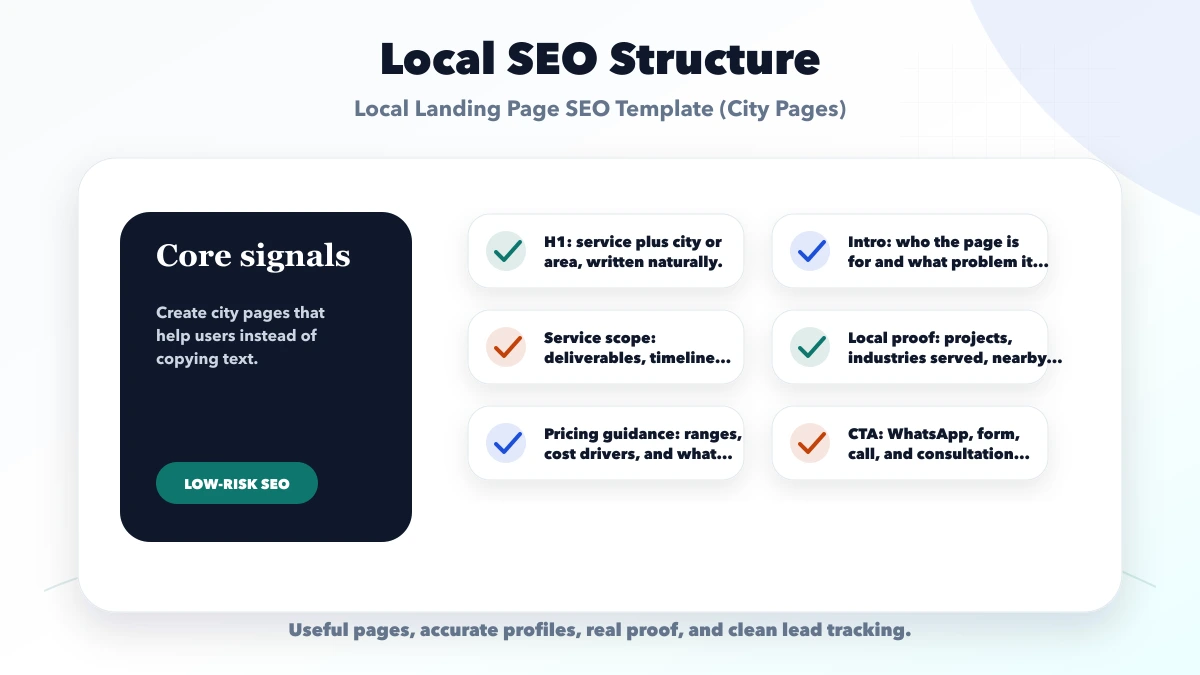
A good local landing page should include city-specific service intent, real deliverables, local proof, pricing guidance, FAQs, trust signals, internal links, and a clear contact path. It should not be a copied page with only the city name changed.
City pages are useful only when the service, proof, buyer questions, and delivery details genuinely change by market. A page for a real service area can help a buyer understand availability and reduce uncertainty. A copied page that swaps one place name for another creates no comparable value.
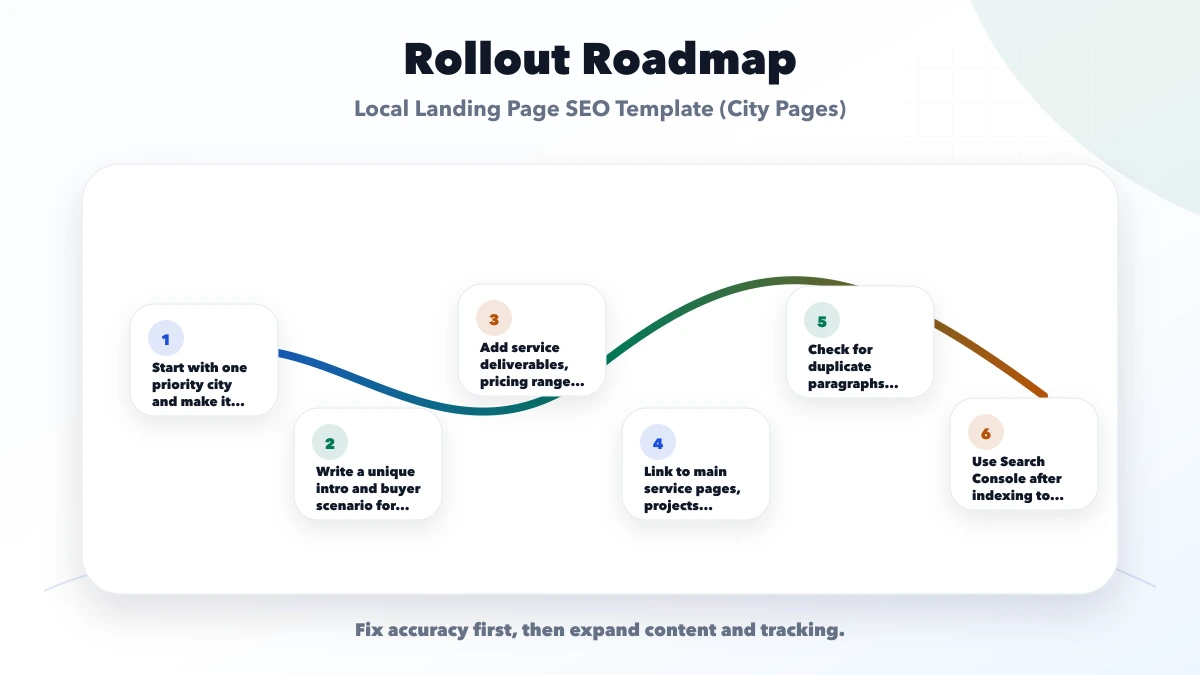
VASUYASHII is currently not recommending large-scale city-page publishing. Improve existing priority pages first, verify real service coverage, and publish a new location page only when the evidence pack below is complete. This keeps the site architecture useful instead of turning it into a list of near-duplicate URLs.
If a website company wants pages for Delhi, Noida, Ghaziabad, Gurugram, and Faridabad, each page should explain different buyer context, service priorities, timelines, examples, and delivery expectations. Repeating the same text weakens quality.
Suppose a software company already has one strong Delhi NCR service page. It receives enquiries from Noida manufacturers, Ghaziabad traders, and Delhi service firms. That evidence does not automatically justify three copied pages. A separate Noida page becomes useful only when the company can explain a distinct audience, delivery model, proof, local questions, and internal-link role that the parent page cannot answer well.
Use this decision before drafting:
| Situation | Recommended action | Reason |
|---|---|---|
| Real service coverage, unique demand, proof, and distinct buyer questions | Publish a self-canonical page | The page has an independent purpose |
| Existing page is useful but lacks proof or pricing detail | Improve the existing URL | Preserves history and avoids duplication |
| Two pages answer the same query with mostly the same content | Consolidate into the stronger page | Concentrates links, relevance, and maintenance |
| Page exists only because a keyword tool showed a city name | Do not publish or index it | No defensible value for the visitor |
Do not use canonical tags as a substitute for content planning. If several URLs are intentionally duplicates, the cleaner solution is usually to keep one useful URL and remove unnecessary alternatives through an approved migration. Canonical decisions should follow the real page purpose, not be used to rescue copied content.
Create a source document for the location. If the document is mostly empty, the city page is not ready.
Never invent an office, client, review, project, or service radius. A business can serve a city remotely without claiming a physical presence. State that operating model plainly.
Name the service and city naturally, then explain who the page is for. The first paragraph should answer availability, typical problem, and next action. Avoid introductions such as "welcome to the best company" because they provide no evidence.
Describe a specific decision. A Noida manufacturer evaluating an inventory web app has different questions from a Delhi consultant buying a lead-generation website. Discuss the workflow, users, data, integrations, or procurement concern rather than adding generic history about the city.
List what a buyer receives: discovery, information architecture, design, development, integrations, testing, deployment, access handover, and support. Also state likely exclusions. Clear boundaries make a location page commercially useful.
Give planning ranges only when they are defensible. Explain the variables behind them: page count, data migration, roles, custom workflow, content readiness, integrations, approvals, and support. Do not publish one price across every city if project complexity is the real cost driver.
Separate customer evidence from demos and illustrative examples:
This distinction protects trust. The demo collection can help buyers inspect structures, but it is not a substitute for a customer case study.
Explain what happens after contact: discovery call, requirement document, proposal, approval, build, QA, launch, and support. Link to the relevant parent service and a single contact route. A city page should help the visitor act, not trap them in more local pages.
Every city page should have a clear parent and sibling discipline:
Do not create a footer-sized block containing every city. Those links add noise and make it difficult to understand which pages matter. Use contextual anchors inside useful sentences.
A ranking page that produces poor enquiries is not successful. Define the conversion before launch. For a website service, it might be a requirement call. For custom software, it may be a workflow audit. The CTA should tell the visitor what to prepare and what they will receive.
Track page views, meaningful CTA clicks, valid form submissions, qualified leads, and sales outcomes. Do not send names, phone numbers, email addresses, or free-text requirements to analytics. Keep personally identifiable information inside the approved form, CRM, or messaging system.
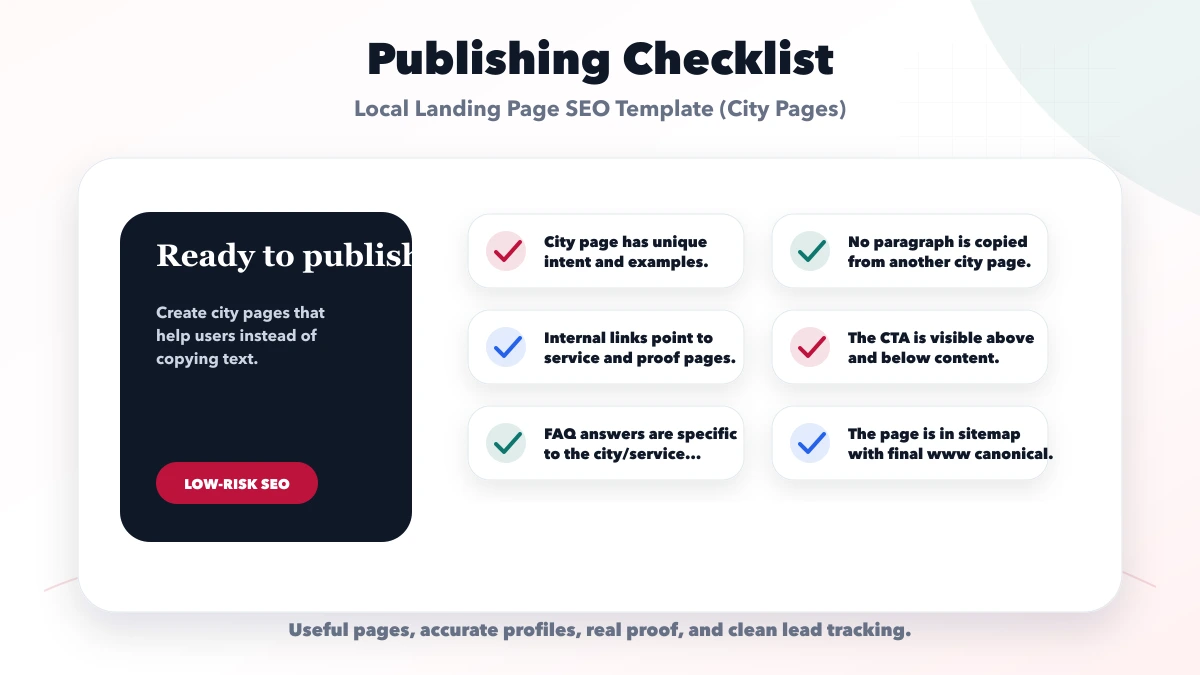
Test the draft against the parent service page and two nearby location pages. Highlight every paragraph that could be moved unchanged to another city. Rewrite or remove it. Then run these checks:
After launch, wait for useful data. If the page remains unhelpful, do not keep adding text. Improve the offer and evidence, consolidate it into a stronger page, or remove it through a planned redirect.
Useful next links: web application services, software development, integrations, services, and contact.
This article is a planning template, not a claim that VASUYASHII has an office or customer in every location mentioned. Any live location page should describe only real coverage and approved proof. Demos must remain labelled as demos, planning ranges must remain estimates, and results must not be promised.
Long enough to answer the buyer's actual questions. Quality matters more than word count.
You can reuse structure, but the examples, proof, wording, FAQs, and service angle should be unique.
Only index pages that are useful, unique, and represent real service coverage.
They should link to service pages, projects, contact, and relevant supporting blogs.
Duplicate or doorway-style content created only to capture city keywords.
Related Articles
April 16, 2026
Use a local landing page template with unique service intent, genuine city proof, useful pricing, FAQs, internal links, conversion tracking, and quality checks.
Read article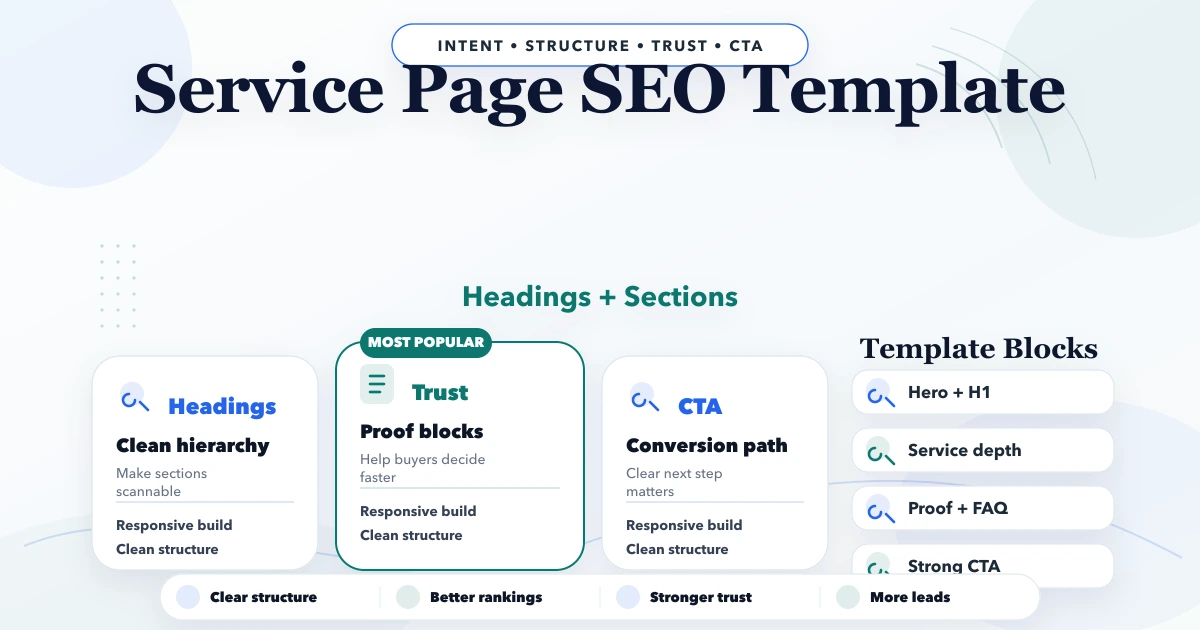
April 22, 2026
Use this service page SEO template to structure intent, headings, proof, process, pricing context, FAQs, internal links, and conversion-focused CTAs.
Read article
April 8, 2026
Build useful local SEO landing pages with service-area evidence, unique buyer information, conversion paths, internal links and doorway-spam safeguards.
Read article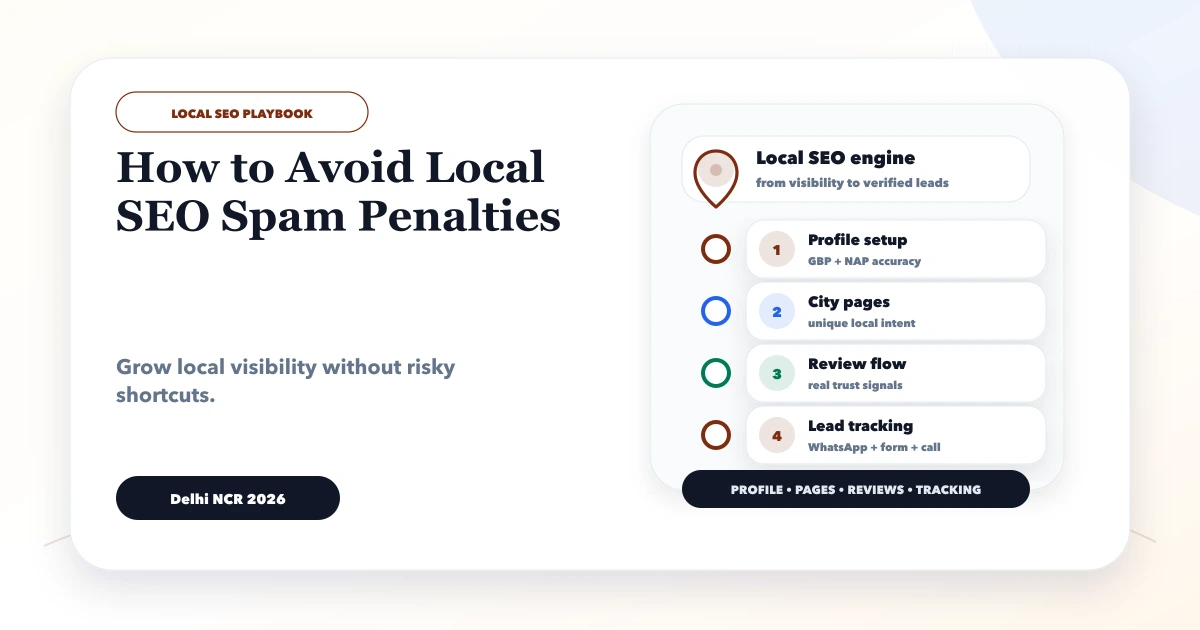
May 29, 2026
Avoid local SEO spam with accurate Business Profile details, genuine locations, useful city pages, honest reviews, clean citations and a recovery checklist.
Read article