
April 4, 2026
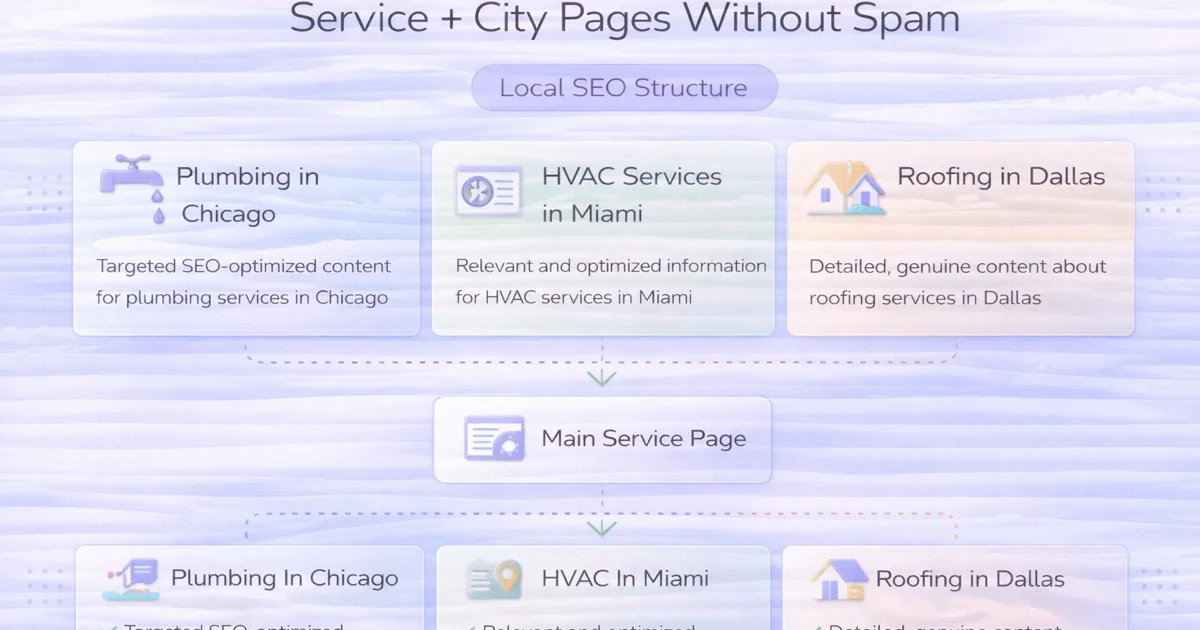
How to Create “Service + City” Pages Without Spam
How to create service plus city pages without spam: avoid doorway abuse, build real local value, and structure pages safely in 2026.
Read articlePublished Updated
Build useful local SEO landing pages with service-area evidence, unique buyer information, conversion paths, internal links and doorway-spam safeguards.
A local landing page should help a customer decide whether a business genuinely serves their area, understands the relevant problem and offers a clear next step.
It should not be a city name inserted into a repeated template. Google’s current spam policies describe doorway abuse as substantially similar regional or city pages that funnel users toward the same destination. The same policies warn against scaled unoriginal content and blocks of city keywords.
This guide provides an evidence gate and page framework for businesses that have real service-area coverage.
Create a separate location page only when:
If the only change is the place name, use a stronger parent service-area page instead.
Score each question before publishing:
| Question | Required evidence |
|---|---|
| Do we serve the area? | Approved service policy, delivery radius or operating record |
| Is demand different? | Search Console, keyword research or repeated sales questions |
| Is the offer different? | Relevant service, timing, logistics, pricing factor or constraint |
| Can we add local value? | Real examples, process detail, landmarks only when useful |
| Can users reach it naturally? | Parent hub, service page or navigation context |
| Can we maintain it? | Named owner and review trigger |
Do not publish when most answers are unknown.
Use when the service is consistent across the full market and location detail is secondary.
Use when one page can explain coverage across a connected region, such as Delhi NCR, without pretending to have an office in every city.
Use only when the page has a distinct local job, evidence and user value.
Use for an actual staffed location with address, hours, contact details and location-specific operations.
These types should not be mixed. A service-area page must not display a fake storefront address.
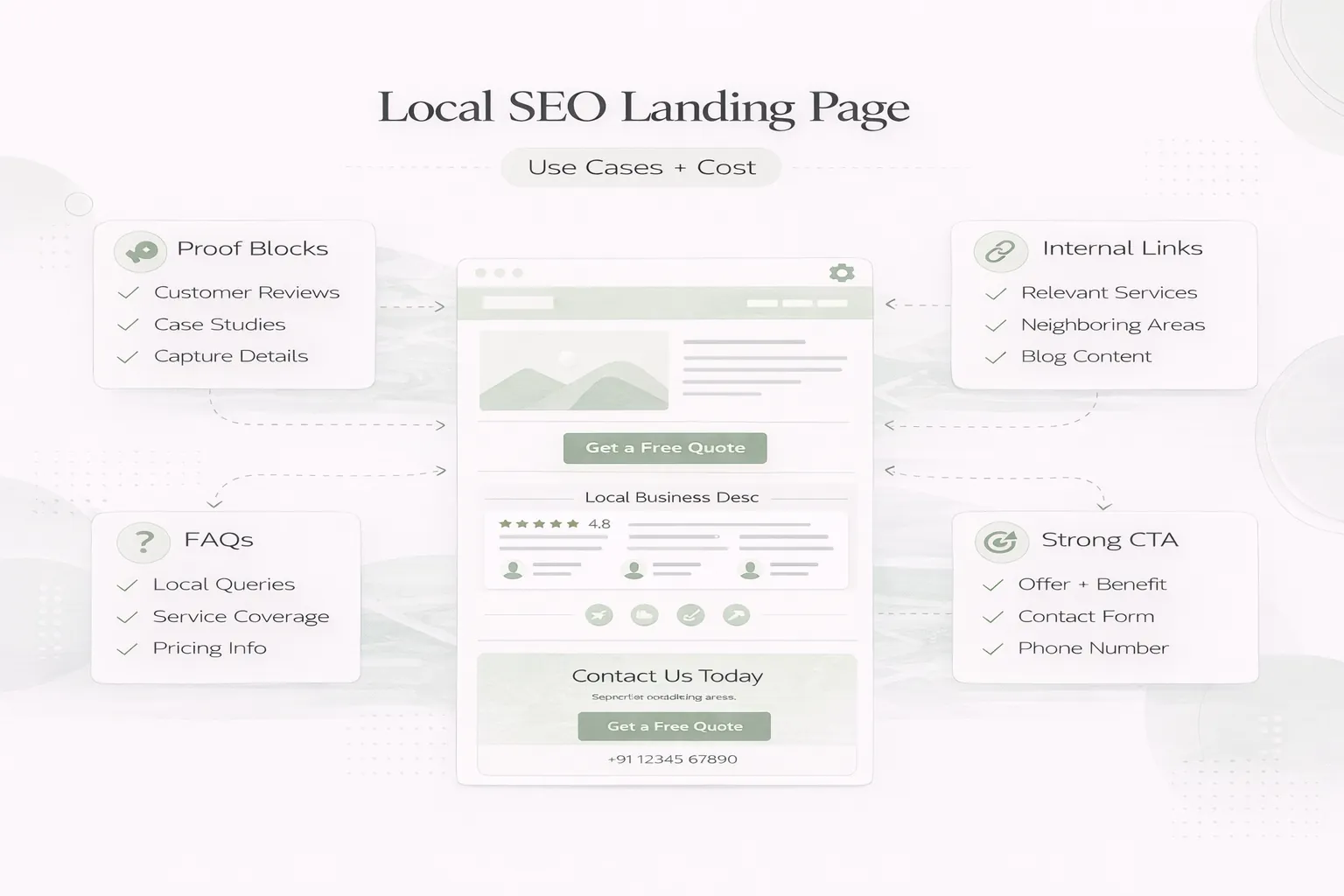
A useful local landing page can include:
The page should still read naturally if the city name appears only where it matters.
The heading should state the service and area without unsupported superlatives.
Weak:
Best No. 1 Website Company in Every Delhi NCR City
Stronger:
Website Development for Service Businesses in Delhi NCR
The supporting copy can explain the actual service model, remote or onsite process and the business types supported.
Local value does not require decorative landmark paragraphs. It can come from:
Do not invent clients, case studies, offices or testimonials to make a page appear local.
Explain:
A boundary can qualify leads and reduce misleading local claims.
Use only evidence the business can verify:
| Proof type | Safe implementation |
|---|---|
| Review | Genuine source and permission |
| Project | Clear contribution and current relevance |
| Photo | Original or licensed, with accurate context |
| Process | Screenshots, checklist or delivery steps |
| Service record | Aggregated and privacy-safe |
| Team/location | Real staff and eligible location |
When local proof does not exist, publish a transparent service-area explanation instead of manufacturing proof.
The hierarchy might be:
home → primary service → regional hub → selected location page
Each retained page should link back to its parent and to relevant supporting content. Avoid creating hundreds of location links in a footer.
Use the service-page internal-linking plan and local service-page URL guide to keep the hierarchy crawlable.
Before creating a page, map its primary intent against existing URLs:
| Candidate query | Best owner |
|---|---|
| Website development services | Main service page |
| Website development Delhi NCR | Regional hub |
| Website development cost | Cost guide |
| How to choose a developer | Educational guide |
| Website developer in a specific city | City page only with distinct value |
Do not create multiple pages that answer the same query with different title wording. The location-page duplication guide provides a comparison checklist.
Each indexable page needs:
Structured data should represent visible facts. A service-area page is not automatically a separate LocalBusiness location.
Website pages and Business Profile information should not contradict each other.
Google’s business representation guidelines require accurate real-world representation, precise address or service area and one profile per eligible business location. Virtual offices without qualifying operations are not valid storefronts.
Do not create a profile for every landing page. Website coverage and Business Profile eligibility are separate decisions.
Use a contact action appropriate to the service:
Ask for location only when it changes eligibility or routing. State the response expectation and how the information will be used.
Track:
Do not keep a page solely because it received a few impressions. Combine search data with business value, leads, links and genuine service evidence.
| Decision | Use when |
|---|---|
| Publish | Distinct demand, service and evidence exist |
| Improve parent page | Coverage exists but local distinction is weak |
| Consolidate | Several pages serve the same intent |
| Hold as draft | Service is planned but not operating |
| Remove from index review | Page has no value or evidence after assessment |
Redirect, canonical and noindex decisions need URL-level evidence. Do not mass-delete a cluster without checking traffic, links and leads.
The current VASUYASHII content inventory identifies 119 location-intent posts. The project maintains a freeze on new city and near-me publishing while retained pages and similarity clusters are reviewed.
This is a quality-control response to an over-scaled archive, not a claim that every location page is bad. Existing URLs require evidence-gated decisions using service area, GSC, backlinks, leads and content uniqueness. The Delhi NCR website-development hub remains the parent regional page.
Use the Delhi NCR website-development keyword map before assigning another local URL. It separates service, cost, industry and location intent so one phrase group does not create several competing landing pages.
Only as many as it can support with distinct service value, evidence and maintenance. There is no correct quota.
Yes. A regional service-area page can be clearer when the offer and process are the same across connected areas.
No. A shared design system is fine. The problem is repeated primary content and unsupported claims, not reusable components.
It can explain genuine service coverage, but should not imply a physical office or local presence that does not exist.
Only after identifying the best relevant destination and checking traffic, links, leads and intent. A blanket redirect can lose useful distinctions.
Not by itself. Relevance, genuine service information, authority, competition and user value matter.
Run the evidence gate for every proposed or existing local page. If the page cannot pass, strengthen the parent service-area architecture before publishing more URLs.
Related Articles
April 4, 2026
How to create service plus city pages without spam: avoid doorway abuse, build real local value, and structure pages safely in 2026.
Read article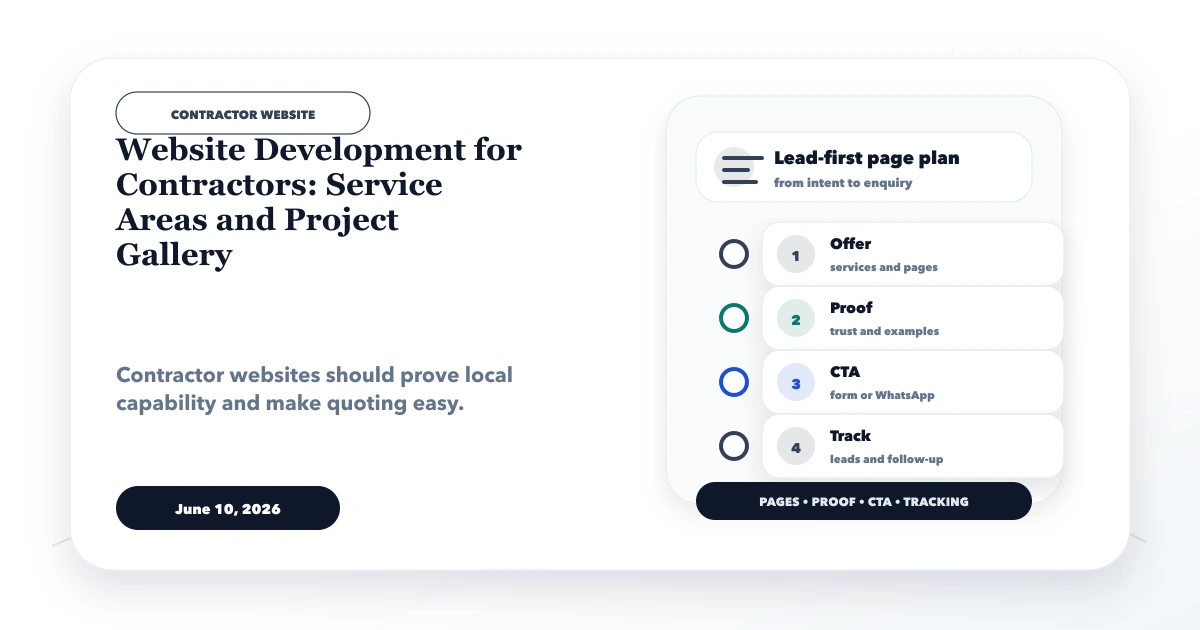
June 10, 2026
Plan a contractor website with clear service areas, structured project proof, scope-aware quote forms, local SEO, and reliable lead follow-up.
Read article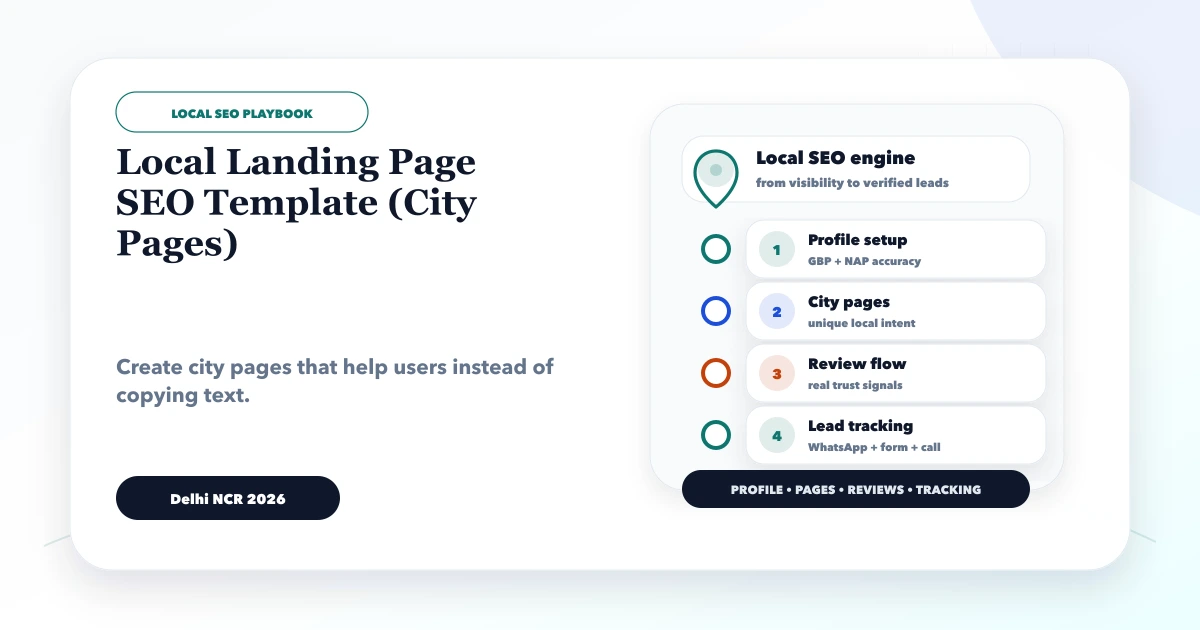
May 29, 2026
Local landing page SEO template for city pages: title, intro, service scope, local proof, pricing, FAQs, internal links, CTA, and spam checks.
Read article
May 15, 2026
use-case landing pages strategy: practical 2026 guide with features, cost, timeline, tech stack, mistakes, FAQs, proof, and next steps for Indian SMBs.
Read article