
June 10, 2026
Website Development for Construction Companies
Plan a construction company website with credible projects, service pages, quote intake, qualification, trust signals, local SEO, and handover.
Read articlePublished Updated
Plan a contractor website with clear service areas, structured project proof, scope-aware quote forms, local SEO, and reliable lead follow-up.
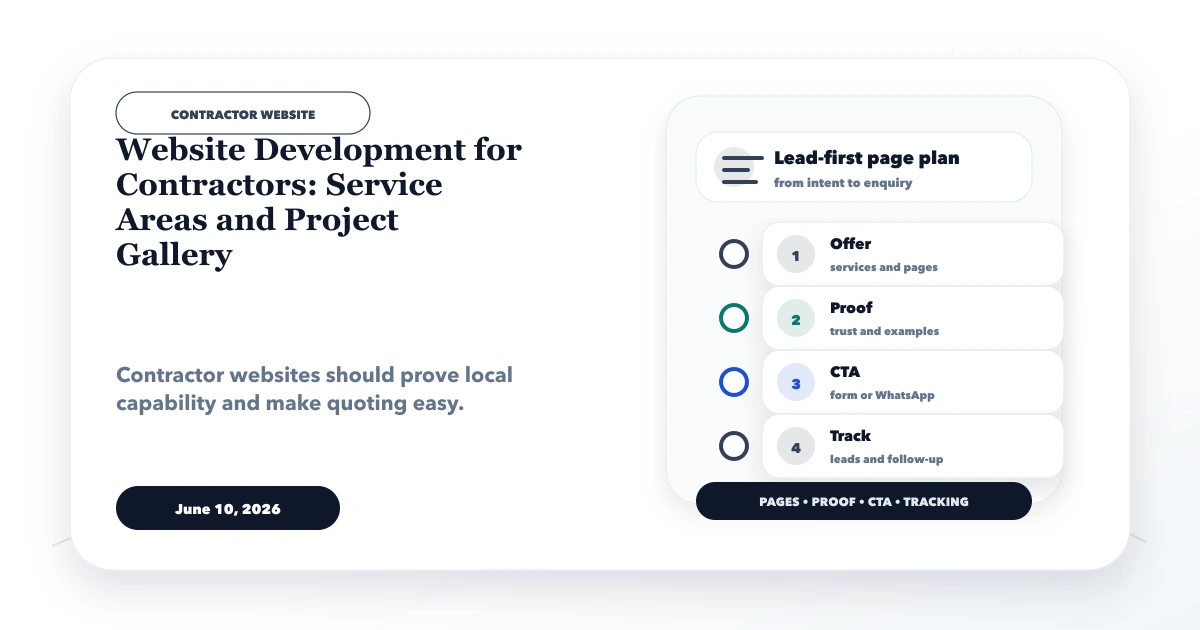
Good website development for contractors turns photographs and service claims into a decision-ready enquiry path. A homeowner, facility manager, architect, or business buyer needs to know whether the contractor handles the required work, serves the site location, has relevant project experience, and can respond with a realistic next step.
A gallery alone is not enough. The strongest contractor websites organize services, project evidence, coverage, quote inputs, and follow-up ownership so that each enquiry arrives with useful scope.
This matters because two enquiries can use the same label while requiring completely different work. A bathroom repair, office renovation, warehouse electrical upgrade, and annual maintenance request need different evidence, measurements, approvals, and response teams. The page architecture should preserve those differences instead of pushing every visitor through one generic sales message.
By Tushar C. (Founder, VASUYASHII). Reviewed for contractor lead qualification, service-area integrity, project-proof governance, mobile usability, and local SEO. Example workflows are planning guidance, not claims of completed contractor projects by VASUYASHII.
A contractor website should include:
The site should never imply an exact price or completion promise before the contractor has enough information to assess the work.
“Contractor” can mean civil work, renovation, electrical, plumbing, interiors, waterproofing, fabrication, HVAC, maintenance, or a specialist trade. Each attracts different buyers and quote requirements.
| Buyer | Main concern | Useful evidence |
|---|---|---|
| Homeowner | Trust, disruption, budget, finish | Similar residential project and process |
| Builder/architect | Capability, coordination, specifications | Trade scope, drawings, compliance, references |
| Facility manager | Response, safety, recurring maintenance | SLA options, team coverage, documentation |
| Retail/office operator | Timeline and business continuity | Phasing plan and comparable commercial work |
Build service pages around real operational capability, not every keyword variation.
Each important service page should answer:
For example, a waterproofing page should distinguish inspection, source identification, treatment type, surface preparation, access, warranty conditions, and exclusions. Generic “best waterproofing service” copy does not qualify a lead.
A service-area page should represent genuine delivery capability. Define:
Do not create dozens of pages by replacing city names. If one regional page accurately explains coverage, use it and link to service pages. Create a city page only when it has unique projects, team information, travel rules, local regulations, or buyer needs.
The location-page duplication guide provides a safer decision framework.
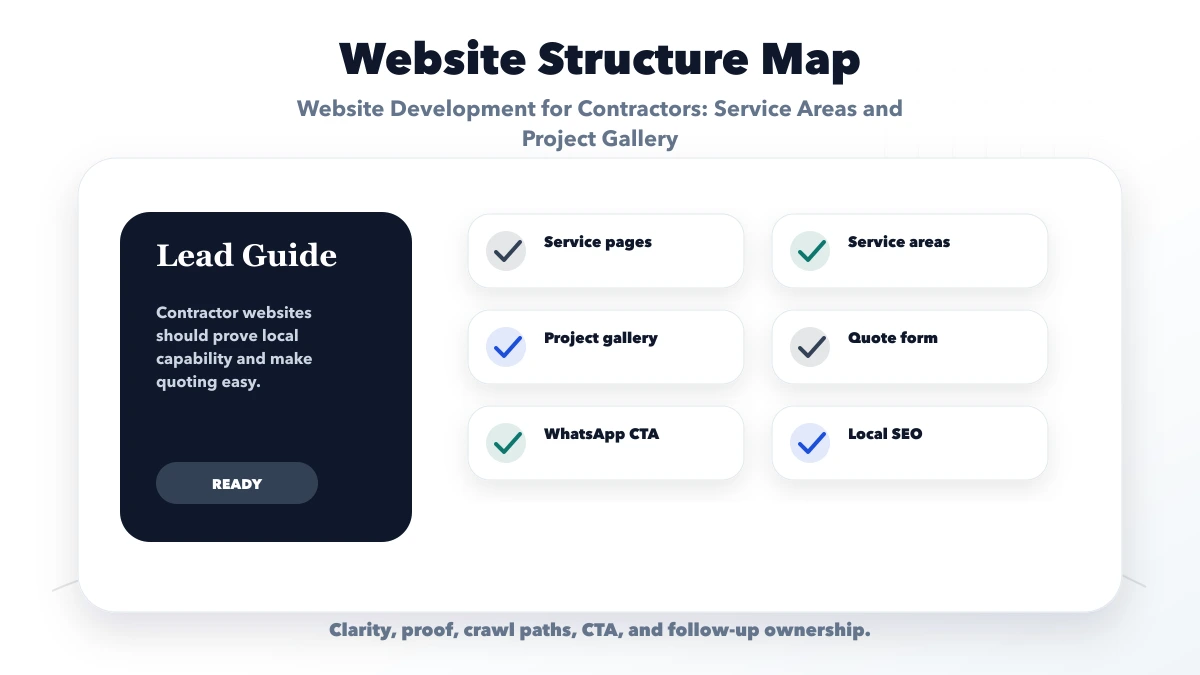
A useful project record is more than a set of images. With client permission, document:
Avoid publishing private addresses, faces, documents, or client names without consent. Do not use stock images as completed work. If a page is a conceptual demo, label it clearly.
A practical first-stage form can ask:
Use conditional fields so a homeowner does not see industrial procurement questions. State that the form creates an initial assessment, not a binding estimate. Explain whether a site visit is free, paid, or adjusted in the final project value.
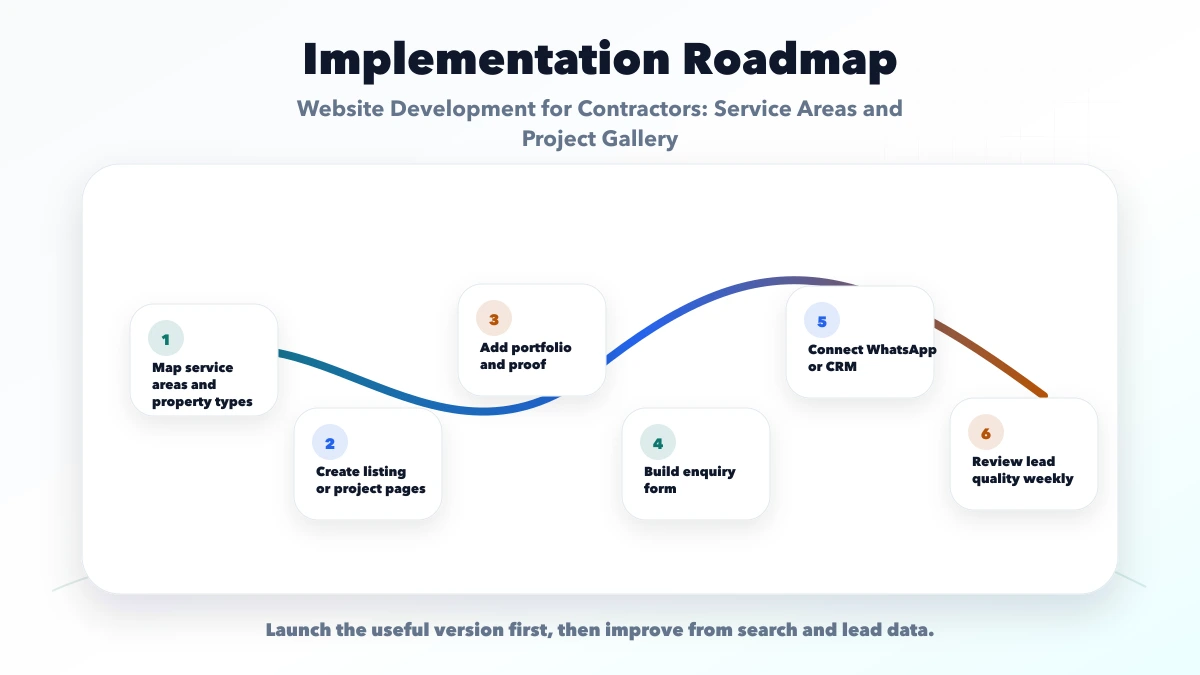
The operational flow can be:
If several estimators or teams handle leads, a role-based web application can manage assignment and status. Do not automate quote values from incomplete web-form data.
Useful trust signals include a real business identity, phone, service coverage, team or founder information, relevant registrations where applicable, process documents, safety practices, written scope, warranty conditions, and approved project evidence.
Reviews should come from genuine customers and remain attributable to the platform or source. Do not write customer reviews on their behalf or reuse one review across unrelated service pages.
Contractor searches are often mobile and urgent. Test:
Compress project images but retain enough detail to inspect workmanship. Use descriptive alt text based on the real image, not a list of keywords.
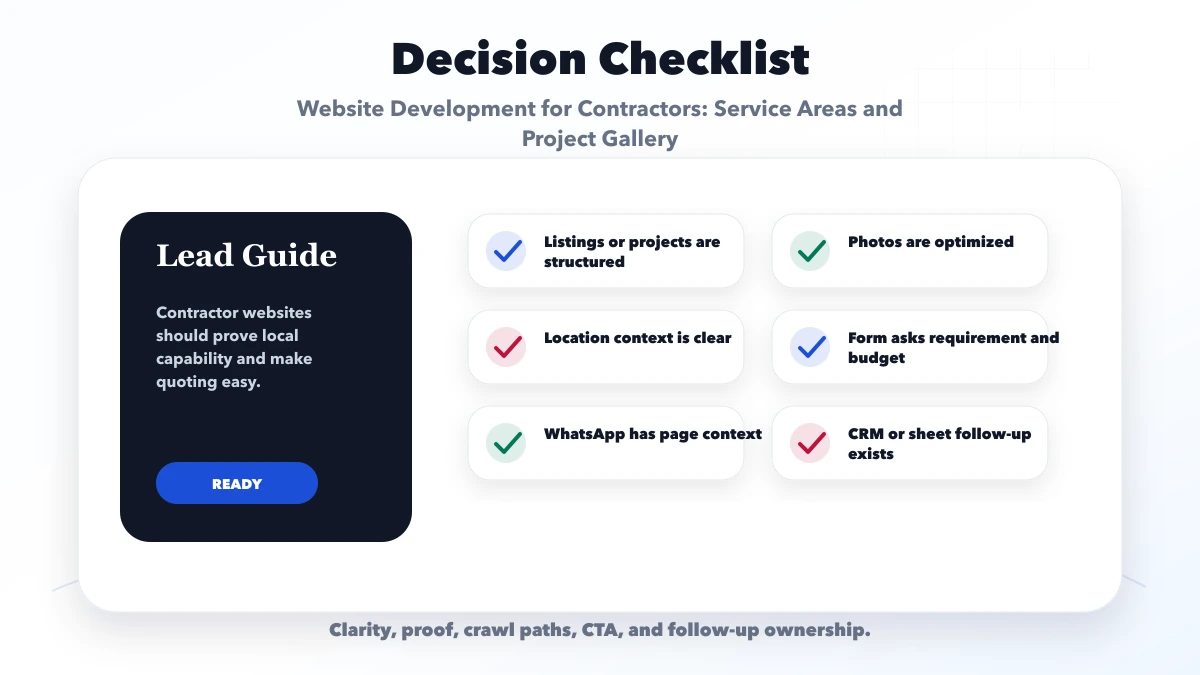
Visitors see attractive work but cannot tell what the contractor actually delivered. Add project type, constraints, scope, and process.
Publishing pages for areas not genuinely served creates poor leads and trust risk. State the real operating model.
Different work needs different qualification. Use conditional fields or service-specific forms.
Materials, access, measurements, existing conditions, and approvals can change cost. Use indicative guidance with clear assumptions.
A fast-looking website cannot fix ignored leads. Define who checks each enquiry and when.
The website supports discovery, proof, and quote requests. Job scheduling, estimates, purchase tracking, workforce, billing, and project reporting are operational systems. They require separate discovery and software-development scope.
For controlled form-to-sheet, CRM, notification, or WhatsApp routing, review integration services. Include failure handling and manual fallback.
Create pages for services with materially different scope, evidence, questions, or conversion needs. Avoid thin pages for synonyms.
You can publish ranges or cost factors with assumptions. Do not present an old project total as a universal rate or a binding quote.
One accurate coverage page is often enough. Add location pages only when unique local evidence and business value exist.
Only when useful and handled securely. Set file type and size limits, explain purpose, and define retention and access controls.
It can calculate controlled scenarios when inputs and rules are reliable. Complex contractor work usually still needs professional review or a site visit.
VASUYASHII can assess custom workflows, but scheduling, estimation, billing, and team modules are separate from a public website and must be scoped explicitly.
Before contacting a developer, list your real services, coverage, project proof, quote questions, site-visit policy, and lead owner. This creates a website that supports operations instead of merely displaying photographs.
Related Articles
June 10, 2026
Plan a construction company website with credible projects, service pages, quote intake, qualification, trust signals, local SEO, and handover.
Read article
April 3, 2026
Plan a Roorkee contractor website with project scope, site-inspection requests, service areas, capability proof, quote forms, and handover checks.
Read article
April 8, 2026
Build useful local SEO landing pages with service-area evidence, unique buyer information, conversion paths, internal links and doorway-spam safeguards.
Read article
May 15, 2026
best website for contractors and builders: practical 2026 guide with features, cost, timeline, tech stack, mistakes, FAQs, proof, and next steps for Indian.
Read article