
June 7, 2026
Architect Website: Portfolio and Enquiry Flow
Plan an architect website with approved project stories, clear role and scope, fast portfolios, consultation qualification, SEO, and lead ownership.
Read articlePublished Updated
Website development for builders with project pages, amenities, floor plans, enquiry strategy, WhatsApp CTA, trust proof, and SEO checklist.
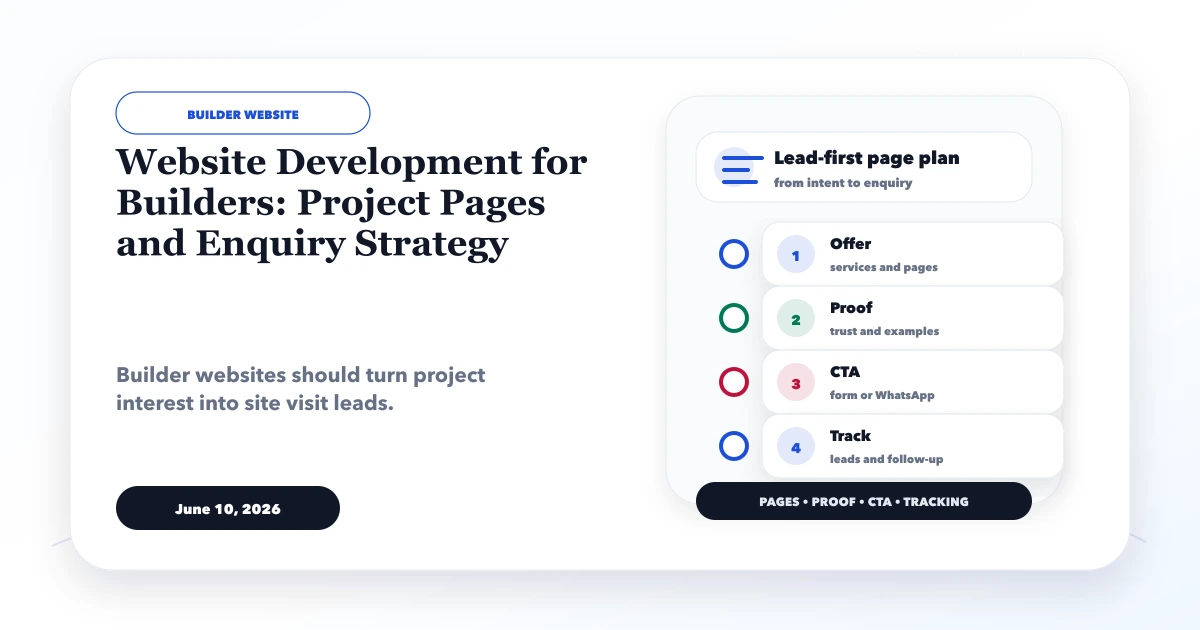
Website development for builders should help a buyer verify a specific project before requesting a callback or site visit. Location, project status, configuration, approvals, plans, amenities, pricing context, possession, and sales contact must stay consistent across the page, brochure, ads, and sales conversation.
This guide covers project information architecture, regulatory and claim discipline, floor-plan handling, site-visit enquiries, lead routing, search visibility, media proof, status ownership, and the boundary between a marketing site and live property inventory.
By Tushar C. (Founder, VASUYASHII). Editorial review covers project-data consistency, enquiry qualification, media and approval boundaries, local intent, and CRM handoff.
A builder website should include project pages, floor plans, amenities, location advantages, gallery, approvals, enquiry form, WhatsApp CTA, and lead tracking.
A family comparing a ready-to-move apartment needs different information from an investor evaluating an under-construction commercial unit. A broker needs inventory and channel context. One generic project card and brochure download cannot answer all three.
The practical target is a maintained project source that qualifies property type, configuration, budget range, location, and visit intent. A form submission should request contact or a visit; it should not imply unit reservation or price lock.
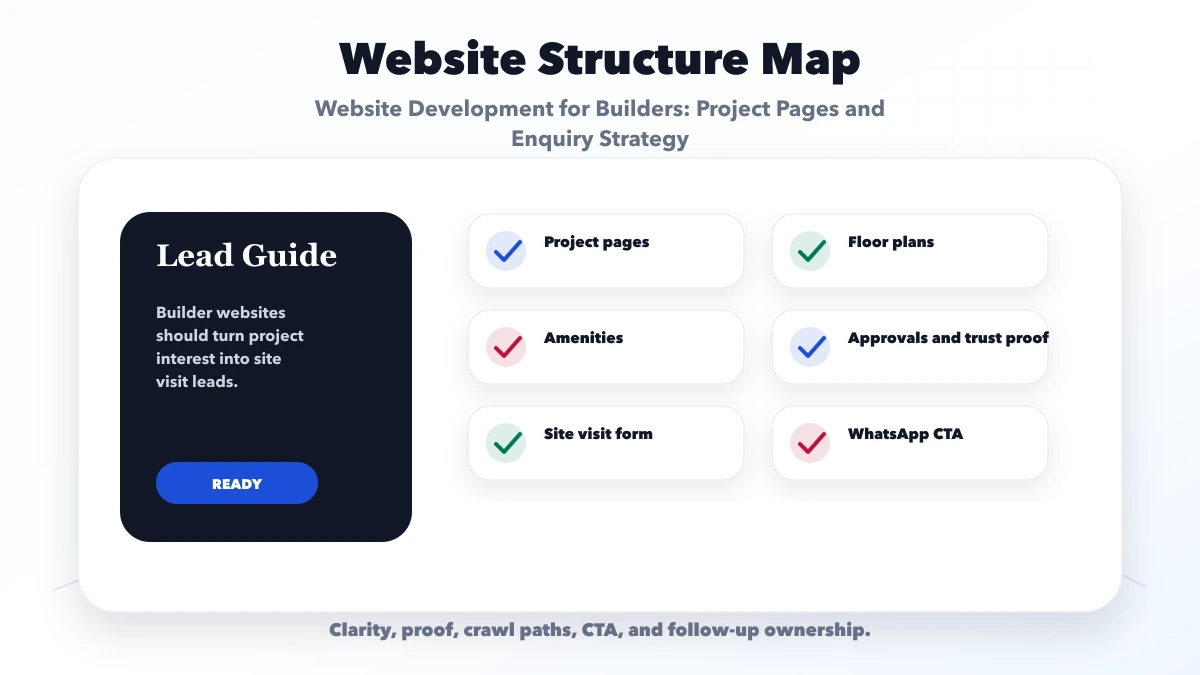
Map each section to buyer verification: plans explain configuration; location content supports commute and access; approvals establish factual context; current media shows progress; enquiry fields route the lead; update ownership prevents stale claims.
| Website area | What to include | Why it matters |
|---|---|---|
| Project layer | Listings, portfolio, locations | Shows available work |
| Trust layer | Photos, approvals, testimonials | Builds buyer confidence |
| Lead layer | WhatsApp, form, CRM handoff | Captures property enquiries |
A builder with several projects needs a stable project template and filters. A single-project developer can use a deeper focused page. Residential, commercial, plotted, and redevelopment projects should not share unsupported claims.
Before launch, nominate an authorized owner for project facts, pricing context, availability status, approvals, media, and contact details. After launch, review lead fit, visit attendance, repeated objections, and project updates instead of adding generic location pages.
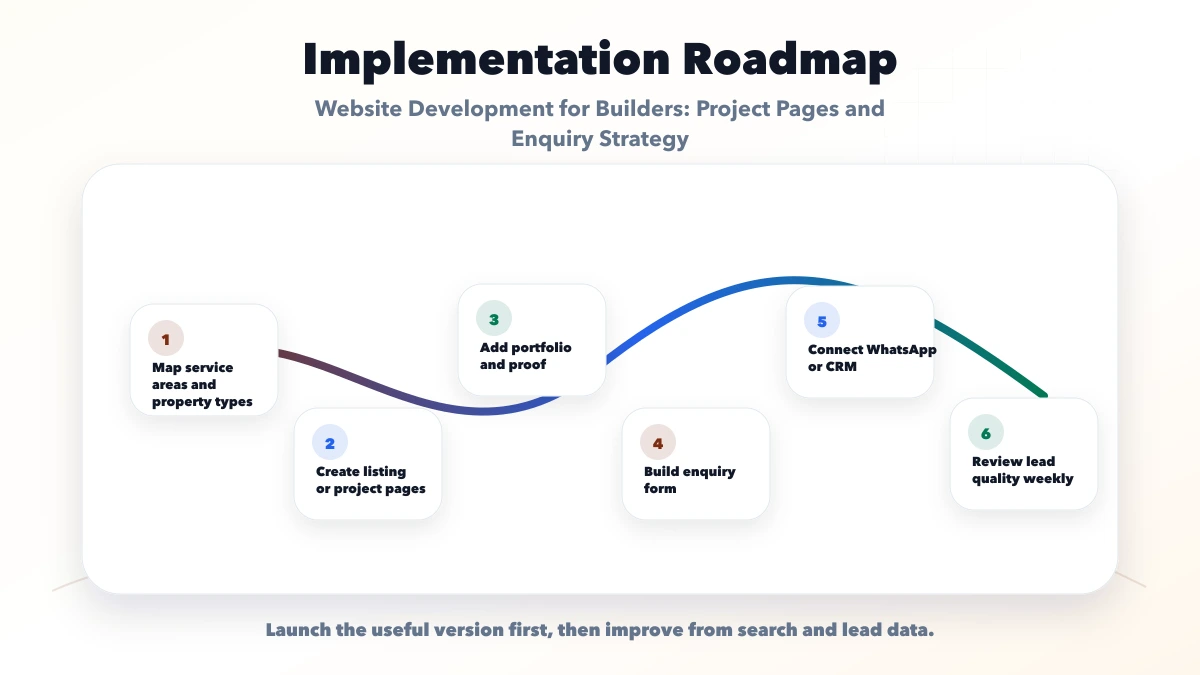
Test the page against the latest approved brochure and one sales call. Every material fact should match, and the lead should arrive with the project and configuration context intact.
Use a consistent source sheet or CMS record for:
Do not let page copy, cards, schema, and brochures maintain separate conflicting values. Show the last verified date for facts that change. Mark sold-out, paused, or completed projects accurately while preserving a useful historical page and alternative contact path.
Any regulatory number, approval, possession date, area, or price claim should be reviewed by the builder's authorized legal or compliance owner. A website developer should implement approved information, not invent it.
Floor plans should identify configuration, area basis, orientation or unit type where relevant, and a readable disclaimer. Protect copyrighted or controlled documents according to the builder's policy, but do not force visitors to submit personal data merely to understand the basic offer.
If pricing is published, state whether it is a starting figure, which configuration and area it covers, update date, taxes, registration, parking, maintenance, club, floor-rise, PLC, or other exclusions. Do not use artificial urgency or "few units left" unless inventory supports the statement.
A marketing website can show availability categories such as available, limited, waitlist, or sold out only when staff maintain them. Live unit-level inventory requires secure integrations, audit history, role controls, and conflict handling so two users do not receive the same promise.
Collect the minimum data needed for useful routing:
| Field | Purpose |
|---|---|
| Project | Keeps multi-project leads attributable |
| Configuration | Routes the relevant inventory discussion |
| Budget range | Helps qualification without implying approval |
| Purchase timeline | Separates research from urgent demand |
| Current city/locality | Helps visit coordination |
| Preferred visit or callback time | Creates a concrete next action |
| Buyer or channel type | Separates direct buyer and broker workflows |
The confirmation should state that the request is pending sales confirmation. If WhatsApp is offered, prefill project and configuration context. Do not send phone, email, budget, or message contents to analytics.
For CRM assignment and follow-up, define source, campaign, project, owner, status, first response, visit booked, visit attended, and outcome. Review integrations when leads must move from ads or forms into a CRM.
Explain access roads, public transport, employment or education zones, neighborhood services, and distance claims only with a clear basis. Avoid generic lists copied across projects. A map plus verified landmarks and site directions is more useful than keyword repetition.
Create one strong page per real project and link from the developer portfolio, city or corridor hub, relevant buyer guides, and contact route. Do not publish dozens of near-identical "property in area" pages without distinct inventory and evidence.
Original site, construction-progress, sample-flat, and amenity media should carry dates and labels when useful. Clearly distinguish render, representative image, current progress, and completed work. Never present a fictional demo or stock photo as a delivered project.
A fictional property-listing concept is not a builder client case study, regulatory source, or proof of sales performance. The services directory shows delivered workflow capabilities in other domains without making property-industry claims.
VASUYASHII can build a controlled project website, enquiry routing, non-identifying analytics, and responsive floor-plan experience under website development services. Live inventory, broker access, booking, payment, or CRM workflows require a separate web application scope with permissions and auditability.
Track project views, plan views, brochure actions, valid callbacks, site-visit requests, call and WhatsApp clicks, and source page. Sales should record lead fit, first response, visit status, reason lost, and verified outcome. Raw CTA clicks are not bookings.
Create a monthly verification checklist for prices, project status, approvals, possession wording, contacts, media, available configurations, and expired offers. Keep an approval record for high-impact changes and provide rollback when incorrect data goes live.
VASUYASHII would define the project schema, approved source owner, lead stages, media labels, and update process before layout design. We would test one project from search or campaign landing through site-visit follow-up. Review software development for the operational layer and contact VASUYASHII with approved project data and the current sales workflow.
Approve the site against verified project data and a real sales handoff. A dramatic hero cannot compensate for stale plans, conflicting prices, or unowned leads.
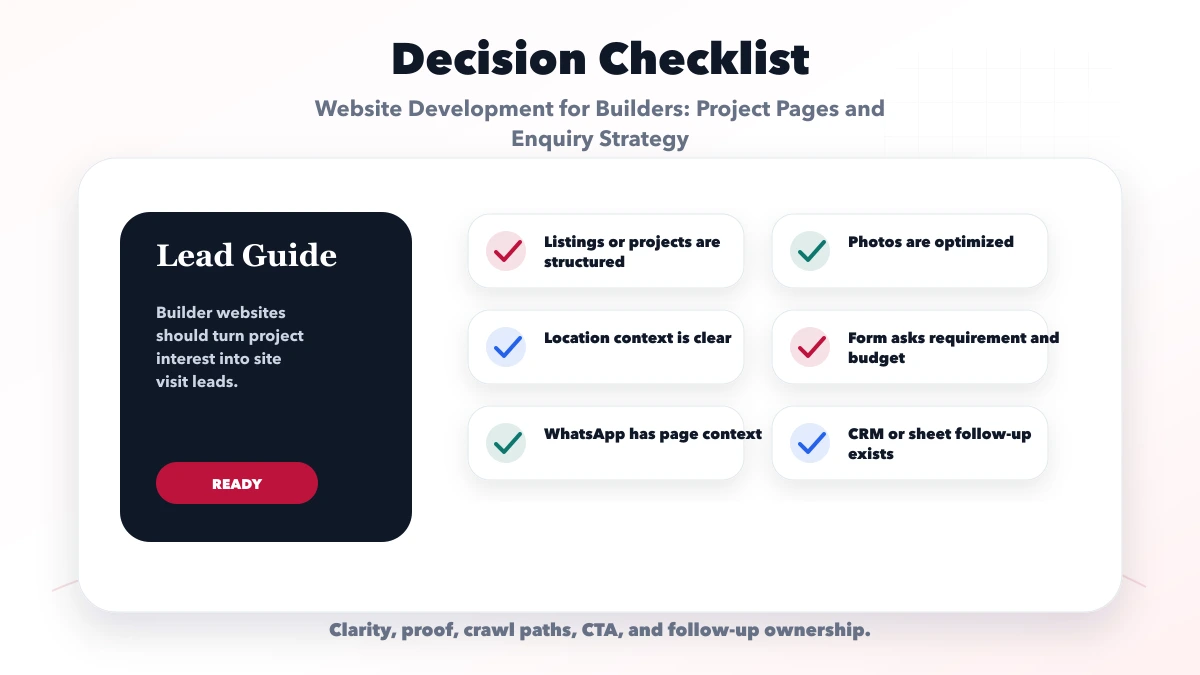
Include controlled project facts, readable plans, verified location context, approval references, dated media, clear pricing boundaries, visit requests, and accountable follow-up.
Yes, but prefill the project and configuration, disclose that availability requires confirmation, and route the lead to an authorized sales owner.
Show verified pricing context with its basis, update date, and exclusions. Avoid unsupported urgency, hidden charges, or figures that conflict with approved material.
Yes. Define source, project, configuration, ownership, visit status, consent, duplicate handling, and reporting before connecting the website.
Yes. VASUYASHII can build the project website and enquiry flow; live inventory, broker portals, booking, and payments require separate application scope.
Builders with a separate resale, rental, or brokerage operation should keep that inventory flow distinct and use the property dealer listings and WhatsApp guide. The real estate agent website and CRM guide covers buyer requirements, listing references, pipeline stages, and visit reporting.
For project-proof and RFQ requirements, review the construction company website workflow. If unit availability, assignments, visits, and source reporting need one operational system, use the real estate listing and leads dashboard guide.
If you want a practical plan for website development for builders, VASUYASHII can help with scope, design, development, SEO setup, lead flow, launch, and maintenance.
Related Articles
June 7, 2026
Plan an architect website with approved project stories, clear role and scope, fast portfolios, consultation qualification, SEO, and lead ownership.
Read article
May 15, 2026
best website for contractors and builders: practical 2026 guide with features, cost, timeline, tech stack, mistakes, FAQs, proof, and next steps for Indian.
Read article
June 8, 2026
Plan a travel agency website with controlled package data, clear inclusions, availability requests, itinerary leads, payment boundaries, and follow-up tracking.
Read article
June 2, 2026
Website for small business guide for 2026 with must-have pages, features, lead flow, WhatsApp CTA, SEO basics, and checklist.
Read article