
June 10, 2026
Contractor Website: Service Areas and Project Proof
Plan a contractor website with clear service areas, structured project proof, scope-aware quote forms, local SEO, and reliable lead follow-up.
Read articlePublished Updated
Plan a construction company website with credible projects, service pages, quote intake, qualification, trust signals, local SEO, and handover.
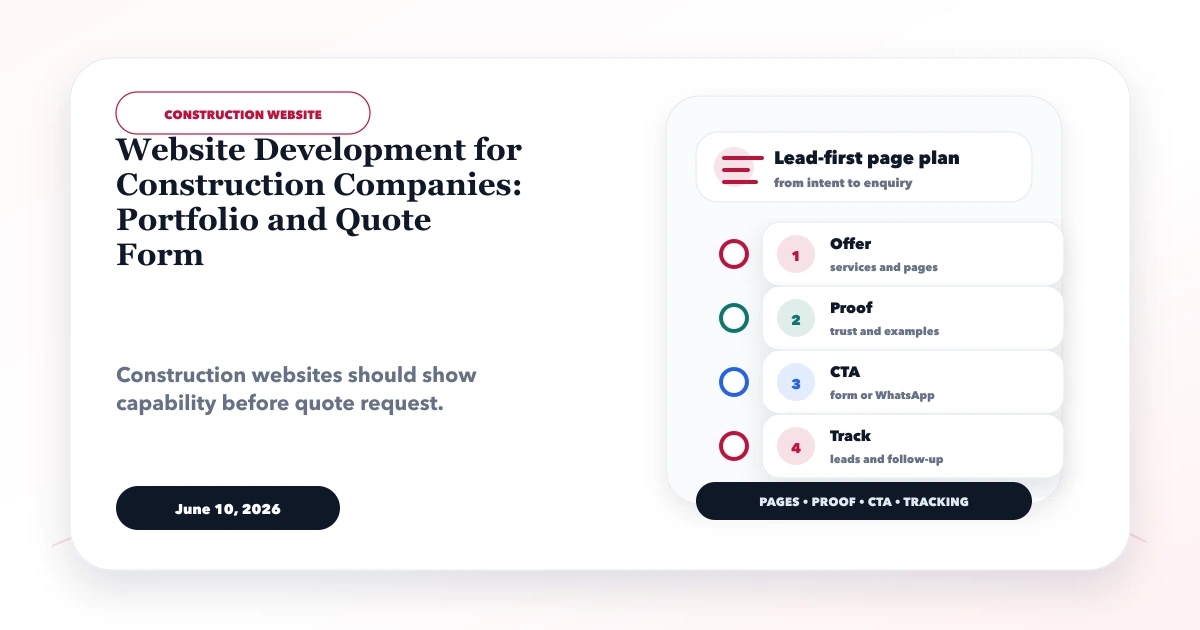
A construction company website should help a serious buyer verify capability, understand the kind of work the company accepts, inspect relevant projects, and send enough information for a useful first response. It should not be a gallery of unrelated stock photographs followed by a one-line contact form.
The right website structure depends on whether the company works in residential construction, commercial fit-outs, civil contracts, renovation, industrial work, interiors, design-build delivery, or specialised trades. Each buyer looks for different proof, risk controls, and quotation inputs.
This guide covers the page plan, project-record structure, quote workflow, trust evidence, local discovery, content ownership, and launch checks required for a lead-first construction website.
A credible construction website should include:
Start with buyer evidence and operational workflow. Visual design should make that evidence easy to inspect.
"We do all construction work" does not help a buyer decide whether the company fits a project. Define:
| Dimension | Examples |
|---|---|
| Customer | homeowner, architect, developer, factory, retailer, institution |
| Project type | new build, renovation, fit-out, civil, MEP, turnkey, maintenance |
| Contract role | main contractor, subcontractor, design-build partner, specialist |
| Project scale | small renovation, multi-floor commercial, industrial package |
| Geography | genuine operational service areas |
| Procurement | direct enquiry, tender, architect referral, repeat client |
| Differentiator | occupied-site work, schedule control, specialist material, reporting |
This definition decides the home-page message, service pages, project filters, quote questions, and internal links. It also prevents a small residential contractor from presenting enterprise claims that cannot be supported.
Our implementation review begins with the actual enquiry and estimation process. If the estimator needs drawings, site location, area, expected start date, and scope category, the website should collect or request those items in a controlled way. If every lead currently arrives as "price batao," the problem is not solved by making the gallery larger.
The home page should establish:
Avoid leading with unsupported superlatives such as "India's number one builder." Use verifiable capability, project type, experience ownership, approvals, and real contact information.
Create separate pages when scope, buyer, process, or proof differs. Potential pages include:
Each service page should explain suitable projects, inclusions, exclusions, inputs required, execution stages, typical constraints, proof, and the correct CTA. Do not copy the same page and change only the service name.
The project library should be filterable only when there are enough records to justify filters. Useful dimensions include project type, sector, status, location, service delivered, and scale band.
Explain company ownership, leadership, relevant team roles, execution model, vendors or partners where appropriate, equipment or specialist capability, quality process, and contact details. Mention licenses, memberships, and certifications only when current and verifiable.
Show the real path from enquiry to site visit, scope clarification, estimate, proposal, agreement, mobilisation, execution, reporting, handover, and support. Label variations and client approvals clearly.
Offer a simple contact option and a more detailed project-enquiry option. Not every visitor has drawings ready.
A project page should answer more than "completed successfully."
Use fields such as:
If commercial terms or client identity are confidential, explain the work without exposing them. A truthful anonymous project record is stronger than a named but unverifiable case study.
Confirm:
The case-study writing template can help structure context, scope, constraints, action, and evidence without inventing results.
The first form should collect enough information to route the enquiry. It should not ask for every BOQ line before a human has reviewed fit.
Use conditional fields for homeowner, architect, business, or tender enquiries. For example, a renovation lead may need occupancy status, while a commercial fit-out may need possession date and drawings.
Restrict file types and sizes, scan uploads where supported, store them outside public paths, use controlled access, define retention, and avoid asking for sensitive documents before necessary. Provide an alternate secure sharing method for large tender files.
The confirmation should state:
Do not promise an instant final quotation when a site visit, drawings, quantities, or vendor prices are required.
A website form is only the front door. Define:
For a small team, a shared CRM can track enquiry, qualification, visit, estimate, proposal, negotiation, won, lost, and deferred states. A larger workflow may need a custom web application or CRM/software integration, but do not add complexity before ownership is clear.
Construction buyers evaluate delivery risk. Useful trust signals include:
Avoid fake counters, purchased badges, generic stock teams, or unsupported completion claims. If a certificate is shown, include issuer, name, and validity context when appropriate.
List places the company genuinely serves and can support operationally. One strong service-area section with project evidence may be better than dozens of city pages with identical copy.
For each important area, use real value:
Keep name, address, and phone information consistent where the business is publicly listed. Do not create fake offices. Use the location-page duplication guide before expanding city content.
Architects, owners, and project managers may review the site from a phone. Test:
The hero should state the construction work and service area without requiring animation or a large background video. Use media to reveal projects, not merely atmosphere.
Support pages can answer distinct buyer questions:
Each article should link to the correct service and quote path. Do not publish generic posts about every construction keyword without first making the main service and project pages useful.
Website cost depends on:
Ask proposals to separate discovery, content, design, development, integrations, QA, hosting/deployment, analytics, training, and support. Use the website project agreement guide to clarify acceptance and change control.
Define who can add projects, update services, replace team information, review form delivery, renew the domain, manage hosting, and approve analytics changes.
Handover should include:
A construction website becomes stale quickly when nobody owns project updates. Agree on a monthly or quarterly evidence review rather than displaying obsolete portfolio and staff information.
| Area | Acceptance evidence |
|---|---|
| Positioning | project types, buyer, and service area are explicit |
| Services | each service has unique scope and next step |
| Projects | media, role, scope, and permissions are verified |
| Quote form | validation, upload, routing, confirmation, and spam controls pass |
| Mobile | galleries, forms, CTAs, and navigation work on target devices |
| SEO | titles, descriptions, headings, canonicals, sitemap, and internal links pass |
| Analytics | form, call, WhatsApp, and key project interactions are measured |
| Security | updates, access, uploads, backups, and recovery are documented |
| Ownership | content, infrastructure, credentials, and support owners are named |
Publish enough verified projects to represent the work the company wants to win. Five detailed, relevant records can be more persuasive than 50 unexplained images.
Show pricing only when scope can be standardised responsibly. For custom construction, explain cost drivers and the information required for an estimate rather than publishing misleading fixed rates.
WhatsApp is useful for initial contact, but structured project details, files, ownership, follow-up, and source tracking usually need a form or CRM process as well.
Yes, when approved and clearly labelled. Ongoing work can show process; completed work can show delivered scope. Do not imply completion where it has not occurred.
No. Create a location page only when there is unique local service value, evidence, or buyer information. Otherwise use a clear service-area section.
Only for sufficiently standardised work with controlled assumptions. Most construction enquiries require drawings, quantities, site conditions, exclusions, and human review.
A good construction website reduces uncertainty before the first call. It shows the right work, asks the right questions, and gives the estimator a usable enquiry. For a focused scope, send the project types, current portfolio, service areas, quote workflow, and required integrations through contact or review website development services.
Related Articles
June 10, 2026
Plan a contractor website with clear service areas, structured project proof, scope-aware quote forms, local SEO, and reliable lead follow-up.
Read article
June 8, 2026
Plan a wedding photographer website with fast galleries, package context, date-availability requests, image rights, lead tracking, and booking handoff.
Read article
May 21, 2026
verify web development company portfolio: practical 2026 guide with checklist, pricing, timeline, risks, tools, FAQs, and Indian business tips today safely.
Read article
June 8, 2026
Plan a packaging company website with material and print specifications, industry applications, MOQ context, proof, and a quote-ready RFQ form.
Read article