
June 8, 2026
Manufacturer Website: B2B Lead Generation and RFQs
Plan a manufacturer website with product data, capability proof, certificates, RFQ forms, catalog ownership, buyer journeys, lead routing, and B2B SEO.
Read articlePublished Updated
Plan a packaging company website with material and print specifications, industry applications, MOQ context, proof, and a quote-ready RFQ form.
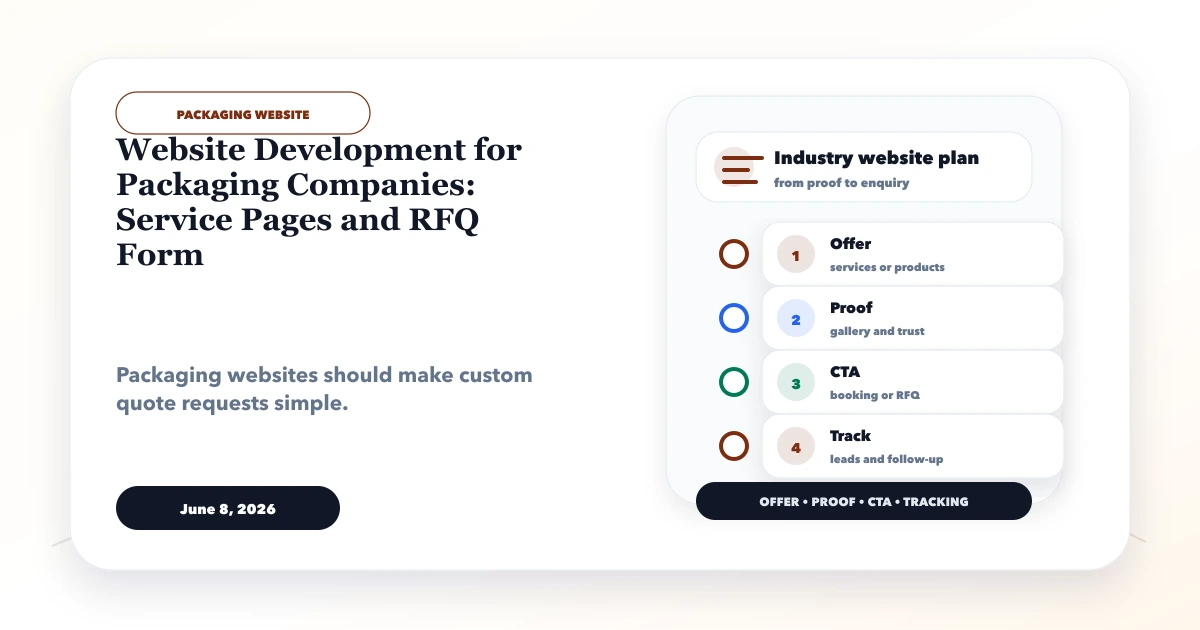
Practical website development for packaging companies should help a buyer convert an idea into an RFQ that production or sales can evaluate. “Need printed boxes” is not enough. Material, dimensions, construction, print, finish, quantity, use, delivery location, and artwork readiness can all affect feasibility and price.
The website must explain capability without pretending every combination is available. Its job is to guide product selection, collect quote-ready information, and route the request to the correct owner.
By Tushar C. (Founder, VASUYASHII). Reviewed for packaging catalog structure, technical data, B2B enquiry qualification, claim safety, and implementation feasibility. Product and compliance decisions must be verified by the packaging supplier.
A packaging company website should include:
The site should clearly separate examples from available specifications and indicative guidance from a final quotation.
A buyer may know the packed product but not the packaging term. Others arrive with a drawing, dieline, sample, or exact construction. The website should support both.
| Buyer starting point | Useful route |
|---|---|
| “I need ecommerce shipping boxes” | Application page to corrugated options |
| “I need a 3-ply B-flute carton” | Product page with construction fields |
| “I need food-safe printed pouches” | Application, material guidance, and compliance review |
| “I need labels for a cold environment” | Label material, adhesive, surface, and temperature questions |
| “I need packaging like this sample” | Secure upload and sample-evaluation process |
Navigation should use both product language and buyer use cases, without duplicating the same content across many pages.
Group actual offerings such as corrugated boxes, folding cartons, labels, flexible pouches, protective packaging, or custom printed packaging. Each category should explain common applications and link to distinct products.
Use service pages for capabilities such as structural design, artwork preparation, prototyping, custom printing, finishing, kitting, or managed supply only when the company genuinely provides them.
An application page can explain packaging decisions for ecommerce, food, retail, electronics, pharma, industrial parts, or exports. Avoid declaring compliance based only on an industry label; requirements depend on product, material, process, market, and regulation.
Useful guides can explain how to measure dimensions, prepare artwork, compare materials, choose print methods, or submit an RFQ.
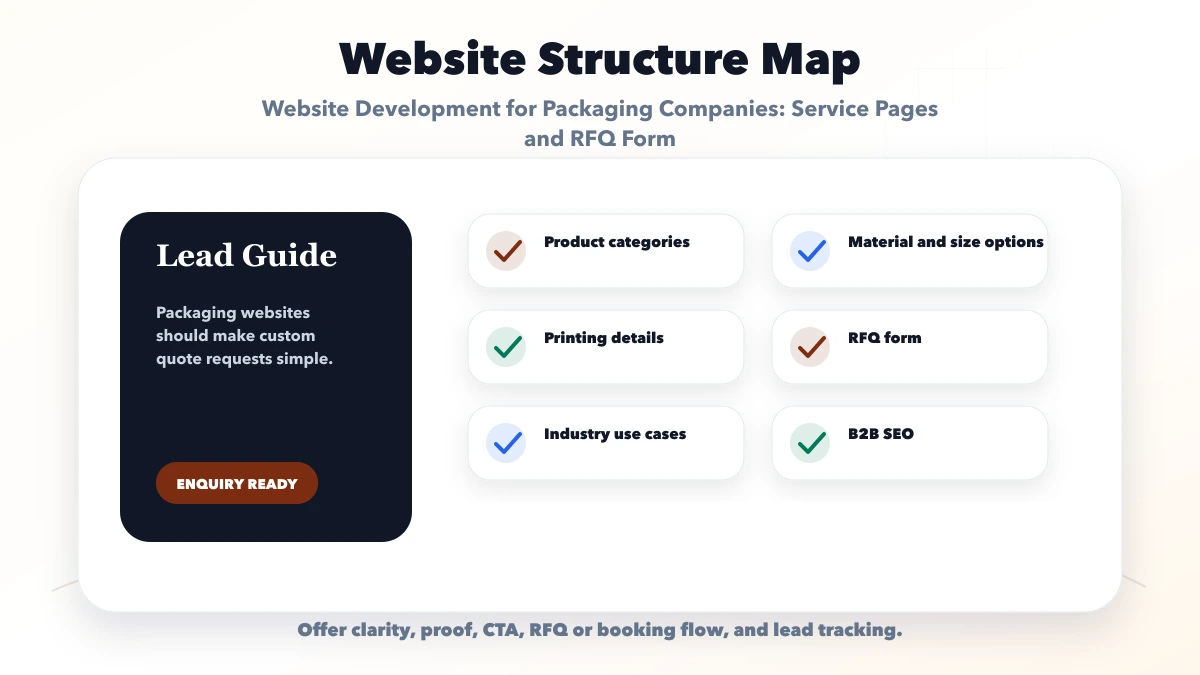
Depending on packaging type, a product page can include:
Do not combine values from unrelated products into one impressive-looking specification table. Assign a product owner to approve and update each field.
MOQ may depend on machine setup, print plates/cylinders, tooling, material procurement, colors, size, finishing, and wastage. Explain these factors in plain language.
Useful cost guidance can identify:
Avoid publishing a “per box” headline without size, material, print, quantity, and delivery assumptions.
Use a short first step and reveal technical fields after product selection.
State that technical review is required. A website should not automatically certify suitability for food, pharma, dangerous goods, or another regulated use.
Packaging RFQs may include brand artwork, drawings, barcodes, or unreleased product information. Use private upload storage, access controls, file validation, retention rules, and a defined deletion process. Do not place uploaded files in a public asset folder.
Tell buyers the accepted format, maximum size, color mode, font/outline expectations, image resolution, bleed, and dieline requirements. If the company offers artwork preparation, define what is included and who approves the final proof.
Use original product photographs with scale and specification context. Show production or quality processes only when real and approved. Certificates should name the issuing body, entity, scope, and validity.
Project examples can explain the buyer problem, packaging decision, constraints, process, and delivered scope without exposing confidential brands. Do not describe a concept render as a completed commercial order.
For higher volume, connect the website to a CRM or scoped web application. Keep quotation authority with approved staff.
Use product pages for specification intent, application pages for buyer use cases, and resources for informational questions. Link application pages to relevant product categories and RFQ actions. Link technical guides to both the product and the service that resolves the problem.
Avoid creating a separate page for every material-size-industry combination. Filters and structured tables can handle variants while preserving one authoritative URL.
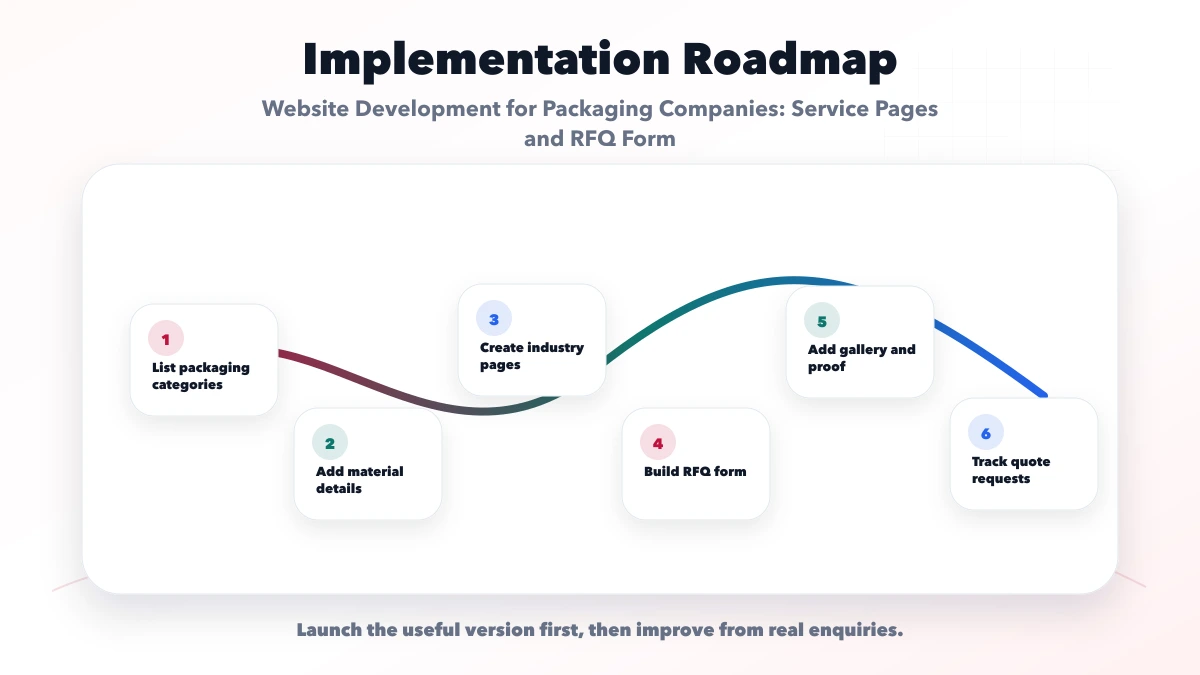
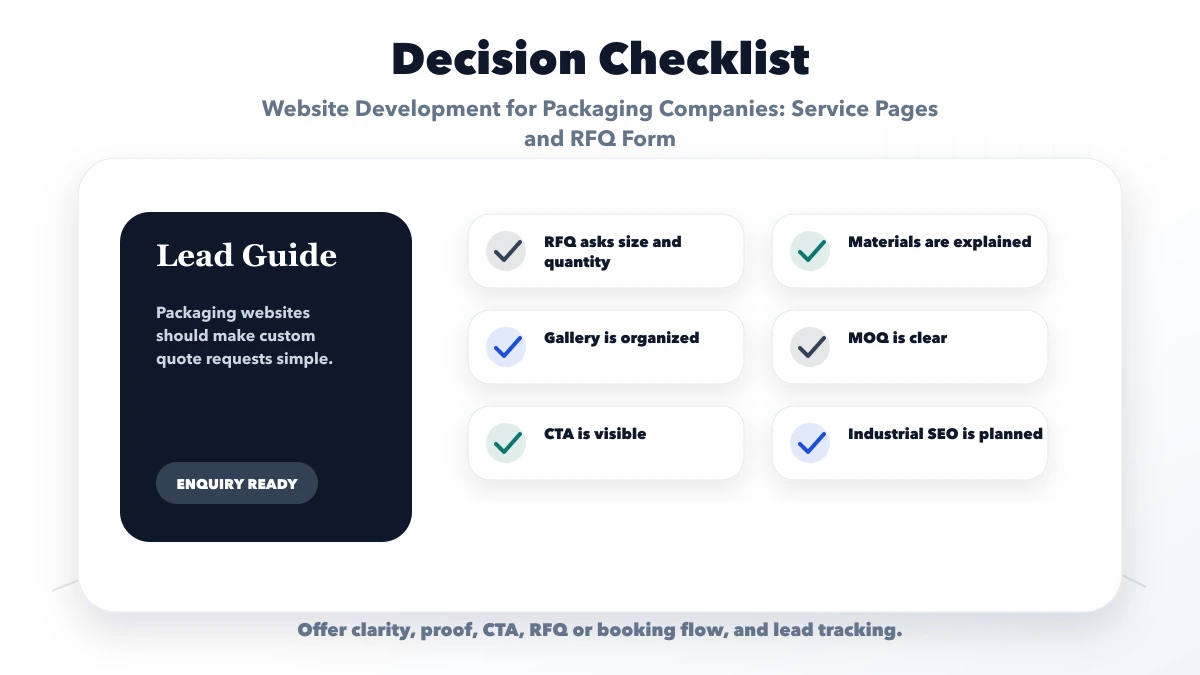
Buyers cannot compare construction or submit accurate quantities. Add controlled specifications and application context.
Packaging families need different technical inputs. Use conditional forms.
Suitability and compliance are specific. Require qualified technical review and evidence.
Buyer files may be confidential. Store them privately with clear access and retention rules.
Materials, MOQ, certifications, and capabilities change. Assign responsibility for every important page.
The public website supports discovery and RFQ capture. Estimation, BOM, production planning, inventory, purchase, quality, dispatch, and accounting are separate operational workflows.
VASUYASHII can assess custom software development or selected integrations, but those modules require discovery and are not part of a standard catalog website.
Ask product/use, dimensions, material or construction if known, print/finish, quantity, delivery location, target date, artwork/sample availability, and contact details.
Yes when it is stable. Otherwise explain the setup, tooling, material, and quantity factors and confirm it during review.
Yes through secure private storage with format, size, access, and retention controls. Do not expose uploads on public URLs.
Only when the packaging decisions, proof, requirements, and buyer questions are genuinely different. Avoid copied industry pages.
Only for tightly controlled products and rules. Custom packaging usually requires specification, tooling, material, quantity, and delivery review.
Yes. VASUYASHII can scope product architecture, RFQ forms, private file flow, analytics, and selected integrations. Technical suitability remains with the packaging company.
List your current categories, specifications, limits, MOQ rules, proof, quotation process, and RFQ owners before development. That information is more valuable than a generic design reference.
Related Articles
June 8, 2026
Plan a manufacturer website with product data, capability proof, certificates, RFQ forms, catalog ownership, buyer journeys, lead routing, and B2B SEO.
Read article
June 8, 2026
Website development for furniture manufacturers with product catalog, quote system, material details, project gallery, B2B leads, and checklist.
Read article
June 4, 2026
Build a website-development lead funnel from search intent and proof to qualification, discovery, proposal, follow-up, conversion tracking, and reporting.
Read article
June 10, 2026
Plan a construction company website with credible projects, service pages, quote intake, qualification, trust signals, local SEO, and handover.
Read article