
May 21, 2026
Website Copy That Converts for Service Businesses
Write service-business website copy with clear buyer intent, proof, scope, objections, pricing context, useful CTAs, SEO structure and conversion measurement.
Read articlePublished Updated
Prepare accurate website content for a new business: services, proof, process, FAQs, images, contact details, SEO fields, policies, and ownership.
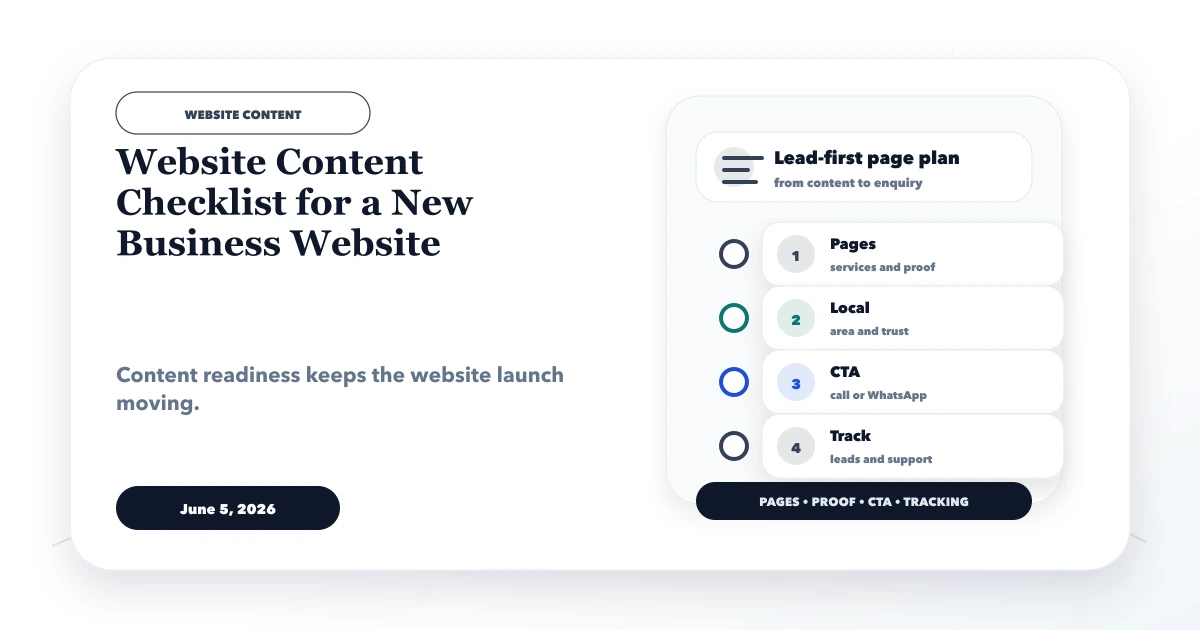
Website development slows down when the business has not prepared its offer, proof, contact details, service boundaries, or approvals. A content checklist prevents the designer from inventing facts and prevents the owner from approving empty sections only because the layout looks complete.
Prepare content as structured source material, not as one long company profile. Every page needs a defined audience, question, evidence source, next action, and owner.
Before design starts, collect:
Do not use placeholders as final content. Best quality, trusted company, and leading provider are claims, not evidence.
Create one approved source for details that appear across the site:
| Field | Example of required decision |
|---|---|
| Public business name | Exact spelling and capitalisation |
| Legal/trading relationship | Whether legal name should be displayed |
| Primary phone and email | Owner and response hours |
| Address or service model | Public office, appointment-only, remote, or service area |
| Registration/tax details | Whether publication is required and approved |
| Social profiles | Only active official accounts |
| Logo files | Approved light/dark formats and usage |
Consistency matters because the same details may appear in the header, website footer, contact page, structured data, forms, invoices, and business profiles.
Describe the buyer in operational terms. Instead of all businesses, write the type, stage, problem, and decision owner. A useful statement could be: Indian distributors that need GST billing, stock visibility, and due tracking across daily operations.
Answer:
Different audiences may require separate pages, but only when the business can support distinct content and follow-up.
Write one sentence that identifies the offer, audience, and outcome without unsupported superiority. Then add constraints so buyers understand fit.
For example, a software company might state that it builds websites, web applications, business software, and integrations for SMEs. It should also distinguish a ready product from custom development and avoid claiming features not currently available.
Avoid slogans that could belong to any competitor. Replace them with specifics about workflow, deliverables, platform, users, or implementation approach.
Each service page should include:
Do not duplicate the same paragraph across services. Website design, web application development, automation, and software integration involve different decisions and risks.
For a product or SaaS page, prepare:
Never present roadmap items as live features. Verify screenshots after each major product change.
The About page should establish identity and working philosophy without fictional history. Useful inputs include founder/team information, relevant experience, current capabilities, location/service model, delivery principles, and how a prospective customer can verify fit.
Credentials, client counts, awards, years, partnerships, and results need evidence. If evidence cannot be published, use capability wording rather than a precise claim.
Explain what happens after contact. A service process might include discovery, scope, proposal, content/data preparation, design or workflow approval, development, testing, launch, handover, and support.
For each stage, identify:
This content helps buyers compare proposals and reduces ambiguous expectations later.
Create a proof register before placing trust elements on the site:
| Proof type | Validation needed |
|---|---|
| Testimonial | Real person, permission, accurate wording |
| Client logo | Written permission and current relationship context |
| Screenshot | Real product/project, private data removed |
| Result metric | Baseline, period, method, attribution, permission |
| Certification | Current holder, scope, expiry, correct mark usage |
| Review | Genuine public source and faithful representation |
Demo websites should be labelled as demos. Do not imply a fictional brand is a customer project.
The website does not always need fixed prices, but it should help buyers understand the pricing model. Explain whether work is packaged, subscription-based, milestone-based, usage-based, or custom quoted.
List major cost drivers such as page count, workflows, roles, integrations, data migration, content, custom design, testing, support, and third-party fees. Avoid ranges copied from unrelated projects.
Collect questions from sales calls, messages, support, and objections. Good FAQs answer eligibility, ownership, timeline, revisions, hosting, support, payment, integrations, data, and what happens next.
Write direct answers. Do not repeat the page introduction or add keyword variations that no customer asks. Sensitive legal, tax, security, or compliance questions should include accurate boundaries and qualified-review guidance.
Prepare:
The website navigation structure should expose the contact route consistently. Do not publish personal numbers or addresses without approval.
Create an asset list with filename, subject, owner, permission, alt-text purpose, crop, and target page. Prefer real product screens, work environments, team members, facilities, or output when they help a buyer inspect the offer.
Remove private customer data from screenshots. Do not use generic stock imagery as proof. Optimise dimensions and format without making text inside screenshots unreadable.
Alt text should describe the image's useful content in context. Decorative images can use empty alt text rather than keyword stuffing.
The required policy set depends on the business and data collected. Review:
Policies must reflect actual providers and workflows. Obtain qualified legal advice when needed.
For each page, prepare:
Write for the buyer first. Keywords help label the topic but should not produce repetitive headings or unnatural city lists.
Use a page-level tracker:
| Status | Meaning |
|---|---|
| Draft | Facts and structure still changing |
| Fact checked | Business owner verified details |
| Proof approved | Permissions and evidence confirmed |
| SEO reviewed | Intent, title, links, and URL checked |
| Final approved | Named owner accepted publication |
| Published | Live URL and date recorded |
| Review due | Trigger or date requires revalidation |
Comments in chat are not a durable approval system. Keep the final source and decision history accessible.
Content work continues after launch. Record who can update pages, where source assets live, how backups work, how redirects are requested, and who reviews forms and analytics.
Define triggers for updates: new service, discontinued feature, price change, staff change, location change, policy change, provider change, or repeated customer question. Archive outdated claims instead of letting them remain indefinitely.
Our implementation starts with a structured content workbook rather than blank page mock-ups. Each page receives an intent, audience, source facts, proof status, owner, CTA, and approval state. We flag unsupported claims and future features before they become visible design elements.
This method improves scope clarity and review accountability; it is not a guarantee of rankings or leads. Content still needs real demand, useful delivery, technical quality, authority, and responsible follow-up.
best, leading, or trusted without evidence;Core facts, page intent, offer, proof, and approximate content volume should be ready. Copy can be refined during design, but relying entirely on placeholders creates rework.
The business must provide and approve facts. A copywriter or content strategist can structure and clarify them, but should not invent proof, credentials, customers, or features.
Enough to answer fit, scope, process, inputs, evidence, objections, and next steps. Use topical completeness rather than a fixed word count.
AI can help structure a draft, but a knowledgeable owner must verify every fact, claim, example, price, policy, and feature. Remove generic or repetitive language.
Use transparent process, demos labelled as demos, founder experience, current product evidence, clear scope, and useful decision guidance. Do not fabricate clients or results.
Update when facts change and review high-risk or time-sensitive pages on a schedule. A visible last-reviewed date is useful only when a real review occurred.
Create one approved source sheet for identity, offers, proof, contact, and policy details. Then complete the page worksheet before approving layouts. Contact VASUYASHII for content architecture and website planning.
The business website value guide for 2026 helps decide which claims, proof, contact routes, and channel-control details belong in that source sheet.
Related Articles
May 21, 2026
Write service-business website copy with clear buyer intent, proof, scope, objections, pricing context, useful CTAs, SEO structure and conversion measurement.
Read article
June 5, 2026
Prepare a complete website development brief covering goals, audiences, pages, content, design, lead flow, SEO, access, ownership, and acceptance criteria.
Read article
March 29, 2026
Write website copy for better leads using clear positioning, customer language, proof, objection handling, qualification and measurable calls to action.
Read article
May 21, 2026
Compare Vercel, Hostinger, and AWS by application type, deployment control, databases, scaling, support, security ownership, cost risk, and team capability.
Read article