
June 11, 2026
Website Development Landing Page Plan
Plan a website development landing page with a focused offer, proof, process, scope, qualification form, WhatsApp CTA, FAQs, tracking and follow-up workflow.
Read articlePublished Updated
Design a website quote request page with scope-aware fields, budget and timeline context, privacy-safe attachments, confirmation, and lead follow-up.
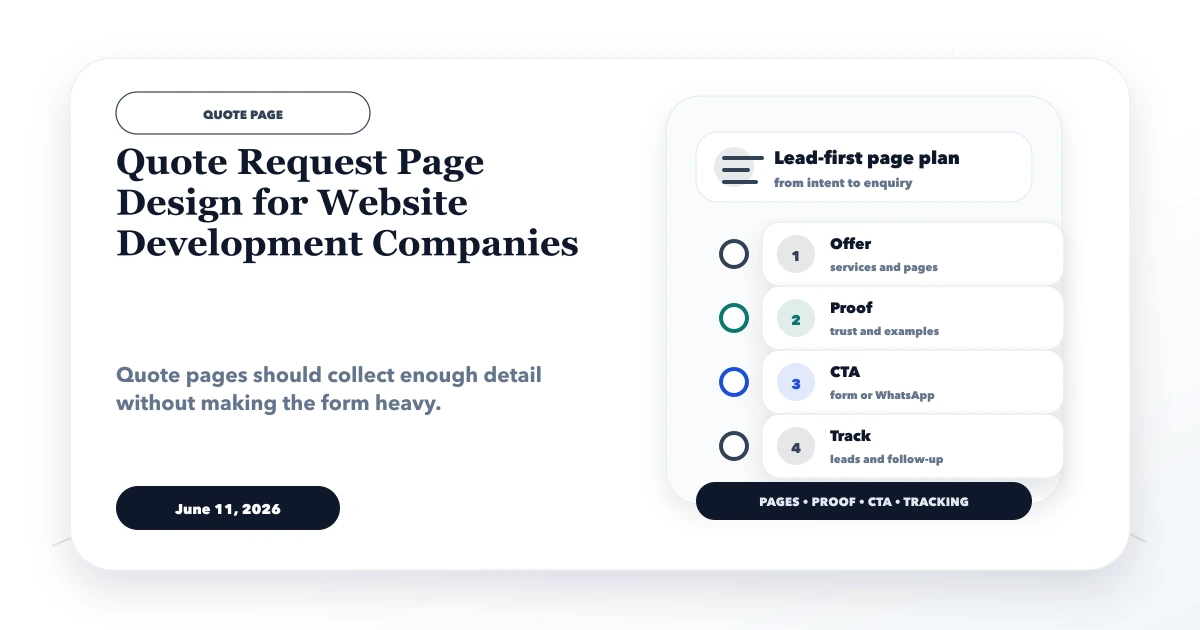
A good quote request page design for website development companies helps both sides understand the proposed project before the first call. It does not force a visitor to write an essay, and it does not pretend that page count alone determines price.
The form should collect enough context to route and prepare the conversation while explaining what happens after submission. Accurate quoting still requires review, clarification, and written assumptions.
By Tushar C. (Founder, VASUYASHII). Reviewed for practical discovery, form usability, privacy, lead qualification, analytics, and honest pricing boundaries. The guidance reflects a scoped software and website planning process rather than a promise of instant fixed quotes.
A quote request page should include:
Do not ask every visitor every possible question. Use conditional fields or a short first step followed by discovery.
Two requests can both say “I need a business website” but represent very different work:
Without context, the developer either guesses, sends a broad range, or schedules a call only to collect basic information. A structured form reduces this repetition.
Before the form, state:
This prevents visitors from assuming that submission creates a contract, fixed delivery date, or guaranteed price.
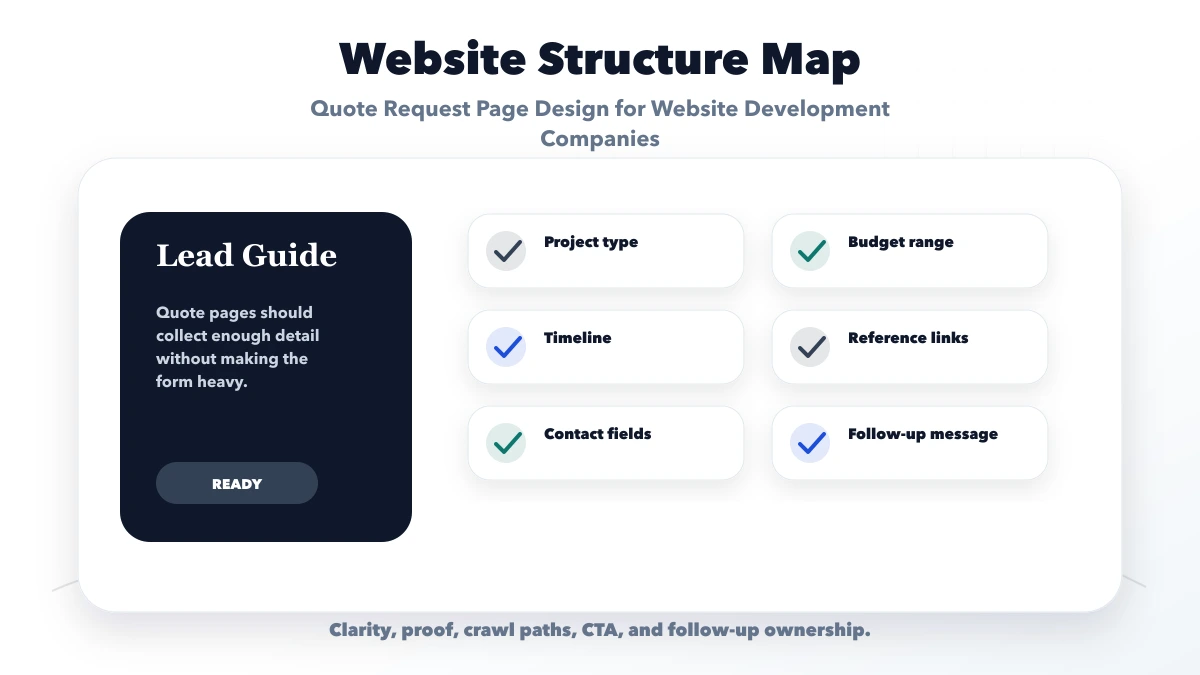
Ask for name, company/business name, email, phone/WhatsApp, location/time zone if relevant, and preferred contact method. Avoid requiring a company name from sole proprietors who may not have one.
Offer controlled choices such as:
The selection should reveal relevant questions. An ecommerce project needs product, payment, shipping, tax, and admin details; a landing page does not.
Ask what the project must improve: qualified enquiries, bookings, direct sales, internal workflow, reporting, support, credibility, or another measurable outcome. Also ask who will use the public site or system.
This is more useful than “What style do you like?” at the start.
Ask whether a live website, domain, hosting account, analytics property, content library, brand guide, or existing software is involved. Include a field for the current URL.
For redesigns, migration, URL preservation, forms, tracking, and third-party ownership can affect scope substantially.
Use checkboxes or conditional sections for:
Do not imply that selecting a checkbox guarantees inclusion. The follow-up scope should confirm it.
Ask for a desired launch window and the reason behind it. A statutory deadline, event, campaign, or expiring system is different from a preference to “launch soon.”
Budget bands can save time when they reflect the company’s real minimum scope. Include “need guidance” for visitors who do not know. Explain that final price depends on confirmed requirements, content readiness, integrations, migration, feedback, and acceptance criteria.
Do not shame low budgets or advertise a starting price that cannot deliver the described minimum product.
Reference URLs can reveal desired structure or features, but ask what the visitor likes about each reference. Copying another website is neither a requirement nor a design strategy.
If file upload is allowed, restrict type and size, store files privately, validate them, and define retention. A simpler alternative is to request documents after the first review.
Use a short form when service options are narrow and follow-up is fast. Use a multi-step form when conditional questions significantly improve routing.
| Form model | Best for | Risk |
|---|---|---|
| 5-7 field form | Simple landing or website enquiries | More clarification later |
| Conditional single page | Several services with moderate complexity | Can feel long if poorly grouped |
| Multi-step form | Software, ecommerce, migration, integrations | Drop-off if progress and value are unclear |
| Downloadable brief + contact | Buyers preparing a detailed procurement request | Delays immediate contact |
Provide progress, preserve entered values, show validation near the field, and make back navigation safe.
After a valid submission, show:
Internally, create a record containing source page, project type, contact, scope summary, budget/timeline context, owner, status, and next action. Avoid sending personal form values to analytics.
On the VASUYASHII website, a valid contact-form submission emits the privacy-safe generate_lead event; values such as names, phone numbers, and messages are not used as event parameters. This is the correct separation between conversion measurement and lead data.
Qualification should identify fit, not create an obstacle. Useful checks include:
A prospect who selects “need guidance” may still be qualified. The form should support honest uncertainty.
The free software project requirement template helps buyers prepare users, workflows, modules, permissions, reports, integrations, and acceptance criteria before a detailed estimate.
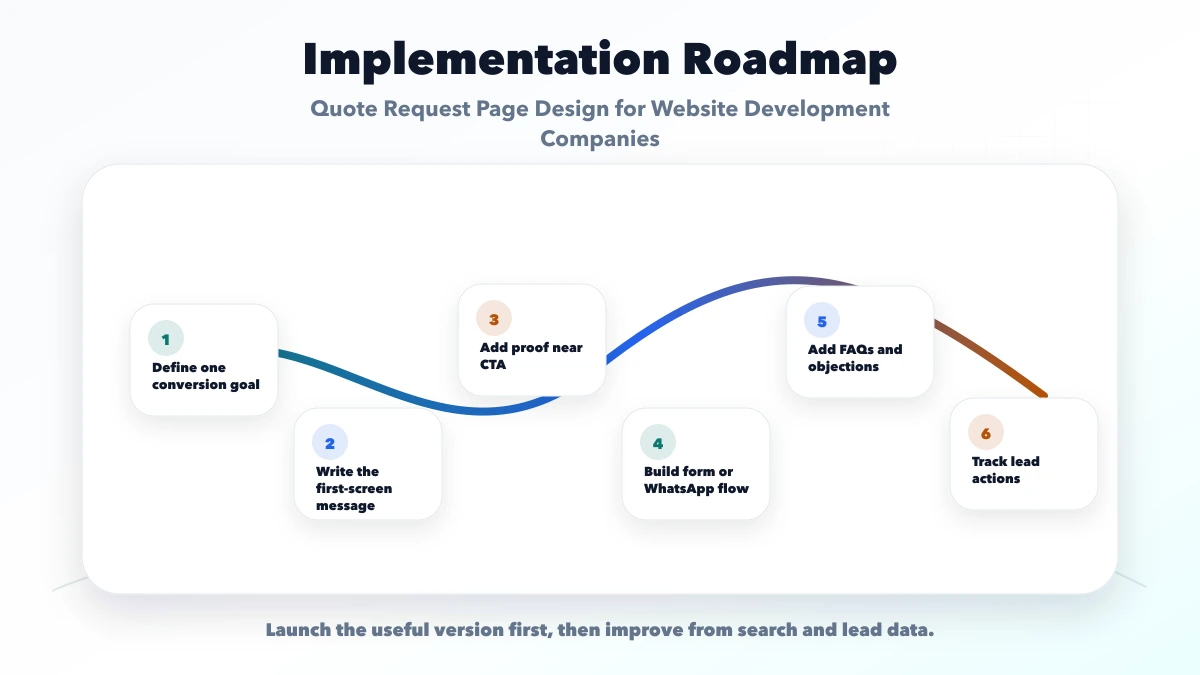
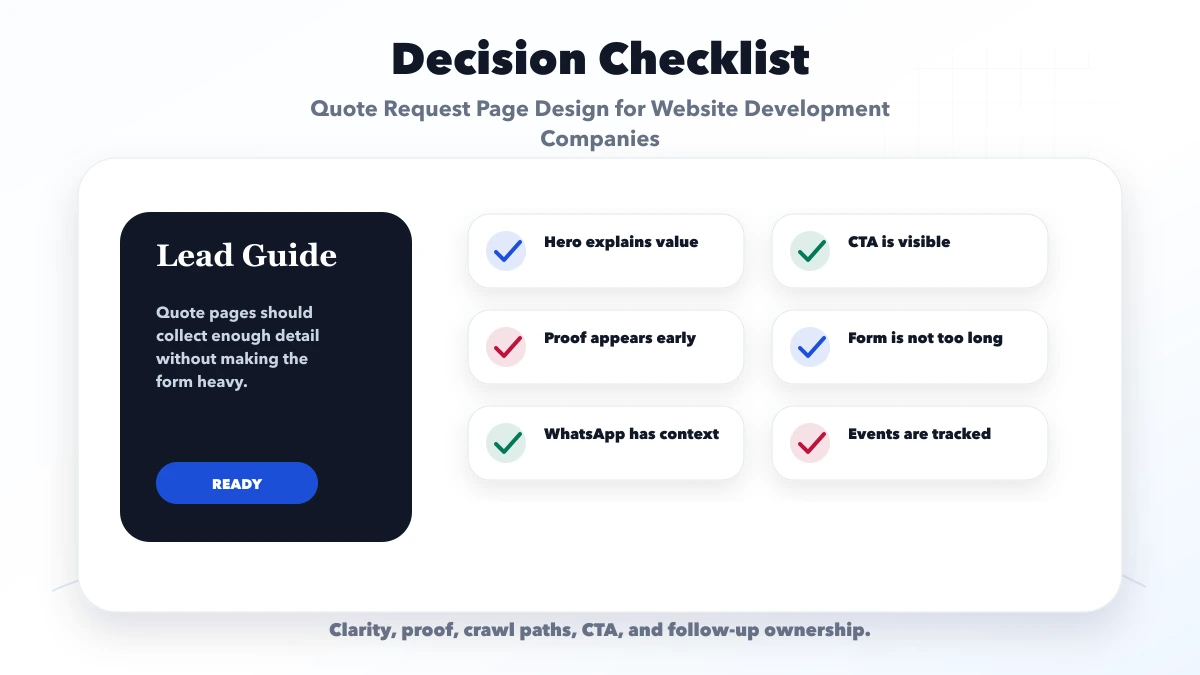
Complex projects require review. Use “request an estimate” or “scope review” unless pricing rules are truly deterministic.
Collect only what changes routing or first review. Move detailed discovery later.
Visitors see irrelevant questions and abandon. Tailor fields by project type.
Requirements and screenshots may contain sensitive information. Use private, controlled storage.
A green confirmation is meaningless if no owner receives the lead. Test the full path.
Analytics events should identify the action and source, not copy names, phone numbers, emails, or message text.
Use the minimum needed for routing and first review. Conditional forms can collect more relevant detail without showing every field to every visitor.
Budget context is useful, but include a “need guidance” option. Requirements and value still need discussion.
Show package pricing when scope is genuinely standardized. Custom systems and integrations need requirement-based estimates.
Only for controlled inputs and transparent rules. Do not present an automated range as a final binding quote for custom work.
Confirm receipt, state response expectations, assign an owner, review fit, clarify gaps, and conduct discovery before final scope and price.
Yes. VASUYASHII can review the business goal, users, workflows, modules, integrations, and acceptance criteria before proposing a focused project phase.
Prepare your current URL, project goal, audience, must-have scope, references, deadline reason, and budget context. Use the free template when the project includes software workflows or multiple roles.
Related Articles
June 11, 2026
Plan a website development landing page with a focused offer, proof, process, scope, qualification form, WhatsApp CTA, FAQs, tracking and follow-up workflow.
Read article
June 11, 2026
Compare lead forms and WhatsApp using intent, qualification, response ownership, spam control, privacy-safe tracking, and practical setup rules.
Read article
June 4, 2026
Build a higher-converting service landing page with intent-matched sections, proof, offer clarity, CTA hierarchy, lead qualification, analytics, and mobile QA.
Read article
May 20, 2026
Design website CTAs for Indian businesses using buyer intent, action clarity, WhatsApp, calls, forms, placement, proof, mobile UX, tracking, and lead routing.
Read article