
June 7, 2026
Dental Clinic Website: Features, Cost and Booking
Plan a dental clinic website with treatment pages, verified dentist profiles, appointment requests, local SEO, privacy controls, cost and launch checks.
Read articlePublished Updated
Plan a clinic website with doctor and treatment pages, appointment requests, patient trust, local SEO, privacy safeguards, costs, and launch checks.
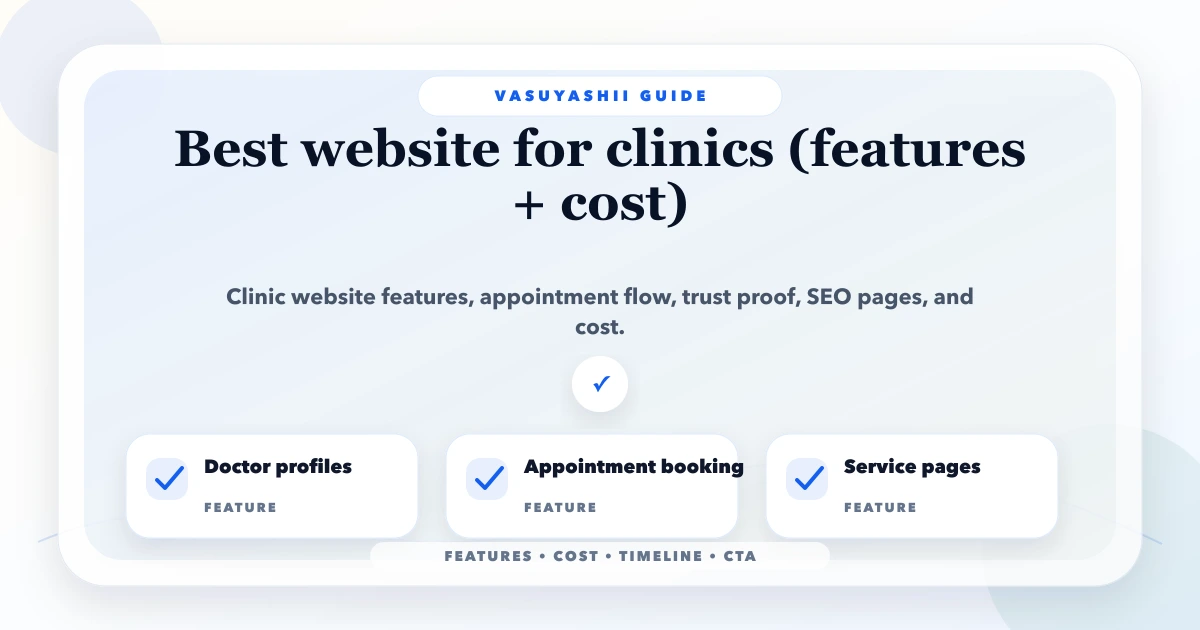
The best website for a clinic helps a patient answer five questions quickly: does this clinic handle my need, which doctor should I consider, where and when is the clinic available, what should I do before the visit, and how can I request an appointment? It should build confidence without promising a diagnosis or medical outcome.
This guide is for independent doctors, dental clinics, physiotherapy centres, skin clinics, diagnostic centres, and small multi-speciality practices planning a public website in India. It explains the page structure, appointment flow, trust evidence, local discovery, privacy boundaries, cost factors, and handover checks that matter after design approval.
By Tushar C. (Founder, VASUYASHII). Editorial review covers patient-facing information architecture, appointment-request workflows, healthcare-claim boundaries, local discovery, accessibility, and maintainable content.
A useful clinic website needs a clear homepage, separate service or treatment pages, verified doctor profiles, location and timing information, an appointment-request flow, emergency guidance, privacy-aware forms, mobile performance, and an accountable update process.
Start with an appointment request, not a live confirmed booking, unless the website is connected to an accurate schedule, doctor availability, leave calendar, branch rules, slot duration, and conflict controls. A form submission should never silently promise a confirmed appointment.
A parent searches for a paediatric clinic after office hours. On mobile, they need to check the doctor's focus, tomorrow's timings, the clinic location, whether prior records should be carried, and how to request a visit. A homepage full of awards but no clear service, timing, or booking information fails this journey.
The website can route the visitor through:
This is different from medical consultation. The website helps discovery and administration; it should not diagnose symptoms or advise users to delay urgent care.
| Page | Patient question answered | Content owner |
|---|---|---|
| Home | What does this clinic do and where is it? | Clinic manager |
| Services or treatments | Is my concern within the clinic's scope? | Reviewing clinician |
| Doctor profiles | Who may handle this need? | Doctor or authorised admin |
| Appointment | How do I request a visit? | Reception owner |
| Locations | Which branch, timings and directions apply? | Branch manager |
| About | What is the clinic's approach and verified background? | Practice owner |
| Patient information | What should I carry or expect? | Clinical and admin reviewer |
| Contact | How do I call, message or reach the clinic? | Reception owner |
| Privacy | How is submitted information handled? | Practice owner or adviser |
Create one service page only when the clinic genuinely provides that service and can maintain accurate information. Avoid hundreds of symptom pages copied from other sources. Medical content should name its reviewer and review date when clinical accuracy matters.
The first mobile screen should show the clinic or practice name, primary speciality, location, current patient action, and a direct route to call or request an appointment. Do not force a patient to decode slogans such as "world-class care" before seeing practical information.
A strong opening can include:
Keep phone numbers, branch names, and timings consistent across the header, contact page, structured data, and external business profiles.
A doctor profile should use information the clinic can substantiate:
Avoid unsupported claims such as "best doctor," guaranteed cure, painless treatment, 100% success, or invented patient counts. Testimonials require genuine consent and careful handling of health information. Before-and-after media should be lawful, authorised, representative, and accompanied by appropriate context; it is not a substitute for informed consultation.
Each page should explain the service in patient-friendly language without turning into remote diagnosis. A useful structure is:
Keep symptoms, risks, candidacy, recovery, and outcome language under clinical review. If information is general, say so. Do not collect extensive medical history on a public marketing form simply to improve lead qualification.
The visitor selects doctor or service, branch, preferred date or time range, and provides contact details. Staff confirms the actual slot. This is easier to launch and safer when schedules change manually.
The visitor sees bookable availability and reserves a specific slot. This requires a reliable source of truth for doctor roster, service duration, breaks, leave, holidays, branch travel, blocked time, rescheduling, cancellation, and concurrent booking.
| Control | Request form | Live booking |
|---|---|---|
| Real-time calendar | Not required | Required |
| Conflict prevention | Staff review | System enforced |
| Immediate confirmation | No | Yes, after successful reservation |
| Integration complexity | Lower | Higher |
| Best for | Smaller or variable schedules | Stable, managed schedules |
For a full scheduler, use the appointment booking system guide. The marketing website and the operational booking application can share branding while remaining different systems.
Collect the minimum information required for administrative follow-up. A basic request can ask for name, phone, preferred branch, service or doctor, preferred time range, and consent to be contacted.
Avoid asking for identity documents, detailed medical history, prescriptions, test reports, payment card information, or highly sensitive descriptions through an ordinary lead form. If documents are genuinely required, use a secure authenticated workflow with access control, retention rules, and an accountable owner.
The confirmation message should state that the request is not a confirmed appointment until clinic staff responds. It should also provide a safe route for urgent situations rather than implying that the form is continuously monitored.
A clinic usually benefits more from one complete, accurate location page per real branch than many thin city pages. Include:
Keep name, address, and phone details consistent. Link location pages from the main navigation or contact page. For the broader approach, use the local SEO hub and NAP consistency guide.
Do not create pages for neighbourhoods where the clinic has no location, service evidence, or meaningful distinction. Local visibility also depends on accurate external profiles, genuine reviews, and prominence; city-name repetition in headings is not a substitute.
Patients may be older, stressed, using a low-cost phone, or navigating with assistive technology. Test:
Compress photographs, reserve image dimensions, and avoid loading a gallery or video before essential clinic information. Review the mobile-friendly website guide for implementation checks.
Assign each content type an owner and review trigger. Reception may own timings and contact details. A clinician should review treatment information. The practice owner may approve doctor profiles and claims. A developer should not invent medical copy to fill a design.
Recommended triggers include a doctor joining or leaving, schedule change, branch move, service change, new booking process, fee-policy update, revised clinical guidance, or an outdated external profile. Put a visible reviewed date on pages where freshness materially affects patient decisions.
The quote should be based on verified scope rather than a package name. Cost rises with:
A simple single-location information and enquiry website costs less than a multi-location site with live booking, doctor rosters, secure patient login, payments, reports, and integrations. Ask the developer to separate the public website, booking workflow, and internal application in the proposal.
Verify services, doctors, branches, timings, patient questions, current enquiry channels, content approvals, and appointment ownership.
Prepare the page map, doctor evidence, location details, service-page briefs, form fields, privacy wording, and emergency guidance before visual design is finalised.
Implement responsive pages, forms, analytics, structured data, image optimisation, metadata, redirects, and an editable content process.
Submit test requests for different doctors, services, branches, invalid fields, closed days, and mobile devices. Confirm who receives each request and how the patient is told whether the slot is pending or confirmed.
Verify indexing, local profile consistency, call and form tracking, real-user questions, content ownership, and a monthly update checklist.
VASUYASHII can build the public clinic website, doctor and service content structure, appointment-request flow, responsive UI, analytics, SEO setup, and approved integrations. Secure patient records, prescriptions, clinical communication, diagnostic reports, and practice-management workflows require separate application scope, permissions, data controls, and compliance review.
Explore website development services, web application services, or integration services. To discuss a clinic project, contact VASUYASHII with the number of branches, doctors, services, current scheduling method, and whether you need requests or live bookings.
Use the number needed to represent genuine services, doctors, locations, and patient tasks. A focused clinic may begin with home, about, two to six service pages, doctor profiles, appointment, location, contact, and privacy. Quality and maintainability matter more than a fixed page count.
It can show verified fee information or explain the factors and confirmation process. Keep branch, doctor, follow-up, procedure, tax, and validity conditions clear. Do not display a price that reception cannot honour.
WhatsApp can be a convenient enquiry channel, but it still needs branch context, consent, response ownership, and a clear confirmation step. It should not become an uncontrolled store for sensitive patient documents.
Yes, when the system has accurate availability, duration, leave, branch, conflict, rescheduling, and cancellation rules. Otherwise use a preferred-time request that staff confirms.
No. A technically sound site supports discovery, but rankings also depend on relevance, accurate business information, genuine reputation, competition, proximity, external signals, and ongoing quality.
That requires a secure authenticated portal with explicit permissions, storage, retention, logging, and operational safeguards. It should not be added as a basic public contact-form feature.
Choose a clinic website plan that makes patient information accurate, appointments operationally honest, forms privacy-aware, and updates owned after launch. Visual polish matters, but trust is created by verified people, services, locations, and follow-up.
For the appointment-request, trust, privacy, and handover decisions behind this plan, read the website development guide for doctors.
Related Articles
June 7, 2026
Plan a dental clinic website with treatment pages, verified dentist profiles, appointment requests, local SEO, privacy controls, cost and launch checks.
Read article
June 7, 2026
Plan a doctor website with clear profiles, services, appointment requests, patient-safe content, local discovery, privacy controls, and measurable enquiries.
Read article
June 7, 2026
Plan a physiotherapy clinic website with treatment pages, therapist trust, safe appointment requests, home-visit details, local SEO, and lead tracking.
Read article
May 15, 2026
best website for contractors and builders: practical 2026 guide with features, cost, timeline, tech stack, mistakes, FAQs, proof, and next steps for Indian.
Read article