
March 17, 2026
Website UI/UX Best Practices for Business (2026)
Use practical website UI/UX best practices for clearer mobile journeys, stronger trust, accessible forms, faster decisions, and qualified business leads.
Read articlePublished Updated
Use this mobile-friendly website design guide to improve responsive layouts, navigation, forms, speed, accessibility, SEO, and lead conversion in 2026.
In 2026, a website is judged mainly by its mobile experience. Even if your desktop version looks premium, you will lose leads if your mobile site is difficult to use. Most people will discover your business through Google, Instagram, or WhatsApp, and then open your website on a phone. If the layout feels confusing, text is hard to read, buttons are too small, or the page loads slowly—users leave quickly.
A mobile-friendly website is not only about “responsive layout.” It’s about mobile UX: how easily a person can read, tap, scroll, and contact you.
This guide is a practical, professional blueprint to design a mobile-friendly website that:
A mobile-friendly website means:
Responsive is necessary, but mobile-friendly design is the complete user experience.
If you build fast websites and web applications for businesses, see: Web Applications Services
People often research businesses on phone while:
Google evaluates user experience and mobile performance heavily. If users bounce quickly, rankings can suffer.
On mobile, users want:
If your page makes them think too much, they leave.
A mobile-friendly website has 7 key components:
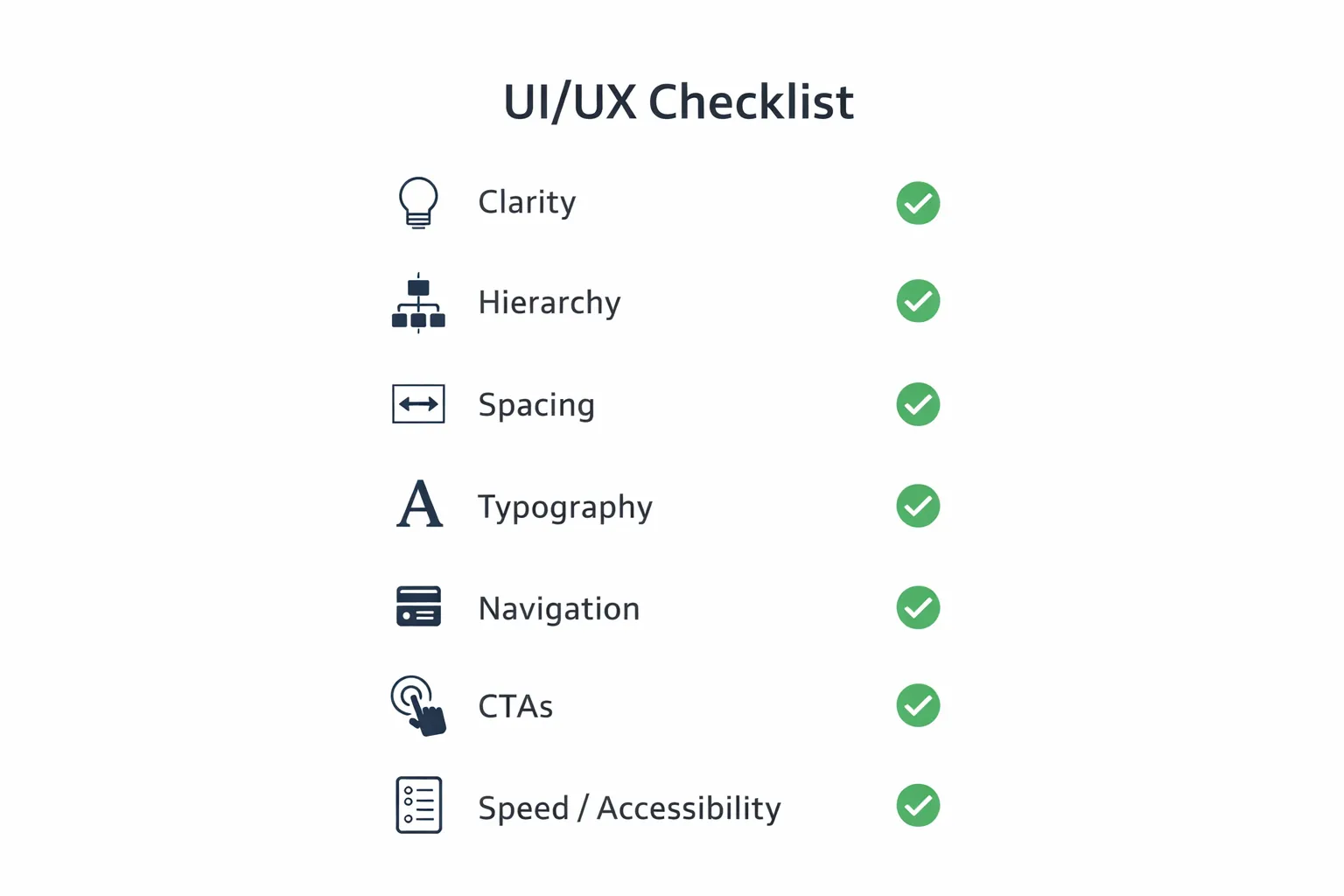
1) Structure (what appears in what order) 2) Typography (readability) 3) Layout & spacing (comfort) 4) Tap targets (buttons, links) 5) Navigation (menus) 6) Forms (lead capture) 7) Speed (performance)
Mobile screen is small. So you must prioritize what the user sees first.
1) Clear headline (what you do) 2) 1-line supporting text (who you help + result) 3) CTA buttons (WhatsApp + Contact) 4) Proof section (portfolio/demos/testimonials) 5) Services summary (3–6 cards) 6) Process (3 steps) 7) FAQs 8) Final CTA
Mobile rule: the first screen should answer: “What is this and what do I do next?”
Most mobile websites fail because the text is uncomfortable.
Tip: Break paragraphs into 2–3 lines maximum for mobile.
A mobile-friendly website feels premium when:
On mobile, tap targets must be large and separated.
Example WhatsApp CTA: 👉 WhatsApp: Chat on WhatsApp
Mobile navigation should:
Forms often break conversions on mobile.
If your main lead flow is WhatsApp, you can keep forms optional and push WhatsApp first.
Mobile-friendly design is also about how images behave.
Many websites look good but feel slow. On mobile, speed is essential.
A fast mobile site feels premium instantly.
Mobile-friendly design improves SEO because:
SEO is not only keywords. UX matters too.
Use the mobile speed checklist for service business websites alongside this design review so visual improvements do not increase load time.
In India, the fastest conversion usually happens through WhatsApp.
1) user reads headline 2) user sees proof (portfolio/demos) 3) user taps WhatsApp button 4) pre-filled message helps conversation start
Include these pages in internal linking:
If you want to show demos:
Use this before publishing:
1) Desktop design forced into mobile 2) Too much content on first screen 3) Buttons too small 4) Too many popups 5) Slow pages due to heavy media 6) No clear CTA 7) Weak proof (no demos/portfolio)
A mobile-friendly website in 2026 is:
When you combine mobile UX + speed + SEO structure, your website becomes a lead engine.
If you want a premium mobile-friendly website that loads fast, ranks better, and generates WhatsApp leads, we can build it professionally.
👉 WhatsApp: Chat on WhatsApp 👉 Services: Web Applications Services 👉 Services: View our services 👉 Contact: Contact page
A mobile-friendly website should be easy to read, tap, trust, and contact. For Indian business websites, the mobile journey often ends in WhatsApp, call, or a short form, so those actions must be visible and fast.
Check these before launch:
For service websites, mobile UX should be checked alongside web application services, conversion tracking, and contact flow.
Responsive means layout adapts. Mobile-friendly means the full mobile UX is comfortable: text, buttons, forms, speed, and navigation.
Use the responsive website development guide for breakpoint, content-fit, image, form, and device acceptance checks.
Clarity and conversion: clear headline, proof, and easy WhatsApp/contact CTA.
Yes. Mobile usability and performance strongly influence rankings and engagement.
At least 2–3: one above the fold, one mid-page, and one at the end.
WhatsApp is the highest converting CTA for most service businesses.
Related Articles
March 17, 2026
Use practical website UI/UX best practices for clearer mobile journeys, stronger trust, accessible forms, faster decisions, and qualified business leads.
Read article
March 18, 2026
Design a lead-generation landing page with clear messaging, trust signals, focused CTAs, WhatsApp or forms, mobile speed, tracking, and testing.
Read article
March 17, 2026
Responsive website development explained with mobile-first design, breakpoints, images, Core Web Vitals, SEO impact, mistakes, and best practices.
Read article
March 18, 2026
Website conversion optimization guide for 2026 with CRO principles, CTA flow, trust signals, forms, WhatsApp, speed, UX, analytics, and action plan.
Read article