
March 31, 2026
Lucknow Website Scope for Multilingual Service Teams
Plan a Lucknow service website with Hindi-English content ownership, branch and service routing, accessible forms, proof controls, handover, and measurement.
Read articlePublished Updated
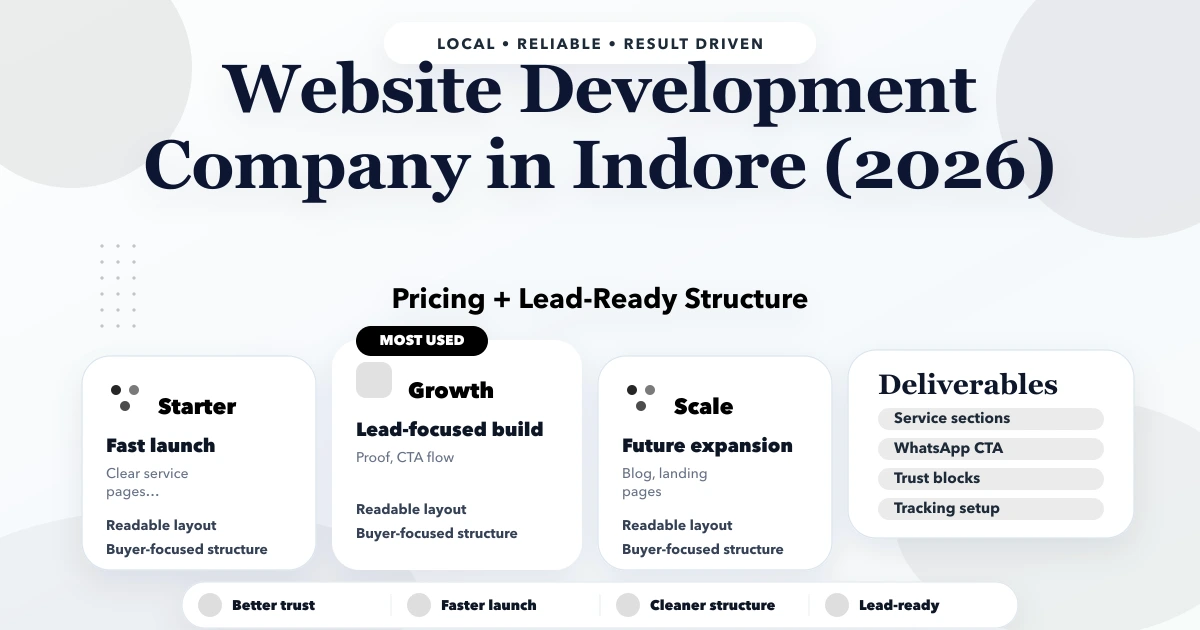
Plan an Indore multi-branch website with central content governance, branch pages, local hours, lead routing, offer controls, analytics, and ownership.
Service-area note: VASUYASHII is based in Delhi NCR and supports businesses remotely across India. A city-focused guide describes service and planning context; it does not claim a physical office in every location mentioned.
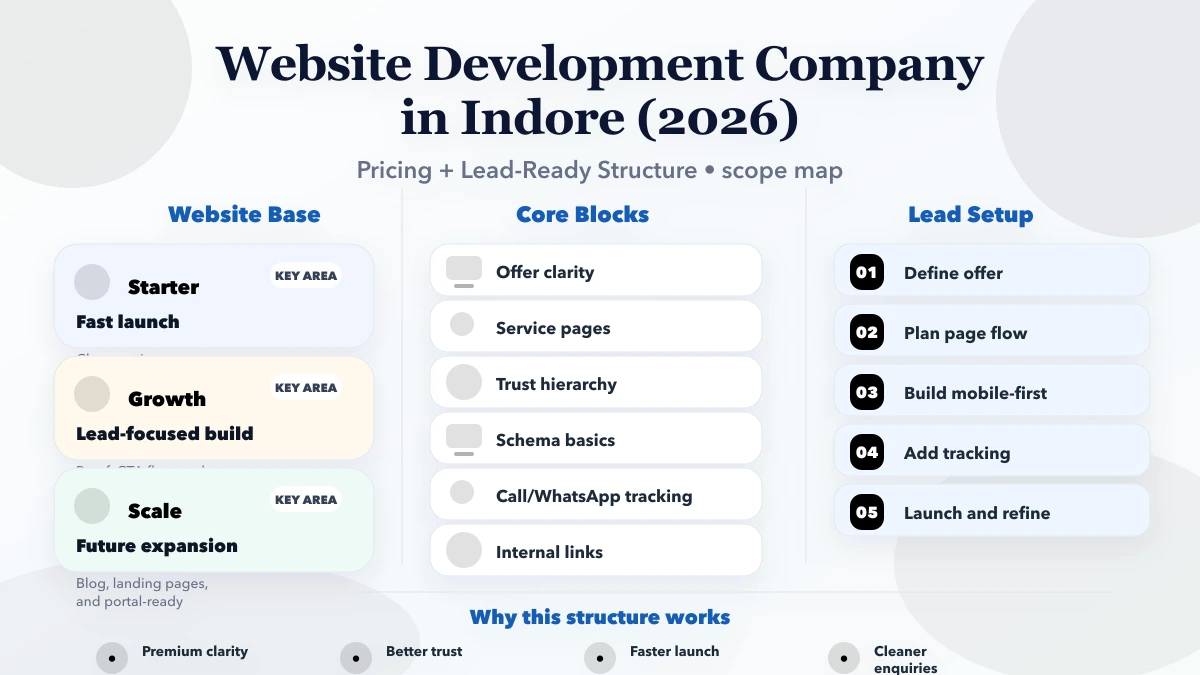
Explore the parent topic: Website Development Delhi NCR Hub →A multi-branch business evaluating a website development company in Indore needs more than separate pages for every outlet. Branch information changes, offers expire, staff numbers move, and leads must reach the correct team. Without governance, the website becomes inconsistent even when the design is polished.
This guide focuses on multi-branch website architecture and content ownership. It does not claim a VASUYASHII office, client, or ranking in Indore. The page exists to answer a distinct operating question rather than repeat a generic city package.
Split content into two groups.
Every field needs an owner and review frequency.
| Page type | Purpose |
|---|---|
| Main service pages | Explain the shared offer and buyer fit |
| Branch finder | Help users choose a genuine location |
| Branch page | Display accurate hours, services, directions, and contact |
| Offer page | Publish controlled start/end dates and eligibility |
| About/policies | Maintain company-level trust and rules |
| Contact | Route general and branch-specific enquiries |
Do not create a branch page for a planned or closed location. Remove expired details from navigation and redirects only after checking search and referral value.
Each branch record can contain:
Use structured data only for visible, accurate facts. A branch page should not claim reviews or services that belong to another location.
The form can ask:
Routing rules should define:
A thank-you message should say that the enquiry was received, not that a service or appointment is confirmed.
Imagine a training or service company with one central marketing team and three operating locations. Branch staff send offer changes through messages, old phone numbers remain on pages, and general enquiries reach the wrong team.
A controlled first phase can:
The business may not need a custom admin application initially. A maintainable CMS and documented review process can be enough.
Every offer should include:
Do not leave “limited-time” offers live indefinitely. Expired campaign pages can be updated, archived, or redirected depending on traffic and replacement relevance.
Branch pages may support local discovery when they represent real, customer-facing operations. Keep:
Avoid fake branches, keyword-modified business names, review sharing across locations, or duplicated paragraphs with only the city changed. The location-page duplication guide provides a broader review framework.
Use a small change process:
High-risk changes include phone numbers, maps, prices, offer terms, forms, and branch status.
Track:
Do not send names, phone numbers, email addresses, or free-text requirements to analytics. Use controlled branch and service identifiers.
If branch staff can edit the site, limit permissions:
Keep audit history for business-critical changes. Remove access promptly when staff roles change.
Multi-branch scope grows with:
Compare a conventional website service with a role-based web application only when branch operations require structured login and workflow.
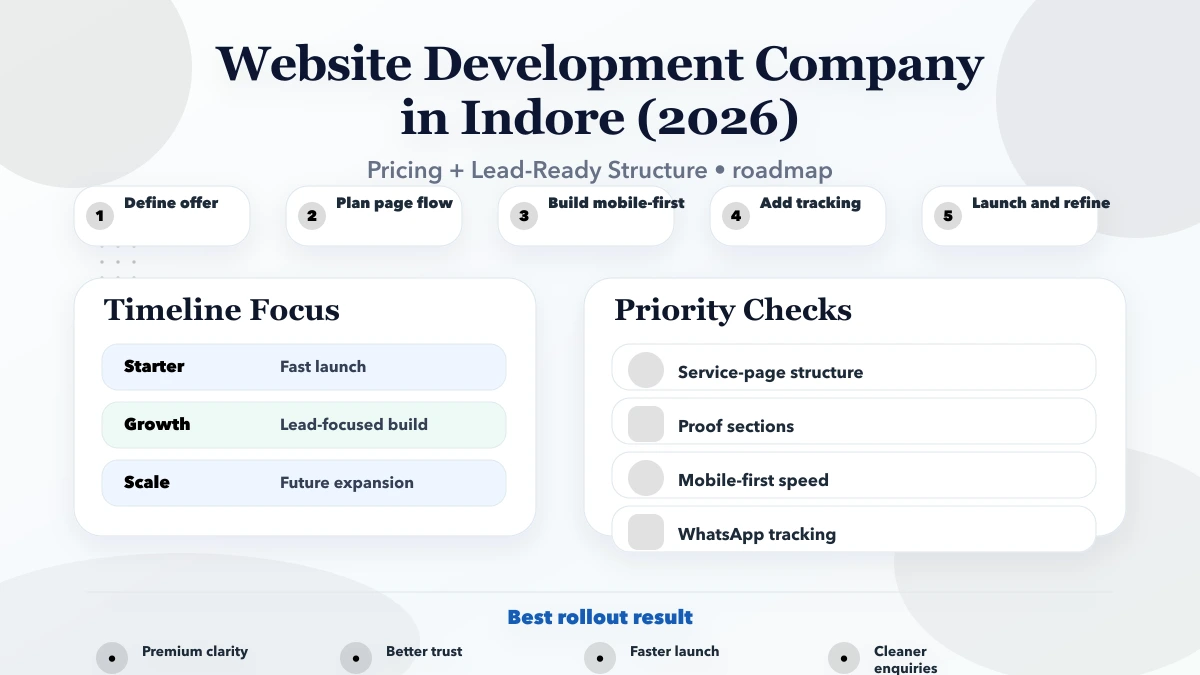
Collect every branch, profile, URL, phone, hour set, service, and owner. Resolve contradictions.
Approve shared fields, branch fields, page templates, routing, and review frequency.
Create templates, import verified records, connect forms, and configure analytics.
Each branch verifies its page on mobile, directions, phone, hours, and form delivery.
Run scheduled reviews and maintain change ownership.
Verify the legal or public name, address, coordinates, phone, hours, services, opening date, profile eligibility, form route, and content approver before publishing. A planned location should not appear as open.
Update the authoritative branch record, map, profiles, contact information, structured data, and directions. Decide whether the existing URL remains suitable. Test old address references in articles, PDFs, and campaigns.
Show the status and alternate route without deleting the page immediately. Stop appointment or visit actions that cannot be fulfilled and keep the expected review date.
Check traffic, links, customer references, and the nearest useful replacement. Remove the branch from finders and profiles, update routing, and use a relevant redirect only when it helps users.
Before launch, each branch should sign off:
Central QA should then test template consistency, metadata, canonical URL, sitemap inclusion, analytics identifiers, and permission boundaries. Branch approval confirms facts; it does not replace technical review.
Current VASUYASHII service scope can connect websites, custom software, and integrations, but a branch website should remain as simple as the actual governance requirement allows.
Keep a periodic export of branch names, statuses, addresses, hours, services, phones, map links, owners, and page URLs. The export supports recovery, migration, and offline verification.
Test how a branch record is restored after accidental deletion and how a wrong high-risk edit is rolled back. Backups are useful only when the responsible team knows who can restore them and how long recovery should take.
Branch information should not become trapped inside one page builder or agency account. The handover should include an exportable list of locations, identifiers, contact routes, services, hours, status, and responsible owners. Image originals, profile links, redirect records, and form-routing rules should also remain accessible to the business.
Test this during acceptance by exporting one branch, changing a non-critical field, and restoring the approved value. Confirm that a future team can add, pause, merge, or close a location without rebuilding the whole website. Portability reduces operational dependency and helps the website stay accurate when branches move, responsibilities change, or the company adopts a different CRM.
Only active branches with useful, maintainable information need pages. A branch finder can serve smaller or temporary coverage.
Yes with limited permissions, approval rules, and audit history. High-risk fields may require central approval.
Update status, hours, profile information, and enquiry routing. Preserve the URL if reopening is planned and the page remains useful.
Only when it is eligible under current platform rules and represents a genuine staffed location.
Regular verification of phone, hours, service availability, branch status, and form delivery.
Yes. First define branch and service ownership; then connect the stable routing rule through an integration.
Create a verified branch sheet with owners before comparing visual packages. Share the number of locations, editing model, and lead route through contact for a scoped architecture discussion.
Related Articles
March 31, 2026
Plan a Lucknow service website with Hindi-English content ownership, branch and service routing, accessible forms, proof controls, handover, and measurement.
Read article
April 19, 2026
Plan a Dwarka home-service website with locality coverage, society-access notes, visit-charge rules, service requests, proof, and lead routing.
Read article
March 31, 2026
Plan a Chandigarh professional-services website with profile approvals, service ownership, enquiry routing, privacy boundaries, SEO, and content governance.
Read article
May 1, 2026
Plan a Bhopal public-programme website with eligibility, enrolment routes, evidence, accessibility, update ownership, privacy, reporting, and handover.
Read article