
April 17, 2026
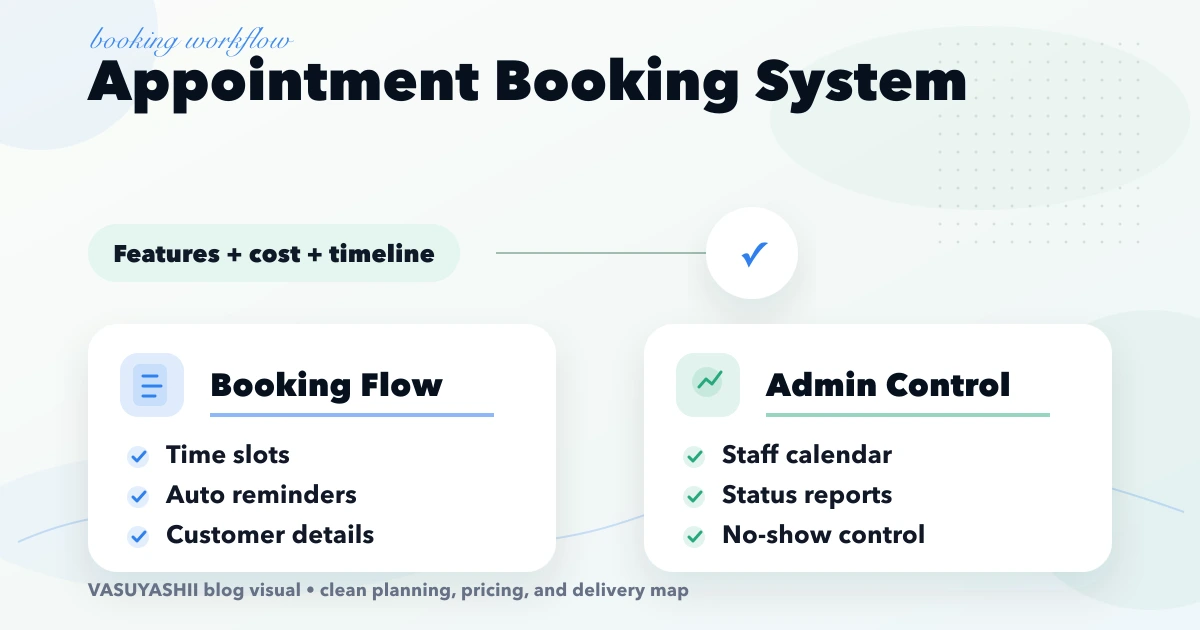
Appointment Booking System: Features, Cost and Timeline
Plan an appointment booking system with slot rules, reminders, payments, admin controls, cost ranges, and rollout steps for Indian businesses.
Read articlePublished Updated
Plan an appointment booking system with slot rules, staff calendars, reminders, payments, cancellations, admin controls, costs, and launch checks.
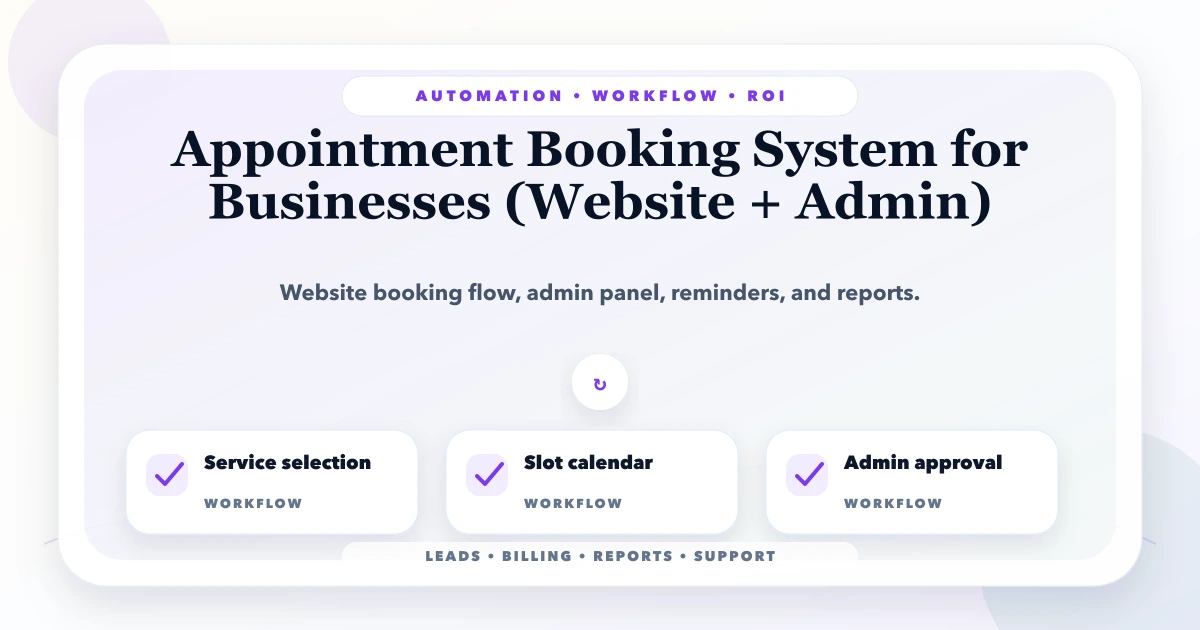
An appointment booking system must protect real capacity. It should never promise the same staff member, room, chair, machine, or consultation slot to two customers. The public calendar is only the visible layer; the real product is the rule engine and admin workflow behind it.
This guide is for clinics, consultants, salons, trainers, and multi-branch service businesses planning website booking with admin control. It covers slot rules, buffers, reminders, payments, cancellations, no-shows, reports, and a phased rollout suitable for Indian SMEs.
By Tushar C. (Founder, VASUYASHII). Reviewed by VASUYASHII Editorial for real-world SME workflow automation, CRM, billing, WhatsApp, reporting, and custom software implementation experience.
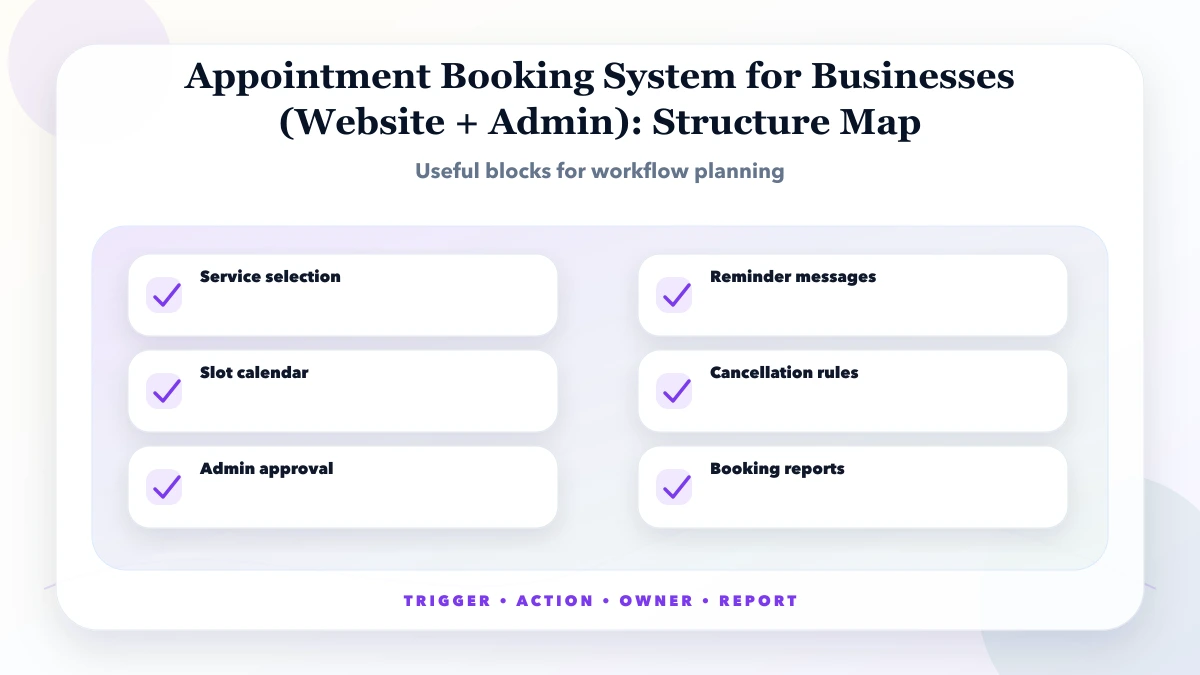
An appointment booking system for businesses lets customers choose services, slots, staff, and contact details while admins manage schedules, confirmations, reminders, cancellations, and reports.
For a first release, support the services, staff, branches, buffers, and cancellation rules used every day. Add deposits, external calendars, waitlists, packages, and advanced reports only when the basic availability model survives real front-desk use.
Booking errors usually come from capacity assumptions that were never written down. Staff may know that one service needs cleanup time, one doctor travels between branches, or one consultation cannot be booked after a certain procedure, but a simple calendar does not know those rules.
Every feature needs a scheduling rule. A reminder depends on confirmation state, a cancellation depends on policy and payment, and an admin approval must reserve capacity without silently creating conflicts.
| Scope | Practical price range | Typical timeline |
|---|---|---|
| Basic booking setup | ₹40,000 to ₹1.2 lakh | 2 to 4 weeks |
| Website + admin booking system | ₹1.2 lakh to ₹4 lakh | 4 to 8 weeks |
| Advanced multi-branch booking | ₹4 lakh to ₹12 lakh+ | 2 to 5 months |
These ranges assume a defined booking workflow. Cost increases with multi-branch travel rules, multiple resources per service, recurring appointments, deposits, packages, third-party calendar sync, patient or customer records, and migration from old tools.
Include recurring gateway, message, calendar, hosting, and support charges in the operating estimate. A low build quote that excludes reminder delivery and ongoing calendar maintenance is not the full cost.
Test the schedule using an unusually busy day, staff leave, a late arrival, a cancelled slot, an overrun, and a customer who reschedules twice. The system is not ready merely because an empty-calendar booking succeeds.
The core needs transactional booking writes so two customers cannot claim the same capacity. The admin requires server-side permissions, an audit trail, a timezone policy, and background jobs for reminders. External calendar sync should tolerate delayed and duplicate events.
The business case should compare receptionist time, missed calls, empty slots, no-shows, and rescheduling effort before and after launch. A system that increases bookings but creates more conflicts or support calls has not improved operations.
Use a ready-made scheduler when service durations, staff calendars, and payment rules are standard. Consider custom development when branch movement, equipment, approvals, memberships, reports, or integrations make staff maintain a second spreadsheet around the ready-made tool.
Automate capacity checks, confirmations, reminders, and routine rescheduling. Keep medical urgency, exceptional refunds, VIP overrides, and complex service selection with trained staff.
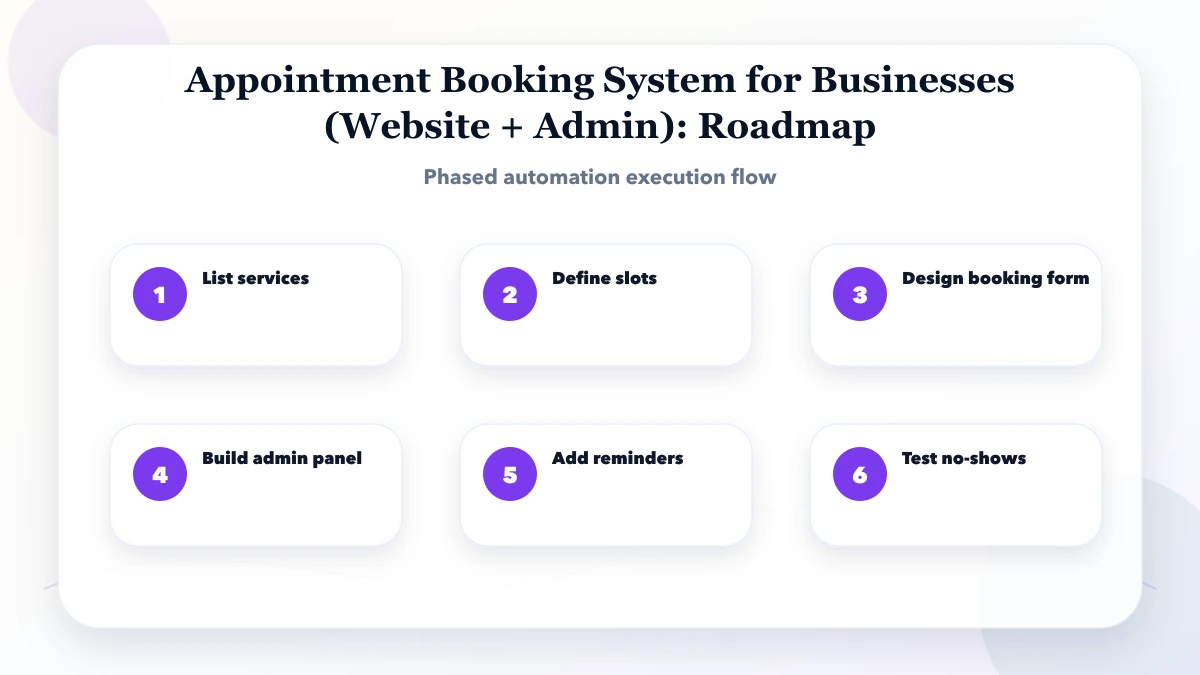
Pilot one branch or service group for two weeks. Keep the receptionist’s existing fallback available, but require every pilot appointment to enter the new system so utilization and exception data are trustworthy.
Log slot creation, booking, confirmation, reschedule, cancellation, payment adjustment, reminder, check-in, completion, no-show, and admin override. This history explains why capacity changed and supports customer disputes.
A valid slot is the intersection of service duration, staff skill, branch hours, room or equipment availability, breaks, leave, existing bookings, and cleanup buffer. A dental procedure may need one dentist, one chair, and 45 minutes. A salon service may need a trained stylist and 20 minutes of cleanup. A consultation may only need the professional’s calendar.
Store these as rules instead of manually publishing every slot. When a receptionist blocks leave or equipment maintenance, future availability should recalculate. The public website should show only genuinely bookable options, while the admin can see why a slot is unavailable.
Use explicit states such as requested, confirmed, checked_in, completed, cancelled, and no_show. If the business accepts instant bookings, the system can move directly to confirmed after all resource checks pass. If staff approval is required, show the customer that the request is pending rather than pretending it is confirmed.
Every booking change should record who made it, when it happened, and why. Staff overrides are useful, but an override that creates a conflict should show a clear warning and require permission.
Send useful reminders, not repeated noise. A common first version sends confirmation immediately, one reminder the previous day, and one reminder a few hours before the slot. The message should include date, time, branch, preparation instructions, and a cancellation or reschedule link.
Define the cancellation window before adding payment. A clinic might allow free changes until six hours before the appointment; a consultant taking a deposit may apply a different rule. Keep the policy visible during booking and in the confirmation so staff do not negotiate it differently for every customer.
Assume a clinic offers consultations and sample collection across two branches. Doctors rotate between branches, while one room at each branch is reserved for collection. The booking engine must prevent a doctor from appearing available in both places during travel time.
Phase one can support branch, service, doctor preference, slot, patient details, and admin confirmation. Phase two can add deposits, reports, and automated reminders after the clinic confirms that duration and buffer rules match real operations. This prevents technical automation from locking in a bad schedule.
Track bookings by service and source, confirmation rate, cancellation rate, no-show rate, average lead time, staff utilization, and slots blocked manually. Do not judge staff only by the number of appointments; short services and complex consultations use capacity differently.
Connect form and campaign source data to the booking record when marketing attribution matters. For a custom workflow, review web application development, integration services, and the clinic appointment system guide.
Before requesting a quote, collect one normal week of services, durations, staff rosters, breaks, cancellations, no-shows, and manual overrides. That sample reveals the actual rules the system must support.
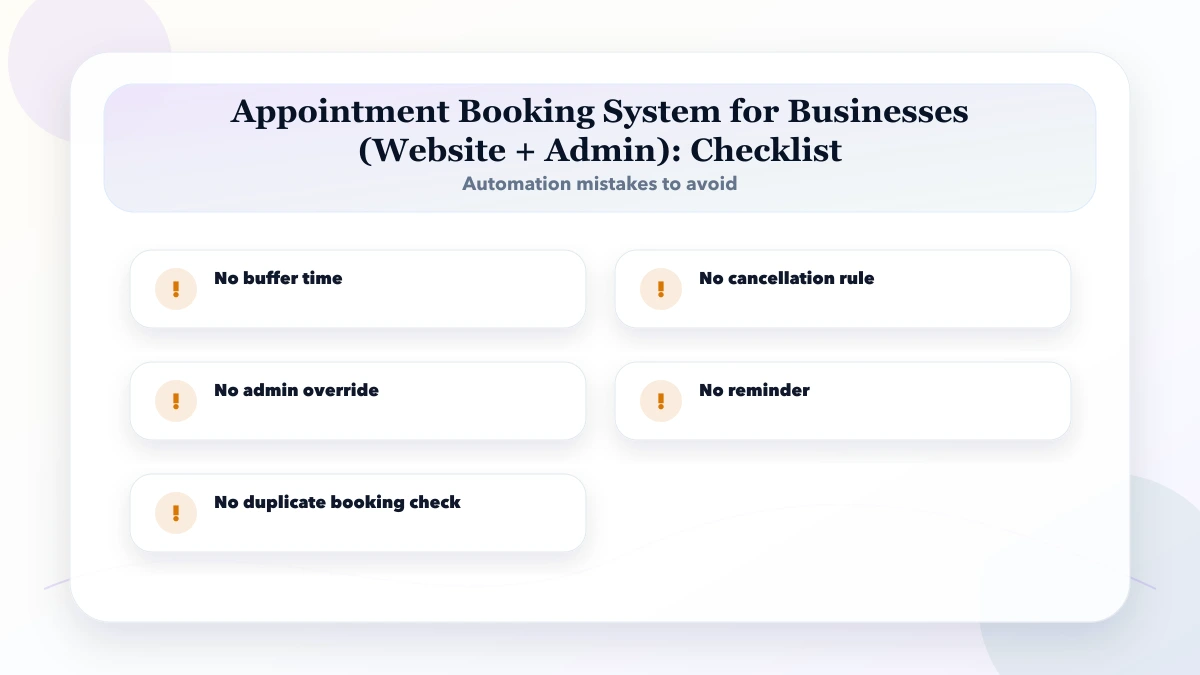
Avoid publishing availability from staff working hours alone. It ignores service duration, shared resources, buffers, leave, and already reserved capacity.
For healthcare, the clinic website and appointment guide explains privacy-aware requests and patient-facing confirmation boundaries. For staff and resource scheduling, the salon booking system guide covers skills, chairs or rooms, rosters, deposits, walk-ins, and no-shows.
It is for clinics, consultants, salons, trainers, service providers, and local businesses that need online booking with admin control. The goal is to reduce manual work without making the system too complex for staff.
Start with list services. This helps identify the workflow that wastes the most time or creates the most errors.
Use the range for budgeting only. A reliable quote needs services, durations, resources, branches, roles, payment policy, reminder channels, calendar integrations, reports, and migration volume.
Automation reduces repetitive scheduling work, but staff still handle urgent requests, service suitability, late arrivals, overrun, exceptional refunds, and customer care.
An API is required only when confirmations, reminders, cancellations, or staff alerts must be sent automatically from booking state. A manual WhatsApp confirmation can support an early low-volume pilot.
The biggest risk is no buffer time. Automation should follow a clear process, not hide a broken one.
Yes. VASUYASHII can scope service and resource rules, customer booking, admin operations, payments, reminders, reports, migration, and phased rollout.
If you need a custom appointment system, share the service catalog, duration rules, staff and resource constraints, branches, cancellation policy, and sample weekly schedule. VASUYASHII can turn them into a testable first-phase scope.
Related Articles
April 17, 2026
Plan an appointment booking system with slot rules, reminders, payments, admin controls, cost ranges, and rollout steps for Indian businesses.
Read article
March 30, 2026
Compare clinic appointment software with hospital management software: booking rules, module scope, cost drivers, sample-data demo checks and pilot readiness.
Read article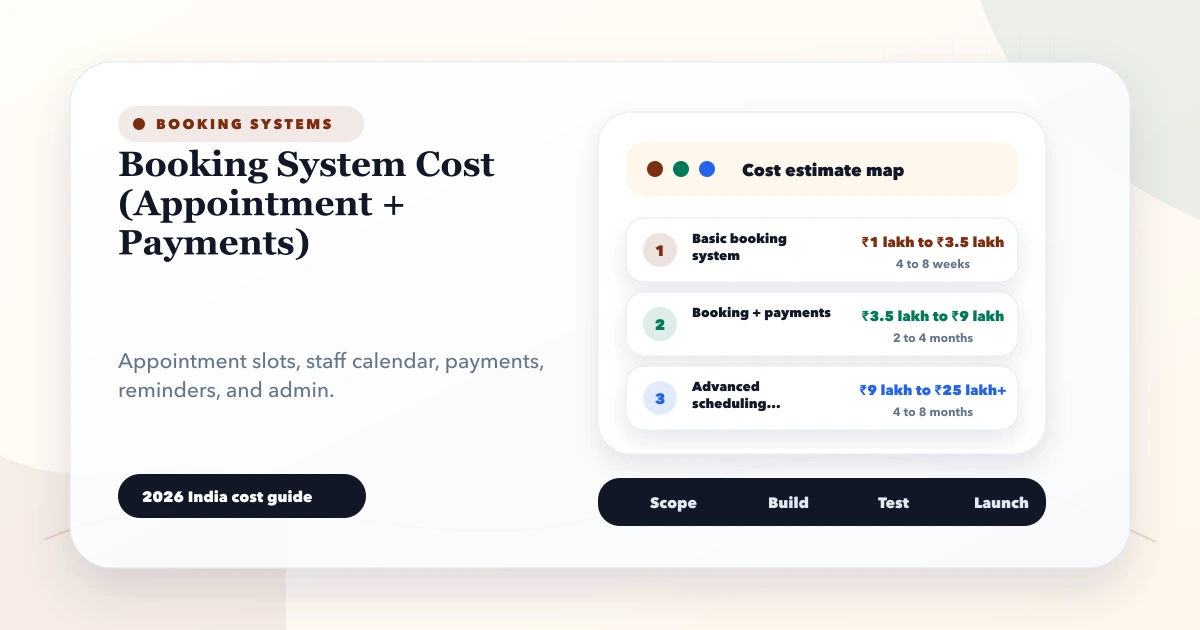
May 28, 2026
Estimate booking system cost from appointment rules, staff calendars, payments, reminders, cancellations, refunds, reports and integrations.
Read article
May 26, 2026
Plan a clinic appointment system with doctor schedules, queues, patient communication, permissions, reports, and safe admin workflows for India.
Read article