
March 30, 2026
Clinic Appointment System: Features and Cost 2026
Compare clinic appointment software with hospital management software: booking rules, module scope, cost drivers, sample-data demo checks and pilot readiness.
Read articlePublished Updated
Plan an appointment booking system with slot rules, reminders, payments, admin controls, cost ranges, and rollout steps for Indian businesses.
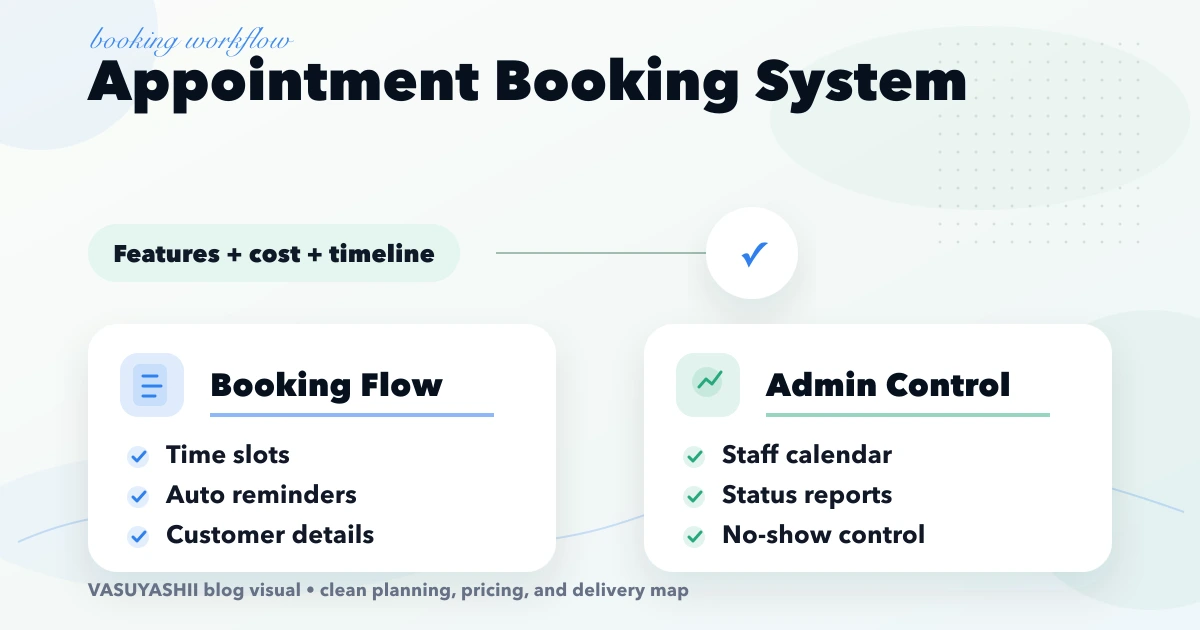
An appointment booking system succeeds when it enforces a business's real scheduling policy. The calendar interface is only one part. Duration, staff skills, rooms, buffers, deposits, cancellations, reminders, walk-ins, and payment confirmation determine whether a slot is genuinely available.
The system should use explicit states instead of treating every calendar entry as confirmed:
| State | Meaning | Typical next action |
|---|---|---|
| Held | Slot reserved briefly during payment or OTP | Confirm or release automatically |
| Pending | Request needs staff approval | Approve, propose another slot, or reject |
| Confirmed | Capacity and any required payment are verified | Send reminders |
| Checked in | Customer has arrived or joined | Start service |
| Completed | Appointment delivered | Record outcome or follow-up |
| Cancelled | Booking ended by customer or staff | Apply policy and release capacity |
| No-show | Customer did not attend | Record fee or follow-up rule |
This state model prevents a payment screen, message delivery failure, or admin edit from silently creating conflicting records.
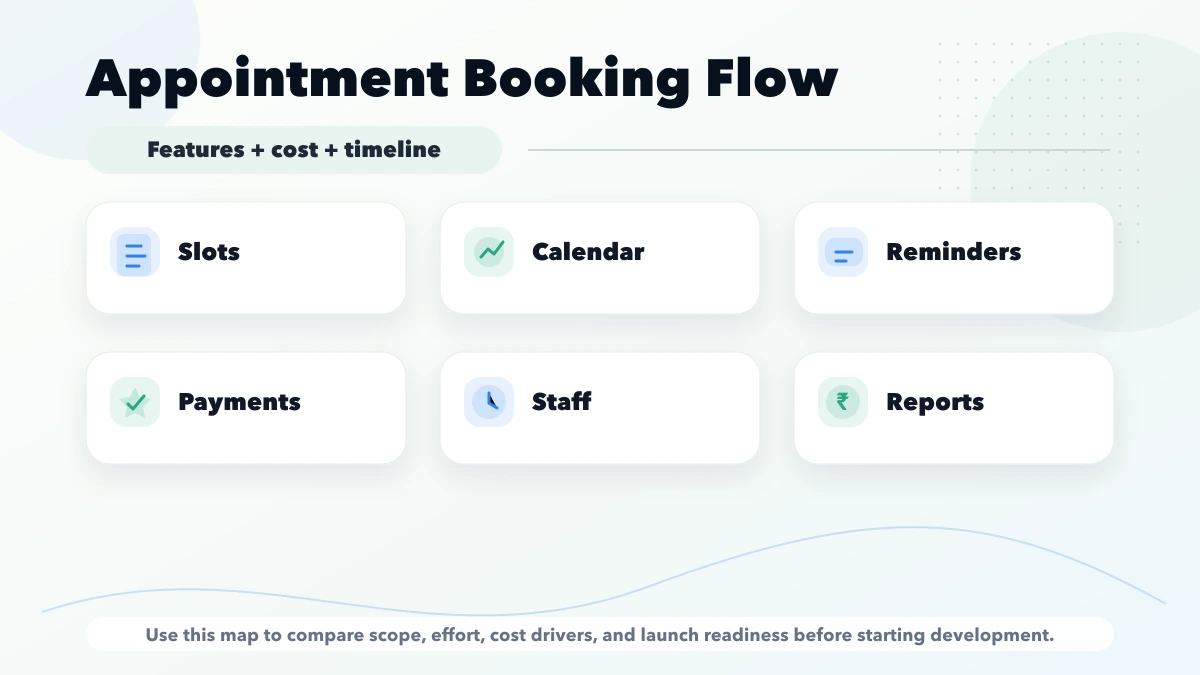
A useful first version normally includes:
| Scope | Typical range |
|---|---|
| Basic booking system | ₹80,000 to ₹1.8 lakh |
| Booking + reminders + admin reports | ₹1.8 lakh to ₹3.5 lakh |
| Multi-branch booking platform | ₹3.5 lakh to ₹8 lakh+ |
Most booking problems are policy problems hidden behind a calendar. Before development starts, define service duration, preparation or cleanup buffers, working hours, holidays, staff skills, advance-booking limits, cancellation windows, and late-arrival rules. A clinic may need consultation types and doctor availability; a salon may need staff skills and service duration; a consultant may need online meeting links and payment before confirmation.
Write these rules in plain language and test them with ten realistic bookings. Include edge cases: two customers selecting the last slot, a staff member taking leave, a payment failing, a customer rescheduling twice, or an admin adding an offline booking. These scenarios determine the data model and prevent costly logic changes later.
A two-doctor clinic receives appointments through calls and WhatsApp. The receptionist records names in a notebook, so patients sometimes arrive together or miss follow-ups. A useful phase one has doctor-wise availability, patient contact details, purpose of visit, admin override, confirmation, and reminder status. Medical records should remain outside the booking scope unless the clinic is ready for a separate privacy and access-control project.
A salon needs service duration, staff capability, branch, and resource availability. A hair-colour booking may occupy more time than a haircut, while some services require a specific chair or room. A generic 30-minute slot grid will fail. The system should calculate availability from the selected service and assigned resource.
A CA, lawyer, coach, or consultant may want payment before confirmation. The workflow should reserve a slot briefly, create a payment attempt, confirm only after a verified payment event, and release the slot if payment expires. Webhooks and reconciliation matter more than a visually impressive calendar.
Keep the public flow short and predictable:
Do not force account creation for a simple first booking unless the business genuinely needs a customer portal. OTP verification can reduce fake bookings, but it adds friction and message cost. Use it when no-shows or spam are measurable problems.
The admin dashboard should show today’s schedule, unconfirmed bookings, cancellations, no-shows, and capacity by staff or branch. Staff members need a focused view of their own schedule rather than full business data. Managers may need reports across branches and services.
Useful controls include blocking time, moving a booking with reason, adding walk-ins, marking attendance, issuing a refund status, and recording who changed the schedule. An audit trail is important whenever staff can override customer bookings. Explore the web app development hub for role-based dashboard planning.
Reminders should be event-driven, not sent manually from a spreadsheet. A practical sequence might include immediate confirmation, a reminder 24 hours before, and a shorter reminder two hours before. The message should include business name, service, date, time, location or meeting link, and a reschedule option.
Avoid sending repeated promotional messages through the appointment workflow. Transactional reminders should stay clear and consent-aware. If WhatsApp, SMS, email, calendar, or payment tools are involved, define delivery failures and retry behavior with the integration services team.
Decide whether payment is optional, partial, or mandatory. The booking status should not depend only on the browser success screen; the backend should verify the payment provider event. Store payment reference, amount, status, and refund linkage without storing card details.
For cancellations, document whether the amount is refundable, transferable, or retained as a fee. The admin should see booking and payment status together. A daily mismatch report helps identify confirmed bookings without successful payment or successful payments without a final booking.
The quoted range should separate booking UI, slot engine, admin dashboard, user roles, notifications, payment integration, reports, migration, and support. Multi-branch rules, recurring appointments, packages or memberships, resource scheduling, and third-party calendar sync add complexity because they create more conflict scenarios.
Ask for written acceptance criteria. For example: “Two customers cannot confirm the same staff slot,” “an admin can block leave,” and “a failed payment does not create a confirmed appointment.” Concrete criteria are easier to test than a feature list containing only “calendar” and “automation.”
Record the launch baseline before switching systems: weekly booking volume, cancellation rate, no-show rate, staff utilization, average phone-coordination time, and payment mismatch count. Without a baseline, the team cannot prove whether the new workflow actually improved operations.
Use an established SaaS booking tool when your slot rules are standard, branding flexibility is acceptable, and its recurring fees fit the business. Consider custom development when booking connects deeply with branch roles, customer records, packages, inventory, payment logic, CRM, or industry-specific approvals. The custom software, CRM and ERP hub can help frame that decision without assuming custom is always necessary.
VASUYASHII currently offers custom web application, dashboard, integration, and automation work that can support a scoped booking workflow. The final scope depends on written rules, provider APIs, privacy requirements, and acceptance tests. This article does not claim that a ready-made appointment product or every healthcare compliance feature is already available.
A credible proposal should identify what will be custom-built, which third-party calendar, messaging, or payment services will be used, and who pays their recurring charges. Review web application services, integration services, and contact VASUYASHII for a requirements discussion.
The backend should recheck availability and create the reservation atomically. Disabling a slot in one browser is not enough when two users submit at nearly the same time.
Use a short slot hold when payment is mandatory. Confirm only after the backend verifies the provider event, and release the hold when payment fails or expires.
No. Guest booking with verified contact details is often simpler. Add accounts when repeat history, packages, documents, or customer self-service justify the extra friction.
It can support simple workflows, but complex staff, resource, payment, or reporting rules usually need an application database with calendar synchronisation.
Multi-branch capacity, resource conflicts, recurring appointments, memberships, payments/refunds, external calendar sync, migration, and strict permission or audit requirements.
Test simultaneous booking, leave blocking, timezones, delayed payment webhooks, failed reminders, refunds, cancellation windows, admin overrides, and restoration after an outage.
Healthcare scheduling needs stricter capacity, patient identity, queue, and access rules than a general booking tool. Use the clinic appointment system and admin-panel guide when evaluating that use case.
For a module-level estimate covering calendars, payments, refunds, reminders, and reconciliation, use the booking system cost guide.
Write ten real booking scenarios, including conflicts and failures, before requesting a quote. A vendor can then estimate the slot engine, admin controls, integrations, and reports against testable rules instead of a generic “booking calendar” label.
Related Articles
March 30, 2026
Compare clinic appointment software with hospital management software: booking rules, module scope, cost drivers, sample-data demo checks and pilot readiness.
Read article
May 22, 2026
Plan an appointment booking system with slot rules, staff calendars, reminders, payments, cancellations, admin controls, costs, and launch checks.
Read article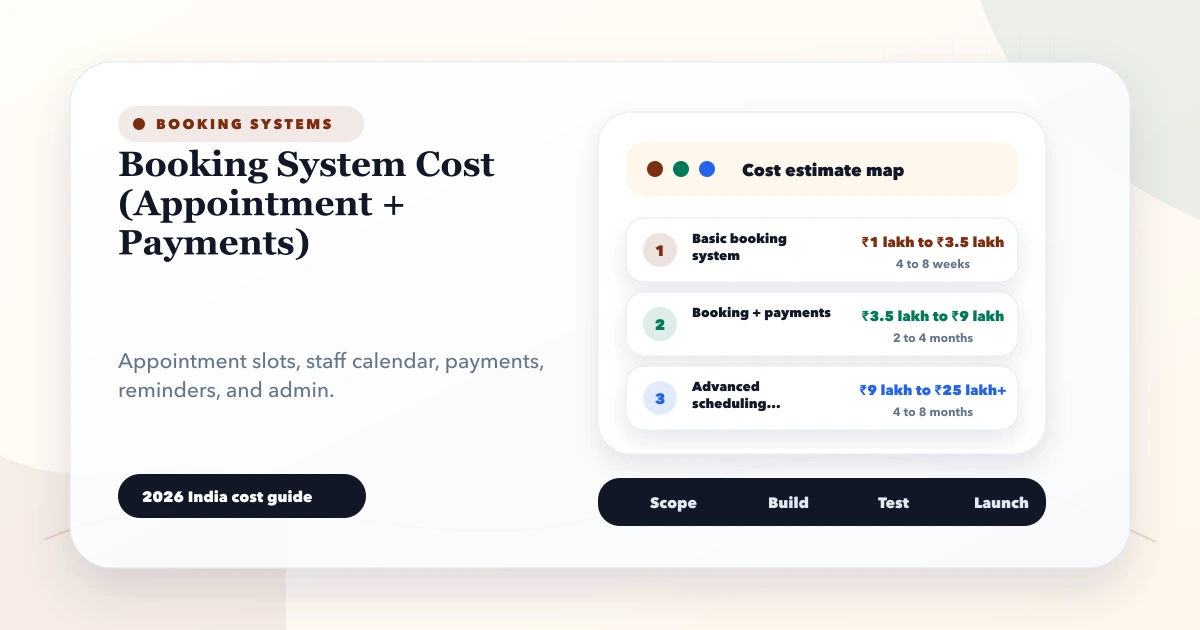
May 28, 2026
Estimate booking system cost from appointment rules, staff calendars, payments, reminders, cancellations, refunds, reports and integrations.
Read article
May 26, 2026
Plan salon booking and staff scheduling with service duration, skills, resources, rosters, buffers, deposits, reminders, no-show controls, reports, and costs.
Read article