
May 23, 2026
Notification System in Web Apps (Email/SMS/WhatsApp)
notification system in web apps: practical 2026 guide with features, INR pricing, roadmap, tech stack, mistakes, FAQs, and Indian SME tips today safely.
Read articlePublished Updated
Discover business automation services in 2026: workflow mapping, approvals, notifications, integrations, and practical use cases that save time daily.
Most businesses do not need fully autonomous systems. They need fewer routine steps, fewer handoff errors, and faster response times when leads, orders, tasks, or approvals move through the company. That is what good automation delivers.
In 2026, teams already use many tools: forms, spreadsheets, CRMs, WhatsApp, email, internal dashboards, and payment systems. The problem is rarely a lack of tools. The problem is that the steps between those tools are still manual and inconsistent.
This guide covers:
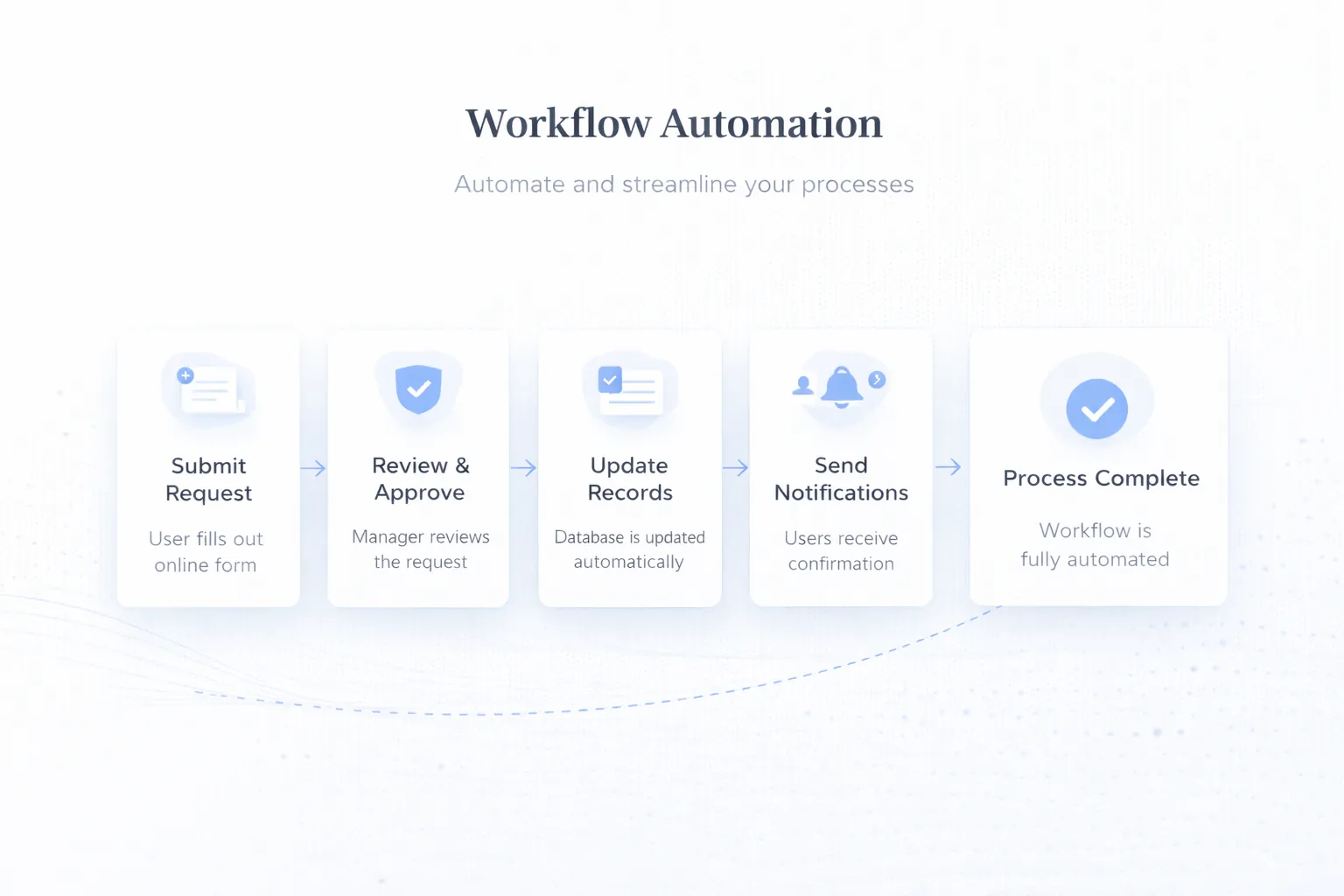
Business automation services turn repeated manual work into defined workflows with triggers, actions, approvals, and visibility. The goal is not automation for its own sake; it is faster execution, fewer missed steps, and clearer operational control.
Choose one repeated process and record its current volume, handling time, failure points, owner, and exception path. That baseline makes the automation decision measurable and keeps the first phase small enough to operate safely.
Business automation services matter because they bring structure to those gaps. Instead of relying on memory or constant follow-up, the workflow becomes visible, repeatable, and easier to measure.
If the current workflow is unclear, automation usually just moves confusion faster. The first step is always to map what triggers the process, what happens next, and where decisions are actually needed. This changes the outcome because clear process mapping is the difference between automation that helps and automation that creates new chaos.
Leads can come from forms, CRM stages, WhatsApp conversations, spreadsheets, or manual entries. Automation quality depends on consistent data entering the system. This changes the outcome because bad inputs create unreliable actions, duplicate records, and message mistakes.
Not every step should be automatic. Discounts, payouts, document approvals, and escalations often need checkpoints where a manager confirms the next action. This changes the outcome because control points protect the business while still reducing repetitive work.
Workflows need a defined response when a payment fails, a message is not delivered, data is missing, or a customer replies unexpectedly. This changes the outcome because exception paths are what separate durable automation from fragile demo flows.
The value of automation often comes from connecting CRM, email, WhatsApp, dashboards, payment systems, and reporting rather than keeping each step isolated. This changes the outcome because integration depth changes both the ROI and the complexity of the project.
Teams need to know whether a workflow ran, who approved it, what failed, and how much time or leakage it saved. This changes the outcome because without visibility, automation becomes hard to trust and even harder to improve.
Reliable automation makes every trigger, decision, exception, and manual override visible. The build is incomplete if the happy path runs but staff cannot understand or recover a failed run.
The starting point is identifying repeated tasks, handoff delays, follow-up gaps, and places where staff keep checking or copying the same information.
An audit prevents teams from automating low-value steps while missing the real bottleneck. When this layer is done properly, the product becomes easier to onboard, easier to support, and easier to improve later.
Triggers, actions, approvals, delays, fallback rules, and ownership should be defined before anything is connected technically.
This keeps the automation understandable and easier to troubleshoot later. When this layer is done properly, the product becomes easier to onboard, easier to support, and easier to improve later.
Automation often needs CRM updates, email sends, WhatsApp notifications, internal task creation, or dashboard updates to happen together.
Connected flows create real time savings because staff no longer re-enter the same information in multiple tools. When this layer is done properly, the product becomes easier to onboard, easier to support, and easier to improve later.
Teams need ways to pause, override, or approve workflows when the business situation requires judgment instead of a fixed next step.
Human control is what keeps automation useful instead of risky. When this layer is done properly, the product becomes easier to onboard, easier to support, and easier to improve later.
Managers should be able to see completed runs, failed runs, missed events, and action history without depending on developers for every check.
This is essential for trust, compliance, and process improvement. When this layer is done properly, the product becomes easier to onboard, easier to support, and easier to improve later.
Real operations reveal timing issues, message improvements, and edge cases that do not appear in the initial build plan.
Good automation improves over time because the workflow is treated as an operational system, not a one-time setup. When this layer is done properly, the product becomes easier to onboard, easier to support, and easier to improve later.
| Control | Question to answer before build | Launch evidence |
|---|---|---|
| Trigger | What verified event starts the workflow? | A replayable test event and source record |
| Decision | Which rule is automatic and which requires approval? | Written rule set with approver and timeout |
| Action | Which system changes, message sends, or task creates? | Destination record IDs and status logs |
| Exception | What happens when data is missing or a provider fails? | Visible failed state and assigned owner |
| Override | How can staff pause, retry, correct, or cancel? | Role-restricted manual control |
| Measurement | Which baseline and post-launch metric will be compared? | Agreed definition, date window, and data source |
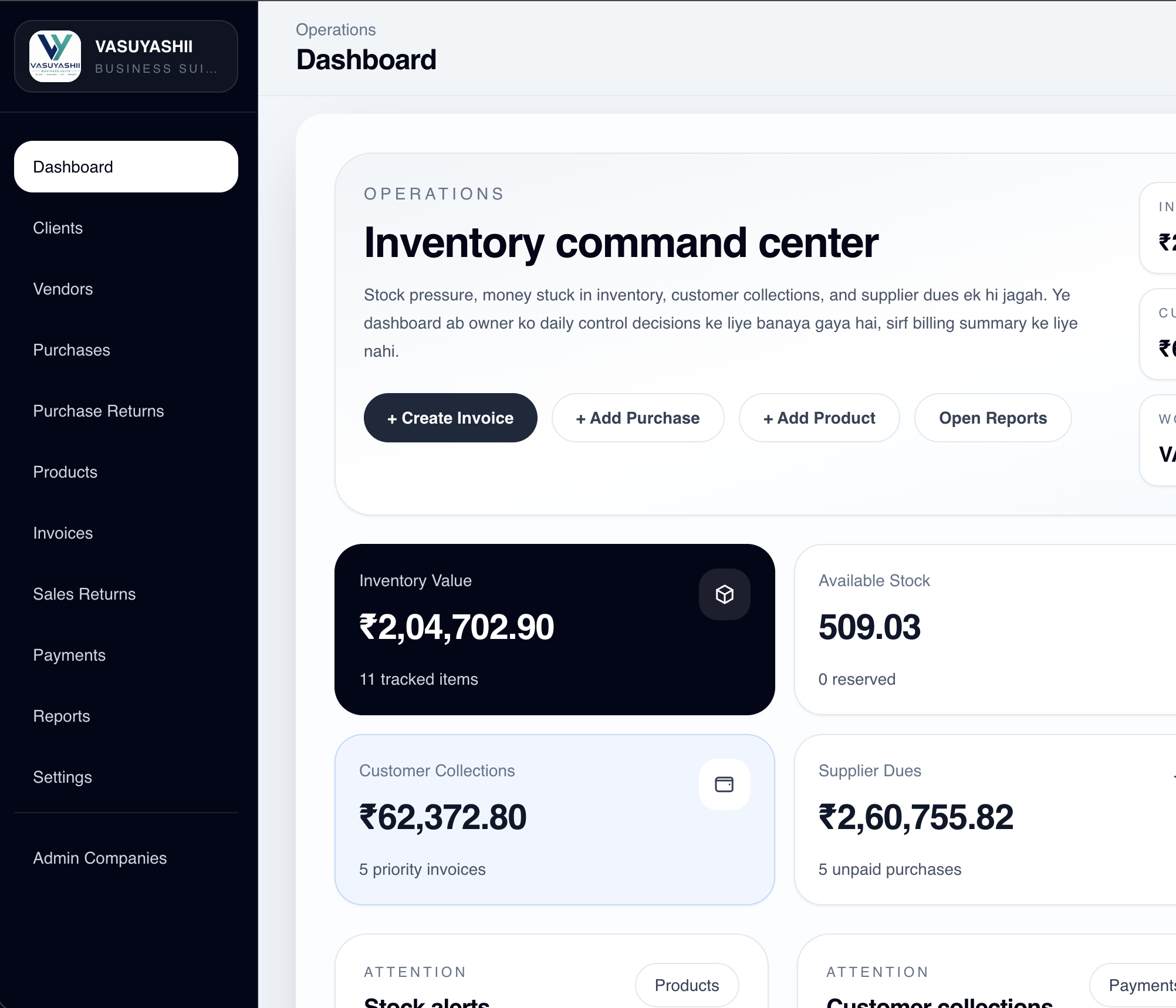
This dashboard is first-party evidence of a current operating interface with visible business states and actions. It does not demonstrate automated time savings, a customer deployment, autonomous decisions, or a measured ROI. Those claims would require before-and-after workflow data from a real implementation.
For payment-triggered flows, Stripe's webhook guidance is a useful primary reference for signature checks, retries, duplicate handling, and unordered delivery. Apply equivalent controls to the provider actually selected.
Accepted enquiries can trigger an acknowledgement, CRM write, owner alert, and follow-up task after server validation.
Measure acknowledgement latency and failed handoffs; do not claim improved conversion without enough comparable lead data.
Businesses can schedule payment links, reminders, escalation alerts, and receipt confirmations from verified due-date or payment states.
Include opt-out, stop, paid, disputed, and wrong-contact states so reminders do not continue blindly.
Discount requests, reimbursements, procurement, and leave approvals can move through defined states with explicit ownership.
The rule should record who requested, approved, rejected, changed, or overrode the decision.
When an order passes a valid transition, customers and internal teams can receive the relevant update while dashboards change state.
The design must prevent stale, duplicate, or out-of-order events from sending contradictory messages.
Map one workflow with real volumes, decisions, exceptions, systems, and owners. We can use that control sheet to define the smallest safe automation phase.
If the workflow itself is unclear or unnecessary, automation hard-codes the problem. Remove obsolete steps and settle ownership before build-out.
Systems fail, customers reply unexpectedly, and business rules change. Provide controlled intervention points before staff depend on the flow.
Stacking several small tools can create a maze of partial automations that nobody owns. Document every dependency and remove unnecessary hops.
Teams need to know what happens automatically, what still needs approval, and how to report an exception. Include this in rollout training.
If response time, missed tasks, turnaround time, or handling effort are not baselined, value cannot be measured honestly.
Automation does not make weak data, unclear policies, or unavailable third-party services reliable. Some decisions should remain human-controlled, especially discounts, refunds, compliance-sensitive messages, and exceptions with financial impact.
Define a baseline before launch and compare the same process, team, and time window after stabilization. Report failure rate and manual interventions alongside time saved. VASUYASHII does not claim a fixed percentage improvement without customer-specific evidence.
Automation cost depends on how many systems are involved, how complex the decision logic is, and how much visibility or override control the business needs. A simple notification sequence is very different from a multi-step workflow with approvals, CRM sync, and dashboard reporting.
The best first automation usually targets a process with high repetition and clear value, such as lead follow-up, payment reminders, or approval routing. Starting there gives the business a measurable win before more advanced flows are added.
If you are evaluating broader system work alongside automation, Web Application Development Guide and Website Conversion Optimization are useful related reads because automation often sits between operations and lead handling.
Usually the one that repeats most often, has clear rules, and causes delays or missed follow-up when handled manually. Lead response and approval workflows are common starting points.
Not necessarily. Good automation removes repetitive steps and adds control, while keeping people involved for approvals, exceptions, and customer-sensitive decisions.
Yes. Many workflows use email for confirmations, WhatsApp for fast updates, and internal dashboards or CRM stages for tracking and escalation.
They often fail because edge cases, ownership, fallback logic, or data quality were not planned properly. The flow worked in theory but not in daily operations.
Not always, but dashboards become valuable once workflows involve multiple users, approvals, or status visibility that cannot be managed cleanly through messages alone.
Look for repeated tasks, high manual effort, slow response, error-prone handoffs, or routine follow-up that can be expressed in clear business rules.
Track turnaround time, missed tasks, response speed, failure rates, and how much manual effort was removed. Those metrics show whether the automation is delivering real operational value.
Send one workflow map, weekly volume, current tools, exception examples, and the person responsible for failures. That evidence is enough to scope a controlled first automation.
Related Articles
May 23, 2026
notification system in web apps: practical 2026 guide with features, INR pricing, roadmap, tech stack, mistakes, FAQs, and Indian SME tips today safely.
Read article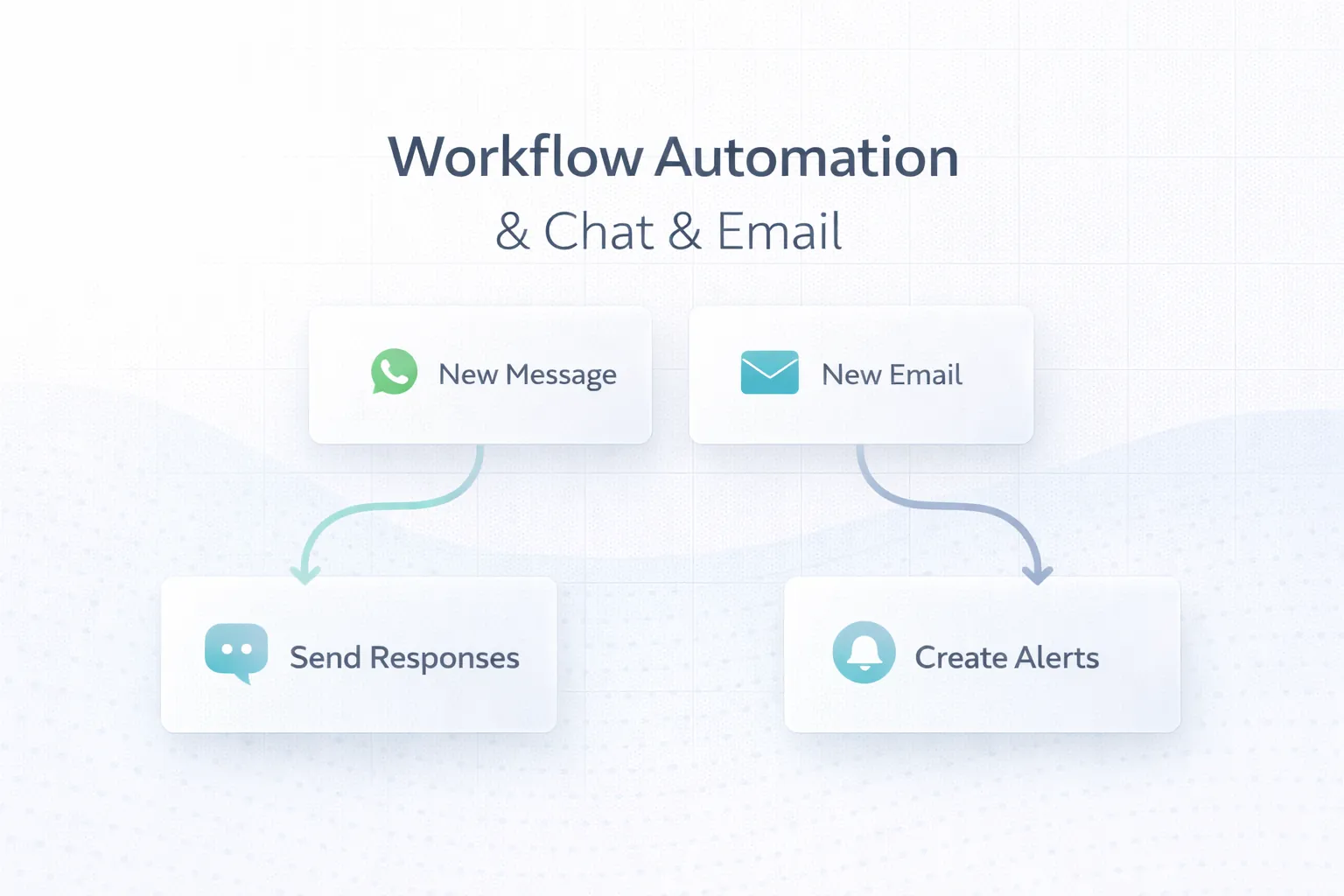
March 25, 2026
Plan reliable WhatsApp and email automation with clear triggers, consent, templates, retries, ownership, delivery tracking and practical business use cases.
Read article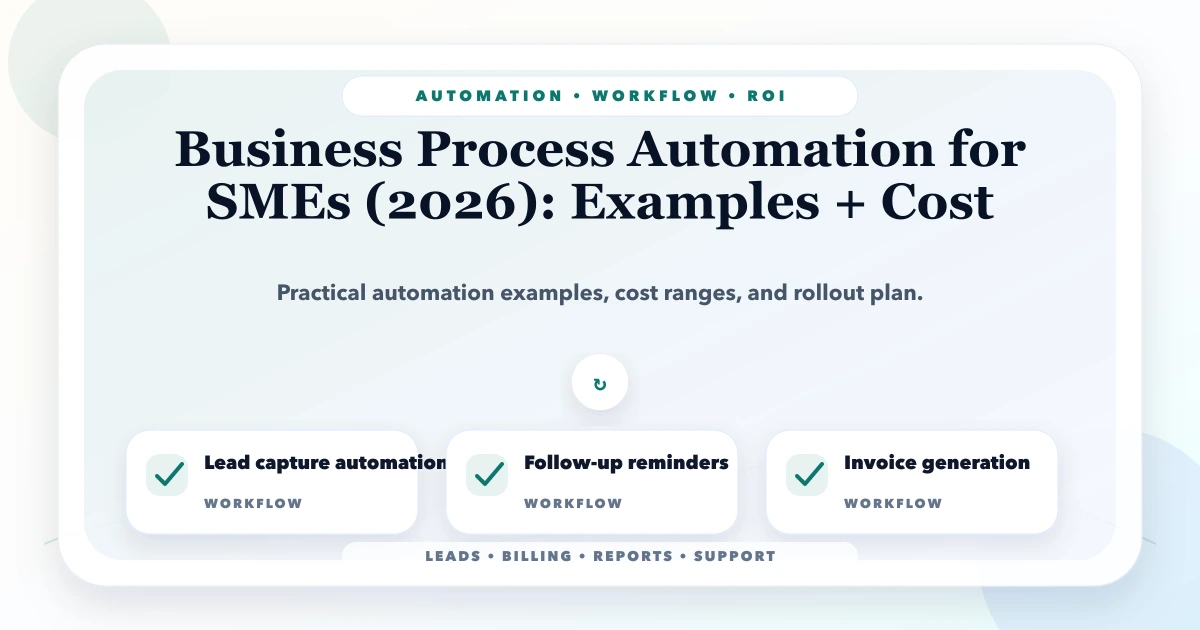
May 22, 2026
Plan SME process automation with sales, purchase, inventory, support, reporting, and payment examples, cost drivers, controls, and rollout steps.
Read article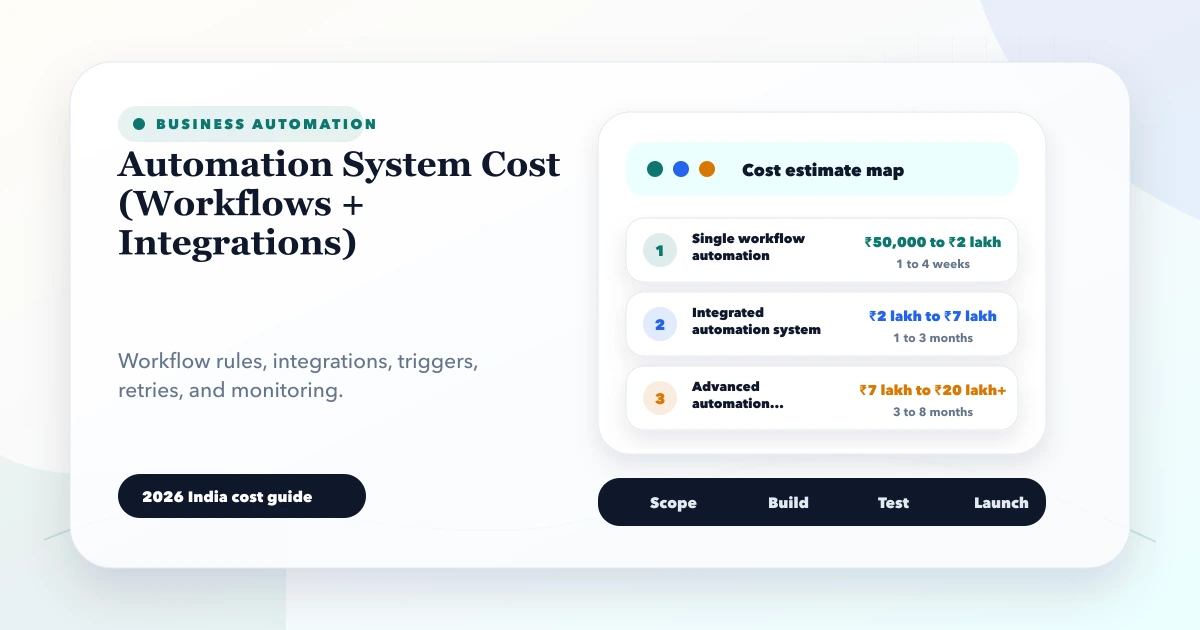
May 28, 2026
Estimate automation system cost for workflows and integrations using triggers, APIs, webhooks, retries, approvals, logs, fallbacks, and phased rollout.
Read article