
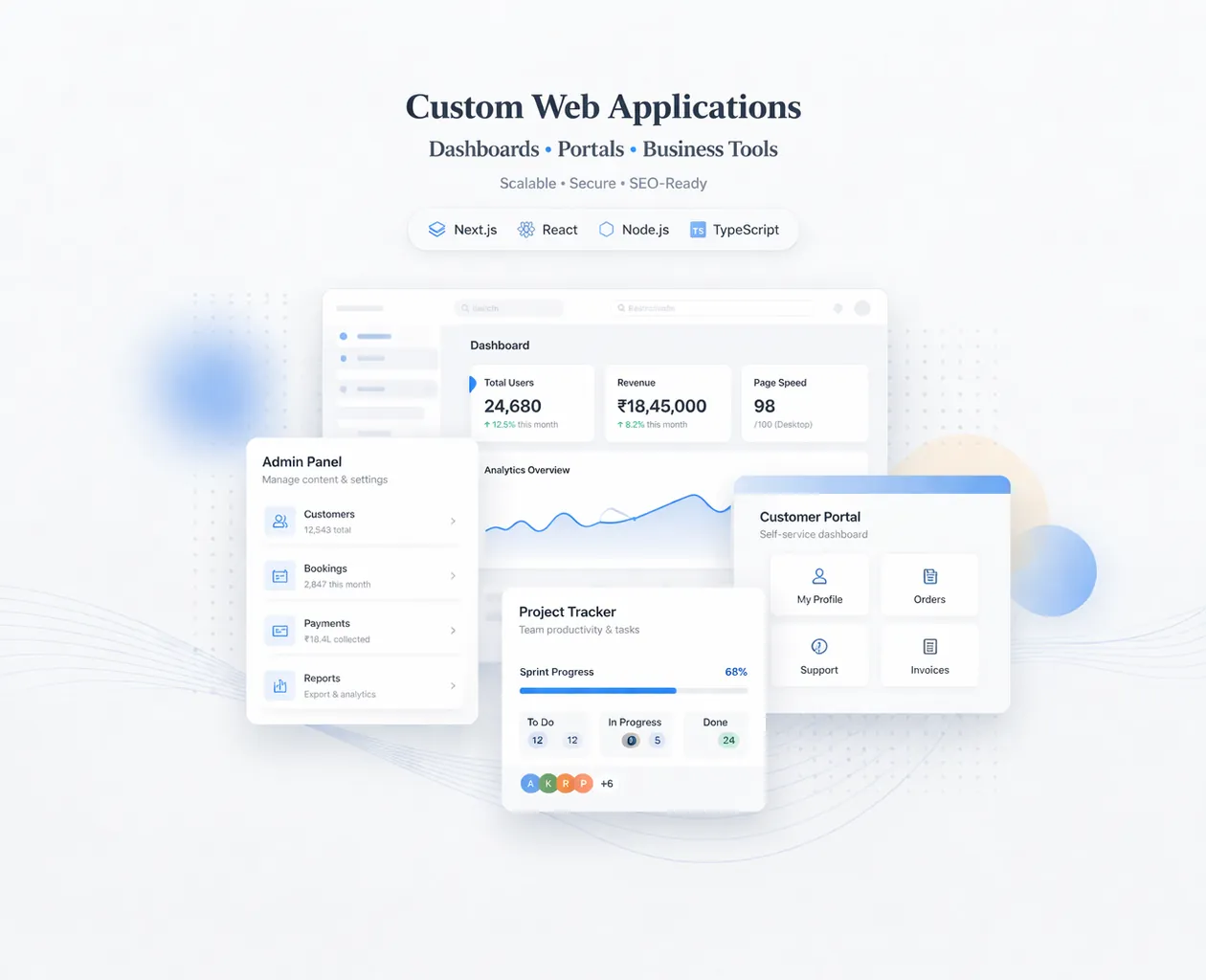
March 25, 2026
Web Application Development Services Guide
Explore web application development services in 2026: modules, workflows, real examples, process, timelines, integrations, and the main business cost drivers.
Read articlePublished Updated
Plan a business web app with roles, modules, data models, security, testing, deployment, Indian costs, implementation guidance, and a practical checklist.
A web application is not the same as a normal website. A website is mostly informational (Home, About, Services). A web application is a working system—it stores data, has login and roles, performs actions, and helps a business run daily operations.
In 2026, businesses are moving fast toward web applications because they want:
This guide will walk you through web application development step-by-step, including planning, architecture, UI/UX, tech stack, security, testing, deployment, cost in India, and the best practices that make web apps scalable and reliable.
A web application is a software product that runs in a browser and includes:
Examples:
If you want to build web apps for your business, your service hub is: Web Applications Services
Web apps reduce manual work: billing, reporting, order tracking, data entry.
You can run multiple branches, warehouses, or staff accounts from one dashboard.
Owners want real-time dashboards: sales, orders, stock, performance.
Ordering systems, portals, booking systems—all improve customer convenience.
Once you build the system, growth becomes easier.
A common mistake is telling a developer “I want a website,” when you actually need a web application.
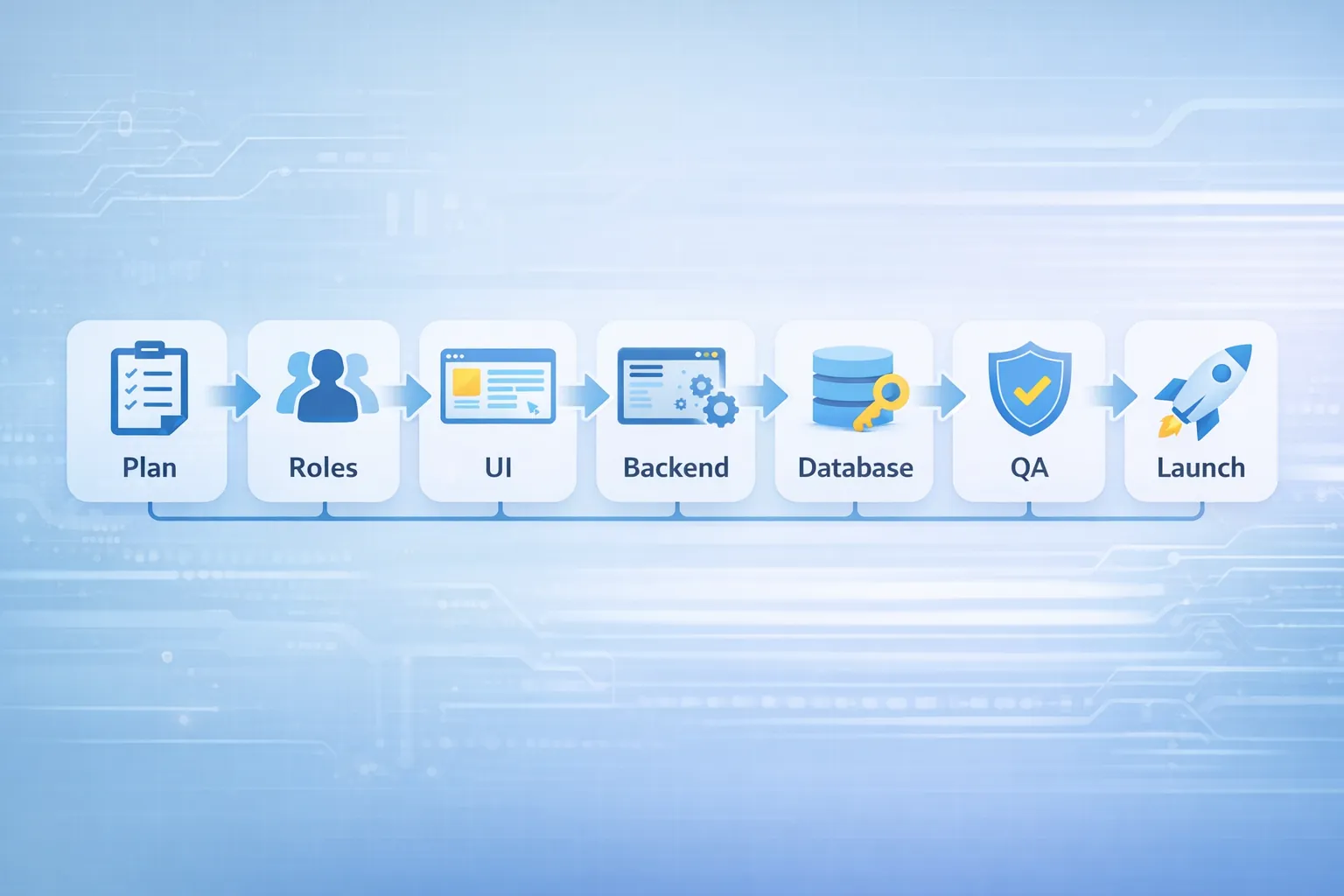
A reliable web app is built in phases, not in one messy sprint.
This phase decides 80% of success.
You define:
Output of planning phase:
Almost every web app needs role-based access.
Example roles:
Permissions define what each role can:
If you skip this, the app becomes insecure or confusing later.
Web apps should be modular. Common modules:
Tip: Start with an MVP (minimum viable product) and grow monthly.
A professional web app is planned as screens:
Examples:
Each screen needs:
This prevents rework.
Choosing the right stack decides speed, maintainability, and future scalability.
Best for:
Best for:
If your web app is complex and business-critical, database design must be done carefully.
Before approving a framework list, use the web development technology decision guide to compare the stack against the actual workflow, team skills, maintenance model, hosting, and future integration needs.
Database design is where many apps fail.
A good data model ensures:
Examples:
You should decide:
Rule: If data structure is weak, reporting becomes impossible later.
Web apps must be:
If you want a premium UI/UX system, you can reference: Website UI/UX Best Practices
Backend decides:
Examples:
Backend must always validate important actions. Never trust frontend alone.
Web apps handle business data. Security is non-negotiable.
Security should be planned from the start.
Web apps need testing:
This prevents “launch bugs” that kill user trust.
Deployment includes:
After deployment:
A web app is never “one and done.” It grows with your business.
Costs vary based on modules and complexity.
₹1,50,000 – ₹4,00,000
₹4,00,000 – ₹10,00,000
₹10,00,000 – ₹25,00,000+
For broader pricing guidance, see: Cost of Website Development in India (2026)
Typical timelines:
Fast builds are possible, but rushing increases bugs and reduces quality.
1) Build MVP first (don’t add 50 features) 2) Keep modules clean and separated 3) Use consistent UI components 4) Plan database for reporting 5) Add audit logs for important actions 6) Document workflows and permissions 7) Monitor and improve after launch
If you want to build a web application, start with: 1) Write modules list 2) Define roles 3) Define screens 4) Decide stack 5) Build MVP in 4–8 weeks 6) Improve with real user feedback
You can also show clients/stakeholders working demos:
And proof:
The Business Suite product, web application services, and mobile app services illustrate different application boundaries without presenting outdated work as a current case study.
The Business Suite extends this into multi-company operations. Company selection, team permissions, invoices, stock, purchases, payments, and reports all depend on backend company scoping. This is why a screen list is not enough: the scope must include data ownership, calculations, permission rules, failure handling, and reporting consistency.
Use current product and service examples as discussion aids, not as a promise that another business needs the same modules. Start by writing one complete workflow with a real example record. For an inventory app, show how a product is created, purchased, sold, returned, corrected, and reported. For a portal, show what each role can see before and after status changes.
A module is ready only when more than its happy-path form works. Define:
This definition makes phased development measurable. It prevents a team from calling ten half-working modules an MVP when one dependable workflow would create more value.
If you want a modern web app (dashboard/portal/admin system) built with clean structure, security, and scalable design, we can build it professionally.
👉 WhatsApp: Chat on WhatsApp
👉 Contact: Contact page
A web application should start with workflow clarity, not screens. A CRM, booking system, admin panel, portal, and inventory tool all need users, roles, data, permissions, and reports.
Before development, define:
Useful links: web application services, software development, integrations, and services.
Website is mostly informational. Web app includes login, database, workflows, and dashboards.
For most business apps: Next.js + Firebase or Node + database (Firestore/PostgreSQL) + Vercel hosting.
Start with MVP modules, then add features monthly based on real usage.
Yes. Many owners use mobile to check reports. Mobile responsiveness can be included.
When installability or device access becomes part of the requirement, compare the supported-device trade-offs in the PWA vs native app business guide before assuming a responsive web app and a platform app are equivalent.
Clean modules, good data model, security, performance optimization, and continuous monitoring.
Related Articles
March 25, 2026
Explore web application development services in 2026: modules, workflows, real examples, process, timelines, integrations, and the main business cost drivers.
Read article
March 16, 2026
Compare web development technologies for business websites, portals, dashboards and SaaS, including frontend, backend, database, security and hosting choices.
Read article
March 24, 2026
Estimate web application development cost in India using modules, roles, workflows, integrations, reports, migration, QA, support and phased delivery.
Read article
May 27, 2026
Learn when to connect Google Sheets to a web app, with Indian SMB use cases, data rules, sync patterns, security, migration steps, costs, and practical FAQs.
Read article