
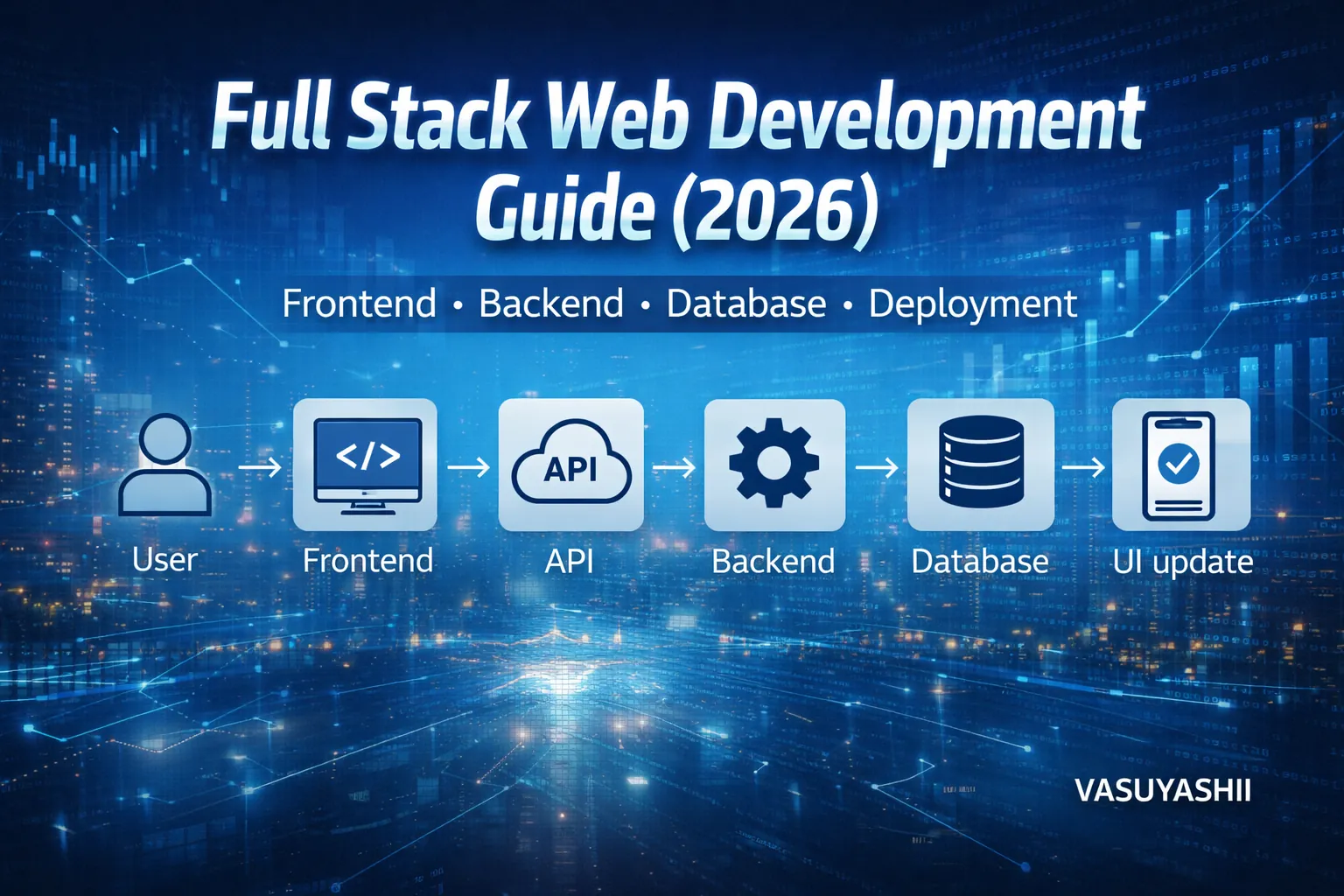
March 17, 2026
Full Stack Web Development Guide for Business Apps
Plan a full stack business app with frontend, backend, database, roles, deployment, security, costs, implementation guidance, and a handover checklist.
Read articlePublished Updated
Compare web development technologies for business websites, portals, dashboards and SaaS, including frontend, backend, database, security and hosting choices.
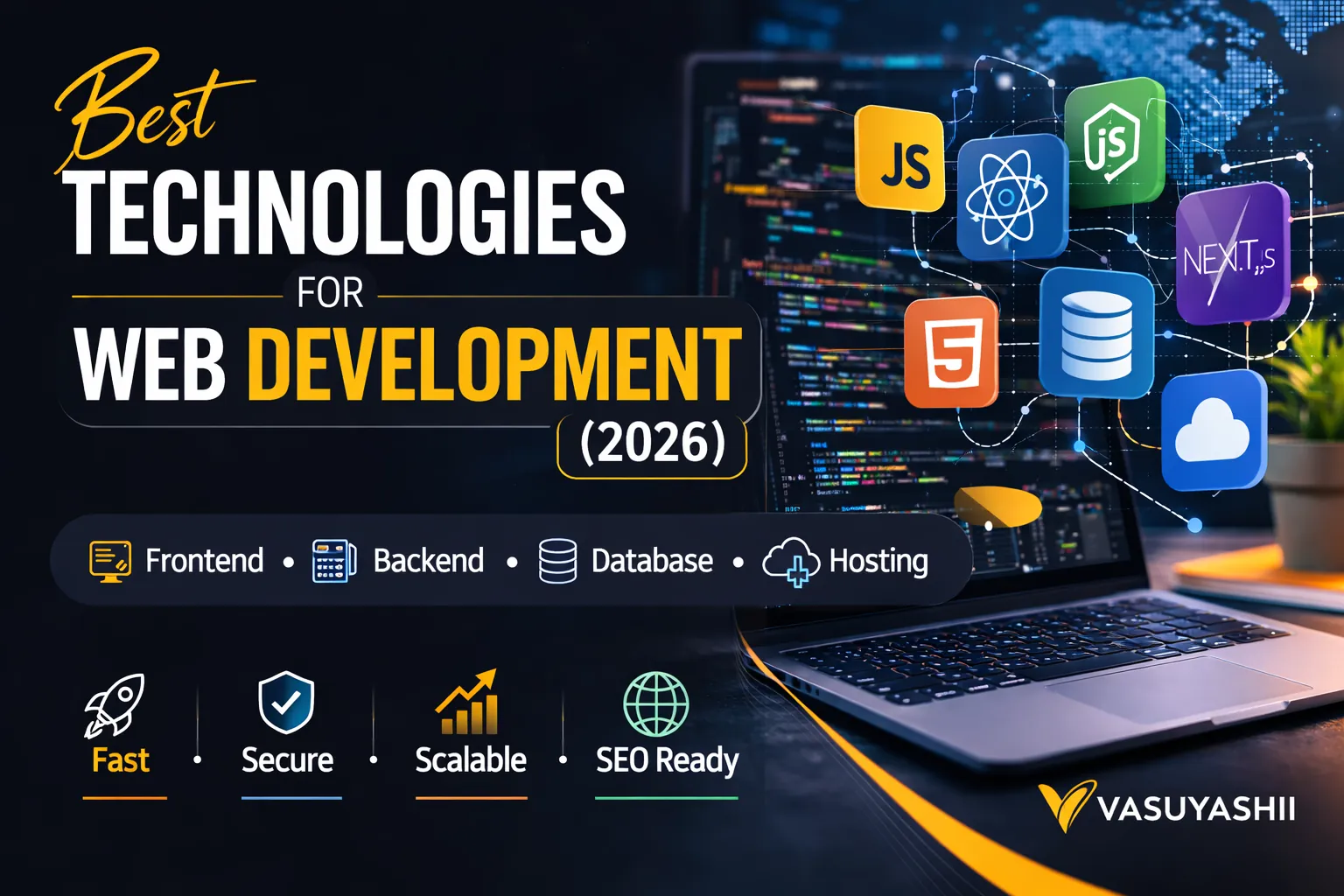
Choosing the best technologies for web development is one of the most important decisions you’ll make—because your tech stack decides your website’s speed, SEO performance, security, scalability, and maintenance cost.
In 2026, businesses don’t just want a “website.” They want:
This guide explains the best technologies for web development in a practical way. You’ll learn the best stack options for:
If you want a modern, fast, SEO-ready website or web app:
If you want dashboards, portals, admin panels, and scalable systems, check: Web Applications Services
Web development does not happen inside one program. A professional workflow uses a small toolchain, while the production website uses technologies such as HTML, CSS, JavaScript, a framework, APIs and a database.
| Work stage | Tool category | Typical examples | Buyer acceptance evidence |
|---|---|---|---|
| Planning and interface design | Wireframe or design tool | Figma or an equivalent design workspace | Approved responsive screens and states |
| Coding | Code editor or IDE | Visual Studio Code or another maintained editor | Source repository and working build |
| Browser testing | Browser developer tools | Chrome, Firefox or Safari developer tools | Device, console, network and accessibility checks |
| Change history | Version control | Git with a controlled repository host | Commit history, branches and release record |
| Application runtime | Framework and server runtime | Next.js, React, Node.js, Django or another suitable stack | Staging environment and documented versions |
| Data and integration | Database and API tools | PostgreSQL, Firestore and API testing tools | Test records, validation and failure scenarios |
| Deployment and operations | Hosting, logs and monitoring | Platform selected for the approved architecture | Production release, logs, backup and access handover |
For a basic working setup, the three essential tool categories are a code editor, a modern browser with developer tools, and version control. HTML, CSS and JavaScript are core web technologies, not substitutes for those tools.
The best software is the smallest maintained toolchain that the delivery and support teams can operate. Do not approve a stack because its brand is popular; ask who owns updates, deployment, backups, logs and security after launch. The frontend-versus-backend guide explains where each tool belongs.
Don’t choose technologies based on hype. Choose based on:
1) What you’re building (website vs portal vs SaaS) 2) Who will maintain it (you, a dev, or a team) 3) Performance needs (speed, SEO, mobile) 4) Budget + timeline 5) Future plans (will it become a bigger system later?)
The public VASUYASHII website uses Next.js, React, Tailwind CSS, static export, and local MDX content. This is a deliberate fit for a marketing website that needs predictable routes, search metadata, structured data, fast static delivery, and a large content library. It does not prove that every business should use the same stack.
The same website also demonstrates the maintenance trade-off. Developers receive precise control over canonical URLs, sitemap output, components, and deployment. A non-technical content team would need a visual CMS or an editorial interface to publish independently. That is why the CMS comparison guide belongs in the technology decision, not after development.
The VASUYASHII Business Suite shows another boundary. A public website can remain mostly static, while billing and inventory software needs authenticated workflows, structured data, permissions, and operational screens. That product architecture requires a backend and database even when the public marketing page does not.
| Project type | Sensible starting architecture | Main decision risk |
|---|---|---|
| Service website | Next.js, WordPress, or Webflow | Overbuilding a simple lead website |
| Content-heavy website | WordPress or Next.js with MDX/headless CMS | Publishing friction and duplicate content |
| Admin dashboard | React/Next.js plus an API and database | Weak permissions, tables, and data definitions |
| Multi-company SaaS | Web frontend, tenant-aware API, relational database | Tenant isolation and migration complexity |
| Ecommerce | Shopify/WooCommerce or custom commerce stack | Checkout, catalog, tax, and integration ownership |
| Internal automation | Small API/service plus logs and retries | Silent failures and no operational owner |
Choose the smallest architecture that satisfies security, workflow, reporting, and maintenance requirements. The admin dashboard guide and RBAC security guide cover the two areas that generic stack lists usually ignore.
A technology choice creates ongoing work: hosting, monitoring, security updates, content publishing, database backups, dependency upgrades, incident response, and developer availability. A low initial quote can become expensive when the stack is unfamiliar or relies on many fragile plugins. A custom stack can also be wasteful when the business only needs five editable pages and a lead form.
Before approval, ask who will own deployment, content changes, credentials, backups, database migrations, failed integrations, and security updates for the next 12 months. Put those responsibilities beside the build estimate. For a requirement-based recommendation, review software development services, web application services, and contact VASUYASHII.
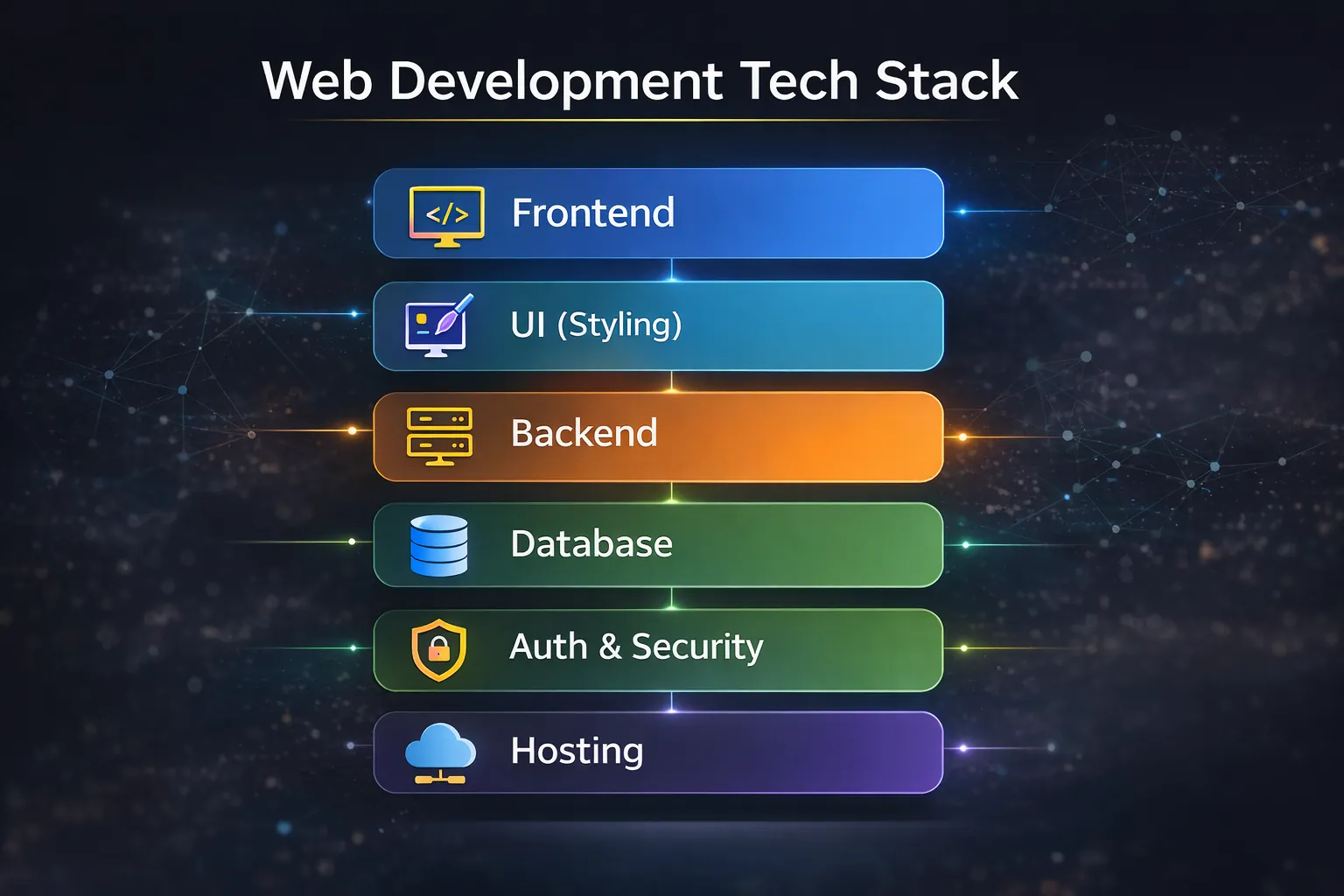
A web project usually has 6 layers:
1) Frontend (UI) 2) Styling/UI system 3) Backend (APIs) 4) Database 5) Auth + Security 6) Hosting + DevOps
React is the most popular UI library. It’s powerful, flexible, and supported everywhere.
Best for: web apps, dashboards, complex UI Why it wins: huge ecosystem + component-based development
Next.js is built on top of React and is ideal for:
Best for: business websites + web apps + SaaS Why it wins: SEO + speed + production reliability
Recommendation: For most business-grade projects, Next.js is the strongest choice.
Tailwind helps you build clean UI faster without messy CSS files.
Pros:
Use when you want faster UI:
Recommendation: Tailwind + a light component system is best for modern premium sites.
Backend is needed when you have:
Node.js is ideal for APIs, real-time features, and integrations.
Best for: APIs, dashboards, automation Works great with: Next.js API routes, Express, NestJS
Firebase is extremely useful for:
Best for: MVPs, dashboards, internal tools, startups
If your product needs:
Django is very good.
Recommendation: For most business web apps: Next.js + Node/Firebase is best.
Pros:
Cons:
Pros:
Best for: SaaS, ERP-like systems, complex reporting
Still used widely; good for many apps.
Recommendation:
Fast, reliable, and simple.
Great when you want:
Fast deployment, global CDN, very stable.
Great for static sites and many modern stacks.
Use when:
Recommendation: Most businesses will be perfect with Vercel + a managed database.
If you want portals and dashboards for your business, explore: Web Applications Services
1) Choosing a stack that no one can maintain 2) Over-engineering a simple website into a complex app 3) Ignoring SEO and speed 4) Building without a clear data structure 5) Picking “cheap” solutions that break frequently 6) Not planning a growth path (website → blog → portal)
If you tell us your business goal (website, portal, dashboard, SaaS), we’ll recommend the best stack and build it with a clean scalable structure.
👉 WhatsApp: Chat on WhatsApp 👉 Services: Web Applications Services 👉 Services: View our services 👉 Contact: Contact page
For most business projects: Next.js + Tailwind + Vercel is a strong, scalable, SEO-friendly choice.
Yes, for quick informational sites and easy content editing. But custom stacks often win in speed and scalability.
For fast MVPs: Firebase. For long-term complex systems: Node.js + PostgreSQL.
Firestore for rapid dashboards/MVP, PostgreSQL for long-term scalable business systems with complex reporting.
Not always. A basic website may only need a contact form integration. Web apps and portals do need backend.
Ask for a maintainable stack that fits the workflow, publishing owner, security needs and budget. More tools do not mean a better website. Require repository, deployment and access handover regardless of the stack.
A practical minimum is a code editor, a browser with developer tools and version control. Production projects normally add framework, testing, deployment and monitoring tools according to scope.
Related Articles
March 17, 2026
Plan a full stack business app with frontend, backend, database, roles, deployment, security, costs, implementation guidance, and a handover checklist.
Read article
March 19, 2026
Plan a business web app with roles, modules, data models, security, testing, deployment, Indian costs, implementation guidance, and a practical checklist.
Read article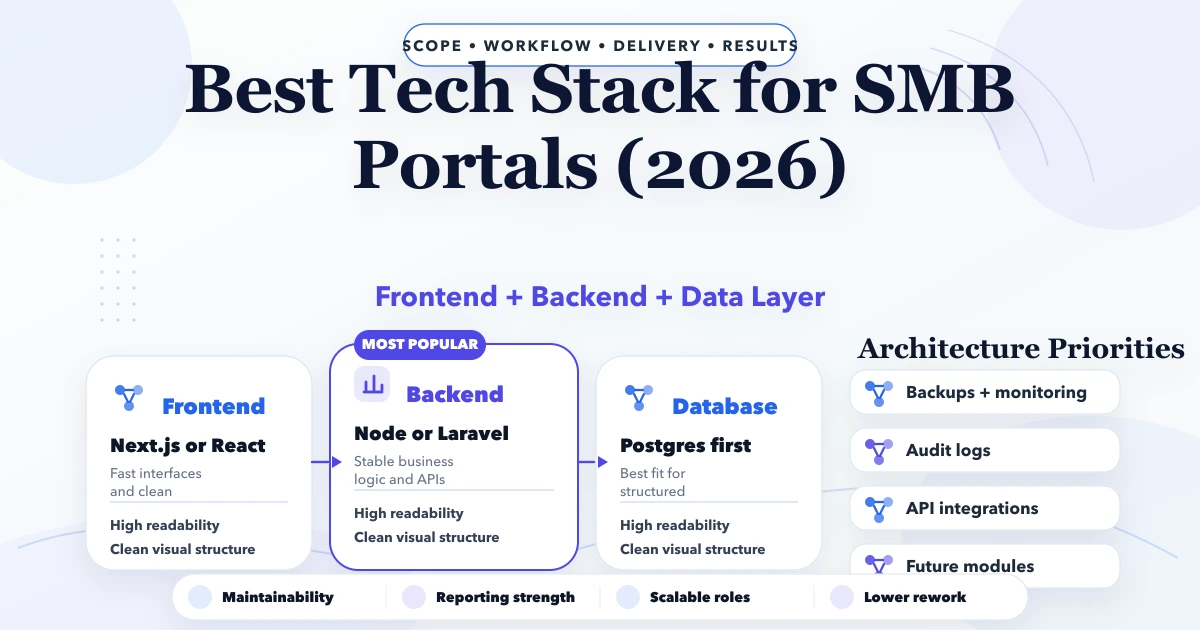
April 26, 2026
Best tech stack for SMB portals in 2026: frontend, backend, database, auth, reporting, and rollout decisions for business web portals.
Read article
March 16, 2026
Understand frontend and backend responsibilities, data flow, security, costs, acceptance criteria, and architecture for websites and business apps.
Read article