
March 16, 2026
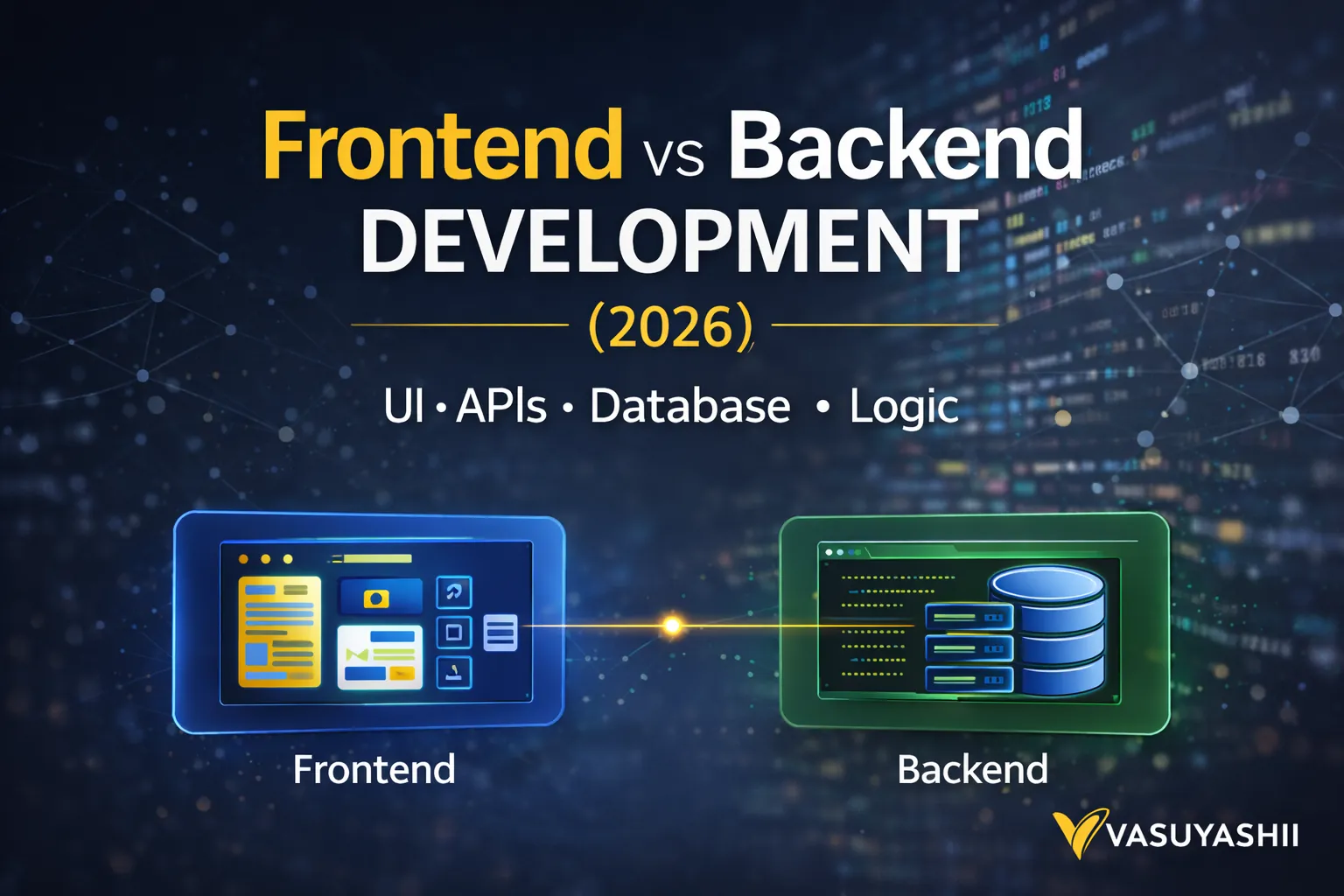
Frontend vs Backend Development: Business Guide
Understand frontend and backend responsibilities, data flow, security, costs, acceptance criteria, and architecture for websites and business apps.
Read articlePublished Updated
Plan a full stack business app with frontend, backend, database, roles, deployment, security, costs, implementation guidance, and a handover checklist.
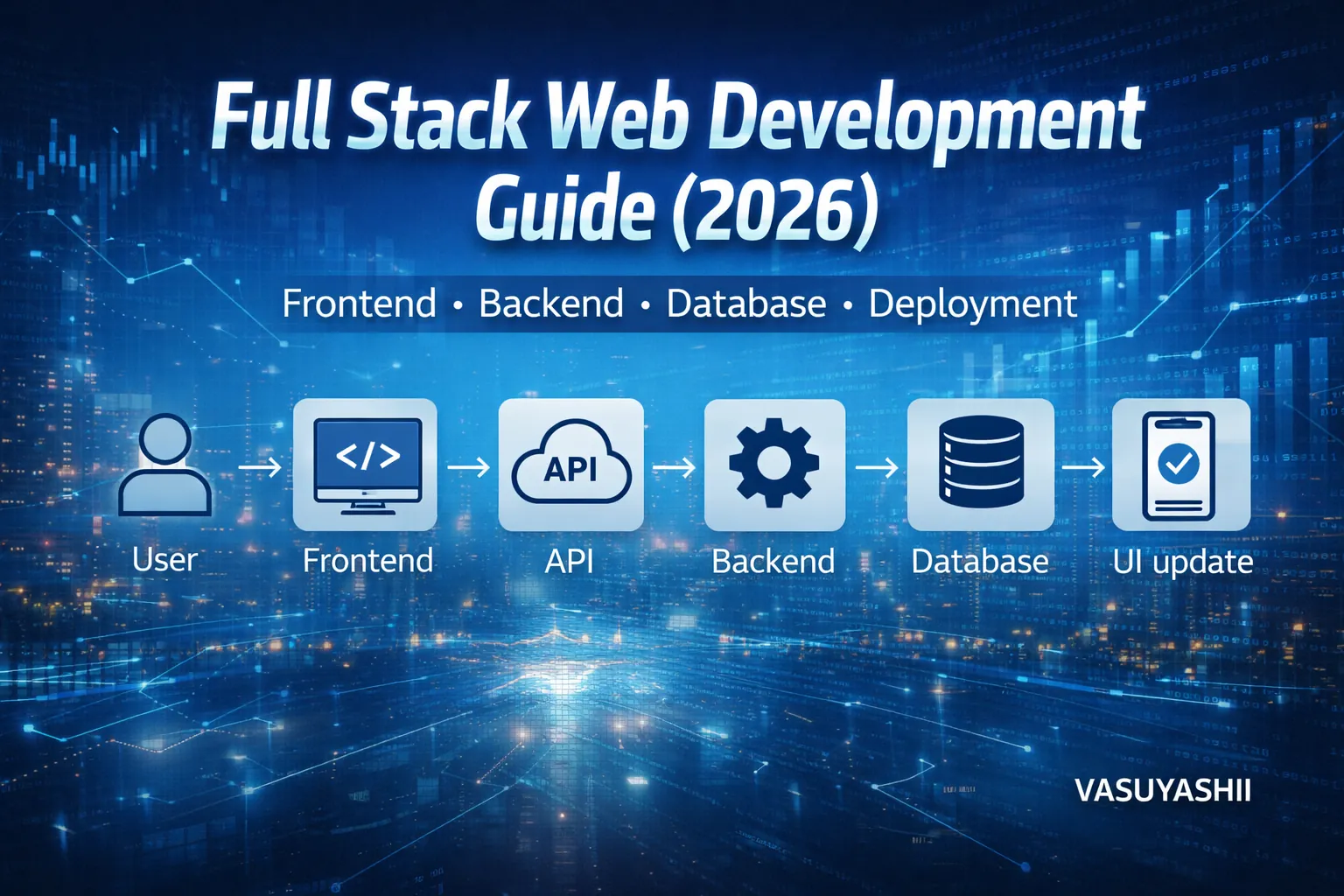
Full stack web development means building the complete web system—not just the design. In 2026, businesses want websites and web apps that are fast, secure, SEO-ready, and scalable. That requires understanding how the frontend, backend, database, and deployment work together.
If you’re a business owner, this guide will help you:
If you’re learning development, this guide gives you a clear roadmap with practical steps and real project examples.
A full stack developer (or team) handles:
In simple words: Full stack = complete working product.
The common role-based classification is frontend, backend and full-stack development.
| Type | Primary responsibility | Business acceptance example |
|---|---|---|
| Frontend development | Pages, components, responsive behavior, accessibility and browser interactions | A customer can understand the offer and complete the intended action on supported devices |
| Backend development | APIs, business rules, authentication, permissions, integrations and server-side validation | Approved requests succeed, invalid requests fail safely and activity can be traced |
| Full-stack development | Coordinates frontend, backend, data and deployment as one working system | The complete journey works in staging and production with documented ownership |
A project may use separate specialists or one full-stack developer. The title does not prove capability; verify the named owner and acceptance evidence for every layer.
Questions about “three pillars” usually describe architecture rather than job roles:
Deployment, monitoring, security and third-party integrations cut across all three layers. They should not disappear from scope just because a diagram uses three boxes. Review the frontend-versus-backend business guide before assigning responsibilities.
In 2026, users expect:
A “frontend-only” site may look good, but many businesses actually need:
That’s why full stack matters: it turns a website into a business system.
If you want dashboards, portals, admin panels, and automation systems, explore: Web Applications Services
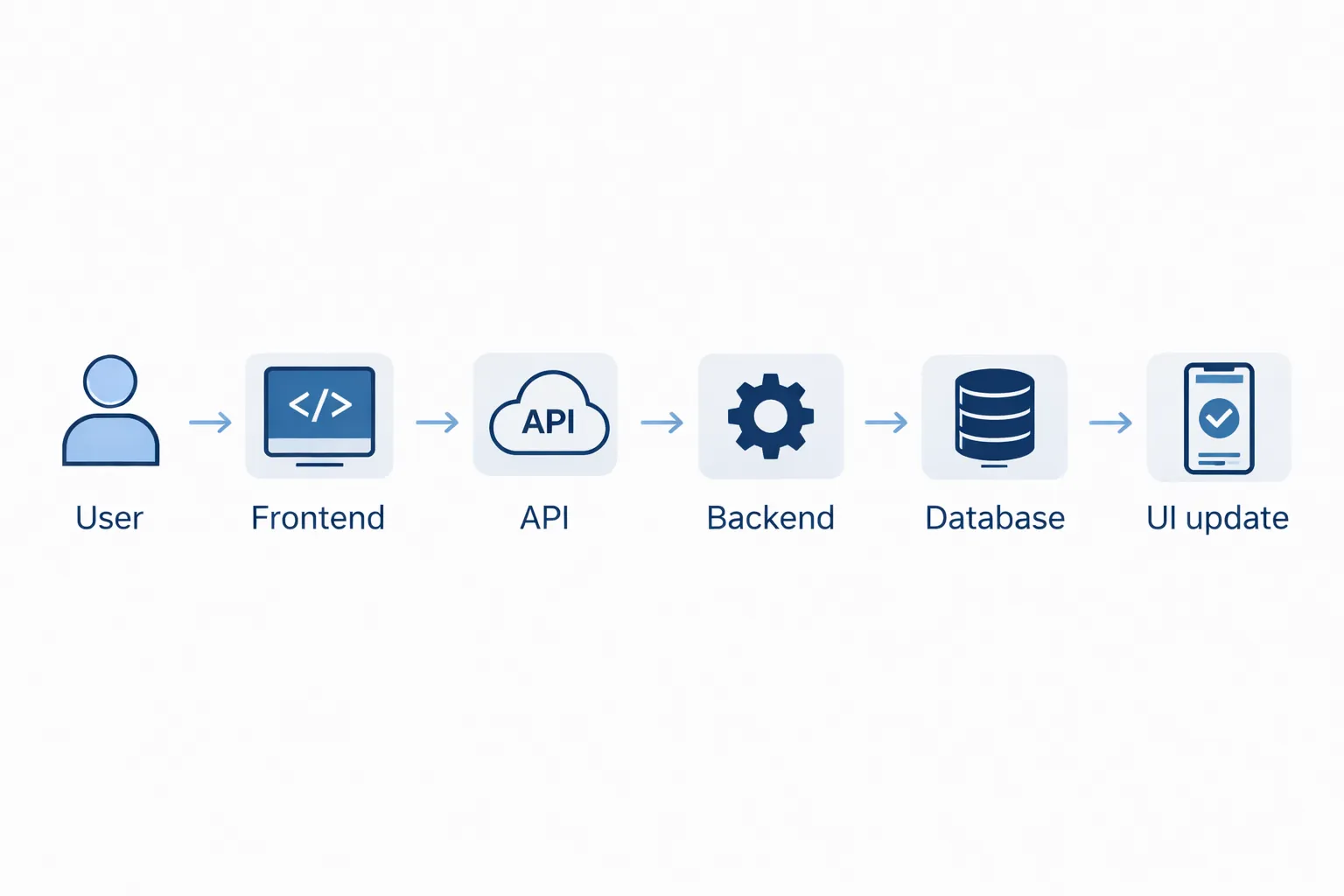
A modern web product typically has these layers:
1) UI (Frontend): what users see 2) API Layer: requests between UI and backend 3) Backend: logic + authentication + security 4) Database: stores everything 5) Integrations: email, payments, third-party tools 6) Deployment: hosting, CDN, monitoring
Frontend is not just “design.” It includes:
Frontend directly impacts conversion:
Backend is the engine that makes the product work:
Backend decides:
Most business apps need a database for:
Recommendation:
A full stack system often includes roles:
Auth options:
Security basics:
A project is not complete until it’s deployed properly.
Performance checklist:
OR Node + PostgreSQL (bigger system)
If you build portals/dashboards, your base service hub is: Web Applications Services
Use the web development technology decision guide to compare stack choices by project type, maintainability, hosting, security, and 12-month ownership cost before locking the architecture.
Frontend:
Backend:
Database:
Frontend:
Backend:
Database:
Frontend:
Backend:
Database:
The Business Suite product, web application services, and mobile app services make the full-stack boundary easier to understand than a generic technology list.
Billing and inventory software requires connected customer, product, stock, invoice, and reporting records. That is not a frontend-only problem. The system needs validation for quantities and prices, backend calculations, persistent records, access control, and outputs that remain consistent after edits. A restaurant ordering flow connects a customer-facing menu with order creation and an operational view, while a field app may connect scanning interactions with stored events and later review.
These projects do not prove that one stack is best for every client. They show the questions a full-stack proposal must answer:
The Business Suite adds another real boundary: one user can work across multiple companies while invoices, payments, purchases, and stock history remain company-specific. A full-stack team must enforce that separation in APIs and queries, not merely hide another company's menu item in the interface.
Before accepting delivery, verify more than visual screens:
Use the permission matrix template for authorization and the database comparison before finalising the data layer.
If you want to learn full stack step-by-step:
Pick one:
Here are realistic ranges:
₹20,000 – ₹1,20,000
₹1,50,000 – ₹10,00,000+
₹5,00,000 – ₹25,00,000+
For complete pricing breakdown: Cost of Website Development in India (2026)
1) Starting without requirements and data structure 2) No role-based access planning 3) Building UI without backend roadmap 4) Not designing database properly 5) Ignoring security and validation 6) No performance optimization 7) No monitoring or backups
Best approach: build in phases and ship small improvements weekly.
If you want a fast business website OR a complete full stack portal/dashboard with admin system, we can build it professionally.
👉 WhatsApp: Chat on WhatsApp
👉 Contact: Contact page
Frontend is only UI. Full stack includes UI + backend + database + deployment.
No. Simple informational websites can be frontend-only. Portals, dashboards, and SaaS require full stack.
For most businesses: Next.js + Tailwind + Node/Firebase + PostgreSQL/Firestore + Vercel.
Yes. Start with the most important features, then expand modules over time.
Small portals: 4–8 weeks. Bigger systems: 10–20+ weeks depending on modules.
No. Frontend, backend and full-stack describe delivery roles. Presentation, application and data describe architecture layers. A provider should map people to every required layer.
Not automatically. Complex products may still need dedicated design, security, database, infrastructure, QA or domain specialists. Confirm capability from the actual risk and scope.
Related Articles
March 16, 2026
Understand frontend and backend responsibilities, data flow, security, costs, acceptance criteria, and architecture for websites and business apps.
Read article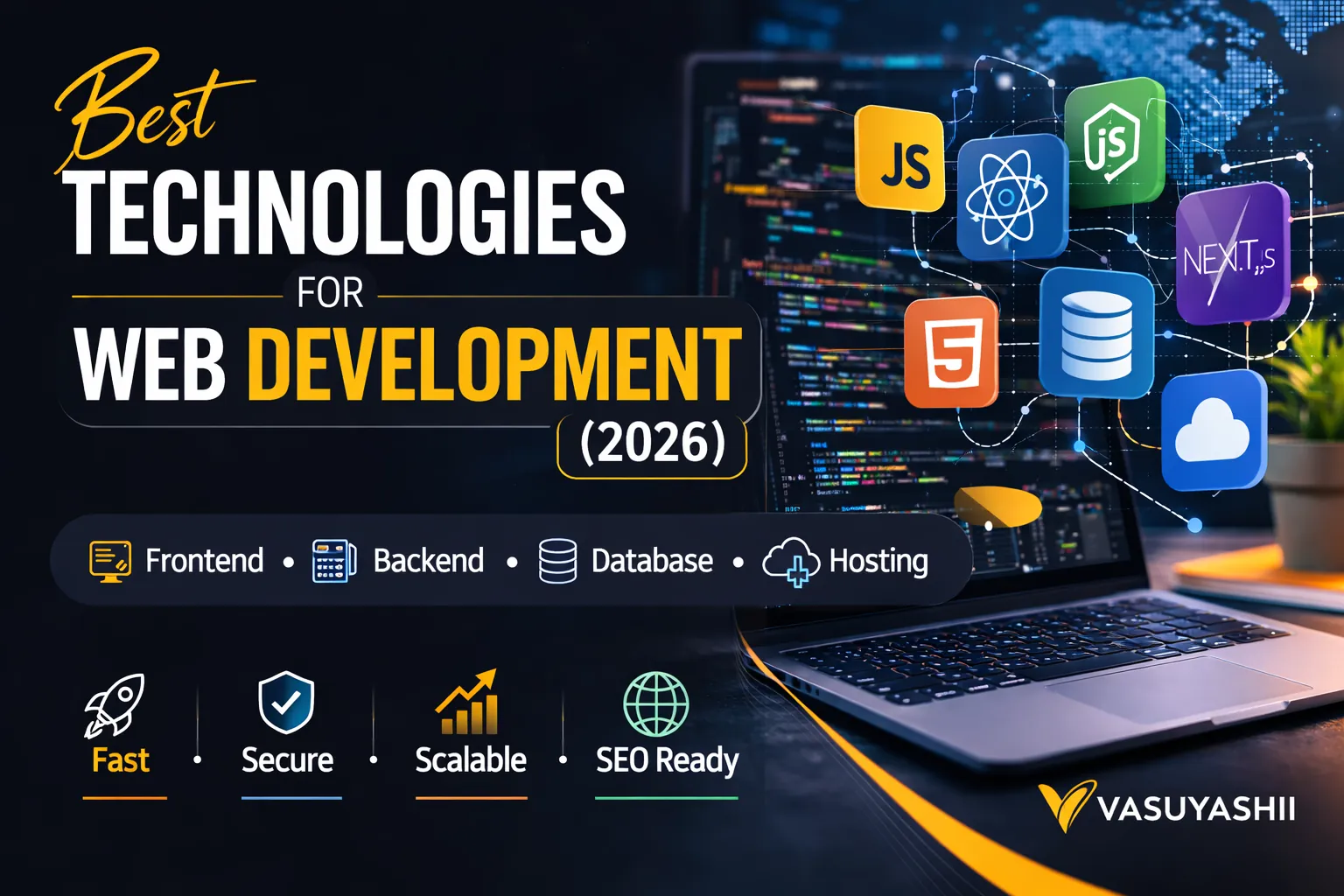
March 16, 2026
Compare web development technologies for business websites, portals, dashboards and SaaS, including frontend, backend, database, security and hosting choices.
Read article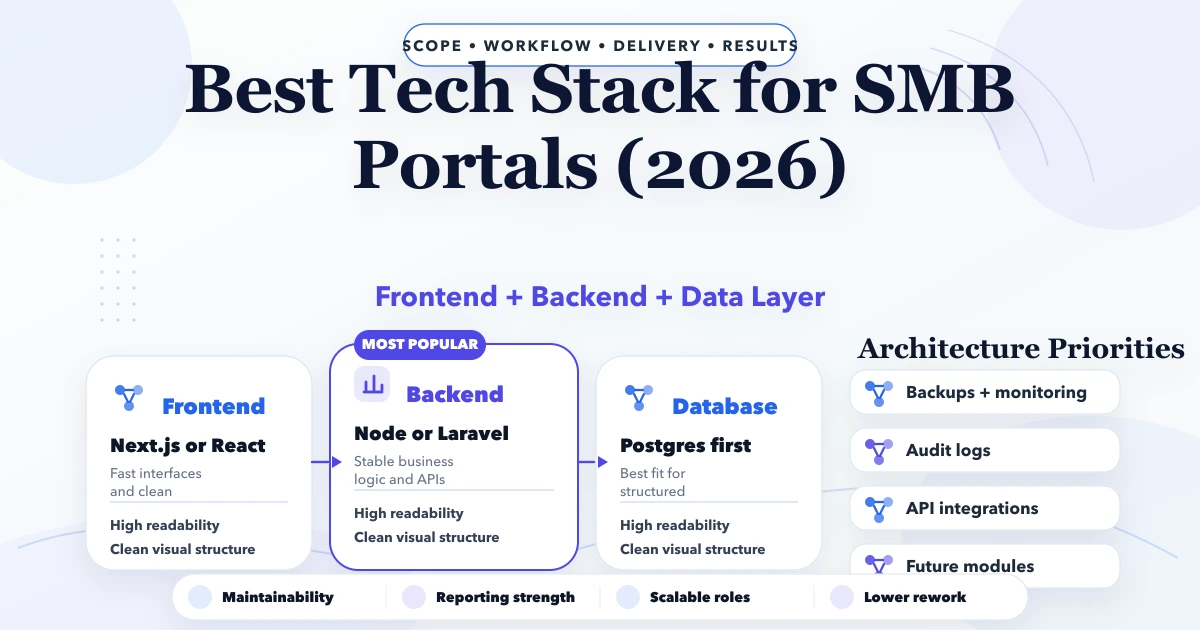
April 26, 2026
Best tech stack for SMB portals in 2026: frontend, backend, database, auth, reporting, and rollout decisions for business web portals.
Read article
March 19, 2026
Understand progressive web apps, installability, offline behavior, caching, push limits, use cases, security, cost, and PWA versus native app decisions.
Read article