
March 17, 2026
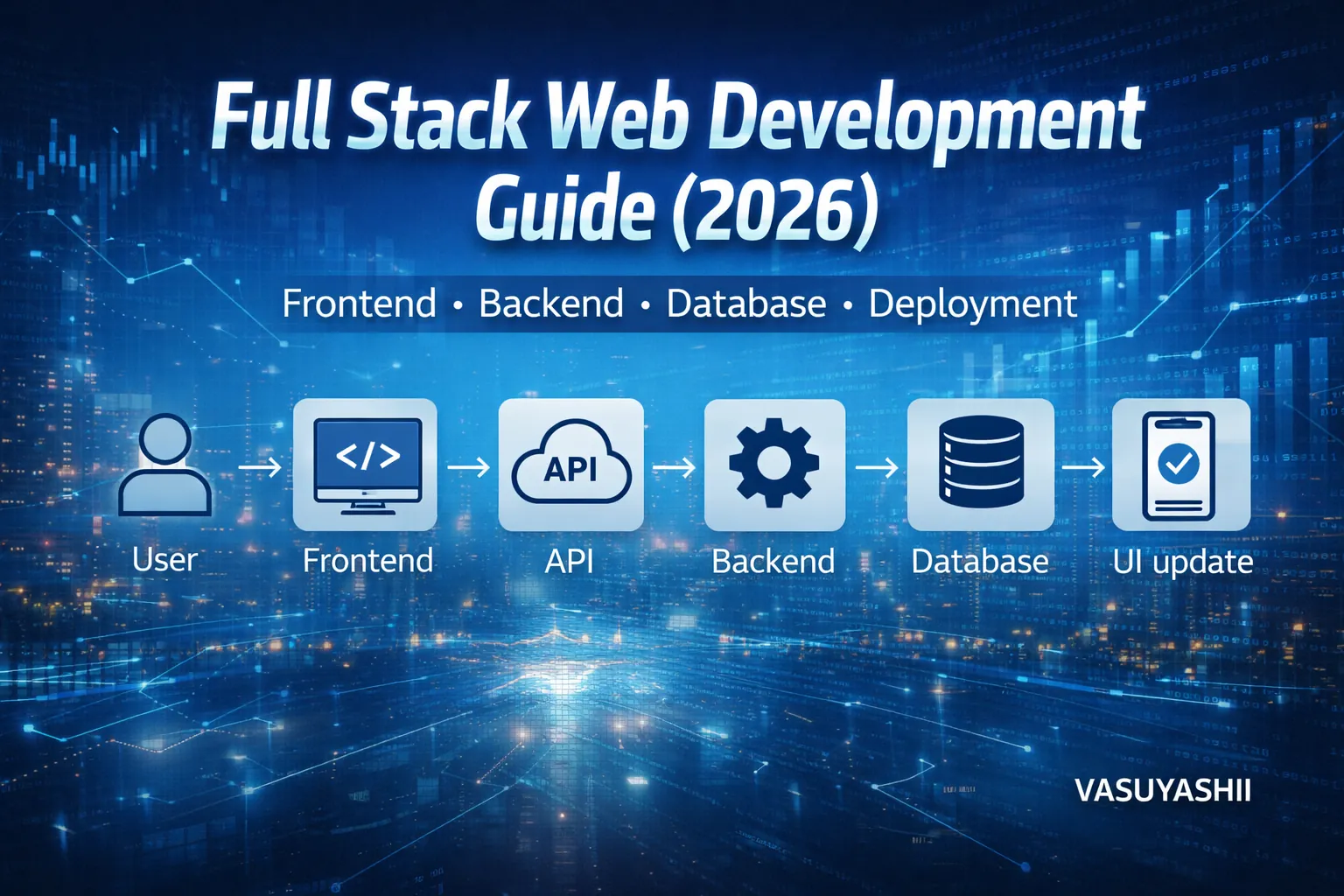
Full Stack Web Development Guide for Business Apps
Plan a full stack business app with frontend, backend, database, roles, deployment, security, costs, implementation guidance, and a handover checklist.
Read articlePublished Updated
Understand frontend and backend responsibilities, data flow, security, costs, acceptance criteria, and architecture for websites and business apps.
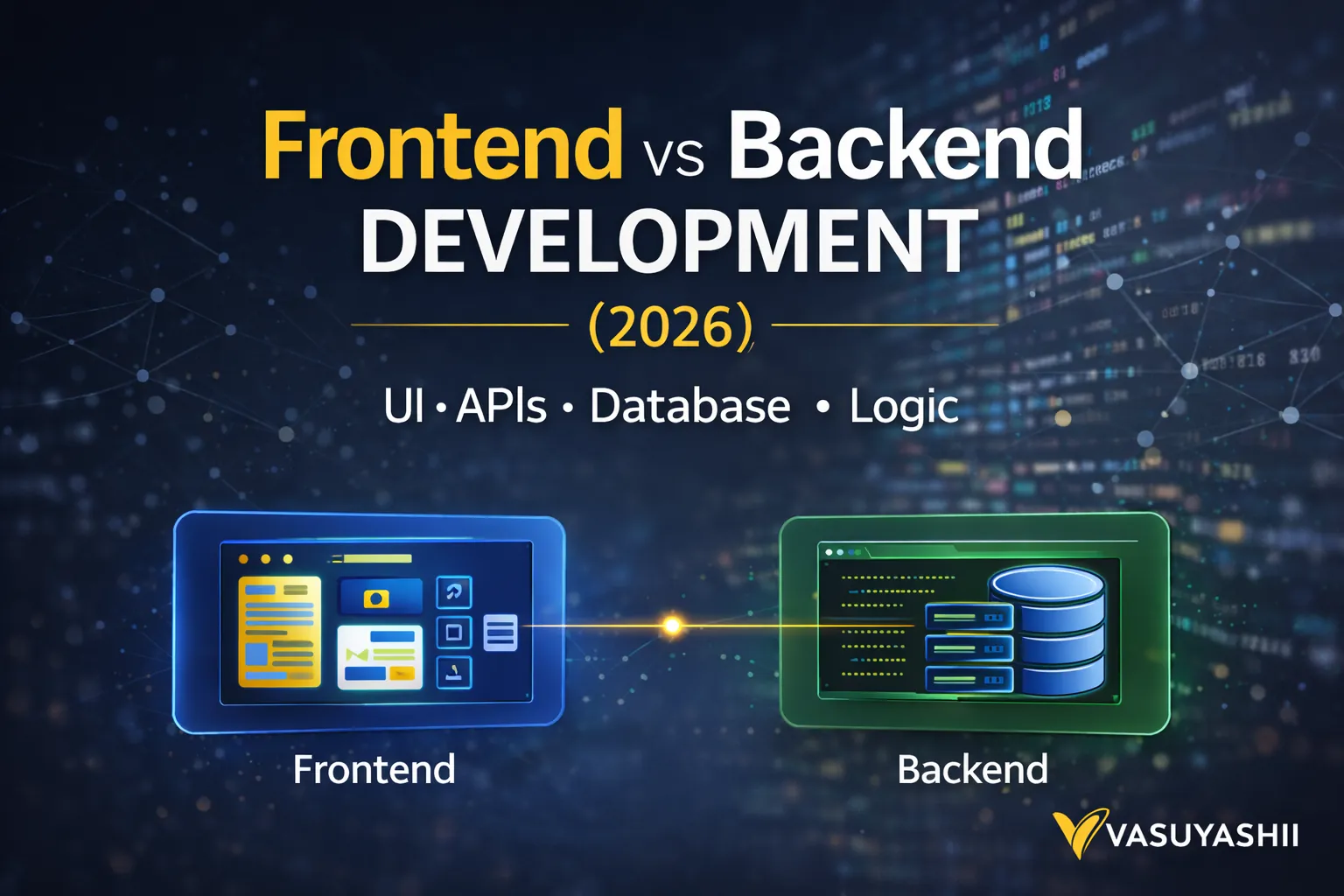
If you’re building a website or a web application, you will hear two terms again and again: frontend and backend. Many business owners think “website development” is one thing—but in reality, it has two major parts:
Understanding this difference helps you:
This guide explains frontend vs backend in very simple language with examples and technology choices for 2026.
Everything the user can see and interact with:
Everything that happens in the background:
Imagine a restaurant QR ordering system:
If you want to build systems like dashboards, portals, admin panels, or automation, explore: Web Applications Services
For a broader planning view, compare these responsibilities with our custom software development services and the web application development guide.
Frontend is the “face” of your product. It decides:
Frontend directly impacts:
A good frontend can increase conversions even with the same traffic.
Backend is the “engine” of your product. It manages:
Backend decides:
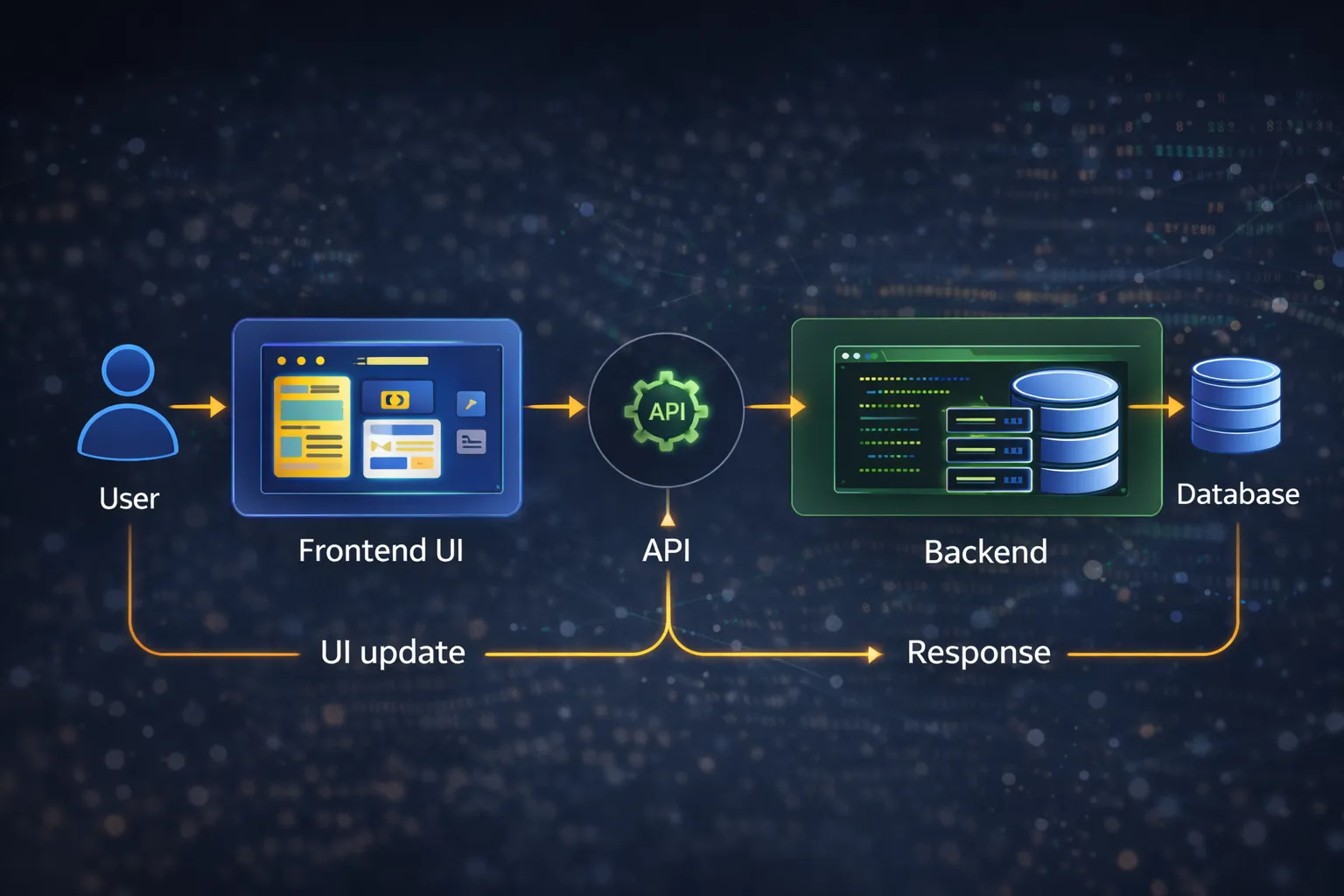
Here’s the simple flow: 1) user clicks button on frontend 2) frontend sends request to backend API 3) backend checks rules + talks to database 4) backend returns response 5) frontend shows updated UI
✅ No. A basic business website can be built with “frontend only” if:
But even simple websites often need small backend features like:
For advanced projects (portals/apps), backend is necessary.
Not always.
Backend can exist without a database if:
But most business systems need a database for:
For simple sites:
But for scalable business software, Next.js is strong.
Most modern business web apps use:
Recommendation:
Cost depends on complexity, but here’s the practical idea:
You pay for:
Typical: ₹20,000 – ₹1,20,000 (depending on quality)
You pay for:
Typical: ₹1,50,000 – ₹10,00,000+ (depending on modules)
For full cost breakdown, see: Cost of Website Development in India (2026)
If you need:
That’s a web application (backend required).
SEO is mostly frontend + structure + content. Backend doesn’t guarantee SEO.
No. Frontend is also:
If you want to build dashboards/portals/admin systems, explore: Web Applications Services
Backend: optional (contact form email)
Frontend: admin UI Backend: required
1) Clearly define: website vs web application 2) Write down features list 3) Decide roles (admin/staff/customer) 4) Decide data structure (what tables/collections) 5) Build in phases:
If you want a high-performance website or a full backend system (dashboard/portal), we can help.
Yes. Many projects start with UI first, then backend modules are added phase-wise.
WordPress has backend features, but for portals/dashboards, custom backend is often better.
Backend is usually more expensive because it includes security, logic, database, and reliability.
Not necessarily. WhatsApp CTA works without backend. But storing leads + automation needs backend.
Full-stack means both frontend + backend development together.
The frontend collects an action; the backend decides whether that action is allowed and records the result. Consider an invoice screen:
The browser must never be the only place where price, permission, stock, or ownership rules are enforced. Users can modify client-side requests. Important validation belongs on the server even when the frontend repeats it for usability.
| Project | Frontend responsibility | Backend responsibility |
|---|---|---|
| Informational website | Navigation, content, forms, responsive layout | Form delivery or CMS only where required |
| Lead website | Service journeys, CTA placement, validation | Spam control, lead storage, routing, notifications |
| Customer portal | Account screens, status, uploads, error states | Authentication, authorization, records, audit history |
| Inventory app | Fast data entry, tables, filters, scanning UI | Stock ledger, transactions, role checks, reports |
| Ecommerce flow | Catalogue, cart, checkout feedback | Pricing authority, inventory, orders, payment verification |
A quote should show these boundaries. "Five screens" does not describe backend complexity, and "one API" does not describe the number of business states.
For the frontend, test mobile layouts, keyboard use, loading states, empty states, field errors, slow connections, browser support, accessibility labels, and analytics events. For the backend, test unauthorized access, tenant boundaries, duplicate requests, invalid state changes, data migrations, integration failures, backups, logs, and recovery.
The API contract connects both teams. It should define fields, types, required values, error codes, pagination, permissions, and versioning. When that contract changes informally, the interface and server drift apart.
VASUYASHII's published work includes website development, web application development, and custom software development. These scopes demonstrate that frontend-only marketing pages and backend-led operating systems require different discovery. They do not prove that a particular framework is automatically right for every project.
Use the secure login and roles guide, database selection guide, and API integration services when the project includes accounts, shared data, or external systems.
These questions reveal architecture much more clearly than asking which side is "more important." A reliable product needs a usable interface and trustworthy server behaviour, with ownership defined between them.
Related Articles
March 17, 2026
Plan a full stack business app with frontend, backend, database, roles, deployment, security, costs, implementation guidance, and a handover checklist.
Read article
March 16, 2026
Compare web development technologies for business websites, portals, dashboards and SaaS, including frontend, backend, database, security and hosting choices.
Read article
May 17, 2026
Design API rate limits using identities, scopes, algorithms, quotas, retries, distributed counters, monitoring, exceptions, and abuse-resistant testing.
Read article
March 15, 2026
Plan a startup website with the right pages, positioning, lead flow, technology, SEO, timeline, and cost decisions for an efficient 2026 launch.
Read article