
March 25, 2026
API Integration Services for Businesses (2026)
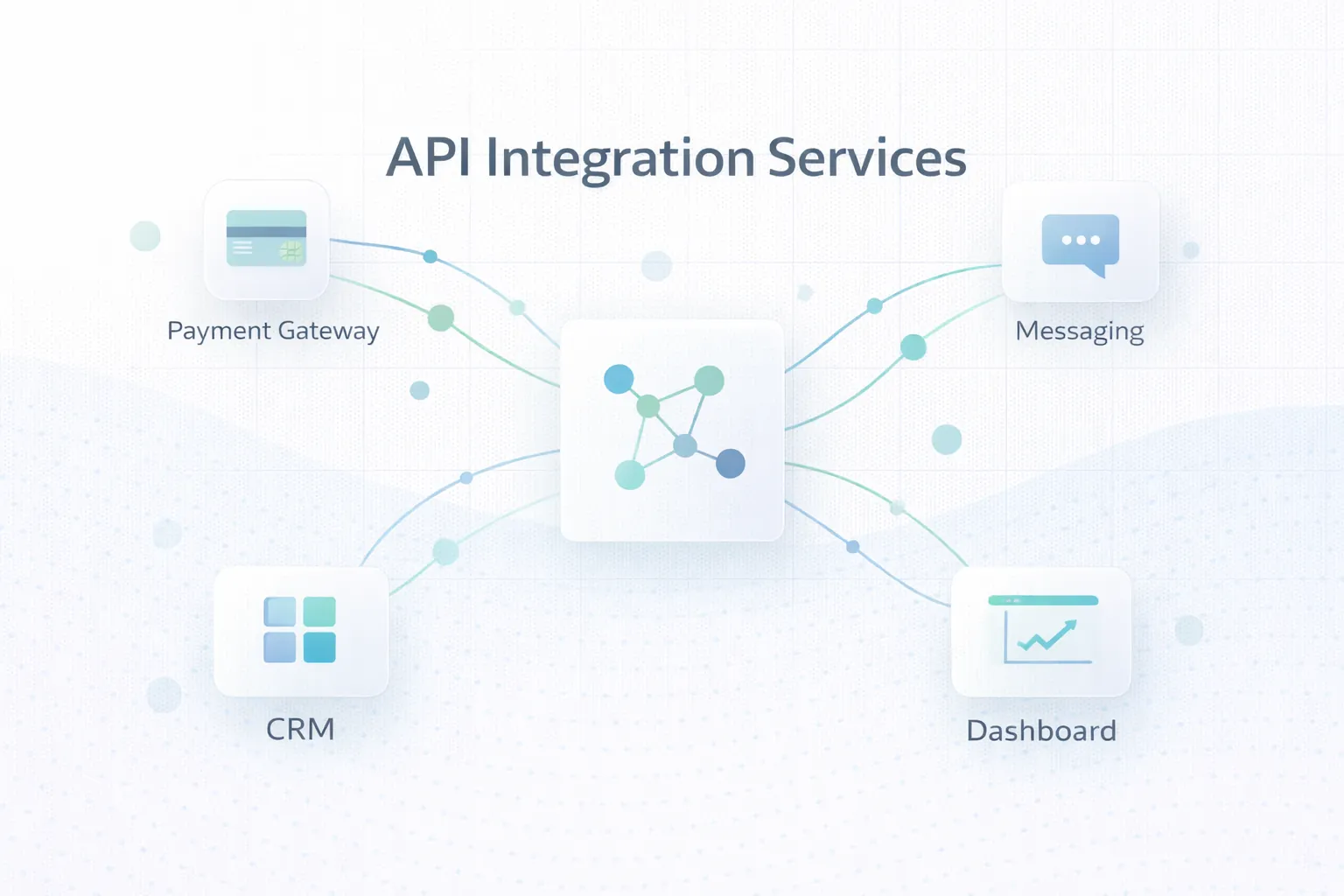
API integration services for businesses in 2026: payments, WhatsApp, CRM, data sync, webhooks, reliability, and the key scope and delivery considerations.
Read articlePublished Updated
Build reliable webhook integrations with event contracts, signatures, idempotency, retries, replay, reconciliation, monitoring, testing, and ownership.
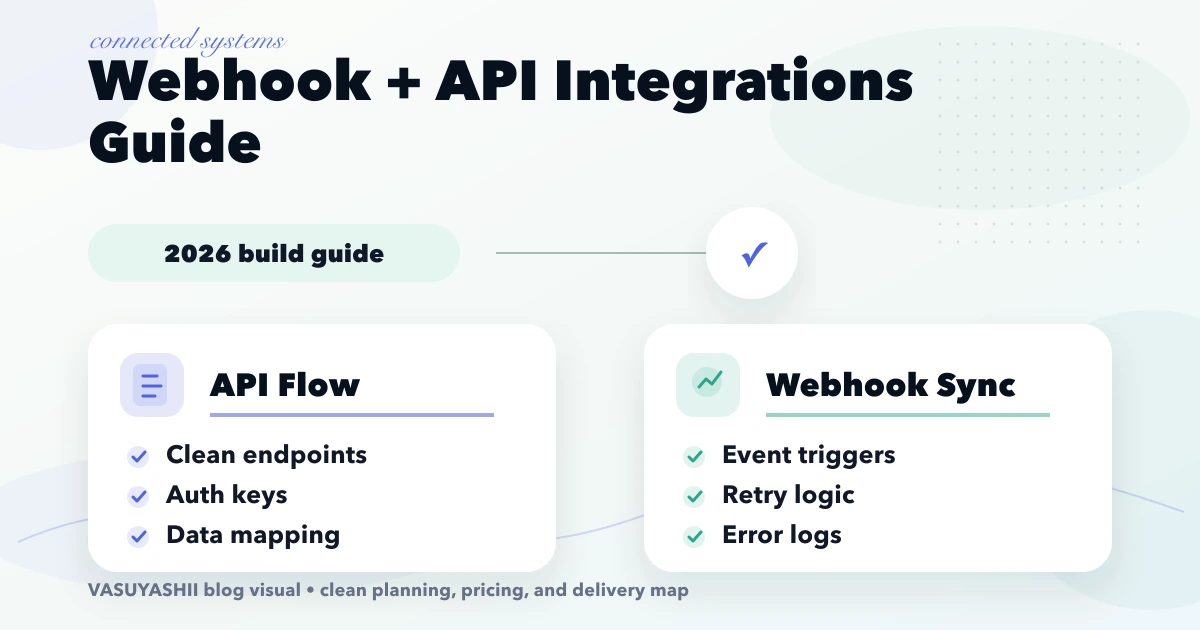
A reliable webhook integration is an operated data workflow, not only a public endpoint. The implementation must verify who sent the event, preserve the original event ID, process duplicates safely, expose failures, reconcile critical state, and assign a person who can recover the workflow.
This guide explains how to connect payment gateways, CRM, WhatsApp, dashboards, and internal software without losing ownership of business data. Its main focus is integration architecture: which system owns each field, when an API request is appropriate, when an event webhook is required, and how failures are reviewed.
For payment and order state transitions specifically, use the separate payments and orders webhook guide. Keeping these intents separate prevents two articles from repeating the same generic webhook explanation.
By Tushar C. (Founder, VASUYASHII). Reviewed by VASUYASHII Editorial for practical scope, pricing, implementation clarity, and local business relevance.
Integration planning becomes difficult when two systems can both edit the same field. For example, a CRM may own lead stage, billing software may own invoice status, and a WhatsApp provider may only own delivery status. An API should not silently overwrite another system's authoritative value.
Before development, create a field-level ownership sheet:
| Data or action | System of record | Write path | Update signal | Recovery owner |
|---|---|---|---|---|
| Customer identity | CRM or business app | Validated API | Customer update event | Sales operations |
| Invoice and due status | Billing system | Billing API | Payment webhook | Accounts owner |
| Order fulfilment | Order system | Operations API | Status webhook | Operations manager |
| Message delivery | WhatsApp provider | Messaging API | Delivery webhook | Support or marketing |
| Dashboard summary | Reporting layer | Read model or query | Scheduled/event refresh | Product owner |
This table is more valuable than a diagram that only shows arrows. It explains who can write, how a change arrives, and who investigates when the systems disagree.
The Business Suite product page shows the kind of company-scoped invoices, products, purchases, payments, and reports that an integration must protect. It is referenced here as a workflow example; it does not imply that every third-party integration listed in this guide is included in the current product scope.
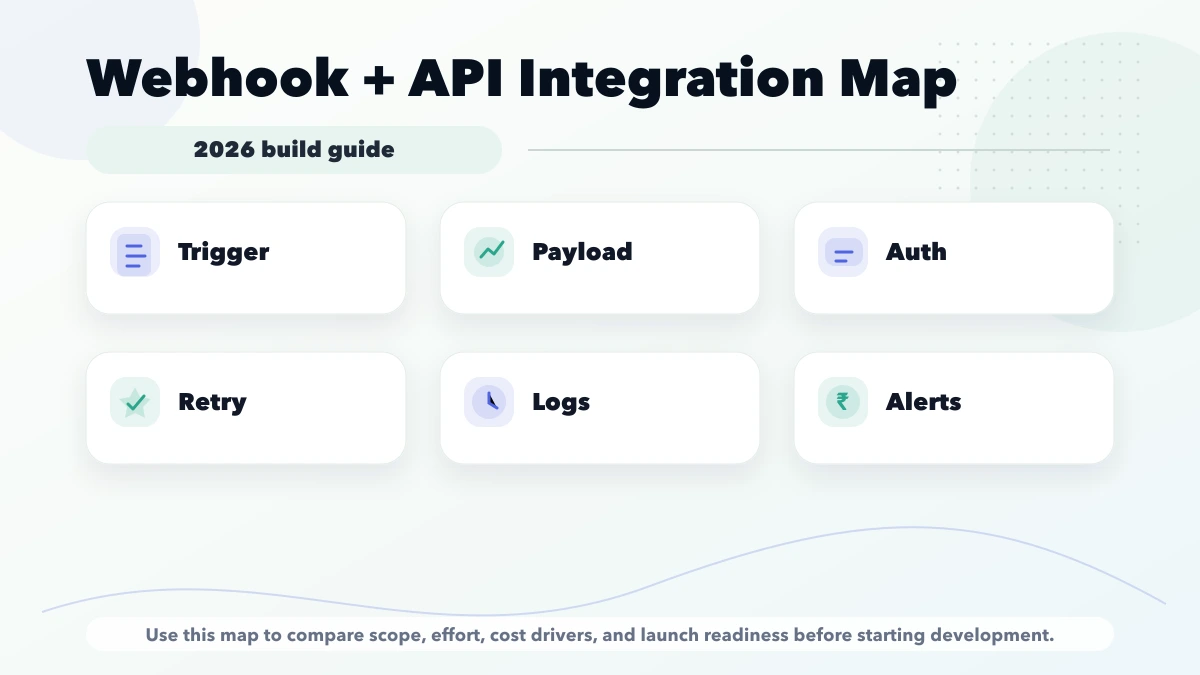
An integration is not complete when one successful test appears in a developer console. The business should receive an endpoint inventory, credential-ownership note, field map, event catalogue, retry policy, reconciliation procedure, alert destination, failed-event review process, and a list of test versus production accounts.
The handover should also identify which logs are safe for support staff, which values must be redacted, how long events are retained, and who approves a replay. Run one recovery exercise before launch: disable a test dependency, observe the failure, restore it, and replay the event without manually editing business records. That exercise proves the operating process, not only the happy-path code.
Treat each supported event as a versioned contract:
| Contract item | Required decision |
|---|---|
| Event identity | Stable provider event ID and internal deduplication key |
| Event type/version | Allowed types, schema version, and unknown-event behavior |
| Authentication | Signature algorithm, exact raw payload rule, secret rotation owner |
| Business identity | External customer/order/invoice ID mapping and tenant/company scope |
| Time | Provider timestamp, received time, timezone, and stale-event rule |
| State transition | Current state, permitted next state, and out-of-order handling |
| Response | Which failures return 2xx, 4xx, or 5xx and therefore trigger retry |
| Retention | What is stored, redacted, encrypted, and eventually deleted |
Document a sample payload with private values removed, the expected response, and the resulting internal state. If the provider changes a field or signature method, the contract review should happen before production deployment.
| Scope | Typical range |
|---|---|
| Single integration | ₹25,000 to ₹80,000 |
| Multi-step workflow integration | ₹80,000 to ₹2.5 lakh |
| Integration layer with dashboard | ₹2.5 lakh to ₹7 lakh+ |
An API request is usually initiated by your system when it needs data or wants another system to perform an action. A webhook is initiated by the provider when an event has happened. Reliable integrations commonly need both.
Before development, document the source of truth for each field. If the CRM owns customer stage but the billing system owns invoice status, neither integration should silently overwrite the other. Define conflict handling, timestamps, external IDs, field mapping, rate limits, and who can replay a failed event.
For a practical business scope, start with the API integration services guide, then map operational failures using the webhook payments and orders guide. VASUYASHII's integration services cover CRM, ERP, payments, WhatsApp, and custom web app connections.
Suppose a customer completes a Razorpay or Stripe payment. The browser success screen is not enough proof because the customer may close the tab or the connection may fail. The payment provider sends a server-to-server webhook containing an event ID, payment ID, order ID, amount, status, and signature.
The receiving endpoint should verify the signature against the exact raw payload, store the event, check whether that event ID was already processed, and then update the matching order inside a database transaction. Customer notification should happen only after the internal payment state is confirmed.
If the provider sends the same event again, idempotency should return a safe success response without creating a second payment, invoice, or WhatsApp message.
Not every failure should be retried in the same way. A temporary provider timeout may be retried with backoff. An invalid signature should be rejected and alerted. A missing internal order needs investigation rather than unlimited retries.
Store the event status as received, processing, completed, retrying, or failed. An admin replay action should use the stored payload and the same idempotent processor. It should never bypass signature status or silently edit the original event record.
Consider a service business where a website form creates a lead in a CRM, assignment triggers an acknowledgement, a sales-qualified stage creates a quote task, and an accepted quote creates a billing record.
If the CRM webhook is delivered twice, the system must not create two quote tasks. If billing is unavailable, the qualified lead should remain visible in a failed-event queue instead of disappearing. If WhatsApp delivery fails, the lead remains qualified; only the notification status changes. This separation prevents provider state from silently overwriting business state.
The release is complete only when the team can answer: which event failed, which record is affected, whether processing is safe to retry, and who owns the next action.
Track received, completed, duplicate, retrying, failed, and dead-letter counts by event type and provider. Alert on sustained failure rate, signature failures, queue age, reconciliation mismatch, and missing expected events. Never rely only on “endpoint is up.”
For money, inventory, access, or compliance-sensitive state, schedule reconciliation against the provider or system of record. A webhook is a timely signal; reconciliation is the control that detects a signal that never arrived.
Useful primary references include Stripe's webhook documentation, Stripe's idempotent request guidance, and the OWASP API Security Top 10. Apply the equivalent rules from the actual provider's current documentation; do not copy a Stripe signature example into another provider integration.
Test a valid event, invalid signature, duplicate event, delayed event, out-of-order status, missing record, provider timeout, and notification failure. Confirm that each case leaves an understandable admin status and can be recovered without changing the database manually.
Also test a secret rotation, schema version change, tenant mismatch, payload over the size limit, retry after partial downstream failure, replay by an authorized user, and reconciliation that finds a missing event. Store the test event IDs and resulting states as release evidence.
For implementation planning, see integration and automation services. Payment, CRM, WhatsApp, and reporting integrations should use the same observable event pattern even when their payloads differ.
Every integration needs an owner for provider credentials, webhook health, failed-event review, and incident communication. Document the expected event volume, retry window, support contact, and recovery procedure. When an external API changes or expires a credential, the team should know whether to pause processing, replay events, or use a temporary manual workflow without losing the audit trail.
Integration delivery can be handled remotely, but provider accounts, business rules, data ownership, production credentials, and recovery responsibility must come from the client team.
Start phase one with one source system, one destination, one owned data flow, and a visible failure queue. Expand only after reconciliation proves the first connection is reliable.
Start with a short discovery checklist that defines users, workflow, required outputs, and success metric.
Yes. A phased build is usually safer because it keeps cost and adoption under control.
Avoid building too many advanced features before the core workflow is tested with real users.
Compare exact deliverables, timeline, ownership, support, and reporting instead of only the final price.
No. Custom development is useful when workflow, roles, reports, or integrations are specific to your business.
Yes, if the first phase is scoped around one clear business problem.
Webhook retries and partner bursts can consume backend capacity quickly. Define identity, quotas, retry guidance, and distributed counters using the API rate-limiting implementation guide.
When an event handler is planned as serverless code, use the cloud functions automation guide to specify idempotency, retry limits, dead-letter handling, tenant scope, logs, and replay ownership.
Share the source system, destination, API documentation, fields, expected event volume, security requirements, and recovery owner. VASUYASHII can convert that into an integration boundary, test plan, and phased estimate.
Related Articles
March 25, 2026
API integration services for businesses in 2026: payments, WhatsApp, CRM, data sync, webhooks, reliability, and the key scope and delivery considerations.
Read article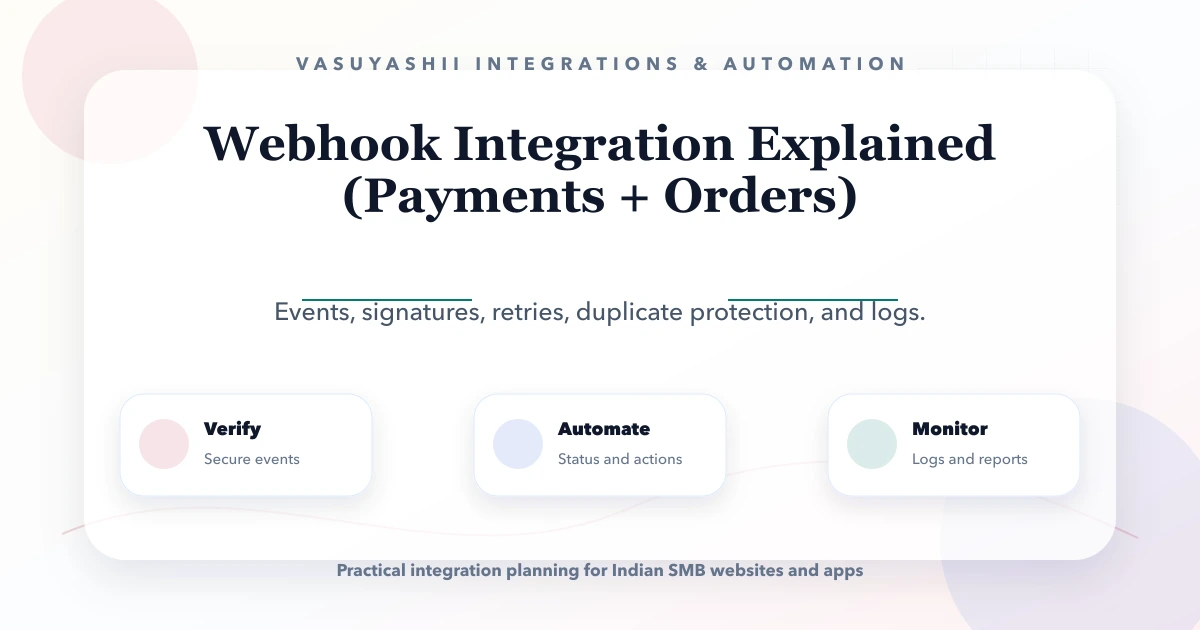
May 27, 2026
Learn how payment and order webhooks work, including signatures, idempotency, retries, event logs, reconciliation, implementation cost, and launch testing.
Read article
May 27, 2026
Learn when cloud functions fit automation and how triggers, retries, idempotency, logs, security, testing, and operating costs should be planned.
Read article
May 17, 2026
Design API rate limits using identities, scopes, algorithms, quotas, retries, distributed counters, monitoring, exceptions, and abuse-resistant testing.
Read article