
May 6, 2026
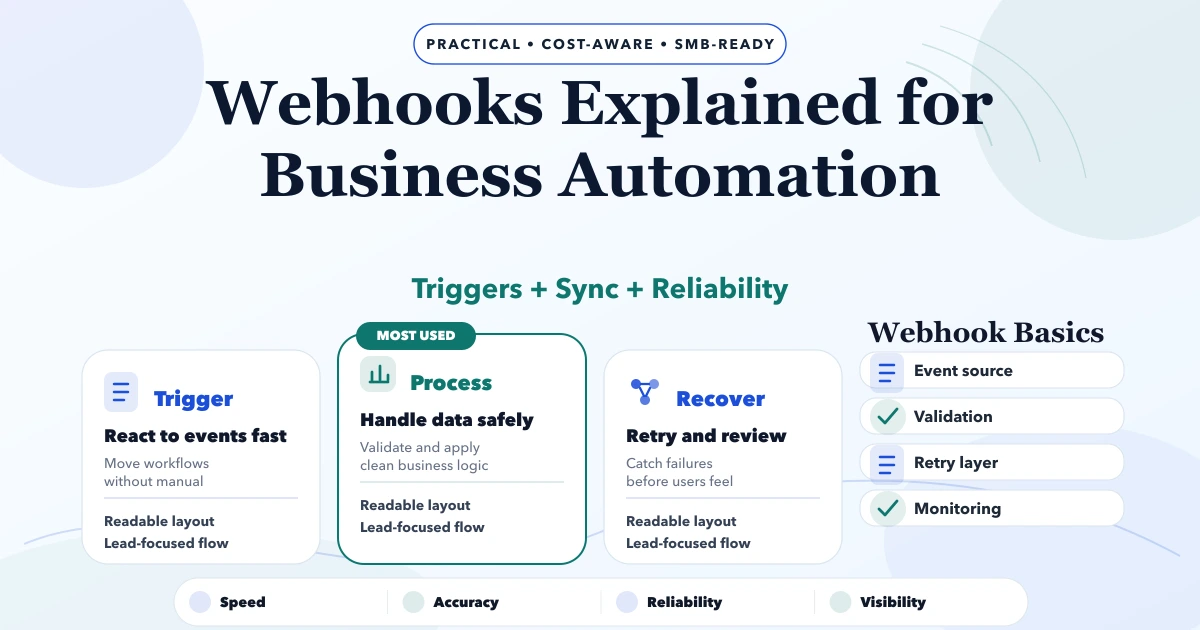
Webhooks Explained for Business Automation
Understand business webhooks with event contracts, signature checks, idempotency, retries, logs, failure ownership, pricing, and rollout decisions.
Read articlePublished Updated
Learn when cloud functions fit automation and how triggers, retries, idempotency, logs, security, testing, and operating costs should be planned.
This guide on cloud functions for automation is for business owners, junior teams, and founders who want to understand how cloud functions can automate payments, WhatsApp messages, reports, reminders, and data sync. It is written for Indian SMB owners, founders, and operations teams who want a practical 2026 plan before spending money on a website, web app, admin panel, CRM, ERP, or automation workflow.
Cloud functions for automation are small backend functions that run when an event happens or on a schedule, such as payment success, form submission, daily report time, or data sync trigger.
| Scope | Practical price range | Typical timeline |
|---|---|---|
| Simple cloud function | ₹20,000 to ₹60,000 | 2 to 5 days |
| Automation function set | ₹60,000 to ₹2 lakh | 2 to 5 weeks |
| Production automation backend | ₹2 lakh to ₹8 lakh+ | 1 to 3 months |
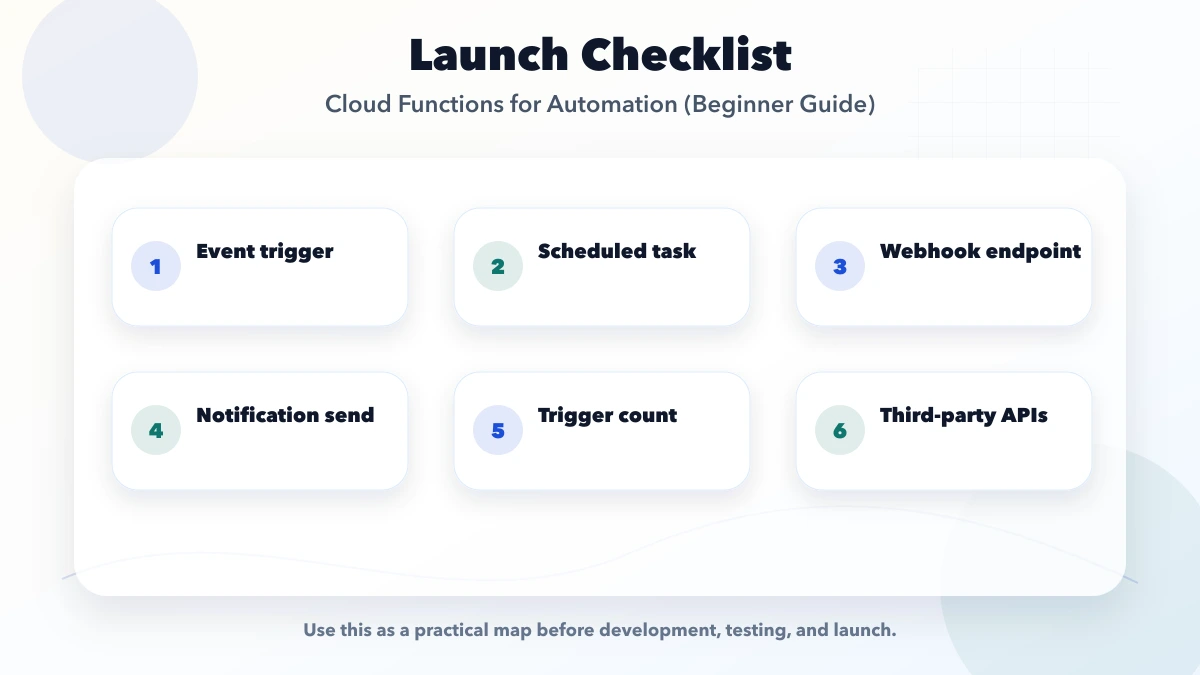
It is for business owners, junior teams, and founders who want to understand how cloud functions can automate payments, WhatsApp messages, reports, reminders, and data sync. The goal is to plan a practical setup that fits Indian SMB workflows, budget, support, and daily operations.
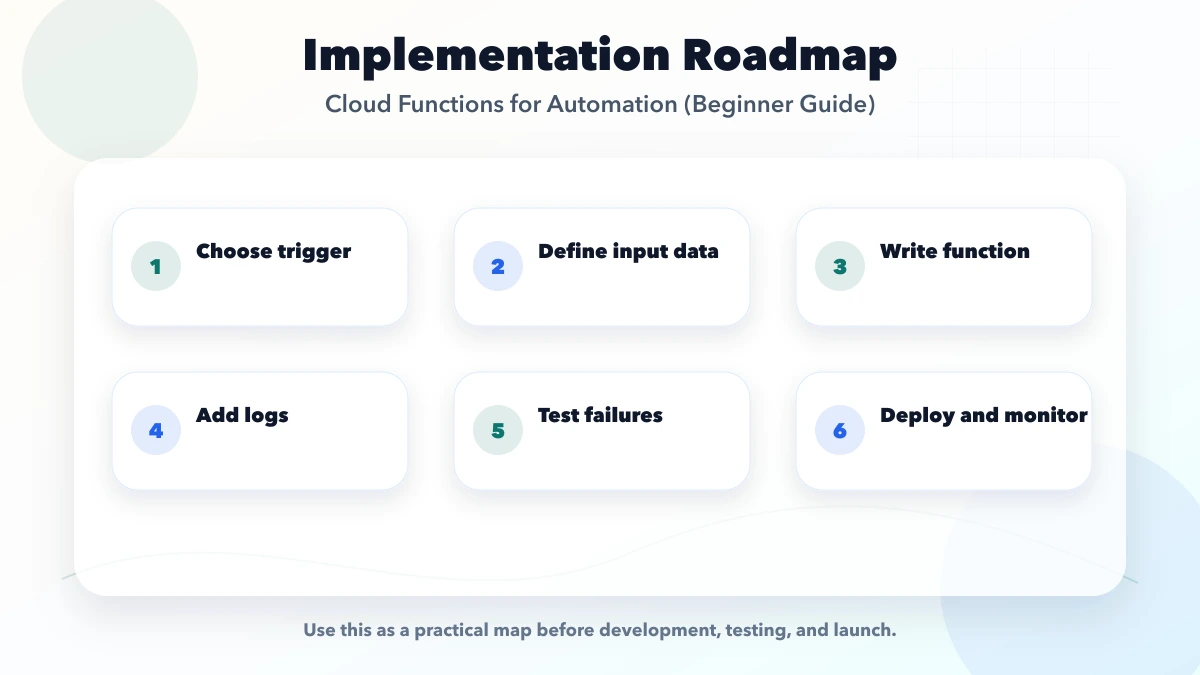
Start with choose trigger. That gives the integration a clear business rule before automation and reporting are added.
The biggest risk is no logs. It creates silent failures, manual work, or security issues after launch.
A cloud function runs a focused piece of backend code when a defined event occurs. The event may be an HTTPS request, a scheduled time, a database change, a file upload, a queue message, or an event from another service. The platform handles much of the server provisioning, but the developer still owns business rules, security, retries, data consistency, logs, and support.
That makes functions useful for narrow, event-driven work. It does not make every backend a good function workload.
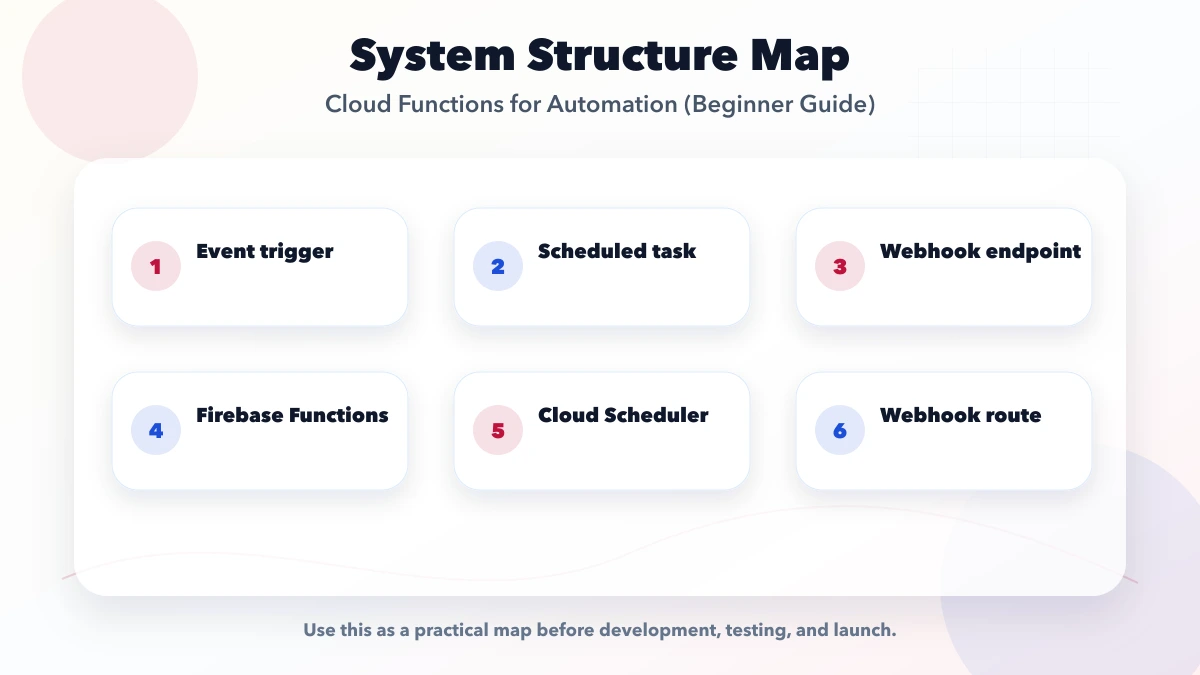
| Trigger | Example business action | Main failure to plan |
|---|---|---|
| HTTPS or webhook | Verify a payment event and update an order | Duplicate or forged event |
| Schedule | Prepare a daily overdue-invoice report | Partial run or timezone error |
| Database event | Create a follow-up task after a lead changes state | Recursive trigger |
| File upload | Validate or resize an uploaded image | Large file, timeout, unsafe input |
| Queue or event bus | Send notifications outside the main transaction | Poison message and repeated delivery |
The trigger, authoritative data source, output, and failure owner should be written before implementation begins.
Event systems can deliver the same work more than once. Firebase's official retry guidance for asynchronous functions warns that retries can continue when a function keeps failing and recommends idempotent handlers. In practical terms, a payment message, reminder, or stock update must not be applied twice merely because the platform retried it.
An idempotent design normally includes:
For payment APIs, the provider may offer its own idempotency mechanism. That protects one API call; it does not replace your internal order-state and event-processing controls.
Suppose a customer pays for an order:
payment_pending to paid;The customer-facing success screen is not payment proof. The verified backend event is the authority. If invoice generation fails, payment must remain recorded while document delivery is retried separately.
Read the payment webhook guide and API integration services before combining payment, order, and notification logic in one handler.
Authentication answers who called. Authorization answers whether that caller can perform the action for that company, record, or resource. Both checks are required for tenant-scoped automation.
A log line saying "function failed" is not enough. Use a correlation ID across the trigger, business record, downstream API call, and notification. Capture:
| Field | Why it matters |
|---|---|
| Event ID | Detects duplicate delivery |
| Function version | Shows which release processed the work |
| Business reference | Connects the failure to an order, invoice, or lead |
| Tenant/company ID | Supports scoped diagnosis without mixing customer data |
| Attempt count | Distinguishes first failure from retry exhaustion |
| Error category | Separates validation, permission, timeout, and provider failures |
| Next action | Tells support whether the system will retry or needs intervention |
Alerts should be based on business impact: payment confirmations delayed, queue age increasing, repeated authentication failures, or scheduled reports not completed. An owner dashboard can show failed and pending work without exposing raw infrastructure logs.
Use another compute model when the workload is long-running, continuously connected, memory-heavy, stateful across steps, dependent on a fixed local process, or predictable enough that a dedicated service is simpler to operate. A function can start a workflow without performing every step itself.
A long report may belong in a job queue and worker. A real-time collaboration server may need a persistent process. A complicated integration with many states may deserve a dedicated service and database table rather than several invisible triggers.
The decision should consider timeout limits, concurrency, cold starts, regional availability, networking, observability, and provider pricing for the selected platform.
Cloud cost is only one part of the quotation. Development effort changes with:
Ask for a cost estimate with volume assumptions. A function that runs once per day differs from one invoked for every catalogue view. Provider calculators are useful only after invocation count and resource use are estimated.
Stage 1: map one event. Write the trigger, validation, data owner, success state, retry state, and manual fallback.
Stage 2: implement in staging. Use test credentials and synthetic records. Simulate duplicate, delayed, malformed, and out-of-order events.
Stage 3: limited production. Enable for one workflow or company, watch logs and queue age, and reconcile output against the source system.
Stage 4: operating handover. Document dashboards, alerts, replay steps, credential rotation, deployment ownership, and monthly cost review.
This sequence is safer than enabling multiple automations before support staff know how failures appear.
VASUYASHII publicly offers integrations and automation, custom software, and web applications. These service scopes support discovery and implementation planning for event-driven work. They do not prove that a cloud function is the correct runtime until the trigger volume, failure rules, data sensitivity, and provider constraints are reviewed.
For an initial assessment, share one sample payload, provider documentation, expected daily volume, the system of record, required response time, and the person who handles a failed transaction. That is enough to distinguish a small function from a larger integration service.
Related Articles
May 6, 2026
Understand business webhooks with event contracts, signature checks, idempotency, retries, logs, failure ownership, pricing, and rollout decisions.
Read article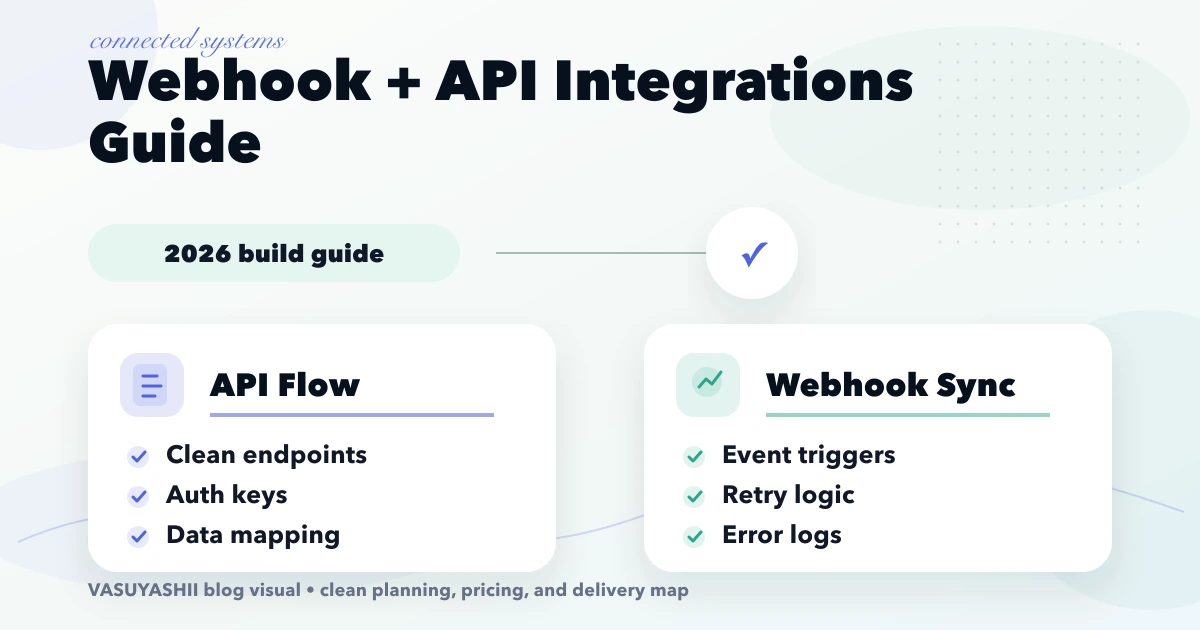
April 20, 2026
Build reliable webhook integrations with event contracts, signatures, idempotency, retries, replay, reconciliation, monitoring, testing, and ownership.
Read article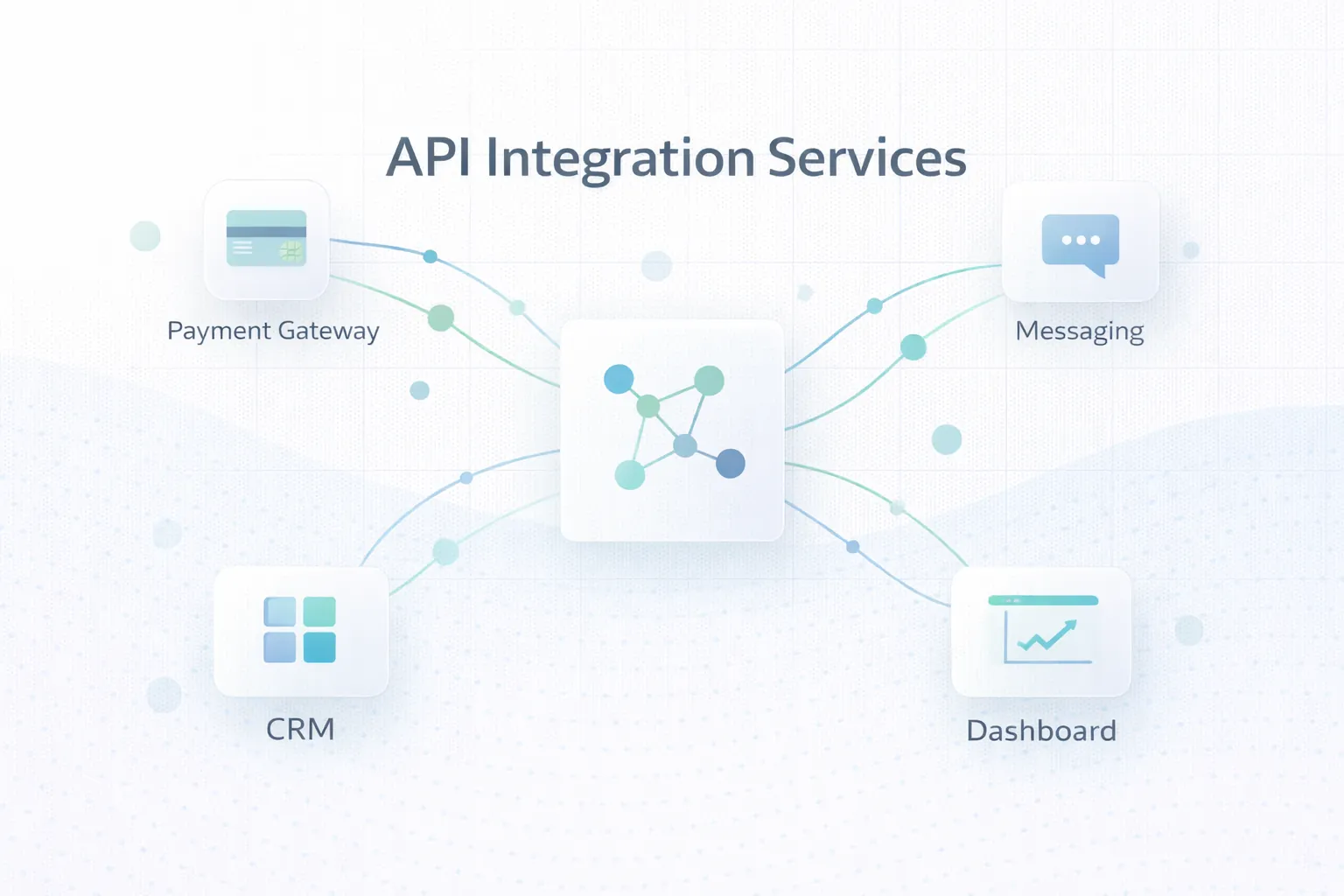
March 25, 2026
API integration services for businesses in 2026: payments, WhatsApp, CRM, data sync, webhooks, reliability, and the key scope and delivery considerations.
Read article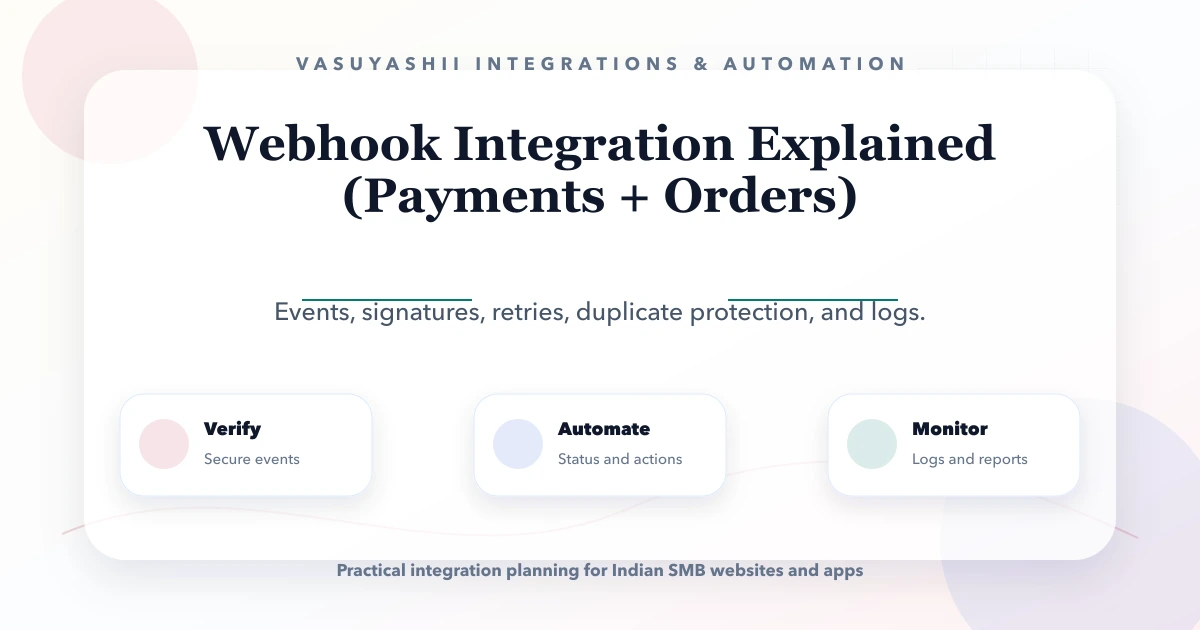
May 27, 2026
Learn how payment and order webhooks work, including signatures, idempotency, retries, event logs, reconciliation, implementation cost, and launch testing.
Read article