
April 6, 2026
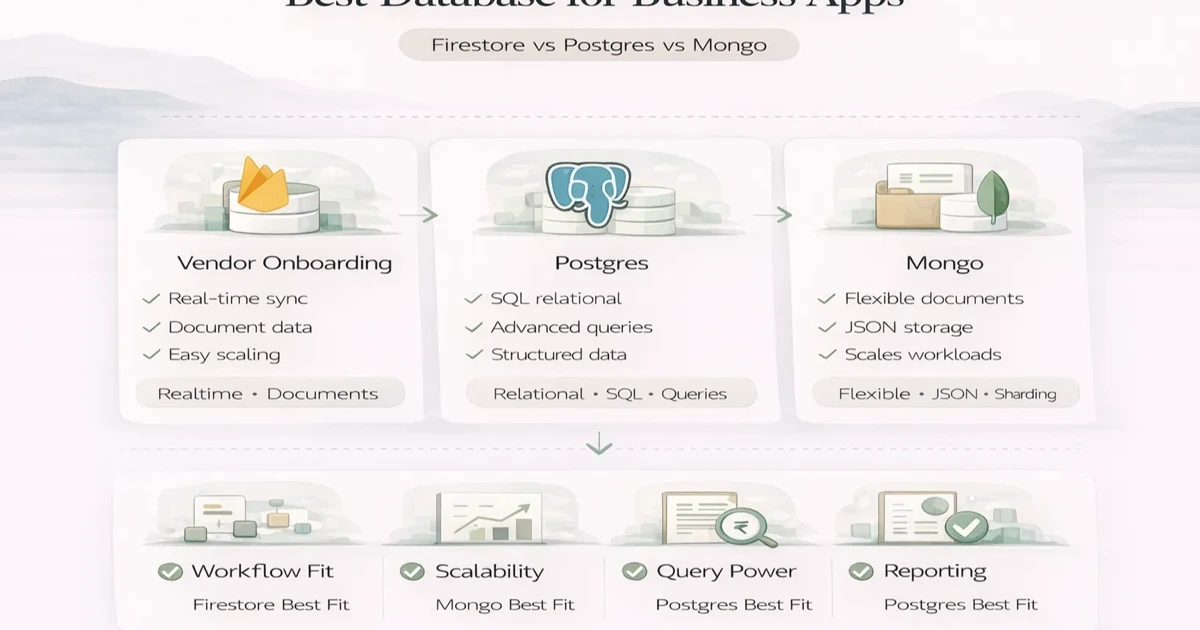
PostgreSQL vs Firestore vs MongoDB for Business Apps
Compare PostgreSQL vs Firestore vs MongoDB for business apps by transactions, real-time sync, reporting, document models, cost, migration, ownership, and scale.
Read articlePublished Updated
Compare Firebase and MongoDB for business apps across data models, queries, auth, offline use, reporting, cost, security and long-term backend control.
Firebase versus MongoDB is not a perfect one-to-one database comparison. Firebase is an application platform that can provide Authentication, Cloud Firestore, hosting, functions, messaging, and other managed services. MongoDB is primarily a document database, while MongoDB Atlas provides managed database hosting, security, backups, and operational tooling.
For a business app, the practical decision is usually:
The correct choice depends less on which product is more popular and more on query patterns, reporting, user roles, offline behavior, integrations, operating skills, and cost predictability.
| Requirement | Firebase/Firestore may fit | MongoDB Atlas may fit |
|---|---|---|
| Fast web/mobile prototype | Strong fit | Requires backend setup |
| Built-in phone/social authentication | Firebase Auth is convenient | Connect a separate identity layer |
| Direct realtime client updates | Strong SDK support | Usually designed through backend/services |
| Complex server-side business workflows | Possible, but architecture needs discipline | Natural fit behind a custom API |
| Flexible document records | Supported | Core database model |
| Heavy cross-module reporting | Requires query/index planning or analytics pipeline | Aggregation pipeline and backend reporting can fit well |
| Client-side offline-first behavior | Strong mobile/web SDK options | Usually implemented in app architecture |
| Strict backend-only data access | Use server SDK and IAM carefully | Common API-first pattern |
| Provider portability | Higher Firebase service coupling | MongoDB-compatible application layer may be easier to separate |
This is a starting point, not a substitute for mapping real screens and reports.
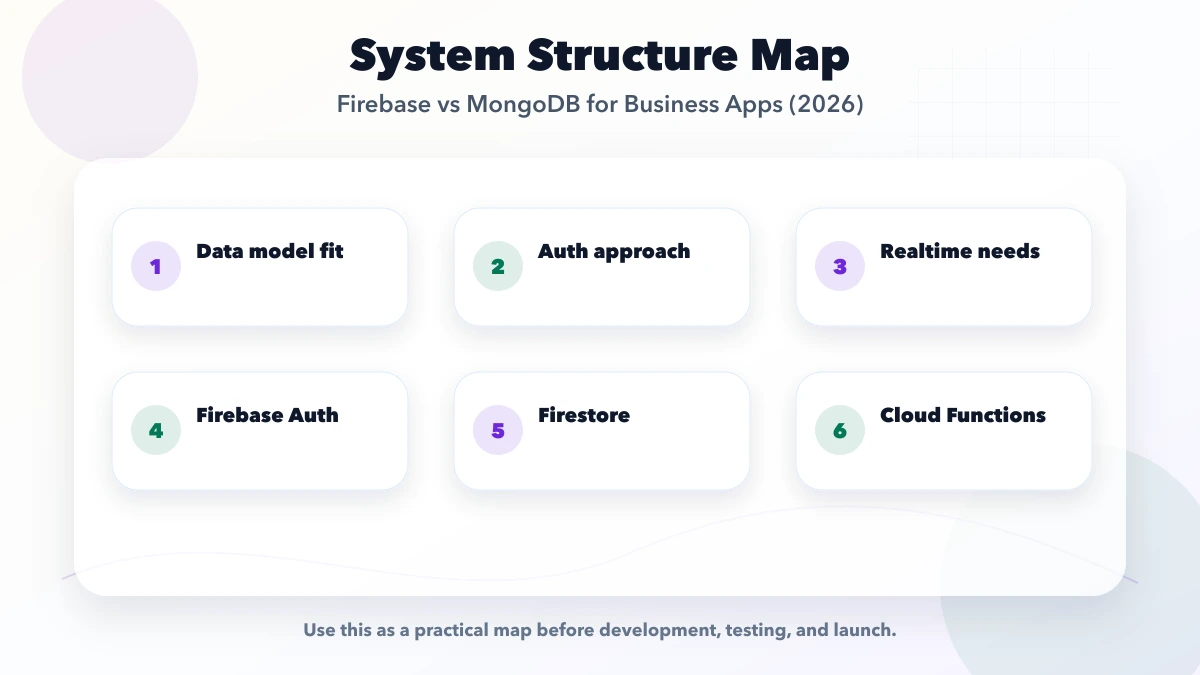
Cloud Firestore stores documents inside collections. Documents can contain nested maps and can also have subcollections. MongoDB stores BSON documents in collections and supports nested objects and arrays.
Both feel familiar to teams working with JSON, but application behavior differs.
Example inventory record:
{
  "sku": "WIRE-25-BLK",
  "companyId": "cmp_102",
  "name": "2.5 sq mm copper wire",
  "availableQty": 84,
  "reorderLevel": 25,
  "taxRate": 18,
  "updatedAt": "server timestamp"
}
The simple record is easy in either system. The harder questions are:
Choose after answering these questions, not after comparing a single product document.
Firestore works best when queries are designed in advance and supported by the required indexes. Its billing model includes document reads, writes, deletes, index entries, storage, and network usage. A dashboard that repeatedly reads a large set of documents can behave very differently from a screen that fetches one customer record.
MongoDB supports filtering and aggregation over documents, but it also needs suitable indexes. A flexible schema does not remove the need for consistent field types and query planning.
Create a report inventory before choosing:
| Report | Filters | Grouping | Freshness |
|---|---|---|---|
| Outstanding invoices | Company, customer, due date | Customer/age bucket | Live |
| Stock valuation | Branch, category, date | Product/category | Daily |
| Lead conversion | Owner, source, month | Source/owner | Daily |
| Payment reconciliation | Gateway, status, date | Status/day | Near real time |
If most screens are direct record views with realtime updates, Firestore can be efficient. If the app requires many operational aggregations and custom backend rules, an API with MongoDB may be easier to reason about. Some applications use an analytics store separately regardless of the operational database.
Firebase Authentication is one of Firebase's major advantages. It can support password, phone, and federated sign-in flows and integrates with Firebase services.
Using MongoDB does not mean writing authentication from scratch. A MongoDB-backed application can use a managed identity provider, framework authentication, or a company identity system. The API validates the identity and applies authorization before reading or changing database records.
Do not choose the database only because one login screen was faster to build. For business apps, authorization is the larger long-term requirement:
Firestore web and mobile clients can access data directly when Security Rules permit it. Rules must match the query constraints; Firebase documentation explicitly notes that rules are not filters. Server client libraries bypass Firestore Security Rules and use Google Cloud IAM, so server access needs its own controls.
MongoDB Atlas uses authentication, roles, network access controls, TLS, and encryption features. Your application backend still owns record-level authorization. A secure Atlas cluster does not automatically stop one logged-in company from requesting another company's record through a poorly designed API.
For a multi-company app, every database query should be constrained by the authenticated company context. Test negative cases, not only successful screens.
Firebase SDKs are attractive for apps that need live listeners and offline synchronization. Examples include:
Offline support still requires conflict decisions. What happens if two users edit the same quantity while offline? Should the last write win, should the system reject the second change, or should users create append-only movements?
MongoDB can support realtime/event-driven products, but the application usually introduces an API, change stream, WebSocket layer, cache, or queue. That is more engineering, but it also keeps client behavior behind controlled services.
Do not compare only free tiers.
For Firestore, estimate:
For MongoDB Atlas, estimate:
Firebase can be economical for a focused product and unexpectedly expensive for read-heavy dashboards with inefficient listeners. Atlas can have a higher fixed operating baseline but predictable API-controlled access. Build a small load model using expected users, screens, records, and refresh frequency.
A field-service app needs phone login, assigned jobs, photo uploads, status changes, and offline updates. Firebase can shorten the first release when the workflow is simple and rules are carefully tested.
A billing system needs transaction history, stock movements, role approvals, invoice numbering, reconciliation, and many reports. A controlled backend API with MongoDB or a relational database may be easier to govern. The real comparison may include PostgreSQL rather than only Firebase and MongoDB.
A portal with limited document views, notifications, and realtime status can work with either. Decide whether customers may query the database through rules or must go through an API with explicit response models.
Ask these before committing:
Lock-in is not automatically bad. A managed platform can save months of work. It becomes risky when the team does not know which services are coupled or how critical data can be exported.
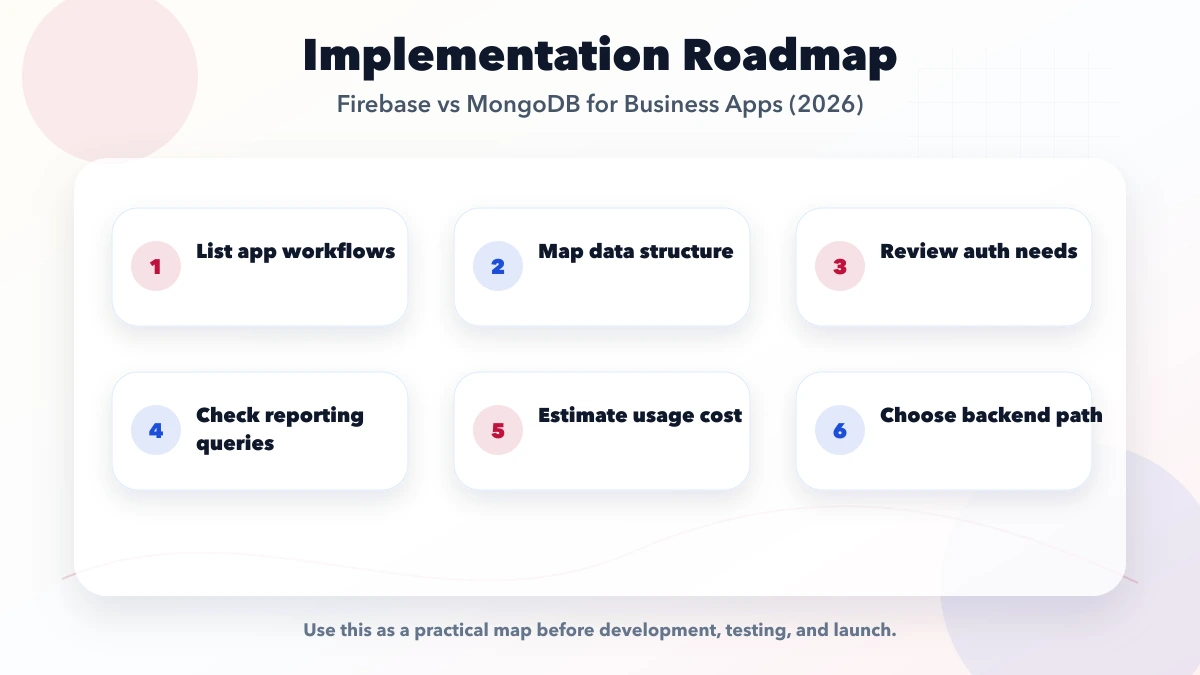
Do not test only create/read/update/delete. Build the risky parts:
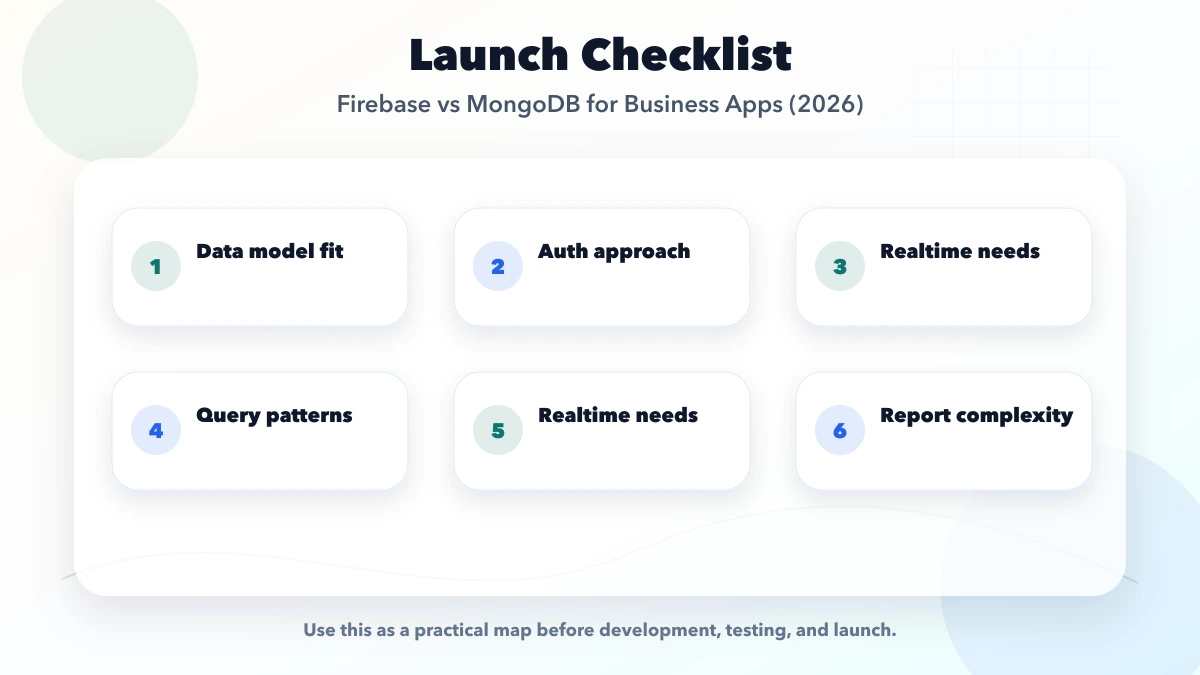
Login is one module. Database access patterns, reports, and authorization will dominate the operating life of the app.
MongoDB permits flexible documents, but business reports need consistent field types, required identifiers, and controlled migrations.
Operational systems often need audit history. Design append-only movements or audit events instead of overwriting every value.
A screen can update instantly and still show incorrect totals. Transactions, validation, and reconciliation remain necessary.
The current VASUYASHII Business Suite architecture uses a React/Vite frontend, a Django REST API, and PostgreSQL for company-scoped billing, inventory, purchase, payment, expense, and reporting workflows. That evidence matters because the right outcome may be neither Firebase nor MongoDB when transactional relationships and business reporting dominate.
This is not a universal recommendation for PostgreSQL. A smaller realtime field app, content workflow, or prototype can make a different choice after its own query, offline, permission, and cost proof.
Firebase is a broader application platform. Cloud Firestore is one of its databases, alongside services such as Authentication, Functions, Hosting, and messaging.
MongoDB is not a drop-in equivalent to Firebase Authentication. A MongoDB application normally connects a separate identity provider or custom authentication layer.
Firestore client SDKs make many realtime and offline patterns convenient. MongoDB-based applications often deliver realtime updates through a backend API, change streams, or another messaging layer.
It depends on the data model and query design. MongoDB provides aggregation capabilities, while Firestore rewards pre-planned indexed queries. Relational reporting may justify evaluating PostgreSQL as a third option.
No production application is free from schema decisions. Even flexible documents need stable field names, types, validation, indexes, migration rules, and ownership.
Model realistic reads, writes, listeners, storage, indexes, functions or servers, backups, data transfer, monitoring, and team operations. A small demo bill does not predict production cost.
Choose Firebase/Firestore when managed client SDKs, realtime behavior, offline support, and Firebase Authentication materially shorten a well-defined product. Choose MongoDB Atlas behind a custom API when server-controlled workflows, custom integrations, and backend ownership are central.
For reporting-heavy finance or inventory software, also compare a relational database before deciding. The best database is the one whose transaction, query, security, and operating model matches the business, not the one that produces the fastest demo.
VASUYASHII can review screens, reports, user roles, expected data volume, and integrations before a build. Start with the project contact form and include the five most important reports.
Related Articles
April 6, 2026
Compare PostgreSQL vs Firestore vs MongoDB for business apps by transactions, real-time sync, reporting, document models, cost, migration, ownership, and scale.
Read article
May 23, 2026
Plan internal tools with Next.js and Firebase: workflow scope, data model, authentication, authorization, rules, server boundaries, audit logs, and testing.
Read article
May 17, 2026
Use this web app performance checklist for Core Web Vitals, APIs, databases, JavaScript, tables, background jobs, monitoring, budgets, and regression tests.
Read article
May 17, 2026
Learn database indexing through CRM, billing, inventory, and reporting queries, with composite-index order, trade-offs, EXPLAIN checks, and rollout steps.
Read article