
May 28, 2026
Automation System Cost (Workflows + Integrations)
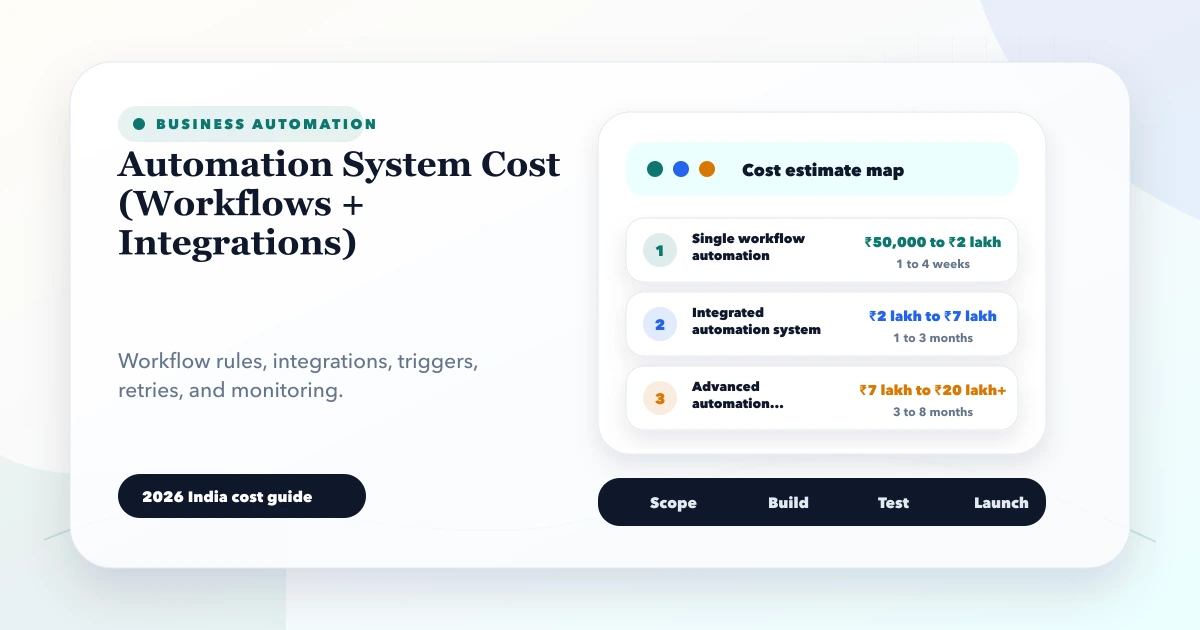
Estimate automation system cost for workflows and integrations using triggers, APIs, webhooks, retries, approvals, logs, fallbacks, and phased rollout.
Read articlePublished Updated
Plan SME process automation with sales, purchase, inventory, support, reporting, and payment examples, cost drivers, controls, and rollout steps.
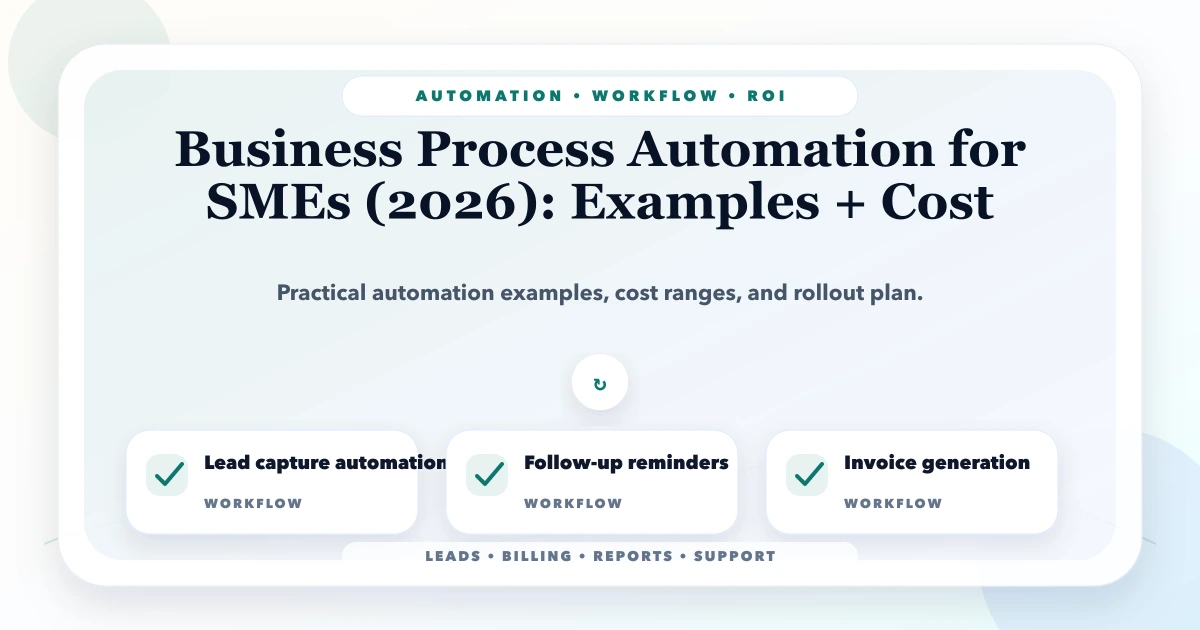
Business process automation helps an SME move repeatable work through defined triggers, records, validations, assignments, approvals, notifications, and reports. It is most useful when the process is already understood and delays or errors come from manual handoffs rather than unresolved policy.
Automation does not require a large ERP programme. A focused flow can connect a website lead to a CRM task, a purchase request to approval, an invoice to payment reminders, or daily transactions to an owner report. The right starting point is one measurable workflow.
Automation may be implemented through:
The technology should match the risk and complexity. A simple form-to-email flow does not need a custom platform; a multi-company approval and transaction system may need more control than a generic connector provides.
Score candidates using:
| Signal | Strong candidate |
|---|---|
| Frequency | Happens daily or many times per week |
| Rule stability | Team agrees on normal process |
| Data quality | Required fields can be structured |
| Delay | Manual handoffs create measurable waiting |
| Error | Re-entry or missed steps cause rework |
| Ownership | One person owns the business outcome |
| Risk | Exceptions can be routed safely |
| Value | Improvement affects revenue, cost, service, or control |
Avoid beginning with a rare, highly variable, judgement-heavy process.
A visitor submits a valid service enquiry or uses an approved lead channel.
Track valid lead delivery, response time, qualification rate, duplicate rate, and missed-follow-up rate. Do not send private form content to analytics.
A B2B team may prepare quotations with discounts or payment terms. Automation can enforce:
The system should preserve who approved the commercial exception. It should not approve discounts merely to keep the workflow moving.
An SME can reduce chat-based purchase confusion through:
Vendor negotiation and quality decisions remain human-owned. The automation creates control and traceability.
A useful stock alert should consider more than one quantity field. Depending on the business, it may use:
The system can create a replenishment review queue, but an authorised buyer should approve the order. Automatic purchase creation without reliable data can amplify stock errors.
Reminder automation should use verified invoice and payment status.
Define:
The goal is consistent follow-up without sending an incorrect reminder to a customer who has already paid.
Support automation can:
Sensitive, uncertain, or angry-customer cases need human ownership. Use the SaaS support setup guide for queue design.
Instead of manually copying data into a spreadsheet each evening, a scheduled job can:
The report automation guide explains report contracts and reconciliation.
After HR approves a joining record, the system can create role-specific tasks for documents, account setup, device allocation, manager induction, and policy acknowledgement. Each task has an owner, due date, evidence, and escalation.
Do not expose sensitive HR documents or automate employment decisions. Review HR internal-tool use cases for permission boundaries.
A reliable flow commonly has:
| Layer | Responsibility |
|---|---|
| Trigger | Verified event, schedule, or user action |
| Validation | Required fields, state, permission, duplicate checks |
| Workflow | Rules, assignment, approval, and transitions |
| Integration | APIs, webhooks, messages, or file exchange |
| State | Durable record of progress and outcome |
| Exception queue | Failed, uncertain, or manual-review cases |
| Observability | Logs, metrics, alerts, and reconciliation |
| Recovery | Retry, correction, replay, and fallback rules |
An automation is not complete if nobody can see that it failed.
Suitable for built-in rules and standard workflows. Cost includes setup, field design, permissions, testing, training, and subscription changes.
Suitable for connecting supported products. Cost includes tool subscription, task or operation usage, connector limits, error handling, monitoring, and maintenance.
Suitable when official APIs exist but the mapping, controls, or volume are specific. Cost includes backend implementation, authentication, retry, idempotency, logs, deployment, and support.
Suitable when users need records, role-based work queues, approvals, reports, and business-specific logic. Cost includes product discovery, UI, API, database, security, testing, hosting, and maintenance.
These are planning ranges, not quotes or market guarantees.
| Scope | Illustrative initial range |
|---|---|
| One simple configured automation | ₹25,000-₹1 lakh |
| Several connected workflows | ₹1 lakh-₹4 lakh |
| Focused custom workflow application | ₹3 lakh-₹8 lakh |
| Multi-module automation platform | ₹8 lakh+ |
Third-party subscriptions, WhatsApp/message usage, payment fees, hosting, mobile apps, migration, and ongoing support may be separate.
Use the workflow automation versus hiring guide to compare value before budgeting.
Every integration should define:
Avoid blind two-way sync. Conflicting updates need ownership and precedence.
Automation often runs with powerful credentials. Protect them through:
Do not put service credentials in browser code or shared spreadsheets.
Define a baseline and post-launch measures:
Count benefits conservatively. Time released becomes business value only when it improves output, service, control, or staffing decisions.
Use the software project requirement template to capture records and acceptance.
In our implementation work, VASUYASHII begins with one business event and follows it until a verified completion state. We identify where a person must decide, where software can validate or route, and how failures reach an owner. We prefer visible exception queues over silent background scripts.
Our integrations and automation service can connect approved CRM, ERP, WhatsApp, payment, and reporting workflows. When records and role-based work queues are required, our software development service can implement a focused application rather than stacking disconnected automations.
Choose a frequent, stable, measurable process with reliable data, clear ownership, avoidable manual coordination, and manageable exceptions.
Yes for bounded, lower-risk workflows, but sheets need ownership, validation, concurrency, permission, and scale controls. They may remain an input rather than the long-term source of truth.
It can be reliable for supported use cases when errors, retries, permissions, monitoring, and support are configured. High-risk transactions may require stronger custom controls.
A simple configured flow may cost tens of thousands of rupees, while custom multi-module systems can require several lakh or more. Scope and third-party usage determine the real cost.
Yes when approved accounts, templates, consent, recipient data, frequency, suppression, status, replies, and provider rules are handled correctly.
Run long enough to cover normal volume, important exceptions, and at least one relevant business cycle. Use agreed acceptance counts rather than a fixed universal number of days.
Choose one daily workflow and collect ten recent examples, including failures and exceptions. Use the automation system cost guide to define triggers, integrations, retries, review queues, and planning assumptions before comparing quotes. The WhatsApp and email workflow automation guide covers channel consent, delivery states and human handoff. Contact VASUYASHII when the trigger, source, owner, and completion measure are ready for a focused automation scope.
Related Articles
May 28, 2026
Estimate automation system cost for workflows and integrations using triggers, APIs, webhooks, retries, approvals, logs, fallbacks, and phased rollout.
Read article
March 25, 2026
Discover business automation services in 2026: workflow mapping, approvals, notifications, integrations, and practical use cases that save time daily.
Read article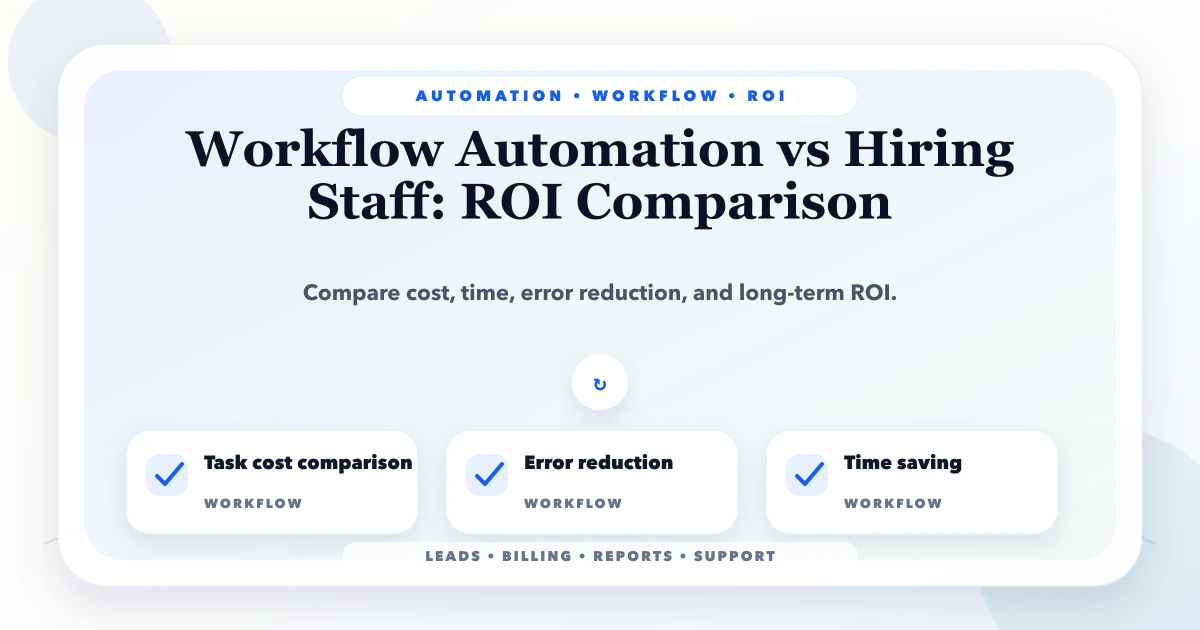
May 22, 2026
Compare workflow automation with hiring staff using workload, exception rate, service risk, costs, controls, payback, and a practical Indian SME decision model.
Read article
April 1, 2026
Website developer in Mathura: cost, deliverables, package expectations, and what local businesses should ask before signing in 2026.
Read article