
March 25, 2026
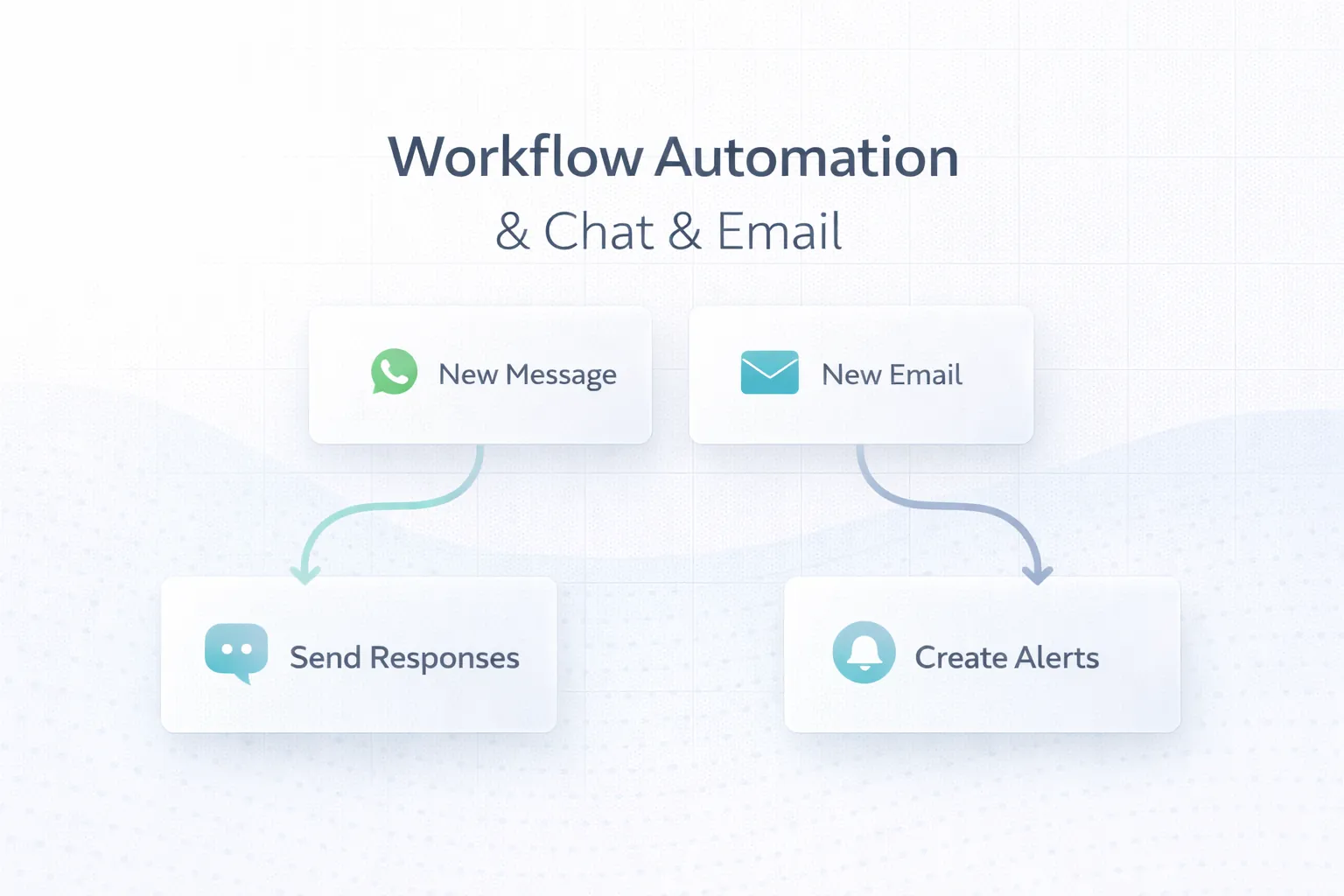
WhatsApp & Email Workflow Automation: 6 Use Cases
Plan reliable WhatsApp and email automation with clear triggers, consent, templates, retries, ownership, delivery tracking and practical business use cases.
Read articlePublished Updated
Compare workflow automation with hiring staff using workload, exception rate, service risk, costs, controls, payback, and a practical Indian SME decision model.
Choosing between workflow automation and hiring staff is not a contest between software and people. It is a capacity-design decision. The business needs to identify which work requires judgement, which work follows repeatable rules, where delays originate, and what happens when volume or exceptions increase.
Hiring is often the right answer when customers need empathy, negotiation, investigation, or accountable human ownership. Automation is often useful when the same data is copied, checked, routed, reminded, approved, or reported many times. Many Indian SMEs need a hybrid: automate repetitive coordination and let staff own decisions and exceptions.
This guide provides a practical way to compare the two without assuming that every manual process needs software or that every workload should become another role.
Write one workflow from trigger to completion. For example, a distributor may receive an order on WhatsApp, confirm stock, create an invoice, notify dispatch, update the customer, record payment, and include the transaction in an owner report.
For each step, record:
This map prevents a common mistake: automating a poorly defined process and making the confusion move faster.
Automation is a strong candidate when work is rules-based, frequent, measurable, and dependent on structured data. Examples include:
Our integrations and automation service focuses on these cross-system handoffs. A custom business software workflow may be more appropriate when the process also needs role controls, records, approvals, and audit history.
Human ownership remains important when the task involves incomplete context or consequences that cannot be encoded safely. Typical examples are:
Software can provide the record, context, reminder, and approval trail. It should not silently make an unapproved commercial decision.
| Signal | Hiring may be stronger | Automation may be stronger |
|---|---|---|
| Work volume | Low or unpredictable | High and recurring |
| Process maturity | Still being discovered | Stable steps and definitions |
| Judgement | Frequent and material | Limited, with defined exceptions |
| Data | Unstructured or incomplete | Structured and accessible |
| Error pattern | Caused by missing policy | Caused by repetitive handling |
| Customer need | Conversation and reassurance | Fast, consistent status or action |
| Change frequency | Changes every week | Changes through controlled versions |
| Coverage | Relationship ownership | Extended-hours processing and alerts |
| Risk | Needs accountable review | Rules can be tested and audited |
The table is a starting point, not an automatic score. One high-risk exception can justify human review even when most steps are automated.
A fair comparison uses the same time period and includes implementation and operating costs.
Include:
Include:
An automation quote that excludes ownership, monitoring, and exception handling is incomplete. Use the automation system cost guide to build a fuller estimate.
Use conservative numbers and calculate a range rather than one impressive figure.
Annual benefit can include:
Annual net benefit equals annual benefit minus annual software operating cost.
Payback period equals initial implementation cost divided by average monthly net benefit.
Do not count every saved minute as cash. Time has financial value only when the business can reduce overtime, avoid a planned hire, increase output, improve collections, or redirect capacity to valuable work.
Assume a small service company receives 600 enquiries per month from forms, WhatsApp, calls, and referrals. Staff manually copy records into a sheet, assign owners, send acknowledgements, and prepare an ageing report.
A useful hybrid design could:
The business should compare the existing time and missed-follow-up baseline against implementation and operating cost. The goal is not to remove salespeople. It is to stop them spending attention on copying and queue management.
A wholesaler may need a person to assess vendor reliability and negotiate pricing, but routine purchase requests can still follow a controlled flow:
This is a business process automation use case because software coordinates records and controls while people retain commercial judgement.
Collect at least two to four representative weeks when possible. Separate normal volume from month-end or seasonal peaks. Useful baseline measures include:
If the business cannot define a baseline, start with process observation rather than a large build or permanent role.
A workflow where 90% of cases follow stable rules may support automation with a clear exception queue. A workflow where every second case needs negotiation or missing-data investigation may need process standardisation and stronger staffing first.
Design the exception path before the happy path:
Without this design, automated work can become an invisible backlog.
Pause automation when:
First clarify policy and accountability. Software should implement an approved rule, not invent one.
The most useful operating model often divides responsibility into three layers:
| Layer | Responsibility |
|---|---|
| System | Validate, route, calculate, notify, record, and monitor repeatable work |
| Operator | Review exceptions, correct source data, and complete judgement-based tasks |
| Manager | Set policies, approve sensitive actions, review trends, and own outcomes |
This reduces repetitive coordination while keeping authority visible. Role-based access, audit history, retry controls, and a manual fallback are part of the design, not optional extras.
The software project requirement checklist helps document triggers, roles, outputs, and acceptance rules before quotation.
In our implementation work, VASUYASHII starts with records, decision owners, exceptions, and acceptance examples. We prefer one end-to-end workflow over a wide dashboard that does not close a real task. The proposal separates required build work, third-party costs, customer responsibilities, operating support, and future options.
Where an existing tool can solve the process safely, we recommend configuring or integrating it instead of automatically proposing custom software. Where the workflow is business-specific, our web application service can provide role-based records, approvals, reporting, and integrations without claiming that technology replaces accountable staff.
No. Low-volume, changing, or judgement-heavy work may be cheaper and safer with trained staff. Automation becomes more attractive when stable repetitive volume and measurable coordination cost justify implementation and maintenance.
It may delay or change a hiring need when verified workload is repetitive, but this should be treated as a planning scenario rather than a guaranteed saving. Growth can create new service, review, and exception work.
Use enough representative cases to cover normal volume, peaks, exceptions, and rework. Two to four weeks may reveal a simple daily process, while seasonal workflows need a longer window.
Choose a bounded workflow with clear ownership, frequent repetition, reliable data, manageable risk, and a measurable completion state. Avoid beginning with a cross-company transformation.
Only with consent, approved templates where required, correct recipient data, frequency controls, suppression rules, status tracking, and a human path for replies or sensitive issues.
The system should log the failure, retry only when safe, prevent duplicates, alert an owner, and provide a manual recovery path. Silent failure is not an acceptable workflow state.
Map one repeated process with ten recent examples and calculate a conservative hiring and automation scenario using the same twelve-month period. Contact VASUYASHII when the workflow, exceptions, and desired outcome are ready for a focused review.
Related Articles
March 25, 2026
Plan reliable WhatsApp and email automation with clear triggers, consent, templates, retries, ownership, delivery tracking and practical business use cases.
Read article
May 22, 2026
Plan SME process automation with sales, purchase, inventory, support, reporting, and payment examples, cost drivers, controls, and rollout steps.
Read article
May 21, 2026
Verify a web development company through portfolio proof, domain ownership, contracts, payment milestones, source-code access, testing, and handover checks.
Read article
May 21, 2026
Plan a website project timeline with discovery, content, design, development, testing, approval milestones, launch responsibilities, and delay controls.
Read article