
April 20, 2026
Webhook Integration Guide for Business Apps and APIs (2026)
Build reliable webhook integrations with event contracts, signatures, idempotency, retries, replay, reconciliation, monitoring, testing, and ownership.
Read articlePublished Updated
Learn how payment and order webhooks work, including signatures, idempotency, retries, event logs, reconciliation, implementation cost, and launch testing.
This guide on webhook integration payments orders is for business owners, ecommerce teams, SaaS founders, and operations teams that need payment, order, invoice, booking, or delivery status to update automatically. It is written for Indian SMB owners, founders, and operations teams who want a practical 2026 plan before spending money on a website, web app, admin panel, CRM, ERP, or automation workflow.
The goal is one trustworthy payment and order state across checkout, admin, invoice, stock, notification, and reporting. Every retry or delayed event should leave that state correct and explainable.
By Tushar C. (Founder, VASUYASHII). Reviewed by VASUYASHII Editorial for real-world website, payment, API, WhatsApp, CRM, ERP, admin panel, and automation implementation experience.
Webhook integration for payments and orders lets another system notify your website when something happens, such as payment success, order creation, refund, cancellation, or shipment update.
For an Indian SMB, phase one should cover the smallest money-critical loop: pending order, verified payment, one valid state transition, invoice or receipt output, and a visible recovery path. Notifications and secondary automation follow the committed state.
The critical design problem is not receiving JSON. It is deciding which business state may change after a verified event. A payment provider can retry the same event, deliver events out of order, or confirm a payment after the browser session has closed. The receiving system must remain correct in every case.
Consider a paid restaurant order. A reliable event contract should define:
| Field | Why it is required |
|---|---|
| Provider event ID | Detect the same event arriving again |
| Internal order ID | Find the record owned by the business system |
| Payment ID and amount | Verify the expected transaction, currency, and total |
| Event type and status | Allow only valid state transitions |
| Signature result | Prove the event came from the configured provider |
| Received and processed time | Diagnose delay and reconciliation problems |
| Processing outcome | Show completed, ignored, retrying, or failed state |
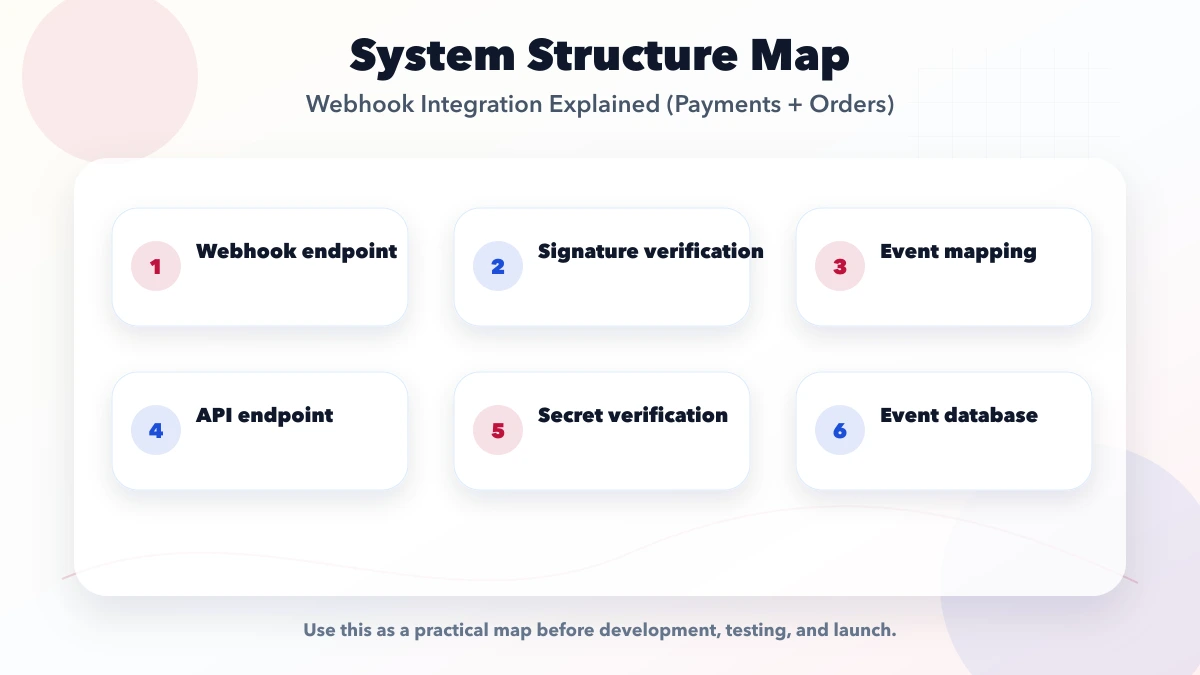
The notification should not directly create duplicate downstream work. First commit the verified order or payment state, then queue invoice generation, inventory updates, WhatsApp messages, and staff alerts. If one notification fails, the payment record should remain correct and the failed secondary action should be retryable.
This article stays focused on payment and order state transitions. The broader webhook and API architecture guide covers multi-system data ownership, API-versus-webhook decisions, monitoring, and operational support across CRM, ERP, WhatsApp, and other integrations.
The VASUYASHII Business Suite currently shows invoice records, paid and due status, customer data, PDF output, purchases, stock, and business reports. Those visible workflows help explain where verified payment events would eventually affect operational data. Direct payment-gateway automation, WhatsApp API automation, e-invoice, and other statutory integrations are explicitly treated as separately confirmed scope rather than silently advertised as included features.
That boundary is important when planning any integration. Document what the existing product already owns, what the provider will supply, what custom logic must be built, and which features remain outside phase one. Transparent scope protects both reliability and buyer trust.
For each checklist item, name the provider event, internal record, permitted transition, idempotency key, failure status, and person who reviews exceptions. Missing ownership is a production gap.
| Scope | Practical price range | Typical timeline |
|---|---|---|
| Simple webhook listener | ₹25,000 to ₹75,000 | 3 to 7 days |
| Payment/order webhook flow | ₹75,000 to ₹2.5 lakh | 2 to 5 weeks |
| Mission-critical webhook system | ₹2.5 lakh to ₹8 lakh+ | 1 to 3 months |
These ranges assume documented provider APIs and one clear system of record. Cost rises with multiple gateways, partial payments, refunds, COD reconciliation, subscription state, split settlements, legacy data, or branch-level reporting.
A small implementation is acceptable when the event contract is narrow and recovery is visible. It is not acceptable to save cost by trusting a browser redirect, ignoring duplicate events, or leaving accounts staff without reconciliation data.
Complete the event and state-transition table before designing success badges. The screen should display verified backend state and expose pending or failed cases honestly.
Payment risk determines the operating stack. The minimum usually includes a signed endpoint, durable event record, transactional processor, idempotency check, retryable downstream jobs, reconciliation task, alerts, and a staff-facing event view.
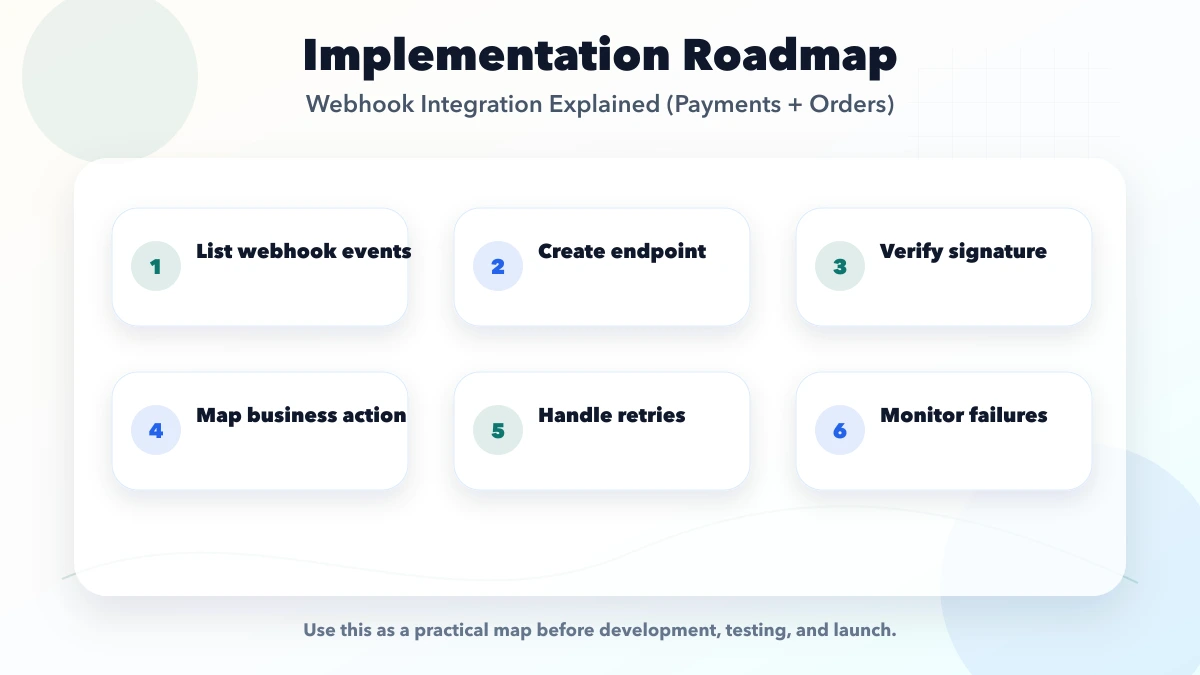
A webhook should update business state only after the receiving system proves that the event is authentic and safe to process. For a payment workflow, the sequence should be explicit:
For example, a restaurant order should not move to preparation twice because the gateway retried one payment event. A distributor invoice should not become paid when only an order-created event arrived. Event names, accepted transitions, duplicate behavior, and manual recovery steps belong in the requirement document.
Use the broader webhook and API integration guide for signatures and retry design, the payment gateway integration guide for checkout planning, and integration services when the workflow connects CRM, ERP, WhatsApp, and payment systems.
The hidden cost sits in exception states: captured payment with missing order, duplicate provider delivery, refund after fulfilment, partial amount, settlement mismatch, and notification failure after payment is already confirmed.
Treat the browser response as user feedback, not settlement proof. Verify the signed server event or provider status, compare amount and currency with the internal order, and keep webhook secrets outside client bundles and logs.
Separate test and production endpoints, credentials, event stores, and dashboards. Restrict replay, refund, cancellation, and manual correction actions through the permission matrix, and record the actor and reason.
Divide scope into payment state, operational safety, and later automation. Verified payment and order state belong in launch; idempotency, reconciliation, logs, and recovery belong in safety; marketing messages and advanced dashboards can wait.
For every event, document its producer, unique ID, raw status, expected internal state, allowed previous states, amount checks, duplicate response, retry rule, and visible failure outcome.
Before approval, confirm the gateway account owner, API access, webhook secret rotation, test environment, enabled event list, refund process, settlement report, support contact, and who reviews failed events daily.
The test plan should include success, user cancellation, failed authorization, duplicate event, delayed event, out-of-order refund, amount mismatch, missing order, provider timeout, notification failure, and controlled replay.
Handover should include credential ownership, endpoint URLs, event catalogue, state-transition table, reconciliation steps, alert destination, replay authorization, test evidence, deployment notes, and provider escalation details.
Start with the money-risk workflow. If staff manually match gateway payments to invoices, prioritize verified status and reconciliation before adding customer messaging. If order duplication is the main risk, prioritize idempotent fulfilment.
Standardize internal order IDs, payment states, currency, invoice references, and refund rules before connecting the gateway. Provider labels should map into a small documented internal state machine.
VASUYASHII scopes this work by mapping provider events to internal payment, order, invoice, stock, notification, and report states. The phase-one document lists credentials, signatures, transition rules, failure visibility, tests, and handover.
Phase one should prove one gateway and one order flow. Later phases can add refunds, multiple providers, subscriptions, CRM sync, WhatsApp templates, settlement dashboards, and automated exception alerts.
Bring the gateway, order source, current statuses, invoice rule, refund process, notification channels, and reconciliation sample. VASUYASHII can turn them into an event contract and phased implementation estimate.
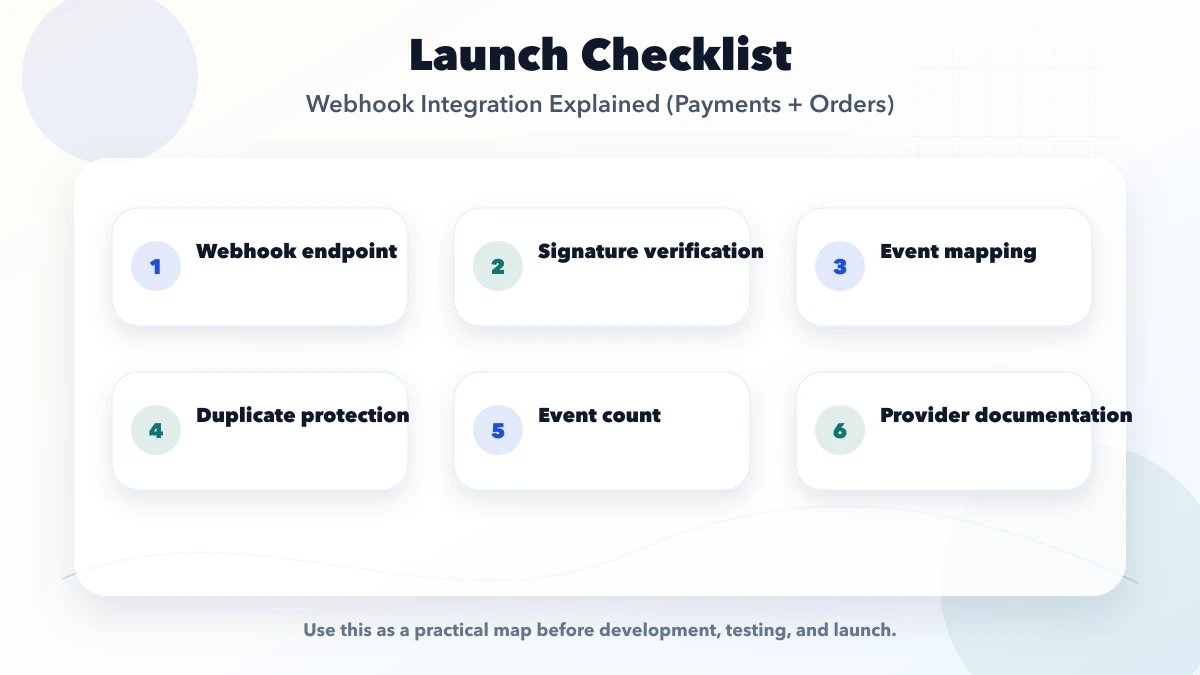
Do not approve the integration from a happy-path demo. Require written events, state transitions, amount checks, duplicate behavior, reconciliation, failed-event operations, and test evidence.
Do not treat payment webhooks as install-and-forget code. Providers rotate secrets, events fail, refunds arrive later, and settlements can disagree with internal records. Assign an operational owner after launch.
It is for business owners, ecommerce teams, SaaS founders, and operations teams that need payment, order, invoice, booking, or delivery status to update automatically. The goal is to plan a practical setup that fits Indian SMB workflows, budget, support, and daily operations.
Start with list webhook events. That gives the integration a clear business rule before automation and reporting are added.
Use the INR table as a planning range. Final pricing depends on gateways, events, order states, refunds, reconciliation, permissions, reports, tests, and support ownership.
Yes. Launch verified payment and one order transition first. Add refunds, reconciliation automation, customer notifications, dashboards, and additional providers in later phases.
Test payment success, failure, cancellation, duplicate delivery, delay, amount mismatch, missing order, refund, notification failure, replay permission, and settlement reconciliation.
The biggest risk is no idempotency. It creates silent failures, manual work, or security issues after launch.
Yes. VASUYASHII can scope the event contract, endpoint, verification, idempotency, state updates, reconciliation, admin visibility, testing, and handover.
For a payment and order webhook scope, share the provider, current checkout, order states, invoice rule, refund flow, and reporting needs through contact.
Related Articles
April 20, 2026
Build reliable webhook integrations with event contracts, signatures, idempotency, retries, replay, reconciliation, monitoring, testing, and ownership.
Read article
May 27, 2026
Plan CRM, ERP, WhatsApp and payment API integrations with clear data ownership, webhooks, retries, security, monitoring, cost and rollout guidance.
Read article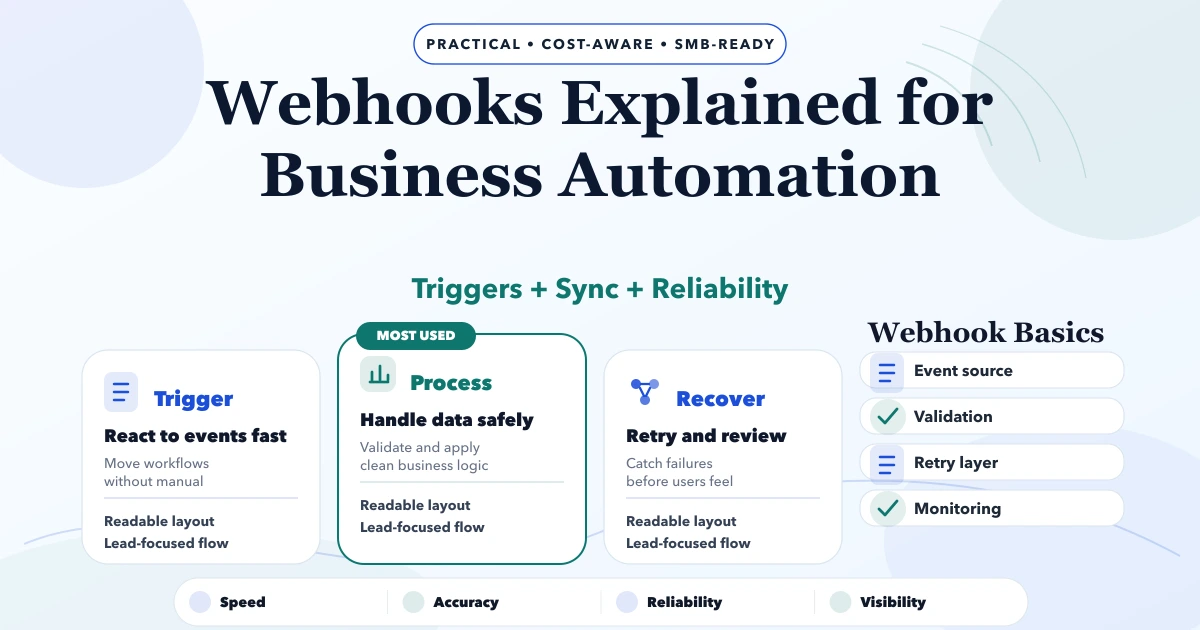
May 6, 2026
Understand business webhooks with event contracts, signature checks, idempotency, retries, logs, failure ownership, pricing, and rollout decisions.
Read article
May 27, 2026
Learn when cloud functions fit automation and how triggers, retries, idempotency, logs, security, testing, and operating costs should be planned.
Read article