
March 25, 2026
API Integration Services for Businesses (2026)
API integration services for businesses in 2026: payments, WhatsApp, CRM, data sync, webhooks, reliability, and the key scope and delivery considerations.
Read articlePublished Updated
Plan CRM, ERP, WhatsApp and payment API integrations with clear data ownership, webhooks, retries, security, monitoring, cost and rollout guidance.
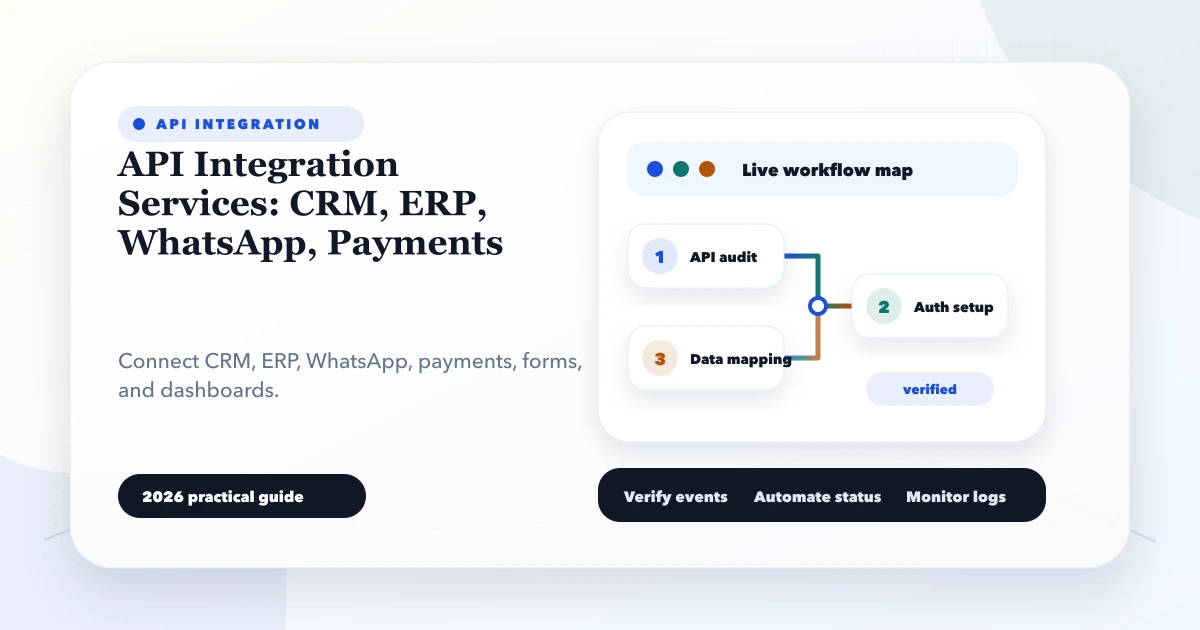
API integration services connect business systems so a lead, order, payment, invoice, customer update, or stock movement does not need to be entered repeatedly. The value is not the API call itself. The value is a dependable business process with one source of truth, visible failures, controlled retries, and clear ownership.
For an Indian distributor, for example, a website enquiry may need to create a CRM lead, assign a salesperson, send a WhatsApp acknowledgement, and appear in a management report. A paid order may need to update the ERP, reserve stock, create an invoice record, and notify the customer. Each step has a different owner and failure consequence.
This guide explains how to plan that integration layer without turning it into an untraceable chain of automations.
A reliable multi-system integration should define:
If those decisions are missing, connecting more tools usually creates more confusion rather than less manual work.
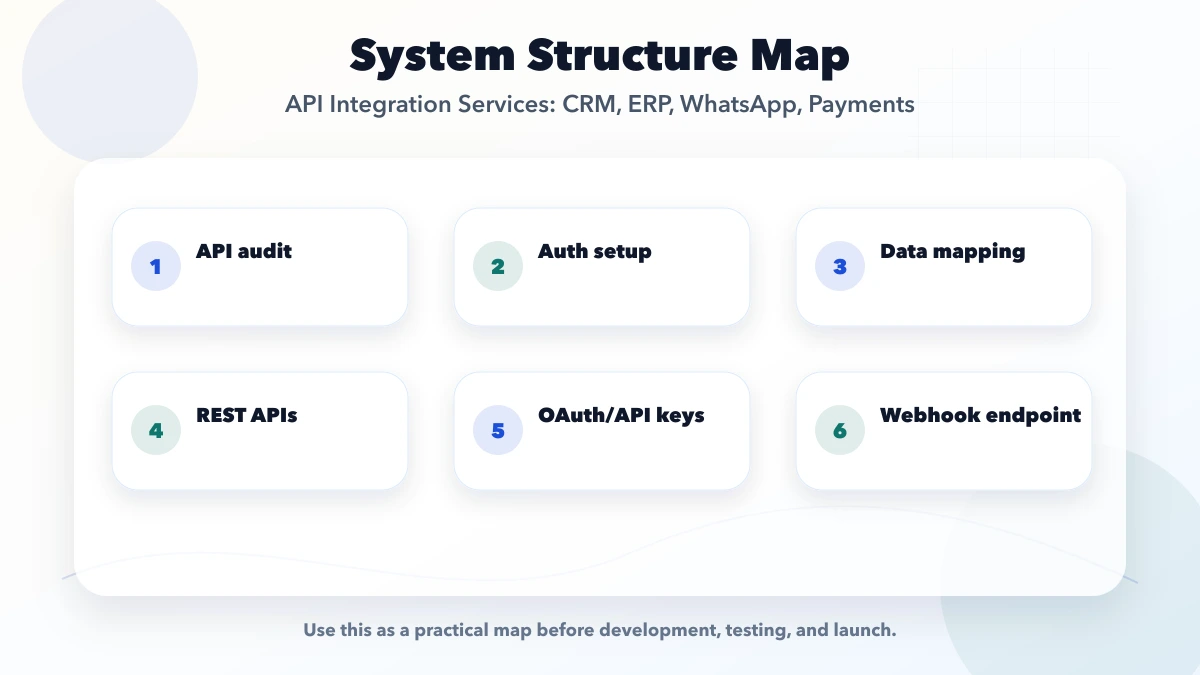
An API list says that the business uses a CRM, ERP, WhatsApp provider, payment gateway, and website. An event map explains what must happen.
| Business event | Source | Required destinations | Business deadline |
|---|---|---|---|
| New qualified enquiry | Website | CRM, owner notification | Within two minutes |
| Quote accepted | CRM | ERP/customer master | Before order creation |
| Payment captured | Gateway | Order, invoice, customer message | Near real time |
| Order cancelled | ERP | CRM, stock, customer update | Before dispatch |
| Refund processed | Gateway | ERP, customer account, support queue | Same business day |
This table prevents a common mistake: building an integration around endpoints while leaving the actual operating rule undefined.
Two connected applications should not both be allowed to overwrite the same field without a conflict rule.
Example:
Create a field-mapping sheet with source name, destination name, format, required/optional status, transformation rule, and owner. Include GSTIN, phone-number normalization, Indian state codes, currency, date/time zone, customer IDs, SKU codes, and invoice references where relevant.
Names and phone numbers are poor primary identifiers. A customer can change a phone number, two businesses can share a name, and spelling can vary.
Create internal identifiers such as:
customer_idlead_idorder_idinvoice_idpayment_attempt_idintegration_event_idStore the provider's identifier beside the internal identifier. This makes reconciliation possible and stops a retry from creating a second customer or order.
Some actions must complete before the user continues. Others should happen in the background.
Synchronous examples
Asynchronous examples
Putting every step inside one browser request creates a fragile user experience. A slow WhatsApp or ERP response should not make a successful payment page hang. Queue non-critical work and show its processing status to staff.
Webhooks notify your backend when an external event occurs. Razorpay describes webhooks as asynchronous server-to-server notifications and distinguishes them from browser callbacks. Stripe also recommends signature verification and documents automatic retries.
For every webhook:
Idempotent processing means receiving the same event twice does not create two invoices, two stock deductions, or two customer messages.
An integration is not production-ready if only the developer can discover a failure in server logs.
A useful operations queue should show:
Do not expose secrets or full sensitive payloads to every staff member. Store enough structured context to investigate while applying role-based access.
A retry handles a known failed event. Reconciliation finds silent differences.
Daily reconciliation examples:
Reconciliation should compare counts and amounts, then produce an exception list. It is especially important where a provider can update status later or where staff can make manual changes.
API credentials belong in secure server-side configuration, not browser code or shared spreadsheets. Use separate test and production credentials, least-privilege scopes, and a documented credential owner.
Security review should cover:
The OWASP API Security Project is a useful starting point for object authorization, authentication, resource consumption, and other API-specific risks.
Consider an electrical wholesaler using a website, CRM, ERP-lite system, Razorpay, and WhatsApp.
This is more useful than a generic promise that "all software will sync automatically" because every state, identifier, and responsibility is visible.
| Integration scope | Planning range | Typical delivery window |
|---|---|---|
| One documented API with one-way sync | ₹40,000-₹1.2 lakh | 1-3 weeks |
| CRM, payment, and WhatsApp workflow | ₹1.2-₹4 lakh | 4-8 weeks |
| Multi-system integration with queue and reconciliation | ₹4-₹15 lakh+ | 2-6 months |
These are indicative planning ranges, not quotations. Cost changes with API quality, data cleanup, role rules, event volume, historical migration, provider approval, monitoring, and support expectations.
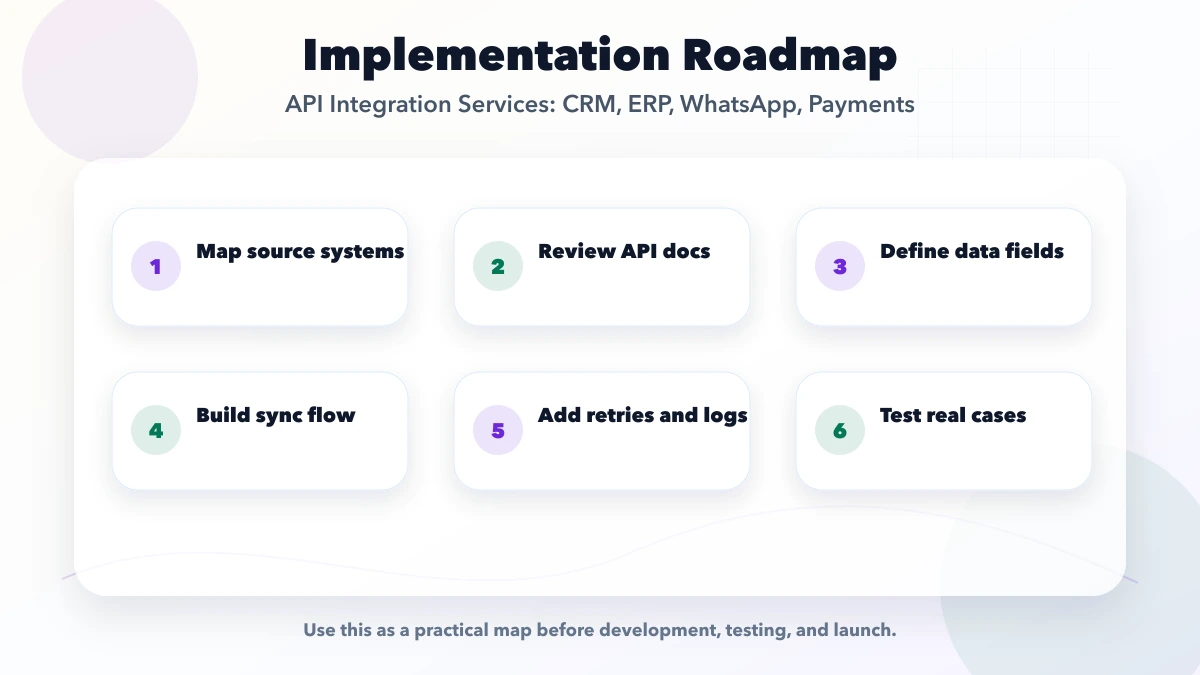
Before launch, verify:
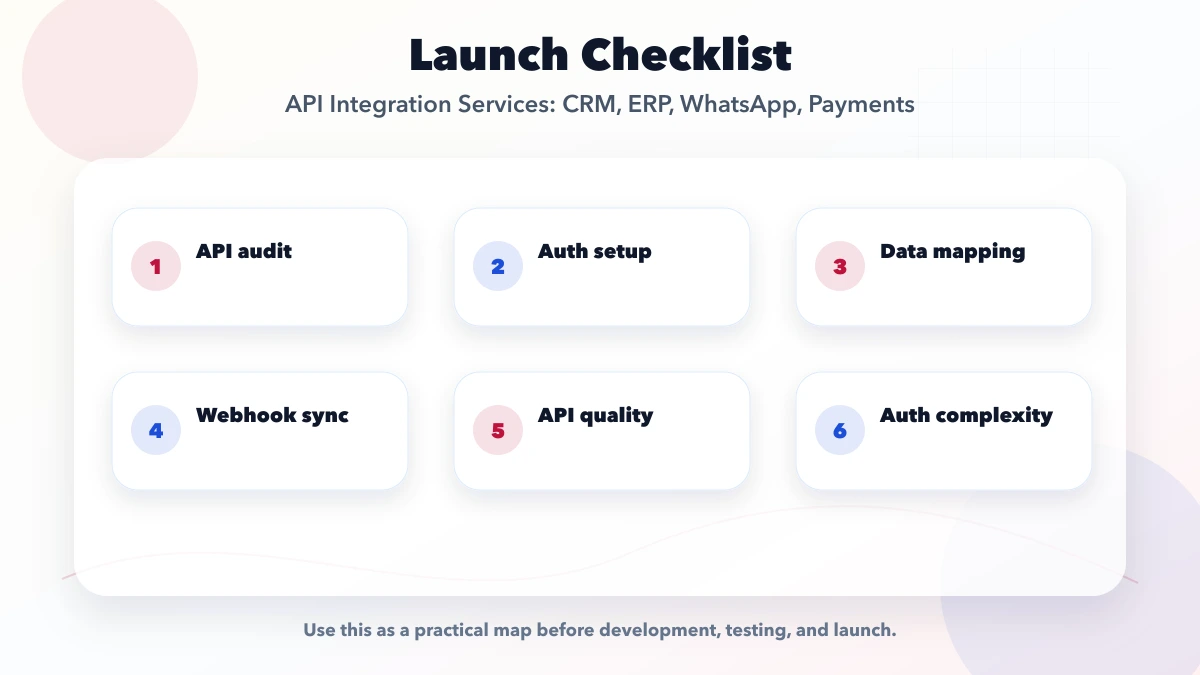
If one system uses mobile number as the customer key and another uses GSTIN, duplicates will appear immediately. Resolve identity and required fields first.
A request being accepted does not always mean the business action is complete. Model pending, confirmed, failed, cancelled, and reconciled states.
Business users need an exception queue and an owner. A production workflow cannot depend on a developer checking logs every morning.
Two-way sync increases conflict risk. Begin with a clear owner and one-way updates unless a real operating requirement justifies both directions.
VASUYASHII Business Suite uses authenticated, company-scoped APIs to keep business records separated by firm. Its current product scope also includes secure public PDF sharing rather than exposing a private authenticated document URL to a WhatsApp recipient. These are concrete examples of two rules in this guide: enforce ownership at the API boundary and give an external channel a purpose-built safe output instead of internal access.
This does not mean every CRM, ERP, payment, or WhatsApp connector is built into the product. Custom integrations and statutory or provider automation remain separately scoped when they are not part of the published product scope.
No. Use synchronous APIs when the user needs an immediate answer and webhooks or queues when another system reports a later event. Many workflows need both.
Choose one owner per field or business object. A CRM may own lead status while an ERP owns invoice balance. Document the rule instead of allowing both systems to overwrite each other.
Store provider event IDs, use stable internal references, apply unique constraints, and make handlers idempotent before triggering downstream work.
Yes, when a short delay is acceptable and the source supports reliable incremental reads. Still add checkpoints, reconciliation, failure visibility, and a safe replay method.
Commit the valid internal state, queue the external action, retry temporary failures under limits, and expose permanent failures to an owner. Do not hide them in server logs.
Count systems, objects, directions, event volume, transformations, permissions, failure paths, reconciliation, environments, and operational screens. Endpoint count alone is not a reliable estimate.
Choose integration work when repeated data entry, delayed status updates, or disconnected reports are causing measurable operating problems. Start with one high-value event, make it observable and reconcilable, then expand. A smaller integration that staff can trust is more valuable than a broad automation map with no failure ownership.
For a scoped workflow and integration estimate, share the systems, provider accounts, sample records, event list, and desired reports through the VASUYASHII contact page.
Related Articles
March 25, 2026
API integration services for businesses in 2026: payments, WhatsApp, CRM, data sync, webhooks, reliability, and the key scope and delivery considerations.
Read article
May 27, 2026
Learn how payment and order webhooks work, including signatures, idempotency, retries, event logs, reconciliation, implementation cost, and launch testing.
Read article
May 6, 2026
Estimate API integration cost in India using endpoint scope, authentication, data mapping, retries, reconciliation, testing, monitoring, and support needs.
Read article
May 25, 2026
Design customer database software with clean identities, useful segments, consent controls, campaign records, exports, and measurable follow-up workflows.
Read article