
March 15, 2026
Website Development Cost in India: 2026 Guide
Website development cost in India for 2026 with pricing for business sites, ecommerce, web apps, portals, SaaS, timelines, and budget factors.
Read articlePublished Updated
Choose a web development company using portfolio proof, scope, pricing, timelines, SEO capability, ownership, support, and contract red flags.
Hiring a web development company is one of the most important decisions for a business in 2026. Your website is not just a design—it’s a sales asset, a trust builder, a lead generator, and sometimes even a full business system (web apps, portals, dashboards, ordering systems, automation).
But the market is confusing:
So how do you choose the right web development company—without wasting money?
This guide gives you a complete process:
Choose a web development company that:
If you need web applications, dashboards, portals, or scalable systems, explore: Web Applications Services
Many clients say “I need a website,” but they actually need a web application.
Goal: trust + leads
Goal: run business operations
Before hiring anyone, write clearly:
If you don’t define this, developers will quote randomly, and scope will explode later.
Portfolio is the biggest proof—but also the most faked area.
✅ Ask for:
Red flag: they show only images, no live link.
For reference, your demos are:
And your work proof:
These questions instantly reveal quality.
They should explain the reason, not just buzzwords.
Ask: “Will you design mobile-first or just responsive?”
They should talk about:
They should mention:
At least basic Organization/Website schema.
A good company is not scared of performance results.
Answer should be: “You own everything.”
CMS options:
They should mention:
Ask exact: “Monthly maintenance plan included or optional?”
They should list:
This prevents later conflicts.
No one can guarantee rankings quickly. That’s a scam.
Example: “₹8,000 me complete website + SEO + app.” Usually template + poor quality.
No scope = future fights.
If they don’t talk about QA/testing, bugs will appear after launch.
If something breaks, you’re stuck.
If every project looks the same and they can’t show live links, avoid.
Pricing depends on:
Basic business website (5–10 pages): ₹25,000 – ₹90,000 Premium corporate website: ₹90,000 – ₹2,50,000 Landing page funnel: ₹15,000 – ₹80,000 Custom website (Next.js): ₹80,000 – ₹3,50,000 Web app/dashboard: ₹1,50,000 – ₹10,00,000+ SaaS: ₹5,00,000 – ₹25,00,000+
If you want a deeper cost guide: Cost of Website Development in India (2026)
Before paying full amount, ensure these deliverables are agreed:
A website is not “one-time.” Things change:
Ask for a maintenance plan that includes:
Related: Website Maintenance Guide Website Security Best Practices
Start with:
Then continue full site.
Build core pages first:
Then add blogs, SEO, and extra features.
This prevents overspending at start.
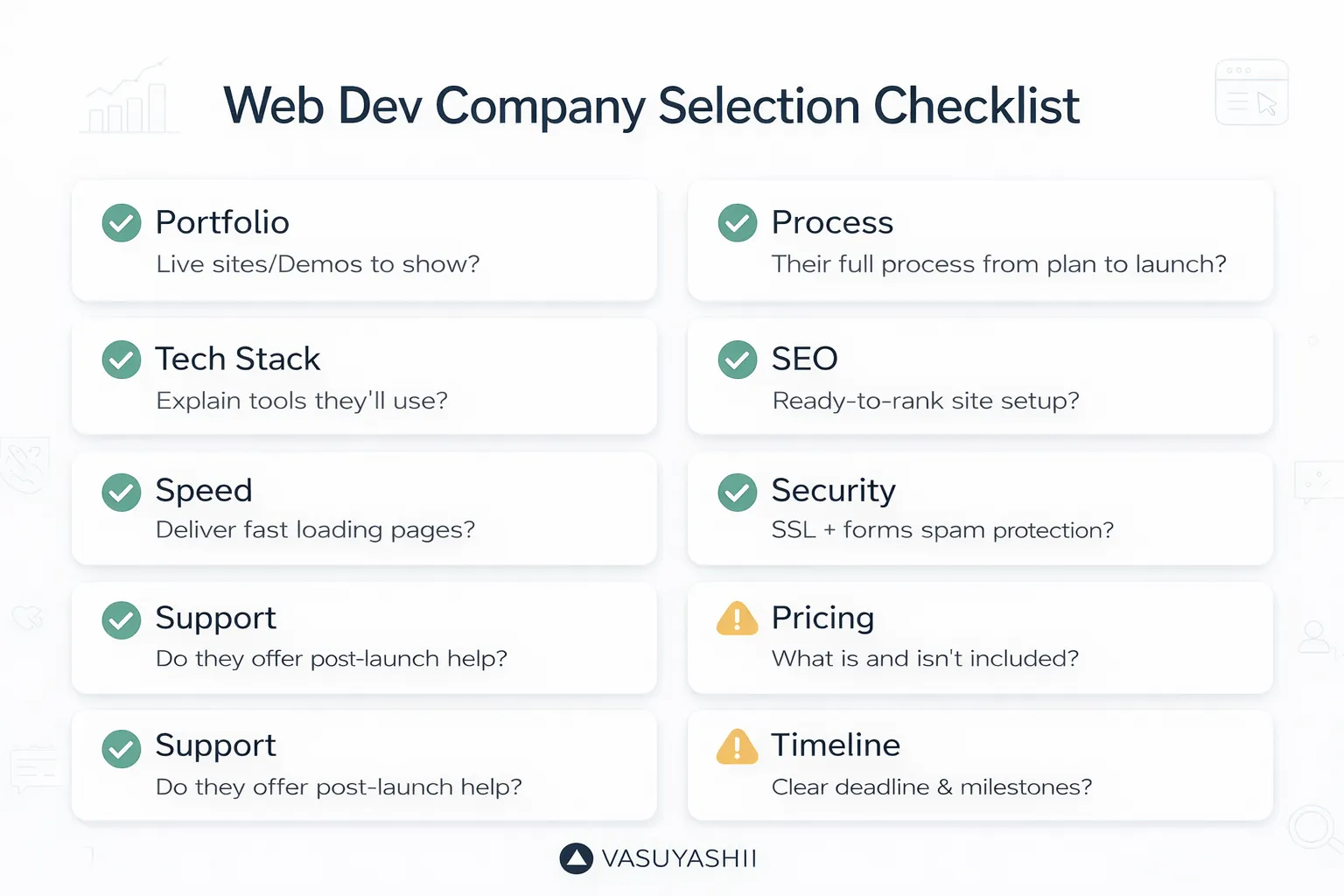
Use this checklist before finalizing:
If you want a website or web application that is:
We can help.
👉 WhatsApp: Chat on WhatsApp 👉 Services: web application development services 👉 Services: services 👉 Contact: contact page
Choosing a web development company should be based on delivery clarity, not only price or design samples. A good team should explain scope, timeline, content needs, SEO basics, tracking, hosting, and support before development starts.
Ask these questions:
Related provider decision: compare a freelancer and agency by delivery ownership.
Choose based on clarity, proof, support, and fit. A freelancer can work for small scope, but businesses often need a reliable support process.
A quote that promises everything but does not define pages, content, SEO, tracking, support, or exclusions.
Useful links: website development trends buyer guide, common website development mistakes, services, web application services, and contact.
If proposals use overlapping job titles, compare responsibilities through the website design versus development hiring guide.
Related Articles
March 15, 2026
Website development cost in India for 2026 with pricing for business sites, ecommerce, web apps, portals, SaaS, timelines, and budget factors.
Read article
March 20, 2026
Compare WordPress and custom development by workflow, content ownership, integrations, security, performance, maintenance, cost, migration, and long-term fit.
Read article
March 16, 2026
Plan a corporate website around stakeholder journeys, governance, proof, security, performance, SEO migration, analytics, approvals, and ongoing ownership.
Read article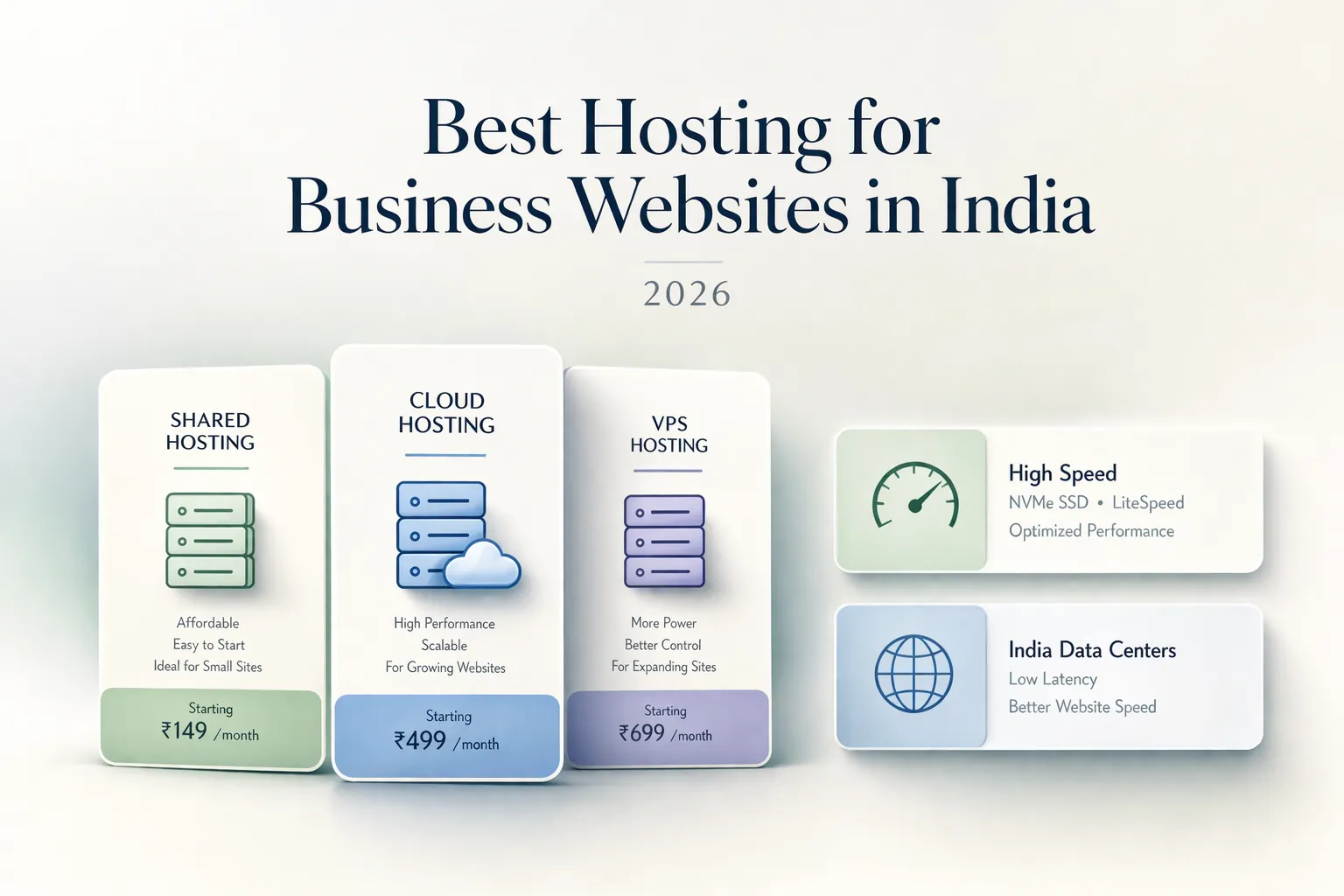
March 30, 2026
Choose business hosting in India by workload, region, backups, security, support, staging, ownership, migration, email boundaries, and total cost.
Read article