
May 4, 2026
App Analytics Funnel Setup: Practical Guide
Plan app analytics with a measurement brief, event schema, identity and consent rules, funnel steps, revenue validation, QA, governance, and useful reports.
Read articlePublished Updated
Compare PWA and native apps by install flow, offline depth, device access, update model, cost, testing, and rollout risk for business use in 2026.
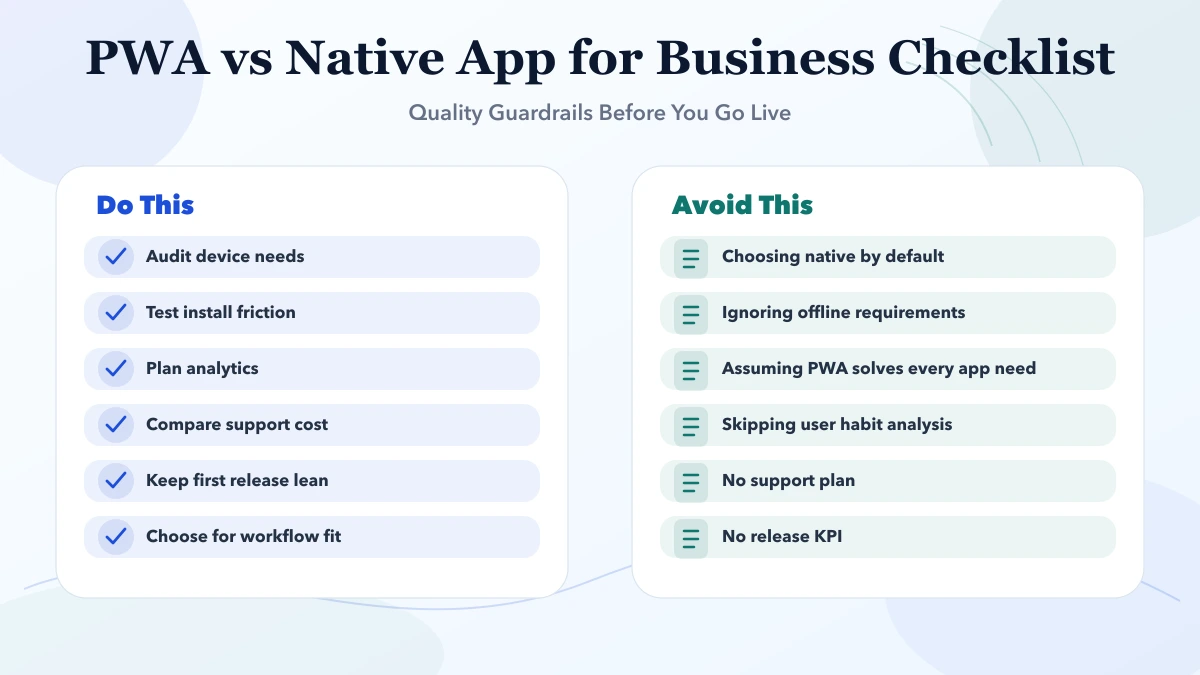
This guide on PWA vs native app for business is for SMB founders, operations leads, and decision-makers who want a practical 2026 answer before spending money on the wrong build path. Most businesses do not need more features on day one. They need a cleaner first release, clear roles, better follow-up, and visibility on whether the app or workflow is actually being used.
Serving Delhi NCR: Ghaziabad, Noida, Delhi, Gurugram, Faridabad, and nearby growth markets.
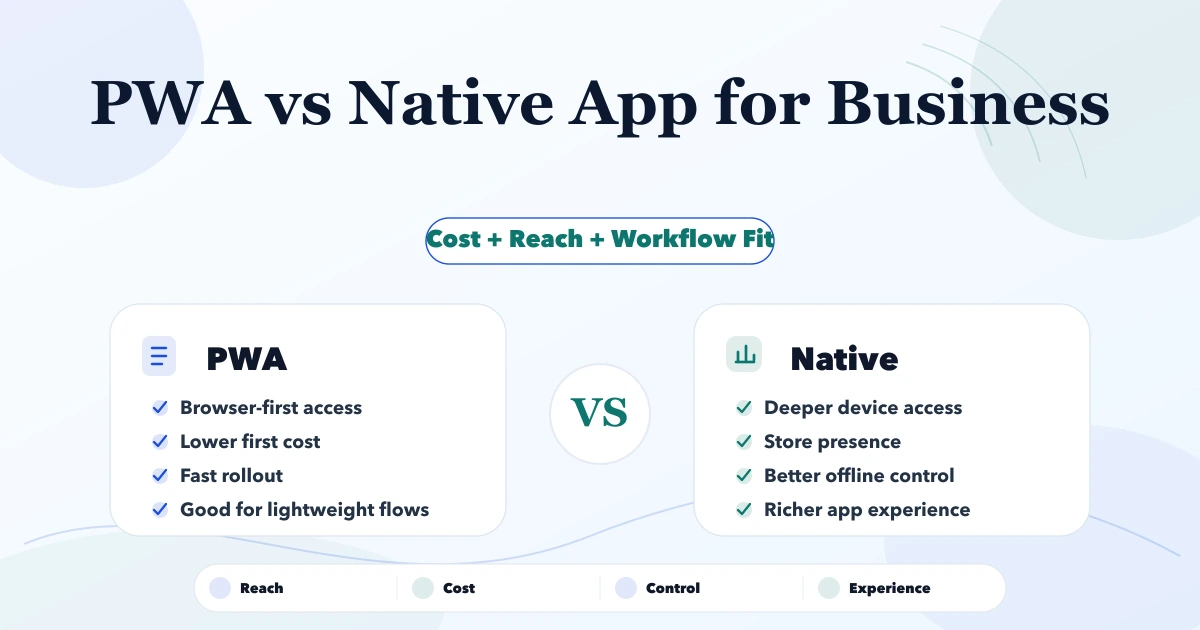
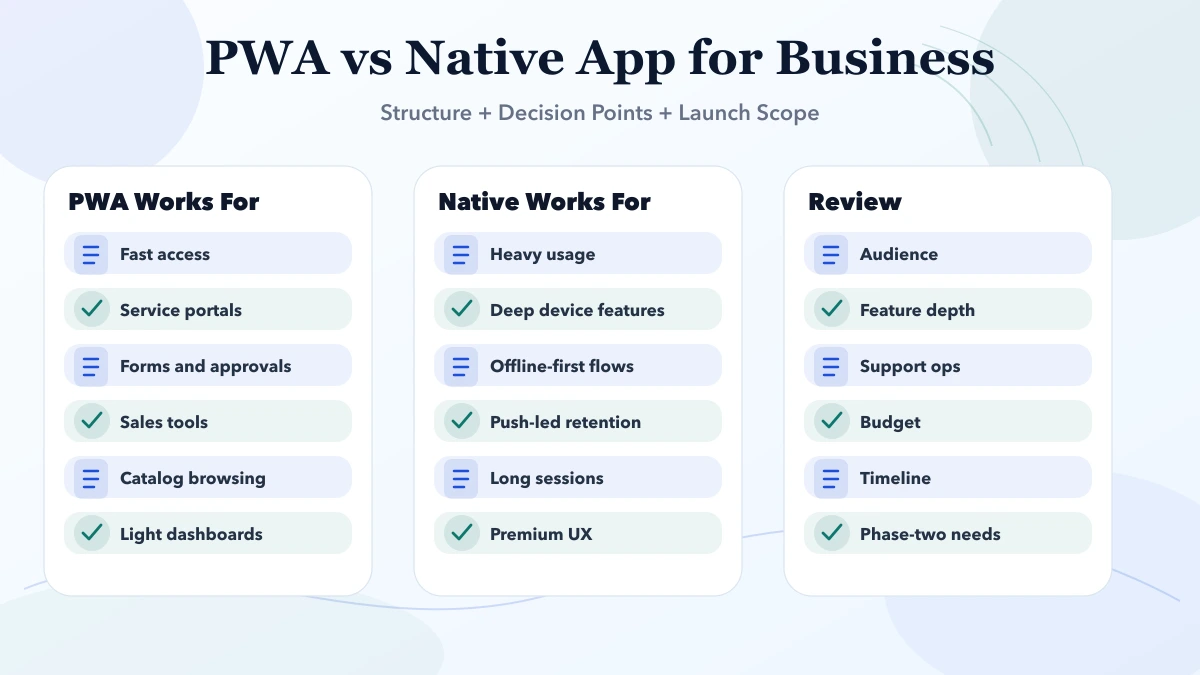
For business use-cases, PWA versus native app should be decided by workflow fit, device access needs, and adoption friction. A PWA can be enough when speed, reach, and browser-first access matter. Native is stronger when offline depth, device hardware, or store distribution matters more.
A PWA and a native app can show similar screens, but they are distributed, updated, and connected to a device differently. A progressive web app is still delivered through the web. It can add installability, caching, offline behaviour, notifications, and an app-like window where the browser and operating system support them. A native app is packaged for a platform and can use its SDKs and distribution system directly.
That distinction matters more than whether both options can display a dashboard. According to the official web.dev PWA installation guide, installation behaviour and capabilities vary by browser and operating system. For example, iOS uses a manual home-screen flow rather than the same install prompt available in many Chromium browsers. A proposal should therefore name the devices and browsers that must work instead of promising one identical experience everywhere.
| Decision signal | PWA is often the stronger first step | Native is often the stronger first step |
|---|---|---|
| User acquisition | People should open a link immediately | Store discovery or managed app distribution is required |
| Device access | Camera, basic location, sharing, and standard web APIs are enough | Deep Bluetooth, background location, specialist hardware, or platform SDKs are central |
| Offline work | Read cache and a controlled offline queue are sufficient | Large offline datasets and long offline sessions are core |
| Release model | One web release should reach supported devices quickly | Platform-specific release controls are acceptable |
| Product proof | The team still needs to validate adoption | The workflow and daily demand are already proven |
| Interface demand | Responsive screens can serve the workflow | Platform-native interaction and heavy media are product differentiators |
The table is a starting point, not an automatic verdict. Device support must be confirmed against the exact capabilities required at the time of development.
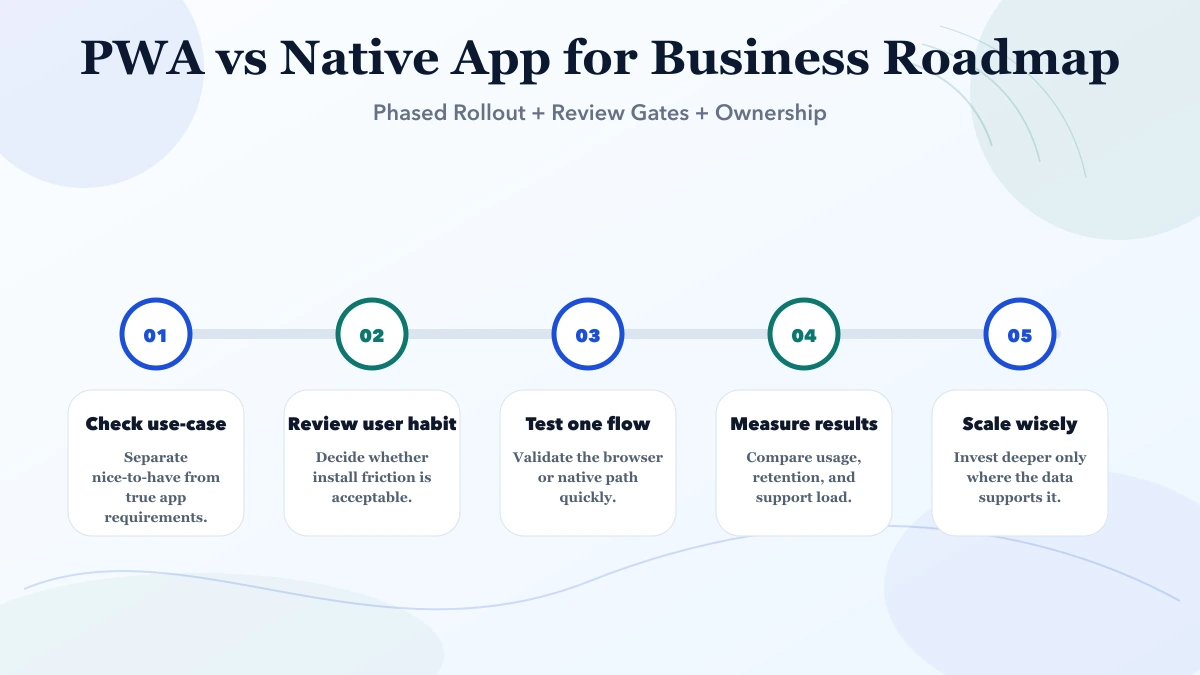
A distributor wants representatives to open a product catalogue, show current information, capture a lead, and sync it when connectivity returns. A PWA can be a sensible phase-one candidate because a link is easy to distribute and the workflow is browser-friendly. The acceptance test must still cover stale prices, duplicate submissions, offline queue visibility, and what happens when two edits conflict.
A warehouse wants continuous barcode scanning, Bluetooth printer access, background synchronization, and predictable behaviour on company-controlled devices. Native development is more likely to justify its cost because hardware integration is not a secondary feature. A web prototype may still validate screens, but it should not be presented as proof that every device workflow will work in production.
A service business wants customers to browse slots and book without installing anything, while staff need deeper operational controls. The public booking journey may remain web-based while a later staff app uses native capabilities. One business does not always need one technology for every user.
"Works offline" is not a complete requirement. The team must decide:
A cached page is much simpler than an offline order ledger with conflict resolution. Native code does not remove these product decisions; it only changes the available platform tools.
Do not accept a build only because it opens on a phone. Test the complete operating path:
This test list is more useful than a generic promise of "app-like experience."
The cheapest first build is not automatically the lowest-cost product. A PWA becomes expensive when teams force unsupported device behaviour into it. Native development becomes wasteful when the real requirement is a link-based form and a simple dashboard. Estimate these workstreams separately:
| Workstream | Questions that affect effort |
|---|---|
| Product design | How many roles, tasks, states, and approval rules exist? |
| Backend | Is there login, data storage, reporting, notification, or integration logic? |
| Offline system | What is cached, queued, reconciled, and encrypted locally? |
| Device features | Which APIs or hardware models must be tested? |
| Distribution | Browser install, public stores, private distribution, or managed devices? |
| Operations | Who monitors errors, handles releases, and supports old versions? |
Ask for milestone pricing tied to a written acceptance list. Use the Android vs iOS decision guide for native planning, the web application development guide for browser-led systems, and the secure login and roles guide for shared authentication risks.
VASUYASHII currently publishes separate web application and mobile app service scopes. That is evidence that both delivery paths are part of our planning capability; it is not evidence that one path is always faster or cheaper. A recommendation should follow a capability matrix, supported-device list, data-flow review, and a small proof where hardware or offline behaviour is uncertain.
Before requesting a quote, send:
That information lets a developer challenge risky assumptions before they become release problems.
Choose a PWA when immediate reach, shared web delivery, and moderate device requirements are the dominant needs. Choose native when deep platform integration, controlled device behaviour, store distribution, or demanding offline work is central to the product. Choose a staged path when the business still needs adoption evidence.
The correct answer may also be "responsive web app now, native companion later." The architecture should keep the backend, permissions, and data contracts reusable so the second client does not require rebuilding the business rules.
Often yes for service, sales, portal, approval, or catalog use-cases. It depends on hardware access, usage depth, and retention strategy.
Native is stronger when heavy offline usage, deep device features, high-frequency sessions, or store-driven distribution matters.
Usually yes for first release and support surface, but only if the workflow fits a browser-led experience.
Yes. That is a practical route for many business teams that want to validate demand first.
Yes, as long as auth, session handling, and role design are implemented properly on the backend and frontend.
Review audience, workflow depth, required device access, timeline, and support burden before locking the path.
Related Articles
May 4, 2026
Plan app analytics with a measurement brief, event schema, identity and consent rules, funnel steps, revenue validation, QA, governance, and useful reports.
Read article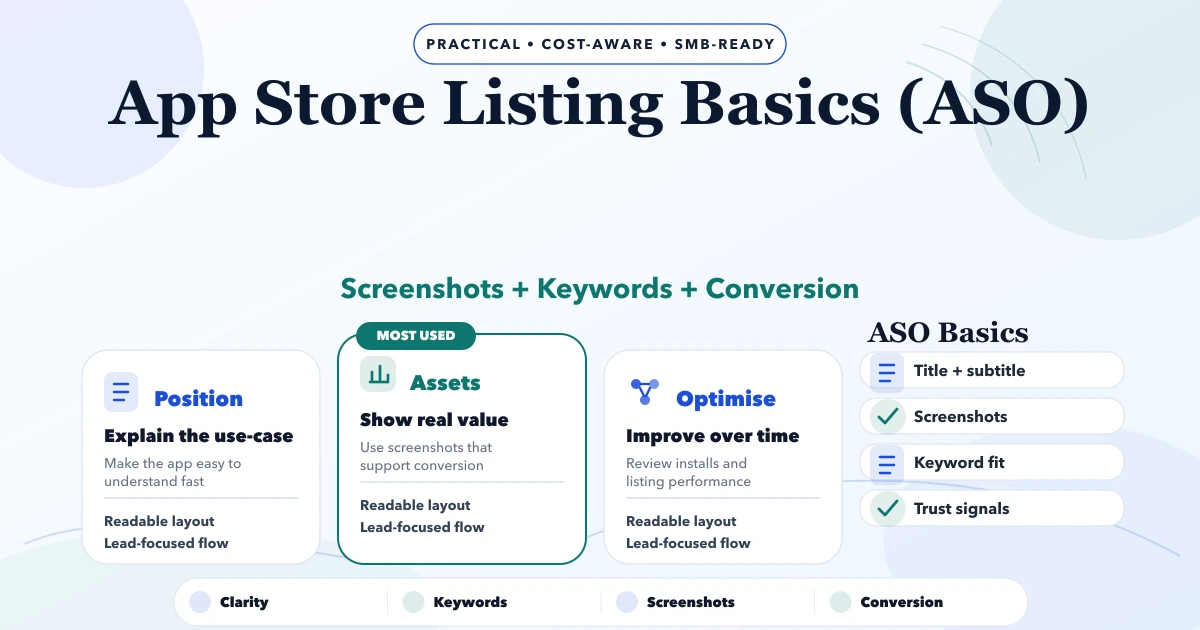
May 4, 2026
Plan an accurate app store listing with positioning, metadata, screenshots, localization, review readiness, experiments, attribution, and release ownership.
Read article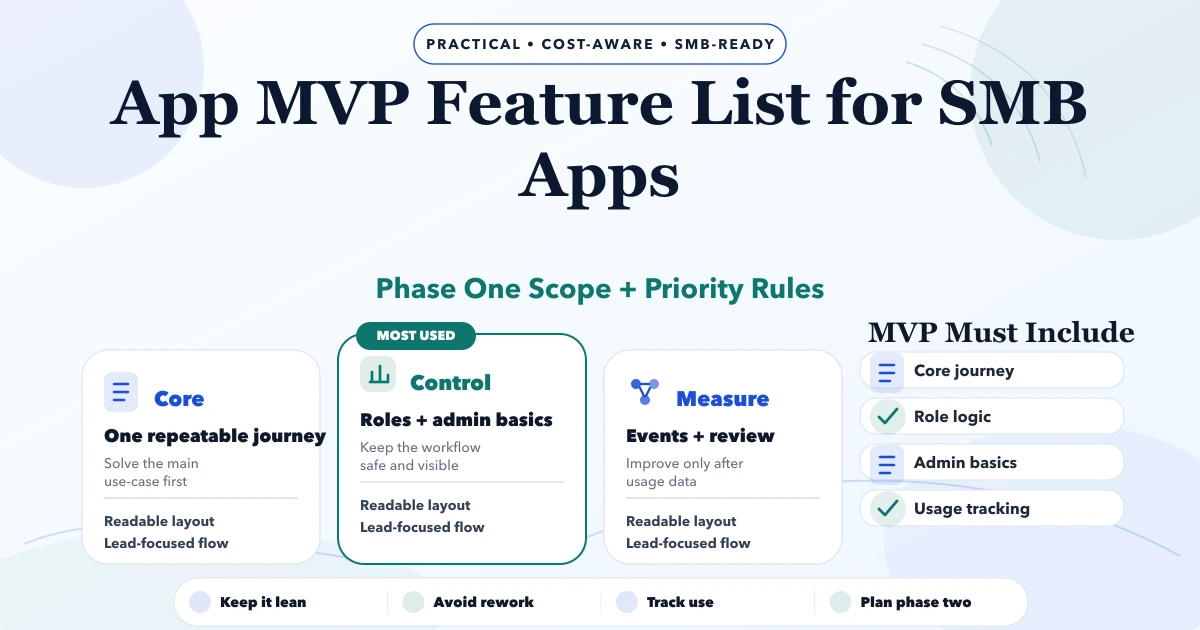
May 3, 2026
App MVP Feature List for SMB Apps guide for 2026 with practical pricing, rollout risks, implementation notes, and lead-focused decision points for SMB teams.
Read article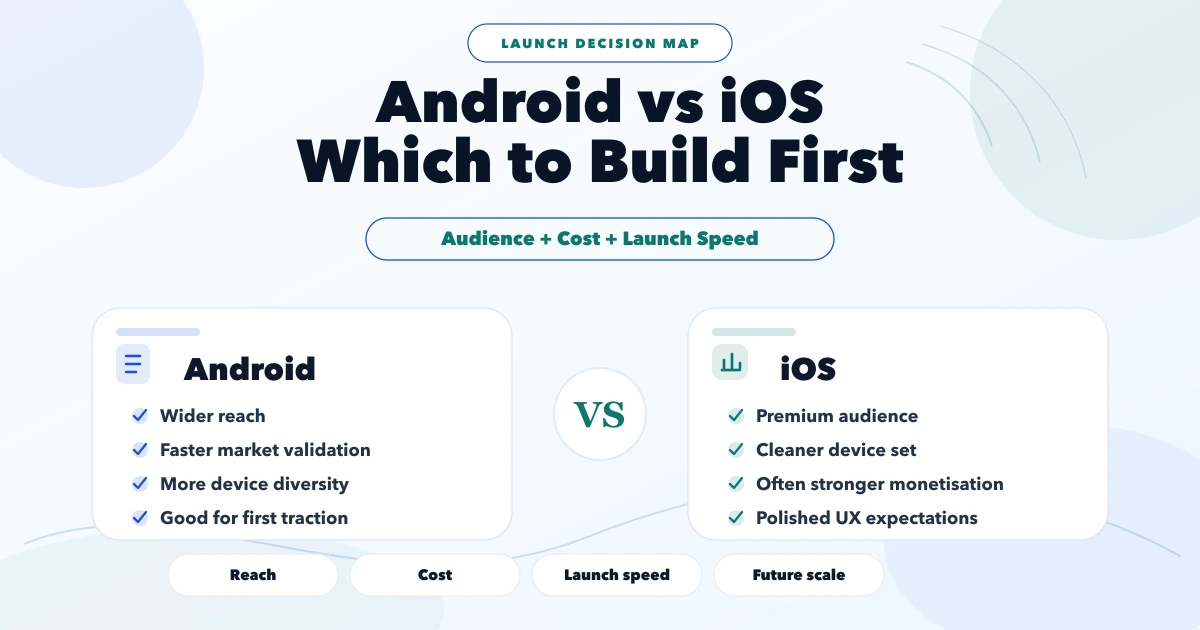
May 3, 2026
Android vs iOS: which to build first guide for 2026 with practical pricing, rollout risks, implementation notes, and lead-focused decision points for SMB.
Read article