
May 4, 2026
App Analytics Funnel Setup: Practical Guide
Plan app analytics with a measurement brief, event schema, identity and consent rules, funnel steps, revenue validation, QA, governance, and useful reports.
Read articlePublished Updated
Plan an accurate app store listing with positioning, metadata, screenshots, localization, review readiness, experiments, attribution, and release ownership.
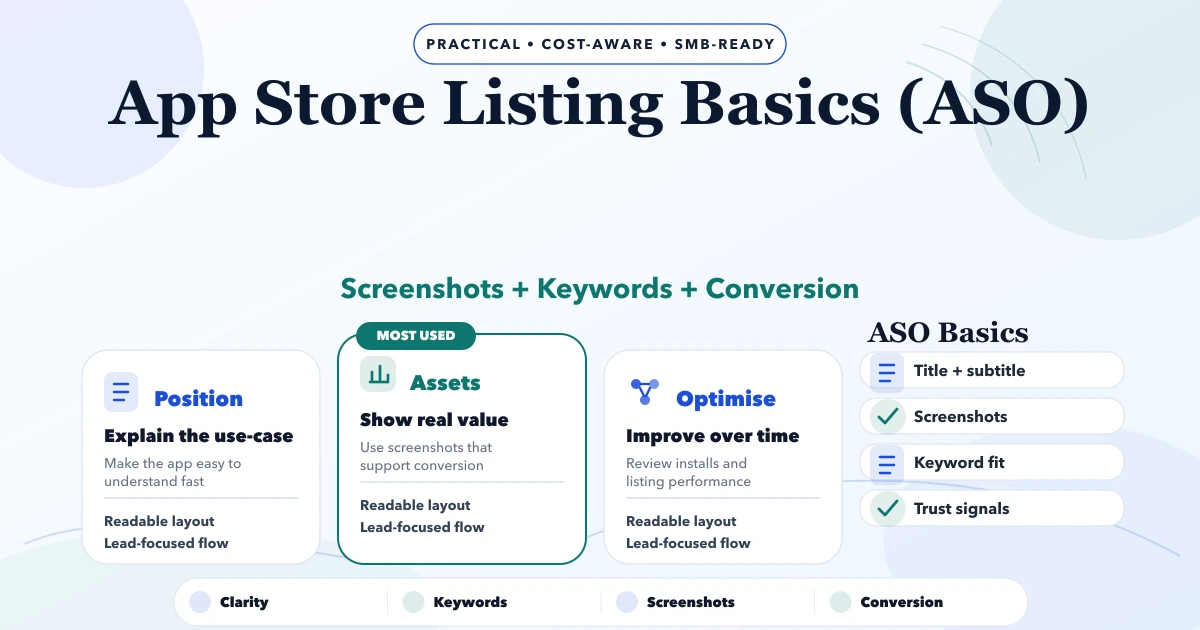
This guide on app store listing basics is for SMB founders, operations leads, and decision-makers who want a practical 2026 answer before spending money on the wrong build path. Most businesses do not need more features on day one. They need a cleaner first release, clear roles, better follow-up, and visibility on whether the app or workflow is actually being used.
Serving Delhi NCR: Ghaziabad, Noida, Delhi, Gurugram, Faridabad, and nearby growth markets.
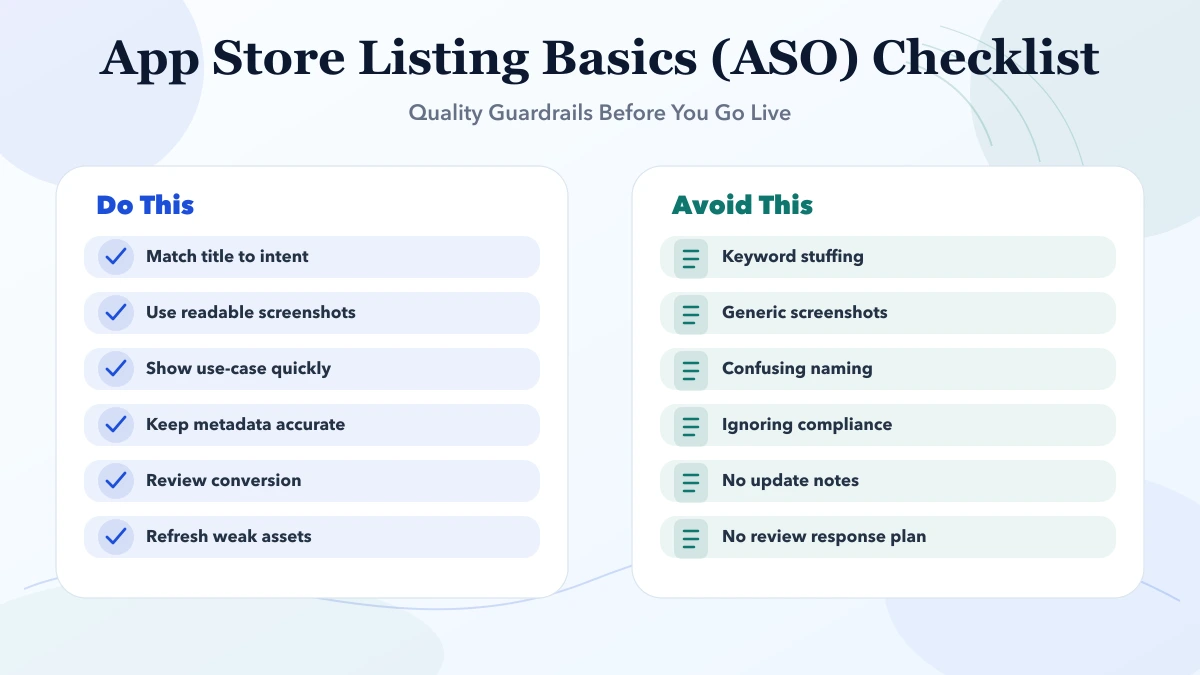
App store listing basics are not just metadata tasks. ASO matters because store visitors decide in seconds whether the product looks real, useful, and trustworthy. Clear naming, accurate screenshots, relevant keywords, and clean first-screen messaging improve the quality of installs and demo requests.
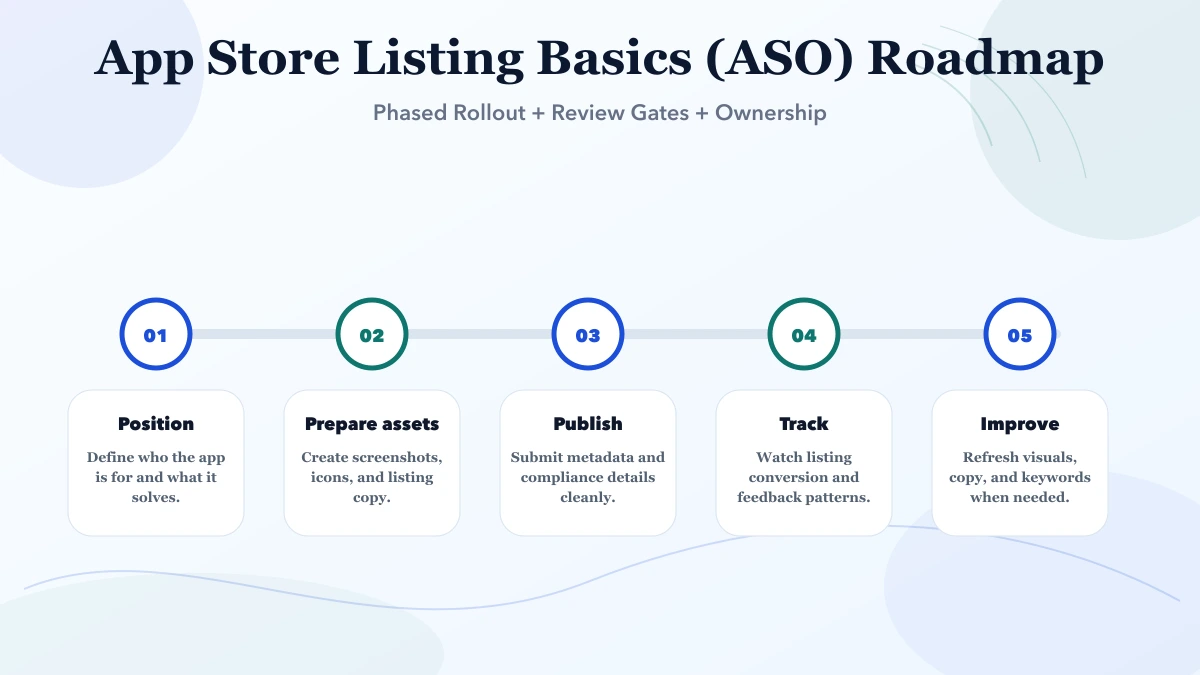
App store optimization cannot repair a weak or misleading product promise. Define the app’s primary user, one important task, supported platforms, business model, geography, and release status before writing metadata. A field-sales app, consumer marketplace, and GST billing app need different copy even if all are described as “business apps.”
The listing must match the build that a user can actually download. Google Play requires descriptions and preview assets to accurately reflect functionality, while Apple expects the product page to communicate the app’s value with accurate information. Do not show unreleased dashboards, unsupported integrations, invented ratings, or outcomes that the product cannot verify.
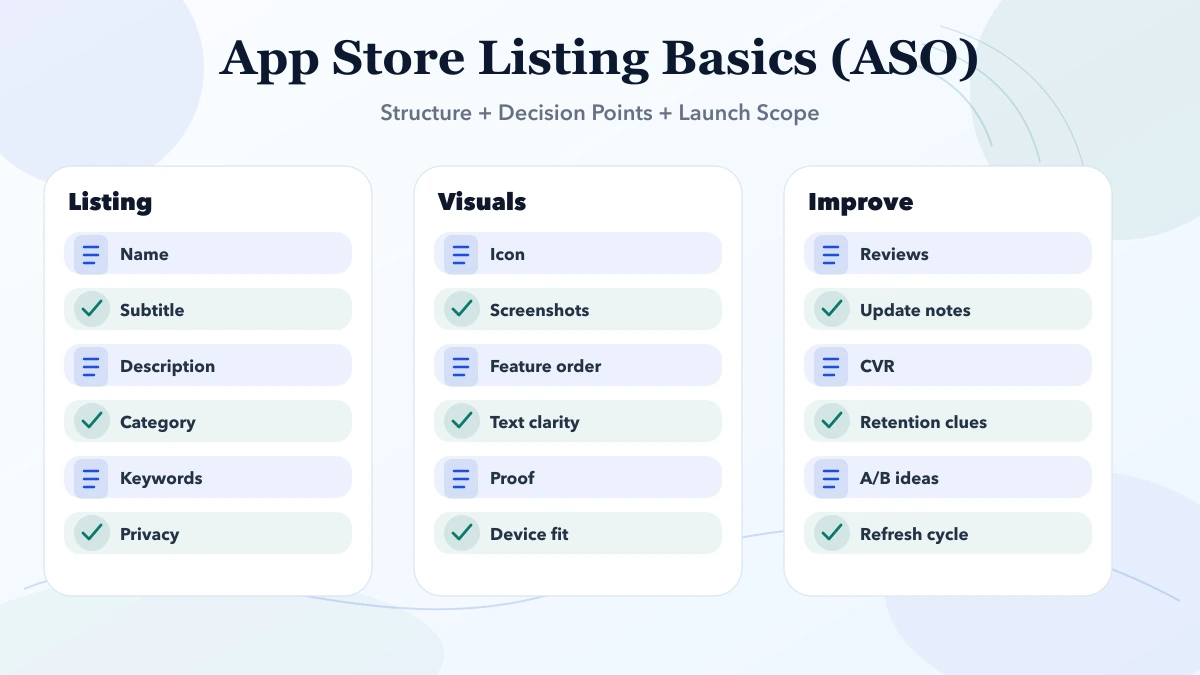
| Asset | Purpose | Quality check |
|---|---|---|
| App name | Brand plus clear category signal | Readable, distinctive, policy-safe |
| Short copy | Explain the main user benefit quickly | Specific, not a keyword list |
| Long description | Cover workflows, audience, boundaries, and support | Scannable and consistent with the app |
| Icon | Recognition at small sizes | No tiny text or misleading badges |
| Screenshots | Demonstrate real tasks and interface | Current UI, legible captions, logical order |
| Preview video | Show a believable workflow | No slow intro or unsupported feature |
| Support/privacy links | Give users a way to understand data and get help | Live, mobile-friendly, maintained |
Apple allows up to ten screenshots, and the first screenshots can be especially important because they may appear in search results. Treat the first three as a compact product story, not decorative banners.
Choose five to eight tasks that matter before opening a design tool. A practical business-app sequence could be:
Use actual product screens. Keep captions short enough to read on a phone and leave enough contrast around the interface. If an image needs a paragraph to explain it, the sequence or product UI needs more work.
Collect language from support tickets, sales calls, website search, reviews, competitor categories, and store suggestions. Separate:
Assign each important phrase to the field where it reads naturally. Do not repeat keywords in every sentence. Store policies and conversion both favor copy that is accurate and useful to humans.
Prioritize markets where the product, support, legal terms, pricing, and screenshots are ready. Localize units, examples, terminology, help links, and visual context. A translated description paired with English-only onboarding and support creates a broken promise.
Use native review when possible. Machine translation can provide a draft, but product and compliance terms need verification before release.
ASO should not delay basic reliability. Fix crashes, blocked onboarding, confusing permissions, and broken subscriptions before experimenting with captions.
Track impressions, product-page views, conversion to install, first open, activation, retention, uninstall signals, and meaningful in-app outcomes. An install increase without activation can indicate that the listing overpromises or attracts the wrong audience.
Change one meaningful variable at a time where experimentation tools and traffic permit. Keep a log containing the hypothesis, market, asset, dates, app version, and result. Seasonal variation and release quality can otherwise be mistaken for an ASO win.
Ask for a rating after a user completes a valuable task, not immediately after opening the app. Provide a visible support route for problems and never offer incentives for positive reviews. Repeated prompts, review gating, or fabricated feedback can damage trust and violate platform rules.
Use review themes as product research. Login failures, missing workflows, pricing confusion, and support delays usually require product or operations work rather than a new description.
Platform requirements change. Confirm the current field limits, policies, and review requirements inside the relevant developer console before submitting.
VASUYASHII provides mobile app and connected business-system development services, including product planning and release support where scoped. This article does not claim a specific app-store ranking, install uplift, approval time, or review outcome. Those results depend on product quality, market demand, policy compliance, traffic, and retained users.
Before approving the listing, ask a person unfamiliar with the app to review the name, first three screenshots, description, privacy link, and pricing. They should be able to explain who the app is for, what it does, what it costs, and what to do next without seeing a sales presentation.
Give one person responsibility for store metadata, screenshots, policy declarations, support links, release notes, and experiment history. Engineering should confirm feature accuracy, design should protect legibility, support should surface recurring confusion, and the product owner should approve the final promise.
Keep a versioned asset folder and approval record. When the interface changes, review every screenshot and caption before release. When pricing, data collection, subscription behavior, or account deletion changes, update the listing and linked policies together. This operating discipline matters more than occasional keyword changes.
Create a pre-release sign-off containing the app version, target countries, device screenshots, metadata copy, support owner, privacy declaration, pricing state, and review credentials. After approval, record the live listing URL and capture the published assets. This makes accidental drift visible and gives support teams a reliable reference when a user reports that the store promise differs from the installed product.
Yes. Even internal-looking or niche apps benefit from clear listings because stakeholders, partners, or prospects judge trust and quality quickly.
Using vague screenshots and generic copy that fails to explain who the app is for and why it matters.
No. Relevance and clarity matter more than stuffing, especially when the app positioning itself is weak.
Review after major releases, positioning changes, or clear signs of low store conversion.
Yes. In many cases screenshots do more work than the long description because they communicate value faster.
Yes. We can help align screenshots, messaging, keywords, and store-readiness with the actual use-case.
Related Articles
May 4, 2026
Plan app analytics with a measurement brief, event schema, identity and consent rules, funnel steps, revenue validation, QA, governance, and useful reports.
Read article
May 4, 2026
App maintenance cost in India can range from ₹15,000 to ₹2 lakh+ per month. Compare 2026 support tiers, SLA, inclusions, exclusions, and cost drivers.
Read article
May 4, 2026
Compare PWA and native apps by install flow, offline depth, device access, update model, cost, testing, and rollout risk for business use in 2026.
Read article
May 3, 2026
Android vs iOS: which to build first guide for 2026 with practical pricing, rollout risks, implementation notes, and lead-focused decision points for SMB.
Read article