
May 4, 2026
App Analytics Funnel Setup: Practical Guide
Plan app analytics with a measurement brief, event schema, identity and consent rules, funnel steps, revenue validation, QA, governance, and useful reports.
Read articlePublished Updated
App maintenance cost in India can range from ₹15,000 to ₹2 lakh+ per month. Compare 2026 support tiers, SLA, inclusions, exclusions, and cost drivers.
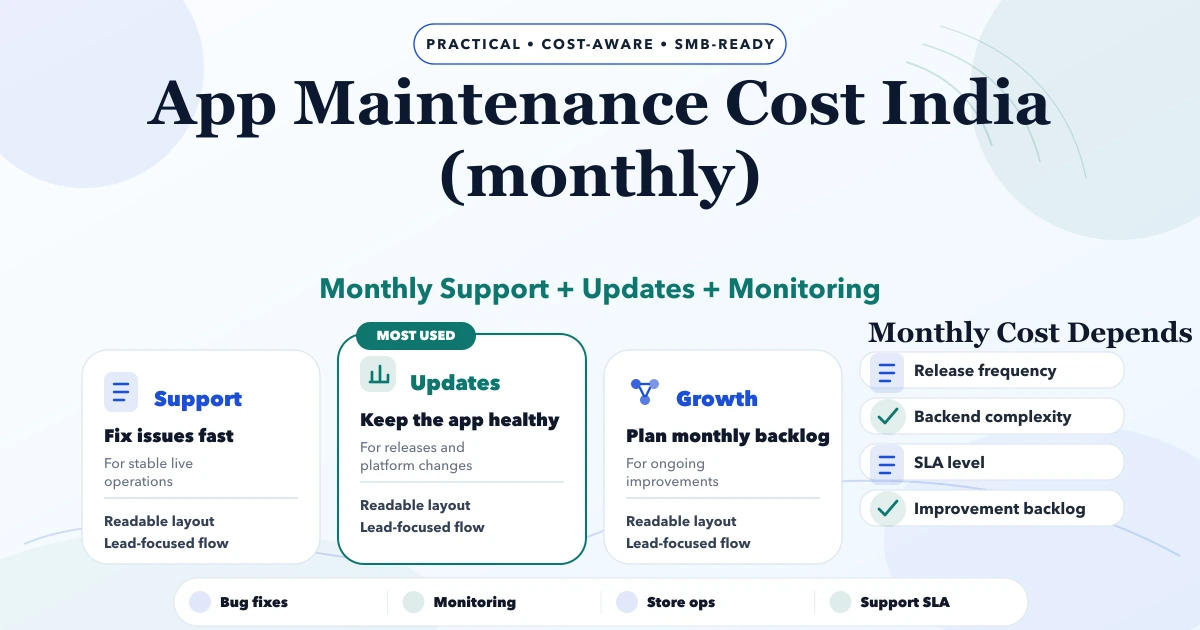
For planning purposes, app maintenance cost in India can be grouped into three indicative monthly bands: ₹15,000–₹35,000 for essential support, ₹35,000–₹75,000 for active releases, and ₹75,000–₹2 lakh+ for a growth or business-critical backlog. These are not fixed market prices or quotations. The actual scope depends on codebase condition, platforms, integrations, release frequency, monitoring and the response times written into the SLA.
Maintenance should keep an existing app stable, secure and releasable. Major features, redesigns, migrations and new integrations are development work and should be estimated separately. Keeping that boundary clear is the easiest way to compare two support proposals honestly.
By Tushar C. (Founder, VASUYASHII). Reviewed by VASUYASHII Editorial for scope clarity, delivery practicality, SEO usefulness, and buyer relevance for 2026.
Remote maintenance enquiries are welcome from India and international teams; technology fit, working hours and coverage are agreed after review.
Before choosing a monthly band, describe one normal release and one recent incident. Record which app or backend was affected, who noticed the problem, what access was available and how the fix was verified. This gives the reviewer something concrete to assess instead of an open-ended request for “complete support.” Use a sanitized example; do not put passwords or customer records in the initial enquiry.
The VASUYASHII application maintenance service starts with a codebase and operating review. The written proposal should separate inherited stabilization work, recurring maintenance, third-party costs and new features. Agree support hours and the person who authorizes a release before the first maintenance cycle.
If you already know the platforms, active integrations and main issues, request an app maintenance review. The enquiry will identify application support as your requirement. For a public marketing site, use the separate website maintenance service.
App maintenance pricing depends on what the team must monitor, how often it must release, and how quickly it must respond when something breaks. Compare the written scope and SLA before comparing the headline fee.
| Support level | Indicative monthly planning band | Suitable when | Typical scope |
|---|---|---|---|
| Essential maintenance | ₹15,000–₹35,000 | The app is stable and changes infrequently | Monitoring, backups, dependency updates and small bug fixes |
| Active maintenance | ₹35,000–₹75,000 | The app has regular releases or store work | Essential scope plus release planning, analytics review and small improvements |
| Growth or business-critical support | ₹75,000–₹2 lakh+ | Downtime or failed workflows affect operations or revenue | Tighter SLA, incident ownership, staging, rollback planning and managed backlog |
These are VASUYASHII planning bands for comparing scope, not a universal market rate or a fixed quotation. Before choosing a tier, document the supported platforms, repository and cloud access, active integrations, known incidents, release frequency, support hours, and required response targets.
Use this boundary when reviewing a proposal:
| Usually maintenance | Usually a separate development estimate |
|---|---|
| Crash investigation and small bug fixes | A new module or major workflow |
| Dependency and OS compatibility updates | Redesigning navigation or core screens |
| Store release support | Migrating to a different backend or framework |
| Monitoring, backups and recovery checks | Adding a new payment, CRM or ERP integration |
| Minor copy, configuration or UI corrections | Rebuilding permissions, reporting or offline mode |
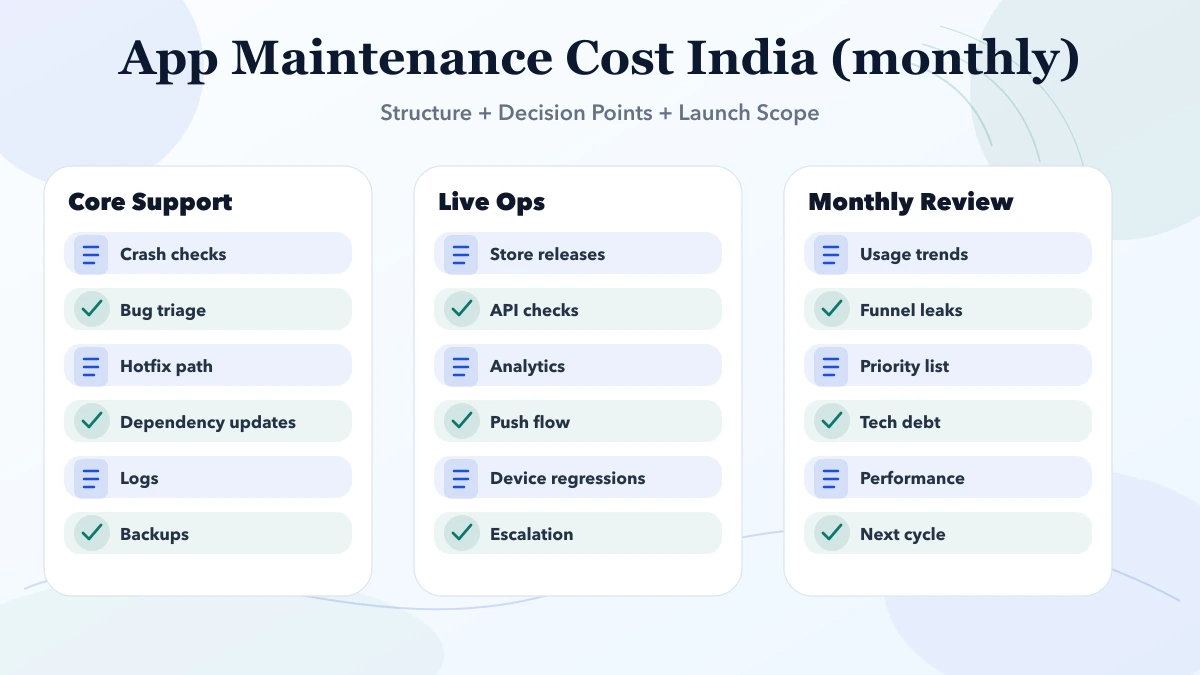
Every included item should have a limit or operating rule. For example, “bug fixes” should define severity and effort boundaries; “monitoring” should name the systems and alert owner; and “release support” should state which stores, environments and review steps are covered.
A maintenance quote should separate predictable operational work from new product development. Otherwise a low monthly number creates conflict when the business expects unlimited features.
Essential maintenance usually covers uptime checks, backups, dependency and security updates, small bug fixes, store or deployment support, and a defined response window. It suits a stable app with a small user base and few integrations.
Growth maintenance adds monitoring, analytics review, performance work, regular release planning, integration checks, and a monthly allowance for small improvements. It suits an app that is actively used by customers or staff and changes based on feedback.
Business-critical support may include tighter SLAs, incident ownership, staging environments, rollback plans, audit support, capacity reviews, and scheduled engineering availability. Payment, healthcare, logistics, marketplace, and internal operations apps often need this level once downtime affects revenue or service delivery.
Ask the vendor to state what is excluded: major features, redesigns, third-party charges, cloud usage, new integrations, OS migrations, account recovery caused by lost credentials, and emergency work outside the support window. Compare the proposal against the mobile app audit checklist, app development cost guide, and mobile app development service.
Do not compare only the monthly number. Request the evidence behind the service:
| Ask for | Why it matters |
|---|---|
| Included hours or issue limits | Prevents “unlimited support” from hiding practical restrictions |
| Severity definitions | Separates a production outage from a cosmetic defect |
| Response and resolution targets | Acknowledgement time is not the same as fix time |
| Environments covered | Production, staging, backend and store work may be separate |
| Release cadence | Clarifies whether fixes wait for a cycle or ship immediately |
| Monthly report | Shows incidents, releases, backlog, risks and upcoming work |
| Access and handover rules | Protects the business if the support provider changes |
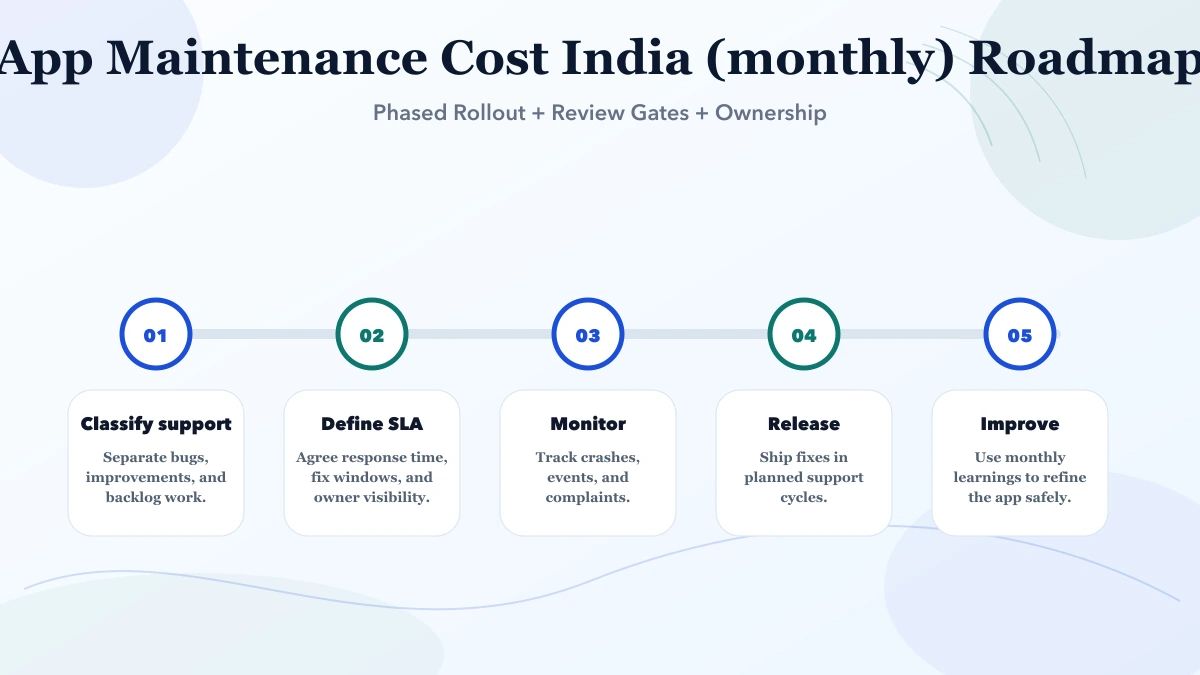
An app is rarely maintained in isolation. Authentication, APIs, data, admin controls, reports and integrations can all affect the mobile experience. The current VASUYASHII Business Suite dashboard below demonstrates the type of backend surface that a mobile-maintenance quotation may need to cover.
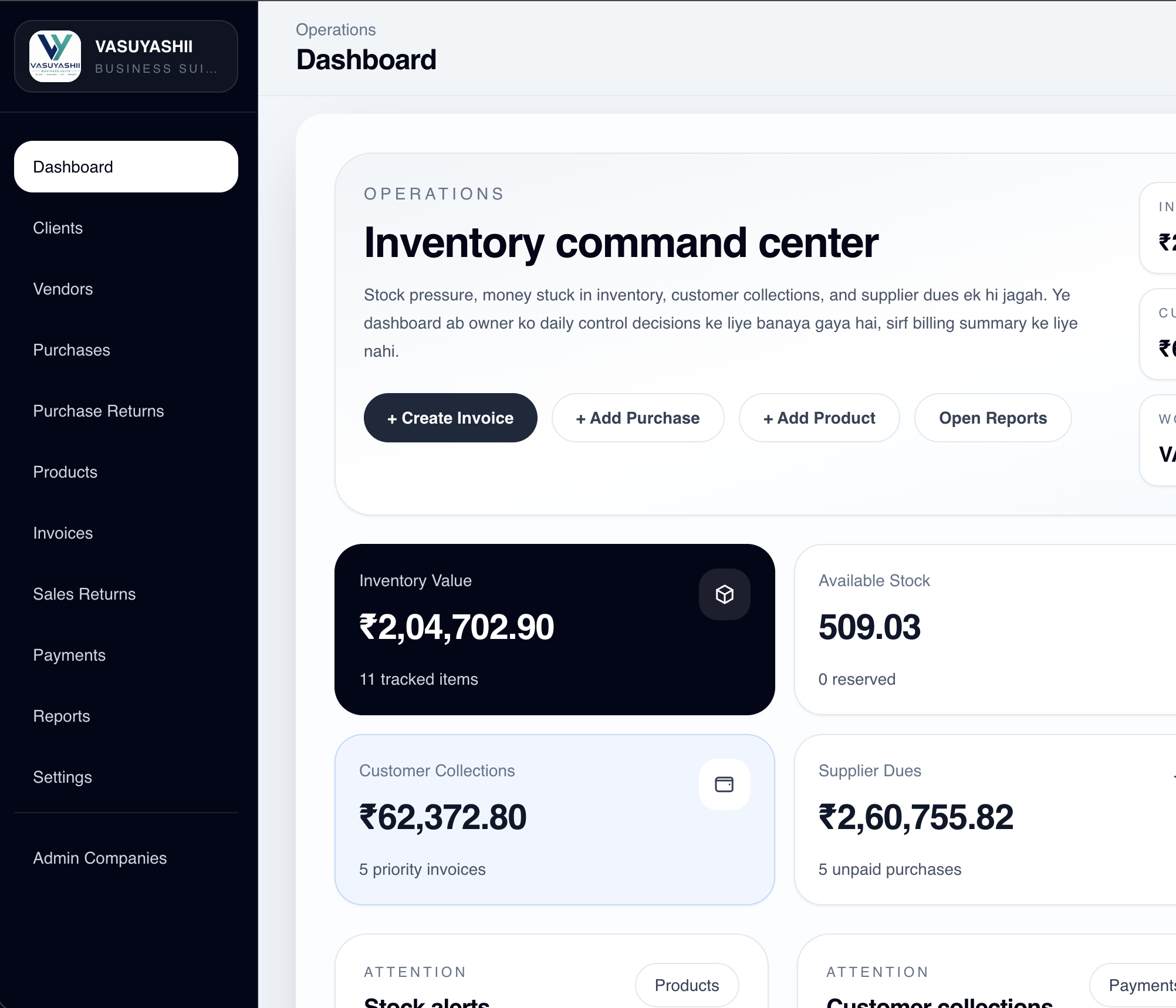
This is evidence of VASUYASHII's current product architecture, not a client maintenance case study. It does not prove a particular response time, uptime level or mobile-store outcome. The mobile app remains a connected product direction, so a maintenance proposal must distinguish the current production surfaces from future mobile release work.
Keep a small compatibility matrix in the maintenance agreement. It prevents “support the latest phones” from becoming an undefined obligation.
| Surface | Record in scope | Monthly or release evidence |
|---|---|---|
| Android | Minimum OS, target SDK, device classes | Test-device result and release notes |
| iOS | Minimum version, device classes, entitlements | TestFlight result and submission status |
| Backend API | Version, authentication, rate limits | Health check and error summary |
| Admin web app | Supported browsers and critical workflows | Smoke-test record |
| Third-party SDKs | Provider, version and owner | Compatibility or deprecation review |
| Notifications | Provider, credentials and templates | Delivery-failure sample |
Google's core app quality guidance covers current Android compatibility and production-quality expectations. Apple's App Review Guidelines remain relevant to iOS submissions. Maintenance can reduce avoidable submission problems, but no provider can guarantee store approval.
A monthly invoice should be supported by an operating report, even when no visible incident occurred. Request:
Separate “no issue reported” from “system checked.” Passive availability is not the same as monitoring, test execution or dependency review.
The maintenance quote should state whether it includes vulnerability triage, dependency upgrades, secret rotation, permission review, log review and incident assistance. The OWASP Mobile Application Security Verification Standard can help teams select controls, but referencing OWASP does not certify an app.
Avoid placing live credentials or customer personal data inside tickets and monthly reports. Give developers only the access needed for the assigned environment, keep account ownership with the business, and remove access when the relationship ends.
If you are comparing maintenance providers, send the same app summary, access status, incident history and SLA requirement to each provider. Their written scope will then be easier to compare.
For planning, a stable app with limited changes may fall around ₹15,000–₹35,000 per month, active maintenance around ₹35,000–₹75,000, and business-critical support around ₹75,000–₹2 lakh+ per month. The final quotation depends on platforms, code condition, integrations, release frequency, monitoring, support hours, and SLA.
Because support needs vary by release frequency, user volume, backend complexity, integration count, and required response speed.
Large feature development, redesign work, major architecture changes, or new integrations are usually quoted separately.
Yes, because OS updates, dependency changes, store policies, and minor bugs continue even when the app looks stable.
It can be safe only when the app is stable and the written scope is intentionally small. Check monitoring, response rules, exclusions and ownership instead of judging safety from price alone.
Ideally yes. Otherwise teams fix only visible bugs and ignore hidden funnel issues or low adoption trends.
Yes. Some teams use lighter support in stable months and higher involvement during campaigns or scale phases.
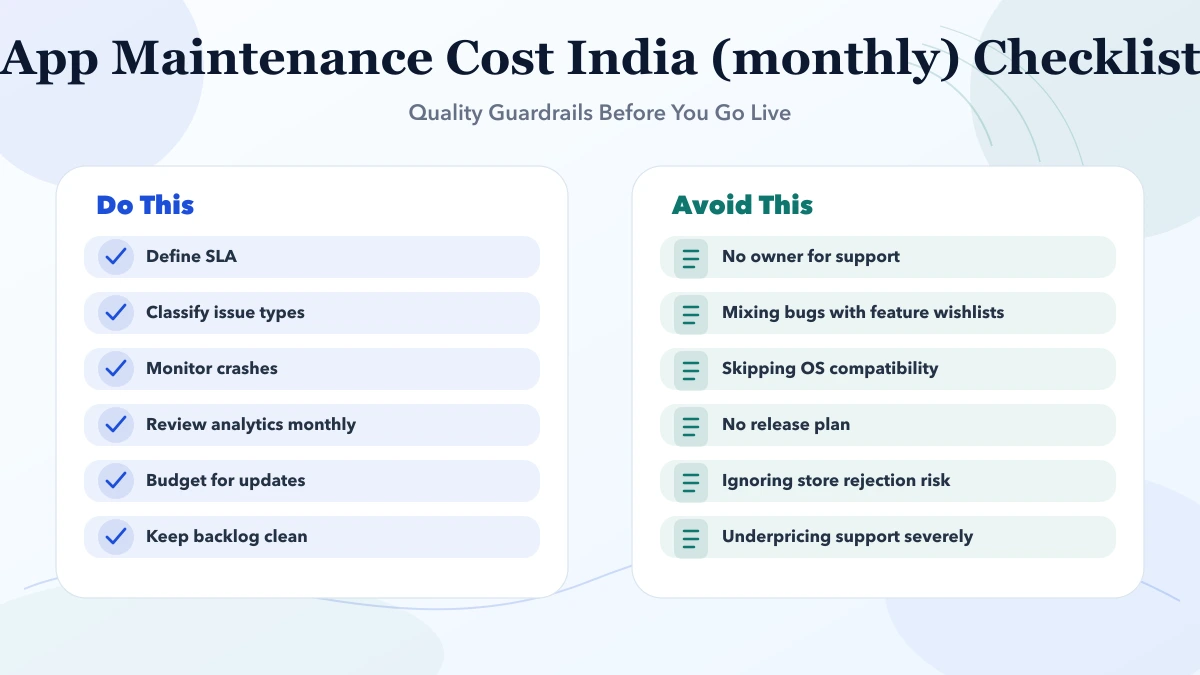
If you need a maintenance scope, share the app platforms, repository and cloud access status, active integrations, release history, known incidents and required support hours. That is enough to start a useful review.
Related Articles
May 4, 2026
Plan app analytics with a measurement brief, event schema, identity and consent rules, funnel steps, revenue validation, QA, governance, and useful reports.
Read article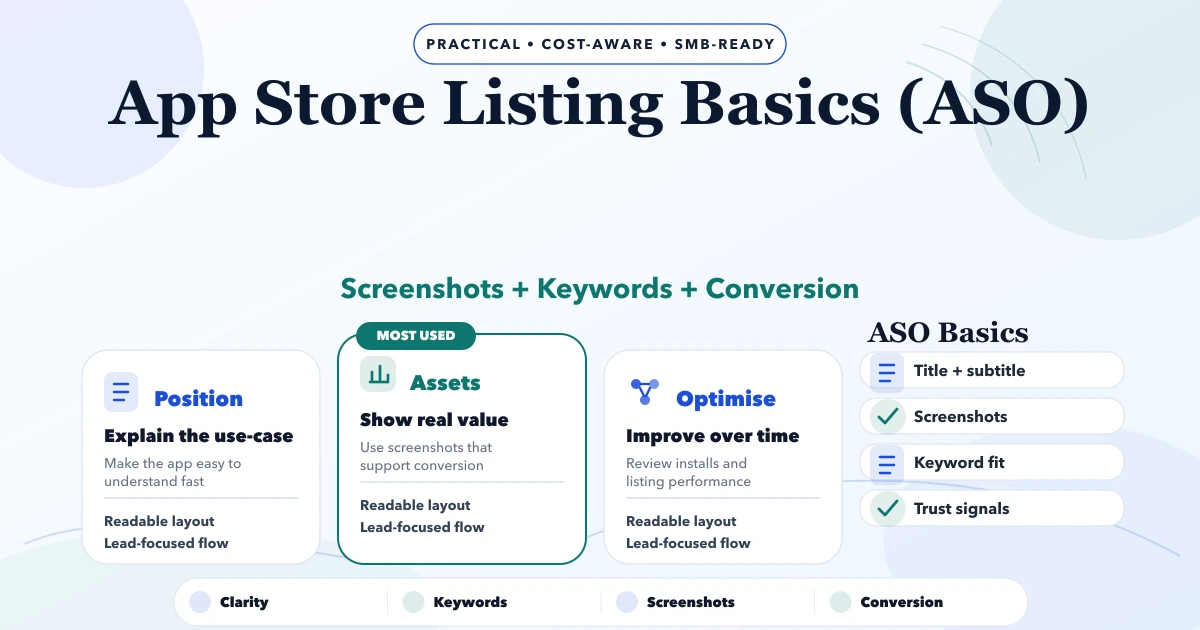
May 4, 2026
Plan an accurate app store listing with positioning, metadata, screenshots, localization, review readiness, experiments, attribution, and release ownership.
Read article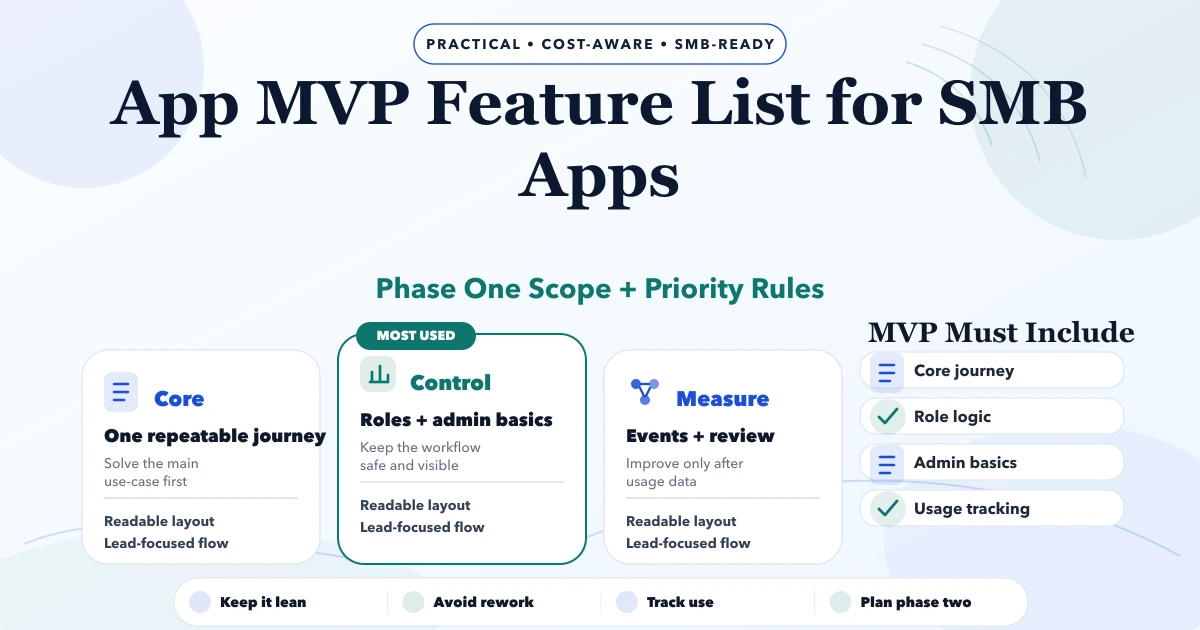
May 3, 2026
App MVP Feature List for SMB Apps guide for 2026 with practical pricing, rollout risks, implementation notes, and lead-focused decision points for SMB teams.
Read article
May 19, 2026
Plan a six-month software roadmap for an SME using business outcomes, release gates, capacity limits, risk controls, adoption metrics, and monthly reviews.
Read article