
May 13, 2026
Web App Audit Checklist: Security, UX and Data
Audit a business web app across access control, workflows, data integrity, backups, UX, reports, integrations, performance, and release readiness.
Read articlePublished Updated
Audit a mobile app for launch speed, crashes, UX, accessibility, API failures, analytics, permissions, security, store readiness, and release quality.
Use this mobile app audit checklist to test an existing Android, iOS, or PWA product before planning new features. The audit should show which screens fail, which users are affected, the evidence behind each finding, the business risk, and how the team will verify the fix.
Start with launch, login, onboarding and the primary task. Then review crashes, API latency, offline behaviour, permissions, accessibility, analytics, security and store-release readiness. A long checklist is not useful unless it becomes a prioritised release plan.
By Tushar C. (Founder, VASUYASHII). Reviewed by VASUYASHII Editorial for practical mobile-product planning, test evidence, release risk and implementation relevance.
A mobile app audit should review launch speed, screen flow, onboarding, login, permissions, crash rate, API errors, offline states, push notifications, accessibility, analytics and conversion funnels on representative devices.
If time is limited, audit the workflow that creates revenue, staff output or the most support tickets. Fix crashes, blocked actions, data loss, access issues and misleading states before visual polish.
An audit becomes useful only when findings connect to business outcomes. A performance fix should reduce wait time or task abandonment. A UX fix should reduce confusion. A security fix should reduce a named operational risk. Every recommendation needs an owner and a verification method.
Use this section as a practical audit structure. You can paste it into a spreadsheet, Notion page, developer task list, or client report.
For Indian SMBs, the audit should stay practical. Do not create a 100-point report if the team can only fix five things this month. A better approach is to group issues by impact: critical, high, medium, and later.
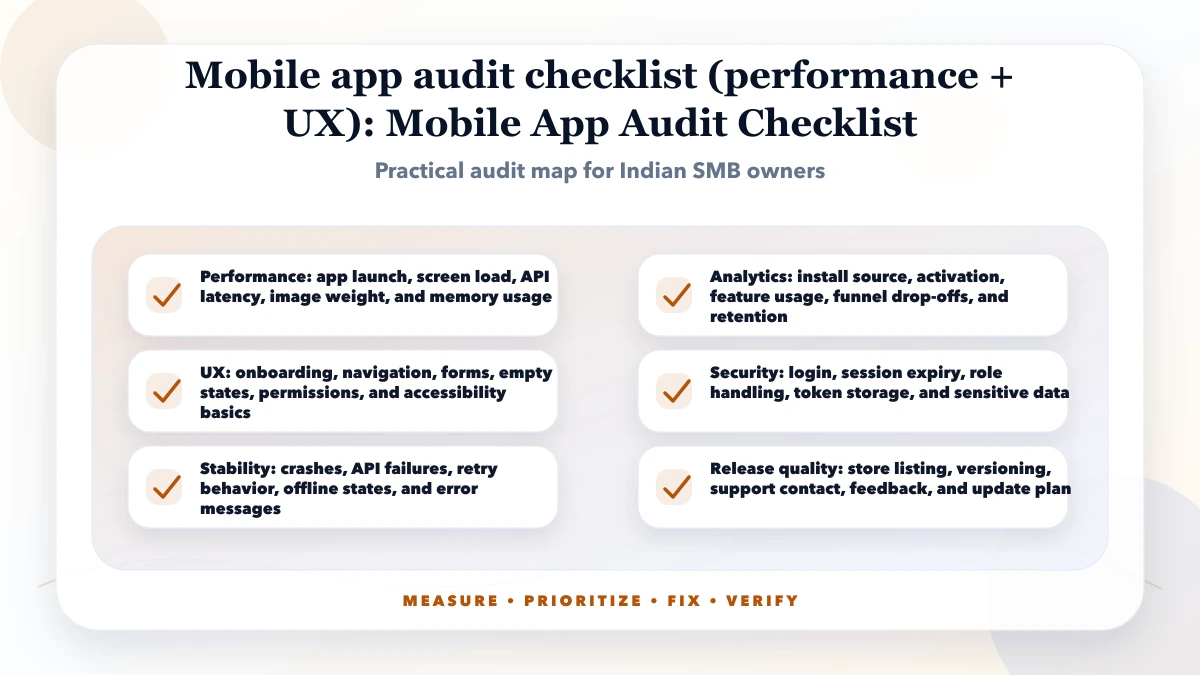
Good execution starts with evidence, not assumptions. Record app version, platform, device, OS, account role, network condition, test data, timestamp and the steps that reproduce each issue. Keep screen recordings, crash traces, API request IDs and analytics observations where appropriate.
Prioritise by severity, user reach, business impact, security or privacy impact, confidence and effort. A blocked login, data loss, permission leak or broken payment path should outrank cosmetic inconsistency.
After release, repeat the same scenario on the same device class and confirm the error, timing or completion rate changed. Keep the before-and-after evidence with the release record.
| Scope | Practical price range | Typical timeline |
|---|---|---|
| Basic app UX audit | ₹10,000 to ₹30,000 | 2 to 5 days |
| Performance + analytics audit | ₹30,000 to ₹90,000 | 1 to 2 weeks |
| Audit + improvement sprint | ₹90,000 to ₹3 lakh+ | 3 to 8 weeks |
These are practical planning ranges. Real cost depends on page count, app complexity, data quality, codebase condition, number of integrations, and whether the work is only audit or audit plus implementation. Low-cost audits can be useful, but they should still include evidence and priority.
Do not skip the final measurement step. Without before-and-after checks, you cannot know whether the fix helped. For SEO and performance, use at least a short observation period after deployment because field data and search data take time to update.
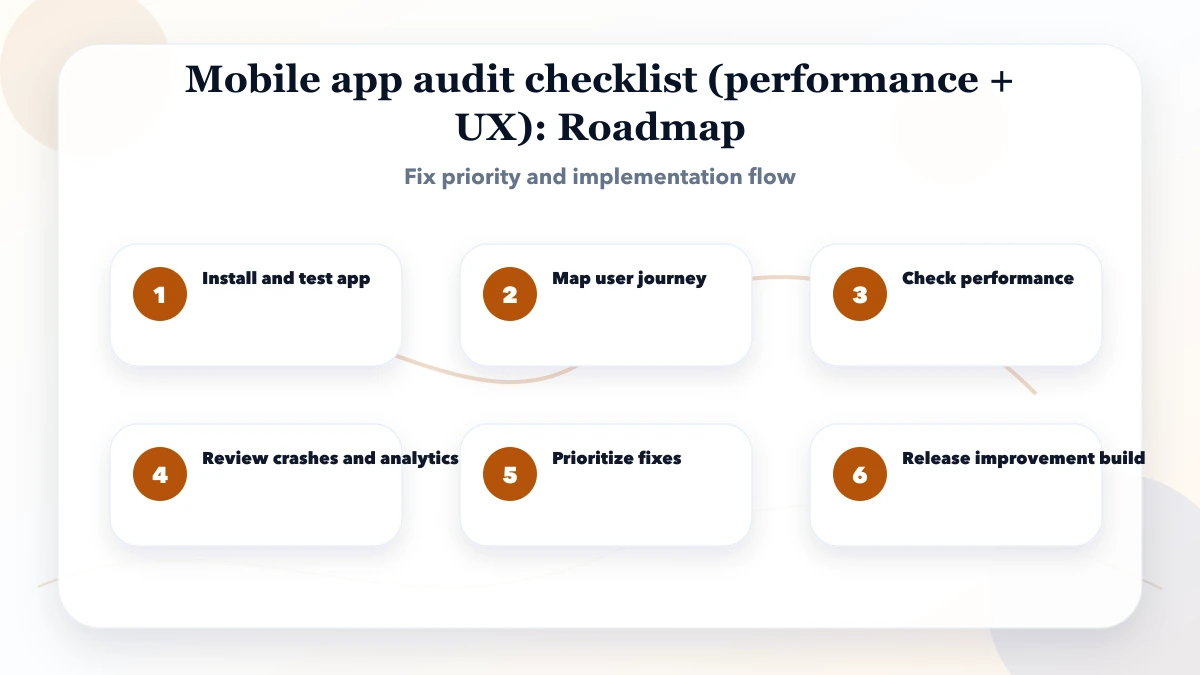
Tool choice depends on the app architecture and risk. At minimum, use representative devices, test accounts, analytics, crash reporting, API logs and a staging or test build that cannot alter real customer data.
These drivers determine audit effort and release risk. A fast app can still fail when the workflow is confusing, access is wrong, an API error destroys user input, or analytics cannot distinguish activation from a screen view.
The biggest mistake is treating an audit as one-time paperwork. SDKs, APIs, permissions, operating systems and app releases change. Add a small regression checklist to every release and schedule deeper audits around major workflow or platform changes.
Choose one high-impact workflow, attach evidence to every finding, assign an owner, define the expected result and retest it in the next build. Expand the audit only after the critical workflow is stable.
Start small but measure seriously. For a staff app, begin with the workflow that creates the most support calls, delays or data corrections. For a customer app, begin with activation, payment, booking, order or account-recovery paths.
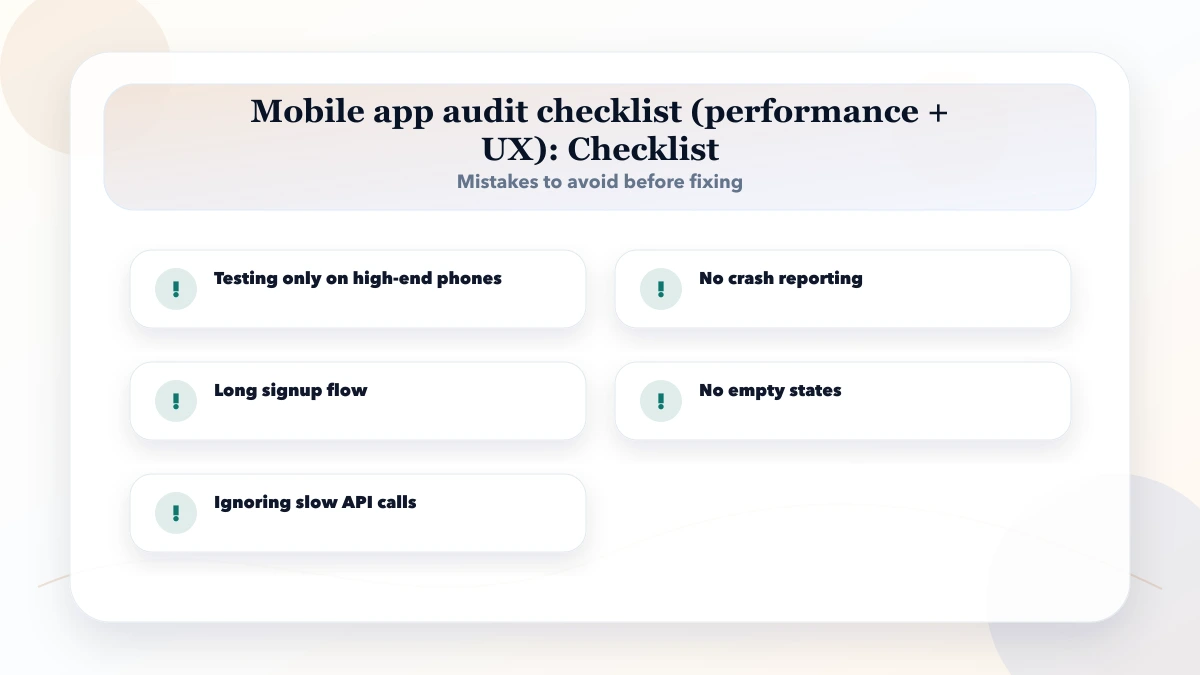
Test on normal Android and iOS devices, slower networks, restricted permissions, low storage and interrupted sessions where those conditions are realistic. Do not approve an app only from an emulator or a developer's high-end phone.
Use masked or synthetic data for testing. Keep production credentials, customer exports and real payment actions outside an unmanaged audit environment.
Use a simple score before approving work: business impact, user impact, SEO or security impact, fix effort, and confidence. Give every issue a score from 1 to 5. A high-impact issue with low effort should be fixed first. A low-impact issue with high effort can wait.
For example, a crash on launch, blocked login, failed payment callback, lost form state or role-permission leak deserves higher priority than minor colour polish. This keeps the audit operational, not cosmetic.
After scoring, convert the top items into a short sprint. Each sprint should include the fix, owner, expected output, and verification method. This prevents endless audit discussion and moves the business toward measurable improvement.
Start with launch speed, onboarding, login, primary action, crashes, and analytics funnels.
No. Product decisions, image size, API design, tracking, and UX choices also affect performance.
Look for drop-offs, repeated support questions, rage taps, abandoned forms, and user feedback.
Yes. Device behavior, permissions, performance, and store requirements can differ.
Yes, especially when it fixes onboarding, load time, crashes, notifications, and core task completion.
A prioritized issue list with screenshots, affected screens, user impact, fix difficulty, and release plan.
VASUYASHII can scope a mobile-app audit around user roles, devices, primary workflows, crash evidence, API dependencies, analytics and release acceptance. Start with the mobile app development service and share the current build, affected workflow and known failure evidence.
Related Articles
May 13, 2026
Audit a business web app across access control, workflows, data integrity, backups, UX, reports, integrations, performance, and release readiness.
Read article
May 17, 2026
Use this web app performance checklist for Core Web Vitals, APIs, databases, JavaScript, tables, background jobs, monitoring, budgets, and regression tests.
Read article
May 3, 2026
Mobile App Development Company in Ghaziabad (2026) guide with pricing, process, timeline, deliverables, proof links, and practical planning for businesses.
Read article
May 13, 2026
Find and fix JavaScript bloat with route measurement, bundle analysis, smaller client boundaries, deferred third parties, budgets, and regression checks.
Read article