
May 13, 2026
Fix slow images (WebP pipeline)
fix slow images WebP pipeline: practical 2026 audit guide with checklist, pricing, roadmap, mistakes, FAQs, tools, and next steps for Indian SMBs today.
Read articlePublished Updated
Find and fix JavaScript bloat with route measurement, bundle analysis, smaller client boundaries, deferred third parties, budgets, and regression checks.
JavaScript bloat is code that reaches the browser before it is needed, executes on routes that do not use it, or keeps the main thread busy without improving the current task. The symptom may be a slow first render, delayed taps, long tasks, high mobile data use, or an application that feels heavy despite compressed assets.
The correct fix starts with route-level evidence. A smaller bundle number alone is not success if hydration, third-party scripts, repeated layout reads, or expensive component work still delays useful content.
By Tushar C. (Founder, VASUYASHII). Reviewed by VASUYASHII Editorial for field experience, SEO usefulness, technical accuracy, and practical implementation relevance.
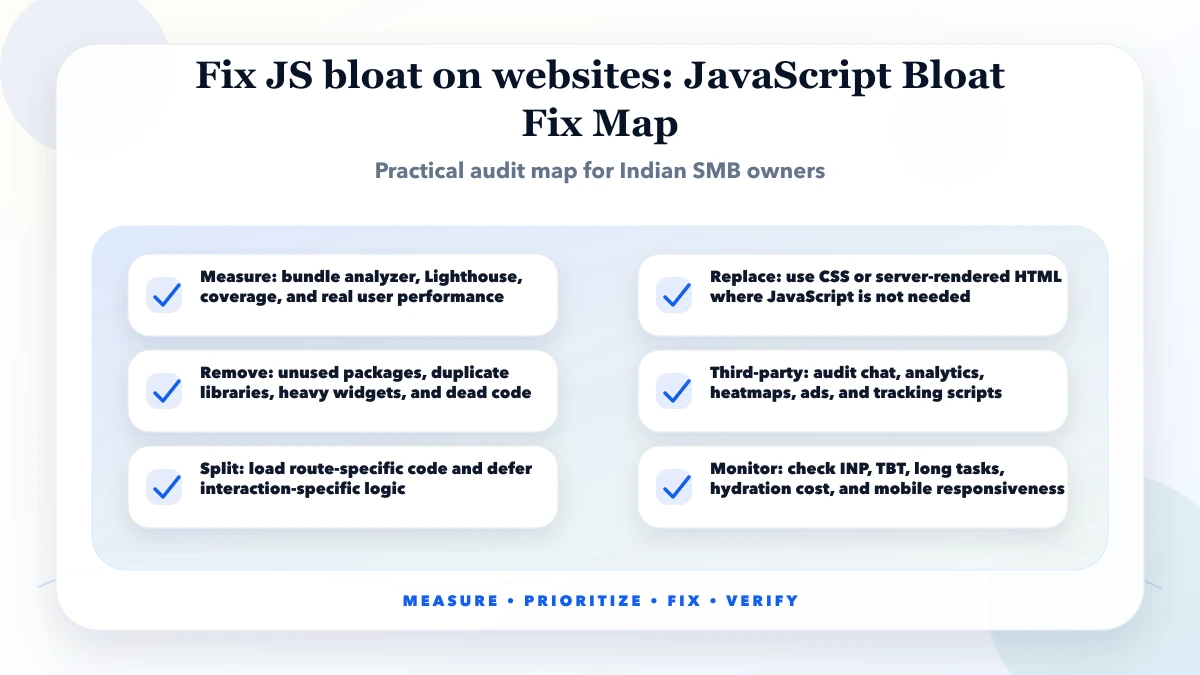
To fix JS bloat, measure bundles, remove unused libraries, split code, lazy-load non-critical widgets, limit third-party scripts, move static UI away from client JavaScript, and monitor INP.
| Scope | Practical price range | Typical timeline |
|---|---|---|
| JS bloat audit | ₹8,000 to ₹25,000 | 2 to 4 days |
| Bundle cleanup sprint | ₹25,000 to ₹90,000 | 1 to 3 weeks |
| Performance refactor | ₹90,000 to ₹3 lakh+ | 3 to 8 weeks |
web.dev's code-splitting guidance explains that large JavaScript impacts responsiveness and that splitting can reduce startup work.
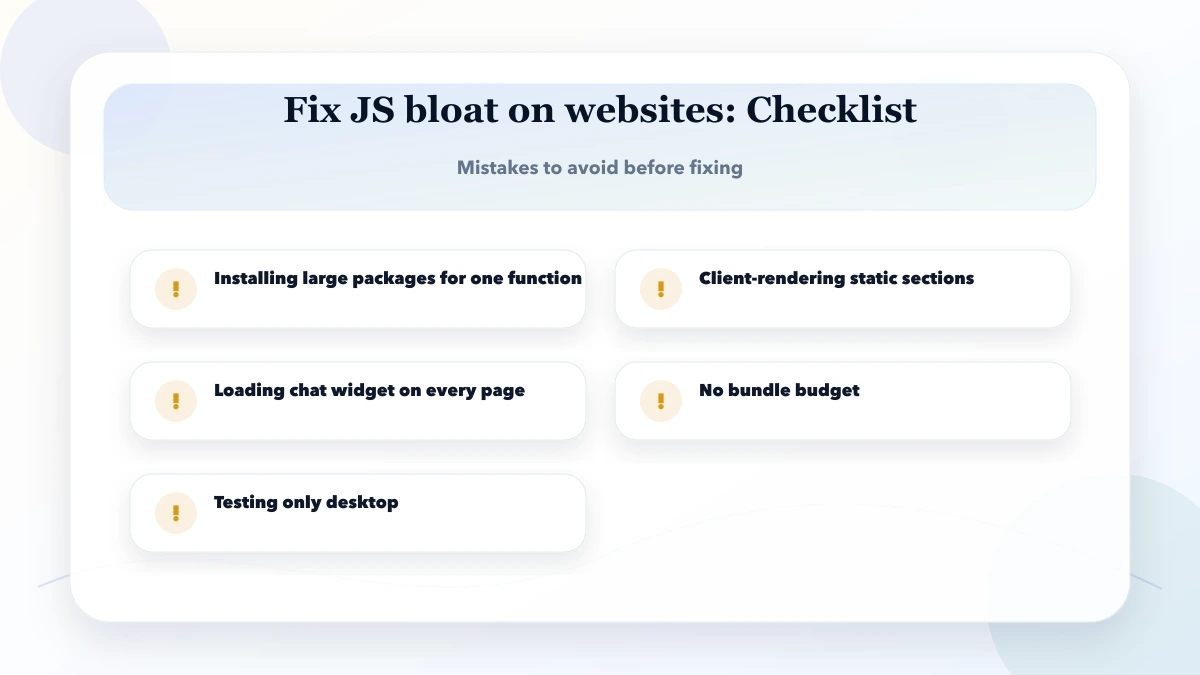
It is unnecessary or excessive JavaScript that increases load time, blocks the main thread, and delays interaction.
Use bundle analyzer, Lighthouse, Chrome DevTools coverage, and network waterfall to identify heavy files.
It helps when non-critical code can be deferred, but poor splitting can create too many requests or complexity.
Not always, but each script should justify its performance cost and business value.
It can affect crawlability, performance, UX, and Core Web Vitals, which can indirectly affect organic performance.
Remove unused packages and load non-critical widgets only where they are needed.
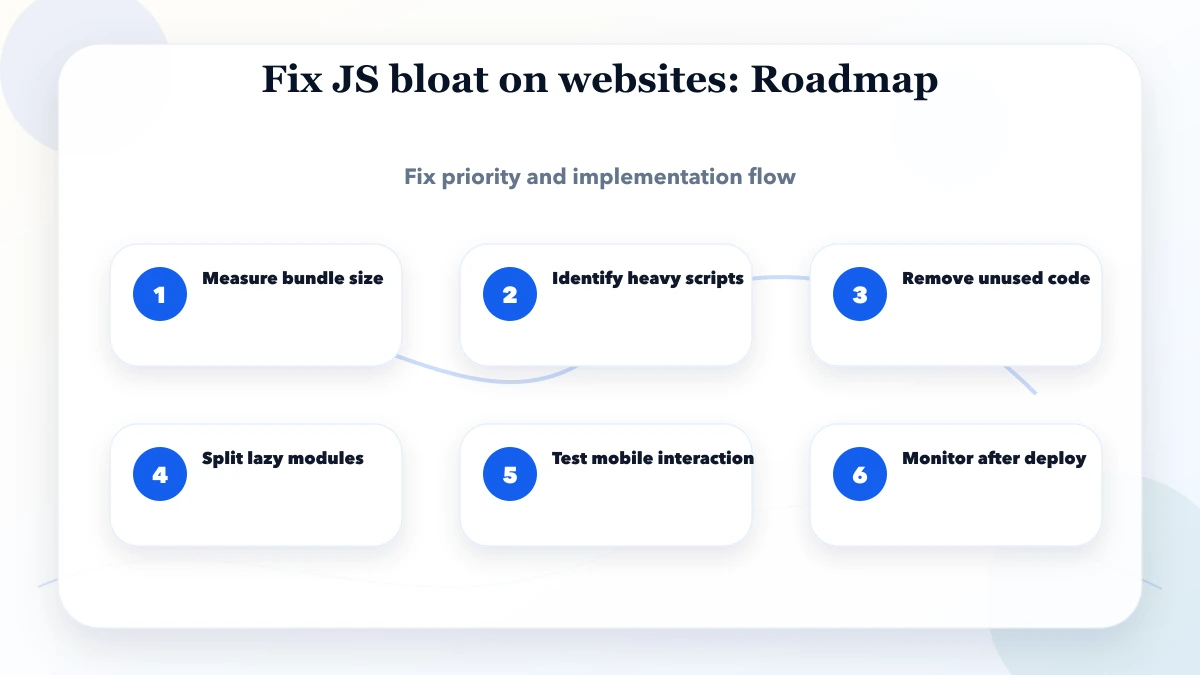
Start with the slow production route on a throttled mobile profile. Record transferred JavaScript, unused bytes, main-thread time, long tasks, LCP element, interaction delay, and third-party cost. Then use source maps or a bundle analyzer to identify which imports created the expensive chunks.
| Finding | Likely cause | First experiment |
|---|---|---|
| large shared chunk on every route | global client boundary or shared imports | move interactive code into smaller client islands |
| library loaded for one widget | static top-level import | dynamically load the feature where used |
| many icon or utility modules | broad package or barrel import | import exact modules or optimize package imports |
| acceptable transfer, slow execution | hydration or expensive render work | reduce client-rendered tree and profile components |
| long task after load | analytics, carousel, editor, or data transform | defer, split, or move non-UI work |
| repeated layout calculation | reading geometry after style writes | batch reads/writes and use compositor-friendly motion |
The Next.js package bundling guide documents bundle analysis and import optimization options. Use framework features only after the import path has been measured; configuration cannot compensate for a page that unnecessarily runs as one large client component.
Keep static content and data composition on the server where possible. Mark only the component that needs browser state, events, or APIs as a client component. Do not import a heavy browser library through a layout used by every page.
Dynamic imports are useful for editors, charts, maps, calculators, and modal experiences that are not required for first paint. They are not a reason to hide essential page content from the initial HTML. Preserve meaningful headings, copy, navigation, and primary actions in the first response.
Third-party scripts deserve their own budget. Load analytics, chat, heatmaps, and marketing widgets according to actual need and consent. A script that saves internal implementation time may still impose recurring cost on every visitor.
Create a route-level budget rather than one site-wide number. For example, set limits for initial JavaScript, long tasks, LCP, and interaction responsiveness on the homepage and key landing pages. Store the tested device, network profile, deployment URL, and date so later results are comparable.
Before merging a performance fix:
The current VASUYASHII website uses a Next.js production build and has been checked with Lighthouse/PageSpeed evidence during optimization work. We do not treat one laboratory score as a guaranteed user result. Field data, route behavior, deployment conditions, and third-party scripts must be reviewed separately.
For related checks, use the Next.js Core Web Vitals guide, website speed optimization guide, and web app performance checklist. A scoped implementation can be discussed through web application services.
JavaScript can force the browser to calculate layout immediately when code reads geometry after changing classes, dimensions, or DOM structure. Repeated patterns inside scroll, pointer, resize, or animation handlers can turn a small function into visible jank.
Profile the call stack before rewriting. Batch layout reads, apply writes together, cache stable dimensions, use ResizeObserver where appropriate, and avoid measuring every frame. Prefer transforms and opacity for motion because they can often be composited without recalculating layout. Respect reduced-motion preferences and remove perpetual decoration when it competes with primary content.
Create an inventory of analytics, ads, chat, reviews, maps, video, consent, A/B testing, and embedded forms. For each script record its owner, business purpose, routes, loading condition, consent category, transfer/execution cost, and removal date if temporary.
Load a script only on routes that need it. Delay optional widgets until after useful content or user interaction. Do not duplicate analytics through both hard-coded tags and a tag manager. Retest conversion events after changing load timing because a faster page with broken measurement is not an acceptable fix.
For each client component, ask why it needs state, effects, browser APIs, or event handling. Move static copy, data formatting, and non-interactive layout out of broad client boundaries. Watch for providers placed at the root when only one feature needs them.
Review dependency direction as well. A small client button can accidentally pull a large utility, icon set, content object, or server-independent library into the browser bundle. Bundle analysis should trace the import chain, not only name the largest package.
| Check | Before and after evidence |
|---|---|
| transfer | route JavaScript and unused bytes |
| execution | main-thread time and long tasks |
| rendering | FCP/LCP element and render delay |
| interaction | representative tap/input response |
| behavior | navigation, form, menu, modal, and error states |
| measurement | analytics events and consent behavior |
| accessibility | keyboard path and reduced motion |
| stability | production console and repeat run |
Performance work should leave a short decision record: bottleneck, change, measured effect, trade-off, test profile, and rollback. This prevents a later feature from reintroducing the same dependency without context.
Related Articles
May 13, 2026
fix slow images WebP pipeline: practical 2026 audit guide with checklist, pricing, roadmap, mistakes, FAQs, tools, and next steps for Indian SMBs today.
Read article
May 13, 2026
Build a safe lazy-loading strategy for blog images: protect the LCP image, set responsive sizes, prevent layout shift, test SEO, and verify real performance.
Read article
May 13, 2026
Fix CLS in Next.js by reserving space for images, fonts, embeds, banners, async content, and animations, then validate changes with lab and field data.
Read article
May 13, 2026
Audit a mobile app for launch speed, crashes, UX, accessibility, API failures, analytics, permissions, security, store readiness, and release quality.
Read article