
May 10, 2026
How to Identify Fake SEO Promises Before You Pay
Evaluate SEO proposals using deliverables, access control, baseline data, reporting, link transparency and red flags before approving payment or long contracts.
Read articlePublished Updated
Audit a service website across indexing, intent, content, internal links, local signals, performance, schema, lead tracking, and evidence-based priorities.
A useful SEO audit should explain why a qualified customer may not find, trust or contact the business. It should not be a list of tool warnings without business priority. For a service website, indexing, search intent, proof, internal links, local relevance, page experience and lead handling must work together.
This checklist is designed for Indian service businesses and software companies. It separates verified defects from hypotheses and gives each recommendation an owner, impact and validation method. No audit can guarantee rankings because search results also depend on competition, demand, reputation and Google systems outside the website owner's control.
Editorial review: Reviewed on 3 August 2026 using the current VASUYASHII sitemap, service-hub structure, content inventory and lead-event workflow as first-party implementation evidence.
Every finding should include five fields:
| Field | Purpose |
|---|---|
| Evidence | URL, source, screenshot or report that proves the issue |
| Impact | Indexing, relevance, trust, UX or conversion |
| Priority | Critical, high, medium or low |
| Fix | Exact action and responsible owner |
| Validation | How success will be checked after deployment |
Do not label a warning “critical” merely because a tool colours it red. A missing canonical on a money page is more important than a minor title-length preference on an unimportant archive.
Record the date, canonical domain, CMS/framework, analytics property, Search Console property and deployment environment. Export at least the previous three months of Search Console pages and queries when available.
Create three page groups:
This prevents a 404 utility route from receiving more attention than a service page with impressions and no clicks.
Check:
robots.txt is accessible and does not block important routes;noindex;Google's robots.txt guidance explains crawl controls. Remember that blocking crawl is not the same as removing an already known URL from the index.
Open the sitemap and answer:
200?Google's sitemap documentation describes sitemaps as a discovery signal, not a ranking guarantee.
This current VASUYASHII sitemap output is first-party technical evidence of the final-domain implementation used during review.
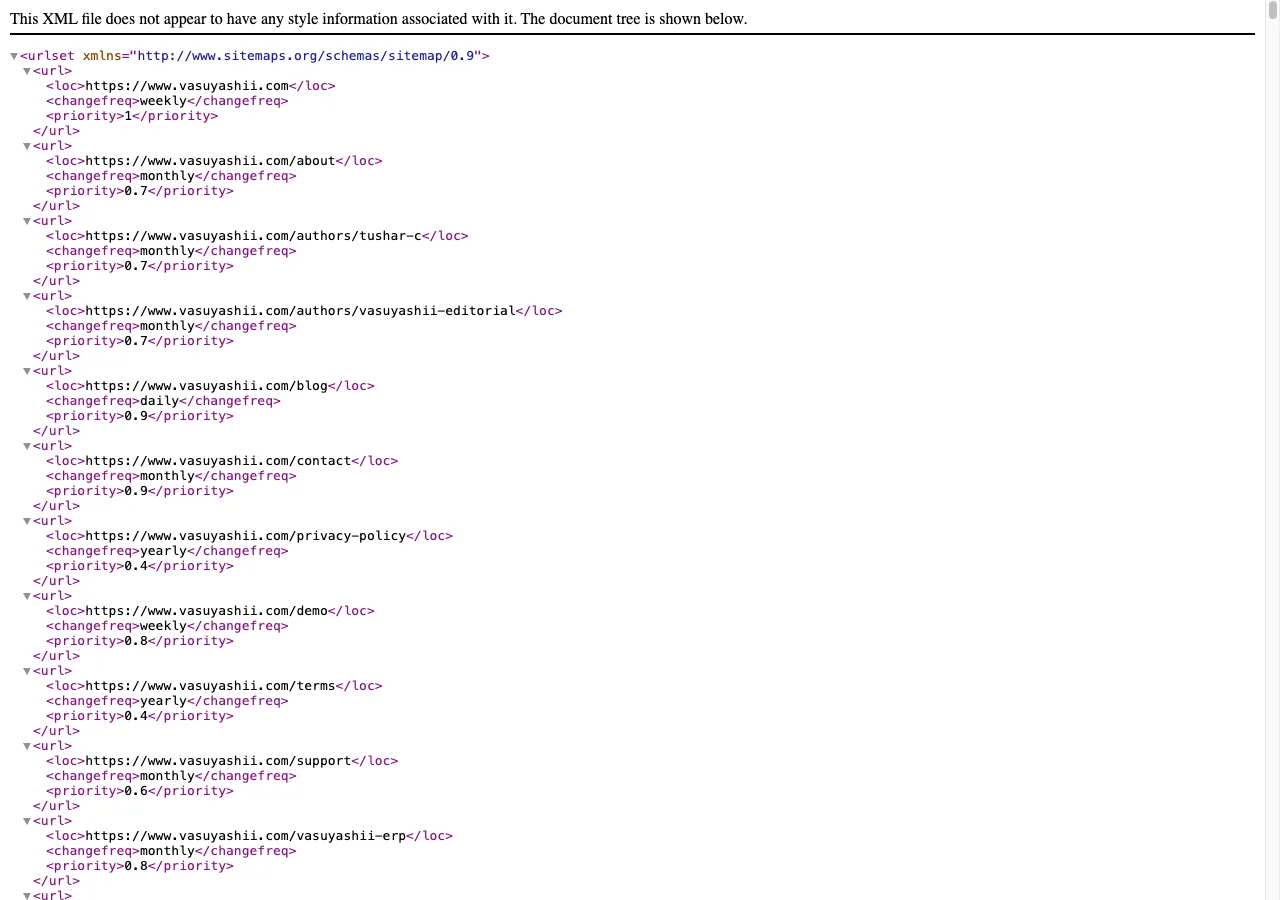
The screenshot shows current implementation evidence. It does not prove that Google has indexed every submitted URL.
Crawl the sitemap and important internal links. Classify responses as direct success, redirect, not found, server error or blocked.
For domain consolidation, test all variants:
http://example.com/path;https://example.com/path;http://www.example.com/path;https://www.example.com/path.They should reach the preferred URL without loops. A one-hop HTTPS apex-to-www redirect is normally cleaner than a two-step HTTP chain. Preserve the path and query parameters where appropriate.
For representative page types, compare:
url or mainEntityOfPage;All should use the same intended public URL. A self-canonical does not force indexing, but a wrong canonical can consolidate signals to the wrong page.
Check duplicate or near-duplicate pages before changing canonical tags. If two pages target different needs, differentiate their intent and evidence. If they are genuinely duplicates, select one primary page and plan a safe consolidation.
For every priority URL, write one sentence:
This page helps [audience] decide or complete [specific task] at [stage].
If two URLs receive the same sentence, they may compete. For example, “website development company in Delhi” and “best website development company in Delhi” can overlap unless one is a service page and the other is an evidence-led selection guide.
Review Search Console queries for the page. Group them into informational, commercial, local and navigational intent. Rewrite the title, introduction and sections only when the query evidence and page purpose support the change.
Check that each important page has:
Length is a diagnostic, not a rule. Rewrite clipped or vague titles first. A title that earns impressions but a weak click-through rate deserves priority over a title with no search demand.
Assess whether the page contains original decision value. Look for:
Word count alone is not quality. A 2,000-word page built from repeated boilerplate can be weaker than a focused 1,200-word guide with a real workflow and evidence. Google's people-first content guidance recommends original, substantial content created for an intended audience.
Group pages by title, focus keyword, slug terms and Search Console queries. Review clusters such as city service pages, software cost guides, CRM comparisons and WhatsApp automation.
Classify each page:
Do not mass-delete pages from a spreadsheet. Check traffic, links, leads, index status and redirect destination first. When keeping both pages, make their audience, evidence and internal-link roles clearly different.
Measure incoming internal links to priority pages. A crawlable blog archive prevents true orphaning but does not create strong topic hierarchy.
A practical model is:
Review SEO-friendly website architecture and the internal-linking plan for implementation detail.
Check for broken links, redirected links, identical repeated anchors and priority URLs with fewer than three contextual incoming links.
For businesses serving named locations, verify:
Pause new city pages when existing pages are thin or overlapping. Local trust is not created by repeating “best company” across dozens of places.
Check important images for:
Prioritise the logo, LCP image, service evidence and blog covers. Decorative images can use empty alt text when they add no information.
Review field Core Web Vitals when enough Chrome UX data exists. Use Lighthouse or PageSpeed lab data to diagnose, not to promise a fixed real-user result.
Investigate:
The Core Web Vitals documentation defines current metrics and thresholds. Test templates separately because the homepage, blog and demo routes can have different bottlenecks.
Validate JSON-LD syntax and page fit. Common service-site types include Organization, WebSite, Service, BreadcrumbList, Article and FAQ only when the visible content and current search guidance support them.
Schema must match the page. Do not add fake ratings, unsupported price ranges, certifications or local addresses. Google's structured data policies explain eligibility requirements; valid markup does not guarantee a rich result.
SEO traffic has little business value if contact actions fail or lose context. Test:
generate_lead fires only after confirmed submission;This current VASUYASHII contact form is first-party evidence of the reviewed lead surface.
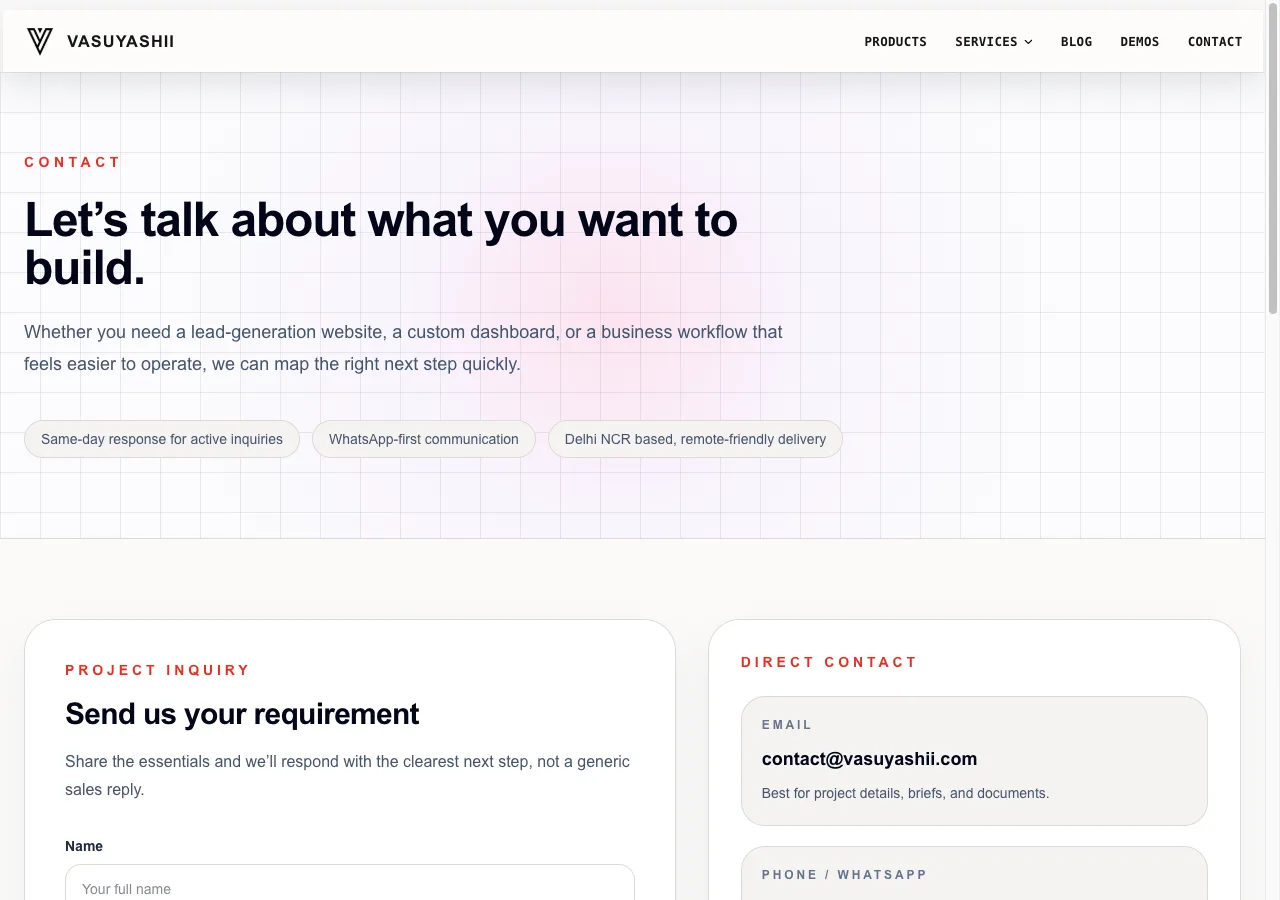
The screenshot proves the interface exists, not that every lead is delivered. Submission reliability requires endpoint and analytics testing after deployment.
Check whether visitors can verify who operates the website and why they should trust its advice.
Review:
Do not manufacture case studies, reviews, awards or office locations. Missing proof should become a business task, not fictional copy.
| Priority | Example finding | Action |
|---|---|---|
| Critical | Money page blocked, broken or canonicalised elsewhere | Fix and validate immediately |
| High | Indexed page has impressions but intent/evidence is weak | Refresh content and internal links |
| High | Lead form reports success before server confirmation | Fix reliability and event logic |
| Medium | Support page has few incoming links | Connect to hub and related articles |
| Medium | Repeated city pages lack unique evidence | Differentiate or consolidate carefully |
| Low | Minor title-length or utility-route warning | Monitor or fix during normal maintenance |
Week 1: Repair crawl, status, canonical, sitemap and broken-link defects. Confirm priority money pages are reachable and indexable.
Week 2: Refresh pages with impressions, weak CTR or clear content gaps. Add truthful evidence, source citations and strong titles.
Week 3: Strengthen hubs and contextual internal links. Resolve the most obvious duplicate cluster without mass redirects.
Week 4: Test lead paths, performance and structured data. Deploy, recrawl and record a new baseline. Request indexing only for materially improved priority pages.
Run focused checks after significant deployments and review search, content and internal links monthly. A broader audit every quarter is practical for an actively published site.
No for the basics. Search Console, analytics, a crawler, browser tools and source inspection can reveal many issues. Paid tools help with competitor, keyword and backlink data but do not replace analysis.
A sitemap helps discovery. Google may still exclude a page because it is duplicate, low value, weakly linked, redirected, blocked or simply not selected for indexing. Inspect the final URL and Search Console evidence.
No. The page should answer its intent completely without filler. Commercial pages may need concise clarity, while technical guides may require more depth.
No. It can identify controllable defects and opportunities. Results also depend on competition, demand, reputation, links and search-system changes.
A verified inventory, prioritised findings, evidence, exact fixes, owners, validation steps and a measurement baseline. Avoid a long export with no decisions.
Start with the highest-value URLs that already receive impressions or support a lead path. Fix verified technical issues first, then improve intent, evidence and internal linking. For a scoped review, contact VASUYASHII with the priority URLs and current Search Console export.
Related Articles
May 10, 2026
Evaluate SEO proposals using deliverables, access control, baseline data, reporting, link transparency and red flags before approving payment or long contracts.
Read article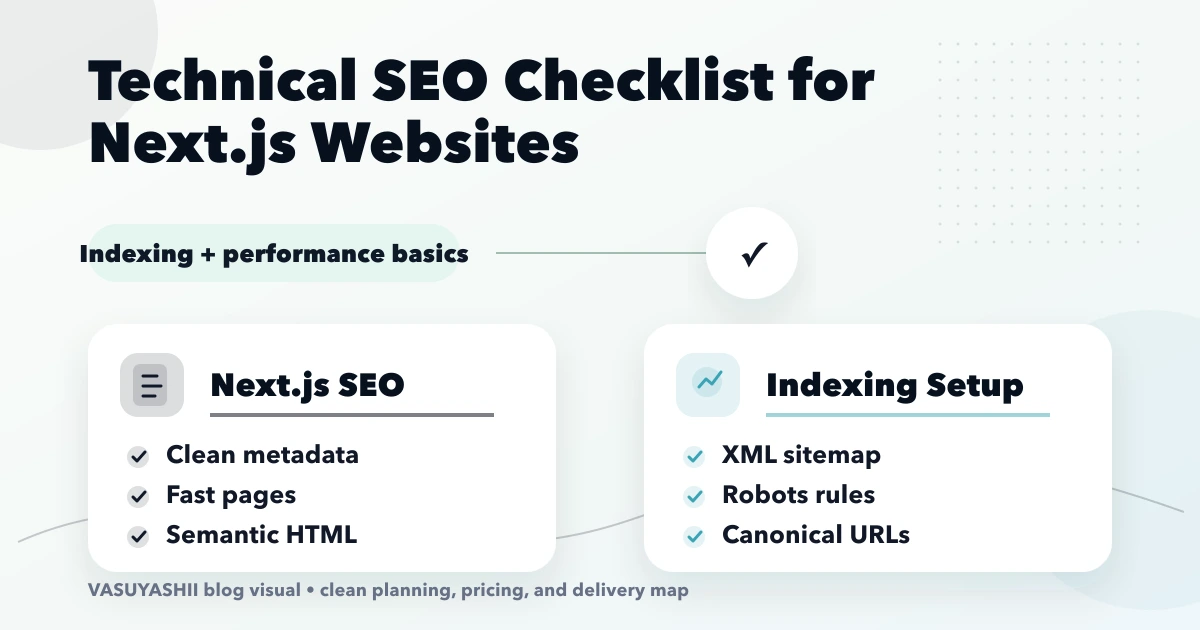
April 16, 2026
Audit Next.js technical SEO for rendering, metadata, canonicals, sitemap, robots, redirects, structured data, internal links, images, and Core Web Vitals.
Read article
May 21, 2026
Discovered Not Indexed fix: practical 2026 guide with checklist, pricing, timeline, risks, tools, FAQs, and Indian business tips today safely before launch.
Read article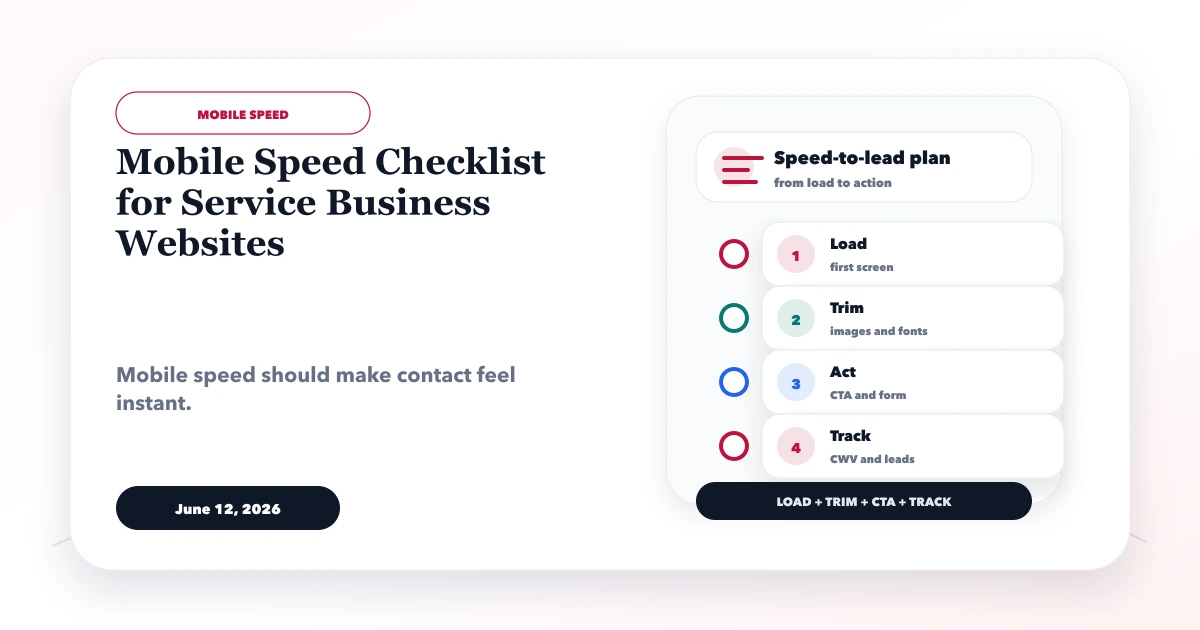
June 12, 2026
Use this mobile speed checklist to improve Core Web Vitals, hero rendering, images, fonts, forms, analytics, WhatsApp CTAs, and real-device UX.
Read article