
May 1, 2026
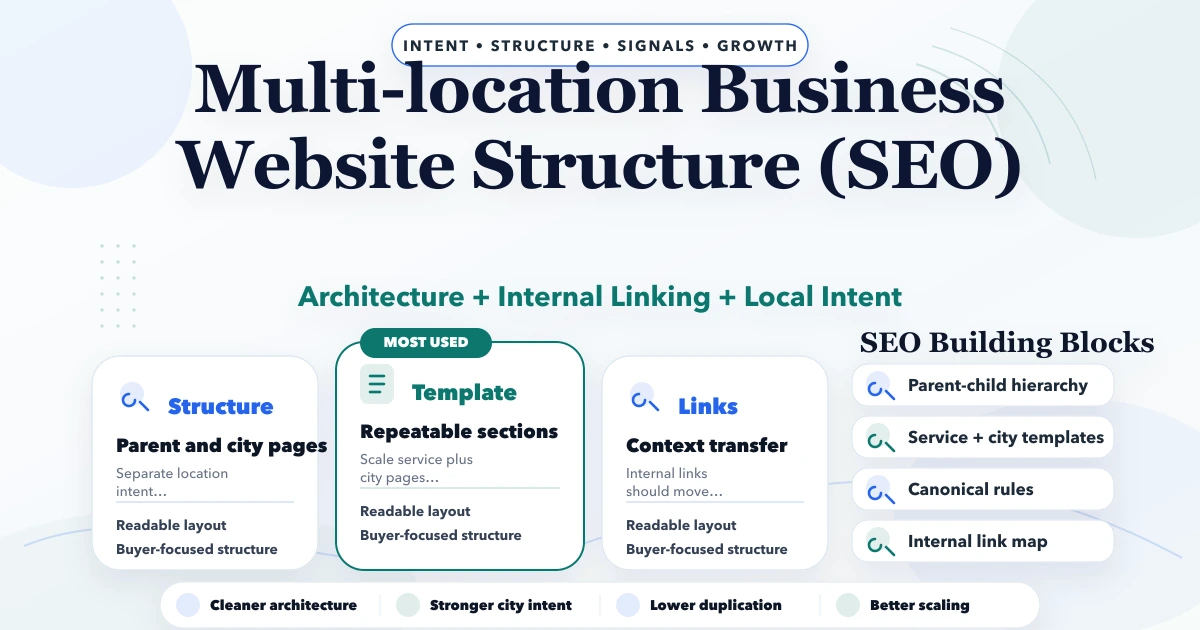
Multi-location Business Website Structure (SEO)
Multi-location business website structure for SEO: city-page architecture, internal links, canonicals, content rules, and rollout plan for 2026.
Read articlePublished Updated
SEO-friendly website architecture for small businesses with service pages, location pages, blog clusters, internal links, sitemap, and canonical checklist.
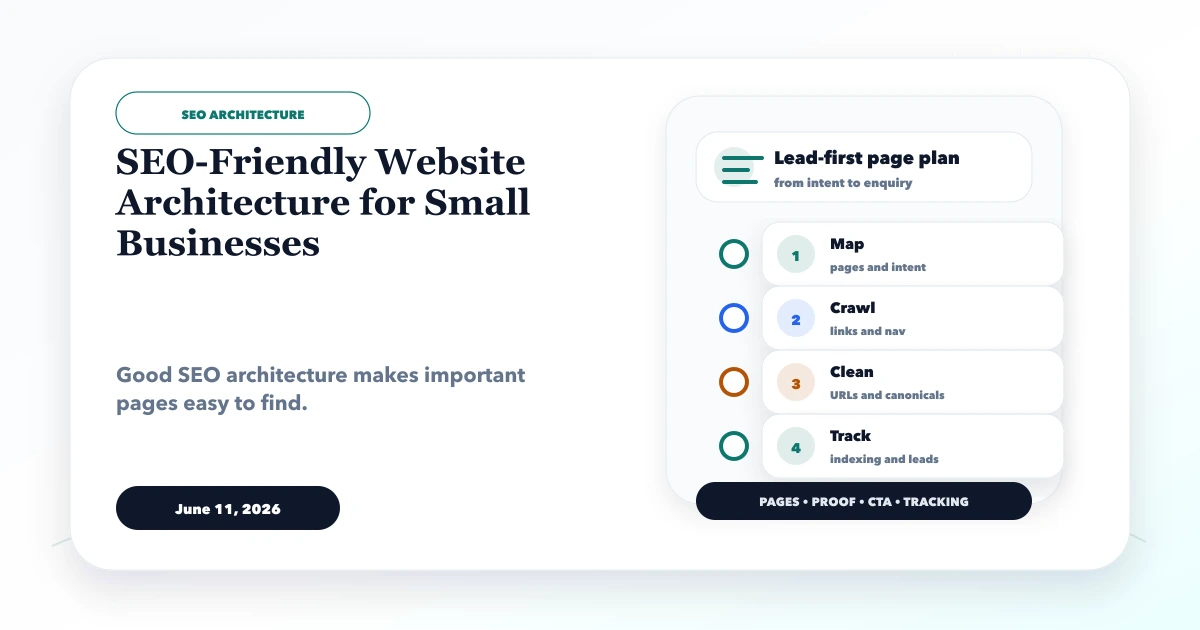
SEO-friendly website architecture for small businesses should make commercial priorities obvious to visitors, crawlers, and the team maintaining the site. It is the relationship between home, services, products, locations, proof, resources, and contact paths, not merely a list of URLs in a sitemap.
A useful architecture gives each important page one primary purpose, connects supporting articles to a clear parent, and prevents low-value variations from becoming the largest part of the website.
By Tushar C. (Founder, VASUYASHII). Reviewed by VASUYASHII Editorial for practical website planning, SEO structure, lead generation, WhatsApp flow, enquiry forms, and business website delivery.
SEO-friendly website architecture should organize homepage, services, service detail pages, location pages, blogs, contact pages, internal links, sitemap, and canonicals in a clean hierarchy.
A small software company publishes hundreds of articles but links its homepage to only a few city posts. Its main CRM, web-app, automation, and product pages are several clicks away, while related articles link sideways without a clear hub. Google can crawl the sitemap, but users and internal links do not communicate which pages represent the core offers.
A stronger structure places services and products near the top, uses topic hubs to organize support content, and creates contextual paths from informational guides to the relevant commercial page. The contact flow preserves the service or product that the visitor was evaluating.
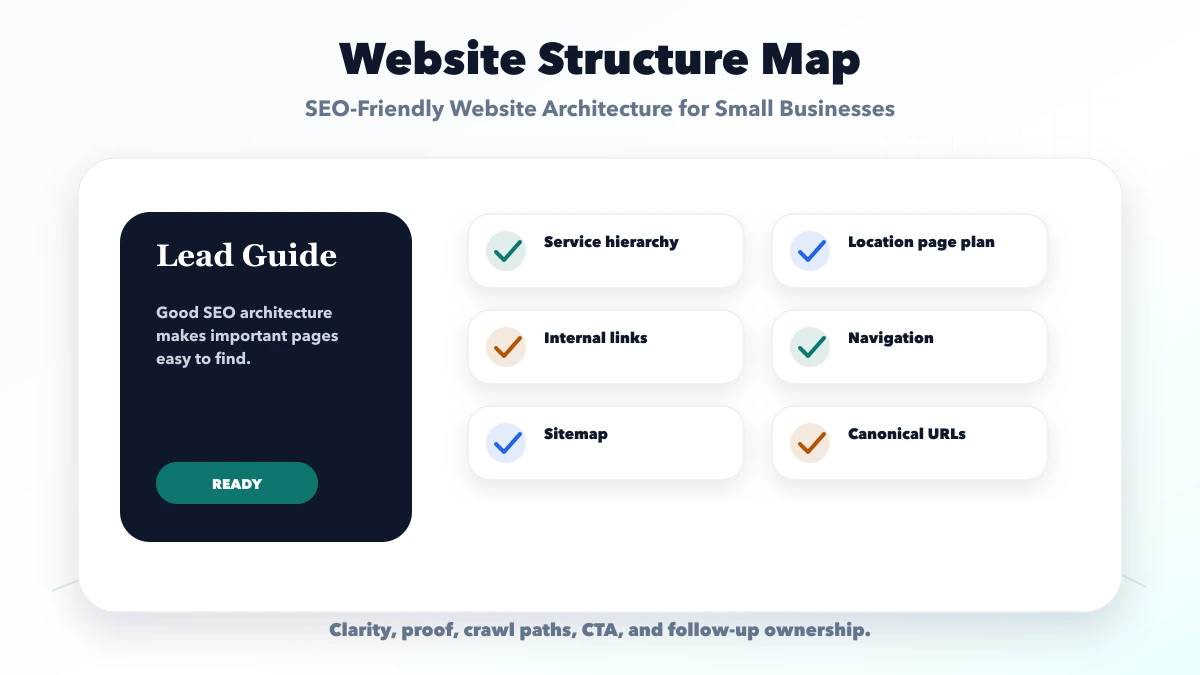
Each check should connect to a real buyer action. If a section does not support trust, search visibility, contact, or follow-up, it should be simplified or moved.
| Website area | What to include | Why it matters |
|---|---|---|
| Architecture layer | Services, locations, blogs | Clarifies site structure |
| Crawl layer | Navigation, internal links, sitemap | Helps discovery |
| Quality layer | Unique pages and canonical logic | Avoids duplication |
The right structure depends on the business model and search intent. Pages should be specific enough to answer real buyer questions without creating duplicate content.
| Layer | Purpose | Typical pages |
|---|---|---|
| Business | Explain who the company is and how to engage | Home, about, contact, reviews, policies |
| Commercial | Represent services and products that can create revenue | Service directory, service detail, product, pricing or demo pages |
| Hub | Organize one valuable subject and direct users to its main offer | Website development, web apps, CRM/ERP, automation, local SEO hubs |
| Support | Answer a narrower question and strengthen the parent topic | Guides, comparisons, checklists, implementation articles |
Every support post should identify its parent hub or commercial destination. Every commercial page should link to proof and a carefully selected set of resources that help the buyer decide.
Write one sentence for each planned page: "This page helps [audience] decide [specific action]." If two pages have the same sentence, they may be competing for the same intent.
For example:
/services/web-applications explains the service and qualification path;Do not create separate URLs only because keyword tools show slight wording variations. Google recommends a logical site organization and descriptive links in its site hierarchy guidance.
Important routes should be reachable through standard HTML links. Use clear labels such as "Web application development" instead of generic anchors such as "read more" when context is missing.
Check these paths:
A sitemap helps discovery but does not replace navigation and contextual links. An important page that appears only in XML receives a weaker architectural signal than one integrated into relevant user journeys.
There is no universal rule that every URL must be within a fixed number of clicks. Use a practical priority model: core services and products should be directly accessible; hubs should be close to them; high-value support content should be linked from hubs; low-demand archives can sit deeper while remaining crawlable.
Audit pages with very few incoming links. They may need better support, consolidation, or removal from the priority sitemap set, but do not delete them solely because a crawler reports a number.
Use one strongest parent page for the broad service and create location pages only when they contain verifiable local value. For related services, separate URLs when scope, buyer, deliverables, and intent differ. Otherwise, use sections on a parent page.
This prevents the website from becoming dominated by city-name swaps or overlapping service phrases. Review query and lead evidence before expanding another cluster.
The current VASUYASHII website uses a service directory, focused service pages, topic hubs, a Business Suite product page, a paginated blog archive, and supporting articles. The hubs organize website development, web applications, custom software/CRM/ERP, and local SEO intent so hundreds of articles do not remain one flat list.
Service and product links can preserve a controlled context value when sending a visitor to the contact page. This connects architecture with conversion: the destination knows whether the visitor was evaluating a web app, mobile app, integration, software project, or Business Suite setup.
The structure still needs ongoing review as content grows. A sitemap can contain every final URL while some posts receive few contextual links from other article bodies. Hub and support links therefore need periodic measurement; static-export success alone does not prove that business priorities are visible to users.
This example is implementation evidence from the current site, not a claim that one architecture fits every company. A smaller business may need only a service directory, a few complete service pages, proof, and contact. Complexity should follow the offers and content the team can maintain.
Use this roadmap to build one useful launch version first. After launch, improve pages based on enquiries, search data, sales questions, and customer feedback.
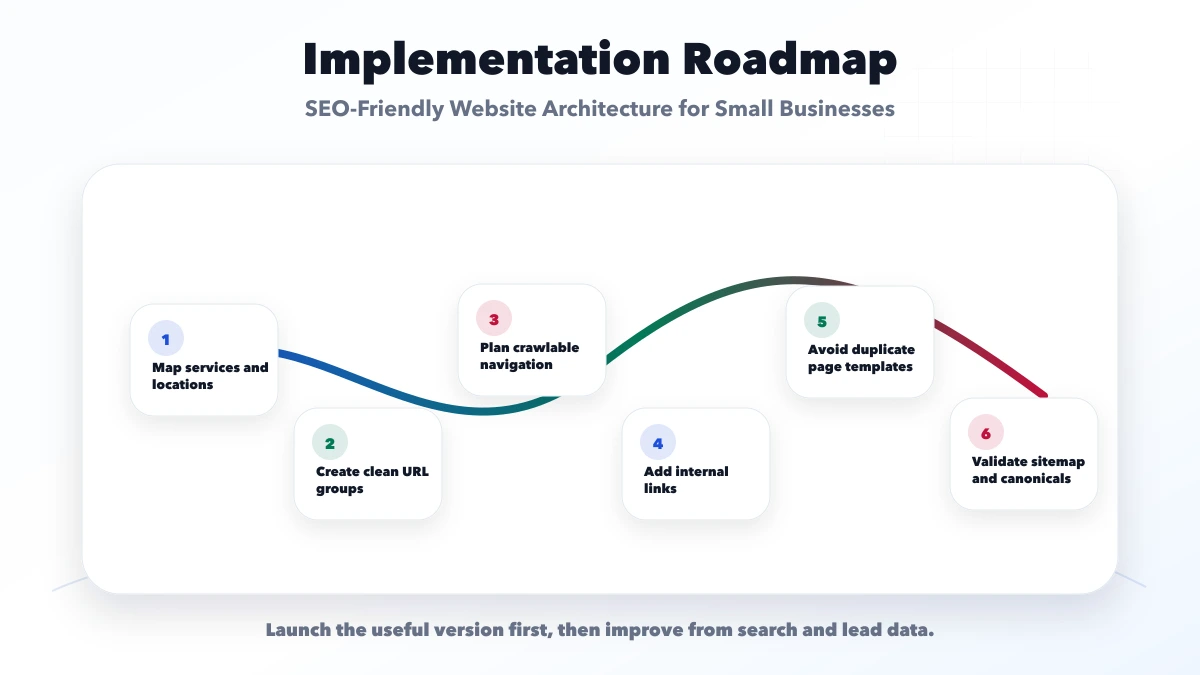
This checklist protects the project from looking complete but failing commercially. A good website should make the next step obvious and easy to measure.
VASUYASHII would first map services, target users, page structure, proof, CTA, WhatsApp or form flow, SEO metadata, and handover needs. Then we would build the website in a focused phase instead of adding unnecessary complexity.
Useful links: web application services, software development, integrations, services, and contact.
Avoid judging a website only by design screenshots. Leads usually improve when service clarity, trust proof, CTA, tracking, and follow-up work together.
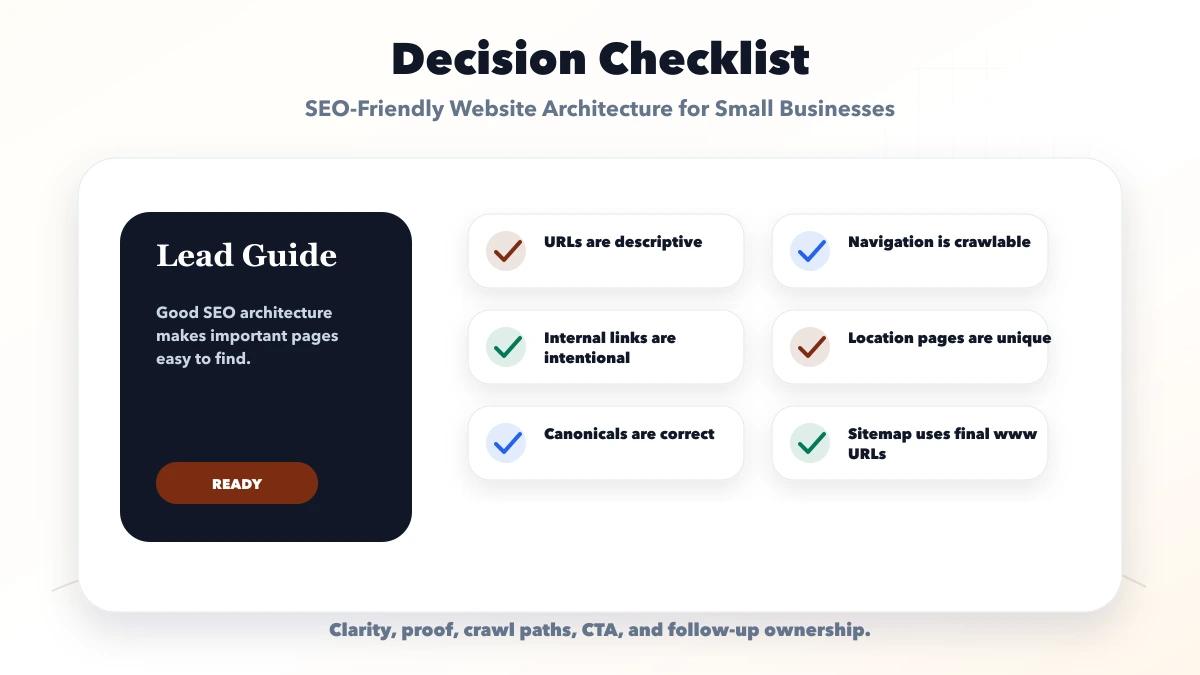
It helps Google and users understand the most important pages, service intent, and crawl paths without confusion.
It can support rankings when the pages are useful, internally linked, technically crawlable, and not duplicated.
Avoid copied location pages, hidden links, messy URL patterns, weak canonicals, and pages with no unique purpose.
Yes. SEO architecture is much easier to build correctly before design and development are finalized.
Yes. VASUYASHII can plan SEO-friendly page architecture, internal links, URL structure, and launch checks.
When strong pages remain invisible, use the website ranking diagnosis guide before publishing another cluster. Keep conversion paths clear with the Indian business CTA guide.
If you want a practical plan for SEO-friendly website architecture for small businesses, VASUYASHII can help with scope, design, development, SEO setup, lead flow, launch, and maintenance.
Related Articles
May 1, 2026
Multi-location business website structure for SEO: city-page architecture, internal links, canonicals, content rules, and rollout plan for 2026.
Read article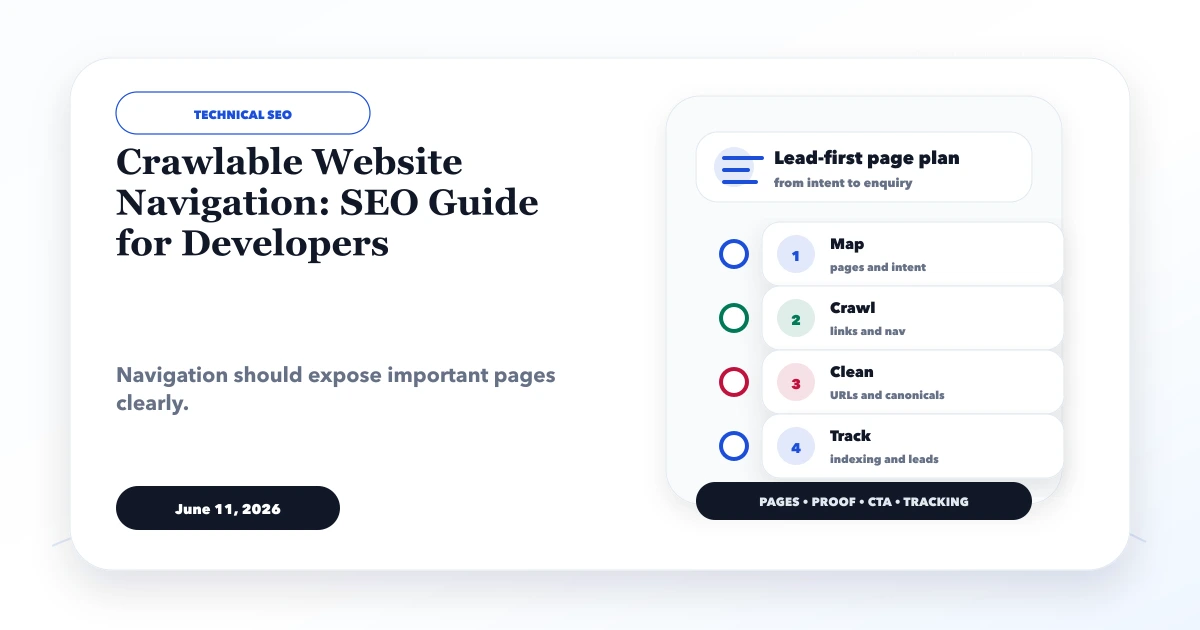
June 11, 2026
Build crawlable website navigation with real anchor links, logical hierarchy, accessible menus, pagination, descriptive anchors and repeatable SEO validation.
Read article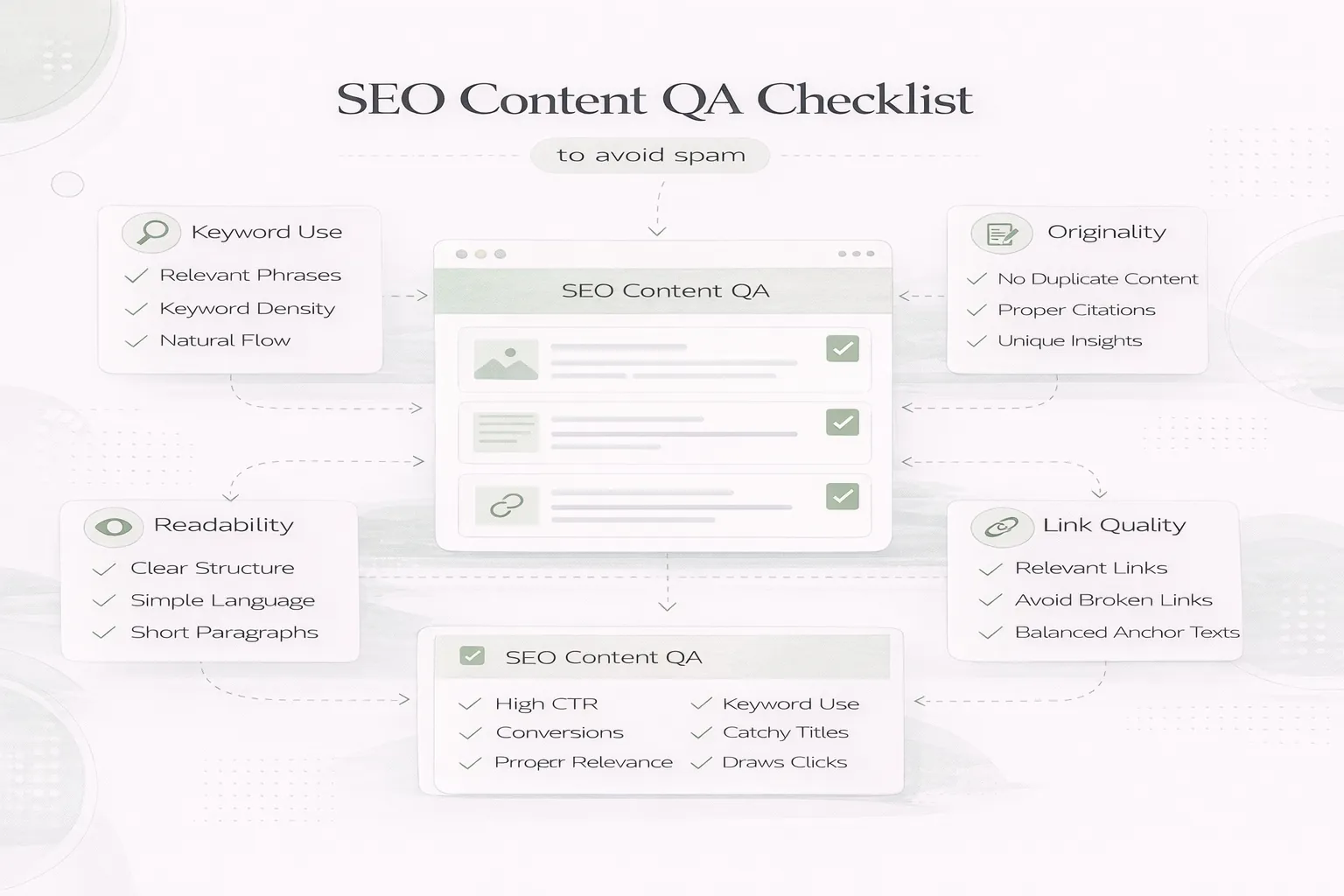
April 8, 2026
SEO content QA checklist to avoid spam: people-first review steps, duplication checks, internal links, and common quality mistakes in 2026.
Read article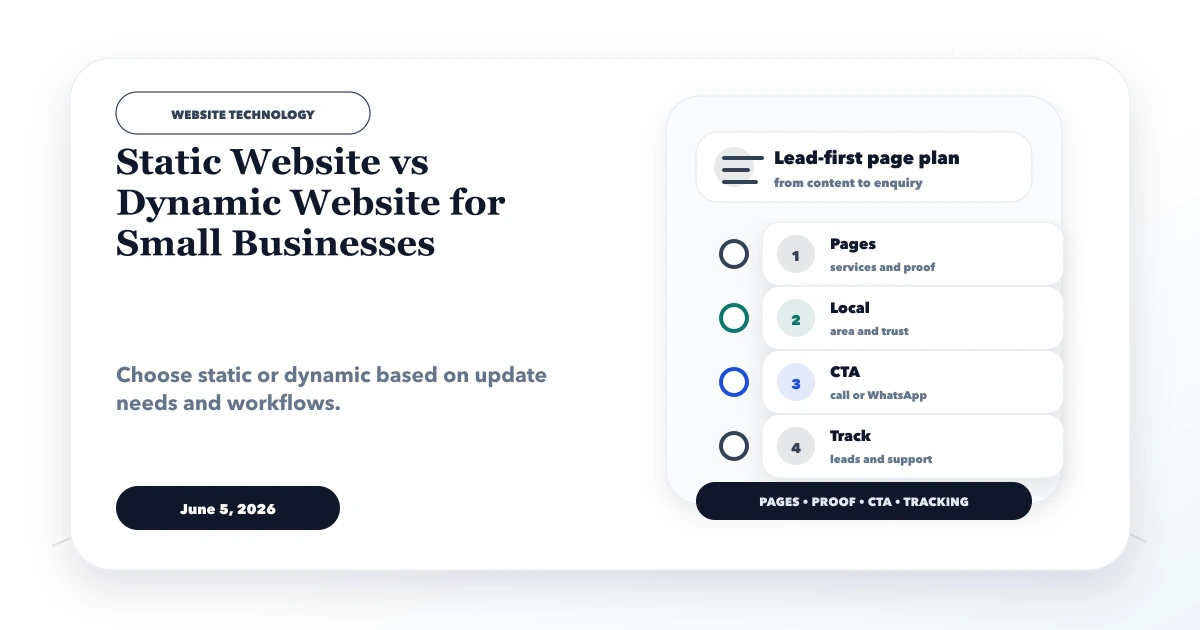
June 5, 2026
Static website vs dynamic website for small businesses with use cases, cost, speed, CMS, admin panel, security, and decision checklist.
Read article