
March 24, 2026
What Increases Website Cost in 2026?
Learn what increases website cost in 2026, including pages, CMS, integrations, speed, SEO, copy, and design choices that move pricing up or down clearly.
Read articlePublished Updated
Static website vs dynamic website for small businesses with use cases, cost, speed, CMS, admin panel, security, and decision checklist.
This guide explains static website vs dynamic website for small businesses for small businesses comparing simple static sites, CMS websites, and dynamic websites with dashboards or user flows. It focuses on practical website planning, page structure, trust signals, SEO basics, lead capture, and a clean handover.
By Tushar C. (Founder, VASUYASHII). Reviewed by VASUYASHII Editorial for practical website planning, local SEO, lead generation, contact flow, and small business website delivery.
A static website is best for fast brochure, service, and landing pages. A dynamic website is better when you need CMS updates, product data, logins, booking, dashboards, or business workflows.
A consultant may only need static service pages. A coaching institute may need course updates. A clinic may need booking. A retailer may need catalog management. The website type should match the update and workflow need.
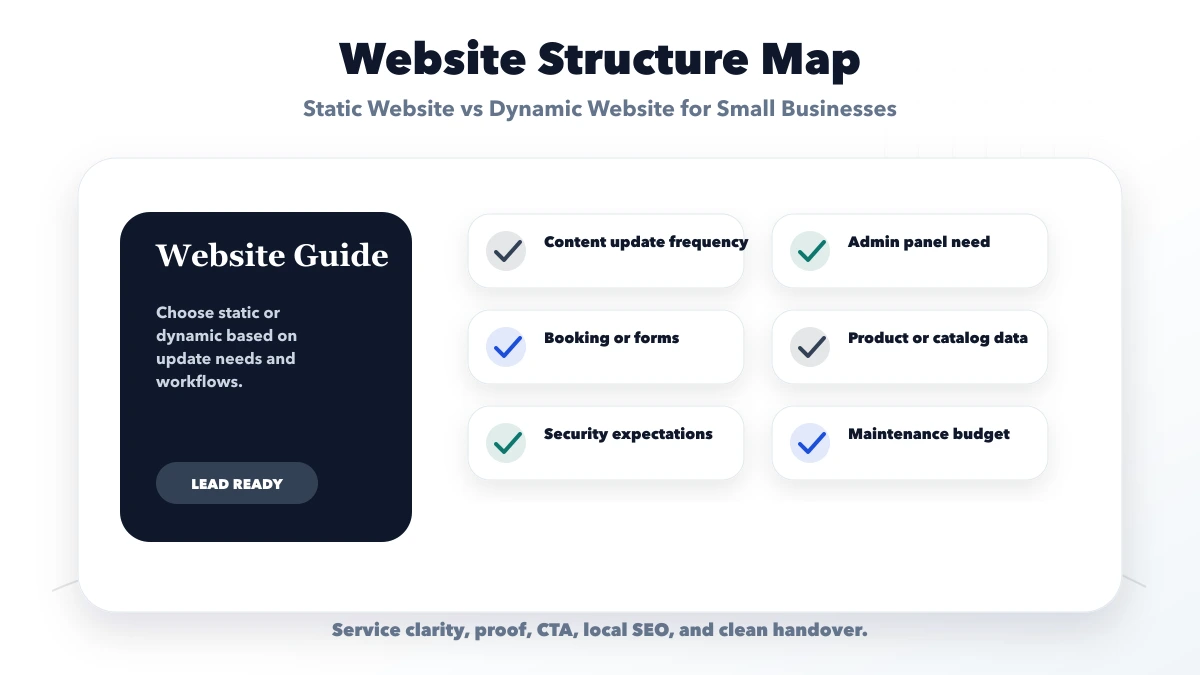
A static website serves prebuilt pages. A dynamic website creates or changes output using application logic, a database, authenticated users, or a content system. Either approach can be fast, secure, accessible, and SEO-friendly when implemented well.
"Static" does not always mean the owner can never edit content. A static site can use a Git-based workflow or headless CMS and rebuild after an approved change. "Dynamic" does not automatically mean the website includes a useful admin panel. The editing workflow must be part of the scope.
| Business need | Static-first fit | Dynamic fit |
|---|---|---|
| Five stable service pages | Strong | Usually unnecessary |
| Frequent articles managed by staff | Possible with CMS/build workflow | Strong with managed publishing |
| User login and private records | Not the application layer | Required |
| Searchable live inventory | Limited unless externally sourced | Strong |
| Quote calculator with stored rules | Limited client-side version | Strong when rules/data are managed |
| Booking with availability | External embed possible | Required for owned workflow |
| Multiple branches editing data | Awkward | Strong with roles and audit history |
Do not select technology from page count alone. Ten stable pages may suit static delivery, while one booking page can require dynamic state.
Ask who writes, approves, publishes, corrects, and archives content. For a static site, document whether changes go through the developer, a repository, a CMS, or an automated build. For a dynamic site, specify user roles, draft/review/publish states, revision history, and backups.
A business that changes prices every week should not depend on developer tickets. A regulated or brand-controlled business may prefer an approval workflow even when instant editing is technically possible.
| Website area | What to include | Why it matters |
|---|---|---|
| Static website | Fixed pages and fast loading | Lower complexity |
| CMS website | Editable content and blogs | Good for frequent updates |
| Dynamic web app | Dashboards, users, workflows | Best for business logic |
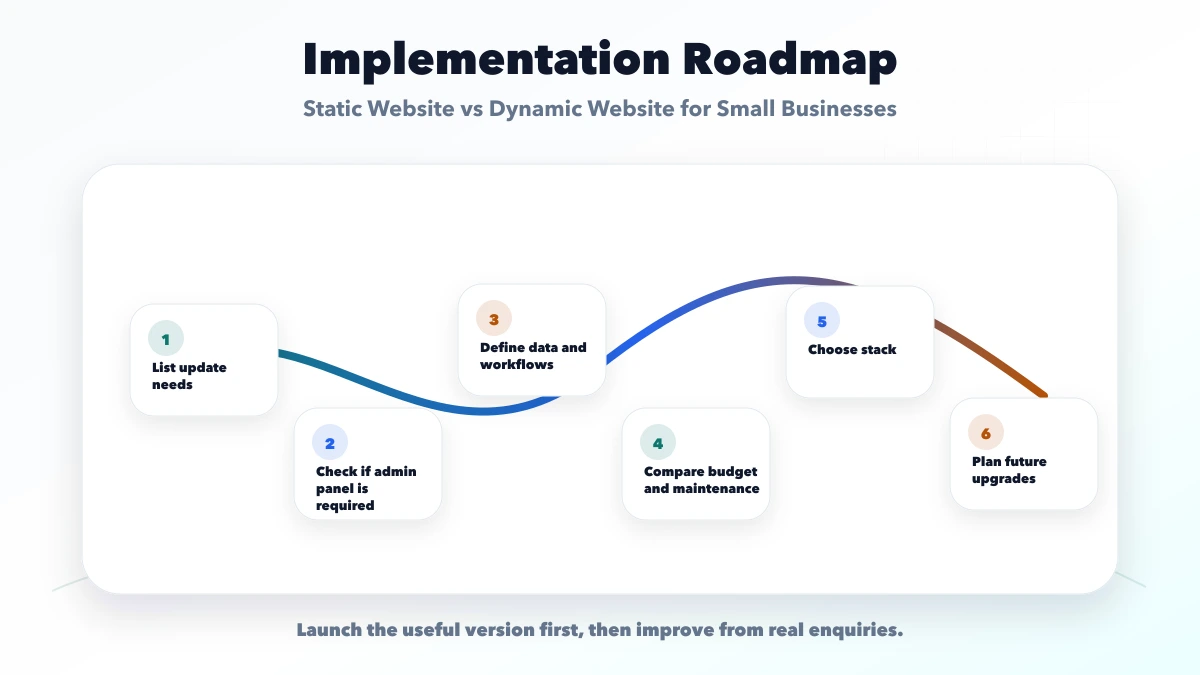
Static delivery can reduce hosting and maintenance complexity, but content support may be a recurring cost. Dynamic systems add database, authentication, backups, updates, monitoring, and support responsibility.
Create a 24-month view covering design, implementation, content migration, future edits, hosting, database, storage, CMS licences, security updates, monitoring, restore tests, staff training, and feature changes.
A low launch quote is not a saving if every small edit becomes a paid emergency. A dynamic system is not valuable if nobody maintains the content or data.
Many business websites combine approaches. Service pages can be prebuilt for speed, articles can come from a CMS, forms can call a server endpoint, and booking or payment can use a specialized system.
Keep each source of truth explicit. The CMS owns approved content, the CRM owns leads, the booking system owns availability, and the payment provider owns transaction processing. Avoid copying the same data into multiple tools without a synchronization plan.
Static sites reduce server-side attack surface but still need dependency updates, secure forms, access control for deployment accounts, and safe third-party scripts. Dynamic sites additionally need server validation, authorization, database protection, rate limits, patching, logs, and tested backups.
Ask what happens when the CMS, database, API, or form service is unavailable. The public site should fail clearly instead of showing stale availability or silently losing leads.
Preserve content in portable formats, keep the domain and primary accounts client-controlled, and document build/deployment steps. For a dynamic system, confirm database export, media export, user data handling, and third-party licences.
Starting static does not block a later application when URLs and content are structured well. Starting dynamic also does not justify coupling every page to one vendor.
A static site can still be slow if it loads oversized images, unnecessary scripts, or heavy animations. A dynamic site can still be fast when pages are rendered and cached deliberately. Choose rendering per route and test the production build rather than assuming one architecture earns a performance score.
Both approaches need useful HTML, stable URLs, titles, descriptions, canonical rules, internal links, sitemap eligibility, structured data where relevant, image optimization, and accessible mobile layouts. A CMS does not create quality content automatically, and a static generator does not create an SEO strategy.
The answers should be written into scope. Avoid choosing a stack only because it is described as modern, secure, or SEO-friendly.
A local consultant with six stable service pages, occasional updates, one form, and no login may use a static or statically generated website with a simple editing workflow. A distributor that needs live stock, role-based pricing, order status, customer login, and ERP integration needs dynamic application behavior.
A growing service company may use a hybrid: fast generated marketing pages plus a protected dynamic portal. This separates public content from operational data while keeping the architecture proportional to the business problem.
VASUYASHII can implement static, dynamic, or hybrid websites, but this guide does not claim one architecture is universally better. The correct recommendation requires verified update frequency, user roles, workflows, integrations, data sensitivity, and support ownership.
Useful links: web application services, software development, integrations, services, and contact.
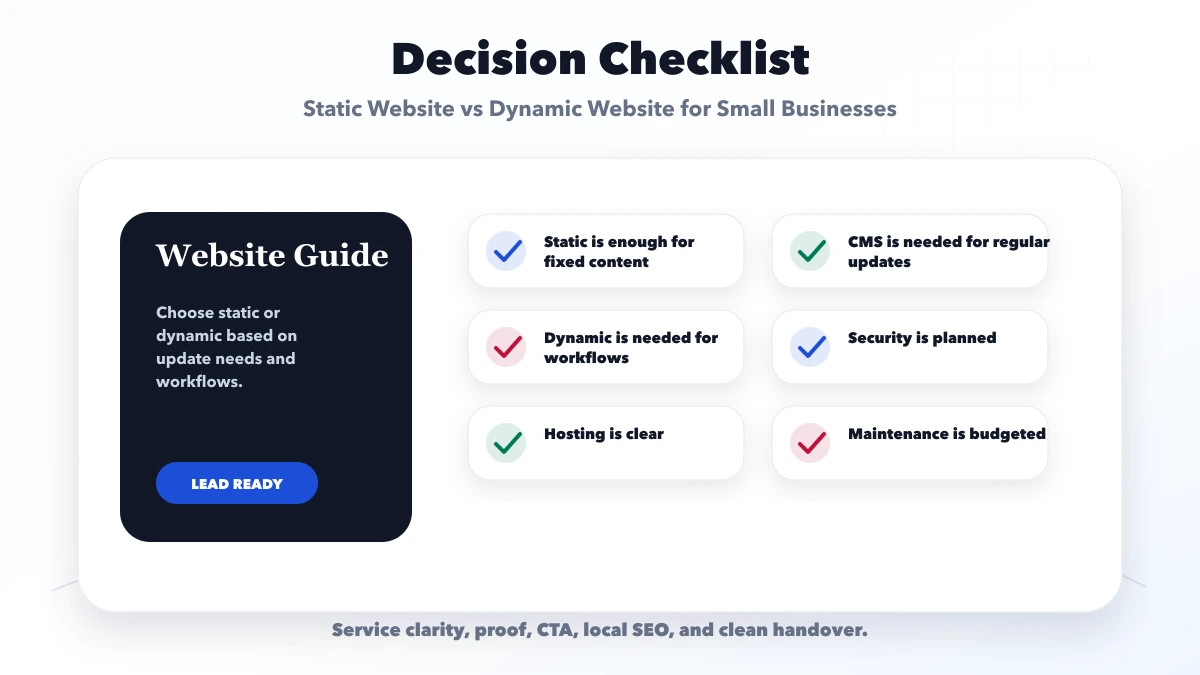
Yes, if content does not change often and the goal is fast service presentation and enquiries.
Use dynamic development for logins, bookings, dashboards, CMS, catalogs, reports, or user-specific data.
Usually yes, because static sites have fewer moving parts and less backend logic.
Yes. Static websites can rank well if content, metadata, links, and performance are strong.
Yes. We can recommend static, CMS, or dynamic development based on business need.
The right architecture depends on what each page must do. Use the small-business website page-count guide before deciding whether static delivery or dynamic workflows fit the scope.
Page structure is a separate decision from rendering technology. The one-page vs multi-page lead-generation guide helps decide when one focused URL is enough and when distinct services deserve crawlable pages.
If you want a practical plan for static website vs dynamic website for small businesses, VASUYASHII can help with scope, design, development, SEO setup, lead flow, launch, and maintenance.
Before choosing either architecture, read why a business still needs a website in 2026 and define the buyer action, asset ownership, content maintenance, and measurement the site must support.
Related Articles
March 24, 2026
Learn what increases website cost in 2026, including pages, CMS, integrations, speed, SEO, copy, and design choices that move pricing up or down clearly.
Read article
March 20, 2026
Compare the best CMS for business and SaaS websites by editing workflow, design speed, SEO control, security, integrations, ownership, and migration risk.
Read article
June 1, 2026
Website development cost in Delhi for 2026 with practical price ranges, inclusions, hidden costs, timelines, and quote checklist.
Read article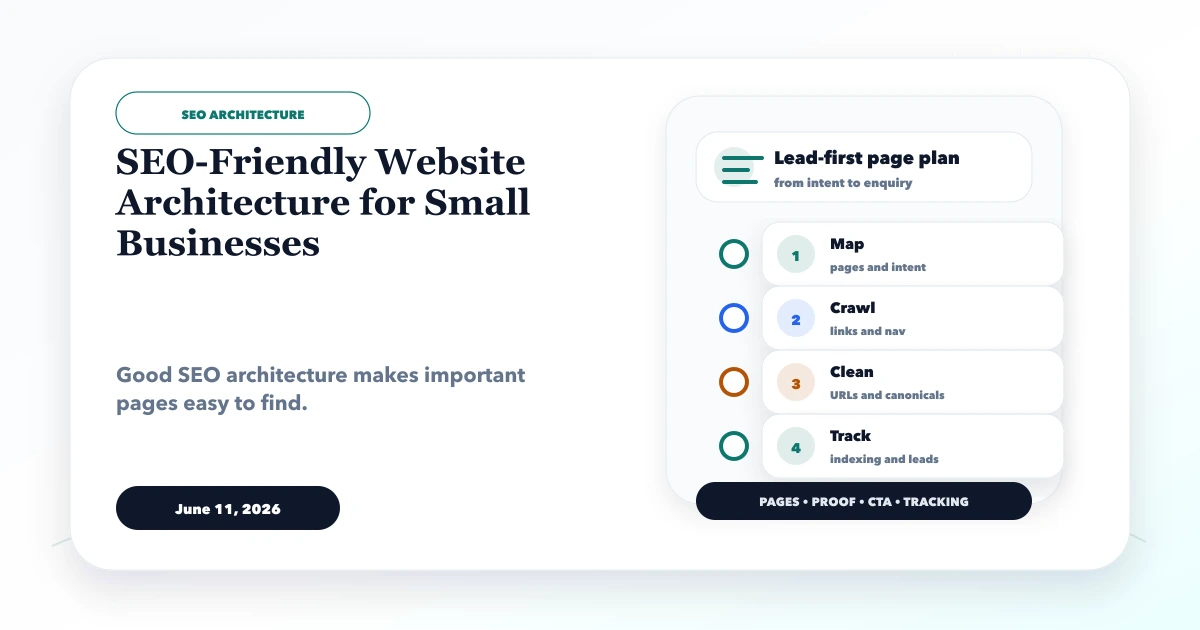
June 11, 2026
SEO-friendly website architecture for small businesses with service pages, location pages, blog clusters, internal links, sitemap, and canonical checklist.
Read article