
May 13, 2026
Website audit checklist (speed + SEO + conversion)
website audit checklist: practical 2026 audit guide with checklist, pricing, roadmap, mistakes, FAQs, tools, and next steps for Indian SMBs today safely.
Read articlePublished Updated
Learn what increases website cost in 2026, including pages, CMS, integrations, speed, SEO, copy, and design choices that move pricing up or down clearly.
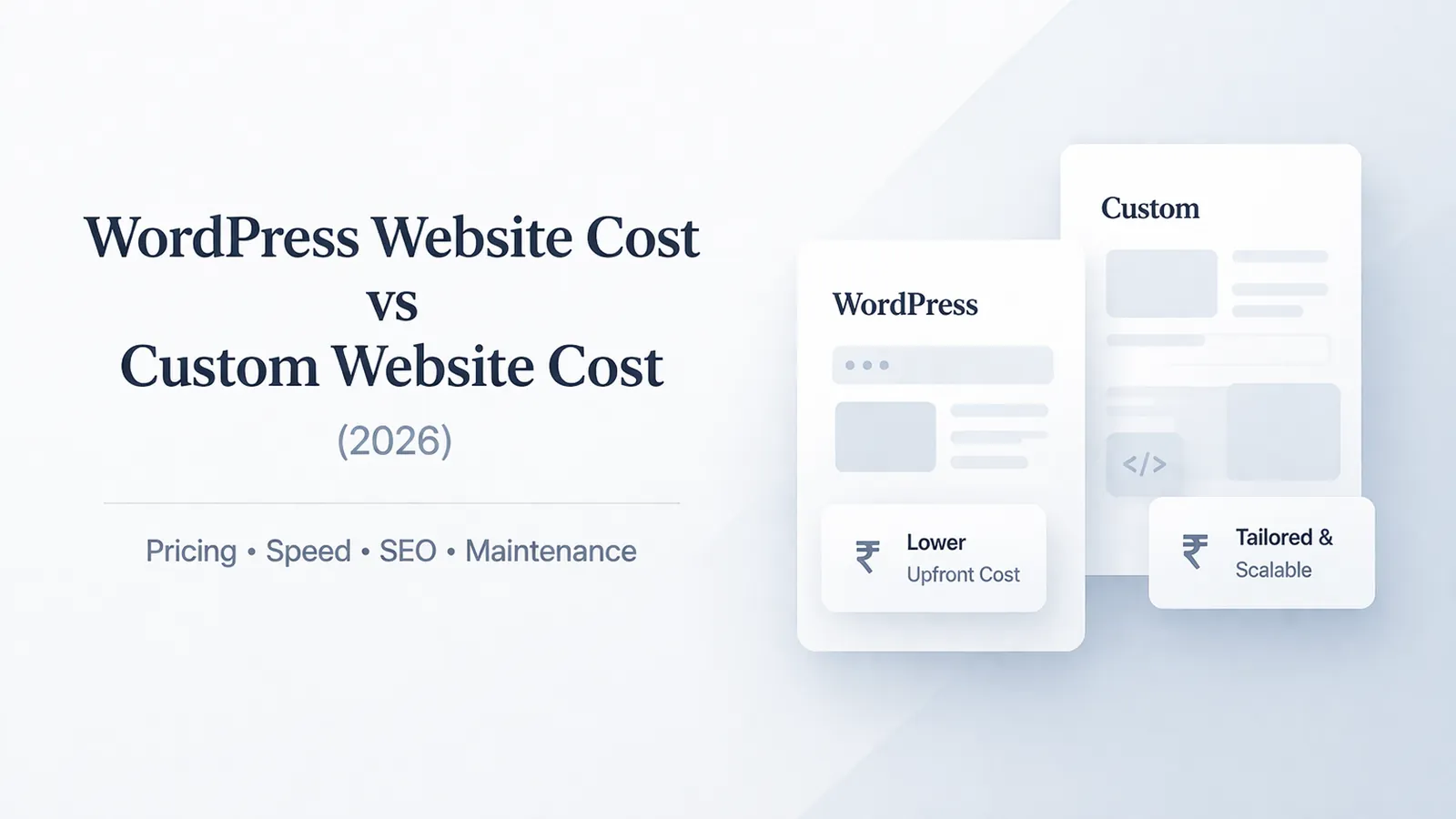
Businesses often ask why one agency quotes Rs 35,000 and another quotes Rs 1,50,000 for what sounds like the same website. The answer is usually that both sides are using the word website to describe very different levels of work. One may be counting pages. The other may be counting structure, systems, and launch readiness.
In 2026, a business website is expected to do more than look decent. It needs to support mobile conversion, trust signals, indexing, analytics, CTA tracking, and often some kind of content workflow. Each of those adds planning, testing, and execution effort that should be reflected in the price.
This guide covers:
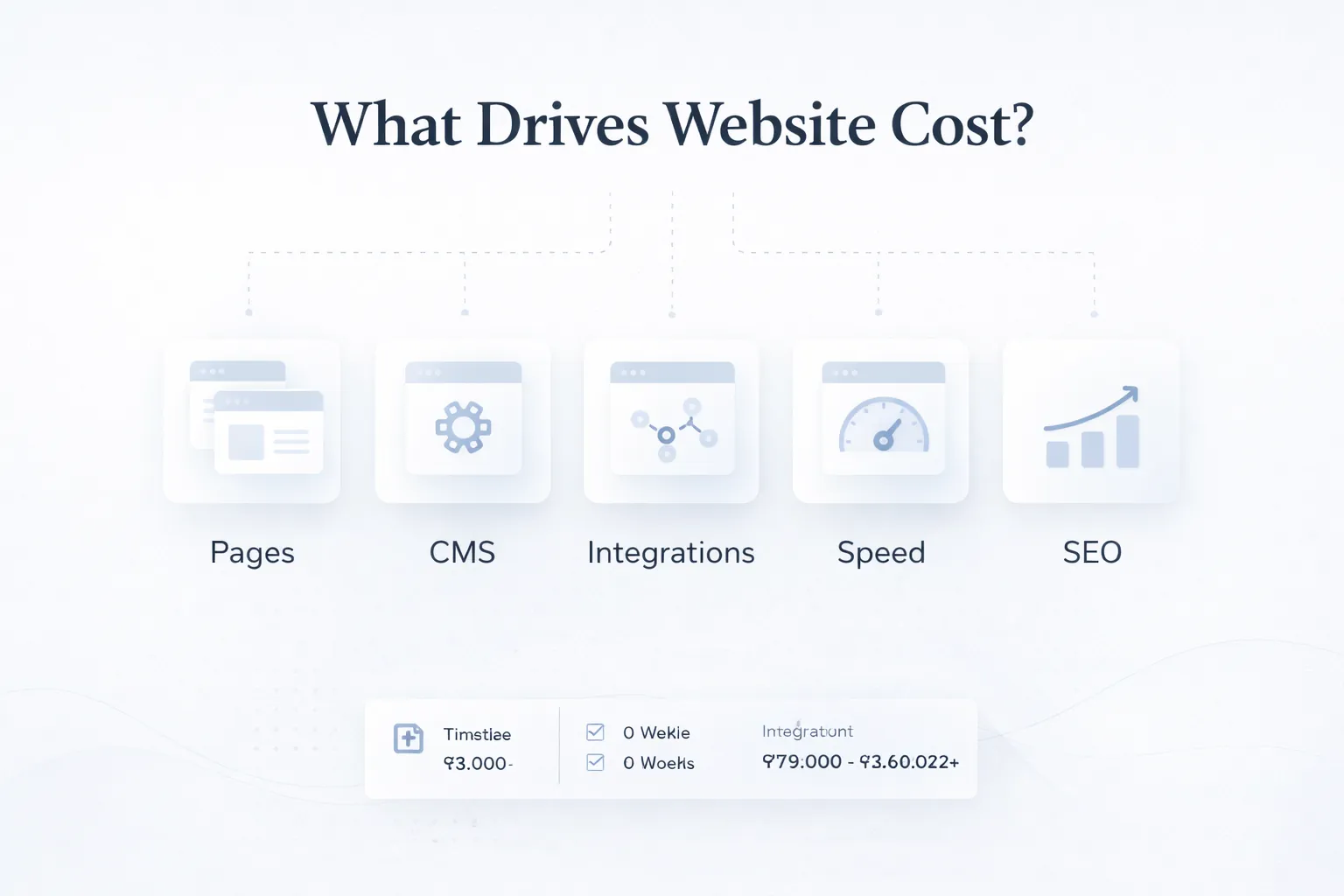
Website cost goes up when the project needs more than static pages. Custom design, structured CMS editing, integrations, technical SEO, content population, and performance targets all add real work that should be visible in the scope.
If the requirement includes logins, operational data, approvals, payments, or dashboards, price it as a web application rather than hiding software work inside a “website package.” The web application service describes that wider scope boundary.
A useful estimate starts with the business job: publish information, generate enquiries, let a team update structured content, or run a customer workflow. The same page count can produce different costs because those jobs require different design, data, testing, and ownership.
Understanding what increases cost helps you control it. You can decide where to simplify, where to invest, and which items are core business priorities instead of discovering halfway through the project that crucial pieces were never included.
Ten pages built from two repeatable templates are very different from ten pages that each need custom layouts. The latter drives more design, more responsive states, and more QA cycles. This changes the outcome because template variety usually has a bigger effect on cost than raw page count alone.
A website based on an existing style direction is cheaper than one that needs custom section systems, branded interactions, iconography, and polished layout hierarchy from scratch. This changes the outcome because design ambition changes the level of research, iteration, and frontend detail needed before approval.
If your team wants to update banners, service pages, FAQs, blogs, and case studies without developer help, the CMS needs thoughtful field design and content modeling. This changes the outcome because editor flexibility improves operations later but adds build effort during the project.
CRMs, WhatsApp flows, forms, payment gateways, booking systems, maps, email tools, and analytics platforms all need setup, mapping, and testing. Integration work is rarely visible in page mockups, but it takes real time. This changes the outcome because every external service adds dependency handling, edge-case testing, and support responsibility.
Fast websites require image strategy, code discipline, asset optimization, and fewer unnecessary scripts. That effort is intentional engineering work, not a free by-product of launch. This changes the outcome because speed goals influence both development choices and post-build QA depth.
Metadata, headings, internal links, schema basics, redirect planning, indexing checks, and measurement setup all increase scope because they make the site discoverable and measurable from the start. This changes the outcome because launch readiness determines whether the site is just live or actually ready to support growth.
A defensible quote shows not only what will be built, but who will supply content, how editors will work, which devices and browsers will be tested, what is measured after launch, and which support tasks remain outside the price.
A strong estimate starts with goals, audience, page list, revision rounds, and what counts as done. This is the foundation that stops projects from drifting after design begins.
Better discovery produces sharper pricing and fewer arguments later about what was assumed. When this layer is done properly, the product becomes easier to onboard, easier to support, and easier to improve later.
The website should be broken into reusable sections and templates before development. That makes the build cleaner and clarifies which pages share structure and which ones need custom treatment.
Reusable planning reduces duplicate work and makes future edits more efficient. When this layer is done properly, the product becomes easier to onboard, easier to support, and easier to improve later.
A CMS should reflect how your team actually edits content, not just how developers prefer to store it. Good field design makes routine changes safe and fast.
This is what turns a CMS from a buzzword into a useful operational tool. When this layer is done properly, the product becomes easier to onboard, easier to support, and easier to improve later.
Every form, event, webhook, or external tool should be mapped before build and tested before launch. Otherwise, the site may look complete while critical business flows fail silently.
Good integration QA protects leads, enquiries, and automation downstream. When this layer is done properly, the product becomes easier to onboard, easier to support, and easier to improve later.
Image handling, headings, metadata, clean URLs, internal links, and technical checks should be part of the production workflow rather than a rushed final step.
That keeps the launch closer to ranking-ready and easier to improve later. When this layer is done properly, the product becomes easier to onboard, easier to support, and easier to improve later.
Domain mapping, analytics validation, form testing, redirects, and browser checks are part of real delivery. They should not be treated as optional extras unless the quote says so explicitly.
A smoother go-live protects both user trust and marketing continuity. When this layer is done properly, the product becomes easier to onboard, easier to support, and easier to improve later.
A simple site with a handful of pages, basic forms, and limited editing needs can stay affordable because the scope is predictable. In practice, businesses usually choose this direction because the workflow repeats often and has a clear value when handled better.
Cost usually rises only when custom design, SEO depth, or advanced functionality enters the picture. That combination of speed, clarity, and control is why this use case tends to justify the build.
A site built to generate calls, WhatsApp leads, and enquiry forms needs stronger CTA placement, trust sections, analytics, and page-level SEO structure. In practice, businesses usually choose this direction because the workflow repeats often and has a clear value when handled better.
These additions cost more, but they usually matter directly to revenue quality. That combination of speed, clarity, and control is why this use case tends to justify the build.
When a business plans to publish often, the content architecture, CMS model, and internal linking structure all become more important. In practice, businesses usually choose this direction because the workflow repeats often and has a clear value when handled better.
This raises setup cost but creates a much better foundation for organic growth. That combination of speed, clarity, and control is why this use case tends to justify the build.
If the site connects to CRM, email, booking, payments, or automation tools, build effort shifts from visual pages to systems thinking and QA. In practice, businesses usually choose this direction because the workflow repeats often and has a clear value when handled better.
That is exactly why two visually similar websites can have very different prices. That combination of speed, clarity, and control is why this use case tends to justify the build.
Before requesting a number, prepare the page inventory, reusable templates, unique sections, content owner, required forms, integrations, editing roles, and launch checks. That evidence makes vendor quotes comparable.
VASUYASHII separates a lead-generation website from operational software. A marketing site may include service pages, structured content, forms, analytics, technical SEO, and conversion work. Login-based workflows, company data, dashboards, payment state, or automation are estimated through software development or web-application scope instead of being concealed in a page-count price.
This is a scope rule, not a published fixed tariff. Final effort still depends on the approved requirements, content readiness, integrations, acceptance tests, and handover.
A five-page quote can still become expensive if each page is structurally different or heavily integrated. Page count is useful, but it is not enough to predict scope accurately. Avoiding this one mistake often protects both budget and adoption quality.
Businesses often ask for easy editing but do not account for the modeling and UI work required to make editing genuinely easy. That is why CMS requests regularly expand project budgets after development starts. Avoiding this one mistake often protects both budget and adoption quality.
When payments, CRMs, or WhatsApp logic are introduced late, the project has to revisit forms, data flow, and testing. Late integration decisions create avoidable delays and change requests. Avoiding this one mistake often protects both budget and adoption quality.
Teams sometimes plan design and development first, then realize they also want ranking readiness and faster mobile experience. Those are real workstreams, and they are cheaper to plan early than to retrofit later. Avoiding this one mistake often protects both budget and adoption quality.
Missing copy, images, FAQs, and portfolio items can hold the project up or push extra population work onto the developer. Content readiness affects both timeline and final price more than many clients expect. Avoiding this one mistake often protects both budget and adoption quality.
The biggest pricing mistake is assuming website cost increases in a straight line. It does not. The jump from five to ten pages may be minor if the templates repeat, but the jump from static pages to custom CMS, CRM integration, or performance-heavy build work can be much larger.
For many businesses, the smartest approach is to decide what is mandatory for launch and what can wait for phase two. That keeps the first build focused without stripping out essentials like conversion tracking, internal linking, or the right content model.
If you want practical cost benchmarks before scoping, compare your project against Cost of Website Development in India and Website Development Packages in India (2026). Those guides help translate abstract requirements into realistic budgets.
Not always. If those pages reuse the same template and content structure, the cost increase can be moderate. Cost rises faster when each page needs custom layout, copy direction, or special logic.
Because a good CMS requires planning content types, fields, previews, validation, and editor workflows. It is not just a dashboard switch that appears automatically.
Yes. Integrations involve mapping data, testing failures, handling auth, and making sure business actions actually happen after forms or payments are submitted.
At least the core foundation should be. Metadata, headings, clean URLs, internal links, and indexing readiness are more efficient when planned from the start.
Yes. Reduce unique templates, phase advanced integrations, simplify animation, and prepare content early. Cutting core structure and QA is where quality usually suffers.
Because important items were assumed away. Once CMS, SEO, revisions, mobile polish, analytics, or launch support are added back in, the original low price stops being realistic.
Share your goals, page list, examples you like, required integrations, editing needs, and must-have launch features. The more concrete the scope, the better the pricing.
For a comparable quote, send the page/template list, examples, content status, editing needs, integrations, target launch date, and acceptance expectations. VASUYASHII can then return a phased scope instead of a vague package label.
Related Articles
May 13, 2026
website audit checklist: practical 2026 audit guide with checklist, pricing, roadmap, mistakes, FAQs, tools, and next steps for Indian SMBs today safely.
Read article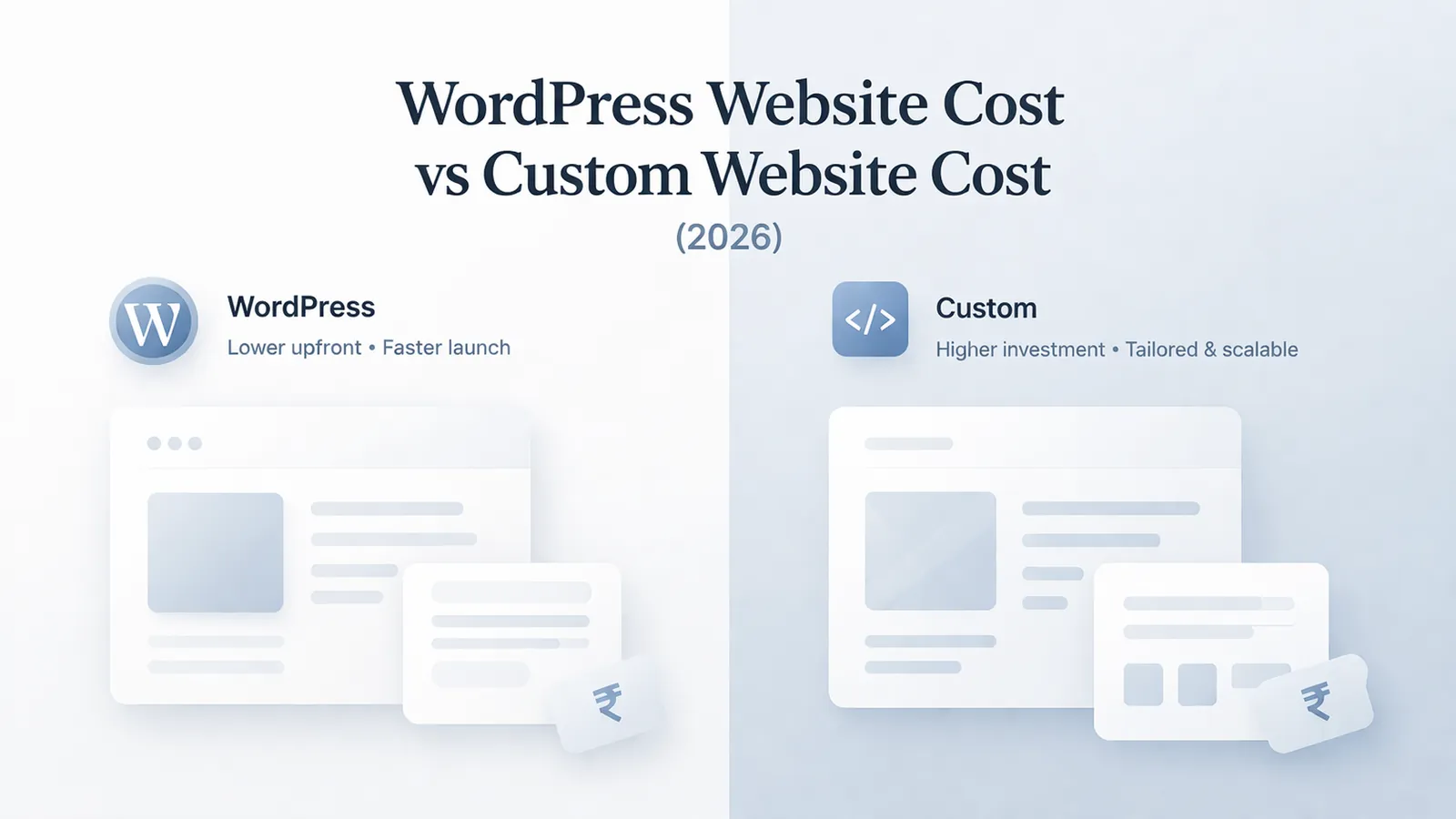
March 24, 2026
Compare WordPress vs custom website cost in India, including design, CMS, speed, SEO, maintenance, integrations and three-year ownership trade-offs.
Read article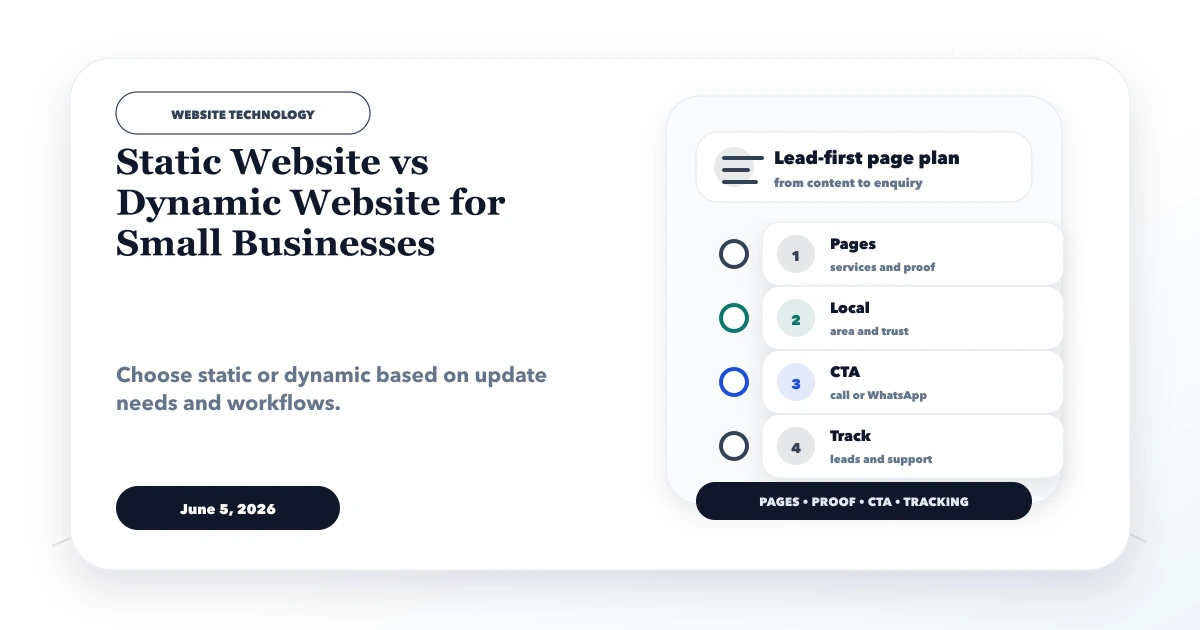
June 5, 2026
Static website vs dynamic website for small businesses with use cases, cost, speed, CMS, admin panel, security, and decision checklist.
Read article
March 15, 2026
Website development cost in India for 2026 with pricing for business sites, ecommerce, web apps, portals, SaaS, timelines, and budget factors.
Read article