
June 12, 2026
Website Speed Optimization for Lead Generation Pages
Optimize lead-generation website speed by prioritizing the first screen, forms, WhatsApp, images, fonts, JavaScript, tracking and post-launch measurement.
Read articlePublished Updated
Use this 2026 website speed optimization guide to measure Core Web Vitals, prioritize LCP and script fixes, improve images and fonts, and retest safely.

Website speed optimization should begin with evidence, not a random list of compression tasks. Measure the important template on mobile, identify the actual LCP element and blocking work, change the largest bottleneck, then repeat the same test. Lab scores help diagnose; field Core Web Vitals show what eligible real users experienced.
Speed matters because it affects:
This guide is a practical, step-by-step system to speed up a business website or web application. It covers Core Web Vitals, images, scripts, hosting, Next.js best practices, and WordPress tips.
A fast website typically:
Google measures this using Core Web Vitals.
Core Web Vitals are metrics used by Google to measure user experience.
How fast the main content loads. Goal: under ~2.5 seconds.
How fast the page responds when a user clicks or interacts. Goal: under ~200 ms.
How much the layout “jumps” while loading. Goal: very low (stable layout).
These metrics help teams evaluate loading stability and responsiveness. Core Web Vitals are part of Google's page-experience systems, but a perfect score does not replace relevant content, links, or a useful offer.
Speed comes from combining small improvements:
Most websites are slow because they do the opposite:
1) Lighthouse (Chrome DevTools) 2) PageSpeed Insights (Google) 3) WebPageTest (advanced)
Important: Always test mobile, but do not confuse one throttled Lighthouse run with field data. PageSpeed Insights can show both lab diagnostics and Chrome UX Report field data when enough real-user data exists. Review Google's Core Web Vitals guidance and CrUX documentation for the distinction.
Images are the #1 reason most sites are slow.
If you’re building fast business websites and web applications, see: Web Applications Services
Too much JavaScript makes pages slow and unresponsive.
Rule: A page should become usable quickly, even if extra scripts load later.
TTFB = time to first byte (server response time). Slow hosting can ruin everything.
A fast server + CDN makes global speed stable.
Caching means storing content closer to users so it loads faster.
Caching is one reason modern hosting platforms feel fast.
Layout shifts look unprofessional and hurt Core Web Vitals.
Fonts can slow websites if:
font-display: swap to prevent blank textFonts should not block content.
Big CSS files slow rendering.
If your site is Next.js (like many modern business sites), here are practical wins:
It optimizes images and supports responsive loading.
For blogs and marketing pages, static pages load very fast.
Don’t load heavy components before the user sees content.
Load big components only when needed.
Let CDN cache static assets strongly.
Next.js can be extremely fast if used correctly.
WordPress sites become slow due to:
WordPress can be fast, but requires discipline.
Many people add animations to look premium, but heavy animations can hurt speed.
Premium feel comes more from:
than fancy animations.
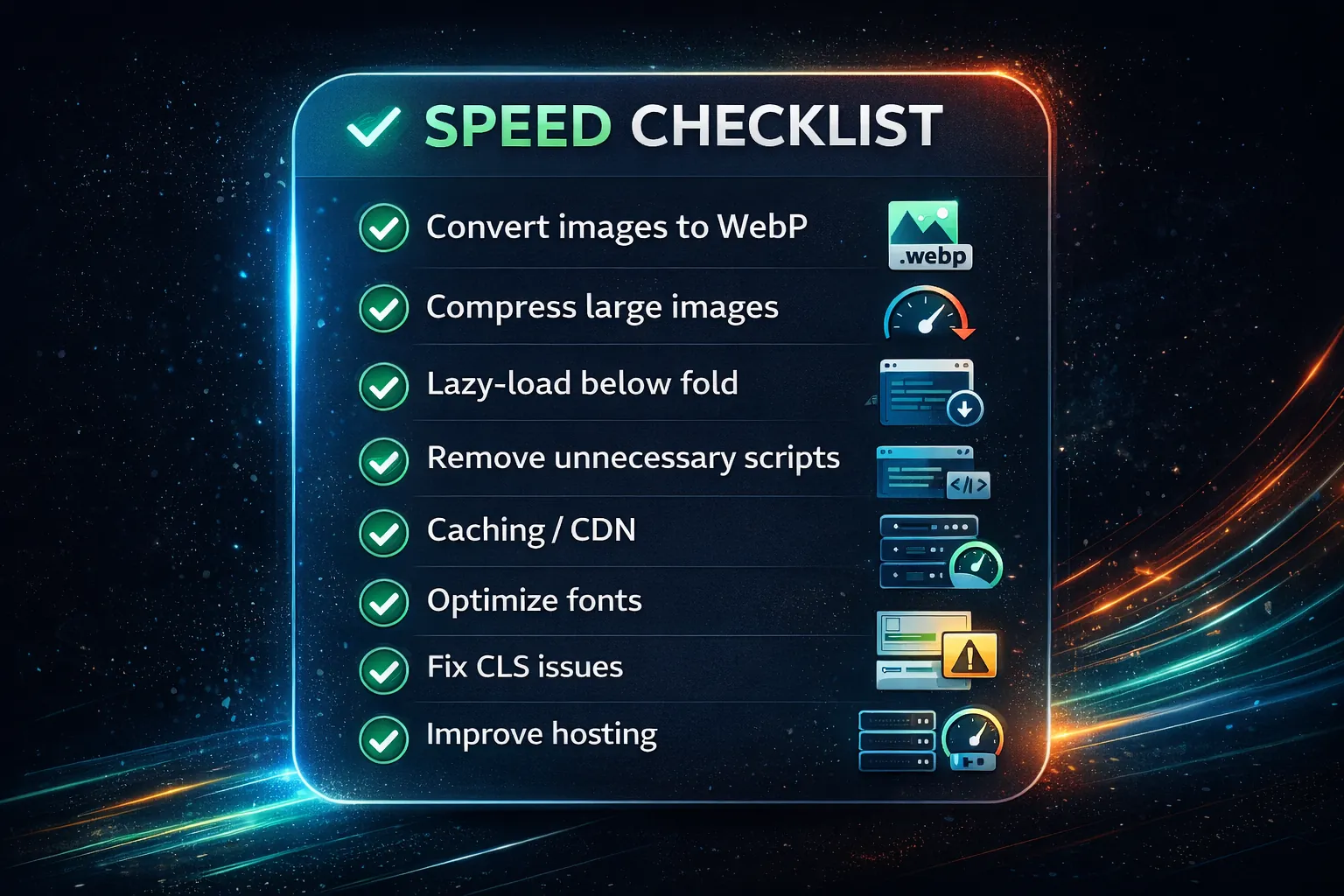
A faster website often results in:
If you are running lead generation, speed is a direct ROI lever.
In a VASUYASHII homepage mobile Lighthouse run captured on 18 July 2026, the lab result showed approximately 3.3 s FCP, 5.7 s LCP, 100 ms Total Blocking Time, and 0 CLS. The report identified render-blocking CSS, an oversized source logo displayed at a much smaller size, third-party analytics cost, unused JavaScript, and non-composited button animation as opportunities.
That evidence changes the order of work:
This is lab evidence from one run, not a claim about every visitor or every page. Network throttling, device emulation, cache state, deployment, and test variance affect the numbers. Use the same URL, test mode, and several runs before comparing. If CrUX field data is unavailable because traffic is low, report that limitation rather than presenting the lab score as real-user experience.
| Priority | Question | Typical action | Retest evidence |
|---|---|---|---|
| 1. LCP discovery | Which element is the LCP and why is it late? | Remove render delay, prioritize required resource, simplify first fold | LCP element and phase breakdown |
| 2. Critical assets | Are CSS, fonts, or images blocking the first render? | Inline/split critical CSS, preload carefully, resize and compress source assets | Network waterfall and FCP/LCP |
| 3. Main-thread work | Which scripts create long tasks or forced reflow? | Remove, defer, code-split, or replace the responsible behavior | TBT/INP diagnostics and trace |
| 4. Third parties | Does each tag justify its cost? | Delay non-essential tags without breaking consent or lead tracking | Event QA plus transfer/main-thread comparison |
| 5. Stability | Do dynamic elements reserve space? | Add dimensions and stable containers | CLS and visual inspection |
After each group of fixes, run at least three comparable lab tests, inspect the median rather than the best score, verify all CTAs and forms, and monitor field Core Web Vitals when enough data becomes available. Do not ship a “performance fix” that breaks lead confirmation, accessibility, analytics consent, or content visibility.
This approach produces measurable improvements quickly.
If you want your website to load faster, improve Core Web Vitals, and increase conversions, we can optimize it professionally.
👉 WhatsApp: Chat on WhatsApp 👉 Services: Web Applications Services 👉 Services: View our services 👉 Contact: Contact page
Speed fixes should start with the pages that bring leads: homepage, service pages, landing pages, and high-traffic blogs. A fast score on one page does not help if the main enquiry page is slow on mobile.
Check:
If the polished final state hides a late headline, shifting CTA, or blocked interaction, use the good-looking but slow website diagnostic to separate image download, font loading, JavaScript, CSS, hosting, and render delay.
Useful next links: web application services, software development, and contact.
Large unoptimized images and too many scripts/plugins.
Yes. Speed affects Core Web Vitals and engagement, which influence rankings.
Scores vary, but focus on improving LCP/INP/CLS rather than chasing a perfect number.
Yes, with a lightweight theme, minimal plugins, image optimization, and proper caching.
Ideally main content should appear within a few seconds and feel responsive immediately.
When script transfer or execution is the bottleneck, use the JavaScript bloat audit and fix workflow.
Related Articles
June 12, 2026
Optimize lead-generation website speed by prioritizing the first screen, forms, WhatsApp, images, fonts, JavaScript, tracking and post-launch measurement.
Read article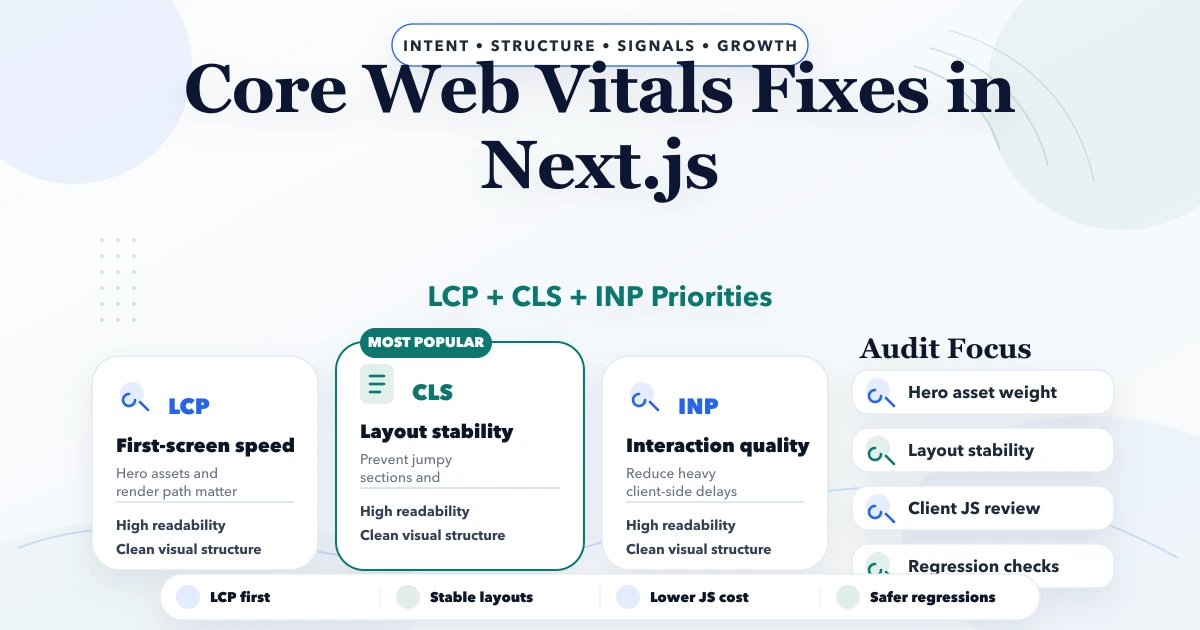
April 29, 2026
Core Web Vitals fixes in Next.js with LCP, CLS, INP, image, script, and layout guidance plus pricing and rollout advice for 2026.
Read article
June 12, 2026
Choose website fonts that protect speed, readability and trust. Compare font files, weights, fallbacks, mobile legibility and loading strategy.
Read article
May 13, 2026
Build a safe lazy-loading strategy for blog images: protect the LCP image, set responsive sizes, prevent layout shift, test SEO, and verify real performance.
Read article