
March 24, 2026
Website Redesign Cost in India: Pricing & Scope Checklist
Plan website redesign cost in India by auditing pages, content, templates, SEO migration, performance, integrations, accessibility, QA, and launch.
Read articlePublished Updated
Business website redesign guide for 2026 with SEO migration, speed, UX, trust signals, conversion upgrades, tracking, and launch checklist.

A website redesign is not just about changing colors and making things “modern.” In 2026, a redesign is often the fastest way to upgrade your business results because your website directly affects:
Many businesses redesign too late—only after they see traffic drop or leads stop. Others redesign too early and accidentally lose SEO rankings because they changed URLs without planning.
This guide shows you the right way to redesign a business website in 2026—step-by-step—without losing SEO, while improving performance, trust, and conversions.
A successful redesign should achieve at least 3 outcomes:
1) Better speed and mobile UX (more conversions) 2) Better SEO structure (better rankings over time) 3) Stronger trust signals (higher quality leads)
If your redesign only “looks better” but speed/SEO/conversion stay weak, it’s not a real upgrade.
A website redesign is a controlled improvement of an existing website's structure, content presentation, visual system, responsive behaviour, conversion journey, and technical implementation. It may preserve the current platform and URLs, or it may include a rebuild and migration when the existing foundation blocks the business goal.
Redesign is different from routine editing. Replacing a phone number, image, price, or paragraph is a content update. Improving one weak template is a focused enhancement. Reworking navigation, page hierarchy, components, mobile behaviour, content, tracking, and launch controls is a redesign project.
An existing website can usually be redesigned without replacing every URL. Preserve pages that still match user intent and have useful search, link, or conversion evidence. Change or redirect a URL only when the new destination genuinely replaces it.
AI can help produce layout options, draft copy, classify existing pages, suggest component patterns, and speed up repetitive analysis. It cannot independently verify the business strategy, ownership rights, accessibility, factual claims, analytics baseline, redirect decisions, form delivery, or production acceptance.
Treat AI output as a working draft. A responsible redesign still needs human review, real content, responsive testing, technical SEO checks, and a named business owner who approves what changes and what must be preserved.
Here are the most common signs a redesign is needed:
If pages take too long to load, users leave quickly.
Visitors judge your brand in seconds. Outdated UI reduces trust.
You get visitors, but no WhatsApp leads, calls, or form submissions.
Impressions are not growing, or pages aren’t being indexed properly.
If content changes always need a developer, your marketing becomes slow.
Services, target cities, and offers changed—but site still shows old story.
If several of these are true, a measured redesign may be justified. Record the current baseline first; improvement should be demonstrated after launch rather than assumed from the new appearance.
There is no reliable rule such as redesigning every two or three years. Review the website regularly, but start a redesign only when evidence shows that the current structure, platform, content, mobile experience, brand position, or lead journey is blocking the business.
Use quarterly checks for broken journeys, outdated claims, form delivery, performance, and important landing pages. Consider a larger redesign after a major service change, brand repositioning, platform constraint, persistent usability problem, or migration requirement. Routine maintenance and focused improvements can extend the life of a sound website without creating unnecessary migration risk.
A redesign must have strategy. Otherwise:
Pick one primary goal:
Secondary goals can exist, but choose one main focus.
Example goal (service business): “Improve WhatsApp leads + rank for local keywords in Delhi NCR.”
Before redesigning, audit your current site:
This audit prevents you from deleting pages that are already performing.
Most redesigns should improve structure like this:
If you want to rank, you need:
/services/web-applications/services/saas-development/services/automation-solutionsEach page targets a different keyword group.
If your blogs are strong, link them to service pages. This builds authority and ranking.
Related: SEO Friendly Website Development
In 2026, premium UI is less about fancy animations and more about:
Related: Website UI/UX Best Practices Website Conversion Optimization
Speed is a redesign priority because speed affects both SEO and leads.
Related: Website Speed Optimization Guide
Most businesses underestimate how much proof matters.
If you have demos, show them:
Portfolio:
This is the most technical part.
You must add:
Much safer. You can redesign UI without SEO drop.
Rule: Never delete pages without checking Search Console performance.
Redesign without tracking is wasted.
Track:
This helps you improve conversion month after month.
Before publishing:
After launch:
After redesign, your site needs maintenance:
Related: Website Maintenance Guide Website Security Best Practices
Audit + goals + sitemap
UI design + content restructure
Development + speed optimization
QA + launch + tracking + Search Console monitoring
A redesign should not just make your site look better. It should make your business stronger by improving:
If you redesign with strategy, you can protect useful assets, remove verified defects, and create a measurable foundation for future SEO and conversion work. Traffic, rankings, and leads still depend on content, competition, authority, implementation quality, and post-launch behaviour.
A redesign should not start because the website feels old. It should start because the current site is failing at trust, speed, mobile UX, SEO structure, lead flow, or conversion tracking.
Before redesigning, check:
For a business website, a redesign should protect what already works and improve what blocks enquiries. This is especially important for websites with existing Google Search Console data.
Useful next links: web application services, services, and contact.
These options should not be treated as synonyms.
| Option | Appropriate when | Main risk |
|---|---|---|
| Improve | Structure and platform are sound; specific pages or performance need work | Isolated fixes may not solve a broken journey |
| Redesign | Content model and URLs can remain, but visual hierarchy and UX are weak | Style work can ignore conversion and accessibility |
| Rebuild | Platform, architecture, ownership, or maintainability blocks progress | Migration can lose content, links, data, or tracking |
Create a written reason for the selected path. If the current website already ranks for useful queries, receives qualified enquiries, or contains strong reference content, preserve those assets deliberately. A new visual direction is not sufficient justification for discarding working URLs and evidence.
Before editing production, export the current URL list, titles, descriptions, canonical tags, sitemap, analytics events, Search Console landing-page data, top queries, incoming links, form destinations, and important files. Capture representative mobile and desktop screenshots.
Record the current contact journey from landing page to acknowledgement and internal receipt. This baseline allows the team to distinguish a genuine improvement from a change that merely looks different.
Do not rely on memory for redirects or high-value pages. Crawl or export the actual site, then classify each URL as keep, improve, merge-review, redirect, or retire with evidence.
Every changed URL needs one direct final destination. Avoid redirect chains, broad redirects to the home page, and canonicals that disagree with navigation or sitemap URLs. Update internal links to the final route instead of relying on redirects.
The launch register should include:
Keep the previous deploy or backup available until production checks pass. Rollback criteria should be defined before launch, especially for broken forms, missing pages, authentication failure, or a major traffic route returning an error.
After deployment, test the final domain for key landing pages, navigation, mobile layouts, forms, calls, WhatsApp actions, downloads, structured data, canonical tags, sitemap entries, robots directives, performance, and analytics events. Verify that business-owned accounts still receive the expected data.
Sample old URLs and ensure they reach the correct final page in one intended redirect. Check that no staging domain, test content, placeholder proof, or temporary noindex setting reached production.
Use the website delivery checklist and Core Web Vitals guide as supporting reviews. Neither replaces testing the actual redesign.
A redesign needs a stabilisation window. Review errors, form delivery, event data, search coverage, top landing pages, user questions, and performance. Compare with the baseline while allowing for normal search recrawl delay.
Do not make daily title, URL, or layout changes in reaction to limited data. Correct real defects immediately, then group improvement decisions into controlled releases. Record what changed so that later performance movement can be interpreted.
VASUYASHII treats redesign as a migration project when URLs, tracking, content, or ownership are involved. The current web application, software development, and contact pages show available scope without promising a traffic, conversion, ranking, or speed outcome.
The safest starting input is the current URL inventory, business goal, known defects, analytics ownership, and launch constraint. That evidence determines whether improvement, redesign, or rebuild is justified.
Improve the existing site if structure, speed, and content can be fixed without rebuilding everything. Redesign when the foundation is blocking growth.
Yes, if URLs, headings, internal links, metadata, or redirects are handled casually.
AI can accelerate drafts and analysis, but it cannot replace business approval, factual review, accessibility testing, SEO migration, form verification, account ownership, and production QA.
If you want a business website redesign that improves SEO, speed, and lead generation, VASUYASHII can help.
👉 WhatsApp: Chat on WhatsApp 👉 Services: web application development services 👉 Services: services 👉 Contact: contact page
Before requesting comparable quotations, map discovery, content, templates, migration, analytics, accessibility, QA, and launch using the website redesign cost in India scope guide.
Related Articles
March 24, 2026
Plan website redesign cost in India by auditing pages, content, templates, SEO migration, performance, integrations, accessibility, QA, and launch.
Read article
March 21, 2026
Common website development mistakes in 2026 that hurt SEO and leads, including slow speed, weak UX, bad forms, duplicate content, and no tracking.
Read article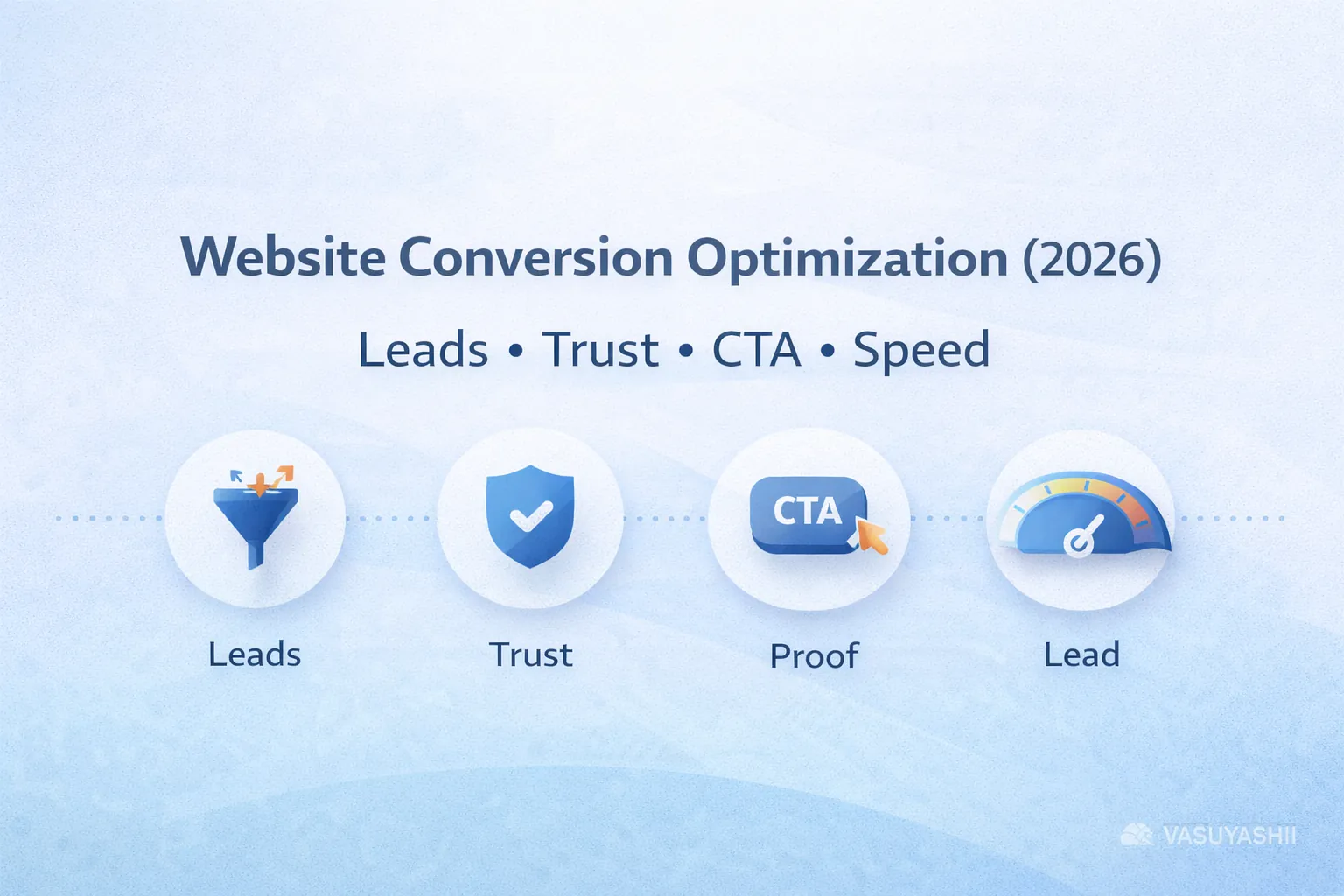
March 18, 2026
Website conversion optimization guide for 2026 with CRO principles, CTA flow, trust signals, forms, WhatsApp, speed, UX, analytics, and action plan.
Read article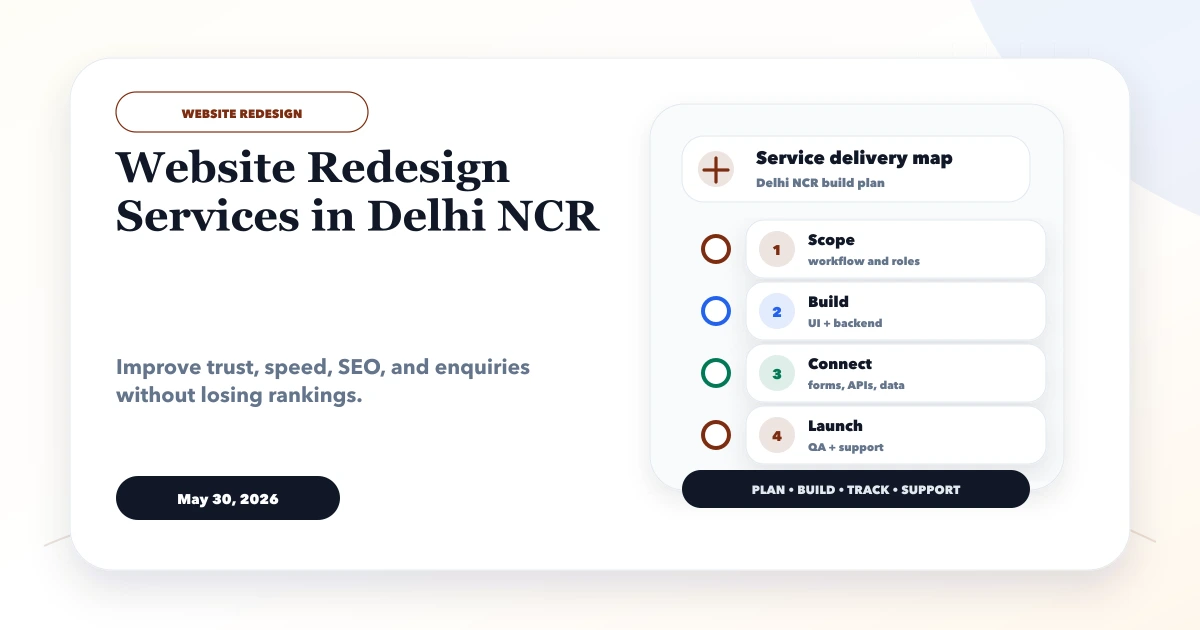
May 30, 2026
Website redesign services in Delhi NCR guide for SEO-safe redesign, speed, UX, content, redirects, pricing, and launch checklist.
Read article