
May 21, 2026
Website Contract Checklist (Scope, Payment, Deliverables)
website contract checklist: practical 2026 guide with checklist, pricing, timeline, risks, tools, FAQs, and Indian business tips today safely before launch.
Read articlePublished Updated
Website delivery checklist before final payment with pages, forms, SEO, speed, mobile, access handover, backups, and launch QA.
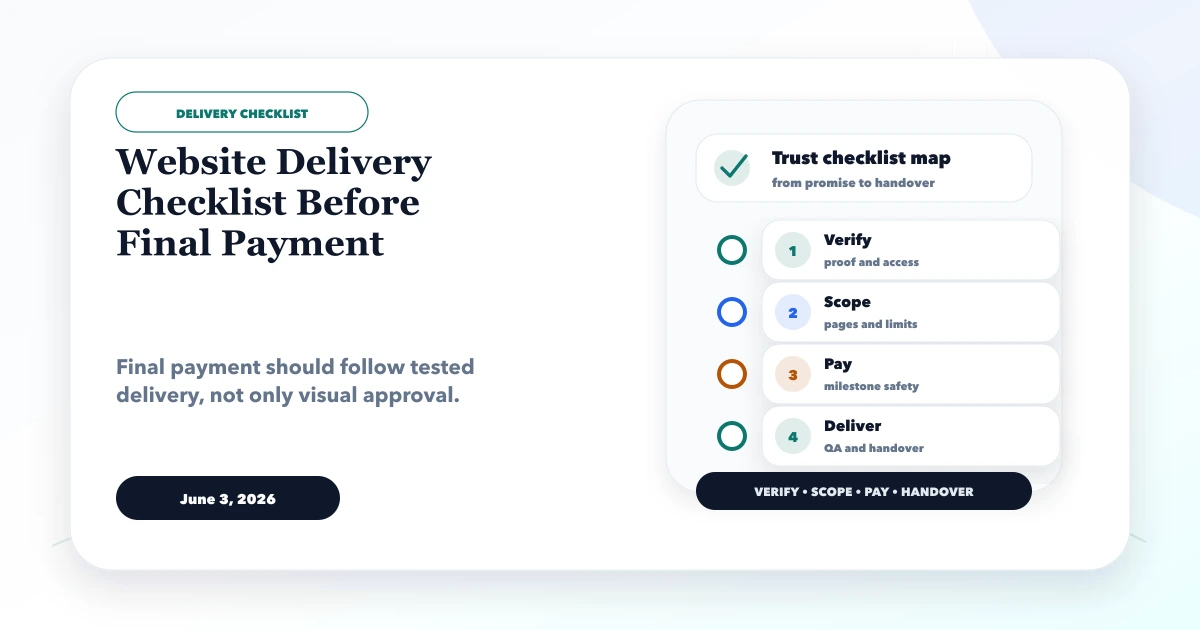
This guide explains website delivery checklist before final payment for clients reviewing a website before approving final payment or launch. It focuses on practical checks, safe workflow, common red flags, delivery quality, and how to reduce project risk before money or trust is lost.
By Tushar C. (Founder, VASUYASHII). Reviewed by VASUYASHII Editorial for practical website development, vendor verification, project scope, payment safety, launch QA, security, maintenance, and technical SEO.
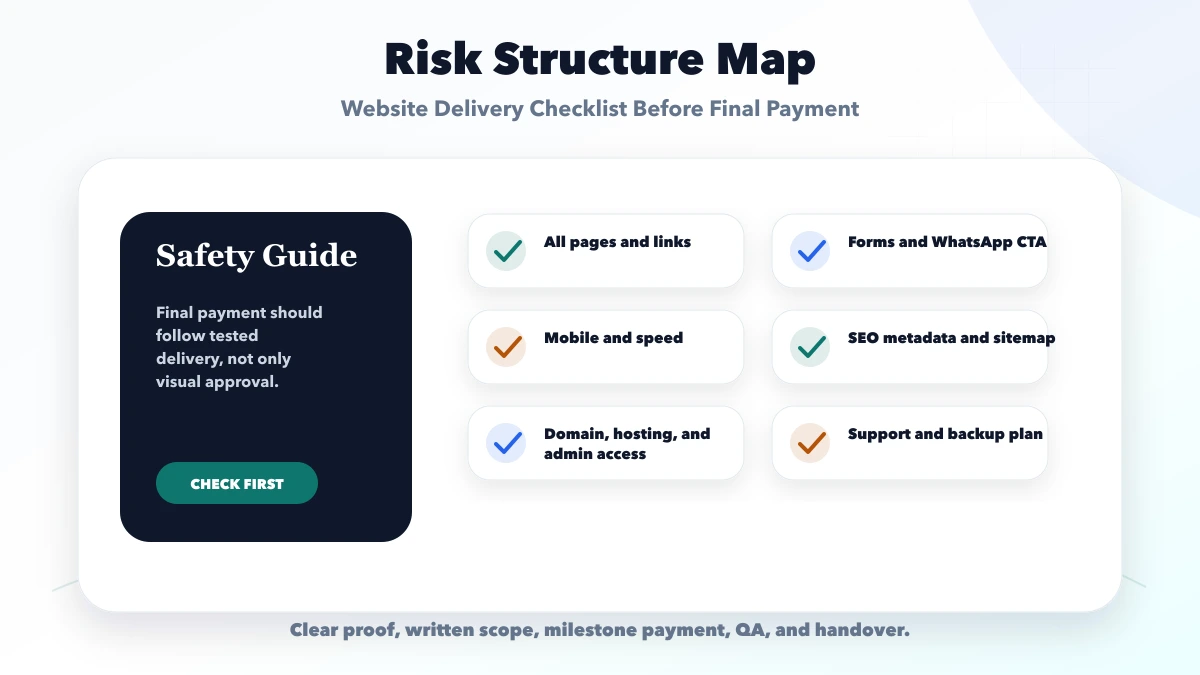
Before final payment, check pages, responsive layout, forms, WhatsApp links, SEO metadata, sitemap, canonical URLs, analytics, speed, security basics, access handover, backups, and support terms.
A website can look complete but still have broken forms, missing metadata, wrong mobile spacing, old contact details, missing access, or no sitemap. A final checklist prevents silent launch problems.
Convert every line in the agreed scope into observable evidence. "Responsive website" should become a list of devices and routes tested. "SEO setup" should become rendered title, description, canonical, sitemap, robots, structured data, and redirect checks. "Analytics" should become named events demonstrated in a test view.
Do not manage final approval through scattered chat messages. Use one register with:
| Field | What to record |
|---|---|
| Requirement | The agreed page, feature, integration, or handover item |
| Acceptance test | Exact action and expected result |
| Evidence | URL, screenshot, recording, report, or access confirmation |
| Owner | Person responsible for fixing or approving |
| Status | Pending, failed, ready for retest, accepted, or deferred |
| Exception | Written change, exclusion, known limitation, or post-launch item |
Only mark an item accepted after testing it on the deployment that will go live. If a requirement is deferred, record price, owner, expected date, and whether it blocks launch.
Review every scoped route and state:
Ask someone who was not involved in the build to complete the primary user journey on a phone. The reviewer should be able to find the offer, verify trust, understand the next step, and complete the action without instructions.
Test at small mobile, common phone, tablet, laptop, and wide desktop sizes. Look for overflow, hidden headings, tiny tap targets, covered content, layout shifts, unreadable contrast, unexpected horizontal scroll, and menus that cannot be closed.
Use keyboard navigation for menus, forms, modals, and interactive controls. Confirm visible focus, labels, error messages, heading order, alternative text, reduced-motion behavior, and sufficient contrast. Run performance tools, but also test on a real mid-range phone and slower connection. Record the tested URL and date because scores vary.
For each important public page verify:
The owner should receive Search Console and analytics access. Do not promise rankings as a delivery criterion. Confirm implementation and measurement; organic outcomes depend on competition, content, authority, and time.
List the required events before testing. Typical examples are contact click, WhatsApp click, demo open, valid form lead, and phone click. Use fake test data, verify events once in DebugView or the approved test tool, and ensure no personally identifiable information is sent to analytics.
Then confirm the business workflow: notification reaches the correct inbox or CRM, a person owns the lead, duplicate submissions are controlled, failure is visible, and a success message does not appear before the server accepts the request.
Collect access through the platform's own invitation or transfer flow. Do not place live passwords, API keys, recovery codes, or private keys in a handover document.
The business should control:
Remove test users, rotate credentials that were shared during development, restrict production permissions, and document renewal dates. Confirm who can deploy, edit DNS, export data, and delete production resources.
"Backup enabled" is incomplete without a restore path. Record what is backed up, frequency, retention, encryption/access, responsible owner, and the last restore test. For a static website, keep a known-good deployment and source version. For applications, include database and uploaded files plus schema compatibility.
Before launch, define rollback triggers such as broken forms, failed payments, severe layout regression, data corruption, or inaccessible admin. The team should know who decides, how rollback happens, and how users are informed.
| Area | What to verify | Safe action |
|---|---|---|
| Content QA | Pages, links, images, spelling | Confirms visible delivery |
| Technical QA | Forms, speed, SEO, tracking | Confirms launch readiness |
| Handover QA | Access, backups, support | Confirms ownership |
Final payment should follow the written milestone and acceptance terms, not an improvised threat or an endless list of new requests. Separate four categories:
Agree how each category affects launch and payment. Record the defect-support or warranty window, exclusions, response target, maintenance options, and the cost process for future changes. Maintenance is not the same as unlimited redesign or feature development.
Useful links: web application services, software development, integrations, services, and contact.
VASUYASHII would review the signed scope, prepare an acceptance register, test the production candidate, and classify findings as defect, missing scope, change request, or external dependency. Final advice would state what blocks launch, what can follow after launch, and which evidence remains unavailable.
This checklist is general project-risk guidance, not legal advice or a guarantee that a website is secure, compliant, fast, or rankable. Contract, payment, privacy, licensing, and statutory questions should be reviewed by qualified professionals where required. An audit can report observable evidence only for the URLs, access, accounts, and test conditions provided.
The final note should identify the production URL and deployment version, accepted scope items, unresolved defects, approved deferred work, transferred accounts, backup status, support window, and payment milestone. Both sides should retain the same version of the register and evidence.
Do not include passwords or secret keys in the note. Reference the secure account invitation or credential-transfer process instead. If launch occurs with a known limitation, record its user impact, temporary workaround, owner, and target review date.
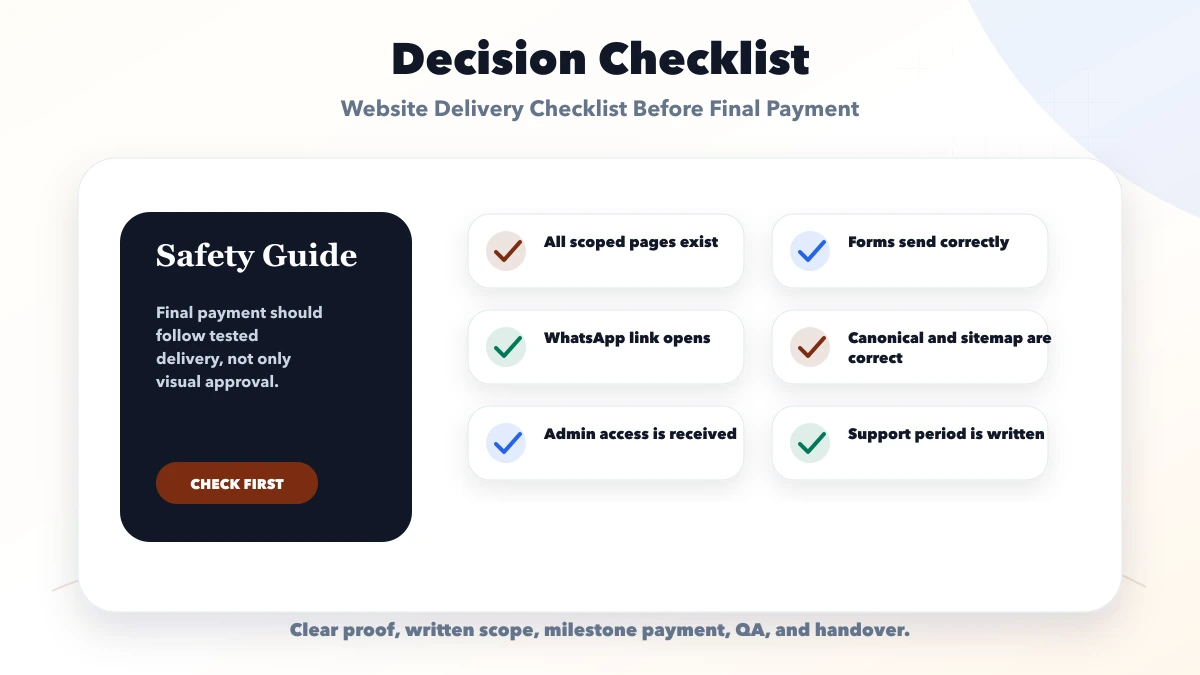
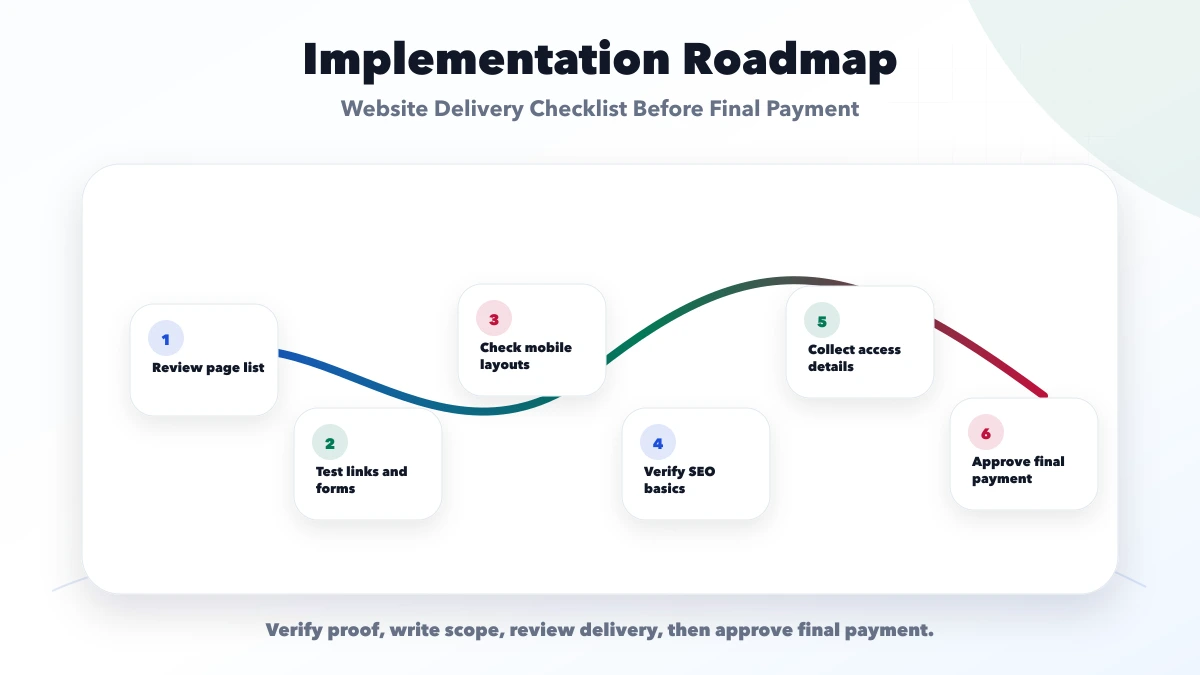
Check pages, links, forms, mobile, SEO, analytics, access, backups, and support terms.
Yes. Test every form, call link, WhatsApp link, and email notification before approval.
For custom projects, source-code or repository access should be agreed in scope.
Yes. Metadata, sitemap, canonical URLs, robots, and page titles should be checked.
Yes. We can review delivery, SEO, access, and launch readiness.
If you want a practical plan for website delivery checklist before final payment, VASUYASHII can help with scope, design, development, SEO setup, integrations, tracking, launch, and maintenance.
Related Articles
May 21, 2026
website contract checklist: practical 2026 guide with checklist, pricing, timeline, risks, tools, FAQs, and Indian business tips today safely before launch.
Read article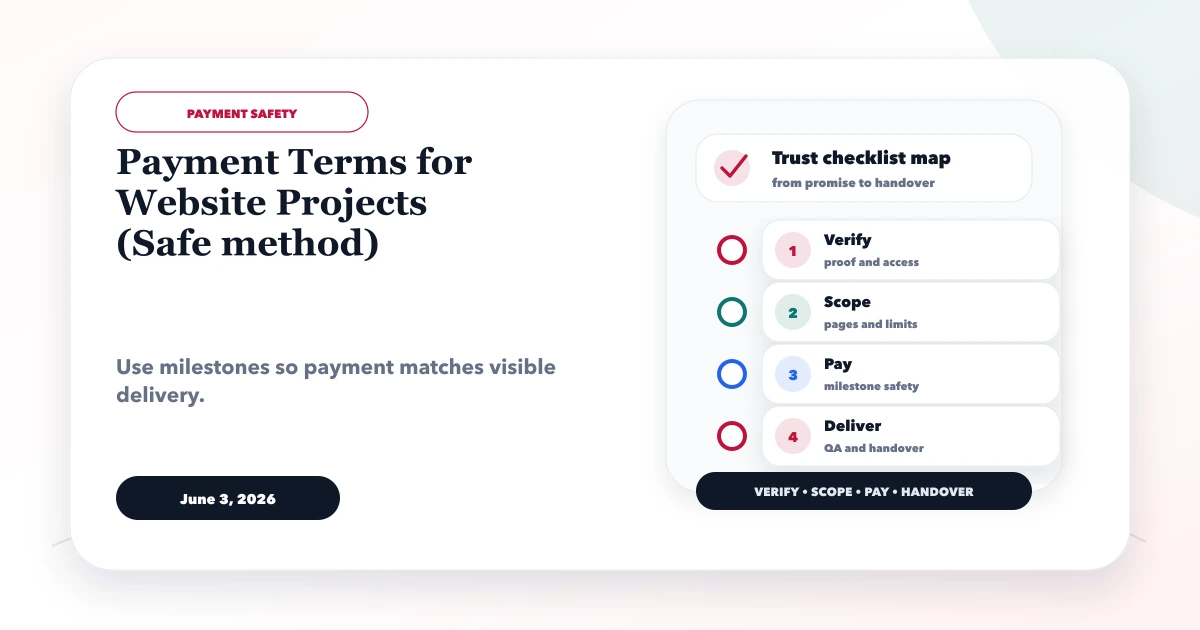
June 3, 2026
Use milestone-based website payment terms with acceptance, change control, staging proof, receipts, handover checks, support limits and dispute safeguards.
Read article
May 21, 2026
Plan a website project timeline with discovery, content, design, development, testing, approval milestones, launch responsibilities, and delay controls.
Read article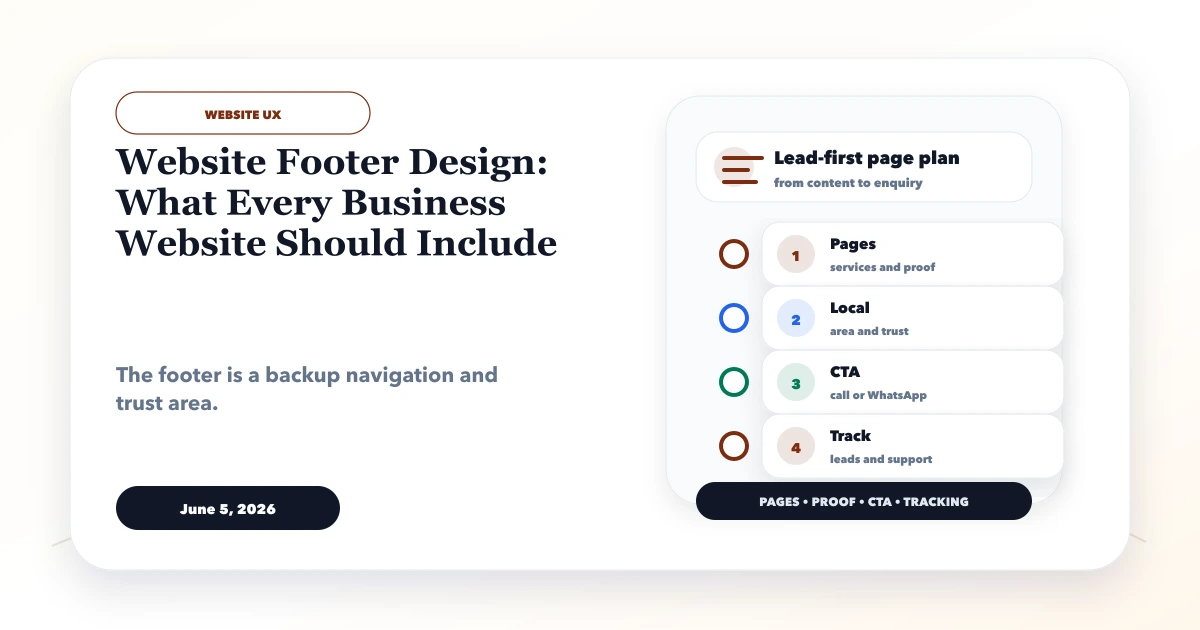
June 5, 2026
Plan a business website footer with useful navigation, contact details, legal links, location signals, accessibility, mobile UX, trust, and tracking.
Read article